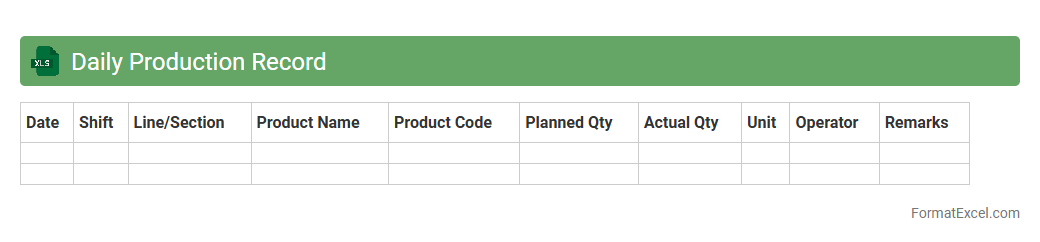
Daily Production Record
A
Daily Production Record Excel document is a systematic tool used to log and track daily manufacturing output, capturing key metrics such as quantity produced, machine efficiency, and downtime. This document enables businesses to analyze production trends, identify bottlenecks, and improve operational efficiency by providing clear, actionable insights. Regular use of the Daily Production Record fosters better inventory management and supports data-driven decision-making to optimize workflow and reduce costs.
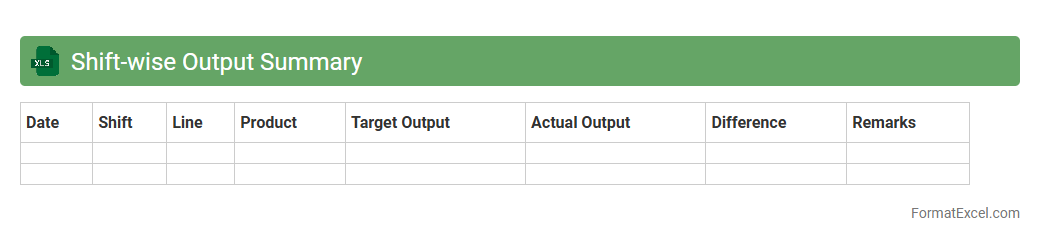
Shift-wise Output Summary
The
Shift-wise Output Summary Excel document consolidates production data by individual shifts, enabling efficient monitoring of performance metrics such as output quantity, downtime, and quality rates. This detailed breakdown helps managers identify trends, allocate resources effectively, and implement timely improvements to boost productivity. Using this summary streamlines reporting processes and supports data-driven decision-making across manufacturing or operational teams.
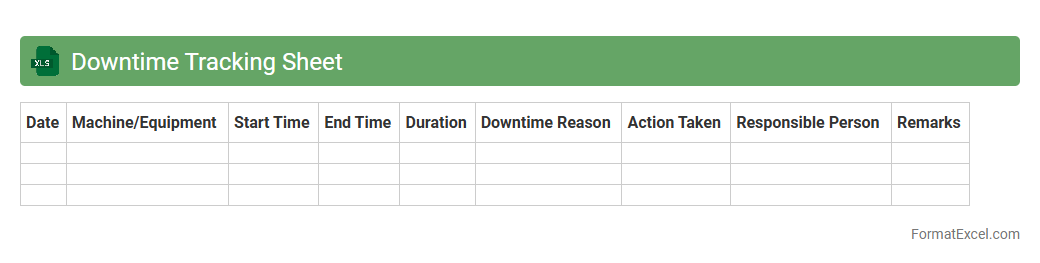
Downtime Tracking Sheet
A
Downtime Tracking Sheet Excel document is a structured tool designed to record and analyze periods when machines or systems are non-operational, helping organizations identify causes of downtime. It captures essential data such as start and end times, duration, equipment affected, and reasons for interruptions, enabling effective monitoring and reporting. This sheet enhances productivity by facilitating preventive maintenance strategies, reducing unplanned outages, and improving overall equipment efficiency (OEE).
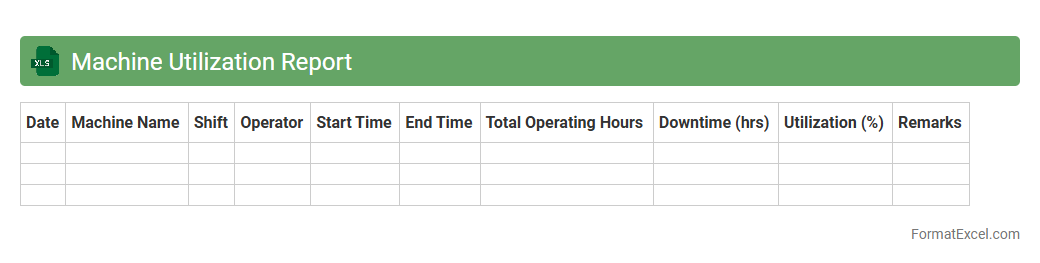
Machine Utilization Report
A
Machine Utilization Report Excel document tracks the operational efficiency and usage patterns of manufacturing or production equipment over a specific period. It provides valuable data on machine uptime, downtime, and performance metrics, enabling managers to identify bottlenecks and optimize maintenance schedules. This report is essential for improving production planning, reducing operational costs, and maximizing asset productivity in industrial environments.
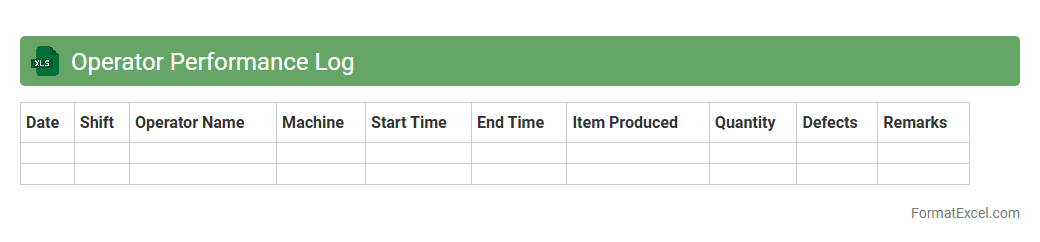
Operator Performance Log
The
Operator Performance Log Excel document is a structured tool designed to track and analyze the productivity and efficiency of operators in various industries. It records data such as machine output, operation times, error rates, and downtime, enabling detailed performance evaluation. This log helps identify areas for improvement, optimize workflows, and enhance overall operational efficiency by providing clear, data-driven insights.
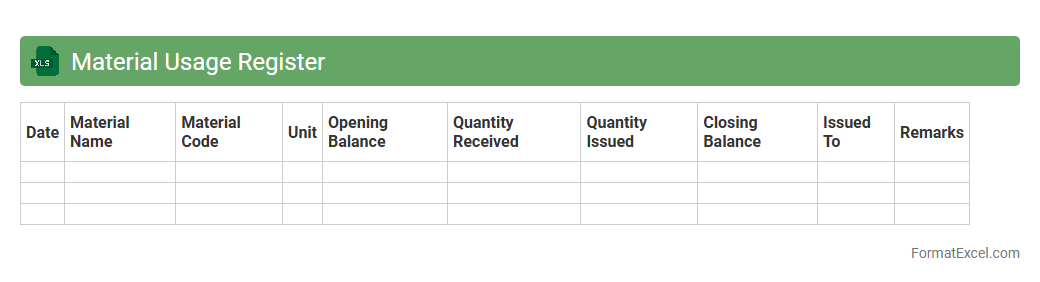
Material Usage Register
A
Material Usage Register Excel document is a detailed record-keeping tool that tracks the quantity, type, and consumption of materials used in a project or production process. It enables businesses to monitor inventory levels accurately, avoid material shortages, and optimize procurement schedules, ensuring cost efficiency. This register also supports project management by providing clear data for budgeting, waste reduction, and resource allocation decisions.
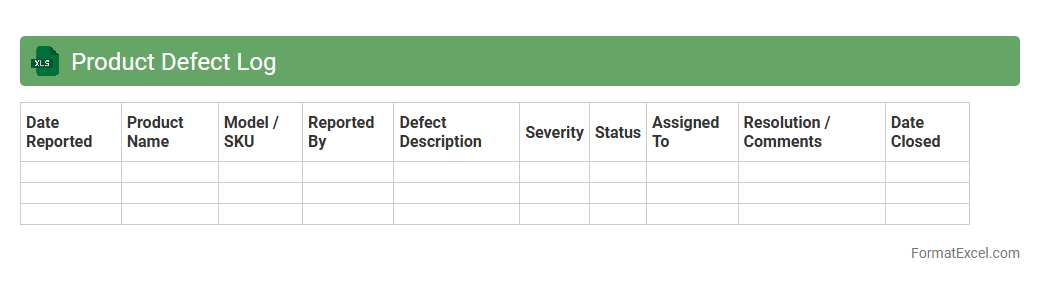
Product Defect Log
A
Product Defect Log Excel document is a structured spreadsheet used to record, track, and analyze defects found in products during manufacturing or testing phases. It captures critical information such as defect type, occurrence date, severity, and responsible team, enabling clear visibility and accountability. This log facilitates systematic defect management, helping improve product quality, streamline troubleshooting, and enhance decision-making efficiency.
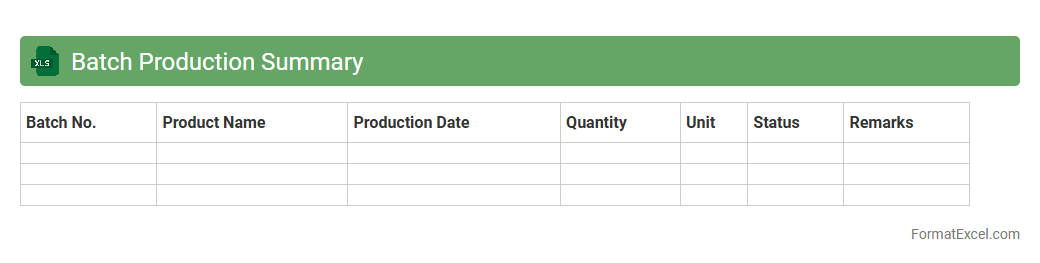
Batch Production Summary
A
Batch Production Summary Excel document consolidates detailed records of manufacturing batches, including quantities produced, time taken, and quality control results. This summary enables efficient tracking of production efficiency, identifying bottlenecks, and ensuring consistency in product output. By centralizing vital batch data, it supports informed decision-making and streamlines reporting processes for production managers and quality assurance teams.
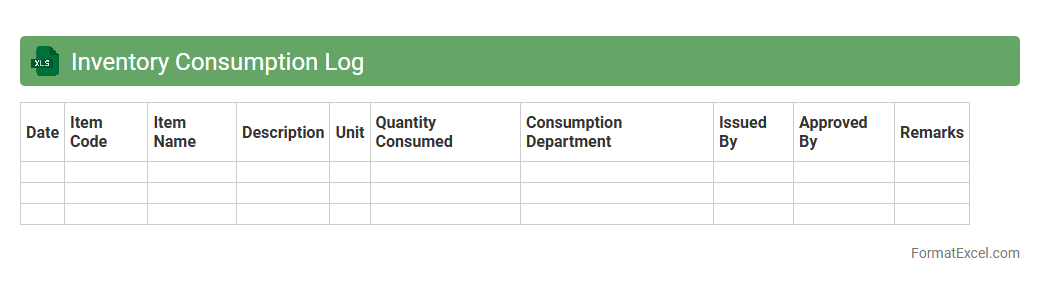
Inventory Consumption Log
An
Inventory Consumption Log Excel document tracks the quantity and usage of materials or products over a specific time period, providing detailed records of stock depletion. This tool helps businesses maintain accurate inventory levels, avoid stockouts, and identify consumption patterns to optimize ordering processes. By regularly updating the log, organizations can improve inventory management efficiency and reduce carrying costs.
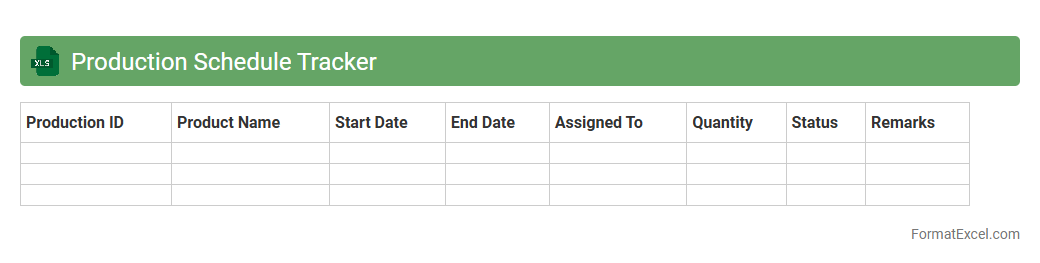
Production Schedule Tracker
A
Production Schedule Tracker Excel document is a tool designed to organize, monitor, and manage manufacturing timelines and workflows efficiently. It allows tracking of production stages, deadlines, resource allocation, and output status in real-time, facilitating better coordination among teams. This document enhances productivity by identifying bottlenecks, ensuring timely delivery, and optimizing overall production processes.
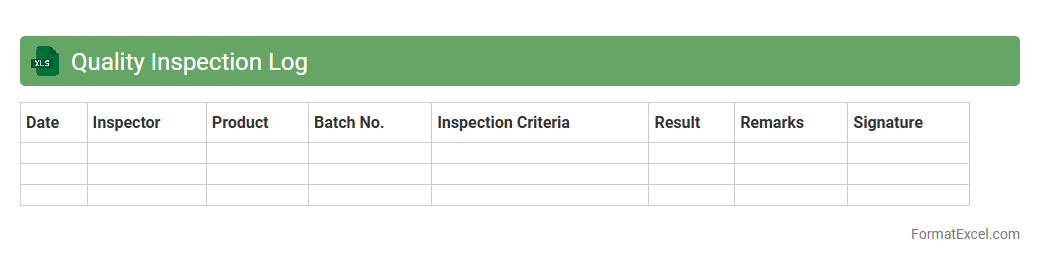
Quality Inspection Log
A
Quality Inspection Log Excel document is a structured tool used to record and track the results of quality checks conducted on products or processes. It enables systematic documentation of inspection dates, defects identified, inspection personnel, and corrective actions taken, facilitating consistent quality control and compliance with standards. This log improves traceability, accelerates issue resolution, and supports data-driven decisions to enhance product reliability and customer satisfaction.
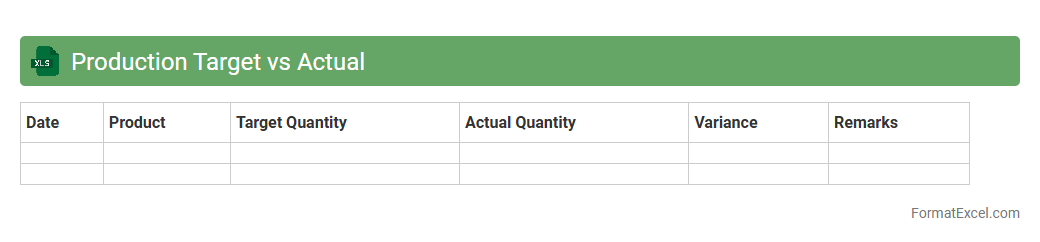
Production Target vs Actual
The
Production Target vs Actual Excel document compares planned production goals with the actual output achieved, enabling businesses to track performance and identify discrepancies. It includes key metrics such as daily or monthly targets, actual production figures, variance analysis, and percentage achievement rates. This tool helps optimize manufacturing efficiency, improve resource allocation, and support decision-making based on accurate production data.
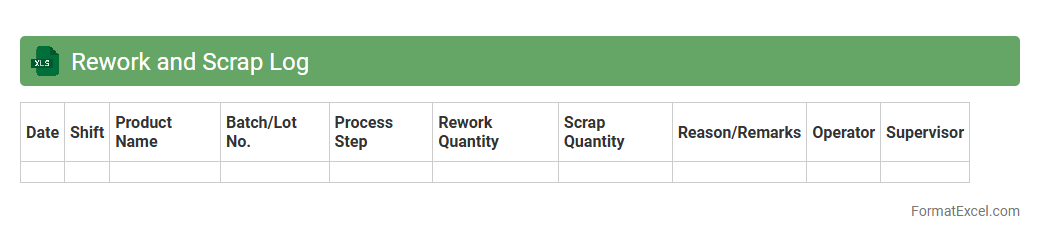
Rework and Scrap Log
The
Rework and Scrap Log Excel document is a structured tool used to record and track defective products that require rework or need to be scrapped. It helps identify recurring quality issues by logging details such as defect types, quantities, and corrective actions taken, enabling better decision-making and process improvements. This document is essential for minimizing waste, improving production efficiency, and maintaining accurate quality control records.
Changeover Time Record
The
Changeover Time Record Excel document tracks the duration required to switch from one production process to another, enabling detailed analysis of setup times and operational efficiency. It helps identify bottlenecks and areas for improvement by systematically logging start and end times, machine usage, and labor input. This data-driven approach supports cost reduction, increased production throughput, and enhanced workflow optimization in manufacturing environments.
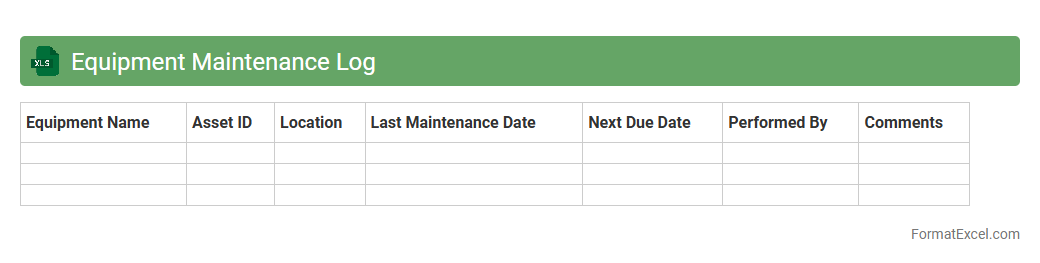
Equipment Maintenance Log
An
Equipment Maintenance Log Excel document is a digital tool designed to track and record the maintenance history of machinery and equipment systematically. It helps users schedule regular inspections, monitor repair activities, and manage downtime efficiently, reducing the risk of unexpected breakdowns and costly repairs. By organizing maintenance data in a structured format, this log enhances operational efficiency and extends the lifespan of valuable assets.
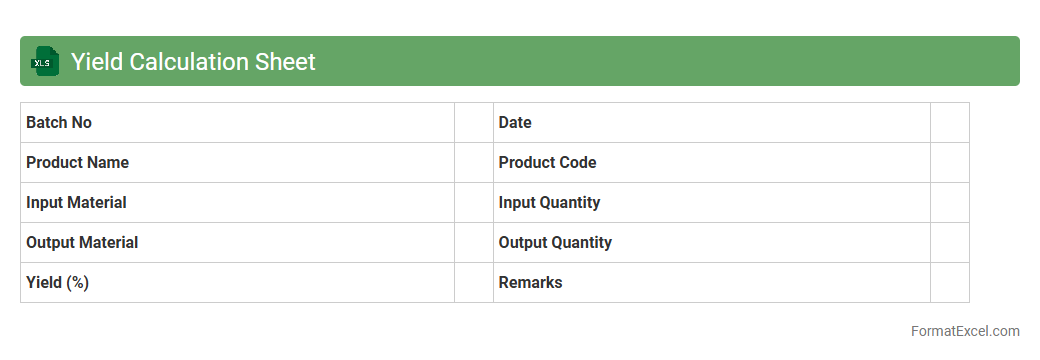
Yield Calculation Sheet
A
Yield Calculation Sheet Excel document is a specialized tool designed to accurately measure the output or efficiency of a production process by comparing input quantities against final product yields. It helps businesses monitor performance, identify losses, and optimize manufacturing or processing workflows. By organizing data systematically, this sheet enables informed decision-making and cost control in various industrial and agricultural sectors.
Raw Material Issuance Log
The
Raw Material Issuance Log Excel document is a tool used to record and track the issuance of raw materials from inventory to production departments. It helps maintain accurate inventory control, prevent material shortages, and streamline production planning by providing detailed information on quantities, dates, and recipients of materials issued. This log ensures transparency and accountability in the supply chain management process, improving overall operational efficiency.
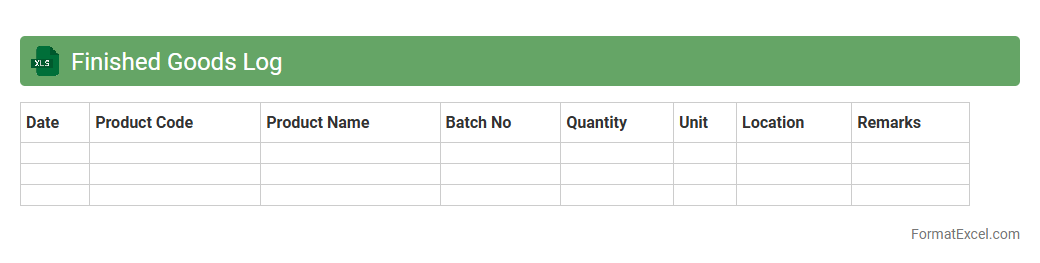
Finished Goods Log
The
Finished Goods Log Excel document is a detailed record-keeping tool that tracks inventory of completed products ready for sale or distribution. It helps businesses monitor stock levels, manage order fulfillment, and analyze production efficiency, ensuring streamlined operations and reduced risk of stockouts or overstocking. By providing real-time insights into finished goods, this log supports informed decision-making and enhances inventory management processes.
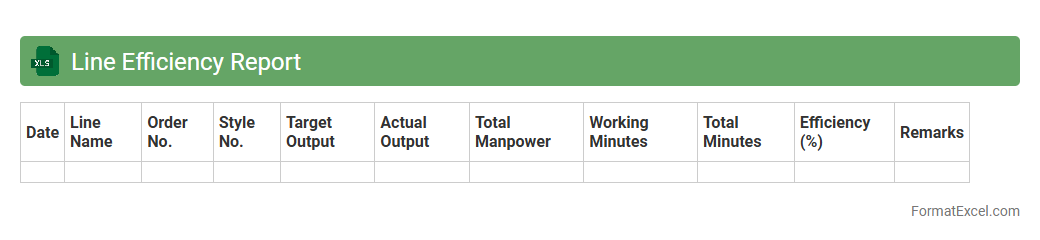
Line Efficiency Report
The
Line Efficiency Report Excel document tracks and analyzes production line performance by measuring key metrics such as output, downtime, and cycle time. It helps identify bottlenecks and inefficiencies, enabling data-driven decisions to optimize workflow and increase productivity. This report is essential for manufacturing and operations teams aiming to improve overall equipment effectiveness (OEE) and reduce operational costs.
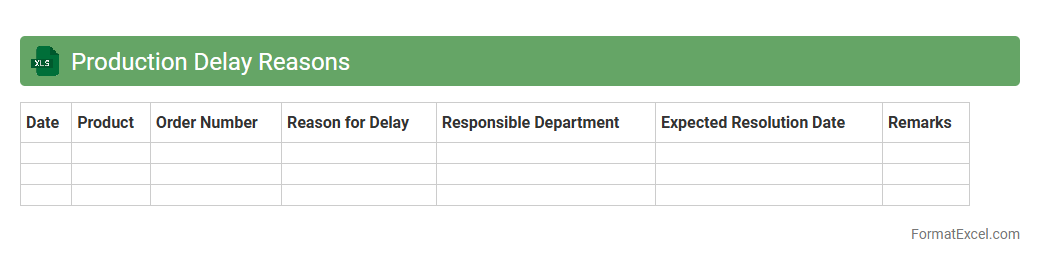
Production Delay Reasons
The
Production Delay Reasons Excel document systematically records and categorizes causes of delays in manufacturing processes, enabling clear identification of bottlenecks. By analyzing this data, companies can implement targeted improvements to reduce downtime and enhance overall operational efficiency. This document is essential for maintaining production schedules and improving workflow management.
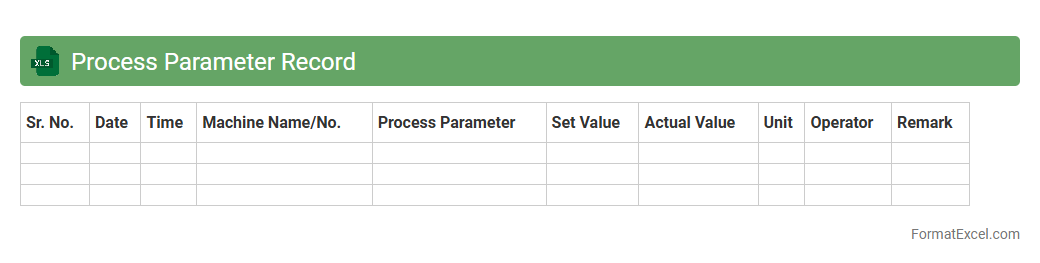
Process Parameter Record
A
Process Parameter Record Excel document is a structured file used to systematically capture, monitor, and analyze key process variables in manufacturing or operational workflows. It helps ensure consistency, quality control, and provides a clear audit trail by documenting parameters such as temperature, pressure, and time settings during production. This record is essential for troubleshooting, optimizing processes, and maintaining compliance with industry standards.
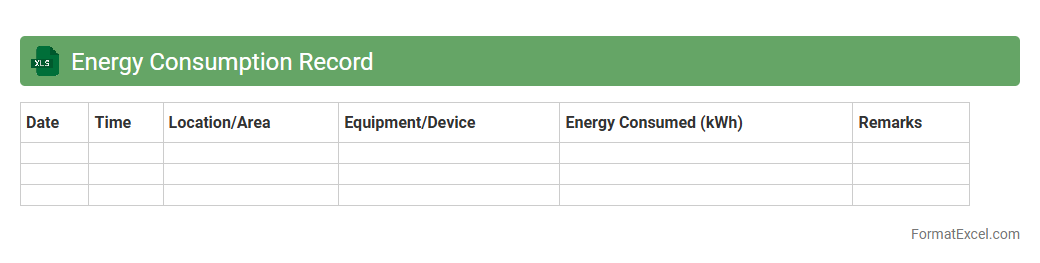
Energy Consumption Record
An
Energy Consumption Record Excel document systematically tracks electricity, gas, and water usage over time, providing detailed insights into consumption patterns. This data helps identify opportunities for reducing waste, optimizing energy use, and lowering utility costs. Businesses and households can leverage these records to forecast future energy needs and support sustainability initiatives effectively.
Packing Output Log
The
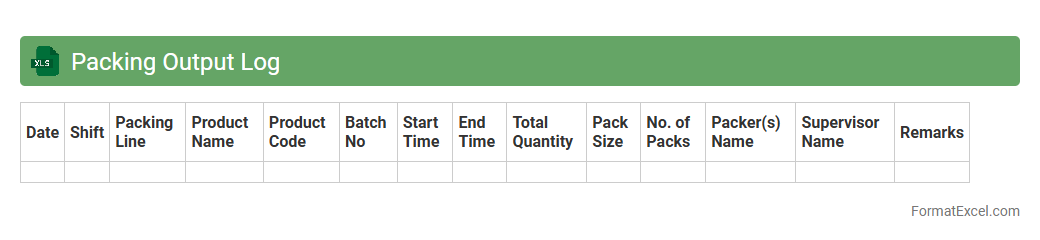
Packing Output Log Excel document is a structured file used to record detailed information about packaging activities, including product quantities, batch numbers, and packaging dates. It facilitates accurate tracking and auditing of packing operations, ensuring consistency and quality control in inventory management. This document is essential for streamlining workflows, minimizing errors, and improving overall supply chain transparency.
Production Order Tracking
A
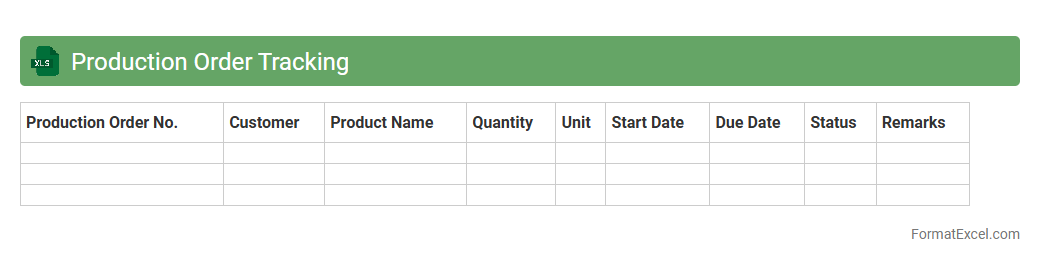
Production Order Tracking Excel document is a powerful tool that organizes and monitors the progress of manufacturing orders, capturing key data such as order status, start and completion dates, and resource allocation. It enhances operational efficiency by providing real-time visibility into production timelines and inventory levels, enabling timely decision-making and reducing delays. Companies use this document to ensure consistent product quality, optimize workflow, and improve communication between departments.
Work-in-Progress Log
A
Work-in-Progress Log Excel document is a tool used to track ongoing tasks, projects, or activities by recording their status, deadlines, and progress details in a structured format. It helps teams and individuals maintain clear visibility on what is currently being worked on, identify bottlenecks, and prioritize tasks effectively. By organizing data in one place, this log improves project management efficiency and supports timely decision-making.
Introduction to Production Log Formats
A Production Log Format is a structured template used to document daily manufacturing activities. It helps track production output, downtime, and quality checkpoints systematically. Using a standardized format ensures consistent record-keeping and easier data analysis.
Importance of Production Logs in Manufacturing
Production logs provide a detailed record of the manufacturing process, enabling traceability and accountability. They help identify bottlenecks, monitor resource usage, and maintain product quality. Accurate logs are crucial for continuous improvement and regulatory compliance.
Key Components of a Production Log
Essential components include date, shift details, machine ID, operator name, quantities produced, and downtime reasons. A well-designed production log captures all relevant data to reflect daily production accurately. This facilitates effective monitoring and decision-making.
Benefits of Using Excel for Production Logs
Excel offers flexibility, ease of use, and powerful data analysis tools for maintaining production logs. Users can customize templates, perform calculations, and create graphs within the same platform. The Excel environment enables efficient tracking and reporting of production data.
Essential Columns in an Excel Production Log
Common columns include Date, Shift, Product Code, Quantity Produced, Defects, and Downtime Duration. Including a comments section is helpful for noting abnormalities or maintenance events. These columns ensure comprehensive data capture for each production cycle.
Step-by-Step Guide to Creating a Production Log in Excel
Start by setting up column headers reflecting key production parameters. Use Excel's formatting and data validation features to improve entry accuracy. Finally, implement formulas to summarize totals and flag anomalies automatically.
Tips for Customizing Your Excel Production Log Format
Tailor columns to fit your manufacturing process and reporting needs. Incorporate drop-down lists and conditional formatting to enhance usability. A customized Excel log streamlines data entry and improves readability.
Common Mistakes to Avoid in Production Logging
Avoid inconsistent data entry, missing information, and neglecting to update logs timely. Ensure data accuracy to prevent misleading analysis and wasted resources. Regular training and audits help maintain high-quality production logs.
Sample Excel Production Log Templates
Ready-made templates are available online to help users start quickly. These often include built-in calculations and formatting for production efficiency. Selecting a sample template appropriate for your industry expedites implementation.
Best Practices for Maintaining Accurate Production Logs
Regularly review entries for completeness and correctness. Encourage operators to update logs immediately and provide feedback on usability. Consistent adherence to best practices ensures reliable data for strategic decisions.