Daily Task Schedule
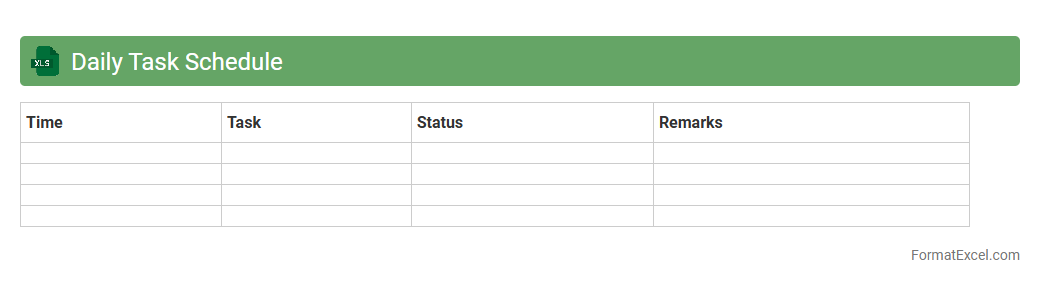
A
Daily Task Schedule Excel document is a structured spreadsheet designed to organize and track daily activities, deadlines, and priorities efficiently. It helps users manage time effectively by visually displaying tasks, enabling better planning and increased productivity. This tool is essential for professionals and students alike to maintain focus, meet goals, and reduce stress related to task management.
Project Timeline Tracker
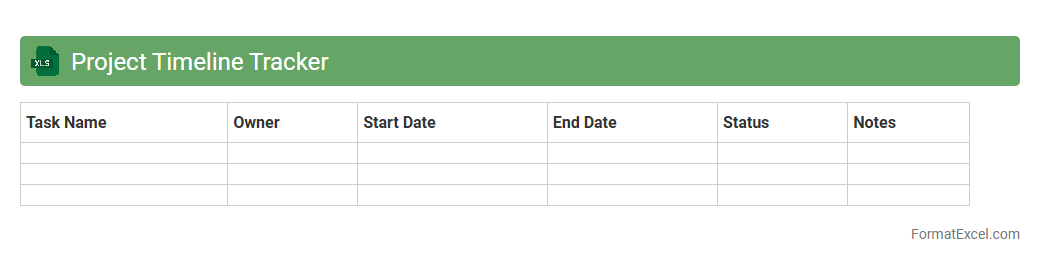
A
Project Timeline Tracker Excel document is a tool designed to visually map out project milestones, deadlines, and task durations in a structured format. It helps project managers and teams monitor progress, allocate resources efficiently, and anticipate potential delays by providing real-time updates and clear scheduling. Utilizing this tracker improves overall project coordination and ensures timely completion by keeping all stakeholders informed and aligned.
Employee Shift Roster
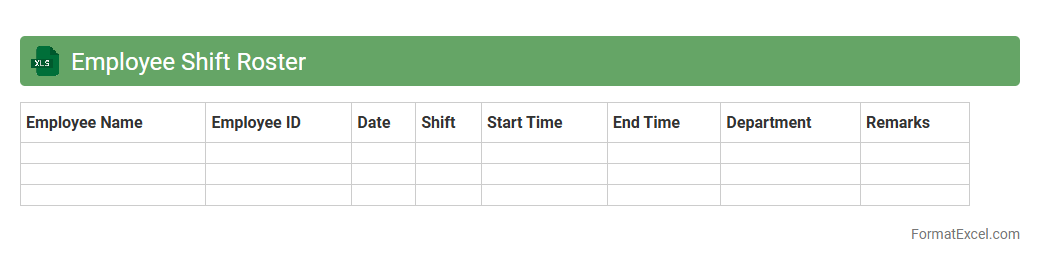
An
Employee Shift Roster Excel document is a structured spreadsheet used to organize and schedule employee work shifts efficiently. It helps managers track shift assignments, monitor attendance, and ensure adequate coverage across different time slots. This tool improves workforce management, reduces scheduling conflicts, and enhances overall productivity by providing clear visual insights into employee availability and shift patterns.
Meeting Agenda Planner
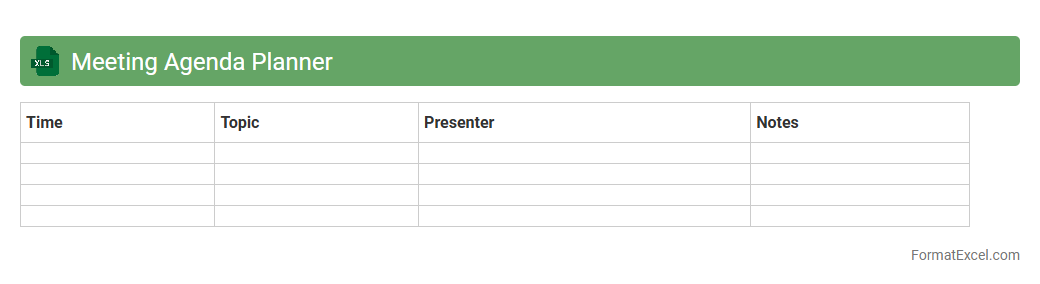
A
Meeting Agenda Planner Excel document is a structured template designed to organize and outline meeting topics, time allocations, and participant roles efficiently. It helps users streamline meeting preparation, ensuring all critical points are covered and time is managed effectively. This tool enhances productivity by promoting clear communication and focused discussion among team members.
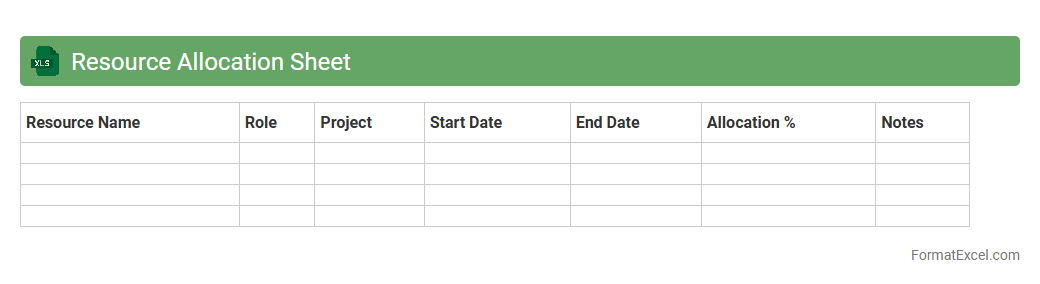
Resource Allocation Sheet
A
Resource Allocation Sheet in Excel is a structured document used to assign and track resources such as personnel, equipment, and budget across various projects and tasks. It provides clear visibility into resource availability, utilization rates, and potential bottlenecks, enabling effective project management and optimal workload distribution. This tool helps organizations ensure balanced resource deployment, prevent overallocation, and enhance productivity by aligning resources with project priorities.
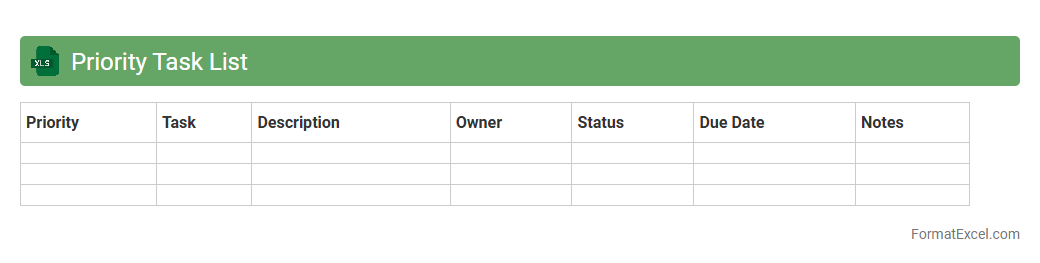
Priority Task List
The
Priority Task List Excel document is a powerful tool designed to organize and rank tasks based on their urgency and importance. It helps users visually manage workloads, set deadlines, and allocate resources efficiently, ensuring critical projects are addressed promptly. Using this structured approach enhances productivity and reduces the risk of missing key deliverables.
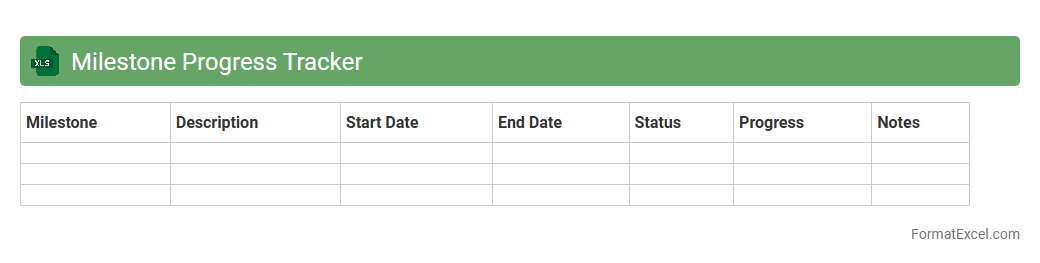
Milestone Progress Tracker
The
Milestone Progress Tracker Excel document is a structured tool designed to monitor key project milestones, deadlines, and completion statuses efficiently. It enables project managers and teams to visualize progress, identify potential delays, and ensure timely delivery by providing clear, organized data on each phase of the project. Using this tracker enhances accountability, streamlines communication, and supports effective resource allocation throughout the project lifecycle.
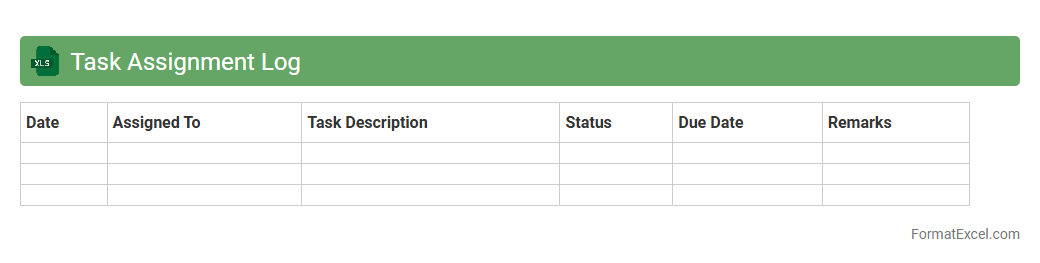
Task Assignment Log
A
Task Assignment Log Excel document is a structured spreadsheet used to track and manage tasks assigned to team members, including deadlines, priority levels, and completion status. It enhances project management by providing clear visibility of responsibilities and progress, enabling efficient resource allocation and timely follow-ups. This log improves accountability, reduces task overlaps, and helps maintain organized workflows within any team or organization.
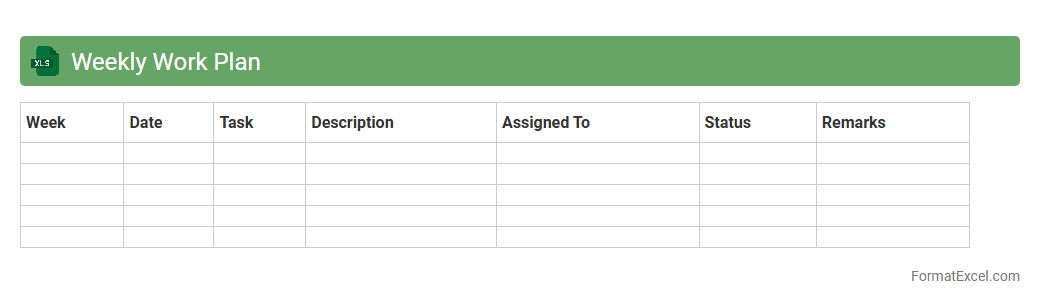
Weekly Work Plan
A
Weekly Work Plan Excel document is a structured spreadsheet designed to organize and schedule tasks, deadlines, and priorities on a weekly basis. It helps improve productivity by providing a clear overview of work assignments, enabling efficient time management and tracking progress. Using this tool ensures better coordination, reduces missed deadlines, and enhances overall project management.
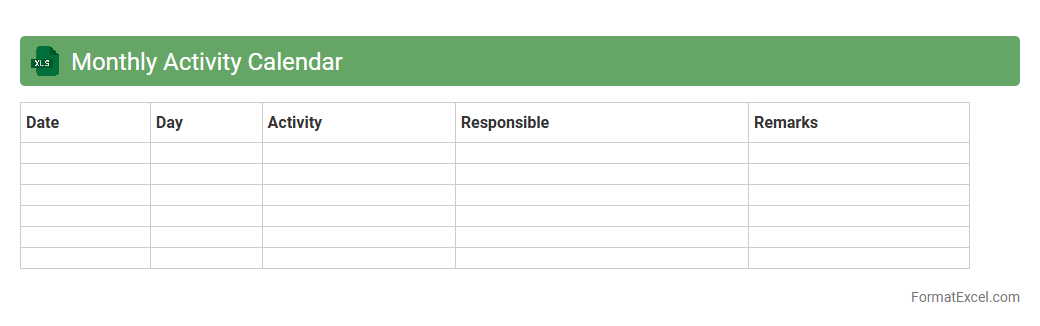
Monthly Activity Calendar
A
Monthly Activity Calendar Excel document is a digital tool designed to organize, track, and manage daily tasks and events within a month. It enables users to visualize their schedule, set priorities, and monitor progress systematically. This tool improves productivity by providing a clear overview of commitments and deadlines, helping individuals and teams stay on track.
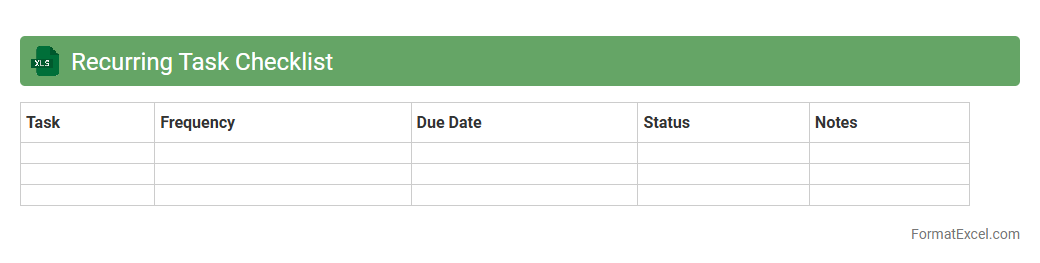
Recurring Task Checklist
A
Recurring Task Checklist Excel document is a structured spreadsheet designed to manage and track tasks that repeat regularly, such as daily, weekly, or monthly activities. It helps users maintain consistency, improve productivity, and ensure no critical steps are missed by providing a clear overview of recurring responsibilities. Using this tool reduces the risk of oversight and streamlines workflow management by organizing tasks with deadlines, priorities, and completion statuses.
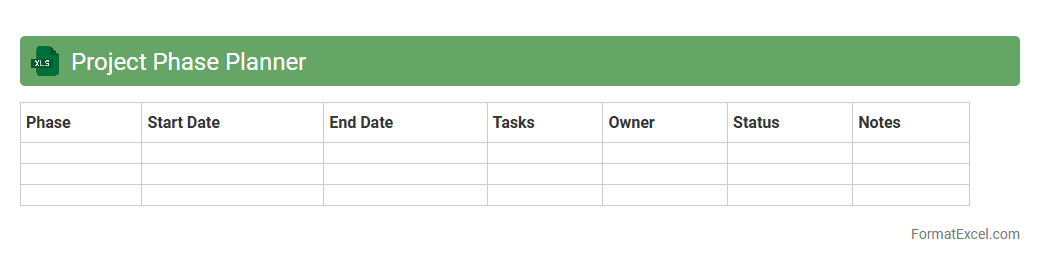
Project Phase Planner
The
Project Phase Planner Excel document is a detailed tool designed to organize and track various stages of a project, enabling efficient timeline management and resource allocation. It facilitates clear visualization of tasks, deadlines, and dependencies, which helps teams maintain focus and meet project milestones. By using this planner, businesses can enhance productivity, minimize risks, and ensure successful project completion through structured phase management.
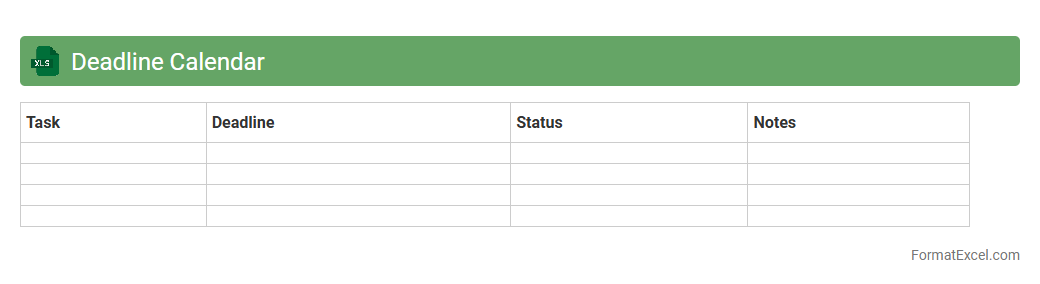
Deadline Calendar
A
Deadline Calendar Excel document is a customizable spreadsheet designed to track important dates and project deadlines efficiently. It helps users prioritize tasks, manage time effectively, and avoid missing critical milestones by providing a clear visual overview of upcoming due dates. This tool is especially useful for professionals, students, and project managers seeking organized and timely completion of assignments and projects.
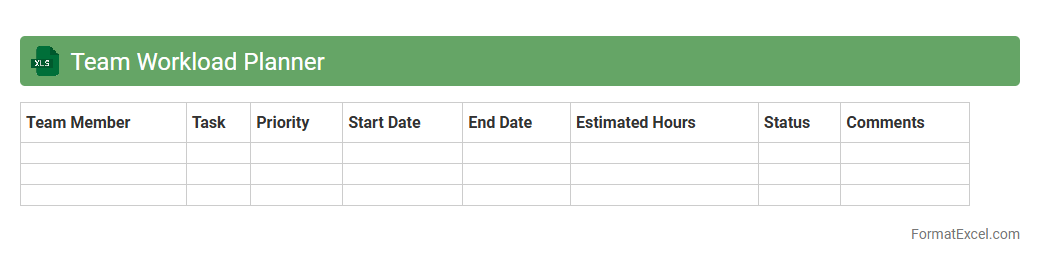
Team Workload Planner
The
Team Workload Planner Excel document is a powerful tool designed to allocate tasks and monitor team members' capacities efficiently. It helps in visualizing workload distribution, identifying bottlenecks, and balancing assignments to optimize productivity. By streamlining resource management, this planner ensures deadlines are met without overburdening any individual.
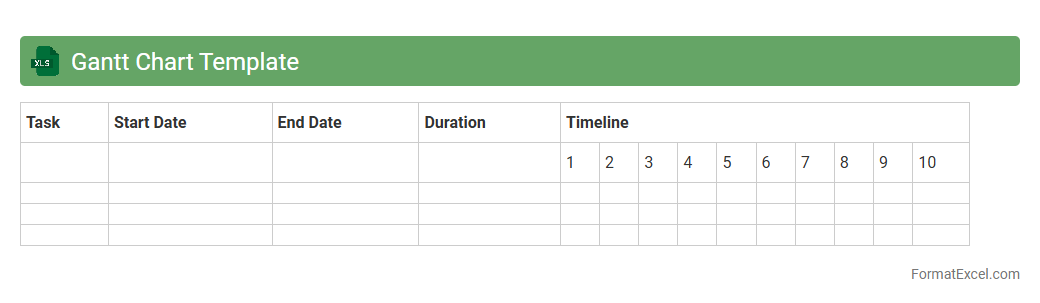
Gantt Chart Template
A
Gantt Chart Template Excel document is a pre-designed spreadsheet that helps visualize project timelines by displaying tasks along a calendar view, enabling efficient tracking of start and end dates. It simplifies project management by allowing users to assign resources, monitor progress, and identify task dependencies, ensuring deadlines are met. This tool enhances collaboration and planning accuracy, making it essential for organizing complex projects in a clear and manageable format.
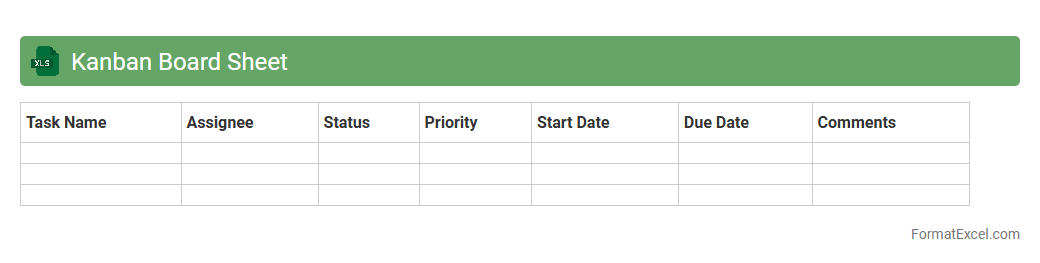
Kanban Board Sheet
A
Kanban Board Sheet in Excel is a visual project management tool that helps organize tasks and workflows using columns representing different stages of work. This Excel document allows users to track progress, prioritize activities, and improve team collaboration by providing a clear overview of tasks from start to completion. Its customizable format supports adaptability across various projects, enhancing productivity and ensuring deadlines are met effectively.
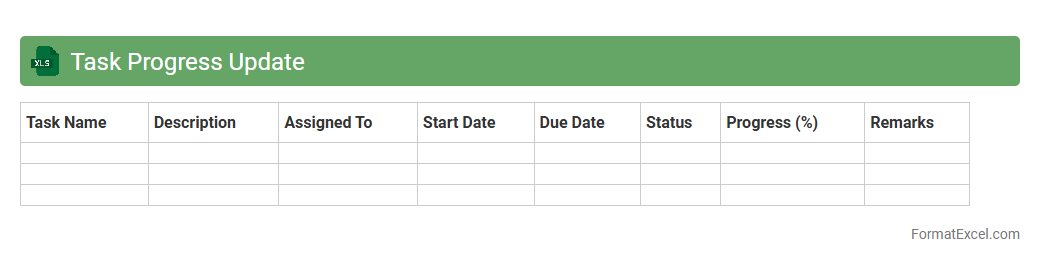
Task Progress Update
The
Task Progress Update Excel document is a structured tool designed to track the status and completion percentage of ongoing tasks within a project. It enables teams to monitor deadlines, assign responsibilities, and identify bottlenecks by providing a clear visual representation of progress through data entries and charts. This document enhances project management efficiency by facilitating timely decision-making and ensuring accountability across all team members.
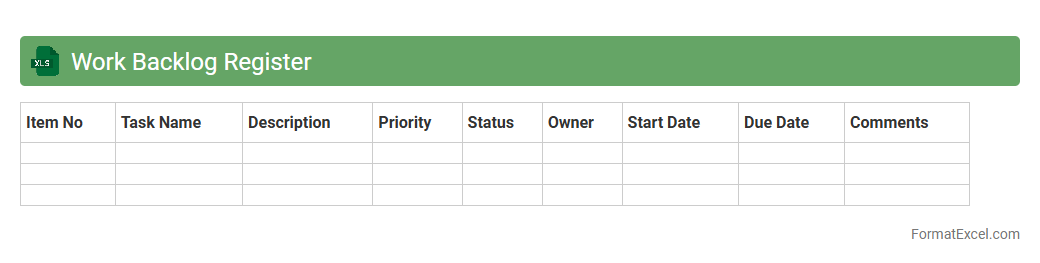
Work Backlog Register
The
Work Backlog Register Excel document is a centralized tool designed to track and manage pending tasks, requests, or issues within a project or business process. It helps prioritize work by providing a clear overview of outstanding items, their status, deadlines, and responsible team members, ensuring efficient workflow management. By maintaining an organized backlog register, teams can improve productivity, identify bottlenecks, and allocate resources effectively.
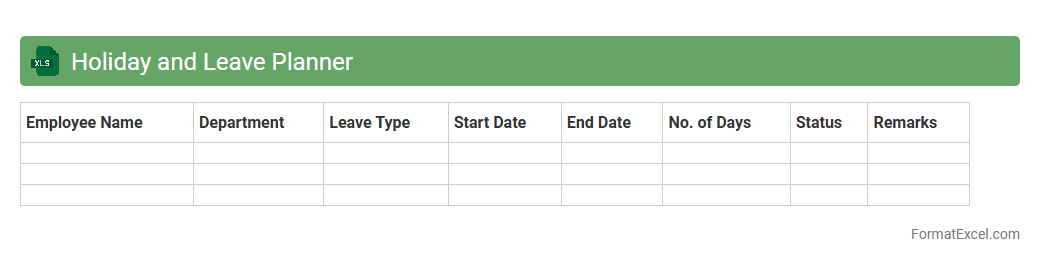
Holiday and Leave Planner
A
Holiday and Leave Planner Excel document is a structured spreadsheet designed to track employee vacations, sick leaves, and public holidays efficiently. It helps organizations manage workforce availability, avoid scheduling conflicts, and ensure smooth operational flow by providing a clear overview of planned absences. Utilizing this tool enhances transparency, simplifies leave approvals, and supports better resource allocation for improved productivity.
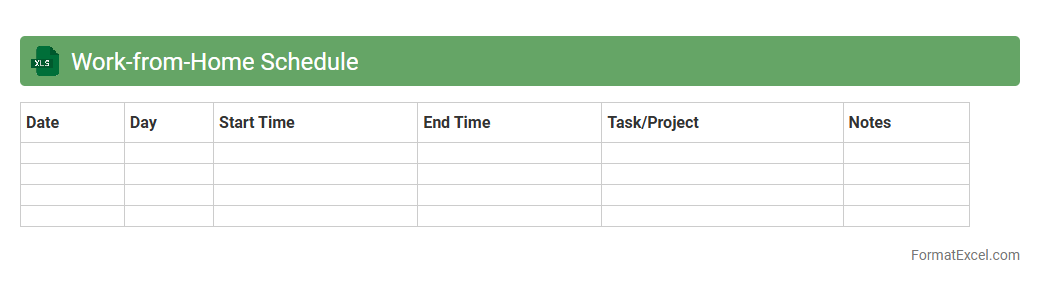
Work-from-Home Schedule
A
Work-from-Home Schedule Excel document is a structured spreadsheet designed to organize and track daily work hours, tasks, and productivity while working remotely. It helps users manage time efficiently, set clear goals, and maintain a disciplined routine, enhancing overall work performance. This tool is especially valuable for teams and individuals to coordinate activities, monitor progress, and ensure accountability in a remote work environment.
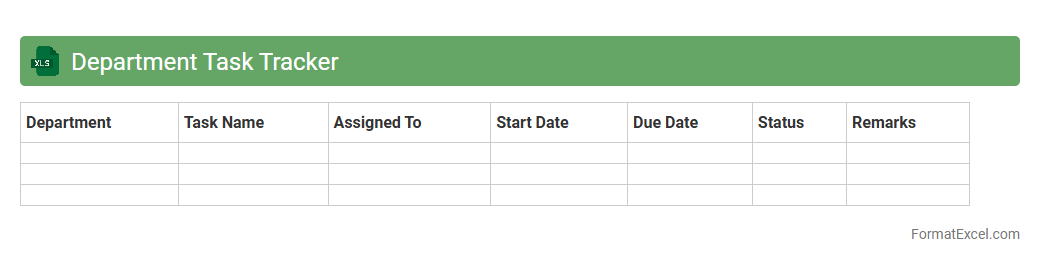
Department Task Tracker
The
Department Task Tracker Excel document is a structured tool designed to monitor and manage tasks within a department efficiently. It provides clear visibility into task assignments, deadlines, and completion status, enabling teams to prioritize work and maintain accountability. Using this tracker enhances productivity by streamlining communication and identifying bottlenecks within departmental workflows.
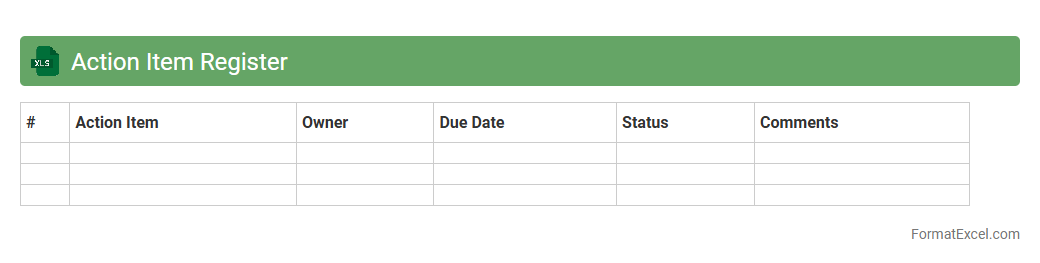
Action Item Register
An
Action Item Register Excel document is a structured tool designed to track tasks, responsibilities, deadlines, and status updates within a project or team environment. It centralizes key information like action descriptions, assigned personnel, priority levels, and due dates, enabling efficient monitoring and accountability. Using this register improves communication, ensures timely completion of tasks, and enhances overall project management effectiveness.
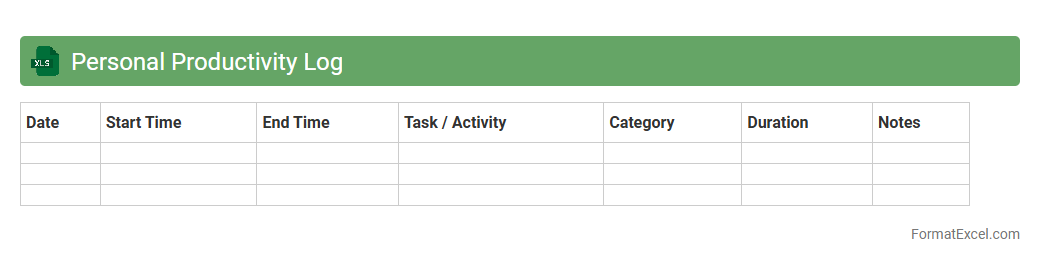
Personal Productivity Log
The
Personal Productivity Log Excel document is a structured tool designed to track and analyze daily tasks, time management, and work efficiency. It helps individuals identify productivity patterns, prioritize activities, and set achievable goals by providing clear visual insights through charts and data summaries. Using this log consistently enhances focus, improves time allocation, and supports continuous personal and professional growth.
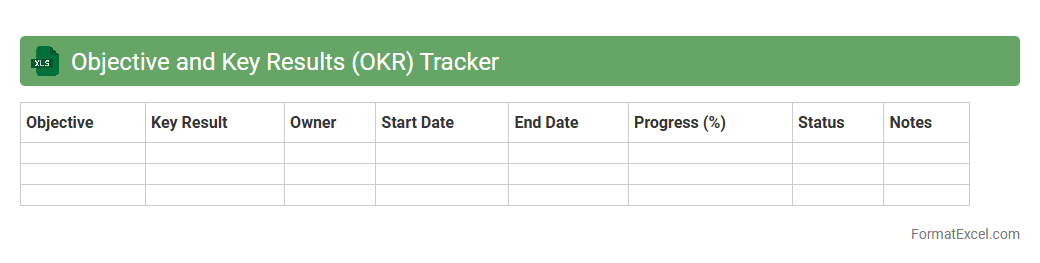
Objective and Key Results (OKR) Tracker
An
Objective and Key Results (OKR) Tracker Excel document is a structured tool designed to monitor progress towards specific objectives by measuring key results with clear metrics. It helps individuals and teams stay aligned by providing a centralized platform to update, evaluate, and analyze goal achievement in real time. This tracker enhances productivity and accountability by making performance transparent and facilitating strategic adjustments based on data insights.
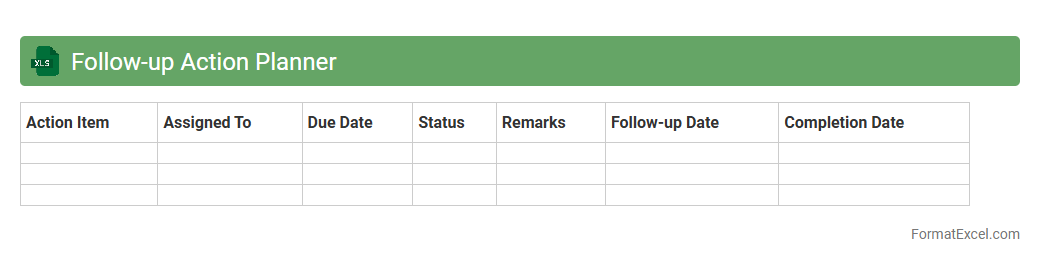
Follow-up Action Planner
The
Follow-up Action Planner Excel document is a structured tool designed to organize, track, and manage tasks or actions that require timely attention. It helps users prioritize activities, set deadlines, and monitor progress to ensure responsibilities are completed efficiently. By providing a clear overview of pending actions, this planner enhances productivity and accountability in both personal and professional settings.
Introduction to Work Planner Formats in Excel
A work planner format in Excel helps organize tasks, deadlines, and resources efficiently. It offers a structured way to monitor progress across various projects. Using Excel's grid layout enhances clarity and accessibility for all team members.
Benefits of Using Excel for Work Planning
Excel provides flexibility and powerful tools to customize your work planner, making it highly adaptable to different workflows. Its data analysis capabilities enable users to track performance and make informed decisions. Additionally, easy sharing and collaboration streamline team productivity.
Essential Elements of an Effective Work Planner
An effective work planner includes clear task descriptions, assigned responsibilities, deadlines, and status indicators. Integrating a priority ranking system ensures that important tasks receive attention first. Visual cues like color coding improve task management and quick reference.
Step-by-Step Guide to Creating a Work Planner in Excel
Start by setting up columns for tasks, start and end dates, assigned personnel, and status updates. Use Excel formulas and conditional formatting to automate tracking and highlight overdue items. Save and regularly update the planner to maintain its accuracy and usefulness.
Popular Work Planner Templates in Excel
Popular templates include daily planners, project timelines, and weekly task trackers suited for various industries. These templates provide a ready-made framework that saves time and ensures consistency. Many templates are customizable to fit specific project needs.
Customizing Your Excel Work Planner
Customization involves adjusting columns, adding drop-down menus, and applying color codes to match personal or team preferences. Incorporating formulas for automatic calculations enhances planner functionality and reduces manual errors. Tailoring the layout improves usability and engagement.
Tips for Organizing Tasks and Deadlines
Prioritize tasks by urgency and importance and group similar tasks for efficiency. Use filters and sorting features to manage deadlines effectively and stay on top of schedules. Setting reminders through Excel notifications or linked calendars helps ensure timely completion.
Automating Workflows Using Excel Features
Leverage tools like macros, conditional formatting, and data validation to automate routine tasks and maintain data integrity. Automation reduces repetitive work and minimizes errors, enhancing overall work planner efficiency. Integrating Excel with other software can further streamline workflows.
Common Mistakes to Avoid in Excel Work Planners
Avoid cluttering the planner with excessive details that reduce readability and lead to confusion. Ensure data is regularly updated to prevent outdated or inaccurate information. Neglecting to protect sensitive data or failing to backup your Excel work planner can cause significant issues.
Best Practices for Maintaining Work Planners in Excel
Regularly review and update tasks to reflect current priorities and progress accurately. Back up your planner files and protect them with passwords to safeguard sensitive information. Encourage team collaboration and feedback to continuously improve the work planning process.