Employee Evaluation Form
An
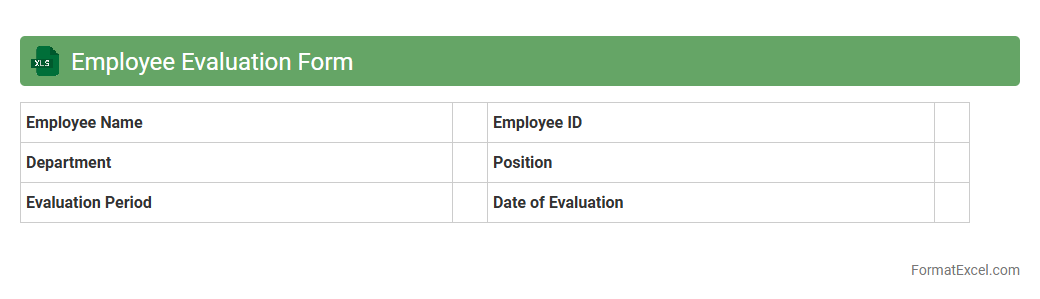
Employee Evaluation Form Excel document is a structured template used to assess and document an employee's performance, skills, and achievements systematically. It helps managers track progress, identify strengths and areas for improvement, and facilitate clear communication during performance reviews. Utilizing this form enhances consistency in evaluations and supports data-driven decisions for promotions, training, and goal setting.
360-Degree Feedback Template
A
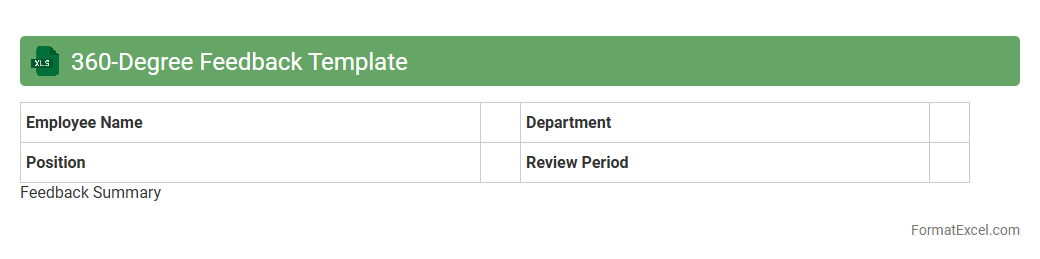
360-Degree Feedback Template in Excel is a structured tool designed to gather comprehensive performance evaluations from multiple sources such as peers, managers, subordinates, and self-assessments. This document organizes qualitative and quantitative feedback systematically, allowing for clear analysis and comparison of individual competencies and behaviors. Utilizing this template enhances employee development by providing well-rounded insights that support targeted growth and informed decision-making in talent management.
Self-Assessment Worksheet
A
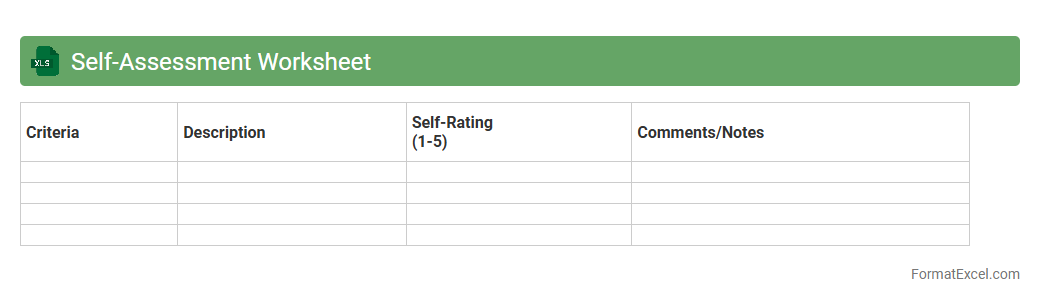
Self-Assessment Worksheet Excel document is a structured tool designed to help individuals evaluate their skills, goals, and progress in a systematic manner. It enables users to input personal data, reflect on strengths and weaknesses, and track development over time. This worksheet enhances self-awareness and supports effective planning for personal or professional growth.
Manager Assessment Sheet
The
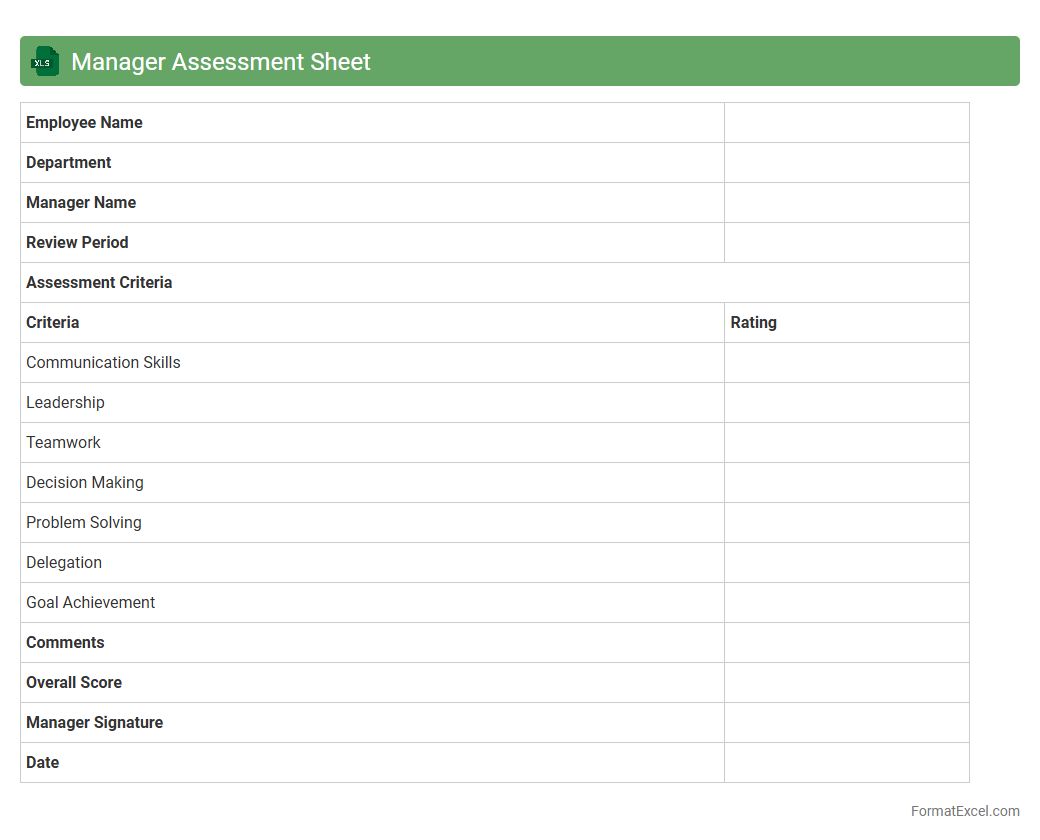
Manager Assessment Sheet Excel document is a structured tool designed to evaluate managerial performance through various key performance indicators and competency metrics. It allows organizations to systematically track, compare, and analyze management skills, leadership effectiveness, and operational outcomes in one consolidated format. This sheet enhances decision-making by providing clear, data-driven insights into areas of strength and opportunities for development within the management team.
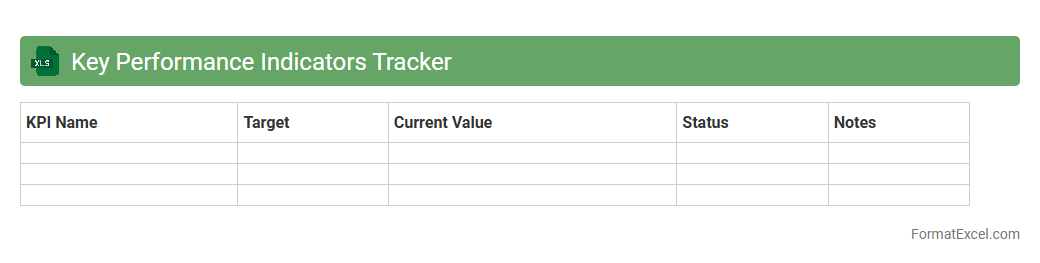
Key Performance Indicators Tracker
A
Key Performance Indicators (KPI) Tracker Excel document is a powerful tool designed to monitor and analyze essential business metrics regularly. It enables organizations to measure progress against specific goals, identify trends, and make data-driven decisions for improved performance. By consolidating KPIs into a clear, visual format, this tracker facilitates efficient management and strategic planning across teams.
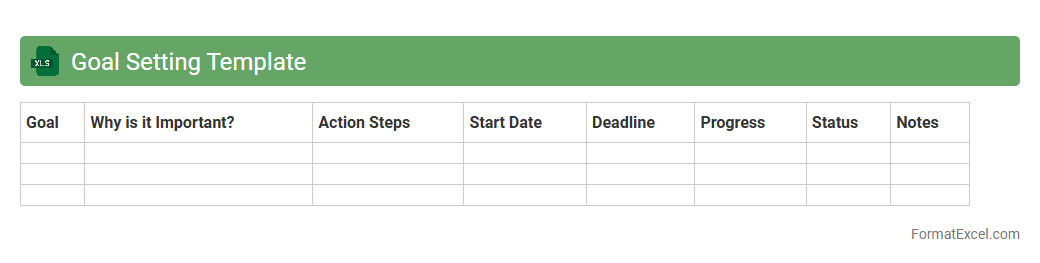
Goal Setting Template
A
Goal Setting Template Excel document is a structured file designed to help individuals and teams clearly define, track, and achieve their objectives. It organizes goals into specific, measurable, achievable, relevant, and time-bound (SMART) criteria, enhancing focus and accountability. Using this template improves productivity by providing a visual roadmap, facilitating progress monitoring, and enabling effective prioritization of tasks.
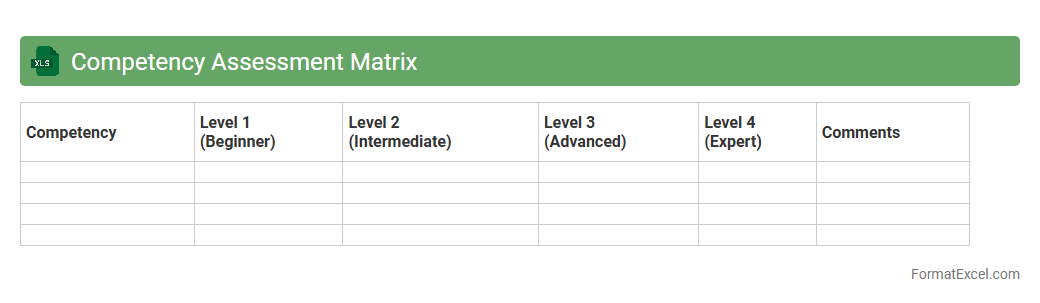
Competency Assessment Matrix
A
Competency Assessment Matrix Excel document is a structured tool that maps employees' skills and competencies against job requirements to identify skill gaps and development needs. It enables organizations to track performance, plan targeted training, and optimize workforce capabilities. Using this matrix helps improve talent management, enhance productivity, and support strategic HR decision-making.
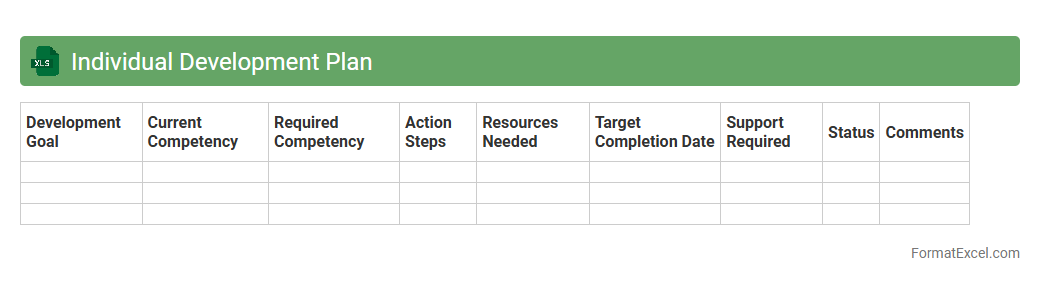
Individual Development Plan
An
Individual Development Plan (IDP) Excel document is a structured tool designed to track personal and professional growth by outlining goals, skills to develop, and actionable steps. It allows users to organize their objectives, monitor progress, and adjust plans efficiently, enhancing accountability and clarity. By using this Excel format, individuals and managers can collaborate effectively to ensure continuous development aligned with career aspirations.
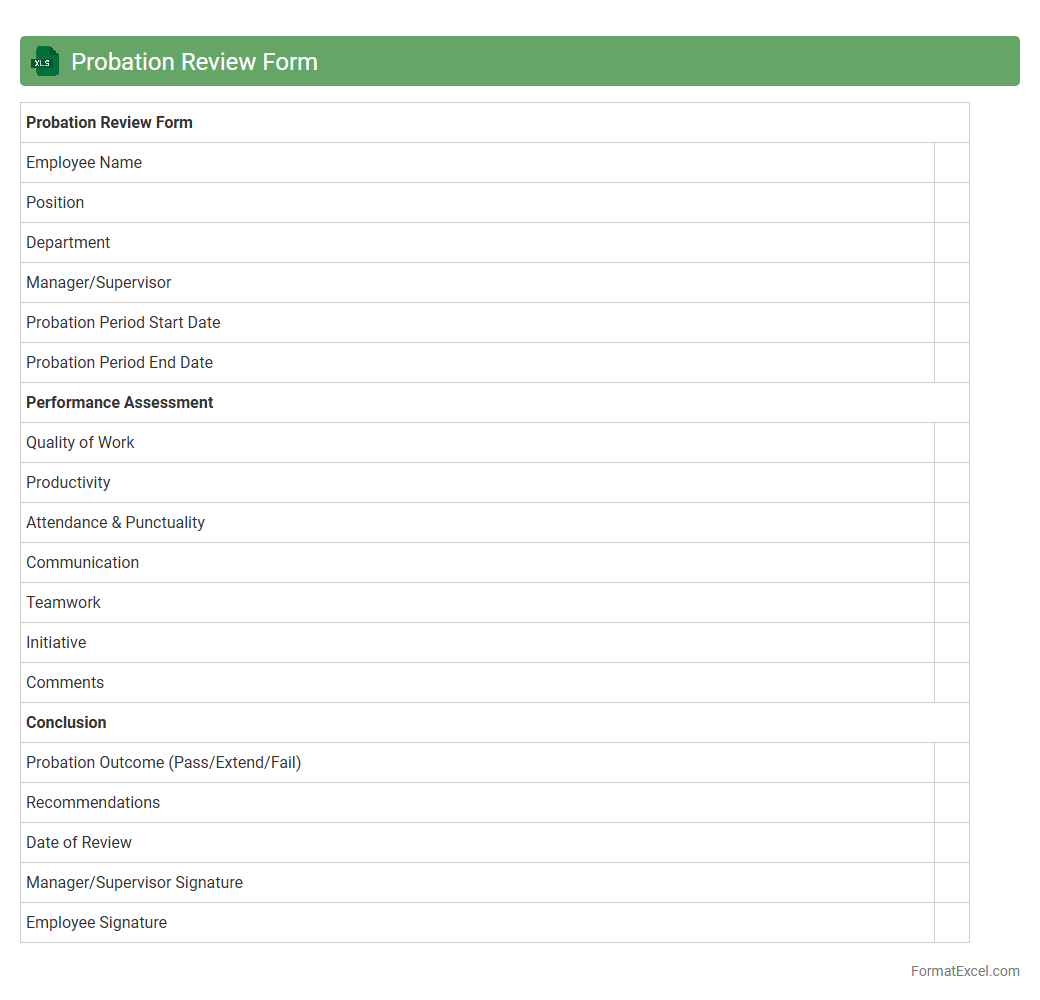
Probation Review Form
A
Probation Review Form Excel document is a structured template used to evaluate an employee's performance during their probationary period. It systematically captures key performance indicators, feedback, and decision outcomes, enabling clear documentation for HR and management. This tool enhances consistency, ensures compliance with company policies, and supports informed decisions regarding permanent employment status.
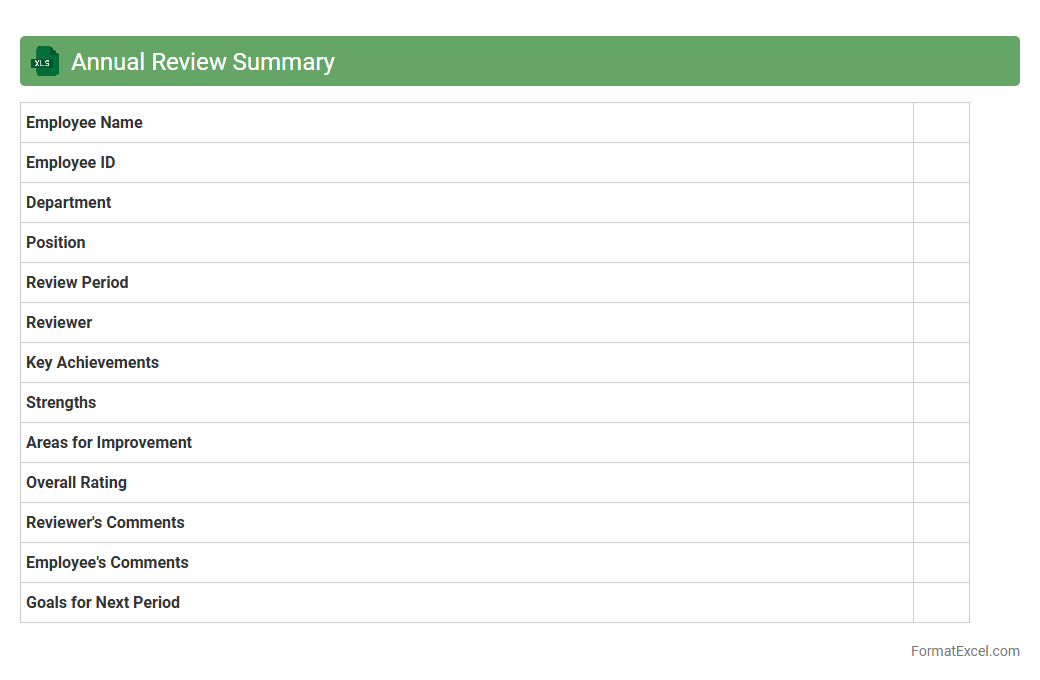
Annual Review Summary
An
Annual Review Summary Excel document consolidates key performance metrics, achievements, and areas for improvement over a fiscal year, providing a clear snapshot of progress. This document helps organizations analyze trends, set strategic goals, and enhance decision-making by organizing data in a structured and easily accessible format. Using Excel's features like charts and pivot tables, users can efficiently track growth patterns and identify opportunities for operational improvements.
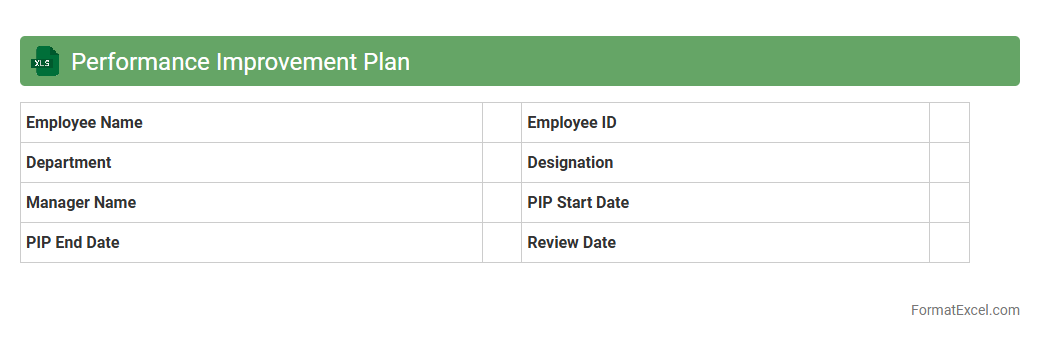
Performance Improvement Plan
A
Performance Improvement Plan (PIP) Excel document is a structured template used to track and manage employee performance goals and progress systematically. It helps managers identify specific areas where employees need development, set measurable objectives, and monitor improvements over time. Utilizing this document enhances accountability, facilitates clear communication, and supports data-driven decisions for effective performance management.
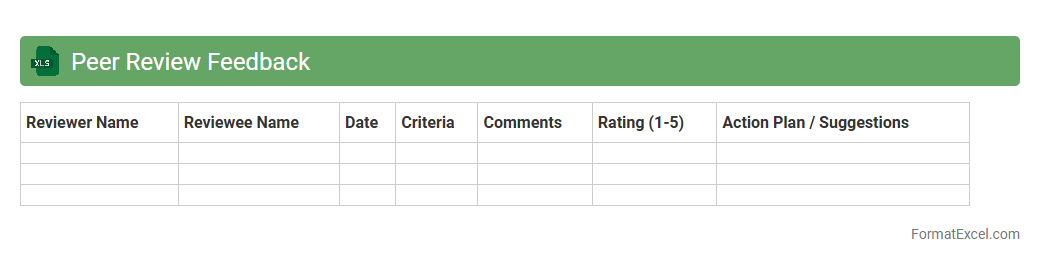
Peer Review Feedback
A
Peer Review Feedback Excel document is a structured tool designed to collect, organize, and analyze feedback from colleagues or team members on specific tasks or projects. It streamlines the evaluation process by providing clear categories and metrics, enabling consistent and objective assessments. Using this document enhances collaboration, identifies areas for improvement, and supports professional growth through transparent feedback.
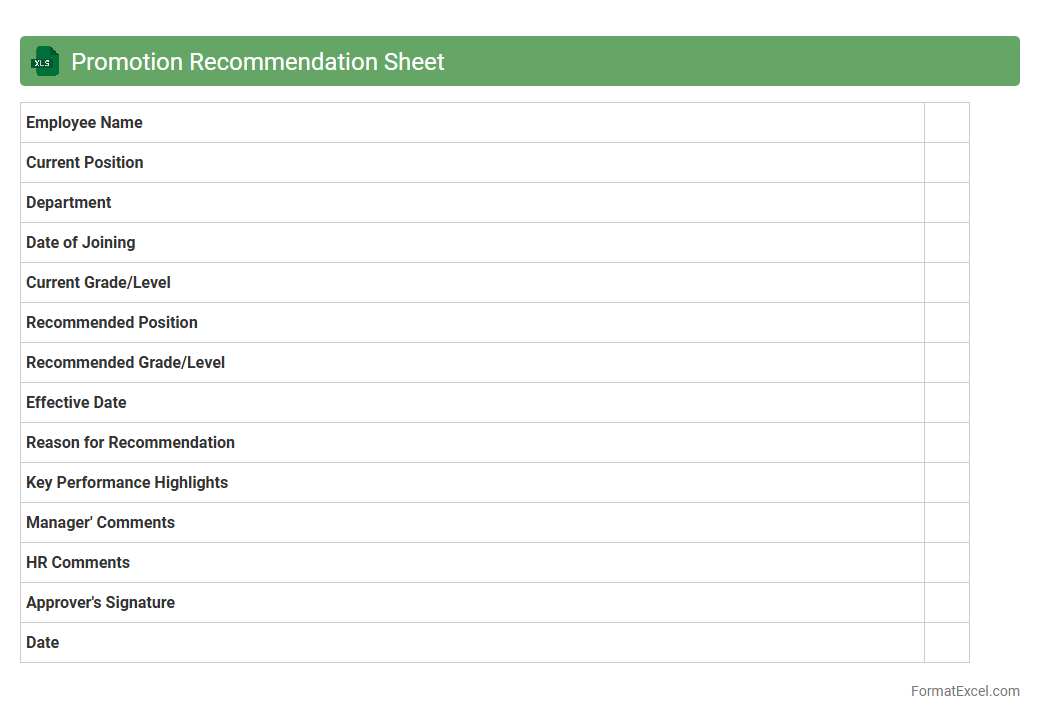
Promotion Recommendation Sheet
A
Promotion Recommendation Sheet Excel document systematically organizes employee performance data, eligibility criteria, and managerial evaluations to facilitate informed promotion decisions. It enhances transparency and consistency in the promotion process by providing a clear overview of candidates' qualifications and potential. This tool streamlines HR workflows, ensuring that promotions are based on objective data and aligned with organizational goals.
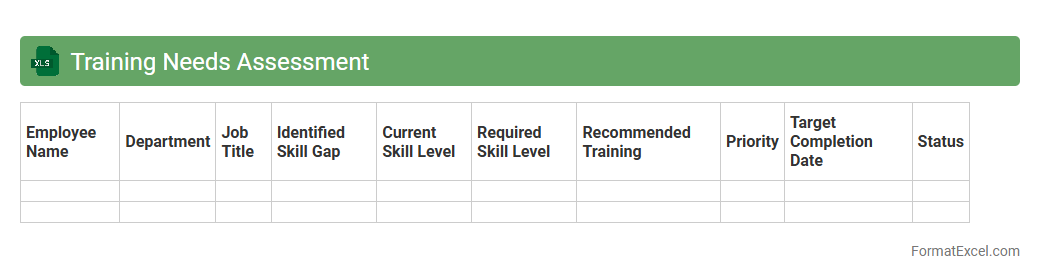
Training Needs Assessment
A
Training Needs Assessment (TNA) Excel document is a structured tool designed to identify skill gaps and training requirements within an organization by systematically collecting and analyzing employee performance data. This document helps prioritize training programs by highlighting areas where knowledge or competency improvements are necessary, enabling more effective allocation of resources and targeted development initiatives. Utilizing a TNA Excel sheet enhances decision-making processes, supports workforce planning, and drives overall organizational growth through informed training strategies.
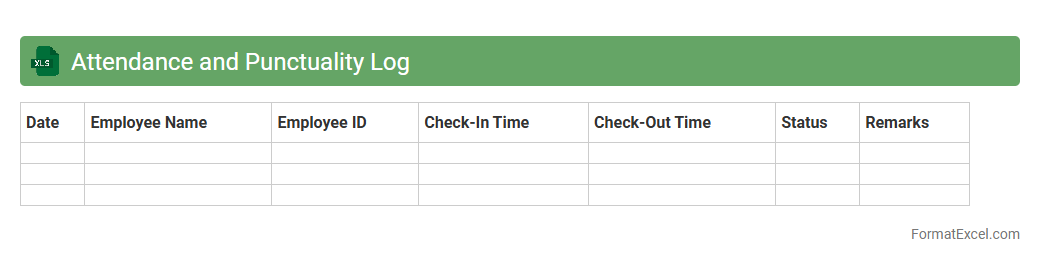
Attendance and Punctuality Log
An
Attendance and Punctuality Log Excel document tracks employee or student presence and timeliness by recording daily check-in and check-out times. It helps in monitoring patterns of absenteeism, late arrivals, and early departures, enabling efficient workforce or classroom management. This log supports payroll accuracy, performance evaluation, and improves overall accountability by providing clear, organized attendance records.
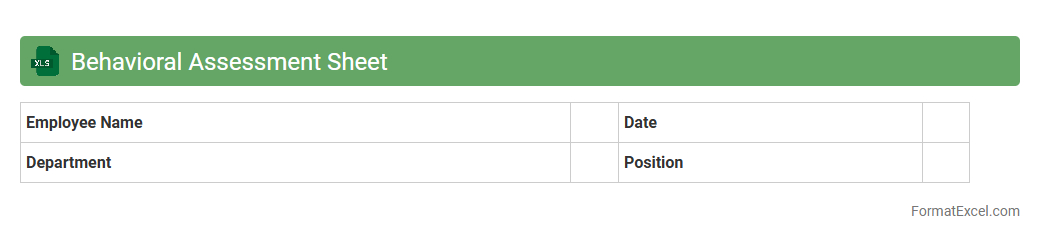
Behavioral Assessment Sheet
The
Behavioral Assessment Sheet Excel document is a structured tool designed to systematically record and evaluate individual behaviors based on specific criteria and performance indicators. It enables managers, educators, or HR professionals to track behavioral patterns, identify strengths and areas for improvement, and make informed decisions for personal development or team management. This document enhances objectivity and consistency in behavioral evaluations, facilitating targeted feedback and progress monitoring.
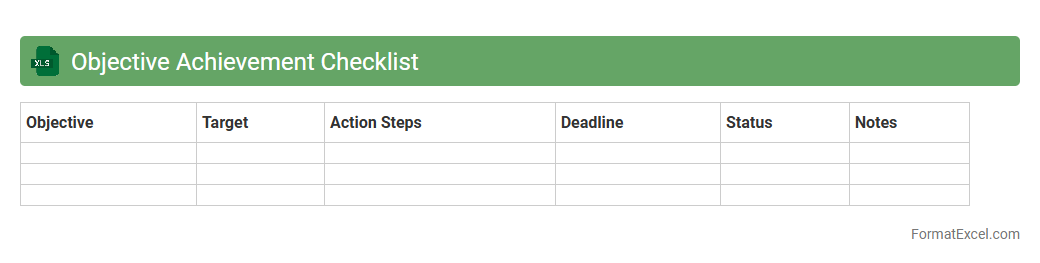
Objective Achievement Checklist
The
Objective Achievement Checklist Excel document is a structured tool designed to track and evaluate the progress of specific goals or objectives within a project or personal plan. It allows users to systematically list objectives, set deadlines, and mark completion status, enhancing accountability and time management. Utilizing this checklist improves clarity, ensures all targets are met, and supports effective decision-making by providing a clear overview of achievements and pending tasks.
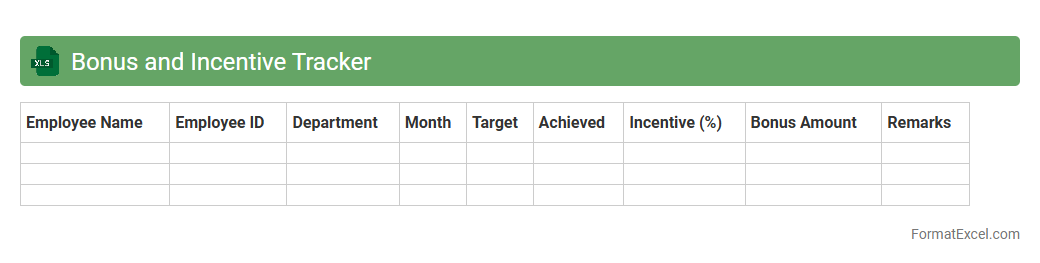
Bonus and Incentive Tracker
A
Bonus and Incentive Tracker Excel document is a customizable tool designed to monitor employee bonuses and incentives systematically. It consolidates data such as performance metrics, payout schedules, and bonus criteria, enabling transparent and efficient management of rewards. This tracker enhances motivation by ensuring accurate and timely recognition of employee achievements, improving overall productivity and retention.
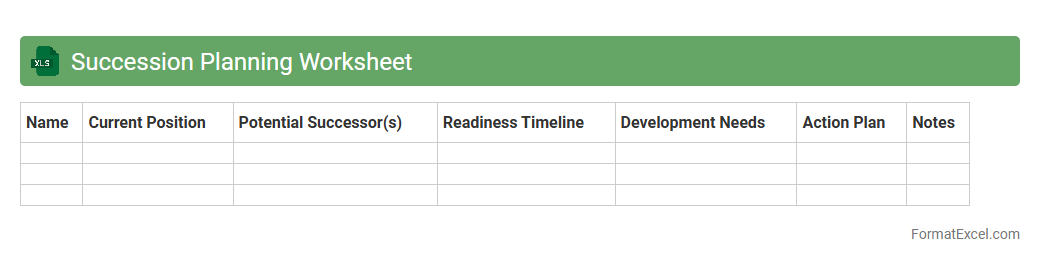
Succession Planning Worksheet
A
Succession Planning Worksheet Excel document is a structured tool designed to identify and develop internal talent to fill key leadership roles within an organization. It helps track employee skills, readiness levels, and potential successors, enabling strategic workforce planning and minimizing disruptions in critical positions. This worksheet improves talent management by providing clear visibility into succession pipelines and facilitating informed decision-making for leadership continuity.
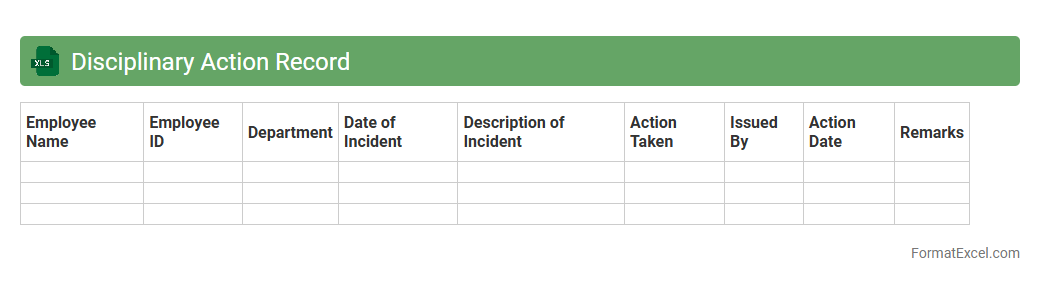
Disciplinary Action Record
A
Disciplinary Action Record Excel document is a structured spreadsheet used to systematically track employee infractions, warnings, and corrective measures within an organization. It helps maintain clear, organized records that support fair decision-making, ensure compliance with company policies, and provide evidence if legal issues arise. By offering easy access to historical disciplinary data, this document enhances HR management efficiency and promotes accountability across teams.
Skills Gap Analysis
A
Skills Gap Analysis Excel document is a structured spreadsheet used to identify the difference between the current skill set of employees and the skills required for specific roles or projects. It helps organizations pinpoint areas where training or hiring is needed to improve workforce capabilities and enhance productivity. Utilizing this tool supports strategic workforce planning by ensuring skill development aligns with business goals.
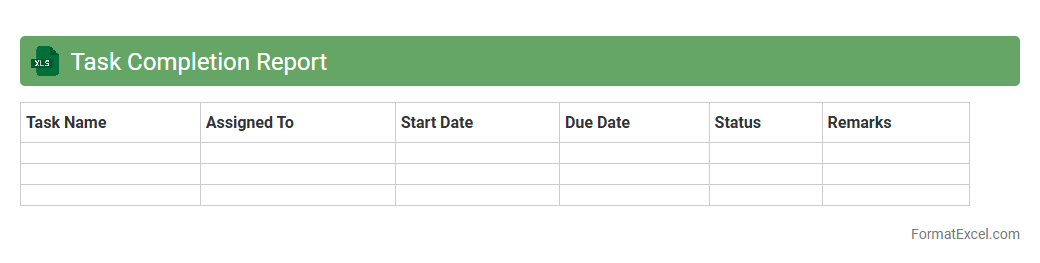
Task Completion Report
A
Task Completion Report Excel document systematically tracks and records the status of assigned tasks, including start and end dates, progress percentages, and responsible team members. This document enables project managers and teams to monitor workflow efficiently, identify bottlenecks, and ensure timely completion of deliverables. By providing a clear overview of task outcomes, it improves accountability and facilitates data-driven decision-making in project management.
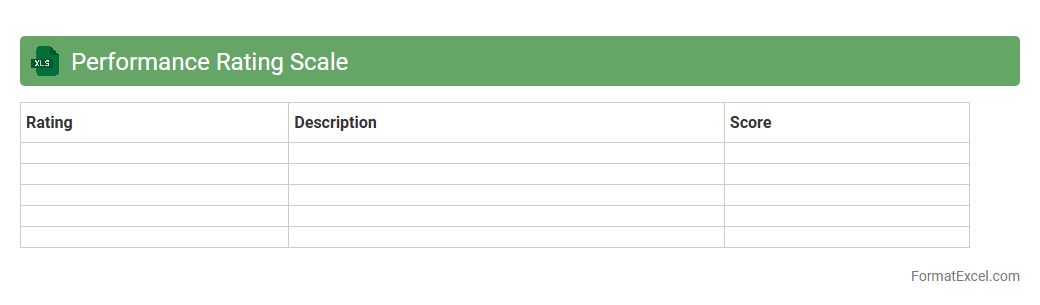
Performance Rating Scale
The
Performance Rating Scale Excel document is a tool designed to evaluate and quantify employee performance across various competencies and criteria systematically. This spreadsheet aids organizations in maintaining consistency, objectivity, and transparency when assessing individual or team performance, linking ratings to specific performance indicators. Using this document enhances decision-making processes related to promotions, training needs, and performance improvements by providing clear, data-driven insights.
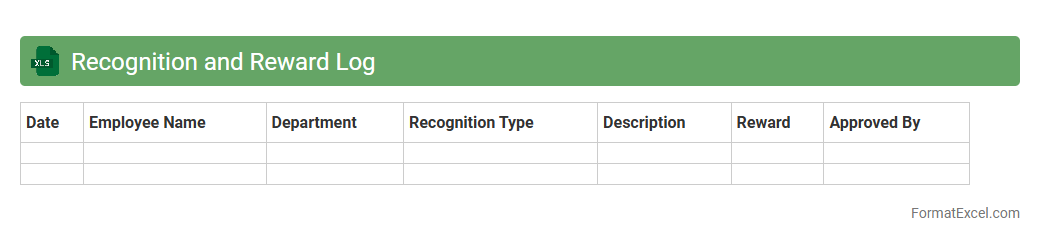
Recognition and Reward Log
The
Recognition and Reward Log Excel document is a structured tool designed to systematically track employee achievements and the corresponding rewards given within an organization. It enhances transparency and consistency by maintaining detailed records of recognition events, types of rewards, and dates, facilitating better performance management and motivation strategies. This log supports data-driven decision-making by providing insights into employee engagement trends and the effectiveness of reward programs.
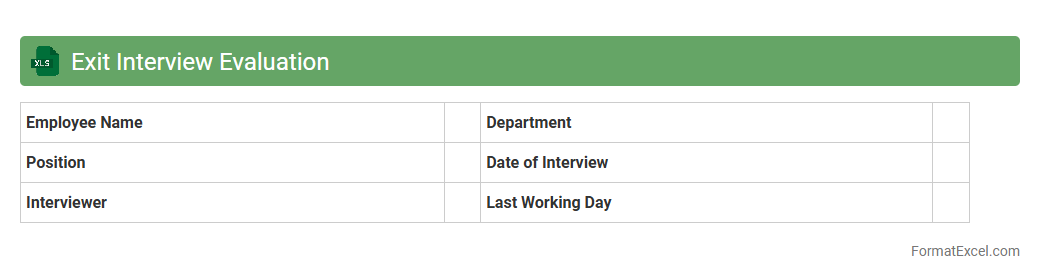
Exit Interview Evaluation
The
Exit Interview Evaluation Excel document is a structured tool designed to collect and analyze feedback from departing employees, capturing insights about their experience, reasons for leaving, and suggestions for organizational improvement. It organizes responses systematically, enabling HR teams to identify patterns such as common causes of turnover, workplace challenges, and opportunities for enhancing employee retention. Utilizing this data-driven approach supports informed decision-making and strategic human resource management, ultimately fostering a more positive work environment.
Introduction to Performance Appraisal Formats
A performance appraisal format is a structured framework used to evaluate employee performance systematically. It helps in assessing achievements, skills, and areas for improvement. Organizations commonly use these formats to facilitate transparent and consistent reviews.
Benefits of Using Excel for Appraisals
Excel offers a flexible and easy-to-use platform for creating performance appraisal formats that can be customized. It supports data analysis, formula automation, and visual charts for better insight. This reduces manual errors and improves efficiency in the appraisal process.
Key Components of a Performance Appraisal Format
A typical format includes employee details, performance criteria, rating scales, and feedback sections. It helps capture quantitative scores and qualitative comments for balanced evaluations. Clear components ensure objectives and expectations are measurable.
Step-by-Step Guide to Creating an Appraisal Template in Excel
Start by setting up employee information columns followed by criteria and rating scales. Use formulas to calculate totals and averages automatically. Finally, add conditional formatting to highlight performance levels for quick review.
Essential Columns and Metrics to Include
Include employee name, department, appraisal period, performance criteria, ratings, and comments. Metrics like productivity, teamwork, and punctuality provide comprehensive assessment. Accurate data capture enhances meaningful analysis.
Sample Performance Appraisal Excel Template
A sample template often includes a dashboard summarizing performance scores visually. It serves as a ready-to-use reference with pre-built formulas and formatting. Templates speed up setup and help maintain consistency across appraisals.
Customizing the Format for Different Roles
Different job roles require tailored appraisals focusing on relevant skills and objectives. Customize appraisal forms by adjusting criteria and weights to suit each role's responsibilities. This ensures appraisals are fair and role-specific.
Tips for Automating Calculations and Ratings
Leverage Excel functions like SUM, AVERAGE, and IF statements to automate scoring. Set up data validation and dropdown lists for easy, error-free input. Automation saves time and maintains accuracy in performance evaluations.
Best Practices for Data Security in Excel Appraisals
Protect sensitive appraisal data through password encryption and restricted access permissions. Regularly back up the files to avoid data loss. Ensuring data security builds trust and complies with privacy policies.
Downloadable Performance Appraisal Excel Templates
Many free and premium performance appraisal templates are available online for quick download. Choose templates that match your company size and industry needs. Using downloadable formats accelerates deployment of appraisal systems.