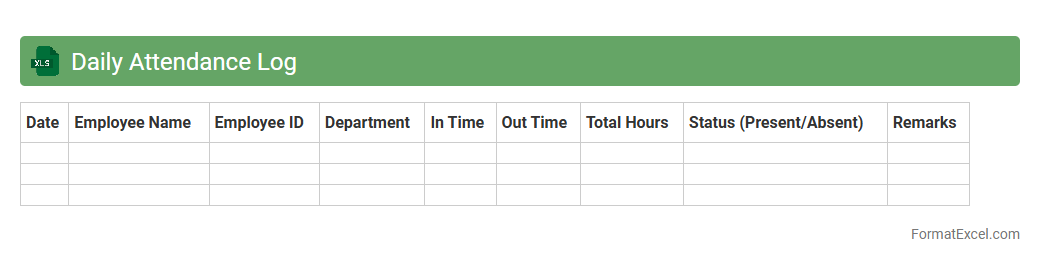
Daily Attendance Log
The
Daily Attendance Log Excel document is a structured spreadsheet designed to track employee or student attendance on a daily basis with accuracy. It allows for easy recording of presence, absences, tardiness, and leaves, facilitating efficient monitoring and reporting. Using this tool enhances productivity management by providing clear attendance data and helping identify patterns over time.
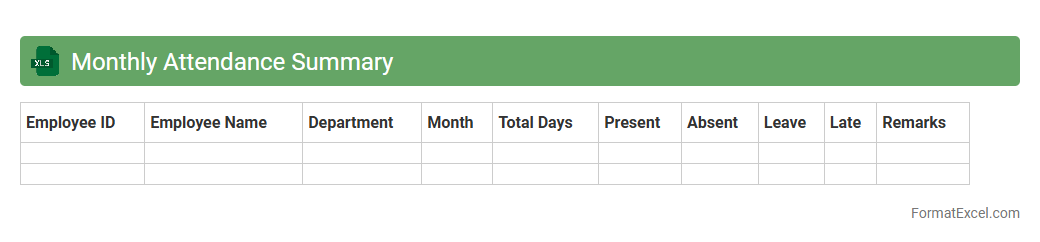
Monthly Attendance Summary
The
Monthly Attendance Summary Excel document is a comprehensive record that tracks employee attendance, including days present, absent, and late arrivals throughout the month. This document helps organizations monitor workforce reliability, identify attendance patterns, and manage payroll accurately. By consolidating attendance data, it streamlines HR processes and supports informed decision-making regarding staffing and performance.
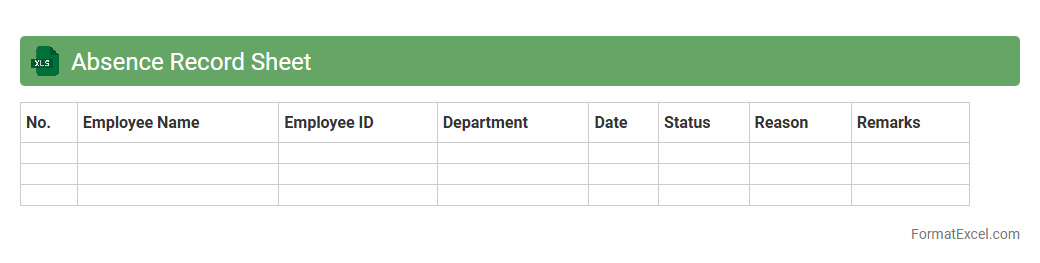
Absence Record Sheet
An Absence Record Sheet Excel document is a structured spreadsheet designed to track employee or student attendance, capturing data on absences, dates, and reasons. This
attendance tracking tool streamlines monitoring, enabling efficient management of leave balances, compliance with attendance policies, and identification of attendance patterns. Utilizing this document enhances organizational productivity by ensuring accurate record-keeping and facilitating timely follow-ups on unexcused absences.
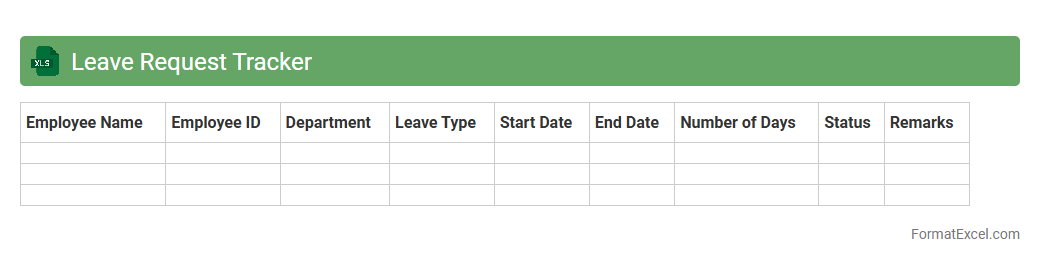
Leave Request Tracker
A
Leave Request Tracker Excel document is a tool designed to systematically record and monitor employee leave requests, including vacation, sick days, and personal time off. It streamlines workforce management by providing real-time visibility into leave balances, approval status, and scheduling conflicts, ensuring efficient planning and resource allocation. Utilizing this tracker reduces errors, simplifies communication between employees and management, and supports compliance with company leave policies.
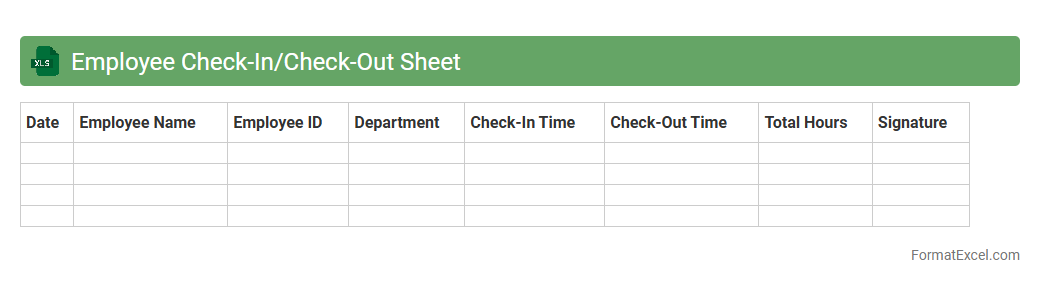
Employee Check-In/Check-Out Sheet
An
Employee Check-In/Check-Out Sheet Excel document is a digital tool designed to record and monitor employees' arrival and departure times accurately. It helps businesses track work hours, manage attendance, and ensure payroll accuracy by maintaining a clear log of daily check-ins and check-outs. This document enhances workforce management, improves productivity oversight, and supports compliance with labor regulations.
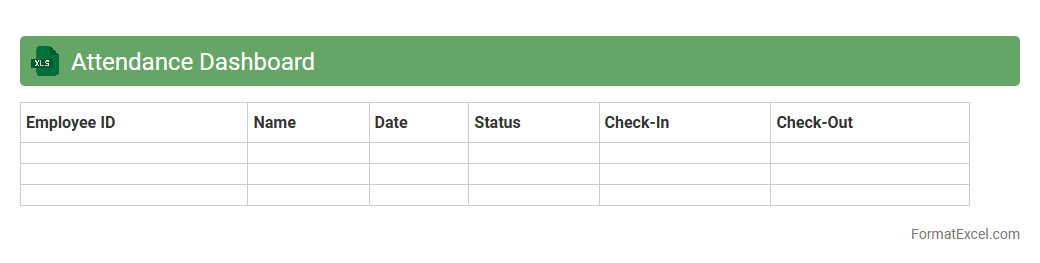
Attendance Dashboard
The
Attendance Dashboard Excel document is a powerful tool that consolidates employee attendance data into a clear, visual summary, enabling easy tracking of absences, late arrivals, and overall work hours. It helps organizations monitor attendance patterns, identify trends, and make data-driven decisions to improve workforce management and productivity. This dashboard saves time by automating calculations and providing instant access to detailed reports and insights.
Working Hours Calculation
A
Working Hours Calculation Excel document is a tool designed to track and compute the total hours an employee or individual works within a specified period, including overtime and breaks. It enhances productivity by providing accurate timekeeping, facilitating payroll processing, and ensuring compliance with labor regulations. This document helps businesses and freelancers manage time efficiently, reduce errors in manual calculations, and optimize workforce management.
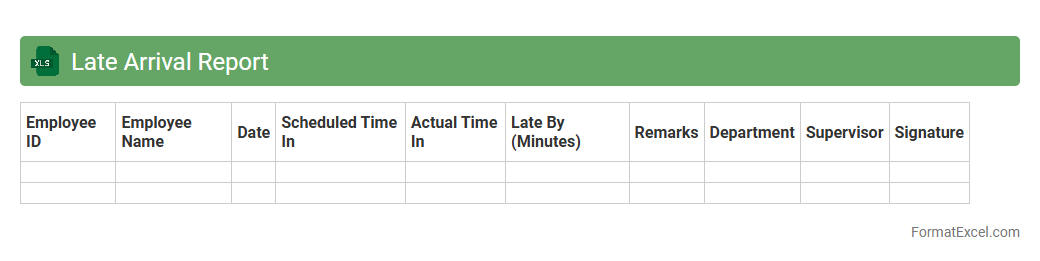
Late Arrival Report
The
Late Arrival Report Excel document is a structured tool designed to track and record instances of employee tardiness within an organization. It compiles data such as employee names, arrival times, dates, and frequency of late entries, enabling management to monitor attendance patterns effectively. This report assists in improving workforce discipline, identifying habitual latecomers, and supporting payroll accuracy by aligning attendance with company policies.
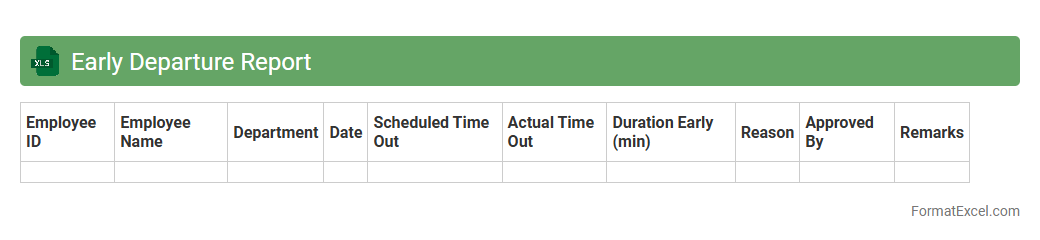
Early Departure Report
The
Early Departure Report Excel document tracks employee exit times, helping managers monitor attendance patterns and identify early leave trends. It provides detailed timestamps and reasons for leaving early, enabling efficient workforce management and ensuring compliance with company policies. This report aids in improving punctuality and minimizing disruptions by highlighting potential attendance issues.
Overtime Tracking Sheet
An
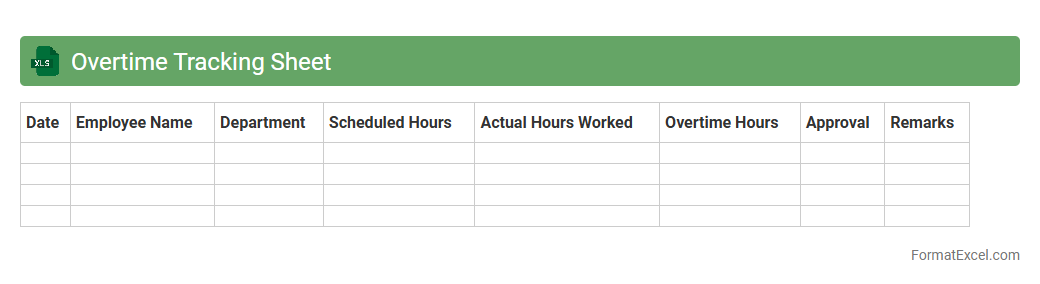
Overtime Tracking Sheet Excel document is a structured tool designed to record and calculate extra hours worked by employees beyond their regular schedule. It helps businesses monitor workforce productivity, ensure accurate payroll processing, and maintain compliance with labor regulations by automatically summing overtime hours and computing corresponding pay. Using this sheet improves transparency, reduces manual errors, and streamlines workforce management through organized and accessible data.
Sick Leave Record
A
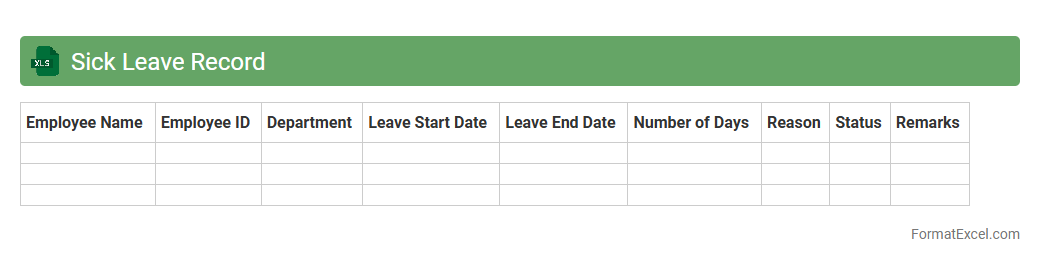
Sick Leave Record Excel document is a digital tool designed to systematically track employee absences due to illness, capturing essential data like dates, duration, and reasons for sick leave. This organized record helps HR departments monitor attendance patterns, manage payroll adjustments, and ensure compliance with company policies and labor laws. Efficient use of such a document improves workforce management, reduces administrative workload, and supports better planning for employee coverage and health-related workplace accommodations.
Vacation Leave Register
The
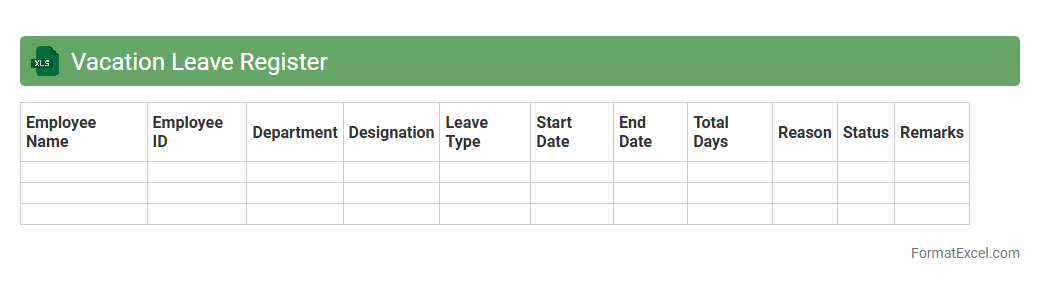
Vacation Leave Register Excel document is a structured spreadsheet designed to track employee leave balances, dates of leave taken, and remaining vacation days. It helps organizations maintain accurate leave records, ensuring compliance with company policies and labor regulations. This tool streamlines leave management, reduces errors, and improves overall workforce planning and productivity.
Public Holiday Tracker
A
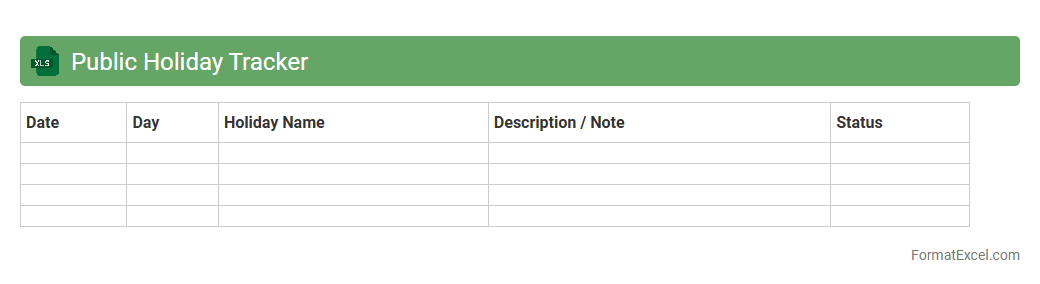
Public Holiday Tracker Excel document is a tool designed to record and monitor public holidays across different regions and countries. It helps businesses and individuals plan activities, manage employee leave, and avoid conflicts with official non-working days by providing a clear visual calendar. This tracker streamlines scheduling processes, ensuring efficient time management and operational continuity.
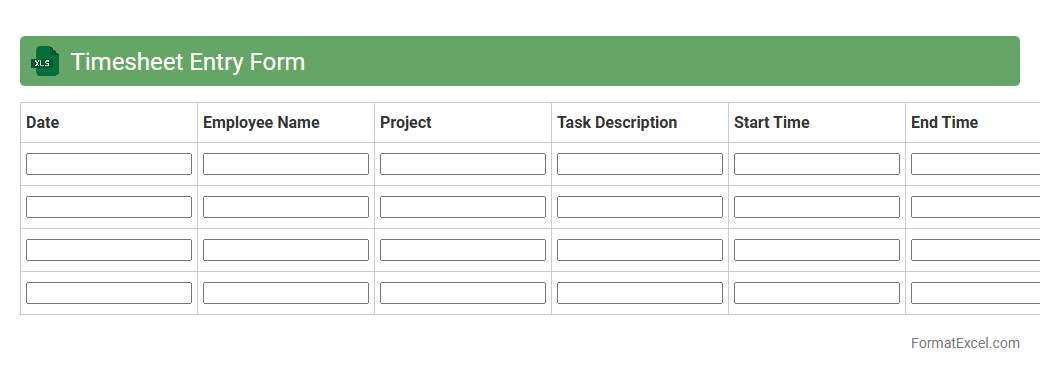
Timesheet Entry Form
A
Timesheet Entry Form Excel document is a structured template designed to record employees' working hours, breaks, and project-specific time allocation. It helps streamline payroll processing, improve project management accuracy, and ensure compliance with labor regulations by providing a clear and organized log of time spent on various tasks. Using this form enhances productivity tracking and supports efficient resource allocation in any business or organization.
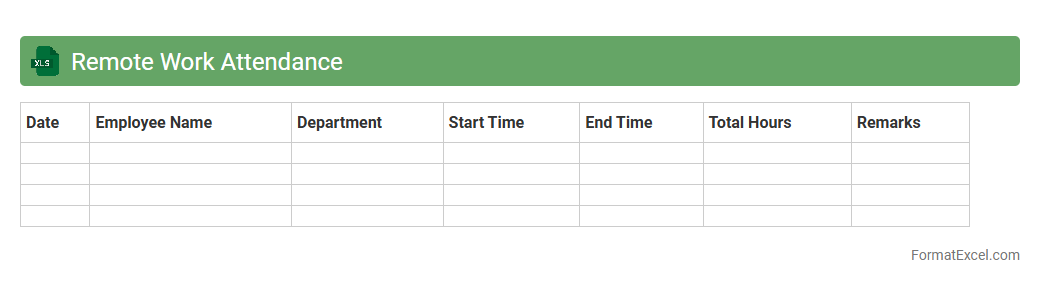
Remote Work Attendance
A
Remote Work Attendance Excel document is a digital tool designed to track and record employee attendance when working remotely, ensuring accurate time management and productivity monitoring. It helps organizations maintain transparency, streamline payroll processes, and manage remote teams efficiently by providing real-time data on working hours, breaks, and absences. This document enhances accountability and supports compliance with company policies and labor regulations by offering a centralized, easy-to-use platform for attendance tracking.
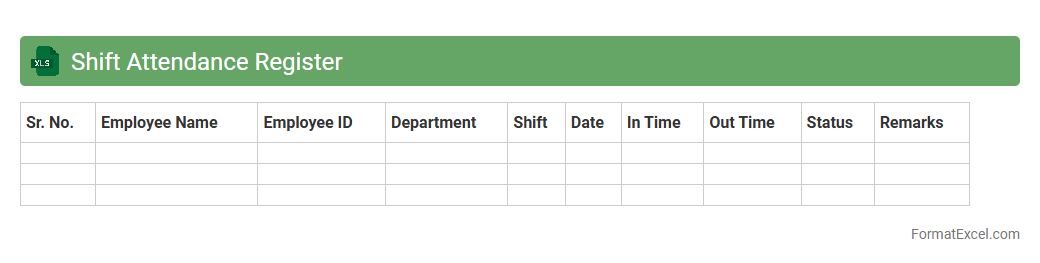
Shift Attendance Register
The
Shift Attendance Register Excel document is a digital tool designed to accurately record and monitor employee attendance based on work shifts. It enables organizations to streamline attendance tracking, reduce payroll errors, and improve workforce management efficiency. By providing clear visibility into shift patterns and attendance data, it supports better scheduling decisions and compliance with labor regulations.
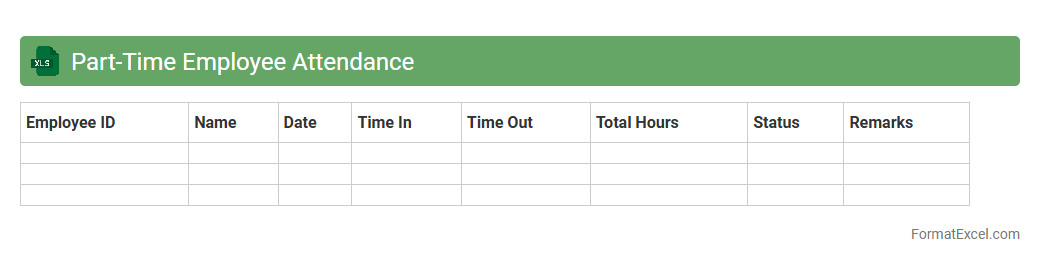
Part-Time Employee Attendance
A
Part-Time Employee Attendance Excel document is a digital spreadsheet used to accurately track the working hours and attendance patterns of part-time staff. This tool helps businesses monitor punctuality, calculate wages based on hours worked, and manage shift schedules efficiently. Utilizing such a document improves payroll accuracy, ensures compliance with labor laws, and enhances overall workforce management.
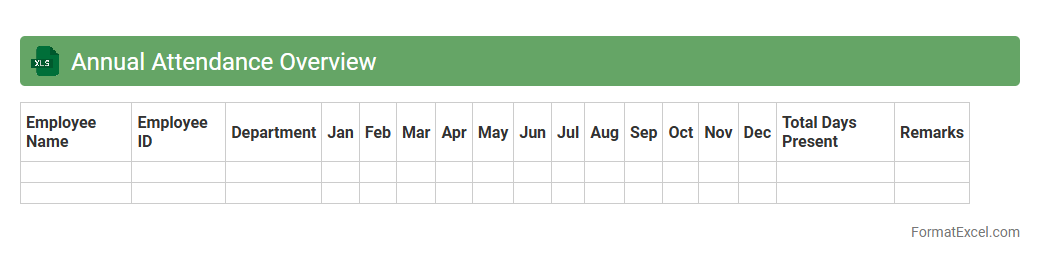
Annual Attendance Overview
The
Annual Attendance Overview Excel document provides a comprehensive summary of employee attendance data throughout the year, including absences, tardiness, and leave patterns. It helps organizations track workforce productivity, identify attendance trends, and ensure compliance with company policies. This tool allows HR managers and supervisors to make informed decisions regarding staffing, payroll, and employee performance management.
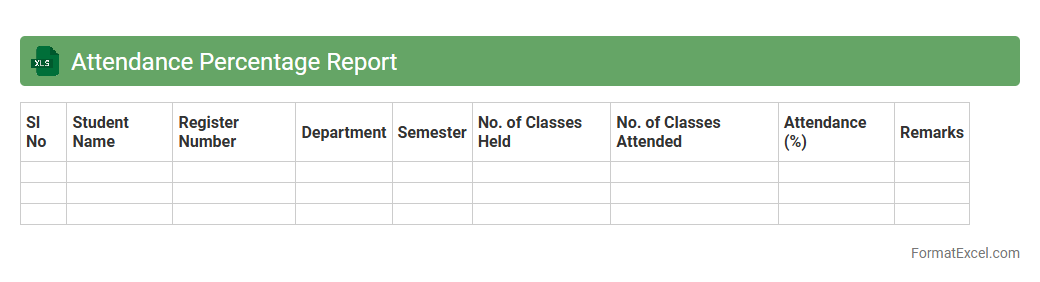
Attendance Percentage Report
The
Attendance Percentage Report Excel document tracks and calculates the attendance rates of individuals or groups over a specified period, providing a clear overview of participation. It helps organizations identify patterns, manage workforce productivity, and ensure compliance with attendance policies. By analyzing this data, managers can make informed decisions to improve attendance and operational efficiency.
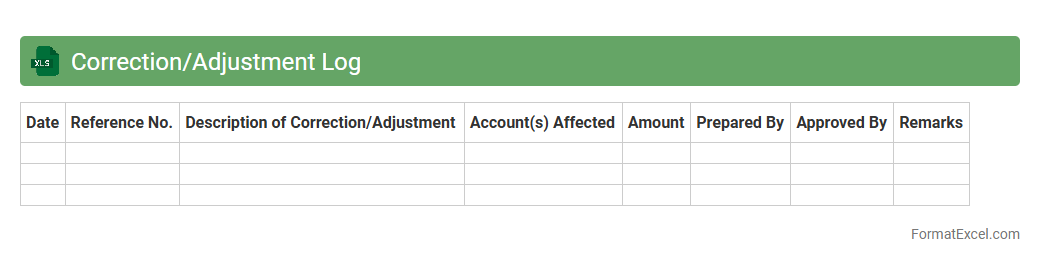
Correction/Adjustment Log
A
Correction/Adjustment Log Excel document is a structured record used to track changes or corrections made to data entries, ensuring transparency and accuracy in data management. It helps identify the nature, date, and responsible person for each adjustment, facilitating audit trails and error resolution. This log is essential for maintaining data integrity, improving accountability, and supporting compliance in business processes.
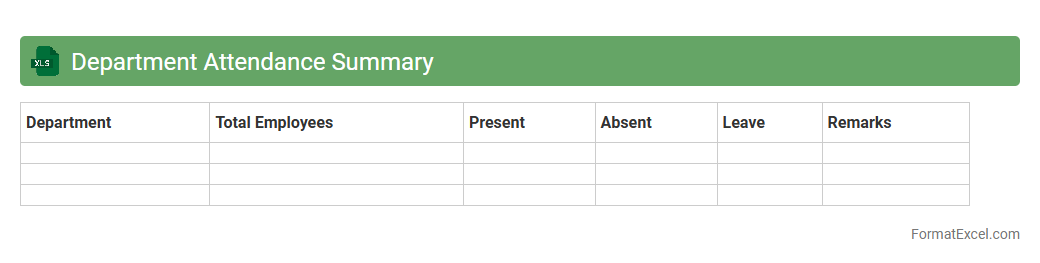
Department Attendance Summary
A
Department Attendance Summary Excel document provides a consolidated overview of employee attendance within a specific department, tracking metrics such as days present, absences, late arrivals, and leave taken. This summary helps managers monitor workforce productivity, identify attendance patterns, and make informed decisions regarding staffing and resource allocation. Using this document enhances transparency and streamlines the process of attendance management, ensuring accurate record-keeping and compliance with company policies.
Unexcused Absence Log
The
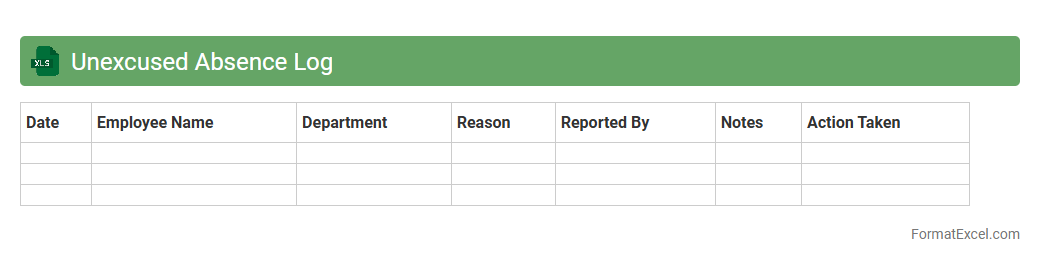
Unexcused Absence Log Excel document is a structured tool used to systematically record and track instances of unexcused absences within an organization or educational setting. By logging dates, names, and reasons for absence, it helps maintain accurate attendance records and identifies patterns that may require intervention. This document enhances accountability and supports efficient monitoring of absenteeism trends, facilitating timely responses to improve attendance rates.
Attendance Exception Report
The
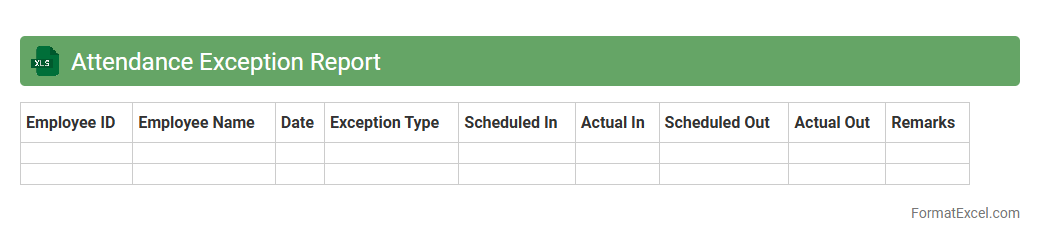
Attendance Exception Report Excel document identifies discrepancies in employee attendance records, such as absences, late arrivals, or early departures. It simplifies monitoring workforce attendance by highlighting irregularities that require managerial attention, improving overall accuracy and efficiency in payroll and human resource management. This report is essential for maintaining compliance with attendance policies and ensuring timely corrective actions.
Attendance Policy Acknowledgement
The
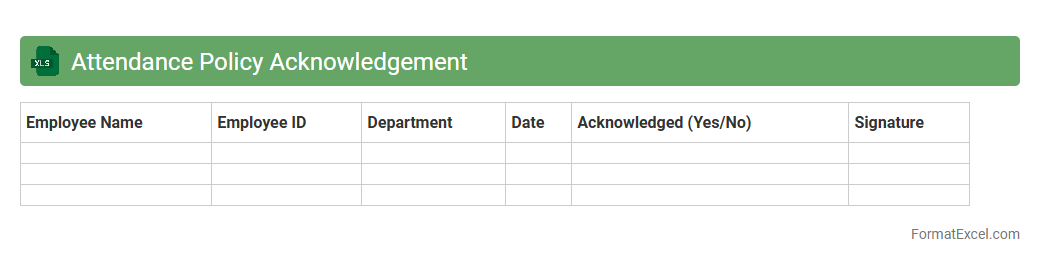
Attendance Policy Acknowledgement Excel document serves as a formal record where employees confirm their understanding and acceptance of workplace attendance rules. This tool streamlines tracking compliance, ensuring every staff member is aware of expectations and consequences related to attendance. It is useful for HR departments to maintain transparency, reduce absenteeism, and create a reference for resolving attendance disputes efficiently.
Attendance Audit Trail
The
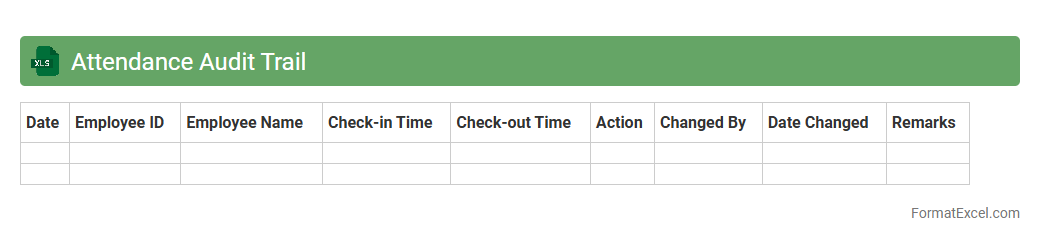
Attendance Audit Trail Excel document systematically records employee check-in and check-out times, providing a detailed log of attendance patterns. This tool helps organizations monitor punctuality, track absences, and ensure compliance with work hour policies. By offering clear visibility into attendance data, it supports accurate payroll processing and enhances workforce management efficiency.
Introduction to Employee Attendance Formats in Excel
An Employee Attendance Format in Excel is a structured spreadsheet designed to track daily attendance efficiently. These formats help organizations monitor employee presence and absences in a systematic way. Excel offers customizable features ideal for creating tailored attendance records.
Importance of Accurate Attendance Tracking
Accurate attendance tracking ensures proper payroll processing and employee management. It helps identify patterns such as tardiness or absenteeism affecting productivity. Maintaining reliable attendance records is essential for compliance with labor laws.
Key Features of an Effective Attendance Sheet
An effective attendance sheet should include customizable date ranges, clear employee identification, and presence status indicators. It must allow easy data entry and support automated calculations. Visual elements like color coding enhance readability and quick status checks.
Essential Columns in an Excel Attendance Format
Essential columns typically include Employee Name, Employee ID, Date, In-Time, Out-Time, Total Hours, and Attendance Status. Including leave types and remarks columns adds valuable context. These columns form the backbone of attendance tracking.
Step-by-Step Guide to Creating an Attendance Format in Excel
Begin by setting up headers for necessary columns and inserting dates for the attendance period. Use data validation to restrict inputs for attendance status. Incorporate formulas to automatically calculate total hours and track absenteeism.
Ready-to-Use Employee Attendance Excel Templates
Excel offers a variety of free and paid attendance templates designed for quick deployment. These templates provide pre-built formulas and formatting to streamline attendance management. Customizing templates ensures they meet specific organizational policies.
Automating Attendance Calculations with Excel Formulas
Utilize formulas like SUM, IF, and COUNTIF to automate attendance tracking and report generation. Calculations can include total days present, leave balances, and overtime hours. Automation reduces errors and saves time in monitoring attendance.
Tips for Maintaining and Updating Attendance Records
Regularly update attendance sheets to reflect accurate daily records and prevent data loss. Backup files frequently and implement standardized input methods. Consistency in record-keeping enhances data reliability for payroll and audits.
Common Challenges and Solutions in Attendance Management
Challenges include data entry errors, lost records, and unauthorized access. Solutions involve using locked Excel sheets with protected cells and validation rules. Integrating attendance software with Excel can also improve accuracy and security.
Best Practices for Data Security in Attendance Sheets
Protect sensitive attendance data by restricting file access and applying password protection in Excel. Use encryption and maintain regular backups to avoid data breaches. Following these practices safeguards employee information and ensures data integrity.