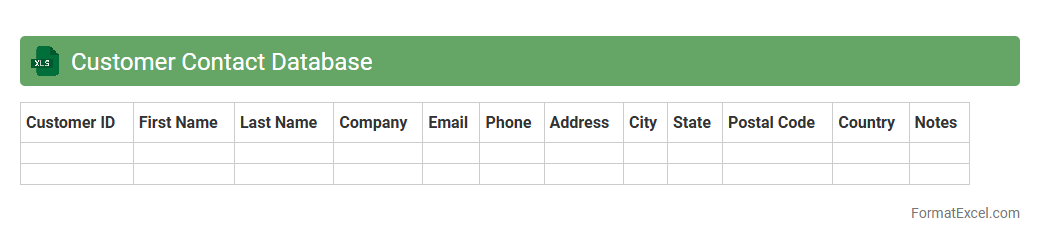
Customer Contact Database
A
Customer Contact Database Excel document is a structured spreadsheet used to store and manage detailed information about clients, including names, phone numbers, email addresses, and purchase history. It enables businesses to efficiently organize and access customer data, streamline communication efforts, and tailor marketing campaigns for improved customer engagement. By maintaining accurate and up-to-date contact records, companies enhance their customer relationship management and increase sales conversions.
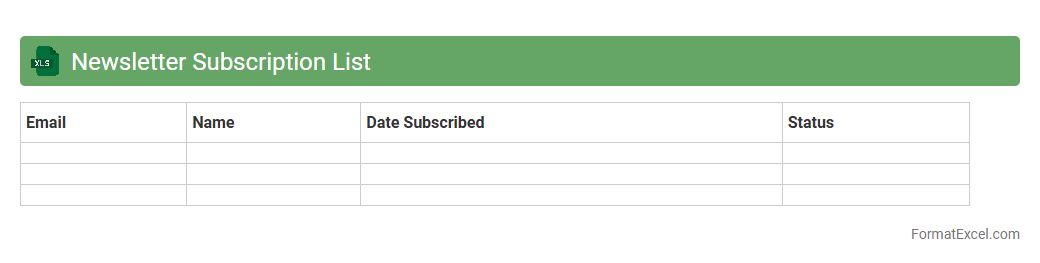
Newsletter Subscription List
A
Newsletter Subscription List Excel document is a structured file that organizes subscriber information such as names, email addresses, subscription dates, and preferences. It helps businesses efficiently manage and segment their audience for targeted email campaigns, ensuring personalized communication and improved engagement rates. By analyzing the data, companies can optimize their marketing strategies and track the growth and retention of their subscriber base.
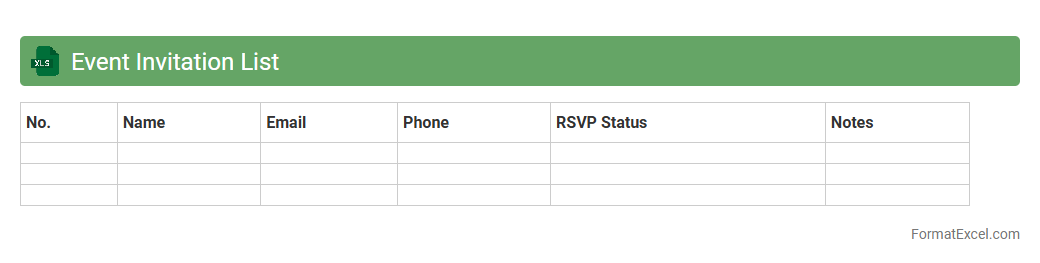
Event Invitation List
An
Event Invitation List Excel document is a structured spreadsheet used to organize and manage guest information for events, including names, contact details, RSVP statuses, and dietary preferences. It improves event planning efficiency by enabling easy tracking of attendees, sending timely invitations, and avoiding over or under-inviting. This document streamlines communication and ensures a well-coordinated event experience for both hosts and guests.
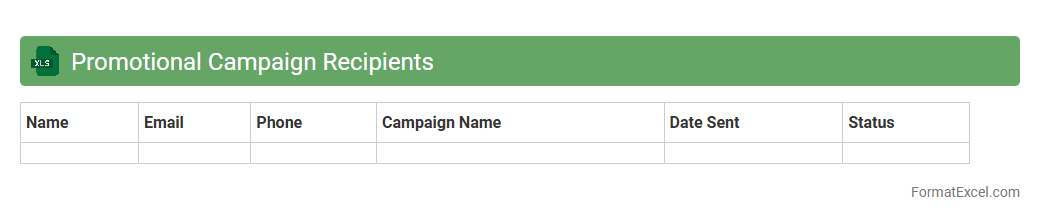
Promotional Campaign Recipients
The
Promotional Campaign Recipients Excel document is a comprehensive spreadsheet that lists targeted customers or leads for marketing promotions, including their contact details and segmentation data. It helps businesses organize, track, and manage recipient information to optimize campaign outreach and personalize communication. Using this document enhances the efficiency of marketing efforts by ensuring accurate targeting and facilitating performance analysis.
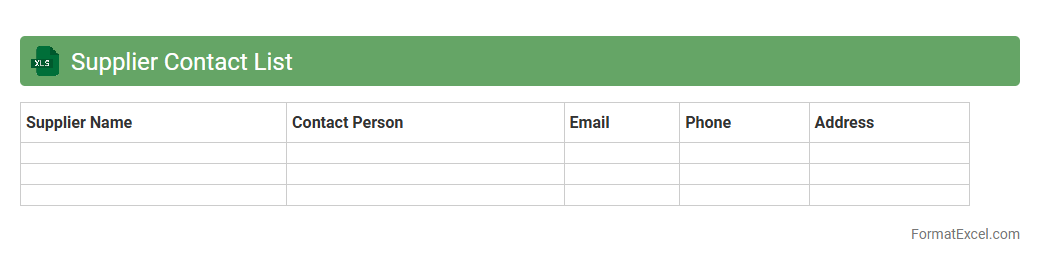
Supplier Contact List
A
Supplier Contact List Excel document is a structured spreadsheet containing vital information such as supplier names, contact details, addresses, and payment terms. It streamlines communication, enabling efficient management of vendor relationships and quick access to essential data during procurement processes. Maintaining this document improves organization, reduces delays, and supports strategic decision-making in supply chain management.
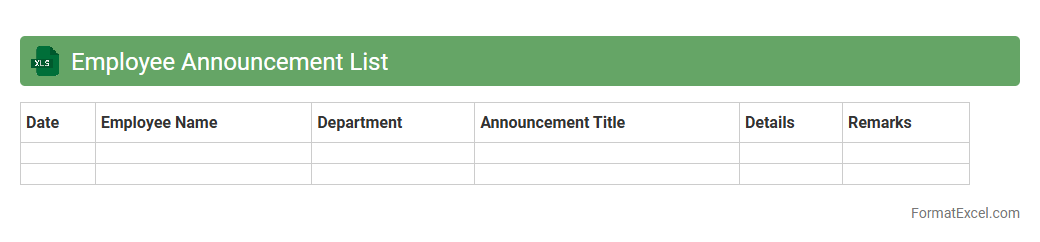
Employee Announcement List
An
Employee Announcement List Excel document is a structured spreadsheet designed to organize and track important company announcements related to employees, such as promotions, transfers, and new hires. It enhances communication efficiency by providing a centralized, easily accessible record that ensures all team members stay informed about personnel updates. This tool supports HR departments in maintaining accurate records and streamlining internal communications for better organizational transparency.
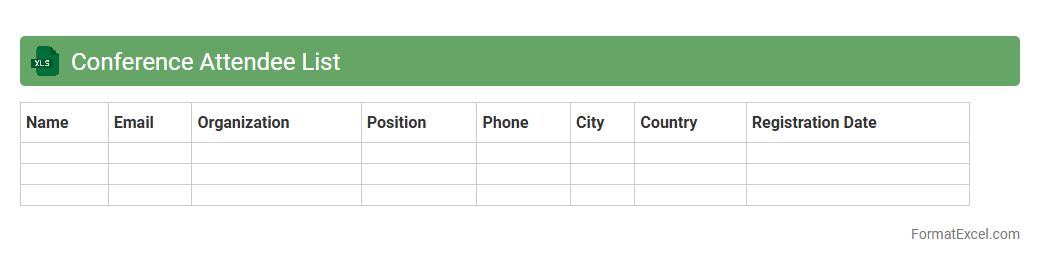
Conference Attendee List
A
Conference Attendee List Excel document is a structured spreadsheet containing detailed information about individuals registered for a conference, including names, contact details, company affiliations, and registration status. This document is useful for organizing communication, facilitating networking opportunities, and managing event logistics efficiently. Having all attendee data in one place enables easy tracking, personalized follow-ups, and streamlined coordination before, during, and after the event.
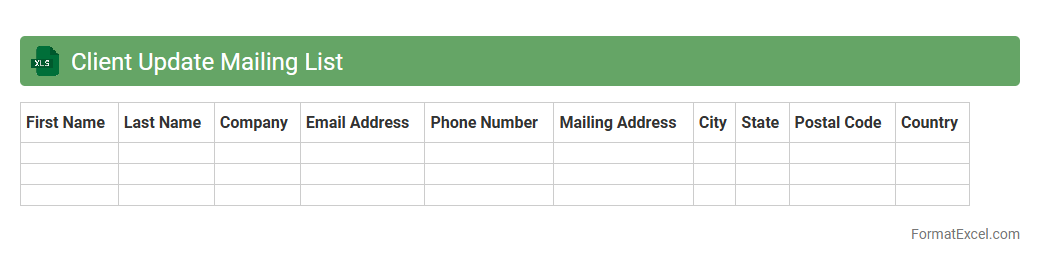
Client Update Mailing List
The
Client Update Mailing List Excel document is a centralized database containing contact details and communication preferences of clients for targeted outreach. It enables efficient management and segmentation of client information, ensuring accurate and timely updates about products, services, or company news. This organized tool enhances customer relationship management by streamlining email campaigns and tracking interaction history.
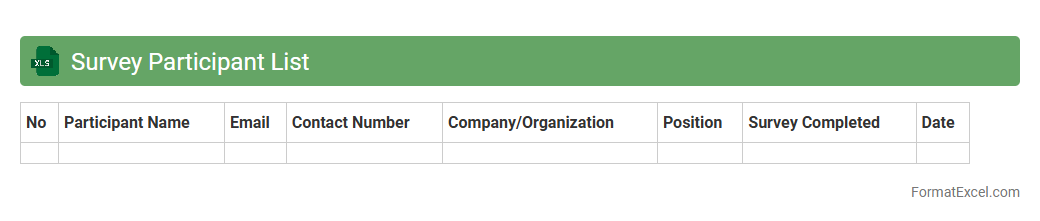
Survey Participant List
A
Survey Participant List Excel document is a structured spreadsheet that organizes the contact details, demographics, and participation status of individuals involved in a survey. It enables efficient tracking, management, and follow-up of respondents, ensuring accurate data collection and improved response rates. By centralizing participant information, this document streamlines the survey process and supports data integrity for analysis.
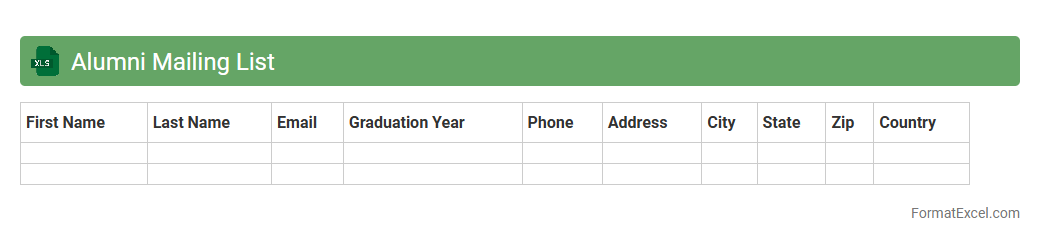
Alumni Mailing List
An
Alumni Mailing List Excel document is a structured spreadsheet containing contact information of former students, including names, email addresses, phone numbers, and graduation details. This organized data helps institutions and organizations efficiently communicate updates, event invitations, and fundraising campaigns to their alumni network. Using such a list enhances engagement, fosters community relations, and supports ongoing outreach efforts.
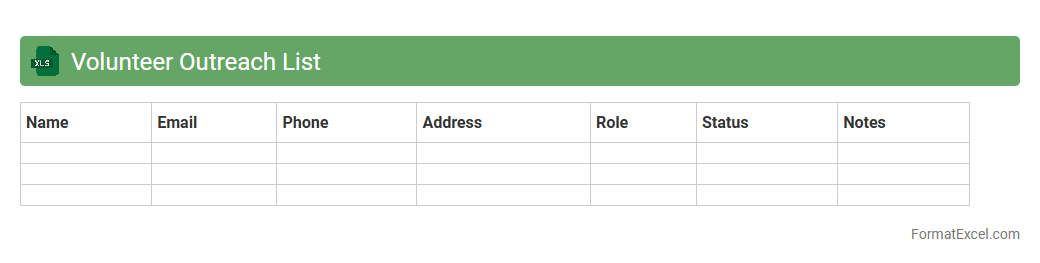
Volunteer Outreach List
A
Volunteer Outreach List Excel document is a structured spreadsheet used to organize and manage contact information, availability, and skill sets of volunteers. It enables efficient coordination of outreach efforts, tracking of volunteer engagement, and streamlining of communication to maximize impact. This tool is essential for maintaining an up-to-date database that supports effective volunteer management and event planning.
Product Launch Announcement List
A
Product Launch Announcement List Excel document is a structured tool that organizes key details about new product releases, such as launch dates, product specifications, marketing channels, and target audiences. This document streamlines communication and coordination across departments, ensuring timely and consistent dissemination of product information. Using this list improves tracking of launch progress, helps prioritize tasks, and enhances overall project management efficiency.
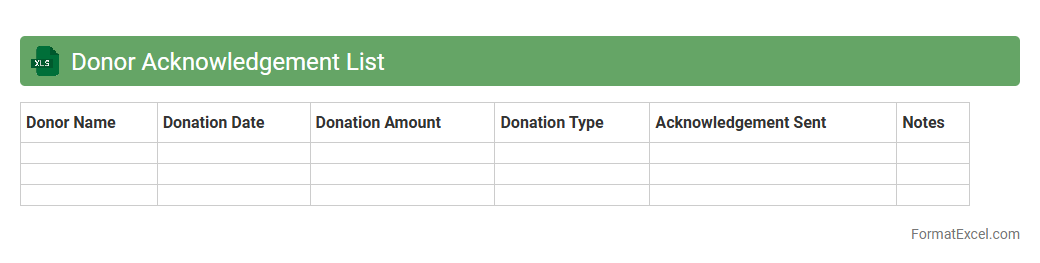
Donor Acknowledgement List
The
Donor Acknowledgement List Excel document is a structured tool that records the names, contact details, donation amounts, and dates of contributors to an organization or cause. It helps streamline the process of tracking donations, ensuring prompt and accurate recognition of donors, which fosters goodwill and strengthens relationships. Utilizing this list enhances transparency and accountability in fundraising efforts, supporting effective communication and future campaign planning.
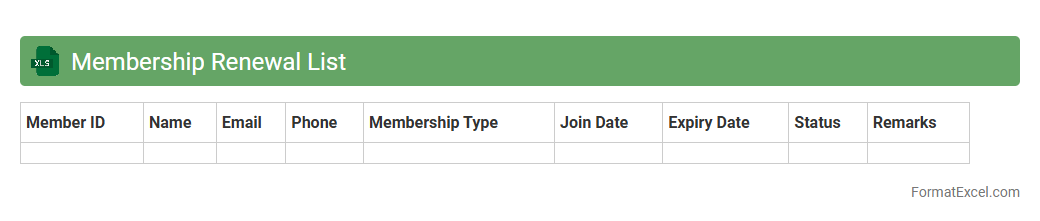
Membership Renewal List
The
Membership Renewal List Excel document is a comprehensive spreadsheet that tracks members' subscription expiration dates, contact details, and payment statuses. It enables efficient management of renewals by highlighting upcoming expirations, ensuring timely reminders and reducing membership lapses. This organized data helps maintain steady revenue flow and enhances member retention through proactive communication.
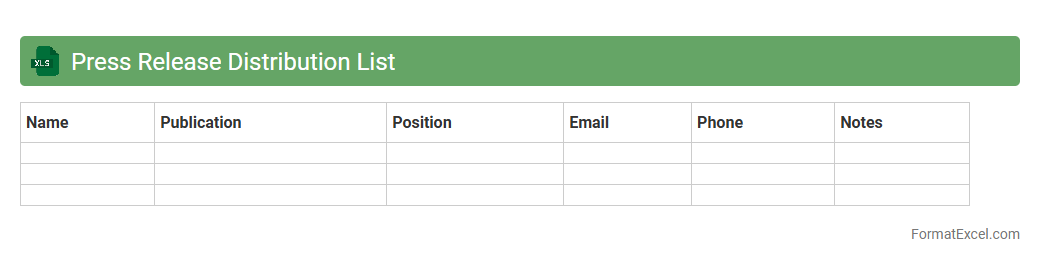
Press Release Distribution List
A
Press Release Distribution List Excel document is a structured spreadsheet containing contact information of journalists, media outlets, and influencers targeted for press release dissemination. It enables organizations to efficiently organize and segment their media contacts for tailored communication, ensuring that press releases reach relevant audiences. By leveraging this tool, businesses can enhance their public relations strategy, improve media coverage, and increase the impact of their announcements.
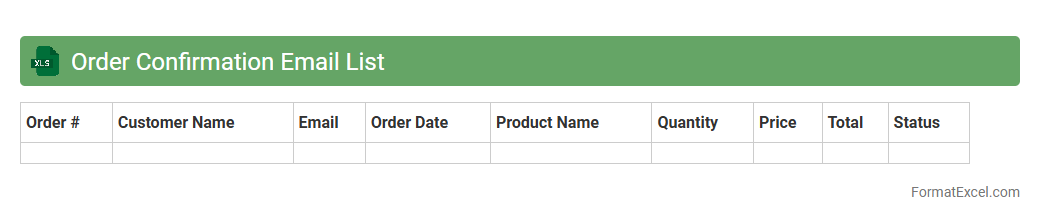
Order Confirmation Email List
An
Order Confirmation Email List in Excel format is a structured document containing customer email addresses linked to their specific order confirmations. It enables businesses to efficiently track and manage communication related to purchase verification and shipping updates. Using this list ensures timely follow-ups, enhances customer service, and improves order processing accuracy.
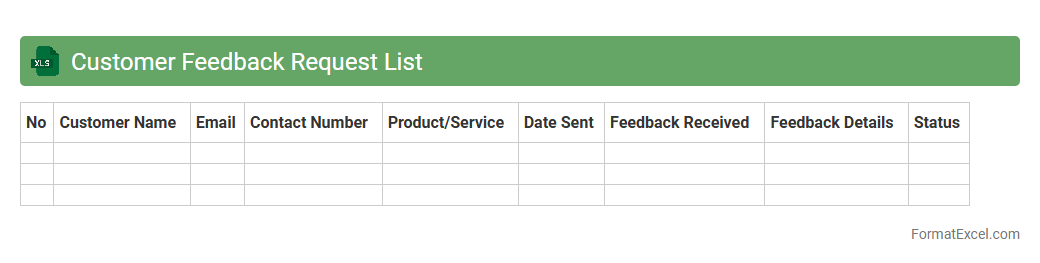
Customer Feedback Request List
A
Customer Feedback Request List Excel document is a structured spreadsheet that organizes and tracks feedback requests sent to customers, including details such as customer names, contact information, request dates, and responses. This tool enhances customer relationship management by enabling businesses to systematically gather and analyze feedback, identify trends, and improve products or services based on customer input. It streamlines communication efforts, ensures timely follow-ups, and supports data-driven decision-making to boost customer satisfaction and loyalty.
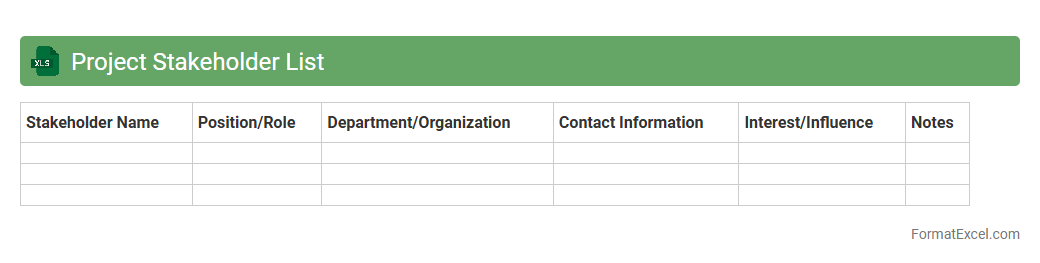
Project Stakeholder List
A
Project Stakeholder List Excel document is a structured spreadsheet that identifies and categorizes all individuals, groups, or organizations involved in or affected by a project. It helps track stakeholder roles, contact information, influence, and interest levels to ensure effective communication and engagement throughout the project lifecycle. This tool improves project management by facilitating stakeholder analysis, prioritization, and timely updates, enhancing collaboration and minimizing risks.
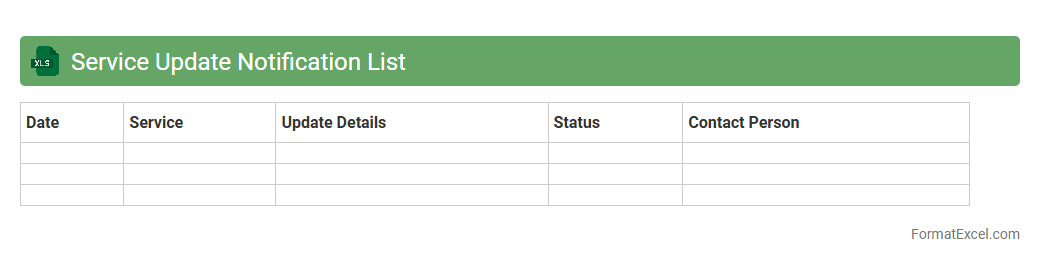
Service Update Notification List
The
Service Update Notification List Excel document is a centralized tool that tracks and organizes upcoming service updates, ensuring timely awareness and efficient management of changes across systems. This structured list helps teams prioritize and plan for maintenance windows, reducing downtime and enhancing communication between stakeholders. By providing detailed update schedules, version details, and impact assessments, it streamlines the update process and supports informed decision-making.
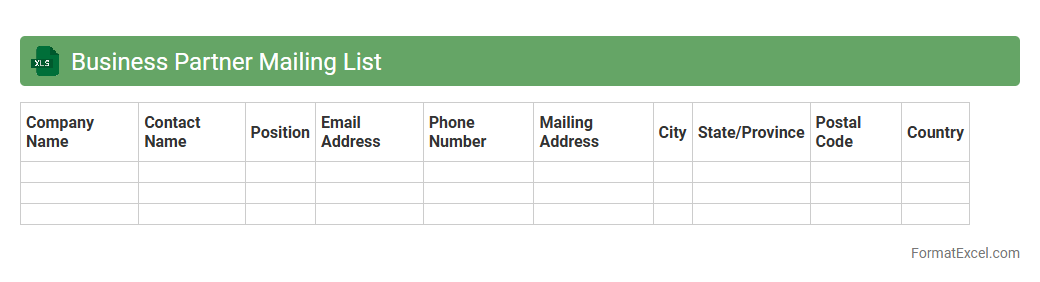
Business Partner Mailing List
A
Business Partner Mailing List Excel document is a structured database containing contact information of key business collaborators, suppliers, clients, and stakeholders organized in rows and columns. It streamlines communication by providing easy access to accurate addresses, phone numbers, and email contacts, enabling targeted marketing campaigns, efficient follow-ups, and relationship management. Using this list enhances client engagement, improves networking opportunities, and supports strategic outreach efforts for business growth and collaboration.
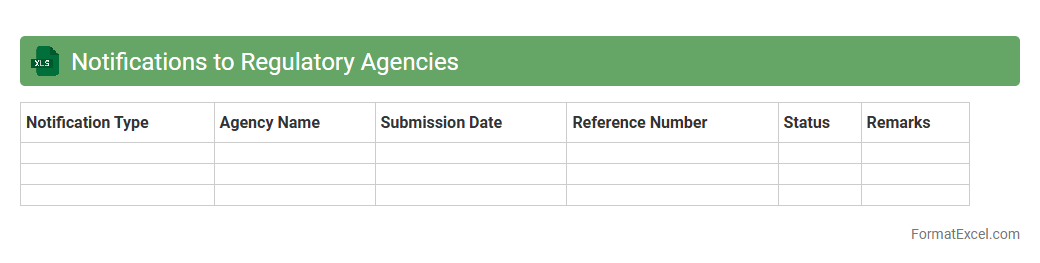
Notifications to Regulatory Agencies
The
Notifications to Regulatory Agencies Excel document is a structured tool designed to track and manage communications with various regulatory bodies, ensuring compliance deadlines and requirements are met efficiently. It consolidates essential data such as notification dates, agency contacts, submission statuses, and regulatory references, enabling organizations to maintain transparency and accountability in their compliance processes. This document is invaluable for minimizing risks of non-compliance penalties and streamlining regulatory reporting workflows.
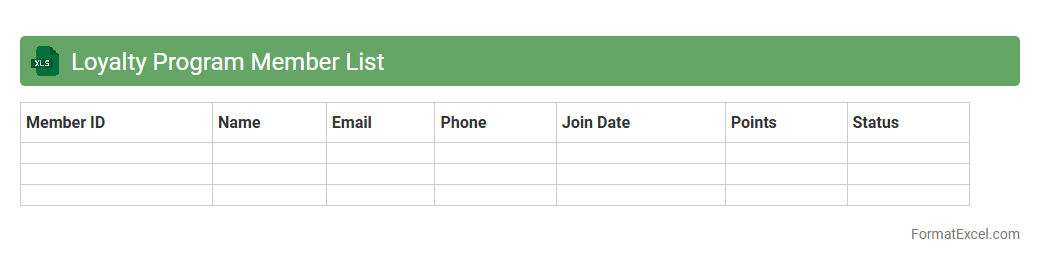
Loyalty Program Member List
A
Loyalty Program Member List Excel document is a structured spreadsheet that contains detailed information about members participating in a loyalty rewards program, including their names, contact details, membership status, and points earned. This document is useful for tracking customer engagement, analyzing buying behavior, and segmenting members for targeted marketing campaigns. By maintaining an organized and up-to-date member list, businesses can enhance customer retention and maximize the effectiveness of their loyalty initiatives.
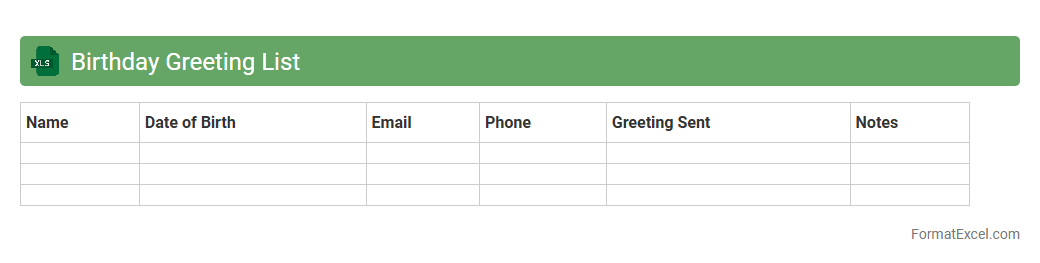
Birthday Greeting List
A
Birthday Greeting List Excel document is a structured spreadsheet used to organize and track the birthdays of colleagues, friends, or family members. It helps ensure timely and personalized birthday wishes by storing names, dates, and contact details in an easily accessible format. Using this document improves relationship management and enhances social connections by preventing missed celebratory opportunities.
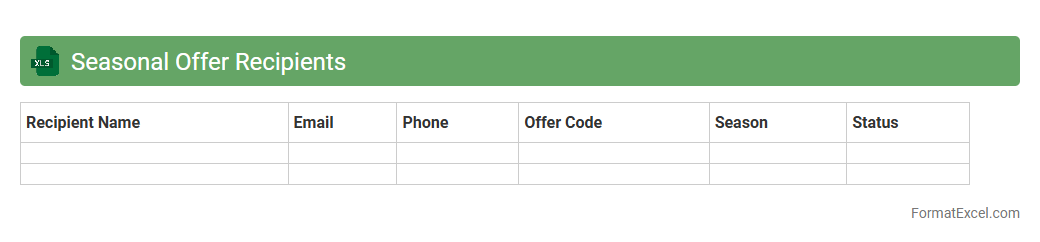
Seasonal Offer Recipients
The
Seasonal Offer Recipients Excel document is a structured spreadsheet that tracks customers eligible for seasonal promotions, including their contact details, purchase history, and offer status. It allows businesses to efficiently manage targeted marketing campaigns and analyze customer response patterns during specific periods. Utilizing this document enhances personalized communication, maximizes promotional impact, and supports data-driven decision-making for sales strategies.
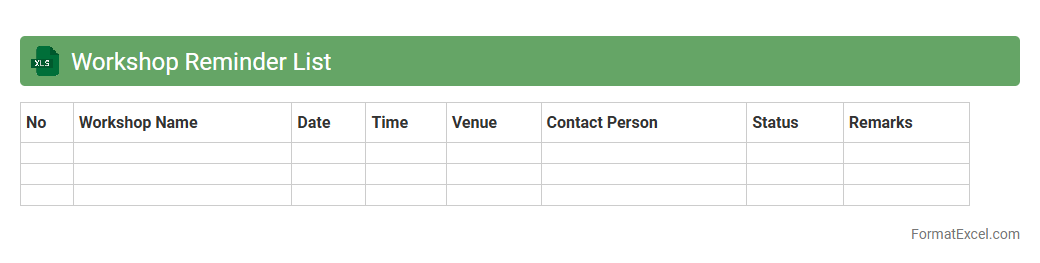
Workshop Reminder List
The
Workshop Reminder List Excel document is a structured tool designed to track upcoming workshops, including dates, topics, and participant details. It helps ensure timely notifications, preventing missed sessions and enhancing organization for both attendees and facilitators. Utilizing this list improves time management, attendance rates, and overall workshop coordination efficiency.
Introduction to Mailing List Formats in Excel
A mailing list format in Excel is a structured way to organize contact information systematically. It allows for efficient data management and easy access to details like names, addresses, and email addresses. Understanding the format helps streamline communication and marketing efforts.
Benefits of Using Excel for Mailing Lists
Excel provides a flexible platform for managing mailing lists with features like sorting, filtering, and data validation. Its spreadsheet capabilities enable users to automate tasks and maintain large datasets efficiently. Additionally, Excel integrates easily with other applications for seamless data sharing.
Key Elements of an Excel Mailing List
A comprehensive mailing list typically includes columns for names, addresses, phone numbers, and email addresses. Including unique identifiers like customer IDs or membership numbers improves data accuracy. Well-defined columns ensure clarity and facilitate easy data manipulation.
Step-by-Step Guide to Creating a Mailing List in Excel
Start by labeling your columns with essential headings like Name, Email, and Address. Enter data systematically and use Excel's built-in tools to format and sort the data efficiently. Finally, save the file in an accessible format for future updates and use.
Best Practices for Structuring Your Excel Mailing List
Maintain a consistent format by using clear column headers and avoiding merged cells for better data integrity. Use separate columns for different address components to enable precise filtering. Regularly update and back up your mailing list to prevent data loss.
Formatting Tips for Mailing List Columns and Rows
Apply filters and freeze header rows to improve navigation through large lists. Use consistent data entry formats, such as standardized phone number and postal code styles. Properly formatted columns enhance the list's readability and usability.
How to Import and Export Mailing Lists in Excel
Excel supports importing mailing lists from CSV, TXT, and other spreadsheet formats with the Import Wizard. Export your lists similarly, ensuring data compatibility with email marketing platforms. Always check data integrity before finalizing imports or exports.
Data Validation and Cleaning Techniques
Utilize Excel's data validation rules to minimize errors during data entry. Employ functions like TRIM, Remove Duplicates, and Find & Replace to clean and standardize your mailing list. Regular data cleaning improves the overall accuracy and efficiency of your mailing operations.
Mailing List Templates and Sample Formats
Leverage pre-built Excel templates for mailing lists to save time and ensure proper structure. These templates usually include predefined columns and formatting settings suited for common mailing needs. Customize templates as necessary to fit specific project requirements.
Common Mistakes to Avoid in Excel Mailing Lists
Avoid mixing data types in single columns and inconsistent formatting, which can cause sorting and filtering issues. Be cautious of missing or duplicate data entries that reduce list accuracy. Regularly review your mailing list to maintain data quality and avoid communication errors.