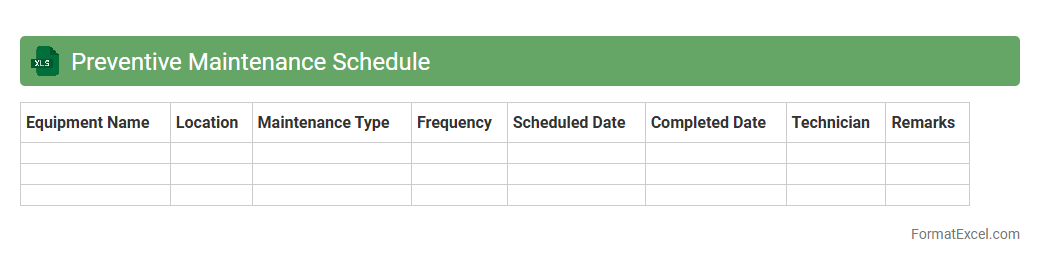
Preventive Maintenance Schedule
A
Preventive Maintenance Schedule Excel document is a structured tool used to plan and track regular maintenance activities for equipment and machinery. It helps organizations minimize unexpected breakdowns, extend asset lifespan, and ensure consistent operational efficiency by scheduling timely inspections and repairs. This Excel sheet provides clear visibility into maintenance tasks, deadlines, and resource allocation, making it easier to manage maintenance workflows effectively.
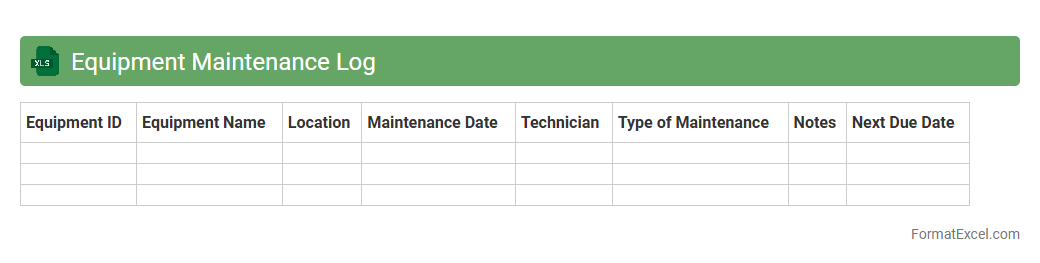
Equipment Maintenance Log
An
Equipment Maintenance Log Excel document is a structured spreadsheet used to record and track the maintenance activities of machinery and equipment. It helps organizations monitor service dates, track repairs, schedule preventive maintenance, and avoid equipment downtime. By maintaining detailed logs, businesses can extend equipment lifespan, improve operational efficiency, and reduce unexpected repair costs.
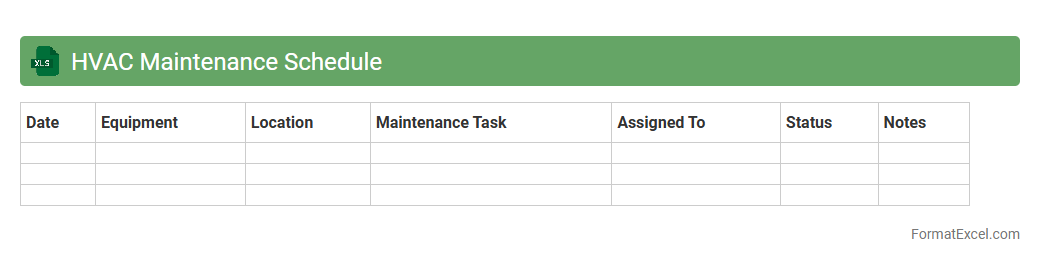
HVAC Maintenance Schedule
An
HVAC Maintenance Schedule Excel document organizes routine maintenance tasks, dates, and equipment details to ensure efficient operation and longevity of heating, ventilation, and air conditioning systems. This tool helps facility managers track inspections, filter replacements, and servicing deadlines, reducing the risk of unexpected breakdowns and costly repairs. Using such a schedule enhances system performance, energy efficiency, and compliance with manufacturer recommendations.
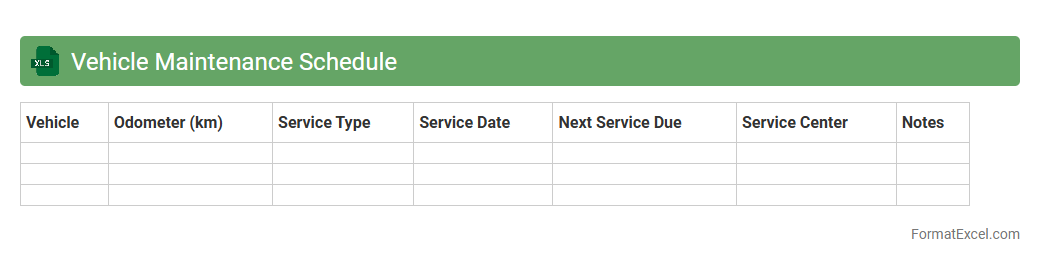
Vehicle Maintenance Schedule
A
Vehicle Maintenance Schedule Excel document is a structured spreadsheet designed to track and manage routine maintenance tasks for vehicles, including oil changes, tire rotations, brake inspections, and engine checks. It helps vehicle owners and fleet managers monitor service dates, upcoming maintenance deadlines, and costs, ensuring timely upkeep and preventing costly repairs. Using this tool improves vehicle longevity, enhances safety, and optimizes maintenance budgets by providing clear, organized records of all service activities.
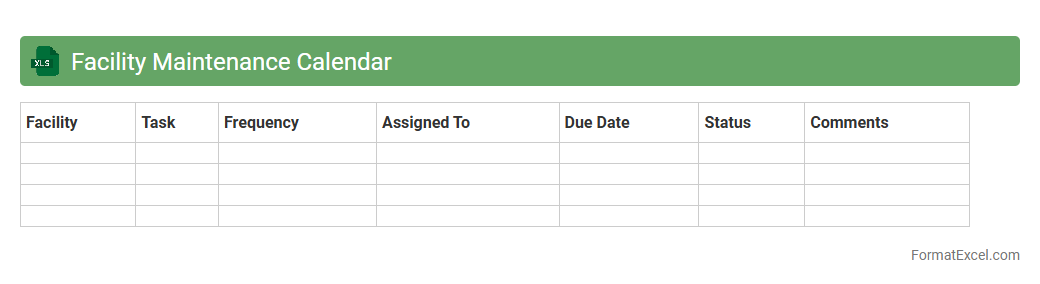
Facility Maintenance Calendar
A
Facility Maintenance Calendar Excel document is a structured spreadsheet designed to schedule, track, and manage maintenance tasks for buildings and equipment. It helps facility managers organize preventive maintenance, monitor completion dates, and ensure compliance with safety standards, reducing downtime and repair costs. Using this tool improves efficiency by providing a clear overview of upcoming activities and resource allocation.
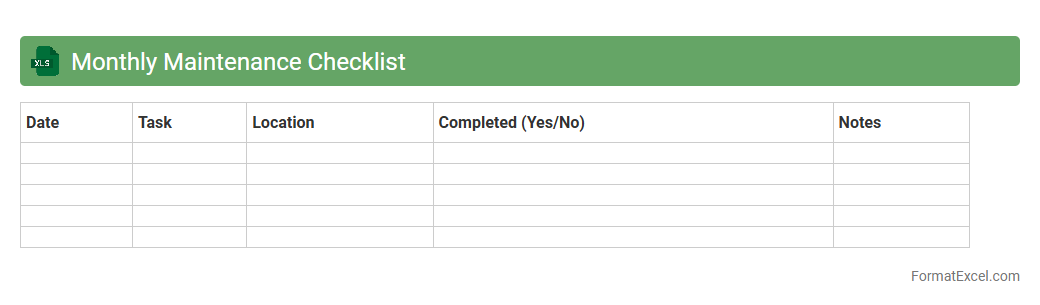
Monthly Maintenance Checklist
A
Monthly Maintenance Checklist Excel document is a structured spreadsheet designed to track and manage routine maintenance tasks efficiently within a month. It helps organizations and individuals schedule, monitor, and record maintenance activities, ensuring equipment longevity and minimizing downtime. Using this tool enhances productivity by providing a clear overview of completed and pending tasks, aiding in timely inspections and repairs.
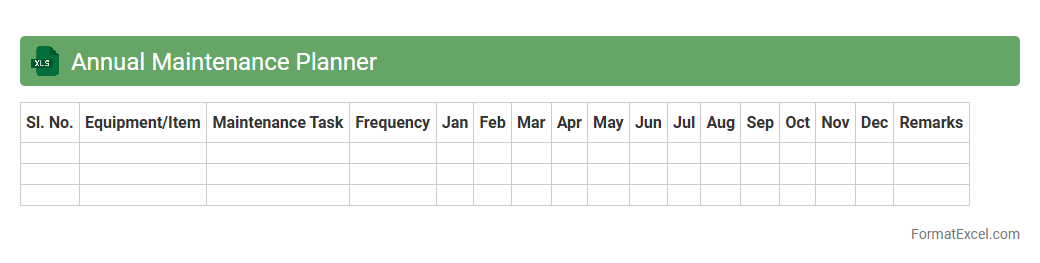
Annual Maintenance Planner
An
Annual Maintenance Planner Excel document is a structured tool designed to schedule, track, and manage maintenance activities throughout the year. It helps organizations efficiently allocate resources, reduce equipment downtime, and ensure timely preventive maintenance by providing a clear overview of all upcoming tasks. Using this planner enhances operational reliability, extends asset lifespan, and improves overall maintenance productivity.
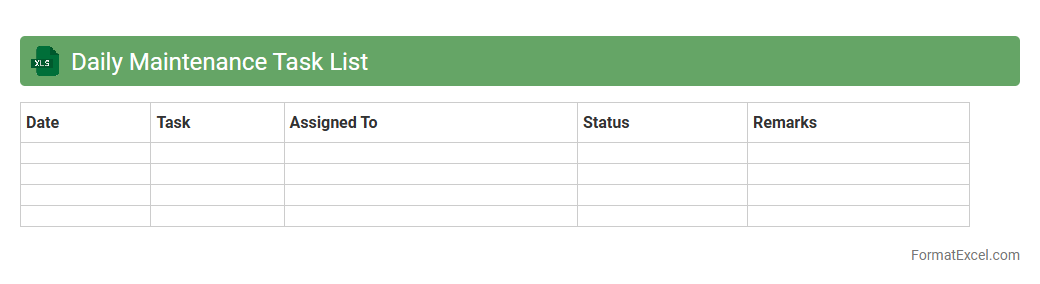
Daily Maintenance Task List
A
Daily Maintenance Task List Excel document organizes routine maintenance activities, schedules, and priorities in a structured format, enhancing productivity and equipment reliability. It enables users to track completed tasks, plan future maintenance, and identify recurring issues, thereby reducing downtime and maintenance costs. The customizable spreadsheet format supports real-time updates and easy sharing across teams, promoting efficient communication and accountability.
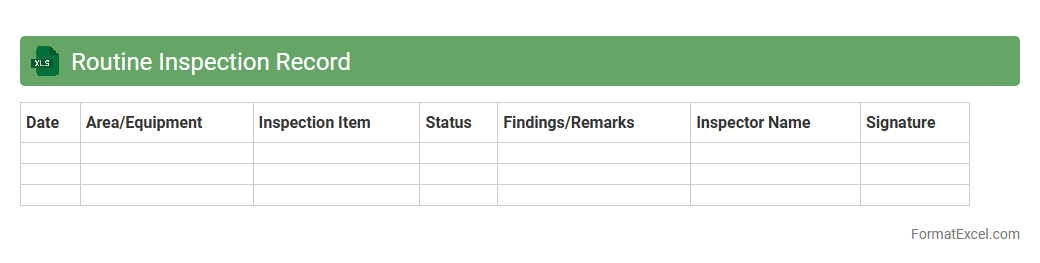
Routine Inspection Record
A
Routine Inspection Record Excel document is a structured file used to systematically log and track regular inspection activities for equipment, facilities, or processes. It helps organizations maintain compliance with safety standards, identify maintenance needs early, and ensure operational efficiency by providing easy access to historical inspection data. This record enhances accountability and streamlines reporting, making it an essential tool for quality control and risk management.
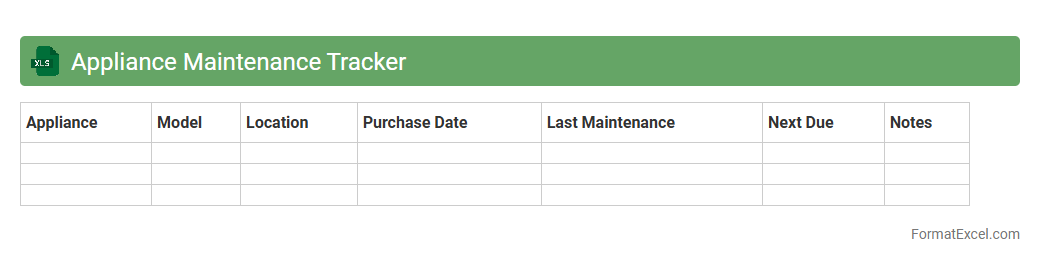
Appliance Maintenance Tracker
An
Appliance Maintenance Tracker Excel document is a digital tool designed to organize and monitor the servicing schedules, repair history, and warranty details of home or office appliances. It helps users keep track of maintenance dates, reduce unexpected appliance failures, and extend the lifespan of equipment by ensuring timely upkeep. This proactive approach minimizes costly repairs and enhances overall efficiency by centralizing essential appliance information in one easy-to-access spreadsheet.
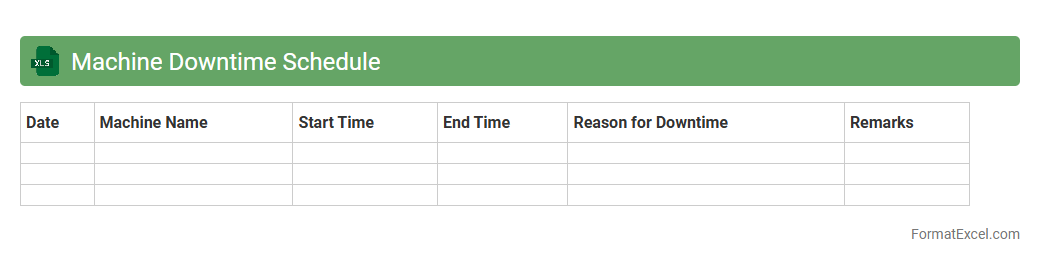
Machine Downtime Schedule
A
Machine Downtime Schedule Excel document is a detailed record that tracks periods when machinery is non-operational, facilitating efficient maintenance planning and minimizing unexpected breakdowns. It helps businesses identify patterns in equipment failures, optimize production schedules, and improve overall operational efficiency. By analyzing downtime data, companies can reduce costs related to machine idling and increase equipment lifespan.
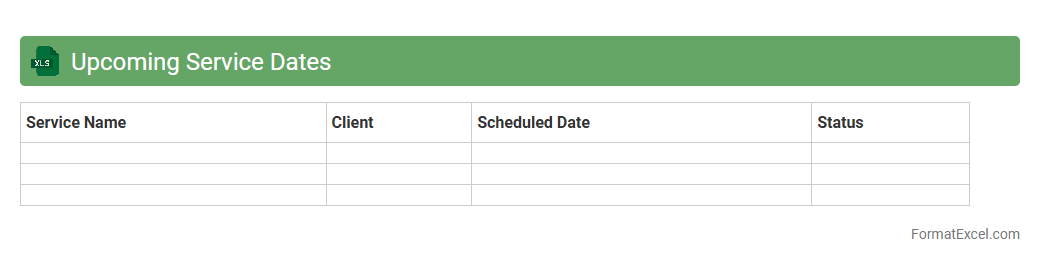
Upcoming Service Dates
The
Upcoming Service Dates Excel document is a structured spreadsheet that tracks scheduled maintenance and service deadlines for equipment, vehicles, or systems. It helps organizations ensure timely servicing, avoid unexpected breakdowns, and optimize asset performance by providing clear visibility of upcoming due dates. Using this document enhances operational efficiency and supports proactive maintenance planning.
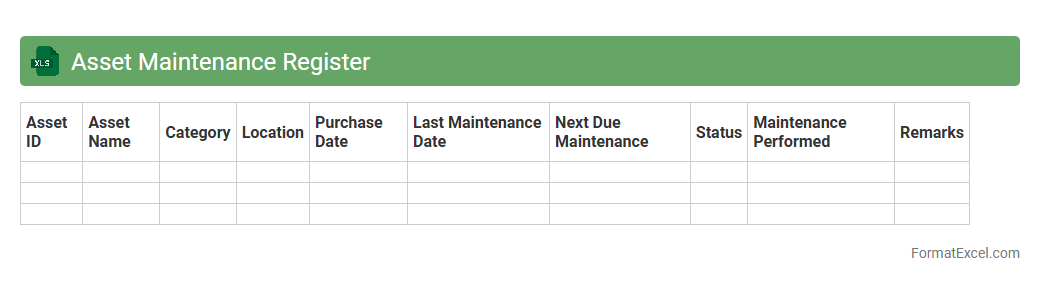
Asset Maintenance Register
The
Asset Maintenance Register Excel document is a structured spreadsheet designed to track and record all maintenance activities for physical assets, including dates, costs, and service details. It helps organizations optimize asset performance, extend equipment lifespan, and reduce downtime by providing clear visibility into maintenance schedules and historical data. This register ensures timely servicing, budget management, and compliance with maintenance standards, making it an essential tool for effective asset management.
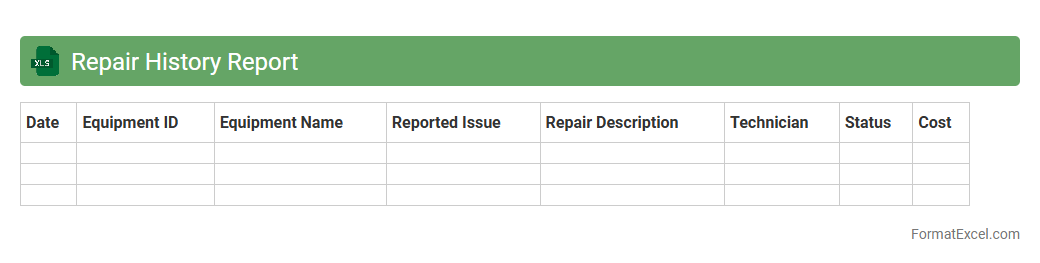
Repair History Report
A
Repair History Report Excel document consolidates detailed records of maintenance and repairs performed on equipment, vehicles, or machinery, enabling easy tracking and analysis. It helps identify recurring issues, plan preventive maintenance, and optimize asset lifespan by providing organized data for quick reference. Businesses use this report to improve operational efficiency, reduce downtime, and support accurate budgeting for future repairs.
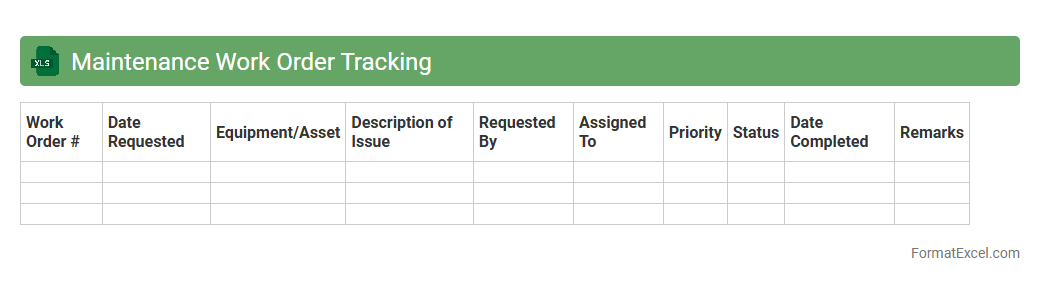
Maintenance Work Order Tracking
A
Maintenance Work Order Tracking Excel document organizes and monitors all maintenance tasks by recording details such as task description, assigned personnel, deadlines, and completion status. This tool enhances workflow efficiency by providing clear visibility into ongoing and pending work, enabling prompt prioritization and resource allocation. It reduces downtime and helps maintain equipment reliability by ensuring timely execution and documentation of maintenance activities.
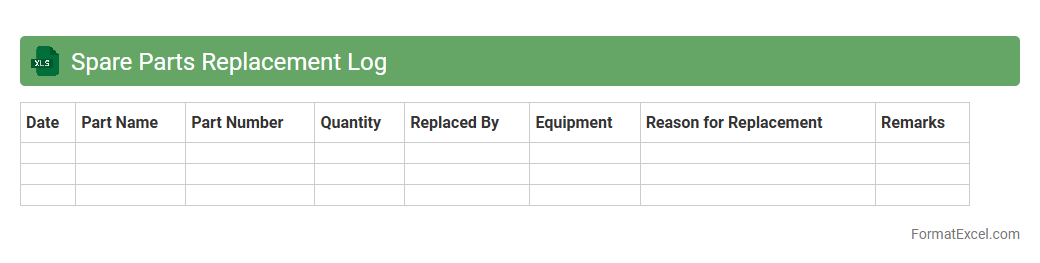
Spare Parts Replacement Log
A
Spare Parts Replacement Log Excel document is a structured tool used to record and track the replacement history of machinery or equipment components. By maintaining detailed entries such as part numbers, replacement dates, supplier information, and warranty status, this log enhances maintenance planning and inventory management. This organized approach helps minimize downtime, optimize spare parts procurement, and ensure timely equipment servicing.
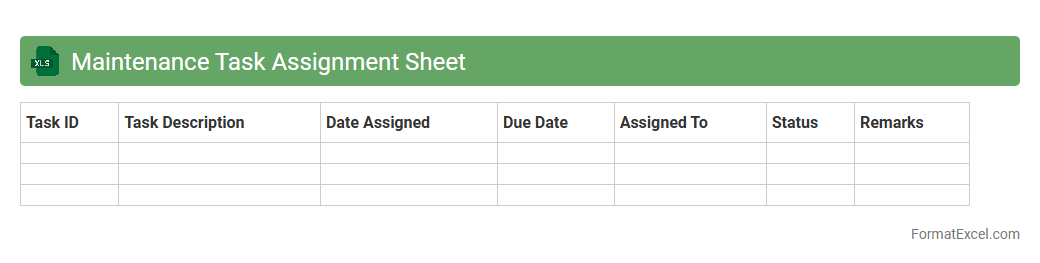
Maintenance Task Assignment Sheet
A
Maintenance Task Assignment Sheet Excel document is a structured tool designed to allocate and track maintenance tasks efficiently within a team. It helps organize job details, deadlines, and responsible personnel, ensuring accountability and timely completion of critical repairs and upkeep activities. Utilizing this sheet enhances operational productivity by streamlining workflow and minimizing equipment downtime through clear task prioritization and resource management.
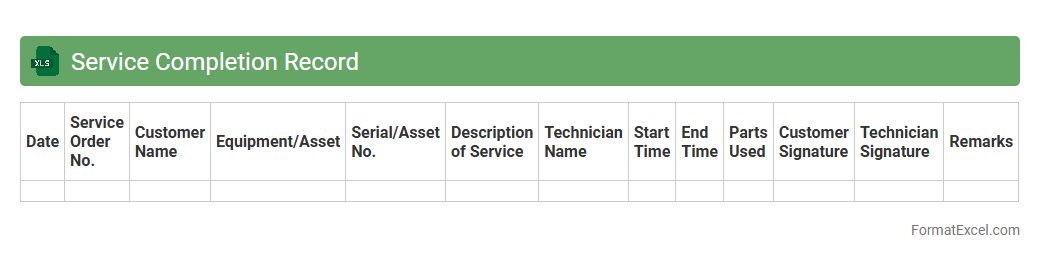
Service Completion Record
A
Service Completion Record Excel document is a structured file used to track and document the fulfillment of service tasks or contracts. It helps organizations maintain accurate records of completed services, monitor progress, and ensure compliance with agreements. By organizing data such as service dates, descriptions, personnel involved, and client signatures, it enhances accountability and streamlines reporting processes.
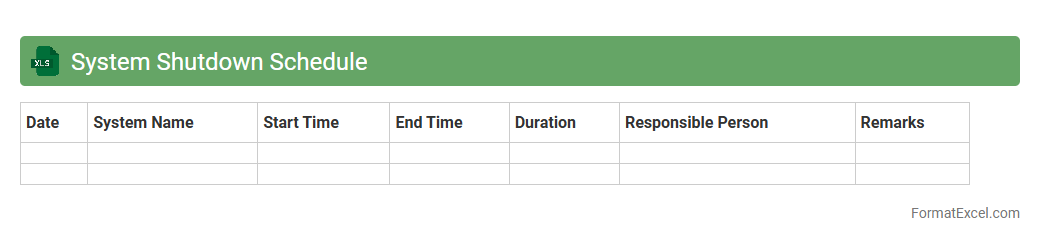
System Shutdown Schedule
A
System Shutdown Schedule Excel document is a detailed timetable used to plan and coordinate system downtime for maintenance, updates, or repairs. It helps organizations minimize disruptions by clearly specifying shutdown start and end times, affected systems, and responsible personnel. This structured approach ensures efficient communication and resource allocation, reducing risks of unexpected outages.
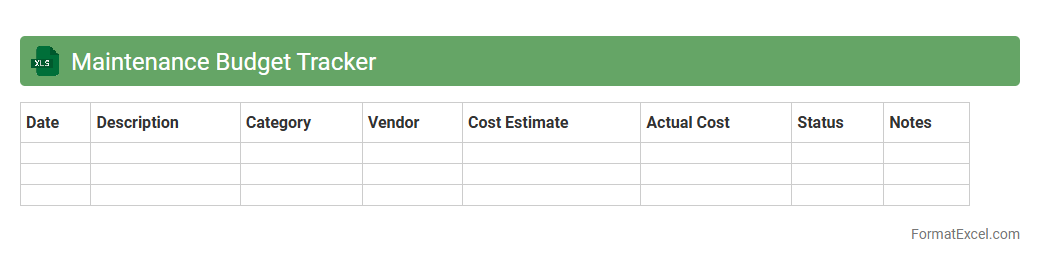
Maintenance Budget Tracker
A
Maintenance Budget Tracker Excel document is a tool designed to monitor and manage expenses related to equipment upkeep, facility repairs, and other maintenance activities. It helps organizations keep accurate records of costs, forecast future maintenance needs, and ensure budget adherence. Using this tracker improves financial control, prevents overspending, and supports more efficient resource allocation.
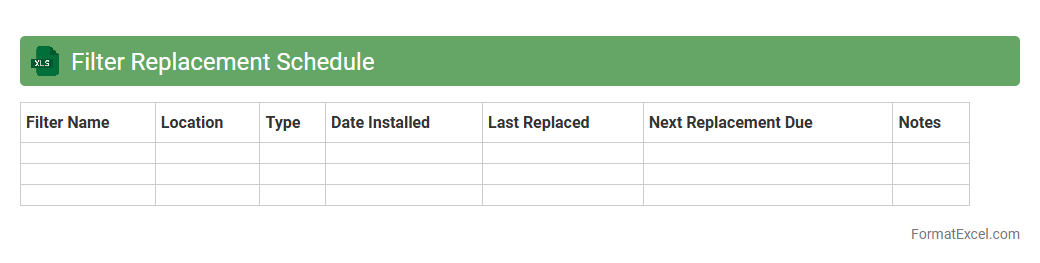
Filter Replacement Schedule
The
Filter Replacement Schedule Excel document is a tool designed to track and manage the timely replacement of filters in various systems, such as HVAC units, water purifiers, or industrial machinery. It helps prevent equipment malfunctions and maintain efficiency by providing clear reminders and logs of filter change dates, filter types, and maintenance intervals. Using this schedule enhances operational reliability, reduces downtime, and extends the life of the equipment.
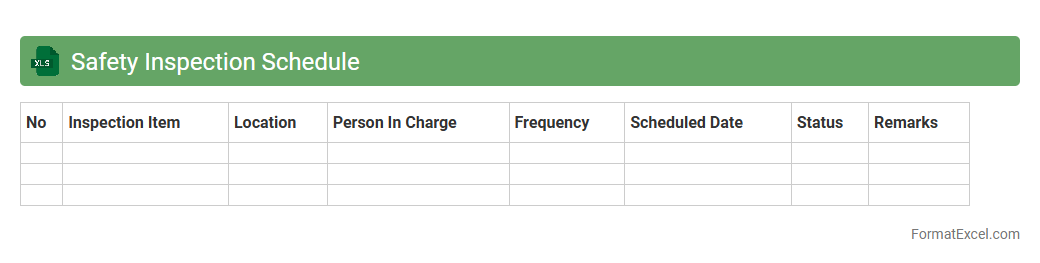
Safety Inspection Schedule
A
Safety Inspection Schedule Excel document is a structured tool designed to organize and track safety inspections within a workplace or facility. It helps ensure timely completion of inspections, maintains compliance with regulatory standards, and identifies potential hazards before they cause harm. Using this document improves workplace safety management by providing clear visibility into inspection frequency, responsible personnel, and follow-up actions.
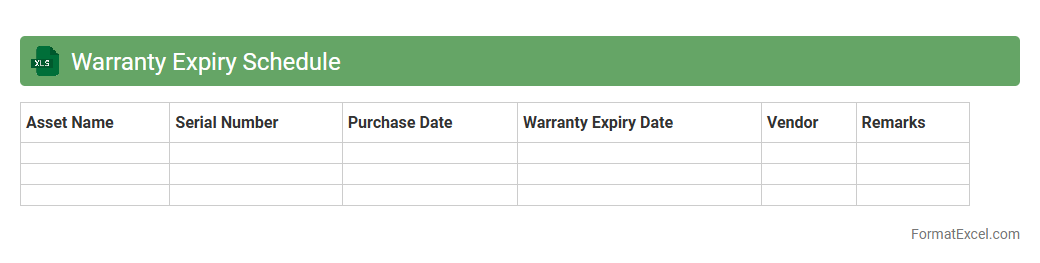
Warranty Expiry Schedule
The
Warranty Expiry Schedule Excel document is a structured spreadsheet that tracks the expiration dates of product warranties, helping businesses monitor service agreements efficiently. It allows users to proactively manage warranty renewals and avoid unexpected repair costs by providing clear visibility on upcoming expiry dates. This tool is essential for maintaining organized asset management and optimizing post-purchase support.
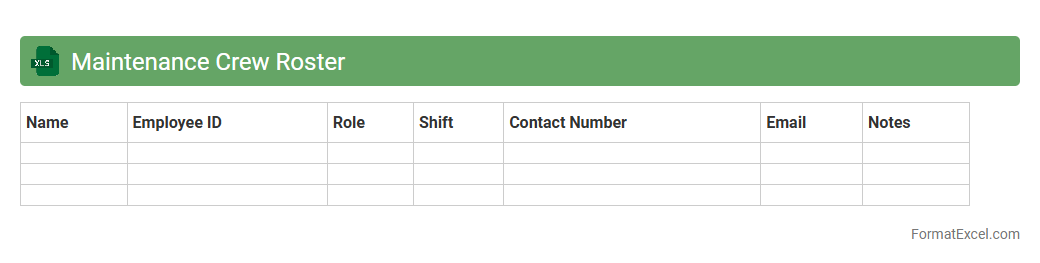
Maintenance Crew Roster
A
Maintenance Crew Roster Excel document is a structured spreadsheet that organizes and tracks the schedules, assignments, and availability of maintenance personnel. It enhances operational efficiency by ensuring proper workforce allocation and timely task execution, reducing downtime and improving maintenance workflow. This tool is essential for managing shifts, coordinating team efforts, and maintaining clear communication within maintenance departments.
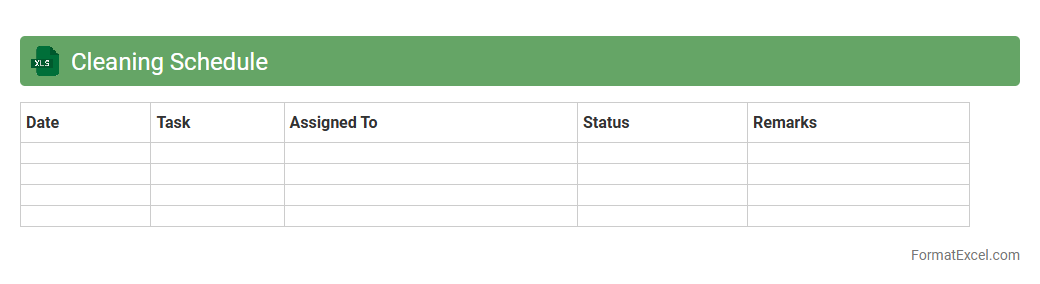
Cleaning Schedule
A
Cleaning Schedule Excel document is a structured spreadsheet designed to organize and track cleaning tasks over specific time periods, ensuring all areas receive consistent attention. It helps streamline workflows by assigning responsibilities, setting deadlines, and monitoring completion status, which improves overall cleanliness and operational efficiency. Utilizing this tool minimizes missed tasks and enhances accountability within cleaning teams.
Introduction to Maintenance Schedule Lists
A maintenance schedule list is a structured plan that tracks maintenance tasks, deadlines, and resources. It helps organizations ensure equipment reliability and avoid unexpected breakdowns. Using a well-organized list simplifies task management and improves overall operational efficiency.
Benefits of Using Excel for Maintenance Schedules
Excel is a versatile tool for creating maintenance schedules due to its flexibility and powerful data management features. It allows easy customization, filtering, and sorting to meet specific maintenance needs. Additionally, Excel supports automation with formulas and macros, enhancing effectiveness.
Key Components of a Maintenance Schedule List
A comprehensive maintenance schedule should include columns for task description, frequency, assigned personnel, and status. Tracking the last and next maintenance dates ensures timely interventions. Including priority levels aids in managing urgent repairs efficiently.
Step-by-Step Guide: Creating a Maintenance Schedule in Excel
Start by listing all tasks with their respective details in an Excel worksheet. Use formulas to calculate next maintenance dates based on frequency to automate scheduling. Finally, apply conditional formatting to highlight upcoming or overdue tasks for easy monitoring.
Essential Columns to Include in Your Excel Format
Include columns like Task ID, Equipment Name, Description, Frequency, Last Service Date, Next Service Date, and Assigned Technician. Adding columns for cost estimates and notes improves financial tracking and documentation. These essential columns provide a clear overview of maintenance activities.
Best Practices for Organizing Maintenance Data
Maintain consistency in data entry to ensure accurate tracking and reporting. Use filters and sorting features in Excel to quickly access prioritized tasks. Regularly update schedules and review completed tasks to maintain a reliable maintenance record.
Sample Maintenance Schedule Template in Excel
Templates often include predefined columns and formulas to streamline your planning process. Using a sample template saves time and sets a standard format for all maintenance activities. Customize templates to fit your organization's specific maintenance requirements.
Automating Reminders and Alerts in Excel
Set up conditional formatting or use VBA macros to trigger alerts for upcoming maintenance tasks. Automating reminders ensures tasks are not missed and improves workflow efficiency. Integrating Excel with email applications can facilitate direct notification dispatch.
Tips for Customizing Your Maintenance List
Adjust columns and data validation rules to match the types of equipment and maintenance protocols in your operations. Employ color coding to identify different task priorities or statuses visually. Customization enhances usability and helps maintain clear communication among team members.
Common Mistakes to Avoid in Maintenance Scheduling
Avoid incomplete or inconsistent data entry, which can cause scheduling conflicts or missed tasks. Neglecting regular updates or ignoring overdue maintenance can lead to equipment failures. Failing to automate reminders may result in inefficient manual tracking and delayed responses.