Project Timeline
A
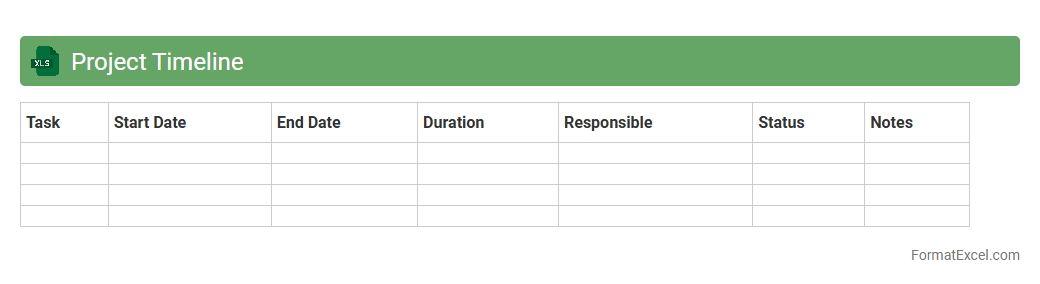
Project Timeline Excel document is a structured tool used to map out project tasks, deadlines, and milestones visually within a spreadsheet format. It enables efficient tracking of progress, resource allocation, and deadline management, ensuring projects stay on schedule. By providing clarity and organization, this document enhances team collaboration and timely decision-making throughout the project lifecycle.
Task List
A
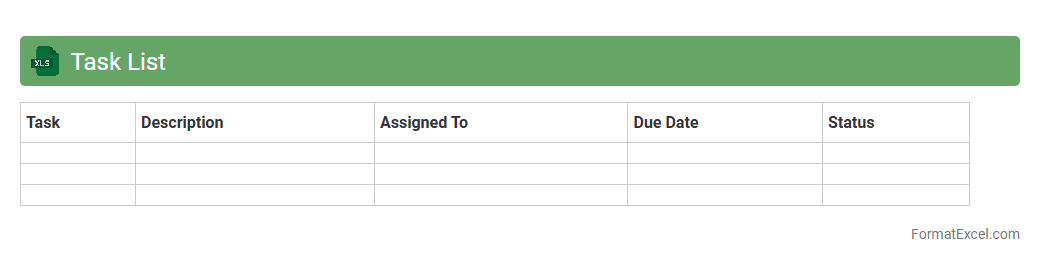
Task List Excel document is a structured spreadsheet used to organize and track tasks, deadlines, priorities, and progress in a clear and efficient manner. It enhances productivity by allowing users to visually manage workload, set reminders, and update statuses in real-time. This tool is particularly valuable for project management, team collaboration, and personal organization, streamlining workflow and ensuring nothing is overlooked.
Milestone Tracker
A
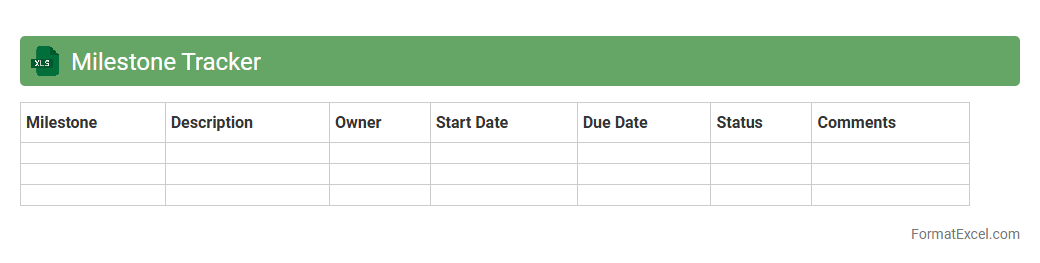
Milestone Tracker Excel document is a structured spreadsheet designed to monitor the progress of key project milestones by capturing dates, status updates, and responsible parties. It helps project managers and teams stay organized, ensure timely completion of critical tasks, and quickly identify any delays or risks. Using this tool enhances project transparency and supports effective decision-making.
Resource Allocation
A
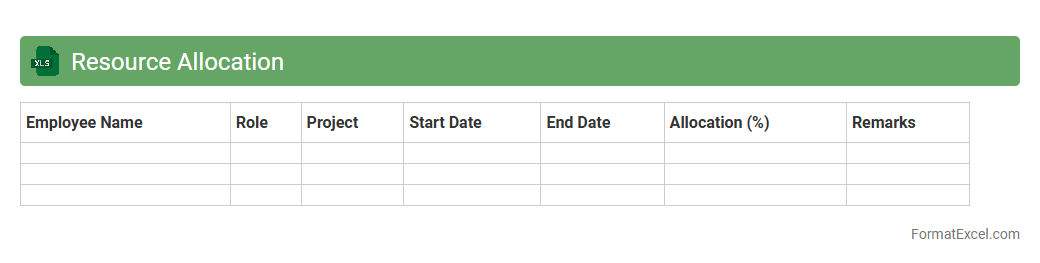
Resource Allocation Excel document is a structured spreadsheet designed to organize and manage the distribution of resources such as time, personnel, and equipment across various projects or tasks. It helps businesses optimize productivity by clearly visualizing availability, workload, and project timelines, ensuring efficient use of resources. Utilizing this document facilitates better decision-making, prevents overallocation, and supports timely project completion.
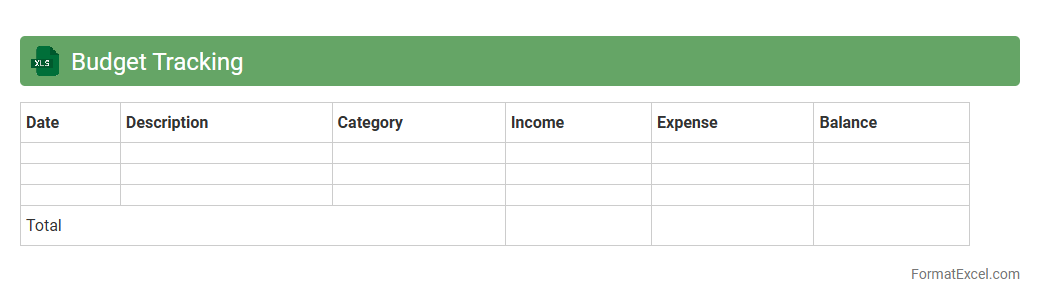
Budget Tracking
A
Budget Tracking Excel document is a spreadsheet tool designed to monitor income, expenses, and savings over a specific period. It helps users maintain financial discipline by providing clear visibility into spending patterns, enabling better decision-making and avoiding overspending. This tool is essential for personal finance management, business budgeting, and project cost control.
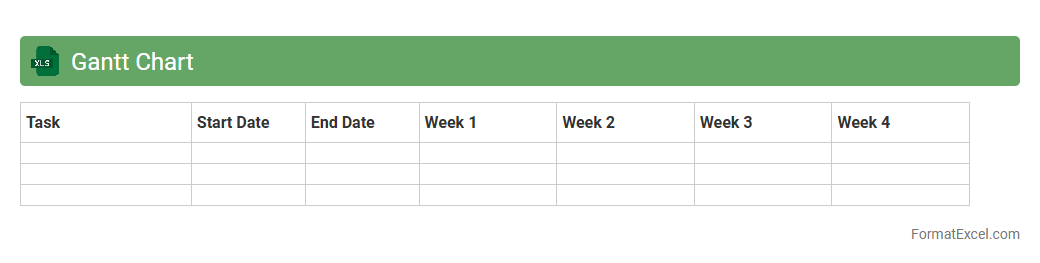
Gantt Chart
A
Gantt Chart Excel document is a visual project management tool created within Microsoft Excel that displays tasks or activities against a timeline, enabling clear tracking of project schedules. It helps in organizing tasks, assigning deadlines, and monitoring progress, which enhances productivity and ensures timely completion of projects. This tool is especially useful for teams and managers to coordinate resources and identify potential delays early in the project lifecycle.
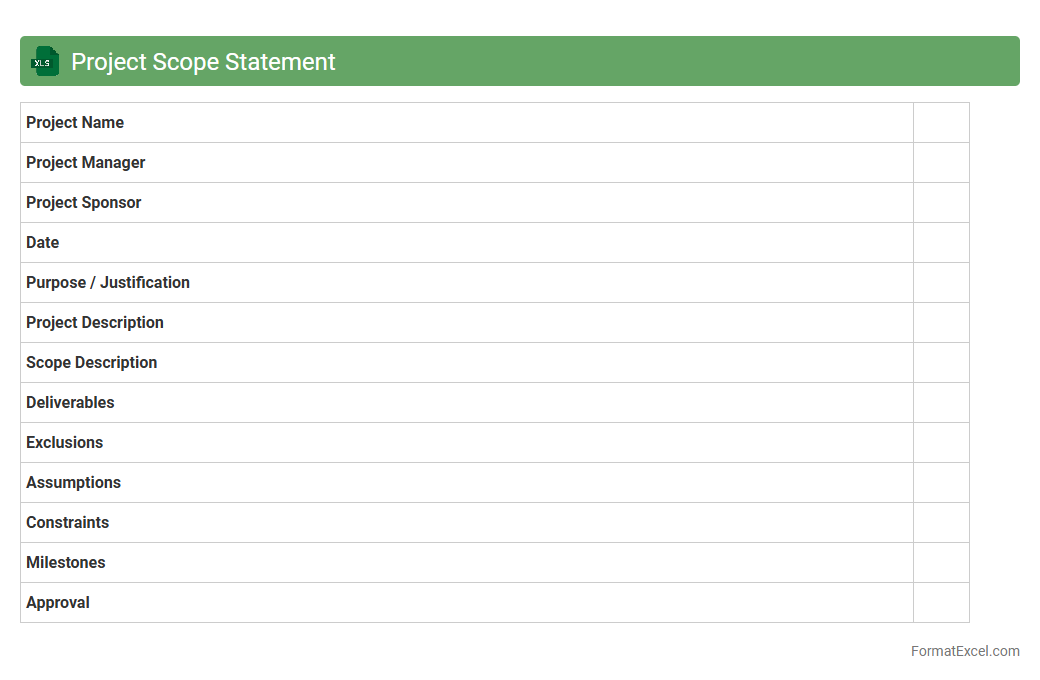
Project Scope Statement
A
Project Scope Statement Excel document defines the specific boundaries, deliverables, and objectives of a project in a clear, organized format, enabling teams to maintain focus on agreed goals. It serves as a reference point to manage expectations, avoid scope creep, and ensure all stakeholders have a unified understanding of project requirements. By tracking scope details in Excel, project managers can efficiently update progress, assign responsibilities, and analyze potential risks related to scope changes.
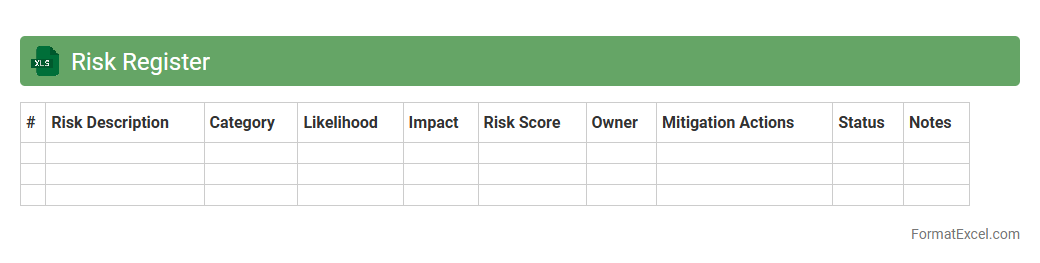
Risk Register
A
Risk Register Excel document is a structured tool used to identify, assess, and manage potential risks within a project or organization by documenting details such as risk description, likelihood, impact, and mitigation strategies. It enhances decision-making by providing a centralized and accessible format for tracking risk status and prioritizing responses based on severity and probability. This document is essential for maintaining transparency, accountability, and proactive risk control throughout the project lifecycle.
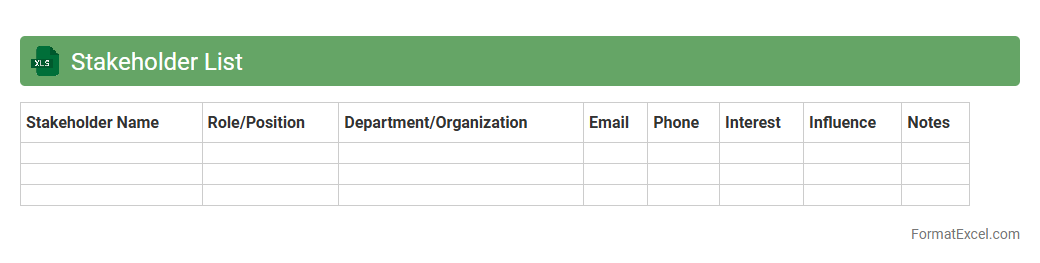
Stakeholder List
A
Stakeholder List Excel document systematically organizes key project stakeholders, capturing their roles, contact details, influence levels, and interests. It facilitates effective communication planning and stakeholder management by providing a centralized reference to track engagement and address concerns promptly. This structured approach enhances project alignment and decision-making, ensuring all parties remain informed and their expectations managed throughout the project lifecycle.
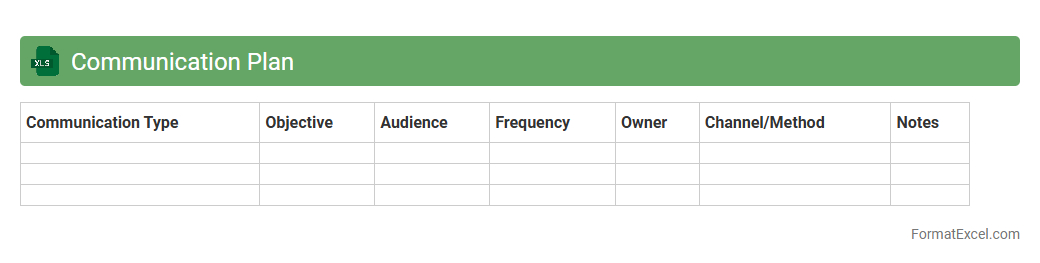
Communication Plan
A
Communication Plan Excel document is a structured template designed to organize and track communication strategies, messages, audiences, and timelines efficiently. It helps project managers and teams ensure consistent and timely information flow, reducing misunderstandings and improving stakeholder engagement. By using this tool, organizations can align communication efforts with project goals and monitor the effectiveness of their messaging in real time.
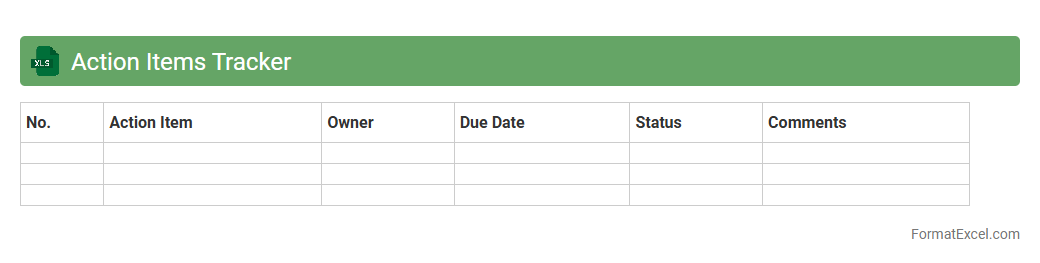
Action Items Tracker
An
Action Items Tracker Excel document organizes and monitors tasks assigned to team members, ensuring accountability and timely completion. It provides a clear overview of task status, deadlines, priorities, and responsible individuals, enhancing project management efficiency. By centralizing this information, it minimizes miscommunication and accelerates progress tracking across various projects.
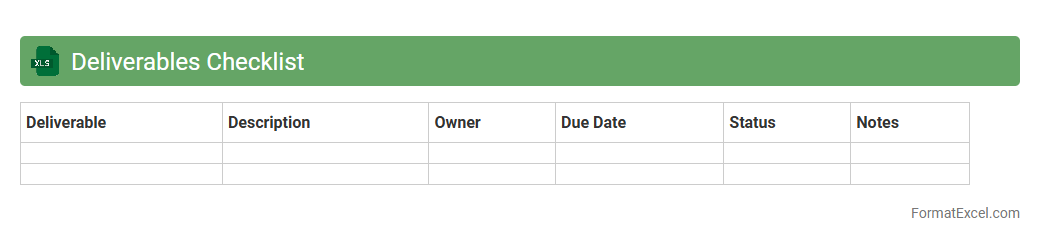
Deliverables Checklist
A
Deliverables Checklist Excel document is a structured tool used to track project outputs, deadlines, and status updates in one centralized location. It ensures all critical deliverables are accounted for, monitored, and completed on time, improving project management accuracy and accountability. Using this checklist enhances team coordination, reduces the risk of missed tasks, and supports efficient progress reporting.
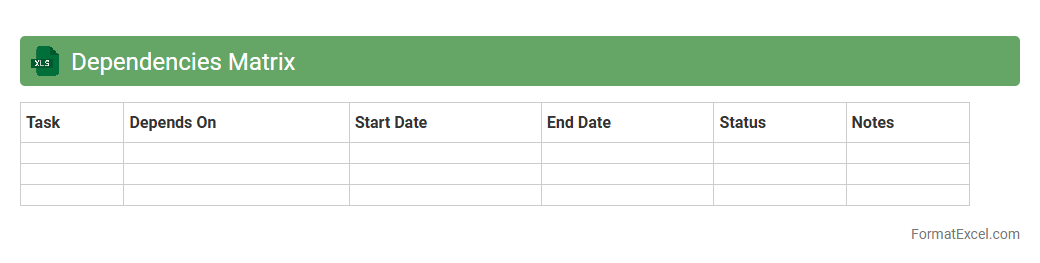
Dependencies Matrix
A
Dependencies Matrix Excel document is a structured tool that maps out the relationships and interdependencies between various tasks, projects, or components within a system. It aids in visualizing how changes or delays in one area impact others, enabling efficient risk management and resource allocation. By providing clear insights into dependencies, it enhances project planning, coordination, and decision-making processes.
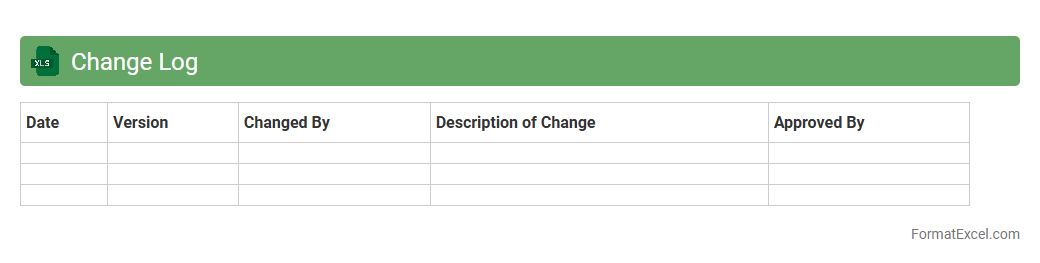
Change Log
A
Change Log Excel document is a structured spreadsheet used to record modifications, updates, or revisions made to a project, product, or dataset over time. It helps track changes systematically by documenting details such as the date, description of change, author, and status, ensuring transparency and accountability. This tool is essential for project management, version control, and auditing, enabling teams to monitor progress and maintain an organized history of edits.
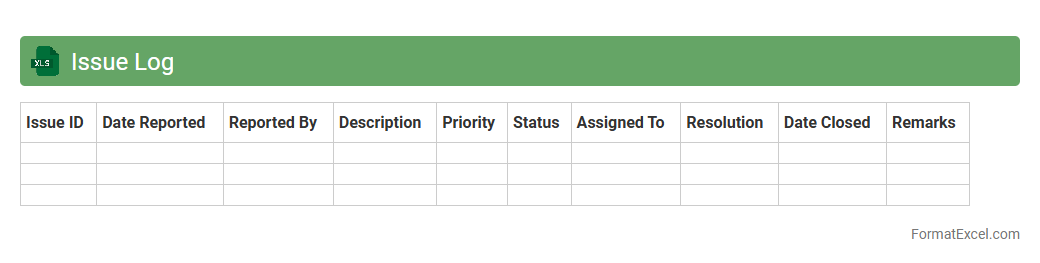
Issue Log
An
Issue Log Excel document is a structured spreadsheet used to record, track, and manage problems or risks encountered during a project or process. It enables teams to document issues with details such as description, status, priority, assigned personnel, and resolution dates, promoting clear communication and accountability. Utilizing an Issue Log enhances project transparency, facilitates timely problem-solving, and helps prevent setbacks by ensuring all issues are visible and systematically addressed.
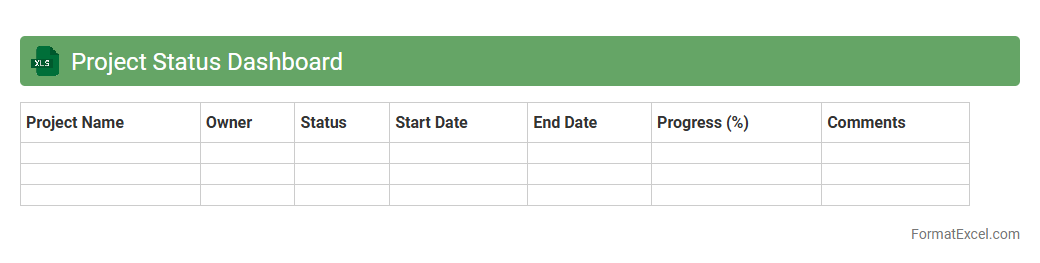
Project Status Dashboard
A
Project Status Dashboard Excel document is a visual tool that consolidates key project metrics, timelines, and task progress into an easy-to-read format. It helps project managers and stakeholders quickly assess project health, identify potential risks, and track milestones against deadlines. By providing real-time data updates, this dashboard enhances decision-making and improves communication across teams.
Team Roles and Responsibilities
A
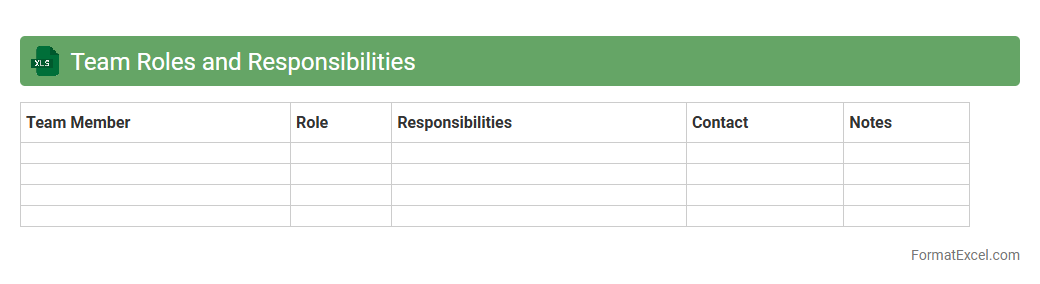
Team Roles and Responsibilities Excel document clearly defines each member's tasks, enhancing accountability and collaboration within a team. It helps streamline project management by providing a structured overview of who is responsible for specific duties and deadlines. This tool is essential for improving team efficiency, reducing overlaps, and ensuring all aspects of a project are covered comprehensively.
Work Breakdown Structure
A
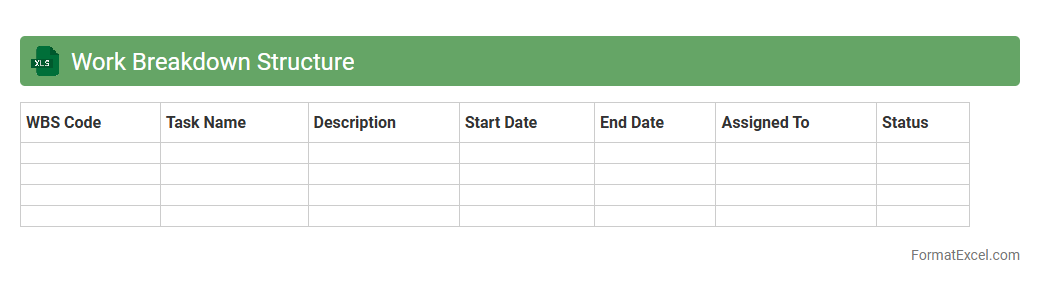
Work Breakdown Structure (WBS) Excel document is a project management tool that organizes and breaks down a project into manageable sections and tasks, visually structured in a spreadsheet format. This document enables project managers and teams to clearly define deliverables, assign responsibilities, and track progress efficiently. By using WBS in Excel, users can enhance planning accuracy, improve resource allocation, and maintain better control over project timelines and budgets.
Project Calendar
A
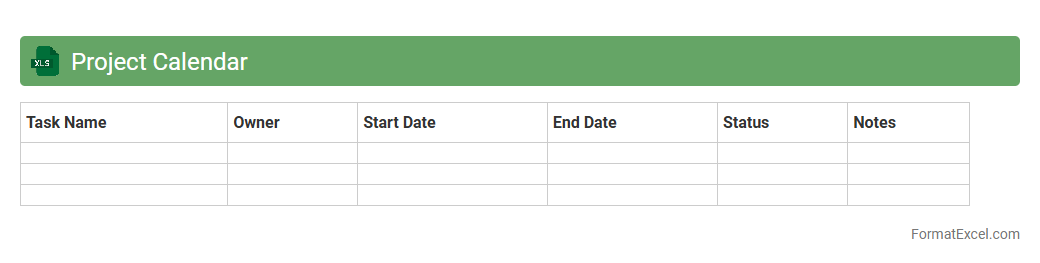
Project Calendar Excel document is a structured spreadsheet designed to organize project timelines, milestones, and deadlines in a visually accessible format. It helps teams track progress, allocate resources efficiently, and identify critical dates to ensure timely project completion. Using this tool enhances collaboration and improves overall project management effectiveness.
Meeting Schedule
A
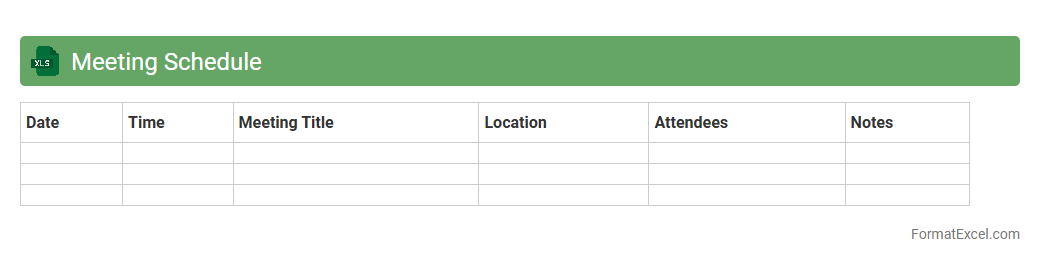
Meeting Schedule Excel document is a structured spreadsheet designed to organize and track meeting dates, times, locations, agendas, and participants efficiently. It helps users streamline communication, manage time effectively, and ensure that all relevant parties are informed and prepared for upcoming meetings. This tool is essential for boosting productivity and maintaining clear records of meeting history for future reference.
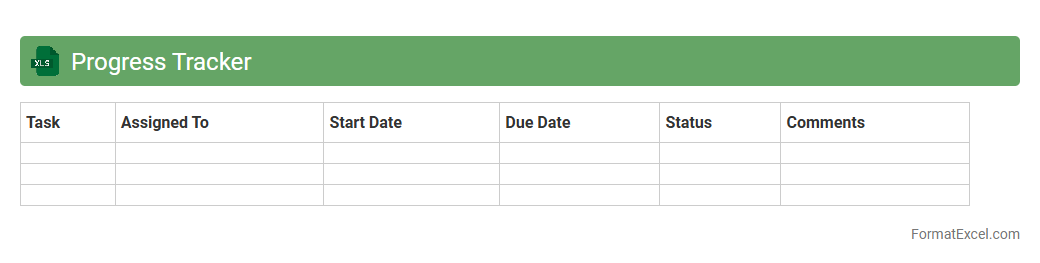
Progress Tracker
A
Progress Tracker Excel document is a digital tool designed to monitor and record the advancement of tasks, projects, or goals over time. It enables users to visualize completion rates, identify bottlenecks, and maintain accountability by organizing data in a clear, structured format. By providing real-time updates and detailed analytics, this tool supports efficient decision-making and enhances productivity across personal and professional settings.
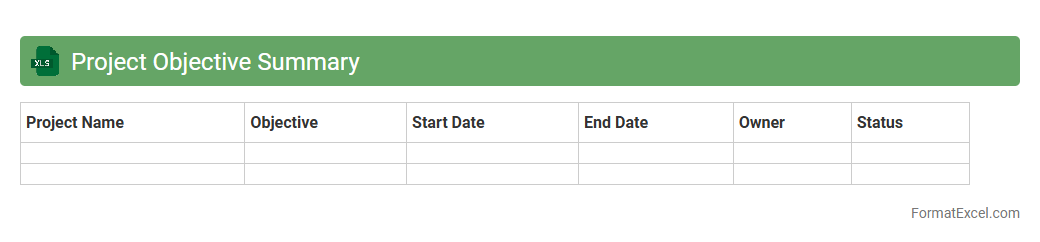
Project Objective Summary
The
Project Objective Summary Excel document condenses key project goals, deliverables, timelines, and performance metrics into a structured, easy-to-read format. It enables project managers and stakeholders to track progress, align team efforts, and make data-driven decisions efficiently. This tool enhances transparency and accountability by centralizing critical information in one accessible location.
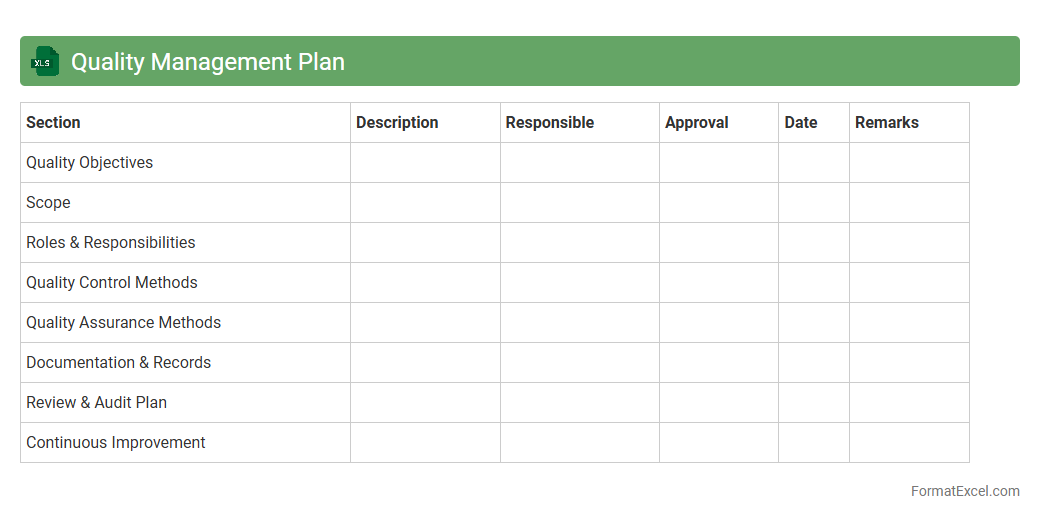
Quality Management Plan
A
Quality Management Plan Excel document is a structured tool used to outline quality standards, procedures, and responsibilities within a project or organization. It enables teams to systematically track quality objectives, monitor compliance, and document quality control measures in a clear, organized format. This document enhances efficiency by providing a centralized platform for managing quality assurance activities and ensuring consistent delivery of high-quality outputs.
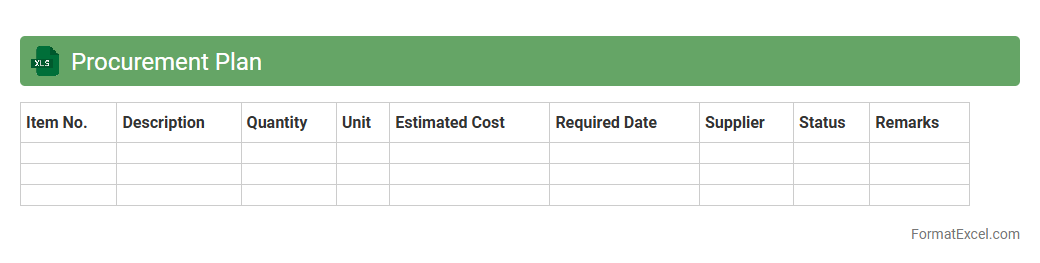
Procurement Plan
A
Procurement Plan Excel document is a structured spreadsheet designed to organize and track purchasing activities, timelines, and budget allocations effectively. It helps businesses forecast material needs, manage supplier relationships, and ensure timely acquisition of goods and services while maintaining cost control. Utilizing this tool enhances decision-making accuracy and streamlines procurement processes for improved operational efficiency.
Lessons Learned Register
A
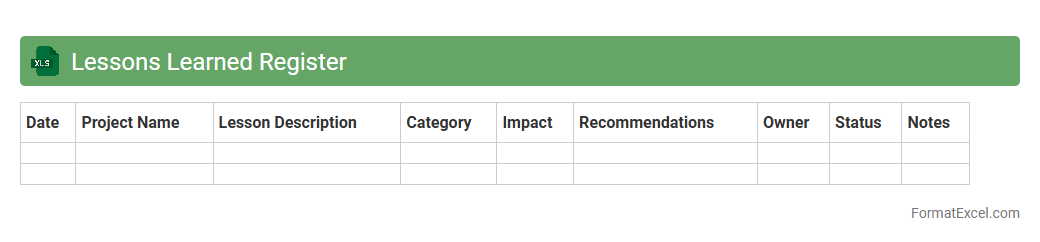
Lessons Learned Register Excel document systematically captures project experiences, insights, and knowledge gained during project phases. It helps teams identify successes and challenges, improving future project planning and decision-making. By organizing data in a structured format, this register enhances knowledge retention, fosters continuous improvement, and promotes best practices across projects.
Understanding the Importance of a Project Plan Format
A project plan format is essential for organizing and managing all aspects of a project efficiently. It provides a clear roadmap by outlining tasks, timelines, and resources needed. This structure ensures successful project execution and accountability.
Key Elements of a Project Plan in Excel
Critical components include task names, start and end dates, assigned resources, and status updates, all structured within Excel. Using Excel's grid system makes it easy to layout these elements in a coherent, trackable format. This clarity improves team communication and project tracking.
Benefits of Using Excel for Project Planning
Excel offers flexibility, accessibility, and powerful calculation features that simplify project management. Its widespread availability ensures team members can collaborate without specialized software. Additionally, Excel's customization options allow tailored plans to meet specific project needs.
Essential Columns to Include in Your Excel Project Plan
Include columns such as Task Name, Start Date, End Date, Assigned To, Status, and Priority to maintain clarity. Adding a Progress % column helps monitor ongoing task completion rates effectively. These columns together enable comprehensive project oversight.
Step-by-Step Guide to Creating a Project Plan Format in Excel
Start by defining your project scope and listing tasks. Next, add timelines and assign responsibilities using Excel cells, then track progress using conditional formatting for visual cues. This stepwise approach ensures a functional and intuitive project plan.
Sample Project Plan Template in Excel
A standard template typically includes task descriptions, deadlines, responsible persons, and status indicators. Using a well-designed Excel template streamlines setup and maintains consistency. This template foundation accelerates project initiation and management.
Tips for Customizing Your Excel Project Plan Format
Customize by applying filters, conditional formatting, and formulas to automate updates and highlight overdue tasks. Incorporating drop-down lists for status or priority fields improves data accuracy. Personalizing your plan enhances usability for your project's unique demands.
Common Mistakes to Avoid in Excel Project Planning
Avoid overcomplicating the plan or neglecting regular updates, which can lead to miscommunication. Failing to set clear deadlines or not assigning tasks reduces project accountability. Keeping your Excel project plan simple and current ensures maximum effectiveness.
Integrating Excel Project Plans with Other Tools
Excel project plans can be exported or linked with project management software, calendars, and email platforms. This integration enables seamless updates and real-time collaboration across tools. Leveraging multiple platforms enhances project visibility and control.
Free Resources and Templates for Project Plan Formats in Excel
Many websites offer downloadable Excel project plan templates for free, tailored for various industries. Utilizing these resources saves time and provides best-practice frameworks for managing projects. Access to free templates supports quick implementation and learning.