Weekly Schedule
A
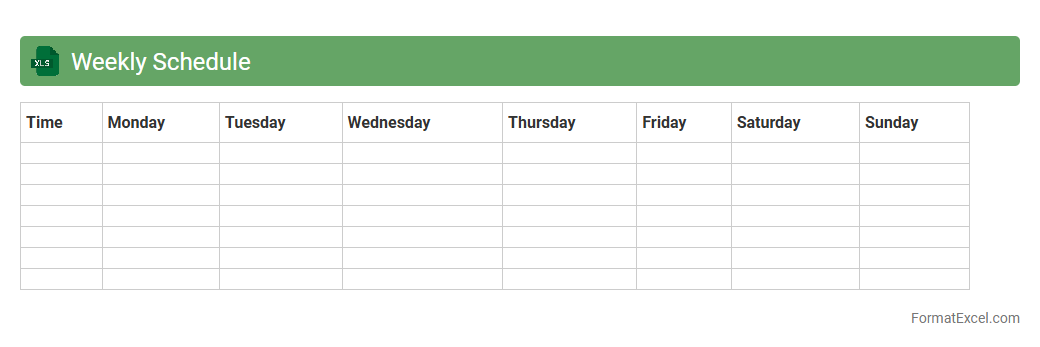
Weekly Schedule Excel document is a customizable spreadsheet designed to organize tasks, appointments, and deadlines across each day of the week. It enhances productivity by allowing users to visually allocate time, prioritize activities, and track progress in a structured format. This tool is especially valuable for project management, personal time management, and team coordination, ensuring efficient workflow and reducing the risk of missed commitments.
Task Assignment
A
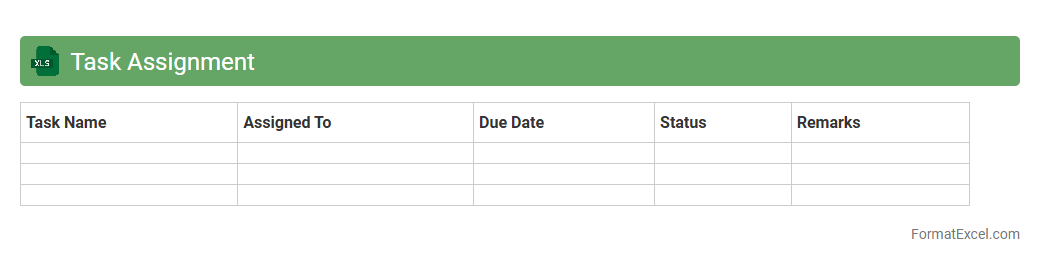
Task Assignment Excel document is a structured spreadsheet used to allocate tasks, track progress, and manage deadlines across teams or projects. It enhances productivity by providing clear task ownership, priority levels, and status updates, ensuring accountability and efficient workflow. This tool is useful for project managers and team members to organize work, monitor responsibilities, and optimize resource allocation.
Project Timeline
A
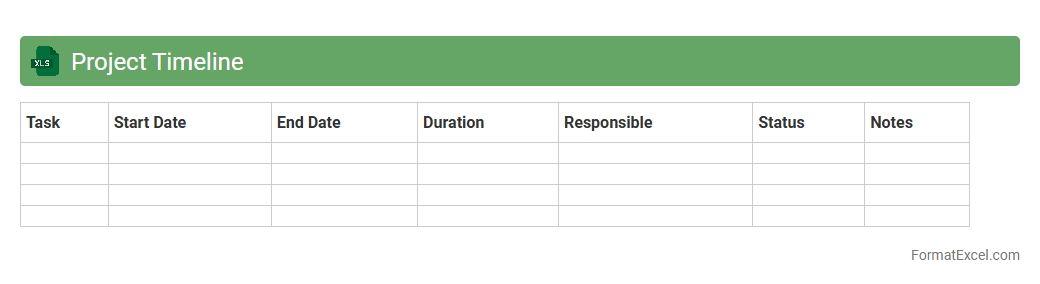
Project Timeline Excel document is a structured spreadsheet that visually organizes project tasks, deadlines, and milestones in a chronological sequence. It helps teams track progress, allocate resources efficiently, and identify potential bottlenecks to ensure timely project completion. By providing a clear overview of the project schedule, it enhances communication and collaboration among stakeholders.
Milestone Tracking
A
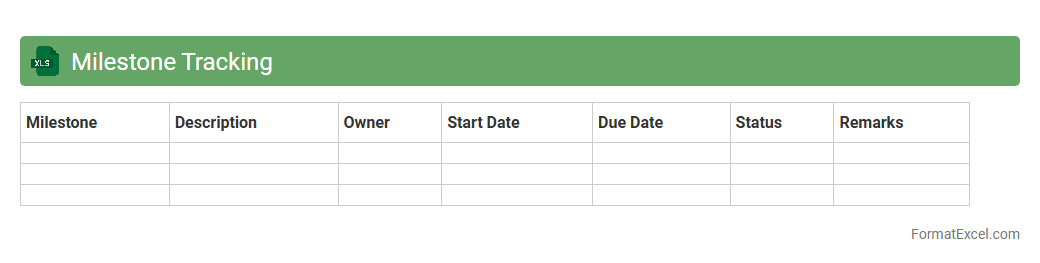
Milestone Tracking Excel document is a powerful project management tool that helps monitor key deliverables and deadlines in one centralized spreadsheet. It allows users to visualize progress, identify potential delays, and allocate resources efficiently to ensure project timelines are met. By maintaining real-time updates and clear task assignments, this tool enhances accountability and supports informed decision-making throughout the project lifecycle.
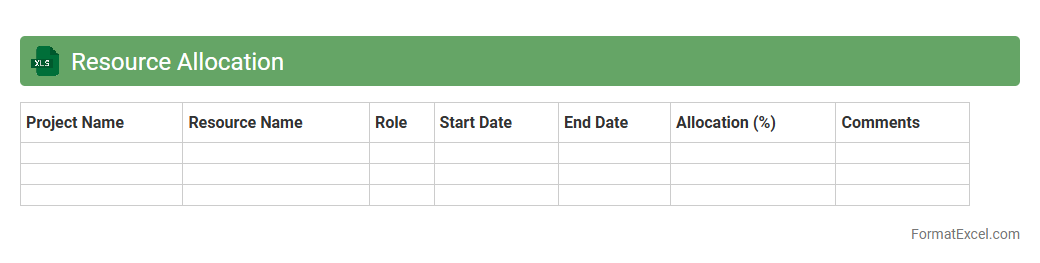
Resource Allocation
A
Resource Allocation Excel document is a structured spreadsheet designed to manage and distribute resources such as time, personnel, and budget efficiently across various projects or tasks. It helps track resource availability, avoid overbooking, and optimize productivity by providing clear visibility into how resources are assigned. Using this tool streamlines project planning, reduces bottlenecks, and ensures that critical resources are allocated where they are most needed.
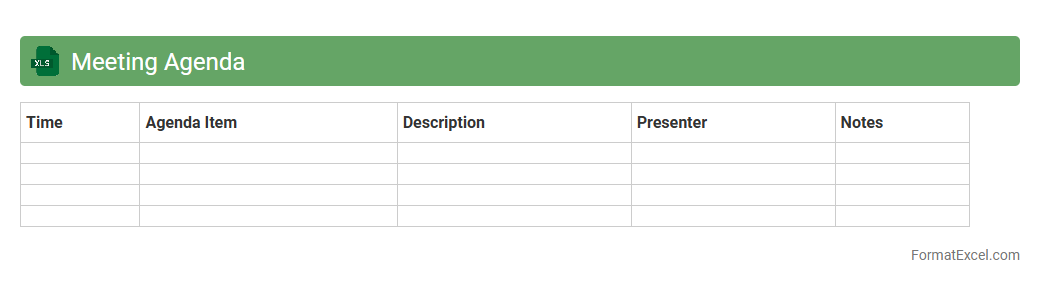
Meeting Agenda
A
Meeting Agenda Excel document is a structured template designed to organize topics, time slots, and participants for meetings efficiently. It helps ensure that meetings stay on track, objectives are clearly defined, and time is managed effectively. Using this tool improves productivity by providing a clear roadmap that facilitates focused discussions and actionable outcomes.
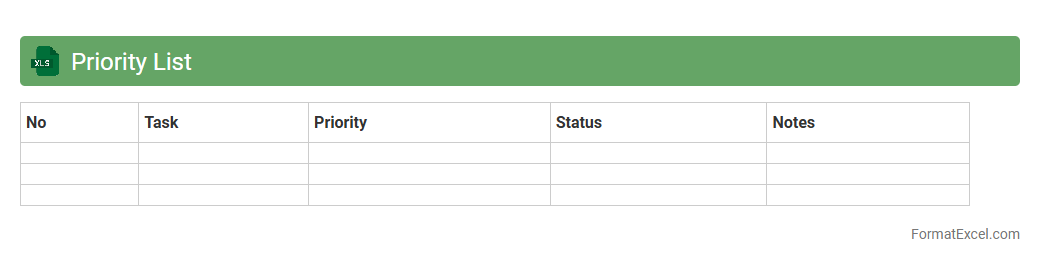
Priority List
A
Priority List Excel document is a structured spreadsheet used to organize tasks, projects, or items based on their importance and urgency. It helps users efficiently allocate time and resources by clearly highlighting high-priority actions, ensuring critical deadlines and goals are met. This tool enhances productivity, decision-making, and overall project management by providing a visual hierarchy of tasks.
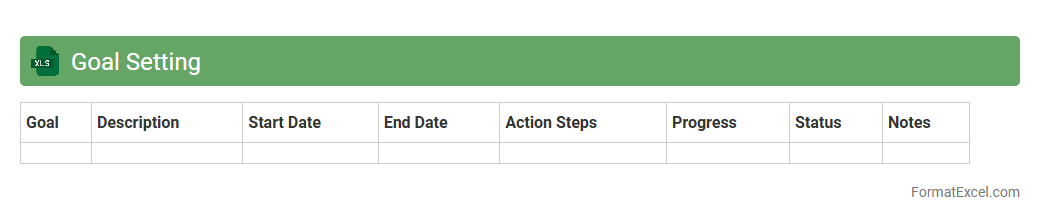
Goal Setting
A
Goal Setting Excel document is a structured spreadsheet designed to help individuals and organizations define, track, and achieve their objectives by organizing goals, deadlines, and progress metrics in one place. It provides a clear visual representation of targets, enabling users to monitor milestones, prioritize tasks, and adjust strategies based on real-time data. Utilizing this tool enhances productivity, accountability, and strategic planning, making goal attainment more systematic and measurable.
Progress Tracker
A
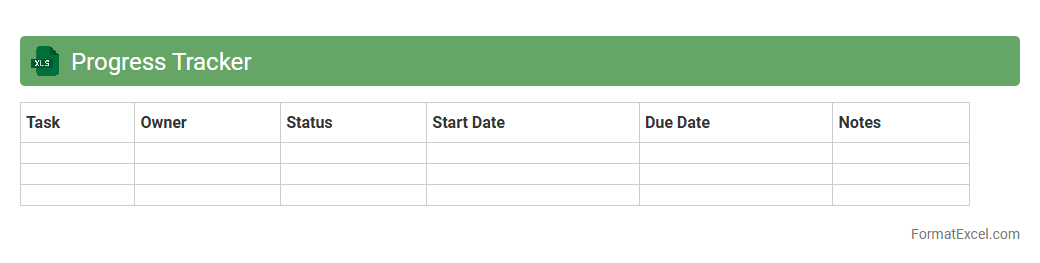
Progress Tracker Excel document is a digital tool designed to monitor and record the advancement of tasks, projects, or goals over time. It helps users organize data, set deadlines, and visualize completion status through charts or conditional formatting, enhancing productivity and accountability. Utilizing this tracker ensures timely progress updates, identifies bottlenecks early, and supports informed decision-making.
Action Items
An
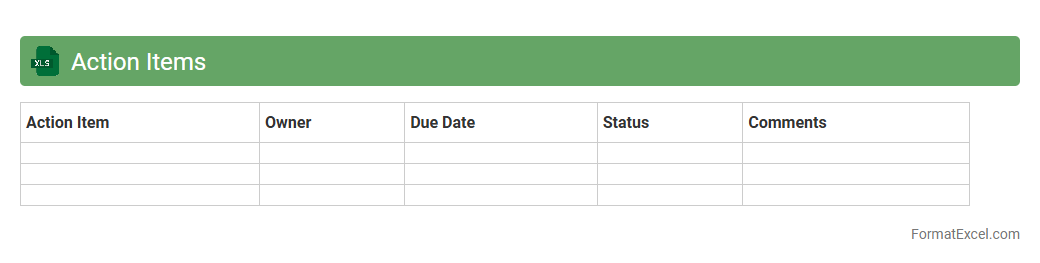
Action Items Excel document is a structured spreadsheet used to track tasks, deadlines, and responsibilities within a project or team. It enhances organization by consolidating action points, assignees, and progress updates in one accessible place, ensuring accountability and timely completion. This tool improves project management efficiency by providing clear visibility into task status and facilitating better communication among team members.
Follow-up List
A
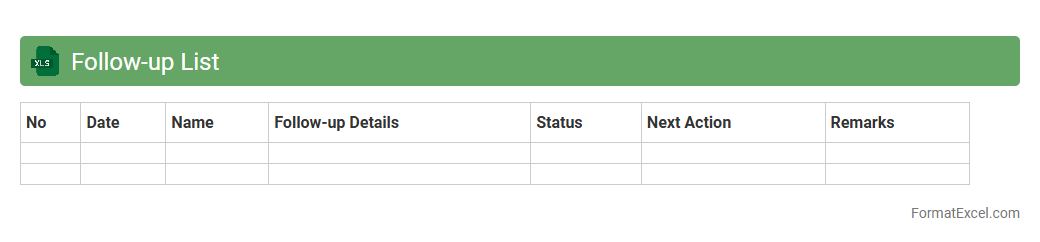
Follow-up List Excel document is a structured spreadsheet used to track tasks, deadlines, and progress for ongoing projects or communications. It helps organize actionable items, prioritize responsibilities, and ensure timely completion by providing clear visibility into pending actions and statuses. This tool enhances productivity and accountability by consolidating all follow-up activities in one accessible, easy-to-update location.
Deadline Tracker
A
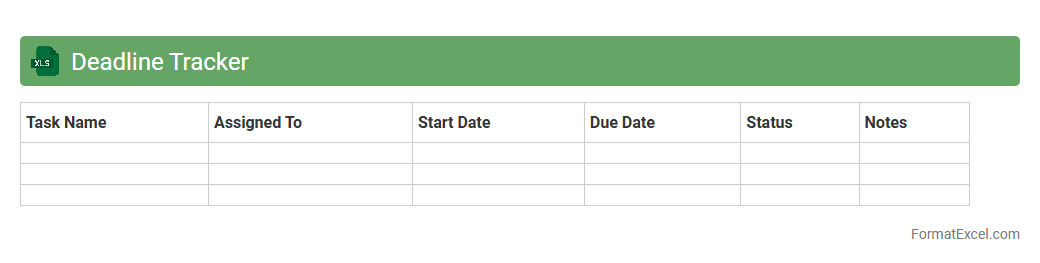
Deadline Tracker Excel document is a spreadsheet designed to monitor project timelines, task due dates, and important milestones efficiently. It helps users organize their workload, prioritize tasks, and avoid missing critical deadlines through automated reminders and status updates. This tool significantly boosts productivity by providing a clear visual overview of pending and completed assignments.
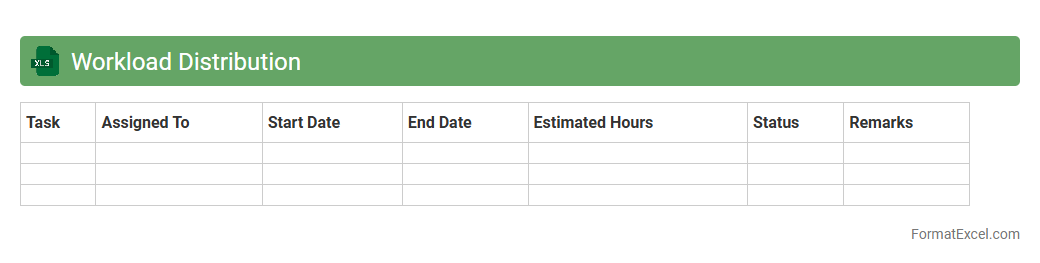
Workload Distribution
A
Workload Distribution Excel document organizes and allocates tasks among team members to ensure balanced productivity and prevent burnout. It helps managers monitor individual assignments, track progress, and optimize resource utilization for improved project efficiency. By providing clear visibility of task distribution, this tool enhances collaboration and supports data-driven decision-making in workforce management.
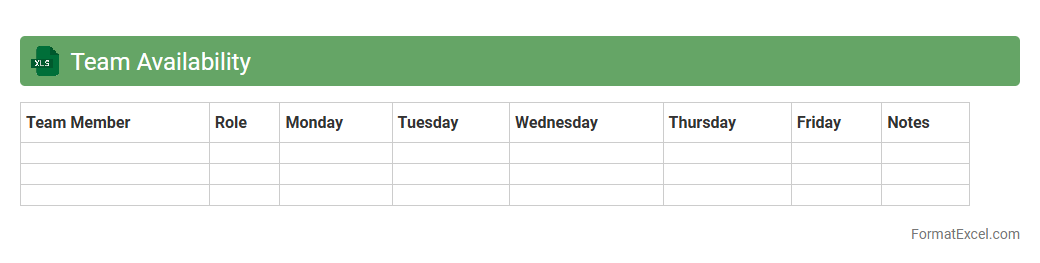
Team Availability
The
Team Availability Excel document is a spreadsheet that tracks the working hours, leave schedules, and availability status of team members. It helps managers allocate tasks efficiently by providing a clear overview of when each employee is available or occupied, reducing scheduling conflicts and enhancing project planning. This tool improves productivity by ensuring optimal resource utilization and timely project delivery.
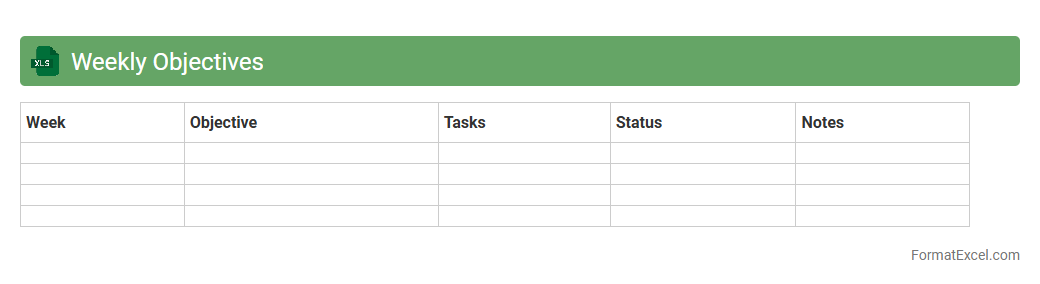
Weekly Objectives
A
Weekly Objectives Excel document is a structured template designed to track and organize tasks, goals, and priorities for each week. It enables individuals and teams to monitor progress, set clear expectations, and maintain accountability. Using this tool enhances productivity by providing a centralized overview of actionable items and deadlines.
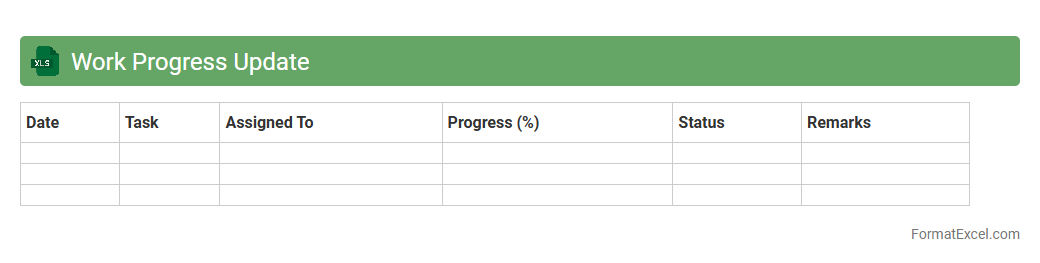
Work Progress Update
A
Work Progress Update Excel document is a dynamic tool used to track and record ongoing project tasks, milestones, and deliverables with real-time data. It allows teams to monitor performance metrics, deadlines, and resource allocation, enhancing accountability and transparency across departments. By consolidating updates in one organized spreadsheet, it simplifies project management and facilitates informed decision-making.
Pending Tasks
A
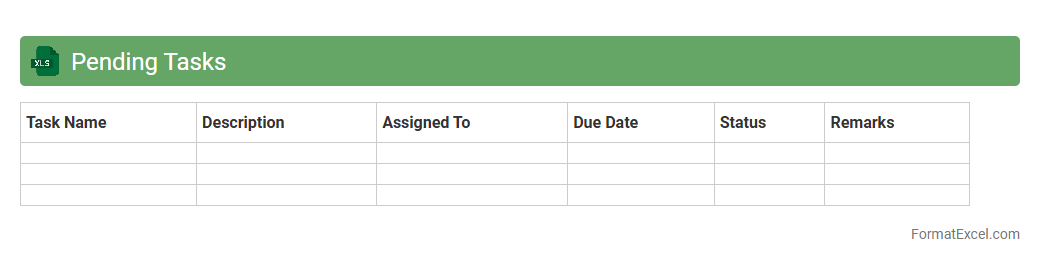
Pending Tasks Excel document is a structured spreadsheet used to track and manage incomplete or upcoming tasks efficiently. It helps prioritize work, monitor progress, and ensure deadlines are met by organizing tasks with details like due dates, status, and responsible parties. Utilizing this tool enhances productivity and fosters accountability within teams or individual workflows.
Completed Tasks
The
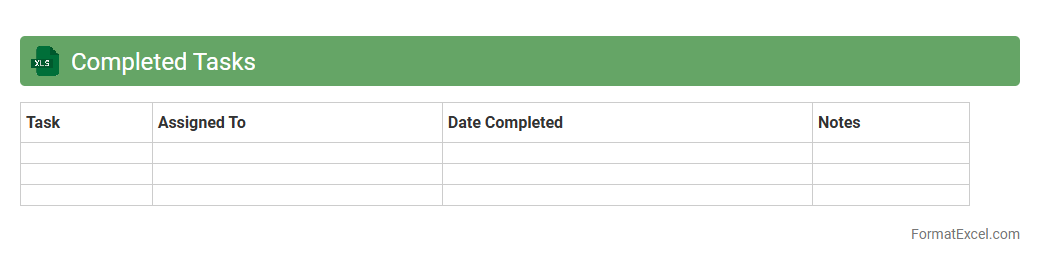
Completed Tasks Excel document is a tracking tool designed to record and organize finished activities and projects, allowing for efficient monitoring of progress and accountability. It provides a clear overview of completed work, helping teams assess productivity, identify patterns, and improve time management. By consolidating task details in one place, it supports better project planning and resource allocation for future assignments.
Time Block Planner
The
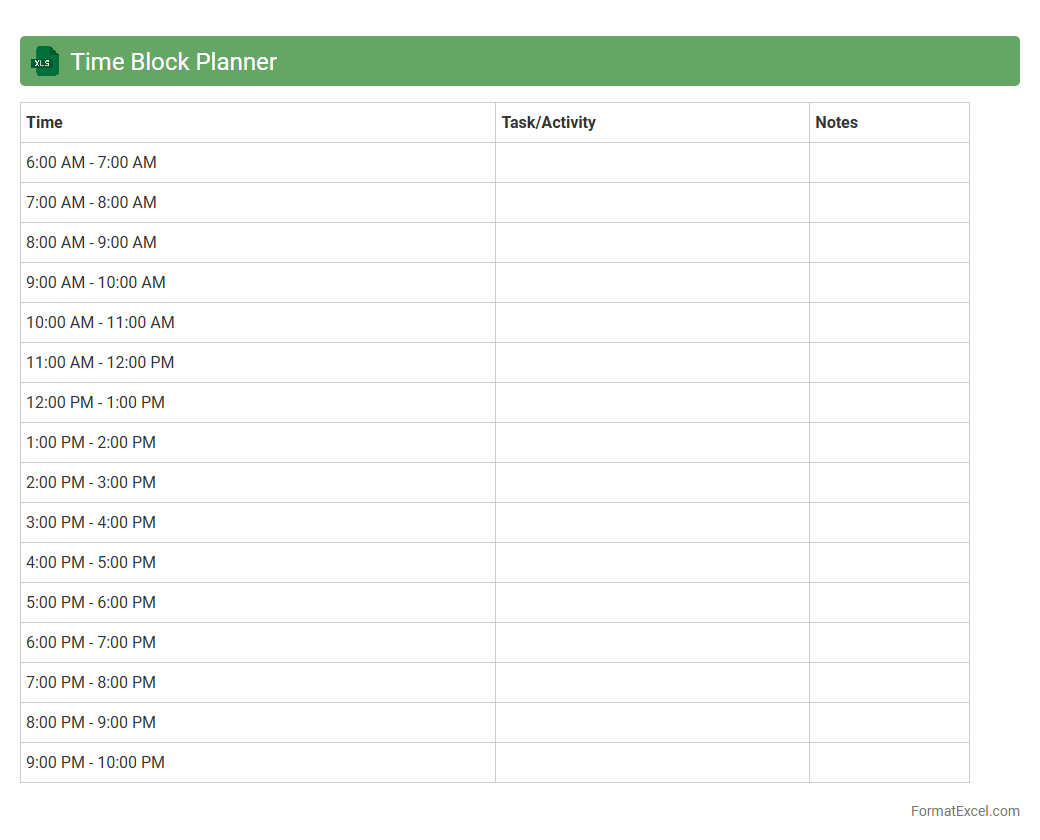
Time Block Planner Excel document is a digital tool designed to organize daily tasks by dividing time into dedicated blocks for focused work. It enhances productivity by enabling users to allocate specific periods for activities, minimizing distractions and improving time management. This planner is particularly useful for professionals and students aiming to optimize workflow and achieve goals efficiently.
Employee Shift Plan
An
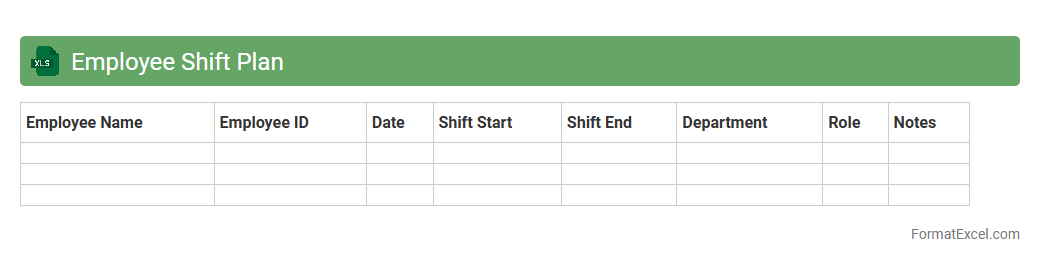
Employee Shift Plan Excel document is a structured spreadsheet designed to organize and schedule employee work shifts efficiently. It helps managers track shift assignments, avoid scheduling conflicts, and ensure adequate coverage for all operational hours. Utilizing this tool improves workforce management, enhances productivity, and supports compliance with labor regulations.
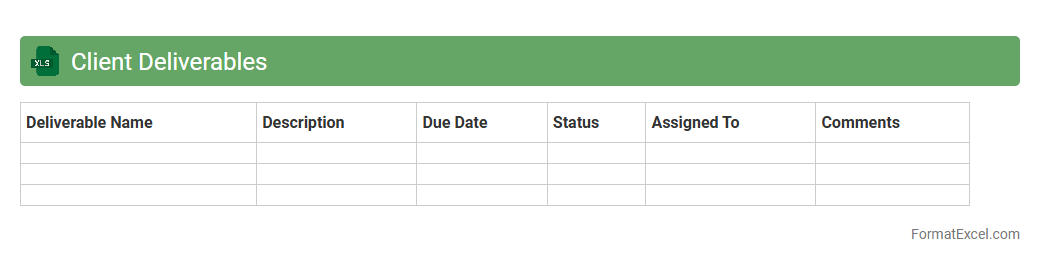
Client Deliverables
The Client Deliverables Excel document is a comprehensive tool designed to track and manage project outputs and milestones for clients efficiently. It allows teams to organize tasks, deadlines, and status updates in one centralized location, improving transparency and communication. Using this
document helps ensure timely delivery, reduces errors, and enhances accountability across all project phases.
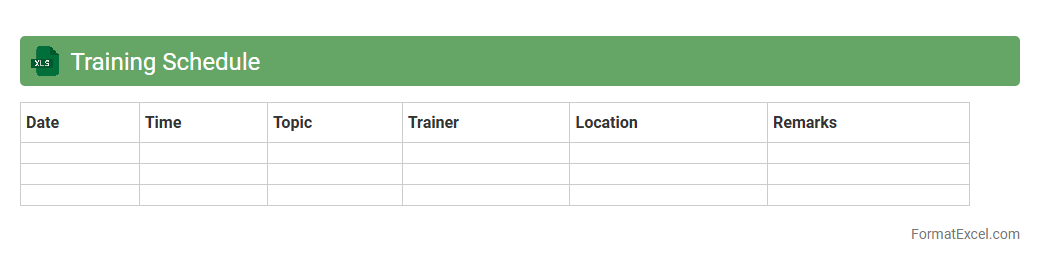
Training Schedule
A
Training Schedule Excel document is a structured spreadsheet designed to organize and track training sessions, including dates, times, topics, and participants. It is useful for efficiently managing employee development, ensuring timely completion of training programs, and maintaining a clear record of progress. This tool enhances productivity by providing a centralized location for easy updates and monitoring of training activities.
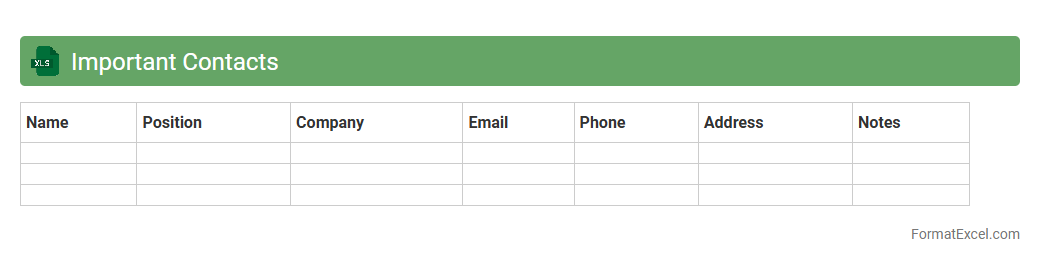
Important Contacts
An
Important Contacts Excel document organizes essential information such as names, phone numbers, email addresses, and company affiliations into a structured format for easy access and management. It enhances communication efficiency by providing quick reference to critical contacts in personal, professional, or emergency situations. This tool supports seamless collaboration, ensuring fast connection with key individuals when needed.
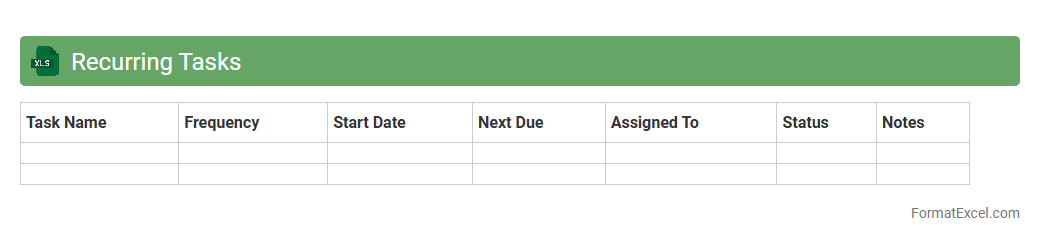
Recurring Tasks
A
Recurring Tasks Excel document is a structured spreadsheet designed to track and manage tasks that repeat regularly over specific intervals, such as daily, weekly, or monthly. It helps streamline workflow by automatically reminding users of upcoming obligations, ensuring no deadlines or responsibilities are overlooked. This tool enhances productivity and organization, particularly in project management and routine operational activities.
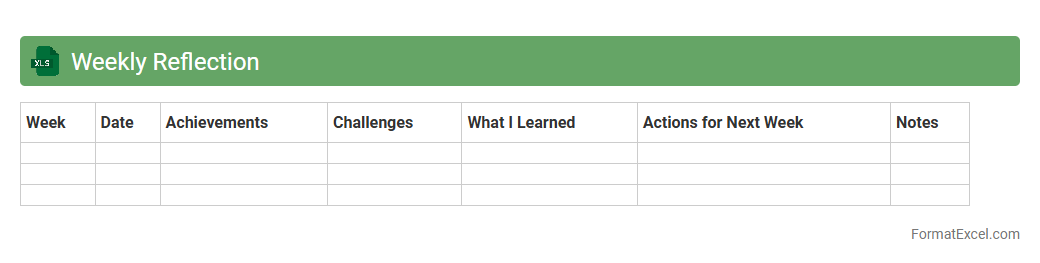
Weekly Reflection
The
Weekly Reflection Excel document is a structured tool designed to help individuals track and analyze their weekly progress, goals, and challenges. It facilitates self-assessment by enabling users to record accomplishments, identify areas for improvement, and plan actionable steps for the upcoming week. This practice enhances productivity, promotes continuous personal growth, and supports effective time management.
Understanding the Importance of Weekly Planning
Effective weekly planning helps streamline tasks and improve time management by setting clear goals for the week. It ensures priorities are aligned with overall objectives, reducing stress and increasing productivity. Organizations and individuals benefit significantly from dedicating time to plan their week efficiently.
Key Elements of an Effective Weekly Plan
An effective weekly plan must include clear tasks, deadlines, and priorities to guide daily activities. It should also allow space for notes and adjustments to accommodate unforeseen changes. Including a review section helps track progress and refine future plans.
Benefits of Using Excel for Weekly Planning
Excel provides a versatile platform for creating customizable and easy-to-update weekly plans. Its grid layout supports structure, while formulas automate calculations like time allocation. Additionally, Excel templates enable rapid planning and consistent format use.
Step-by-Step Guide to Creating a Weekly Plan in Excel
Start by setting up columns for days of the week and rows for time slots or tasks in your Excel weekly plan. Input tasks and deadlines, then use color coding for priority levels. Finally, incorporate formulas or conditional formatting to highlight urgent items.
Essential Columns and Rows for Your Weekly Template
Include columns for each day, task descriptions, priorities, deadlines, and status in the weekly plan template. Rows should accommodate hourly time blocks or task categories depending on your needs. This structure enhances clarity and task tracking throughout the week.
Customizing Your Weekly Plan Format for Different Needs
Adapt your Excel weekly plan by adding sections for meetings, goals, or reminders relevant to your workflow. Utilize Excel's filtering and sorting features to focus on specific task types or priorities. Custom formats ensure your plan perfectly suits personal or professional contexts.
Sample Weekly Plan Layouts in Excel
Common layouts include hourly schedules, task-based lists, or a combination of both to suit various planning styles. Incorporate columns for priority levels and progress tracking to boost usability. Well-designed templates promote consistent planning habits and efficient use of time.
Tips for Enhancing Productivity With Excel Planners
Use conditional formatting to highlight overdue or high-priority tasks in your Excel planner. Regularly update and review your plan to stay aligned with weekly goals. Integrate reminders or link to external calendars to avoid missing crucial deadlines.
Common Mistakes to Avoid in Weekly Excel Planning
Avoid overloading your plan with too many tasks, which can reduce focus and effectiveness. Neglecting regular updates or failing to set priorities weakens the purpose of the weekly plan. Ensure accuracy in data entry to maintain reliable scheduling and progress tracking.
Free Weekly Plan Excel Templates for Download
Many websites offer customizable free weekly plan templates that can be downloaded and tailored to individual needs. These templates often include pre-built formulas and formatting for easy implementation. Utilizing these resources saves time and enhances planning efficiency.