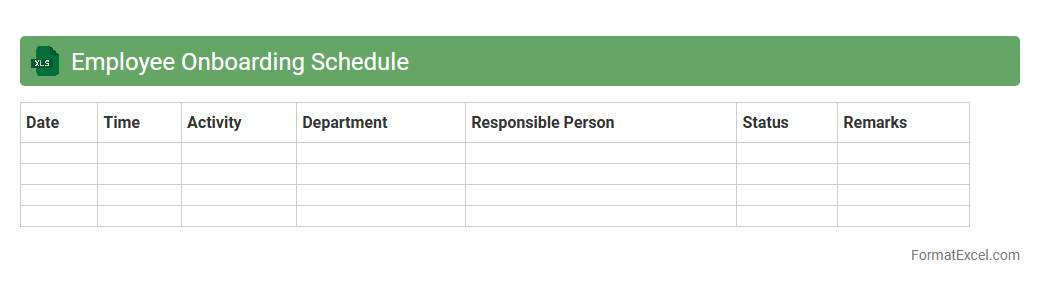
Employee Onboarding Schedule
An
Employee Onboarding Schedule Excel document is a structured spreadsheet designed to organize and track the onboarding process for new hires. It helps HR teams and managers coordinate training sessions, orientation meetings, and necessary paperwork efficiently, ensuring timely completion of each step. Using this document enhances workforce integration, reduces confusion, and accelerates the productivity of new employees.
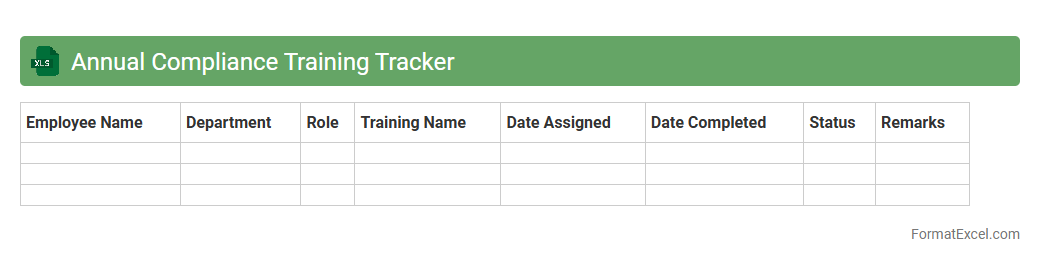
Annual Compliance Training Tracker
The
Annual Compliance Training Tracker Excel document is a tool designed to monitor and manage employee completion of mandatory compliance training throughout the year. It helps organizations maintain accurate records, identify training gaps, and ensure regulatory adherence by providing a centralized view of course statuses and deadlines. Using this tracker enhances accountability, reduces potential legal risks, and supports consistent skill development across all departments.
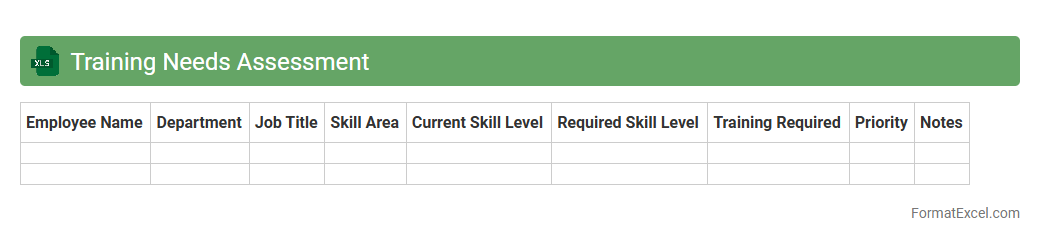
Training Needs Assessment
A
Training Needs Assessment Excel document is a structured tool designed to identify skill gaps and determine the specific training requirements within an organization. It organizes data regarding employee competencies, current performance levels, and desired outcomes to prioritize training initiatives effectively. This document helps optimize resource allocation, enhance workforce development, and ensure targeted skill improvement aligned with business objectives.
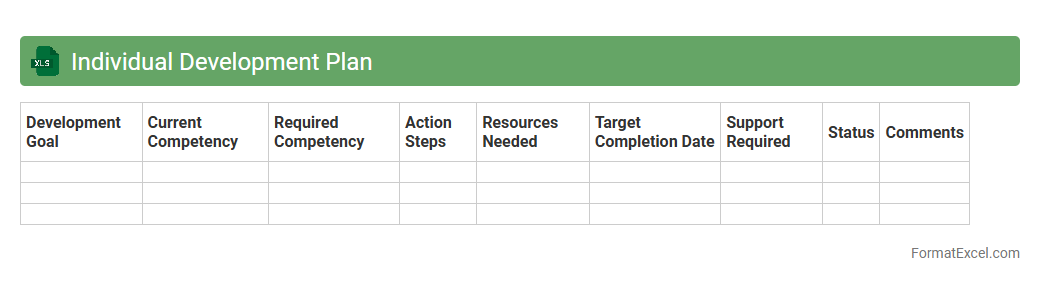
Individual Development Plan
An
Individual Development Plan (IDP) Excel document is a structured tool designed to help employees and managers outline personal career goals and the skills required to achieve them. It allows for tracking progress through customizable fields such as objectives, action steps, timelines, and resources, making professional growth measurable and manageable. Using an IDP Excel document enhances self-awareness, facilitates targeted development, and aligns individual aspirations with organizational goals.
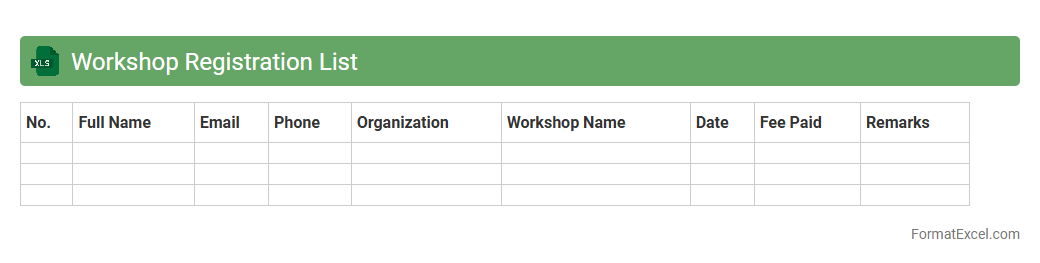
Workshop Registration List
The
Workshop Registration List Excel document organizes participant information, including names, contact details, and payment status, into a structured format. It streamlines event management by providing quick access to attendee data, enabling efficient communication and tracking. This tool enhances coordination, improves attendance accuracy, and supports smooth logistical planning for workshops.
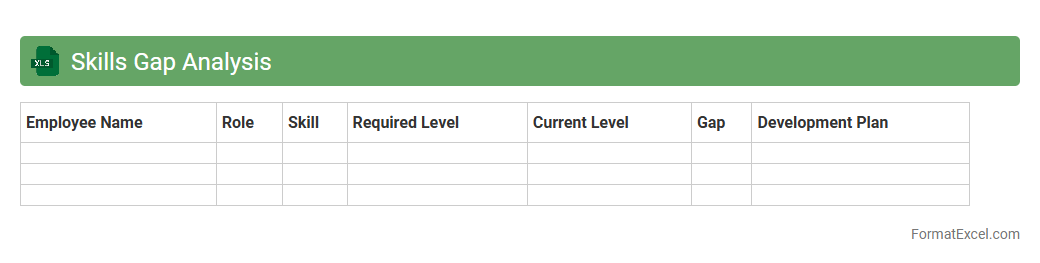
Skills Gap Analysis
A
Skills Gap Analysis Excel document is a structured tool that identifies the difference between employees' current skills and the skills required for their roles. It helps organizations pinpoint areas for training and development, enabling targeted upskilling and improved workforce performance. Using this document facilitates strategic planning for talent management and supports informed decision-making in recruitment and employee growth.
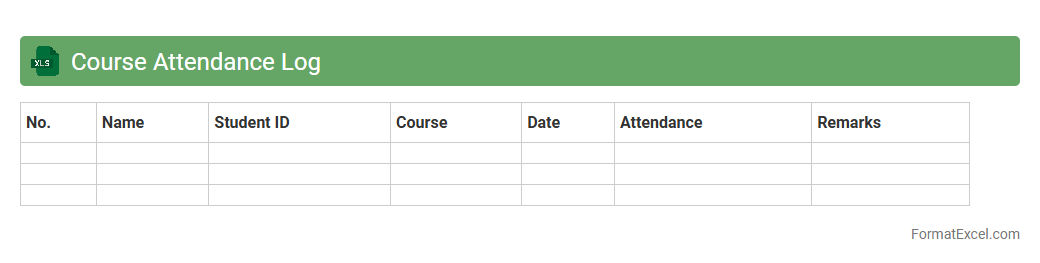
Course Attendance Log
The
Course Attendance Log Excel document is a structured spreadsheet designed to track student participation in courses systematically. It allows educators to record daily attendance, monitor attendance patterns, and identify students who may need additional support. This tool enhances the organization of attendance data, making it easier to generate reports and improve overall course management efficiency.
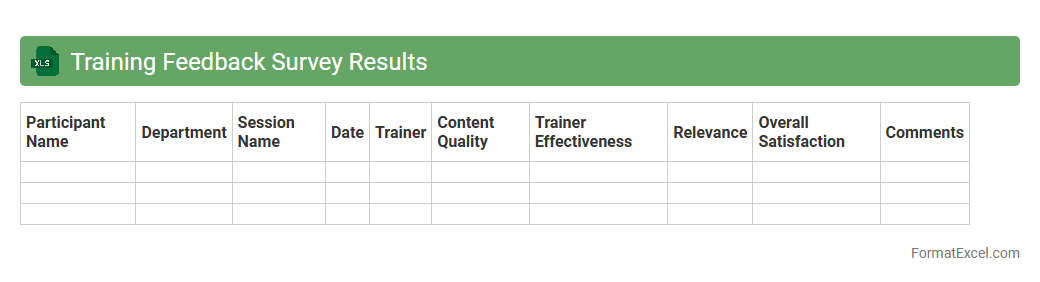
Training Feedback Survey Results
The
Training Feedback Survey Results Excel document compiles participants' responses from training sessions, providing quantitative and qualitative data on effectiveness, content relevance, and instructor performance. This organized dataset allows for easy analysis of trends, identification of strengths and weaknesses, and informed decision-making to improve future training programs. Utilizing these insights helps enhance learning experiences, increase participant satisfaction, and optimize training ROI.
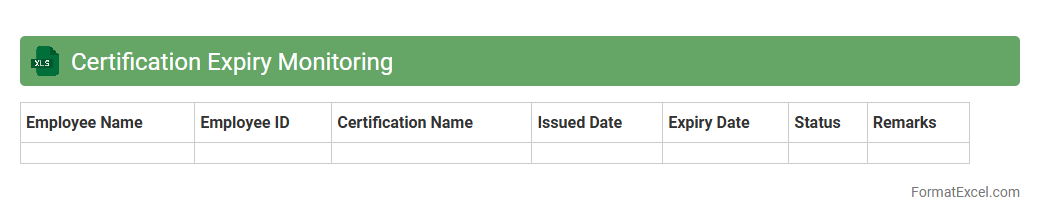
Certification Expiry Monitoring
A
Certification Expiry Monitoring Excel document is a tool designed to track the expiration dates of various certifications within an organization, ensuring timely renewals and compliance. It helps prevent lapses by providing alerts and summaries of upcoming expiry statuses, enhancing workforce readiness and legal adherence. This proactive approach minimizes risks associated with expired certifications and supports continuous professional validation.
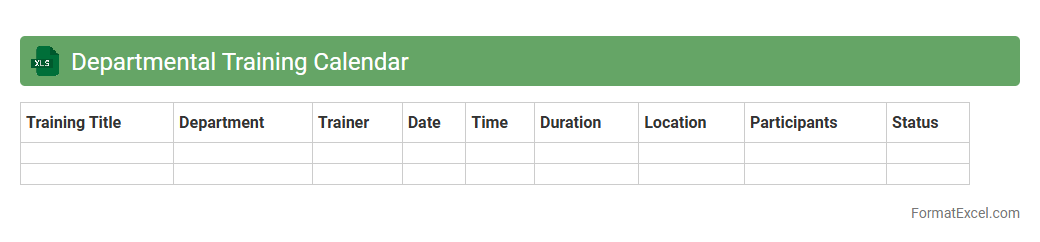
Departmental Training Calendar
The Departmental Training Calendar Excel document is a structured schedule that outlines all planned training sessions within a department, including dates, topics, trainers, and participant details. It provides a centralized and easily accessible record that helps managers plan resources, track employee development, and ensure timely completion of mandatory training programs. This tool improves organizational efficiency by enabling better coordination and monitoring of
departmental training initiatives.
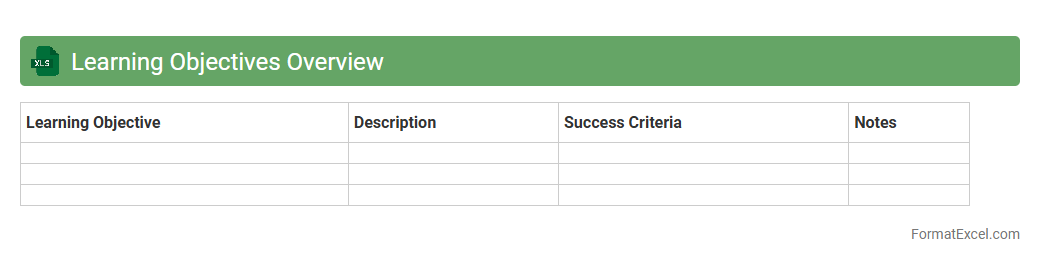
Learning Objectives Overview
The
Learning Objectives Overview Excel document provides a structured summary of key educational goals, enabling clear alignment between course content and desired outcomes. It helps educators track progress, ensure coverage of all critical competencies, and facilitate assessment planning. This organized format enhances curriculum transparency and supports continuous improvement in instructional design.
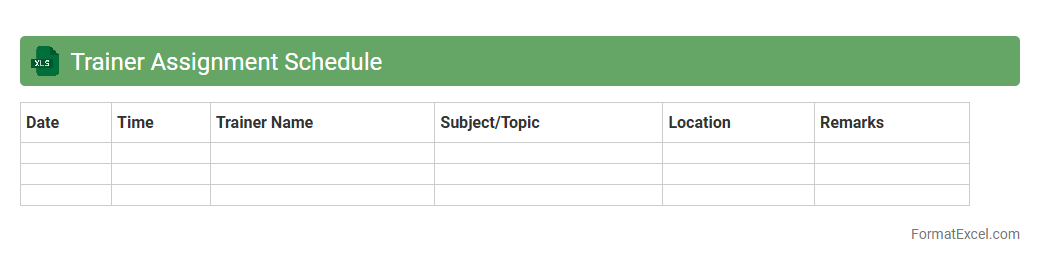
Trainer Assignment Schedule
The
Trainer Assignment Schedule Excel document is a tool designed to organize and allocate trainers to specific training sessions efficiently. It enables clear tracking of trainer availability, session timings, and participant groups, ensuring optimal resource management. Using this schedule improves coordination, avoids conflicts, and enhances the overall training delivery process.
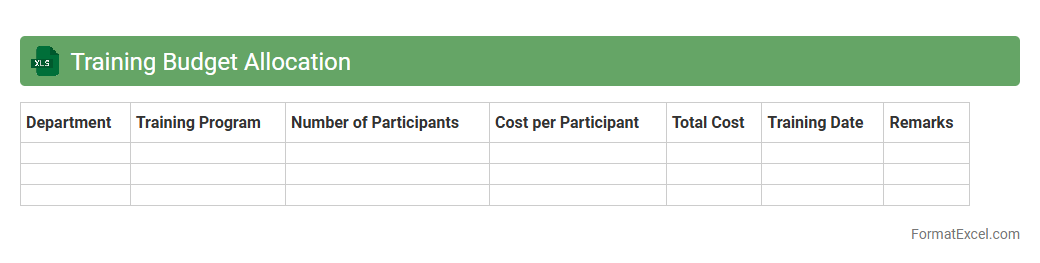
Training Budget Allocation
A
Training Budget Allocation Excel document is a structured spreadsheet used to plan, track, and manage financial resources dedicated to employee training programs. It helps organizations allocate funds efficiently across different departments or training initiatives, ensuring optimal utilization of the training budget. By providing clear visibility into spending patterns and forecasted expenses, it supports informed decision-making and promotes cost-effective workforce development.
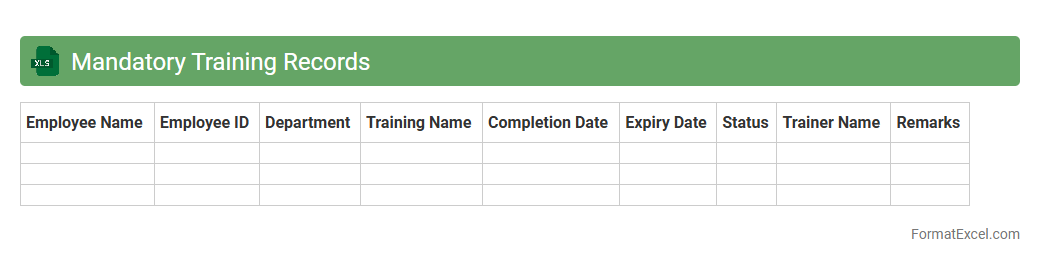
Mandatory Training Records
The
Mandatory Training Records Excel document is a structured spreadsheet designed to track and manage employee training compliance efficiently. It records essential data such as training dates, completion status, certification validity, and renewal deadlines, ensuring that all mandatory training requirements are met systematically. This document is useful for maintaining regulatory compliance, reducing risk, and facilitating easy auditing and reporting within an organization.
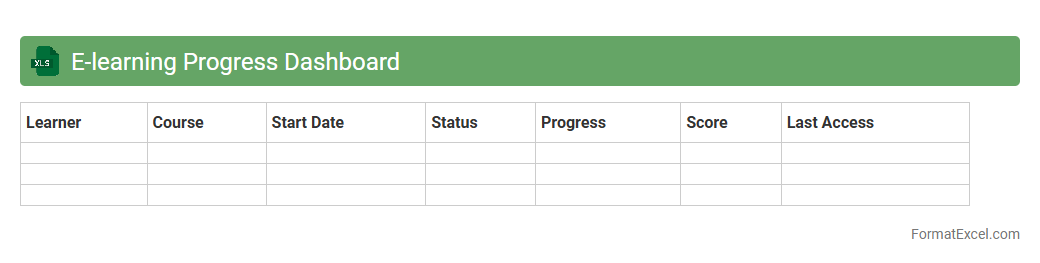
E-learning Progress Dashboard
The
E-learning Progress Dashboard Excel document is a dynamic tool designed to track and visualize learner performance and course completion data efficiently. It consolidates key metrics such as quiz scores, module completion rates, and engagement levels into interactive charts and tables, enabling educators and administrators to monitor progress in real-time. This dashboard supports data-driven decision-making, helping to identify learning gaps and optimize training programs for improved outcomes.
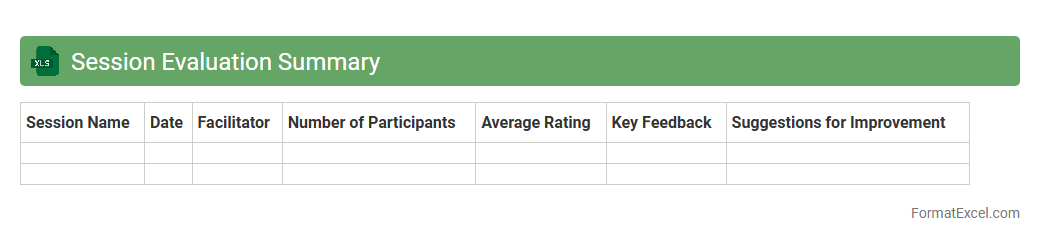
Session Evaluation Summary
A
Session Evaluation Summary Excel document compiles and organizes feedback data collected during training sessions or meetings, enabling efficient analysis of participant responses. It helps identify strengths and areas for improvement by presenting quantitative scores and qualitative comments in a structured format. This summary supports informed decision-making and enhances future session planning through data-driven insights.
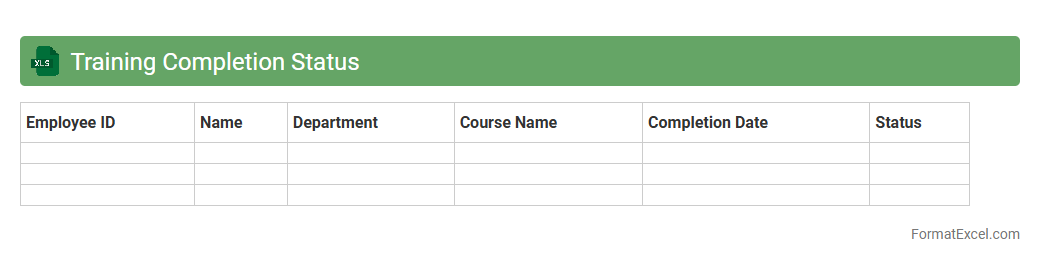
Training Completion Status
The
Training Completion Status Excel document is a detailed tracking tool that monitors employee progress in mandatory and optional training programs. It consolidates data such as course names, completion dates, scores, and certification statuses, enabling managers to identify skill gaps and ensure compliance with organizational learning requirements. By offering a clear overview of training achievements, this document supports workforce development and enhances operational efficiency.
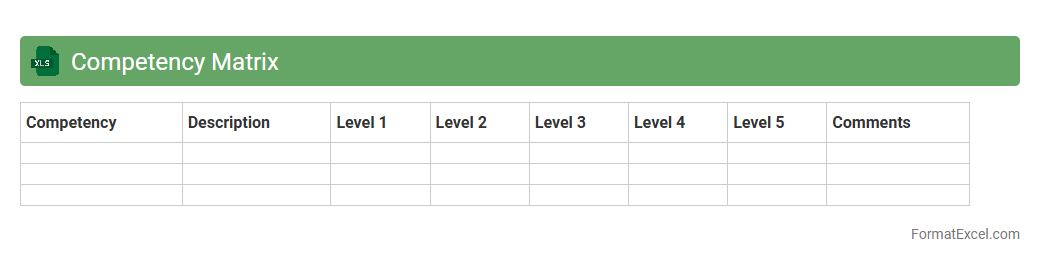
Competency Matrix
A
Competency Matrix Excel document is a structured tool that maps employees' skills against required competencies, enabling clear visualization of proficiency levels within an organization. It assists managers in identifying skill gaps, planning targeted training programs, and optimizing talent allocation to enhance workforce productivity. This matrix facilitates informed decision-making by providing a comprehensive overview of individual and team capabilities.
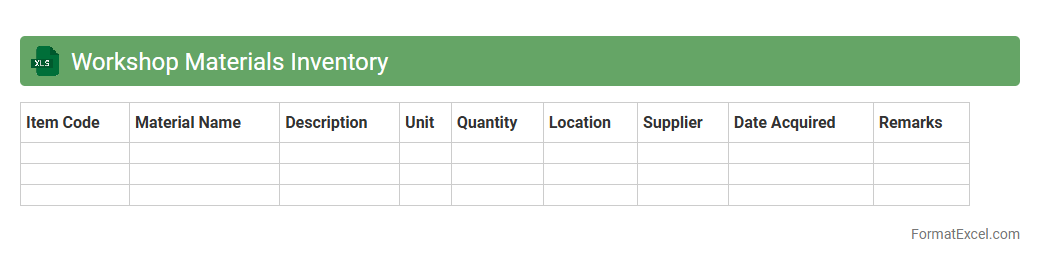
Workshop Materials Inventory
The
Workshop Materials Inventory Excel document is a detailed spreadsheet that tracks all materials and supplies used in a workshop environment, ensuring accurate monitoring of stock levels and usage patterns. It helps streamline procurement processes by identifying reorder needs, preventing material shortages, and reducing excess inventory costs. This organized approach enables better budgeting, resource allocation, and operational efficiency in workshop management.
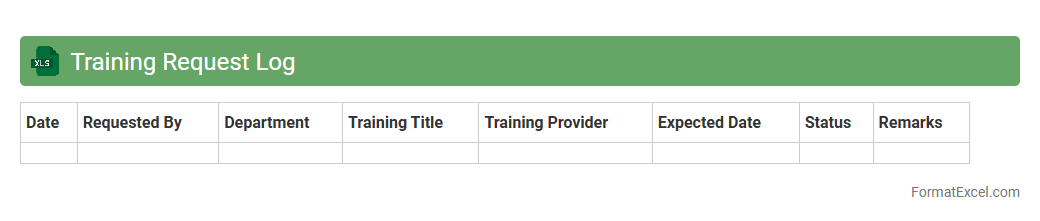
Training Request Log
The
Training Request Log Excel document is a centralized tool that records and tracks employee training requests, including details such as training topics, request dates, approval status, and completion dates. It enables HR and management teams to efficiently manage training schedules, monitor progress, and allocate resources effectively. This organized approach improves workforce development by ensuring timely responses to training needs and identifying skill gaps within the organization.
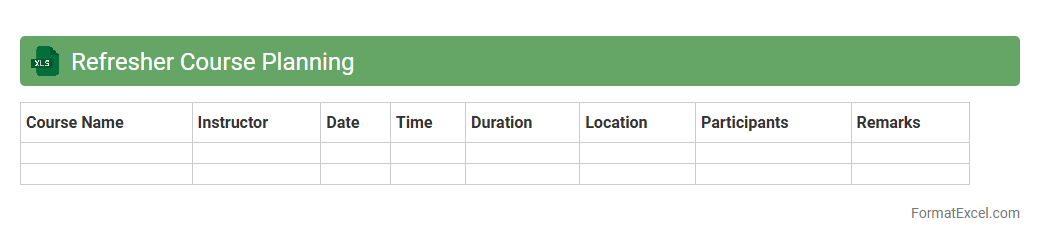
Refresher Course Planning
The
Refresher Course Planning Excel document is a structured tool designed to organize schedules, track participant progress, and manage resources efficiently in training programs. It helps streamline course timelines, allocate tasks, and monitor attendance, ensuring effective planning and execution of refresher courses. By centralizing all relevant data, this document enhances coordination and improves decision-making for training administrators.
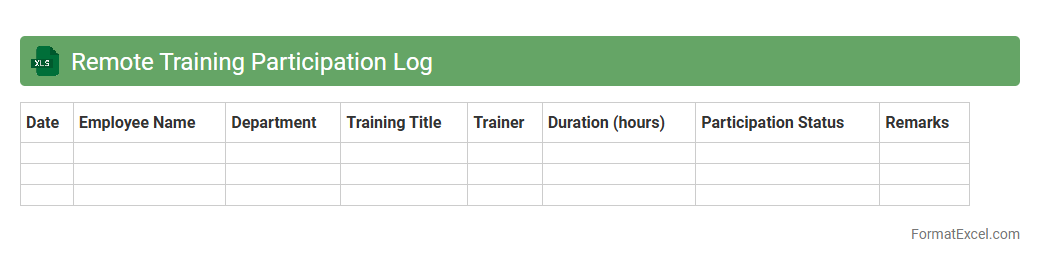
Remote Training Participation Log
The
Remote Training Participation Log Excel document is a structured tool used to record and track employee engagement in remote training sessions. It allows organizations to monitor attendance, participation levels, and training completion rates efficiently, ensuring compliance with learning and development goals. Using this log improves accountability, streamlines reporting processes, and supports data-driven decisions for enhancing workforce skills.
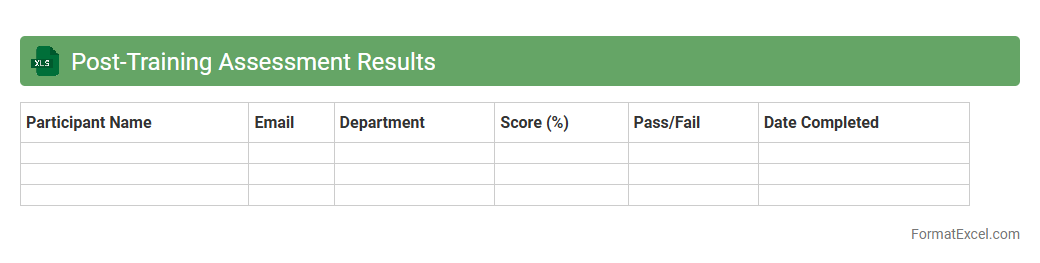
Post-Training Assessment Results
The
Post-Training Assessment Results Excel document compiles data from evaluations conducted after training sessions, providing detailed insights into participant performance and knowledge retention. It helps identify strengths and areas for improvement, enabling targeted adjustments in training programs to enhance effectiveness. By analyzing trends and individual results, organizations can optimize learning outcomes and measure the overall impact of their training initiatives.
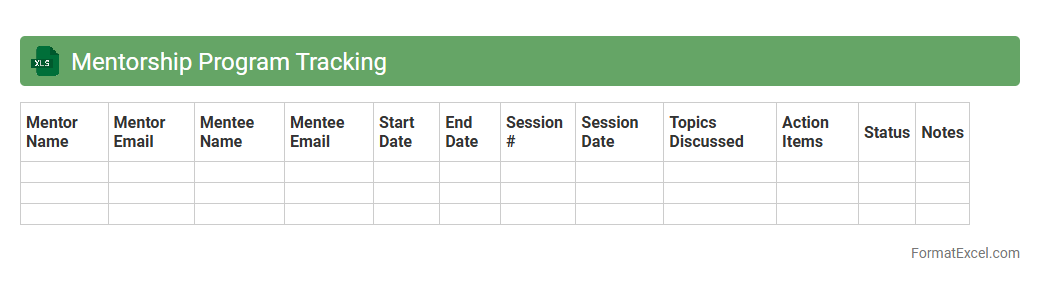
Mentorship Program Tracking
A
Mentorship Program Tracking Excel document is a structured tool designed to monitor the progress, interactions, and milestones between mentors and mentees within a mentorship scheme. It enables seamless organization of participant data, session dates, goals achieved, and feedback, improving accountability and program effectiveness. This document facilitates data-driven decision-making and enhances communication by providing clear visibility into the mentorship journey.
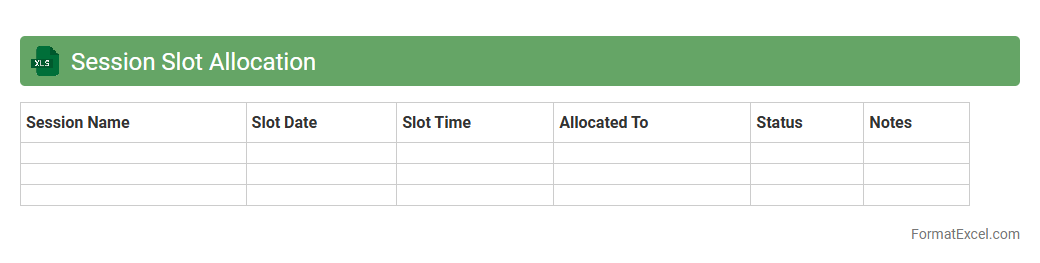
Session Slot Allocation
The
Session Slot Allocation Excel document is a structured tool designed to organize and assign specific time slots for various sessions or meetings systematically. It enables efficient management of schedules by clearly mapping participants, topics, and timings, reducing conflicts and overlaps. This document proves useful in streamlining event planning, improving time management, and ensuring all sessions are allocated appropriate durations and resources.
Introduction to Training Plan Formats
A training plan format serves as a structured guide for outlining the objectives, schedules, and resources for employee development. It ensures clarity and consistency in the training process across an organization. Using a standardized format helps align training initiatives with business goals effectively.
Benefits of Using Excel for Training Plans
Excel provides a versatile platform for creating and managing training plans due to its flexibility and accessibility. It allows easy customization, data analysis, and progress tracking in one place. Utilizing Excel for training plans streamlines administrative tasks and enhances collaboration.
Key Components of an Excel Training Plan
An effective Excel training plan includes components such as objectives, timelines, participants, and resource allocation. Incorporating evaluation criteria ensures training effectiveness is measurable. These elements form the foundation of a comprehensive training plan.
Essential Columns to Include
Important columns in an Excel training plan often include Training Topic, Date, Duration, Trainer, Participant Names, and Status. Adding a Comments or Notes column helps capture feedback and observations. These columns enable detailed and organized tracking.
Step-by-Step Guide to Creating a Training Plan in Excel
Begin by drafting training goals, then list the necessary training activities and schedules in separate rows. Use Excel features like conditional formatting and filters to enhance usability. Following a step-by-step approach simplifies the creation and maintenance of the plan.
Customizable Excel Templates for Training Plans
Pre-designed Excel templates save time and provide professional layouts for training plans. These templates are often adaptable to various industries and training types. Utilizing a customizable template accelerates the planning process efficiently.
Tips for Organizing and Formatting
Maintain clarity by using headers, bold fonts, and color coding to distinguish different sections and statuses. Freeze panes and filter options improve navigation through large data sets within the worksheet. Effective organizing and formatting enhance readability and usability.
Tracking Progress and Outcomes in Excel
Use Excel to record attendance, completion status, and assessment results to monitor training effectiveness. Pivot tables and charts provide visual summaries to help identify trends and gaps. Tracking progress and outcomes ensures continuous improvement in training programs.
Common Mistakes to Avoid
Avoid cluttering your Excel sheet with unnecessary details that complicate navigation and update processes. Failing to update the training plan regularly reduces the accuracy and reliability of information. Steer clear of ignoring data validation as it can lead to errors in tracking.
Downloadable Training Plan Excel Samples
Accessing downloadable Excel samples provides a practical reference and template foundation for your own training plans. These samples illustrate best practices and demonstrate how to structure and format plans effectively. Using downloadable samples accelerates familiarization with Excel training tools.