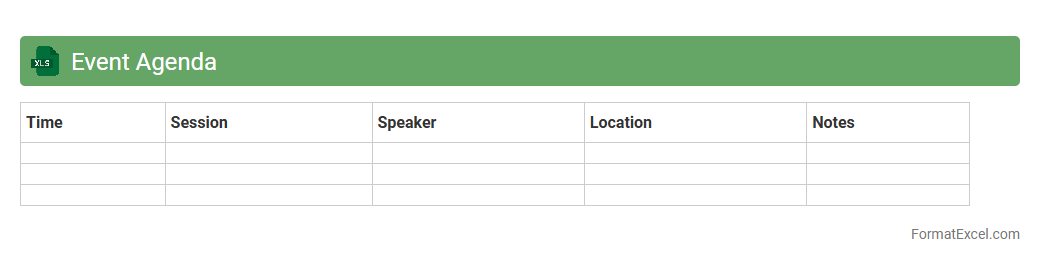
Event Agenda
An
Event Agenda Excel document is a structured spreadsheet designed to organize and display the schedule of activities for a specific event. It helps event planners efficiently allocate time slots, assign responsibilities, and track progress in real-time, ensuring smooth event execution. Using this tool enhances communication among team members and provides a clear, accessible overview of the event timeline.
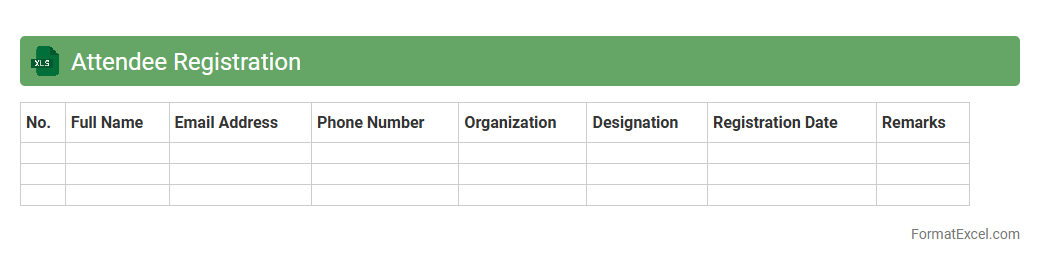
Attendee Registration
An
Attendee Registration Excel document is a structured spreadsheet used to collect and organize participant information for events, such as names, contact details, and ticket types. This document streamlines the registration process, enabling efficient data management and easy access to attendee information. Utilizing this tool helps event organizers track attendance, communicate updates, and analyze participant demographics for improved event planning.
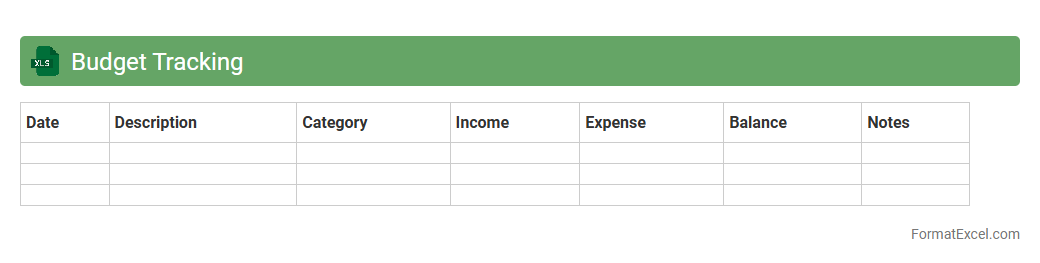
Budget Tracking
A
Budget Tracking Excel document is a digital tool designed to record, monitor, and manage financial expenses and income systematically. It enables users to visualize spending patterns, identify budget variances, and make informed decisions to maintain financial discipline. This document is essential for personal finance, project management, and business operations to ensure optimal resource allocation and avoid overspending.
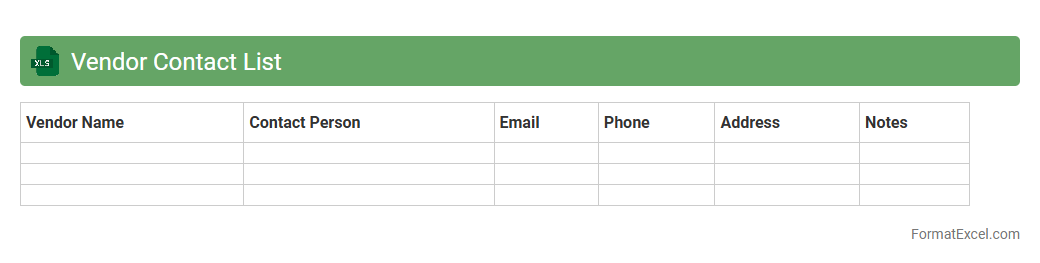
Vendor Contact List
A
Vendor Contact List Excel document is a structured spreadsheet that consolidates essential details such as vendor names, contact information, addresses, and service types. It streamlines communication and vendor management processes by providing quick access to verified contacts, improving procurement efficiency and vendor relationship tracking. This tool reduces administrative errors and accelerates decision-making through organized, easily updateable data.
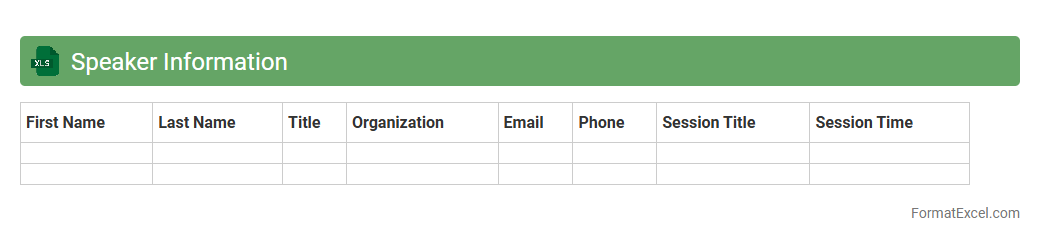
Speaker Information
The
Speaker Information Excel document is a structured file designed to organize and store detailed data about event speakers, including names, contact details, topics, and schedules. This document facilitates efficient event planning and coordination by providing easy access to speaker profiles and availability. It enhances communication, streamlines logistics, and ensures seamless management of speaker-related information for conferences, workshops, and seminars.
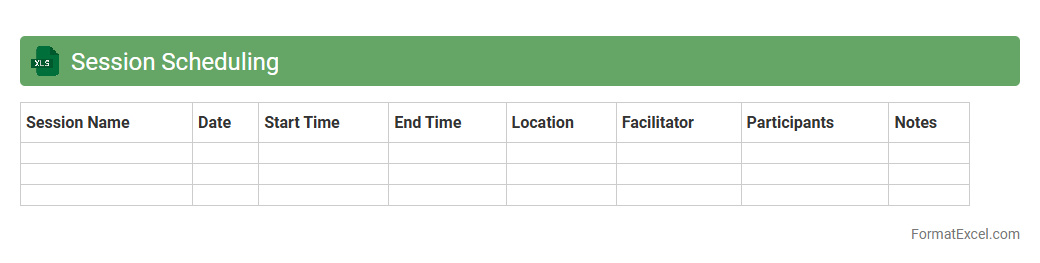
Session Scheduling
A
Session Scheduling Excel document is a structured tool designed to organize and manage training, meetings, or event sessions efficiently. It helps track dates, times, participants, and topics in one centralized spreadsheet, improving time management and resource allocation. Utilizing this document enhances coordination, reduces scheduling conflicts, and ensures all sessions are systematically planned and executed.
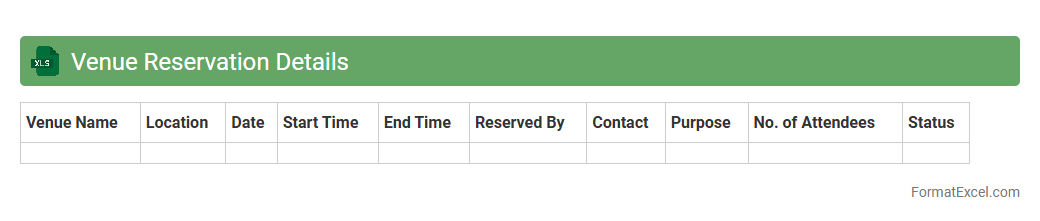
Venue Reservation Details
The
Venue Reservation Details Excel document systematically records all pertinent information about bookings, including dates, times, client names, contact details, and special requirements. It streamlines event management by providing a centralized database that enhances scheduling accuracy, prevents double bookings, and facilitates quick reference during planning and coordination. Using this document improves operational efficiency and ensures effective communication among team members involved in venue management.
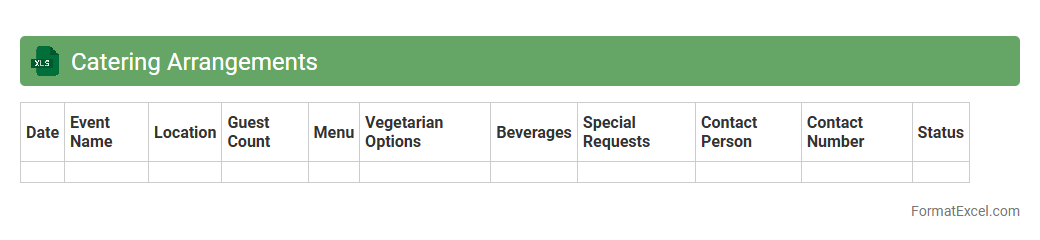
Catering Arrangements
A
Catering Arrangements Excel document is a structured spreadsheet designed to organize and manage all aspects of catering events, including menu selections, guest lists, dietary preferences, and logistical details. It enhances efficiency by providing a centralized platform to track costs, schedules, and vendor contacts, reducing errors and ensuring seamless coordination. This document proves invaluable for event planners and catering teams by streamlining communication and facilitating data-driven decision-making.
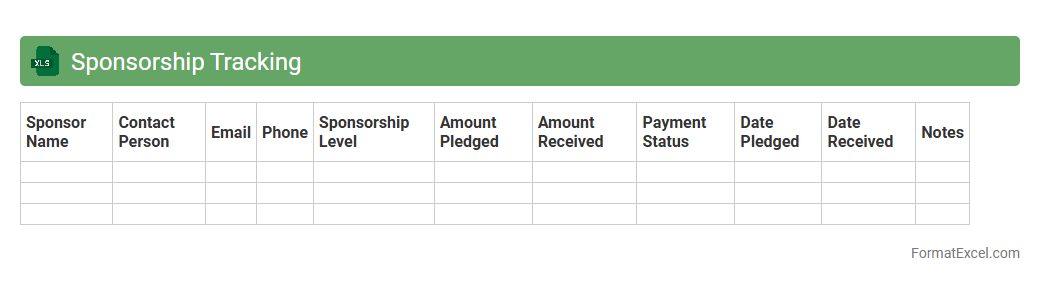
Sponsorship Tracking
A
Sponsorship Tracking Excel document is a structured tool designed to monitor and manage sponsorship deals, capturing essential details such as sponsor names, contribution amounts, timelines, deliverables, and payment statuses. It enables organizations to maintain transparency, ensure timely follow-ups, and optimize sponsor relationships by providing a centralized overview of all active and potential partnerships. This document enhances accountability and facilitates strategic decision-making by tracking progress and measuring the impact of each sponsorship effectively.
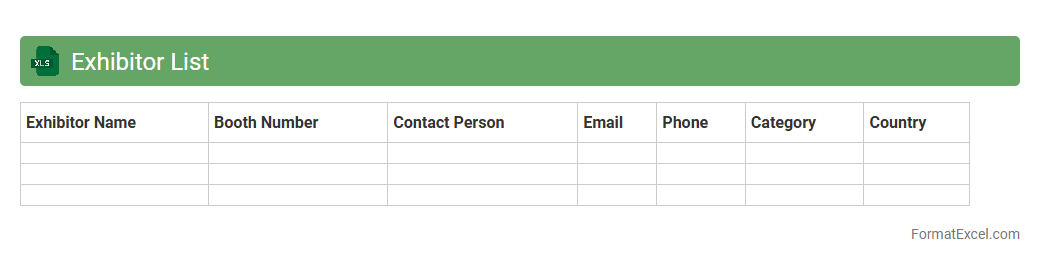
Exhibitor List
The
Exhibitor List Excel document is a structured spreadsheet containing detailed information about all participants exhibiting at an event, including company names, contact details, booth numbers, and product categories. This document is useful for efficient event planning, networking, and marketing strategies, as it allows organizers and attendees to quickly identify and connect with relevant exhibitors. It also facilitates data analysis and improves coordination by providing a centralized, easily accessible resource for managing exhibitor information.
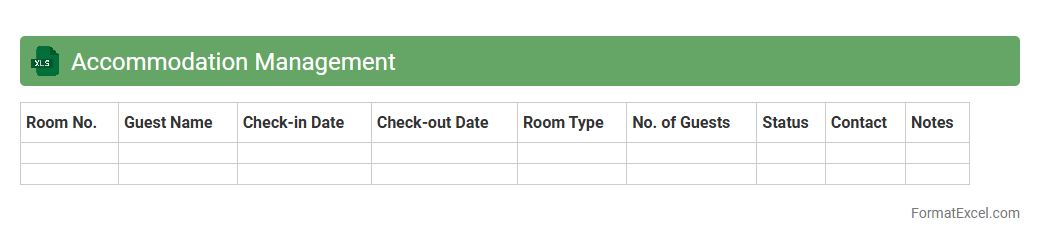
Accommodation Management
An
Accommodation Management Excel document is a structured spreadsheet used to organize and track lodging details such as booking dates, guest information, room availability, and payment status. It streamlines the management of accommodations by providing a clear overview of reservations and occupancy rates, helping to avoid overbooking and ensuring efficient resource allocation. This tool enhances operational efficiency and improves communication between staff by centralizing critical accommodation data in one accessible platform.
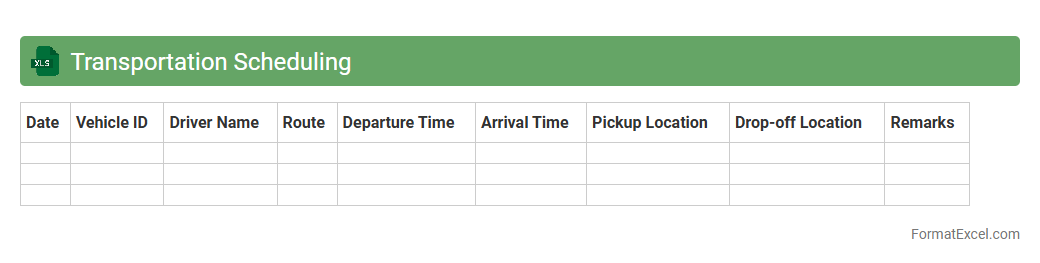
Transportation Scheduling
A Transportation Scheduling Excel document is a powerful tool designed to organize and manage logistics by outlining routes, timings, and vehicle assignments efficiently. It enhances operational productivity by providing clear visibility into shipment progress, helping avoid delays, and optimizing resource allocation. Using this
Transportation Scheduling Excel enables businesses to save time, reduce costs, and improve customer satisfaction through streamlined transportation management.
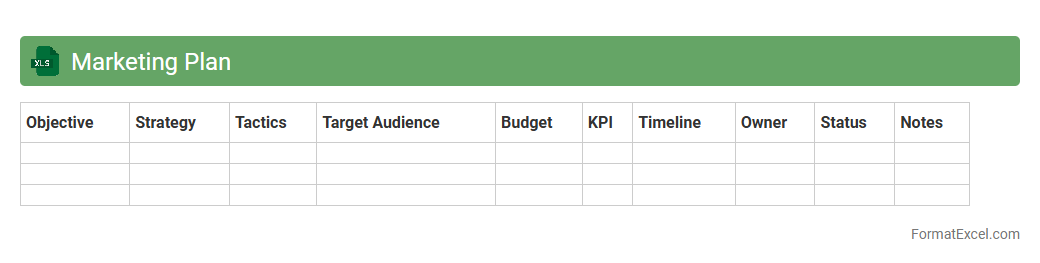
Marketing Plan
A
Marketing Plan Excel document is a structured spreadsheet that helps organize and track marketing strategies, budgets, timelines, and performance metrics in one manageable file. It is useful for setting clear objectives, allocating resources efficiently, and monitoring campaign progress to ensure alignment with business goals. Using this tool enhances data-driven decision-making and improves communication across marketing teams.
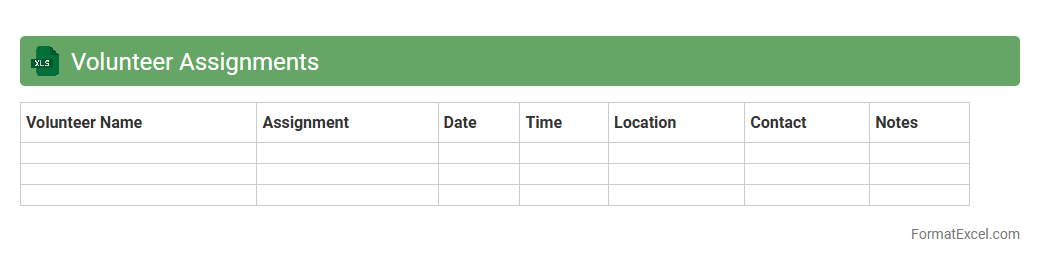
Volunteer Assignments
The
Volunteer Assignments Excel document organizes volunteer tasks, schedules, and contact information, streamlining coordination and improving communication. It helps managers track volunteer availability, assign roles efficiently, and monitor progress in real-time. This tool enhances productivity by ensuring all volunteer efforts are documented and easily accessible for planning and reporting purposes.
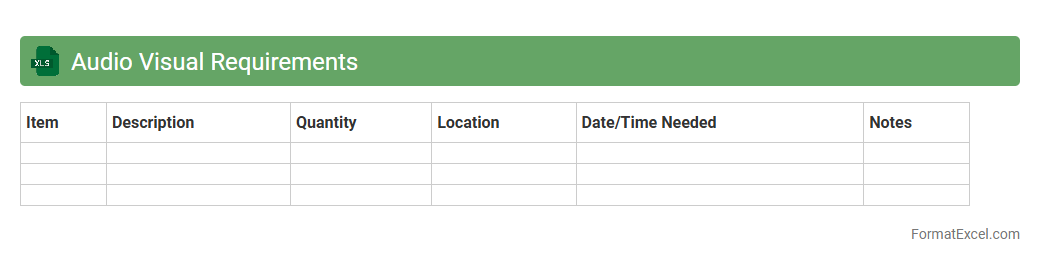
Audio Visual Requirements
An
Audio Visual Requirements Excel document organizes detailed specifications for AV equipment, setup, and technical needs essential for events, presentations, or productions. It streamlines communication between event planners, technicians, and vendors by consolidating all AV details in one accessible format. This document enhances planning efficiency, reduces errors, and ensures that all audiovisual components align with the event's objectives.
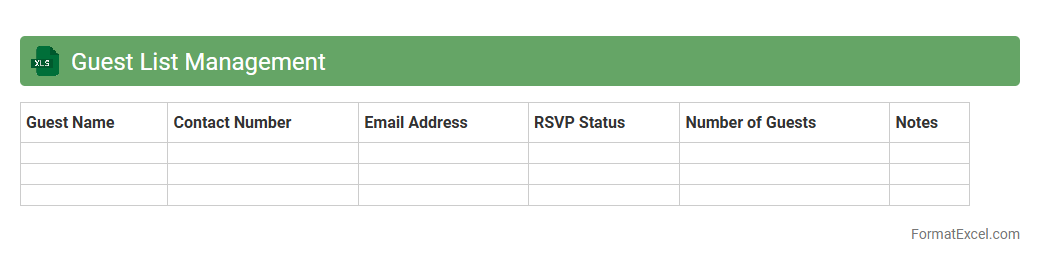
Guest List Management
A
Guest List Management Excel document is a structured spreadsheet tool designed to organize and track event attendees effectively. It helps in maintaining accurate records of invitees, RSVP status, meal preferences, and contact details, ensuring streamlined communication and event coordination. This tool enhances efficiency by enabling easy updates, filtering, and sorting, which supports better decision-making and resource allocation for successful event planning.
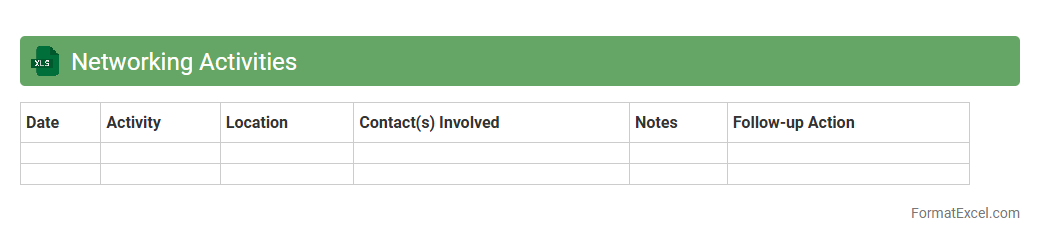
Networking Activities
A
Networking Activities Excel document is a structured tool designed to track and manage professional connections, events, and follow-ups systematically. It enables users to organize contact details, meeting dates, and key conversation points, enhancing relationship-building efficiency and ensuring timely interactions. By consolidating networking efforts in one place, it optimizes job searching, business development, and career growth strategies.
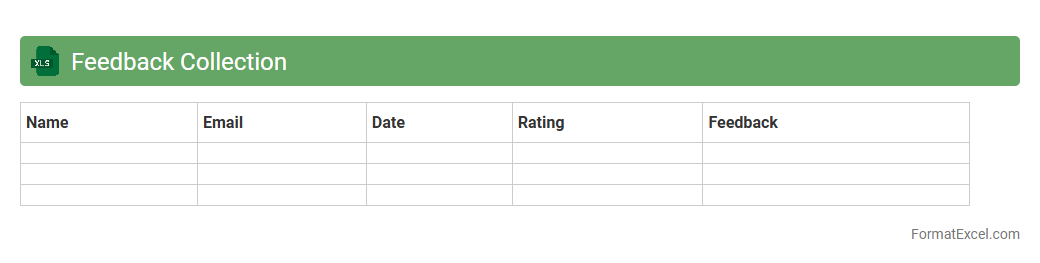
Feedback Collection
A
Feedback Collection Excel document is a structured spreadsheet designed to gather, organize, and analyze customer or employee feedback efficiently. It allows users to systematically record responses, track trends, and identify key areas for improvement using built-in Excel functions like data sorting, filtering, and visualization tools. This organized approach enhances decision-making processes by providing clear insights into satisfaction levels and actionable data for continuous growth.
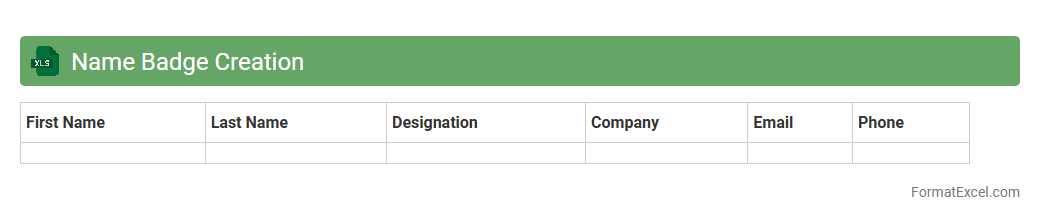
Name Badge Creation
A
Name Badge Creation Excel document is a spreadsheet tool designed to organize and format names, titles, and other relevant information for generating personalized badges efficiently. It streamlines the process of badge printing by maintaining a structured database, reducing errors and saving time during events or conferences. Using this document enhances professionalism and ensures quick identification of participants in various settings.
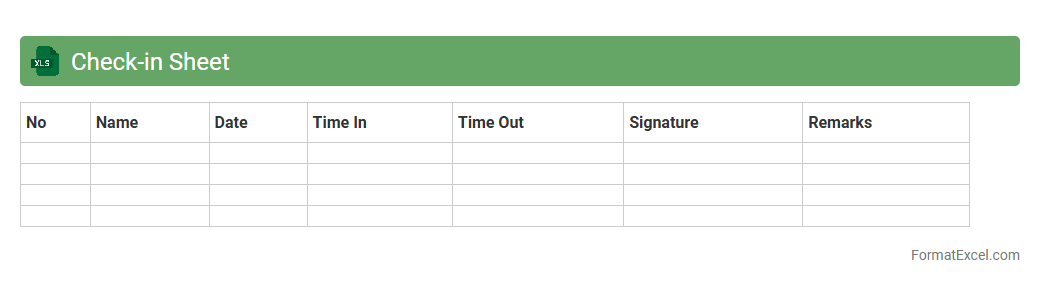
Check-in Sheet
A
Check-in Sheet Excel document is a structured template designed to record and track attendance, appointments, or inventory entries efficiently. It helps streamline the check-in process by providing organized fields for names, times, and other relevant details, reducing errors and saving time. This tool is essential for maintaining accurate records in businesses, events, or office environments, enhancing both accountability and operational flow.
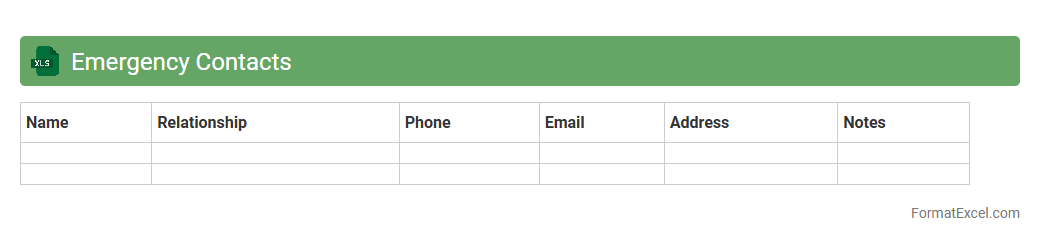
Emergency Contacts
An
Emergency Contacts Excel document is a structured file used to store and organize vital contact information for quick access during urgent situations. It allows users to list names, phone numbers, relationships, and roles of individuals like family members, medical professionals, and emergency services. This document enhances safety by ensuring that critical contacts are readily available, facilitating prompt communication in emergencies.
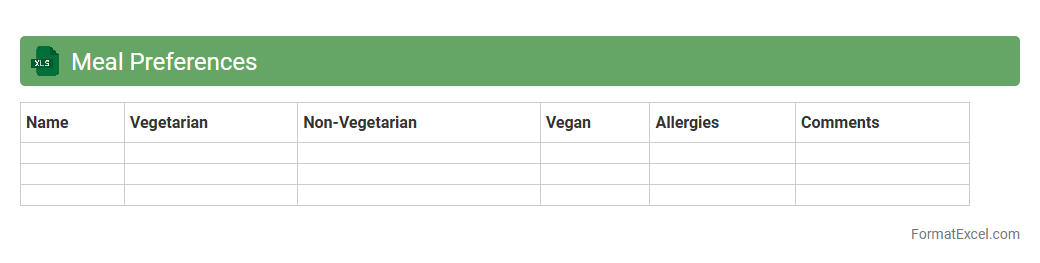
Meal Preferences
A
Meal Preferences Excel document organizes individual dietary choices and restrictions, streamlining meal planning for events, workplaces, or institutions. This tool allows efficient tracking of allergies, nutritional requirements, and food dislikes, ensuring personalized and safe meal selections. By centralizing this data, it minimizes errors, reduces food waste, and enhances overall satisfaction for participants.
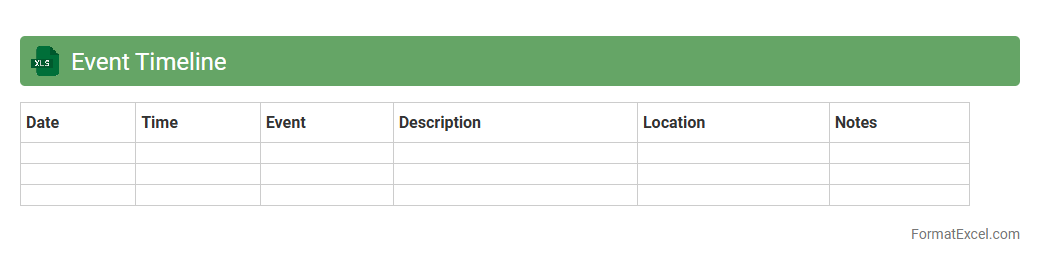
Event Timeline
An
Event Timeline Excel document is a structured spreadsheet that organizes and tracks key dates, milestones, and tasks related to an event's planning and execution. It enables efficient project management by providing a clear chronological overview, helping teams meet deadlines and allocate resources effectively. This tool enhances coordination, reduces the risk of overlooking critical steps, and ensures smooth event progression from inception to completion.
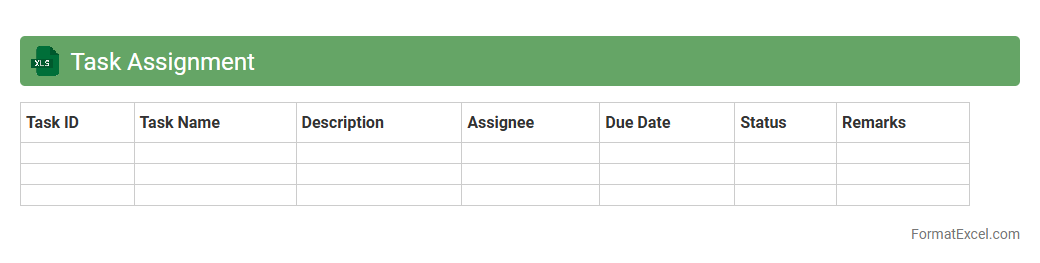
Task Assignment
A
Task Assignment Excel document is a structured spreadsheet designed to allocate tasks, track progress, and manage deadlines efficiently within teams or projects. It helps improve productivity by clearly defining responsibilities, prioritizing activities, and enabling real-time updates on task status. By centralizing task information, it minimizes confusion, enhances communication, and supports effective project management.
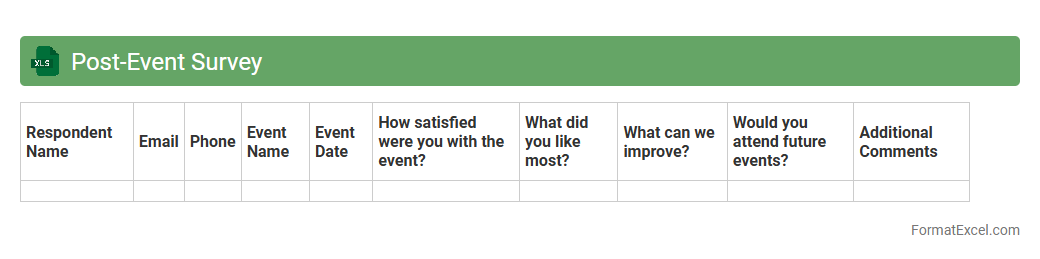
Post-Event Survey
A
Post-Event Survey Excel document is a structured spreadsheet designed to collect and analyze feedback from attendees after an event, capturing valuable insights such as satisfaction levels, suggestions, and overall experience. It helps organizations measure event success, identify areas for improvement, and tailor future events to meet audience expectations. Leveraging data visualization and automated calculations in Excel streamlines decision-making and enhances strategic planning.
Introduction to Conference Planner Formats
Conference planner formats help organizers efficiently manage event details and logistics. Utilizing a structured format ensures smooth coordination of tasks and timelines. One essential aspect of successful event management is the conference planner format.
Benefits of Using Excel for Conference Planning
Excel offers a flexible and user-friendly platform for organizing conference data. It allows real-time updates, easy sorting, and filtering of information. The grid layout and formulas make Excel ideal for comprehensive event planning.
Key Features of an Effective Conference Planner
An effective planner includes detailed scheduling, budget tracking, and attendee management. It should also offer customizability and clear visualization of tasks. These key features ensure complete control over the conference process.
Essential Columns in an Excel Conference Planner
Important columns include date, time, activity, assigned staff, and status. Budget and location details should also be tracked for each event segment. Including all necessary columns guarantees thorough information management.
Step-by-Step Guide to Creating a Conference Planner in Excel
Start by setting up column headers and defining the scope of activities. Input anticipated tasks, deadlines, and personnel assignments. Following these steps will help create an organized planner quickly.
Customizing Your Excel Conference Planner Template
Adjust the layout to fit your event's unique needs, including colors and fonts for clarity. Incorporate formulas for automatic calculations like budget totals. Customization enhances the planner's usability.
Tips for Managing Attendees and Registrations in Excel
Track attendee information, payment status, and special requirements using clearly labeled columns. Implement data validation to reduce entry errors. Effective attendee management hinges on accurate registration tracking.
Integrating Schedules and Agendas within Excel
Combine agenda details with timing and speaker information for easy reference. Use conditional formatting to highlight changes or important sessions. The integration of schedules makes event flow transparent and manageable.
Common Mistakes to Avoid in Conference Planning Formats
Avoid cluttering sheets with excessive data and neglecting backup copies. Ensure consistency in data entry and avoid overlooking critical deadlines. Preventing these common mistakes improves overall planning efficiency.
Downloadable Excel Conference Planner Templates
Many websites offer free or premium templates tailored for conference management. These templates save time and provide a professional starting point. Utilizing downloadable templates accelerates planner setup and customization.