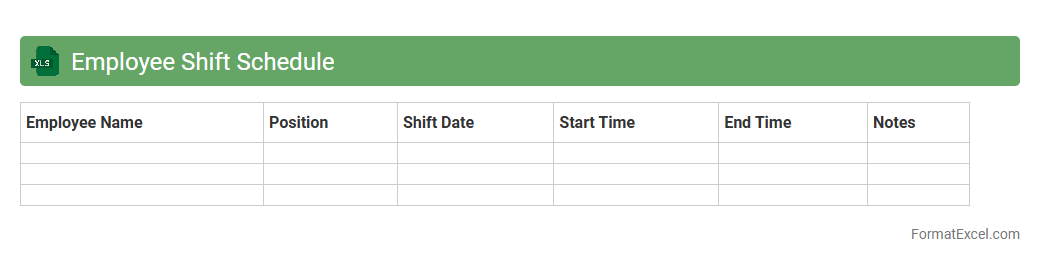
Employee Shift Schedule
An
Employee Shift Schedule Excel document is a structured spreadsheet designed to organize and track employee work hours, shifts, and availability in a clear, accessible format. It enhances workforce management by facilitating efficient shift allocation, minimizing scheduling conflicts, and ensuring compliance with labor regulations. This tool improves operational productivity and communication within teams by providing a centralized reference for managers and employees.
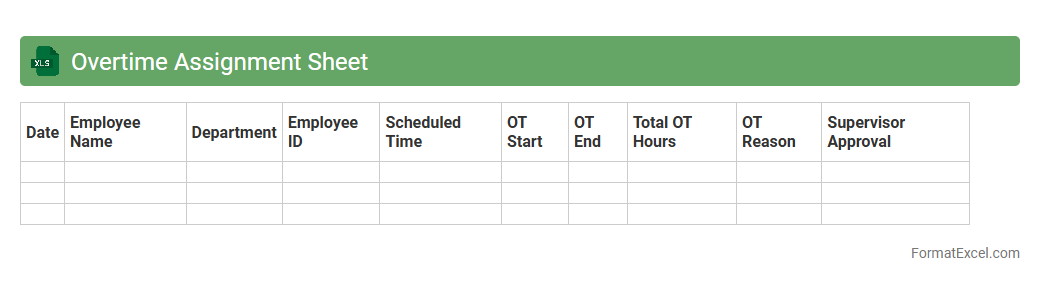
Overtime Assignment Sheet
An
Overtime Assignment Sheet Excel document is a structured tool designed to record and track employee overtime hours accurately. It helps organizations monitor extra work time, manage payroll calculations, and ensure compliance with labor regulations. Using this sheet enhances efficiency in workforce management and provides clear data for budgeting and reporting purposes.
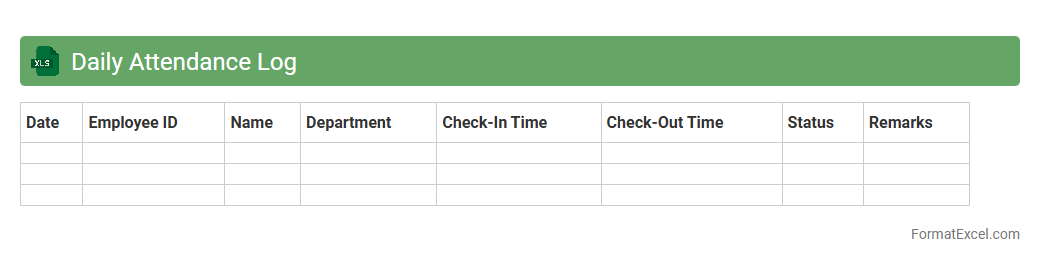
Daily Attendance Log
The
Daily Attendance Log Excel document is a structured spreadsheet used to record employee attendance, including check-in and check-out times, absences, and leave details. It helps organizations maintain accurate records for payroll processing, monitor employee punctuality, and identify attendance patterns that may impact productivity. By automating attendance tracking, this log enhances workforce management and facilitates compliance with labor regulations.
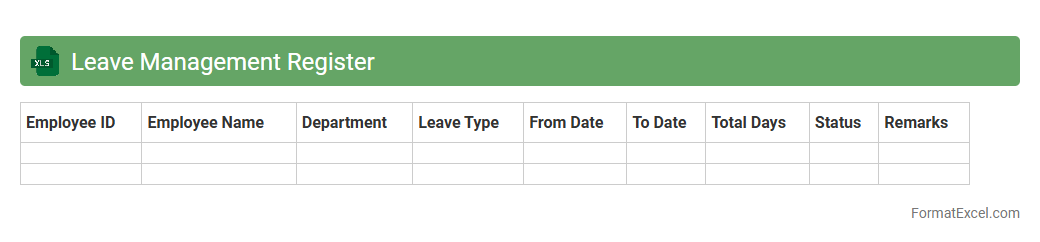
Leave Management Register
A
Leave Management Register Excel document is a digital tool designed to systematically track employee leave records, including types of leave, dates, and balances. It is useful for maintaining accurate attendance data, streamlining HR processes, and ensuring compliance with company leave policies. This register helps managers monitor leave trends and prepare staffing plans efficiently.
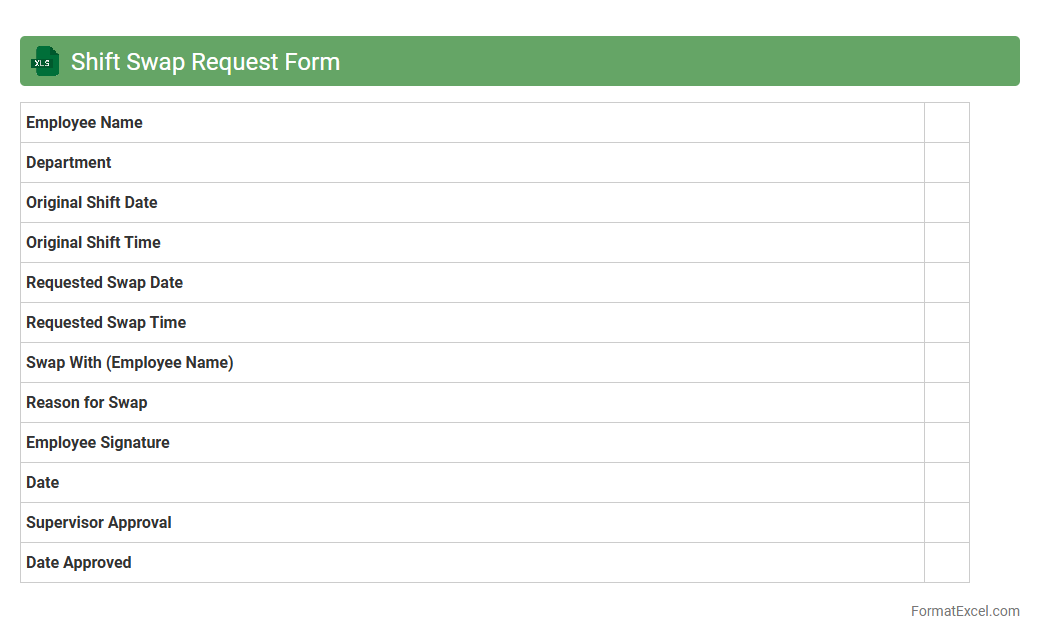
Shift Swap Request Form
The
Shift Swap Request Form Excel document streamlines the process of exchanging work shifts among employees by providing a clear, structured format for submitting and approving swap requests. It facilitates efficient communication between staff and management, ensuring shift changes are tracked accurately to maintain operational coverage. Utilizing this form helps reduce scheduling conflicts, improve workforce flexibility, and enhance overall team coordination.
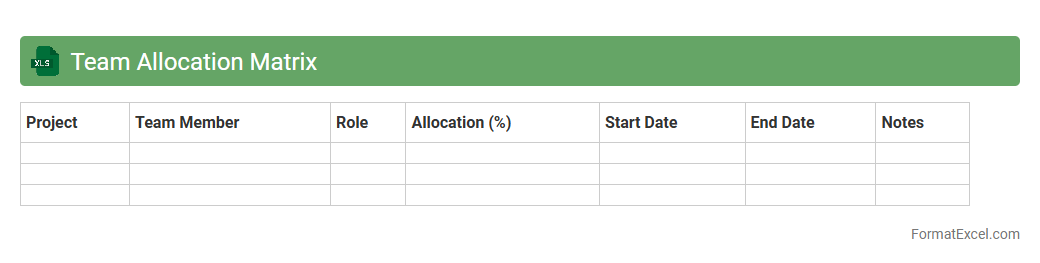
Team Allocation Matrix
A
Team Allocation Matrix Excel document visually represents team members' roles, responsibilities, and time distribution across projects, enabling efficient resource management. It helps identify over-allocated or underutilized staff, thereby optimizing workload balance and project timelines. By providing clear visibility into team capacity, it enhances decision-making and improves overall productivity.
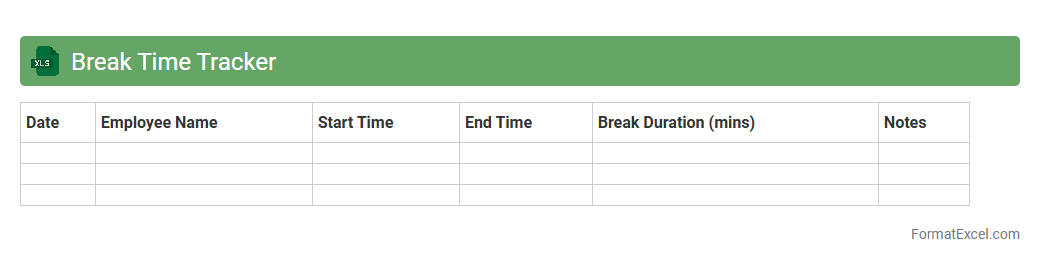
Break Time Tracker
The
Break Time Tracker Excel document is a tool designed to monitor and record the duration and frequency of breaks taken during work hours. It helps improve productivity by ensuring employees take regular, timely breaks, which can reduce fatigue and enhance focus. By analyzing the tracked data, managers can optimize work schedules and promote healthier work habits across teams.
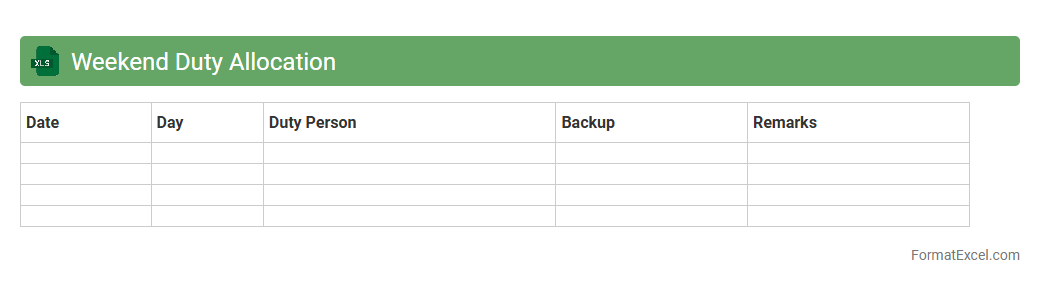
Weekend Duty Allocation
The
Weekend Duty Allocation Excel document is a structured tool designed to organize and assign weekend work shifts efficiently within a team or organization. It streamlines scheduling by clearly outlining personnel responsibilities, preventing conflicts and ensuring adequate coverage during weekends. This document enhances productivity and accountability by providing a transparent and accessible reference for managers and employees alike.
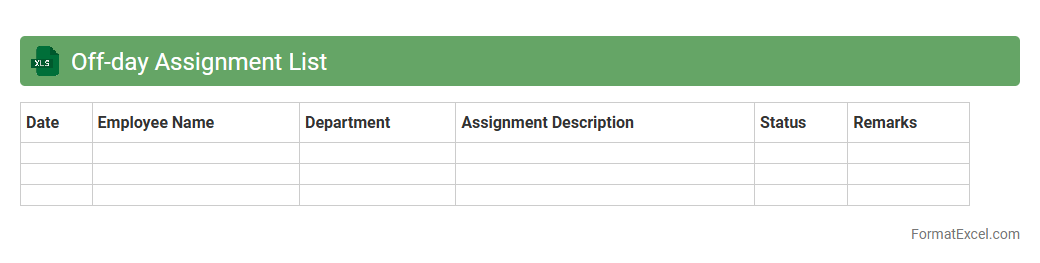
Off-day Assignment List
An
Off-day Assignment List Excel document is a structured spreadsheet used to track and manage employees' designated off days within an organization. It helps supervisors efficiently allocate tasks and ensure adequate staffing by clearly displaying who is available or off on specific dates. This tool enhances workforce planning, reduces scheduling conflicts, and improves overall operational productivity.
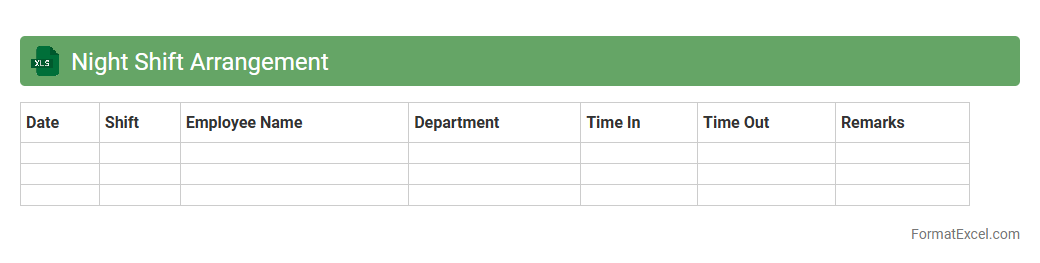
Night Shift Arrangement
The
Night Shift Arrangement Excel document is a detailed scheduling tool designed to organize and manage employee shifts during night hours efficiently. It helps ensure balanced workforce allocation, reduces errors in shift assignments, and improves overall productivity by providing clear visibility of who is working at specific times. This document is essential for businesses operating 24/7, enabling seamless shift transitions and compliance with labor regulations.
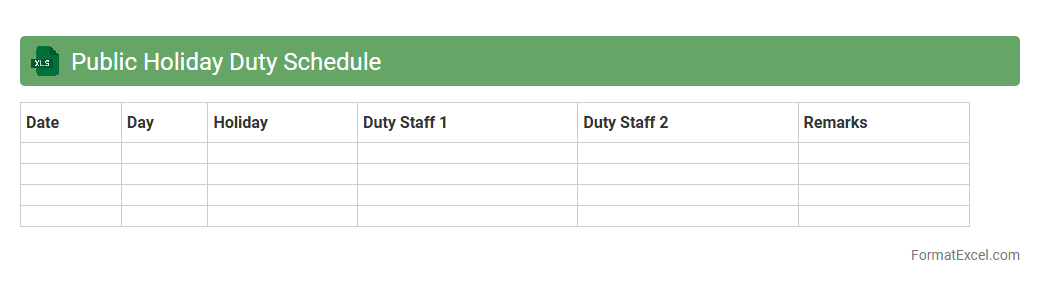
Public Holiday Duty Schedule
A
Public Holiday Duty Schedule Excel document organizes employee work shifts during public holidays to ensure proper staffing and smooth operations. It helps managers allocate resources efficiently, avoid scheduling conflicts, and maintain compliance with labor laws. This tool enhances workforce planning by providing clear visibility of who is working on specific holidays, reducing confusion and improving overall productivity.
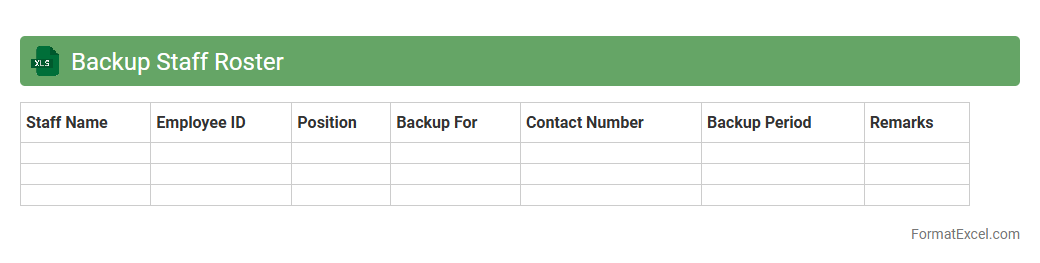
Backup Staff Roster
A
Backup Staff Roster Excel document is a structured spreadsheet used to organize and manage the schedules of backup or on-call employees. It ensures seamless workforce availability by clearly listing staff names, shift timings, and contact details, allowing quick substitution during absences or emergencies. This tool enhances operational efficiency, reduces downtime, and supports effective workforce management in dynamic work environments.
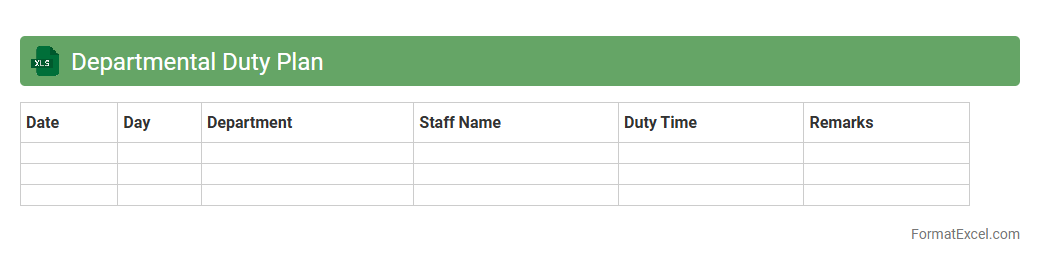
Departmental Duty Plan
A
Departmental Duty Plan Excel document is a structured spreadsheet that outlines the specific responsibilities, shifts, and tasks assigned to each team member within a department. It helps streamline workforce management by providing clear visibility on duty schedules, ensuring balanced workloads, and improving accountability. Using this document enhances operational efficiency, reduces scheduling conflicts, and supports seamless coordination among department members.
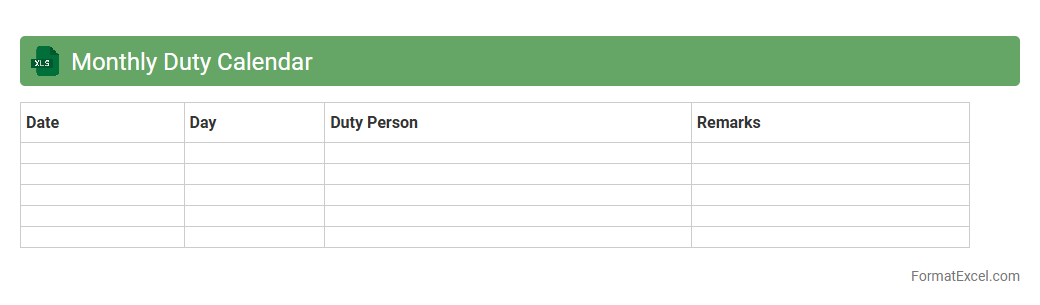
Monthly Duty Calendar
The
Monthly Duty Calendar Excel document is a structured tool designed to organize and track work shifts, assignments, and responsibilities on a monthly basis. It enhances workforce management by providing clear visualization of duty schedules, ensuring efficient allocation of tasks, and minimizing conflicts or overlaps. This calendar supports improved planning, accountability, and communication within teams or organizations.
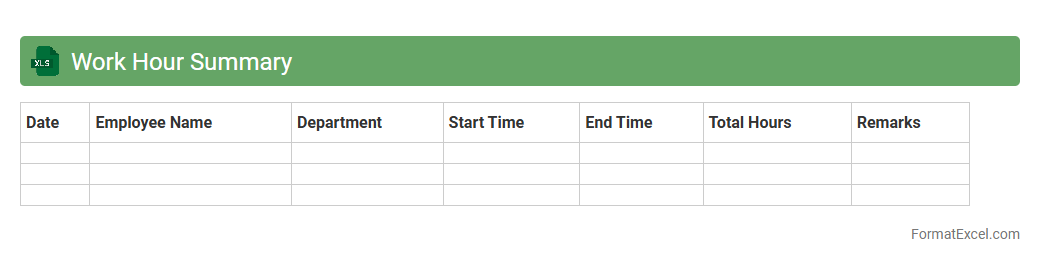
Work Hour Summary
A
Work Hour Summary Excel document is a detailed record that tracks the total hours worked by employees over a specific period, including regular hours, overtime, and breaks. It helps managers monitor productivity, ensure accurate payroll processing, and identify patterns in work schedules for better resource allocation. Utilizing this document enhances workforce management by providing clear insights into attendance and time utilization.
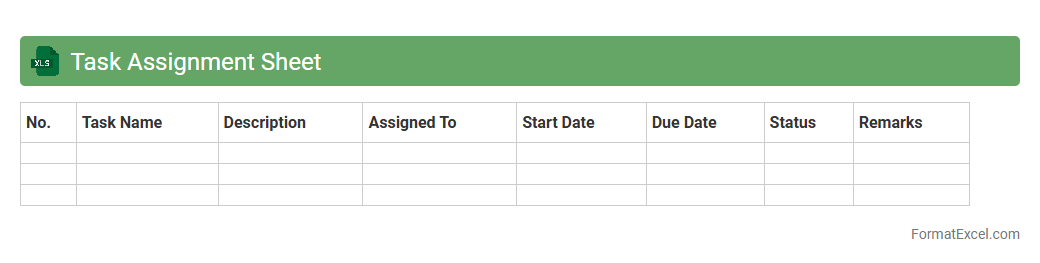
Task Assignment Sheet
A
Task Assignment Sheet Excel document is a structured spreadsheet used to allocate tasks efficiently among team members, track progress, and manage deadlines. It improves project organization by clearly defining responsibilities, ensuring accountability, and enhancing communication within teams. Utilizing this tool streamlines workflow, reduces the risk of missed deadlines, and boosts overall productivity in project management.
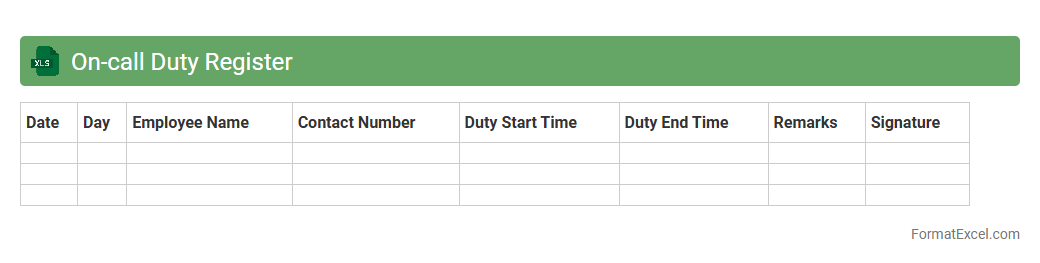
On-call Duty Register
An
On-call Duty Register Excel document is a structured tool designed to track and schedule on-call shifts for employees or team members. It helps organizations ensure 24/7 availability by clearly outlining responsibilities, dates, and contact information, reducing the risk of missed duties. Using this register improves communication, accountability, and efficient resource management during critical times.
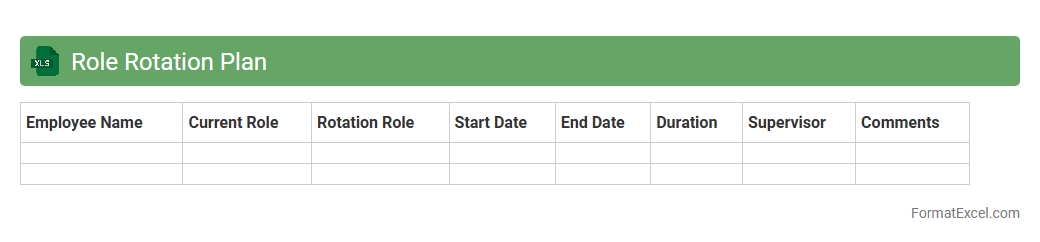
Role Rotation Plan
A
Role Rotation Plan Excel document systematically organizes employee role assignments, timelines, and skill development goals, enabling efficient workforce management and knowledge transfer. It tracks progress and identifies gaps, fostering employee growth and enhancing organizational flexibility. By visualizing rotations and skill sets, it supports succession planning and improves team collaboration.
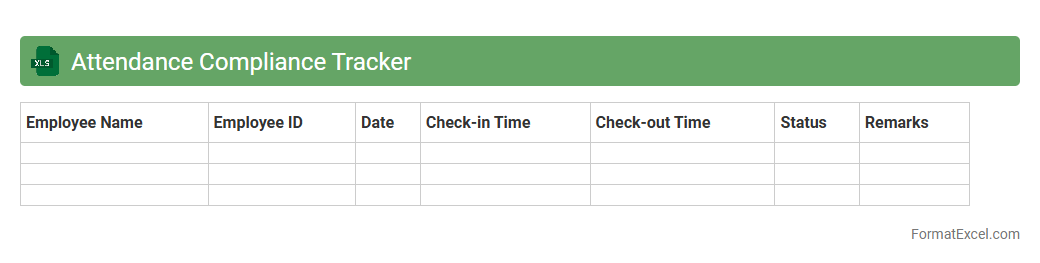
Attendance Compliance Tracker
The
Attendance Compliance Tracker Excel document is a tool designed to monitor and record employee attendance, ensuring adherence to company policies and labor regulations. It helps organizations identify patterns such as absenteeism, late arrivals, or overtime hours, enabling efficient workforce management and accurate payroll processing. By providing a clear overview of attendance data, it supports compliance with labor laws and improves overall operational productivity.
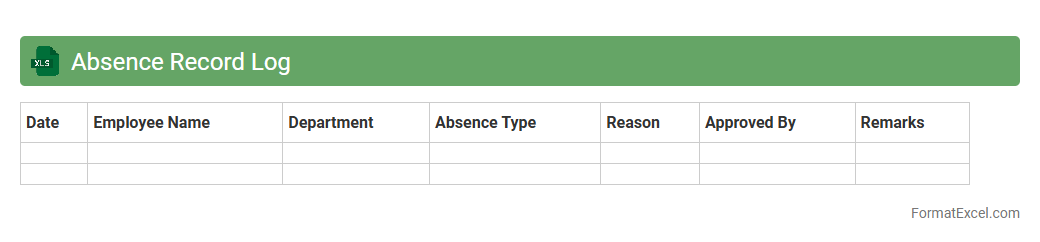
Absence Record Log
An
Absence Record Log Excel document tracks employee attendance by recording dates, reasons, and durations of absences, ensuring accurate monitoring of workforce availability. This tool helps managers identify absence patterns, maintain compliance with company policies, and streamline payroll processing. Accurate record-keeping reduces errors and supports better decision-making in human resource management.
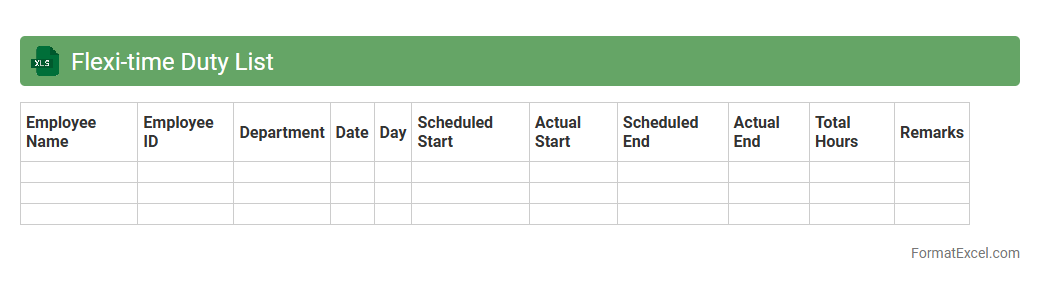
Flexi-time Duty List
The
Flexi-time Duty List Excel document is a tool designed to organize and track employees' working hours with flexible start and end times. It helps efficiently manage attendance, ensuring compliance with company policies while allowing staff to balance work and personal commitments. This document improves productivity by providing clear visibility of duty shifts and facilitating accurate payroll calculations.
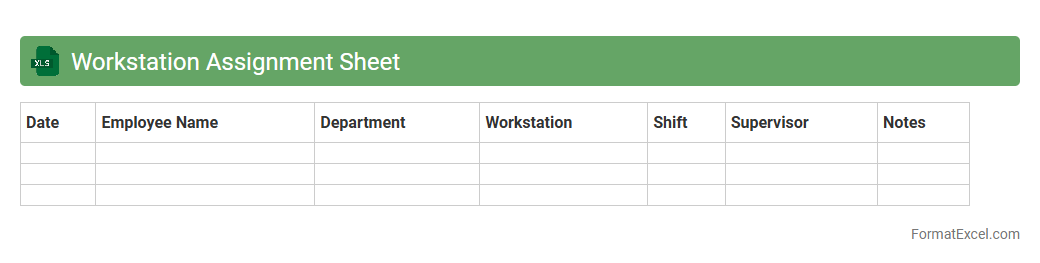
Workstation Assignment Sheet
A
Workstation Assignment Sheet Excel document is a structured tool that organizes and tracks the allocation of workstations to employees within an office or manufacturing environment. It helps managers efficiently manage space utilization, monitor workstation availability, and ensure that each employee is assigned an appropriate workspace based on their role or project requirements. Using this sheet enhances operational productivity by reducing confusion, preventing double assignments, and facilitating quick adjustments to seating arrangements.
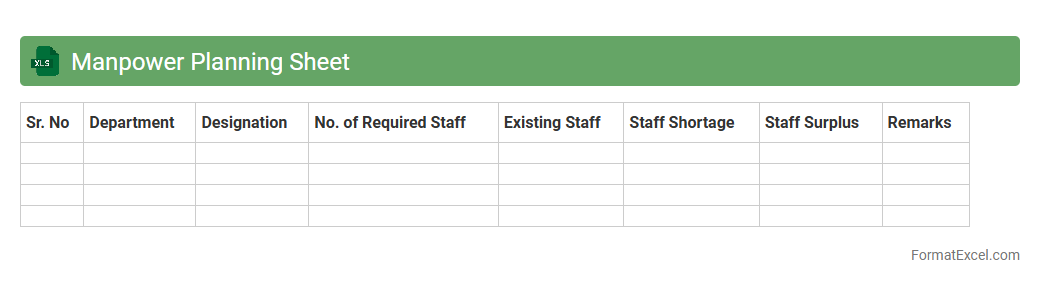
Manpower Planning Sheet
A
Manpower Planning Sheet in Excel is a structured document designed to forecast and allocate the workforce requirements of an organization over a specific period. It helps businesses identify staffing gaps, plan recruitment, and optimize resource utilization to meet operational demands efficiently. Using this tool, companies can align their human resource capabilities with strategic goals, improving productivity and cost management.
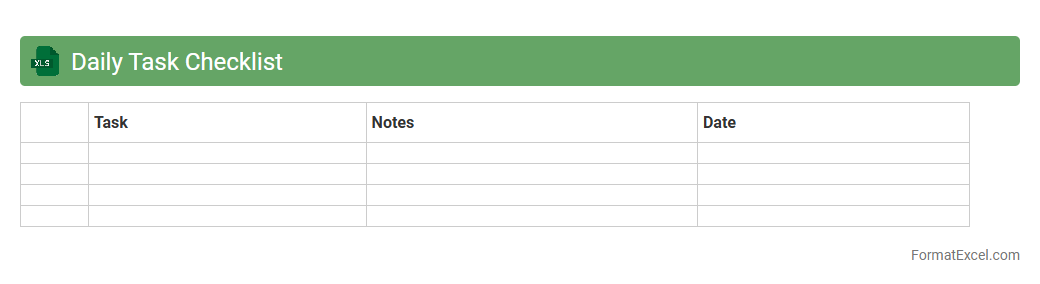
Daily Task Checklist
A
Daily Task Checklist Excel document is a structured spreadsheet designed to organize and track daily activities and responsibilities efficiently. It enables users to prioritize tasks, monitor progress, and enhance productivity by providing clear visibility of pending and completed work. This tool is particularly useful for time management and ensuring accountability in both personal and professional settings.
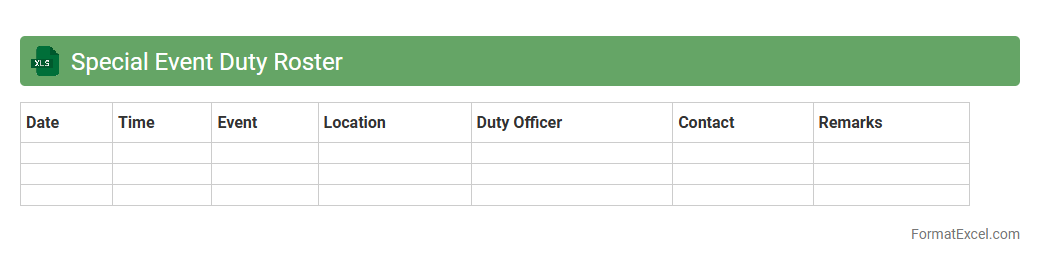
Special Event Duty Roster
A
Special Event Duty Roster Excel document is a structured spreadsheet designed to organize and assign tasks for personnel during specific events. It helps streamline the scheduling process by clearly outlining roles, shifts, and responsibilities, ensuring efficient coordination and accountability. This tool enhances operational management by providing a centralized, easily updatable record that improves communication and reduces scheduling conflicts.
Introduction to Duty Roster Formats
A duty roster format in Excel is a structured layout used to assign and track employee shifts efficiently. It helps managers visualize schedules and allocate tasks systematically. This format is essential for maintaining clear communication and operational flow in any organization.
Importance of an Organized Duty Roster
An organized duty roster ensures fair distribution of work and reduces scheduling conflicts. It promotes accountability by clearly defining employee responsibilities. Maintaining a well-planned duty roster enhances workforce productivity and morale.
Key Elements of a Duty Roster in Excel
Key elements include employee names, shifts, dates, and task descriptions. Incorporating time slots and break periods offers greater clarity. Proper headers and color coding improve readability and ease of use.
Step-by-Step Guide to Creating a Duty Roster in Excel
Start by listing all employees and dates in rows and columns, respectively. Use Excel's formatting tools to highlight shifts and roles clearly. Implement drop-down lists and conditional formatting to automate entries.
Sample Duty Roster Format Templates
Pre-designed templates in Excel save time and provide a professional look. They typically include built-in formulas for attendance and shift tracking. Using a sample duty roster template can help customize schedules faster.
Tips for Customizing Duty Rosters in Excel
Customize by adding specific roles, notes, or departmental color codes. Use filters and sorting to manage large teams efficiently. Implement Excel comments for additional instructions or shift details.
Automating Duty Schedules with Excel Formulas
Excel formulas like IF, VLOOKUP, and COUNTIF automate duty assignments and validation. These formulas reduce manual errors and save scheduling time. Automation increases accuracy in managing complex duty schedules.
Common Mistakes to Avoid in Duty Roster Management
Avoid overbooking employees and neglecting labor laws or employee availability. Do not overlook the importance of regular updates and communication. Ensure to double-check formulas to prevent data inconsistencies.
Benefits of Using Excel for Duty Rosters
Excel offers versatility, ease of use, and powerful calculation features. It supports customization and dynamic updates suited for diverse teams. The cost-effectiveness of Excel makes it accessible for businesses of all sizes.
Downloadable Duty Roster Excel Templates
Various websites offer free and premium downloadable duty roster templates in Excel format. These templates come with built-in formulas and formatting for quick deployment. Accessing a downloadable Excel template accelerates the rostering process effectively.