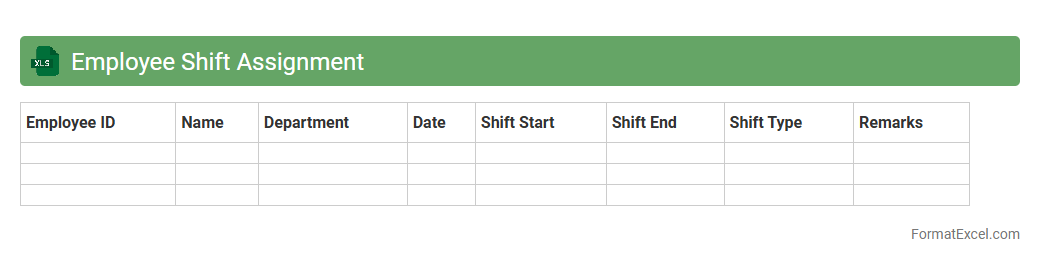
Employee Shift Assignment
An
Employee Shift Assignment Excel document is a structured spreadsheet designed to organize and manage workforce schedules efficiently. It enables managers to allocate shifts, track employee availability, and monitor work hours, reducing scheduling conflicts and ensuring adequate staffing. This tool supports productivity and operational smoothness by providing clear visibility into daily, weekly, or monthly shift assignments.
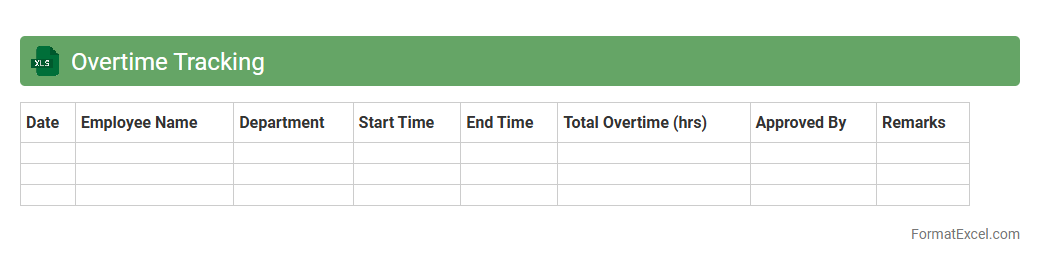
Overtime Tracking
An
Overtime Tracking Excel document systematically records and calculates extra working hours beyond regular schedules, ensuring accurate payroll processing and compliance with labor laws. It enables managers and HR personnel to monitor employee overtime patterns, identify trends, and optimize workforce allocation effectively. This tool enhances transparency and supports budgeting by providing detailed insights into overtime costs and productivity impacts.
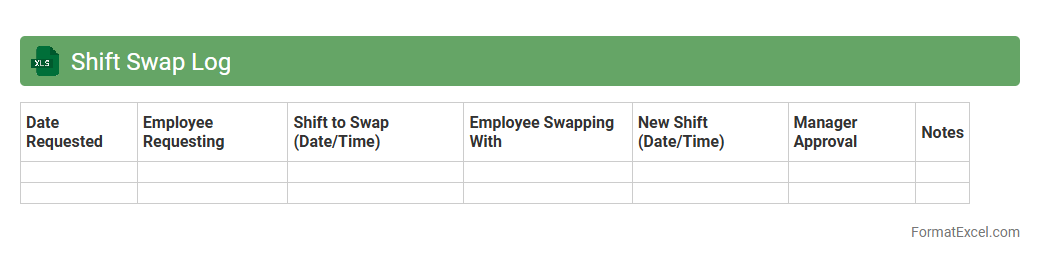
Shift Swap Log
A
Shift Swap Log Excel document is a structured spreadsheet designed to track employee shift changes, swaps, and coverage details efficiently. This log helps maintain clear records of who is working when, reducing scheduling conflicts and ensuring accountability in workforce management. By using this document, managers can optimize shift allocation, improve communication among team members, and maintain accurate attendance and payroll records.
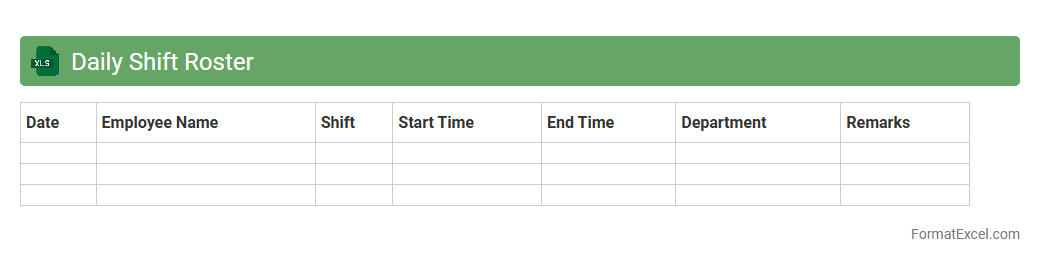
Daily Shift Roster
The
Daily Shift Roster Excel document is a structured spreadsheet designed to organize and track employee work shifts on a daily basis, ensuring clear visibility of schedules. It helps managers allocate resources efficiently, avoid scheduling conflicts, and maintain workforce productivity. Using this tool streamlines shift planning and enhances communication within teams, leading to improved operational efficiency.
Weekend Shift Planner
The
Weekend Shift Planner Excel document is a specialized tool designed to organize and schedule employee shifts efficiently during weekends. It facilitates clear visibility of work schedules, ensures balanced workforce allocation, and reduces conflicts or overlaps, improving overall productivity. By automating shift management, it saves time for HR departments and enhances communication across teams.
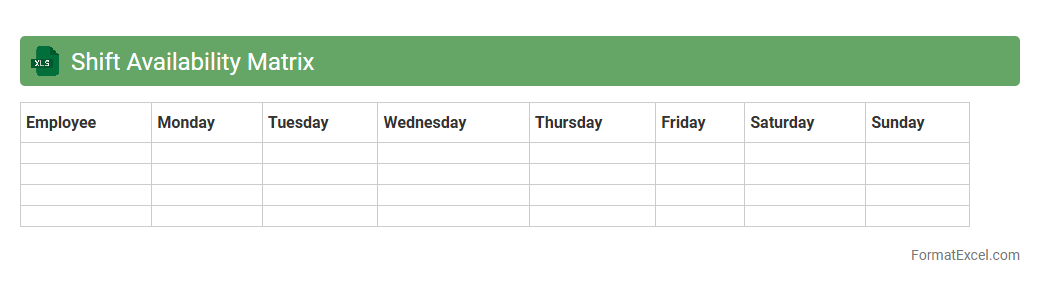
Shift Availability Matrix
The
Shift Availability Matrix Excel document is a structured tool designed to track and manage employee availability across various shifts, enabling efficient workforce scheduling. It allows managers to quickly identify who is available for specific time slots, reducing scheduling conflicts and optimizing labor allocation. By streamlining shift assignments, the matrix enhances operational productivity and ensures adequate coverage for all shifts.
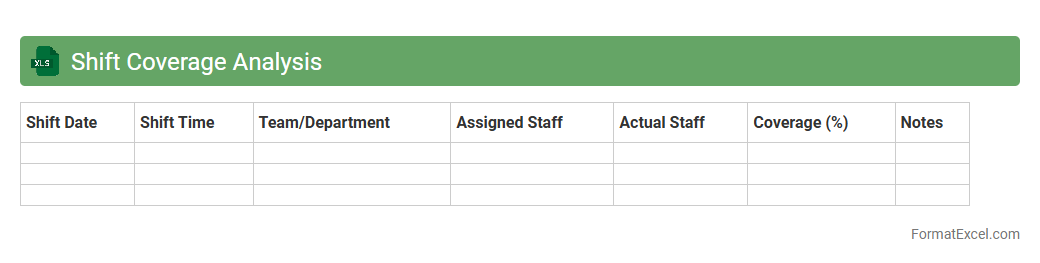
Shift Coverage Analysis
The
Shift Coverage Analysis Excel document is a tool designed to evaluate employee shift schedules by identifying gaps and overlaps in coverage. It helps managers optimize workforce allocation, ensuring sufficient staffing levels to meet operational demands while reducing overtime and labor costs. By providing clear visibility into shift distribution, it supports informed decision-making and enhances overall productivity.
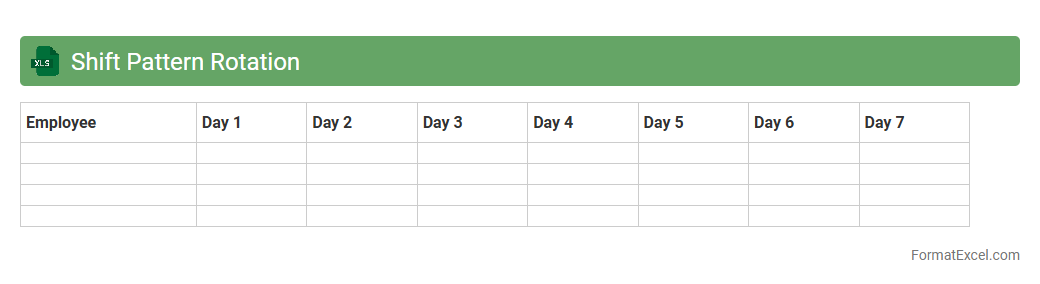
Shift Pattern Rotation
A
Shift Pattern Rotation Excel document is a customizable spreadsheet designed to organize employee work shifts systematically over a specific period. It helps managers efficiently allocate shifts, prevent scheduling conflicts, and ensure balanced workload distribution among team members. Using this tool enhances workforce management, improves productivity, and supports compliance with labor regulations.
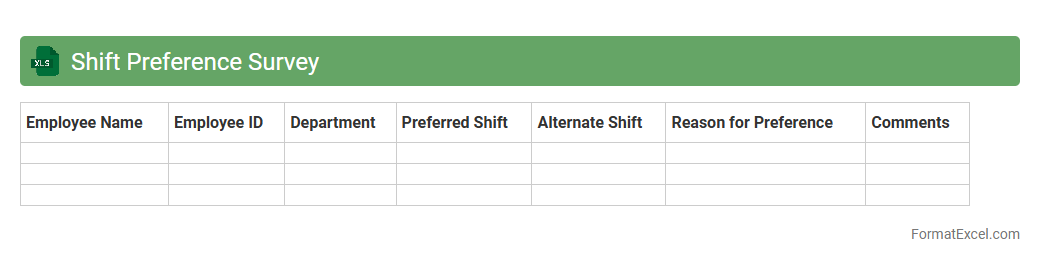
Shift Preference Survey
The
Shift Preference Survey Excel document is a structured tool designed to collect and analyze employee availability and preferred working shifts efficiently. By organizing this data systematically, it enables managers to optimize scheduling, balance workforce distribution, and enhance overall productivity. Utilizing this survey streamlines communication, reduces scheduling conflicts, and supports better workforce management decisions.
Absent and Leave Record
An
Absent and Leave Record Excel document is a systematic tool designed to track employee attendance, absences, and leave details within an organization. It helps HR managers and supervisors monitor leave balances, identify attendance patterns, and ensure accurate payroll processing. By maintaining this record, businesses can improve workforce management, reduce absenteeism, and comply with labor regulations effectively.
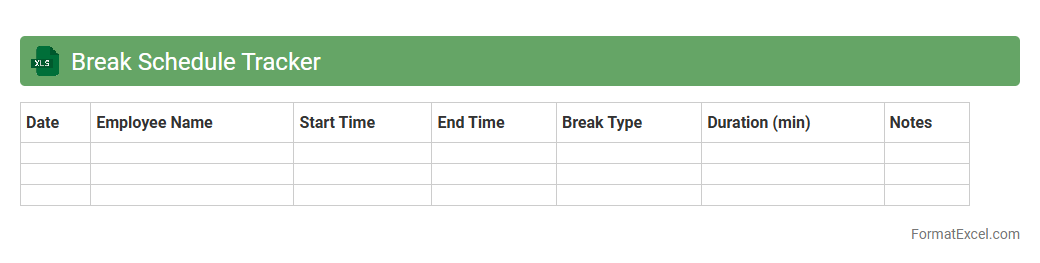
Break Schedule Tracker
The
Break Schedule Tracker Excel document is a tool designed to monitor and manage employee break times efficiently. It helps ensure compliance with labor regulations by accurately recording break durations and timings, preventing overlaps or excessive breaks. This tracker enhances productivity by promoting structured break periods, thereby supporting workforce management and reducing payroll discrepancies.
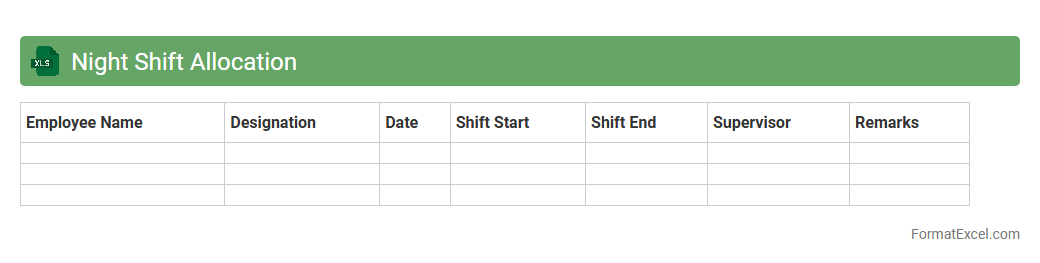
Night Shift Allocation
Night Shift Allocation Excel document is a
comprehensive scheduling tool designed to organize and manage employee shifts effectively during nighttime hours. It helps optimize workforce distribution, ensure adequate coverage, and minimize scheduling conflicts by clearly outlining individual shift assignments. This document improves operational efficiency and assists in maintaining compliance with labor regulations related to night work.
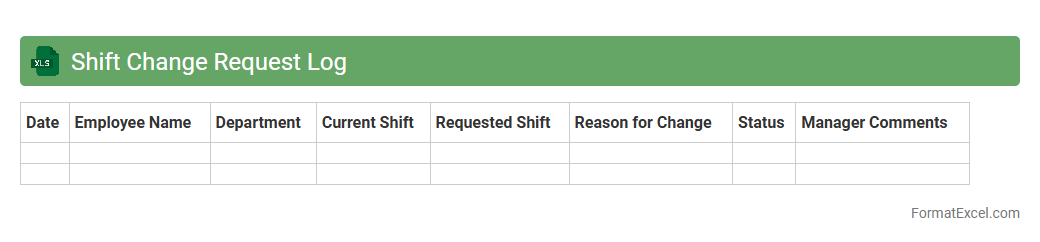
Shift Change Request Log
The
Shift Change Request Log Excel document is a structured tool used to record and manage employee requests for shift changes systematically. It provides a clear overview of who requested a change, the date and time of shifts affected, and the approval status, allowing managers to track and organize shift swaps efficiently. This log enhances workforce scheduling accuracy, reduces conflicts, and ensures smooth operational continuity by maintaining transparent communication within the team.
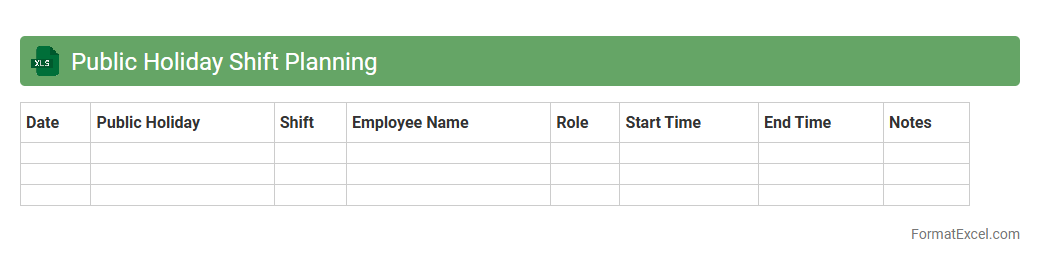
Public Holiday Shift Planning
A
Public Holiday Shift Planning Excel document is a structured spreadsheet designed to organize employee work schedules around public holidays, ensuring adequate staffing and compliance with labor regulations. It allows managers to efficiently allocate shifts, track holiday entitlements, and minimize staffing conflicts during peak holiday periods. This tool enhances operational continuity and employee satisfaction by providing clear visibility of shift coverage during public holidays.
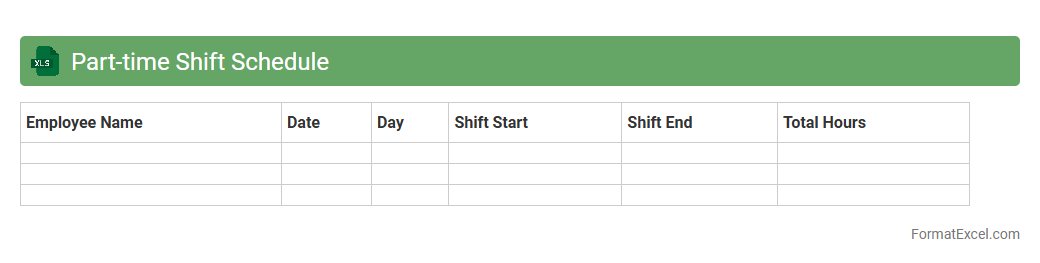
Part-time Shift Schedule
A
Part-time Shift Schedule Excel document is a structured spreadsheet designed to organize and manage the work hours of part-time employees efficiently. It allows employers to allocate shifts, track attendance, and optimize workforce planning, ensuring coverage during peak hours without overstaffing. Using this tool enhances productivity, reduces scheduling conflicts, and provides a clear overview of labor distribution for better operational control.
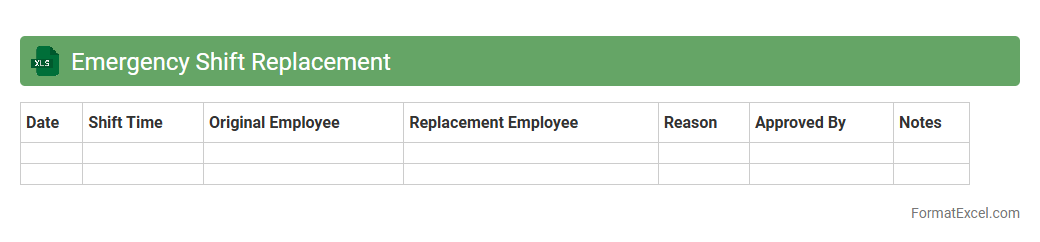
Emergency Shift Replacement
The
Emergency Shift Replacement Excel document is a structured tool designed to manage and record sudden changes in employee shifts efficiently. It allows organizations to quickly identify available staff, track shift swaps, and maintain operational continuity during unforeseen absences. Utilizing this document streamlines workforce management, reduces scheduling conflicts, and ensures critical roles are always covered.
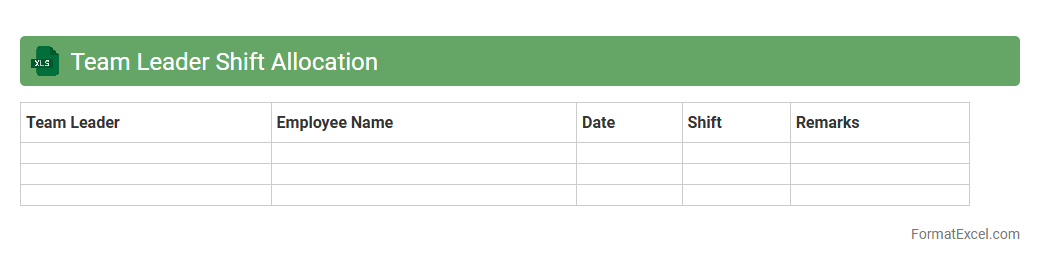
Team Leader Shift Allocation
The
Team Leader Shift Allocation Excel document is a specialized tool designed to organize and assign work shifts to team leaders efficiently. It streamlines scheduling by clearly outlining shift timings, team leader names, and responsibilities, reducing errors and ensuring balanced workforce management. This document enhances productivity by enabling quick adjustments and transparent communication within teams.
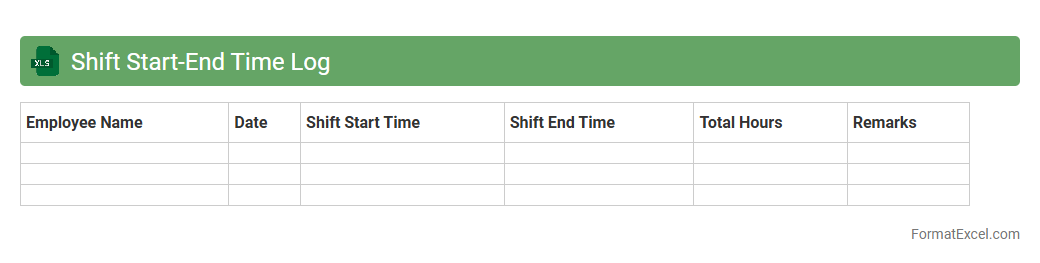
Shift Start-End Time Log
The
Shift Start-End Time Log Excel document is a precise tool designed to track employee work hours by recording exact start and end times of shifts. It enhances workforce management by providing clear visibility into attendance patterns, overtime, and compliance with labor regulations. This log simplifies payroll processing and helps identify productivity trends for operational efficiency.
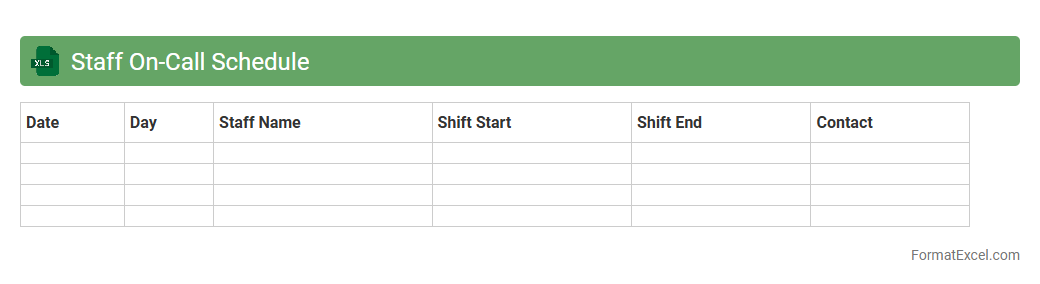
Staff On-Call Schedule
The
Staff On-Call Schedule Excel document is a structured tool designed to organize and manage employee availability for on-call duties efficiently. It allows managers to assign shifts, track coverage, and ensure balanced workloads, reducing scheduling conflicts and improving response times. Utilizing this document enhances operational continuity and helps maintain staff accountability during critical hours.
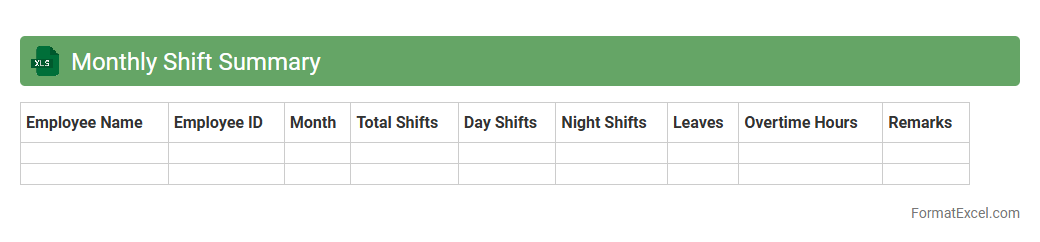
Monthly Shift Summary
The
Monthly Shift Summary Excel document consolidates employee work shifts, hours worked, and attendance data for an entire month into a clear, organized format. It helps managers quickly identify staffing patterns, track overtime, and ensure compliance with labor regulations. This tool enhances workforce management by improving scheduling accuracy and facilitating payroll processing.
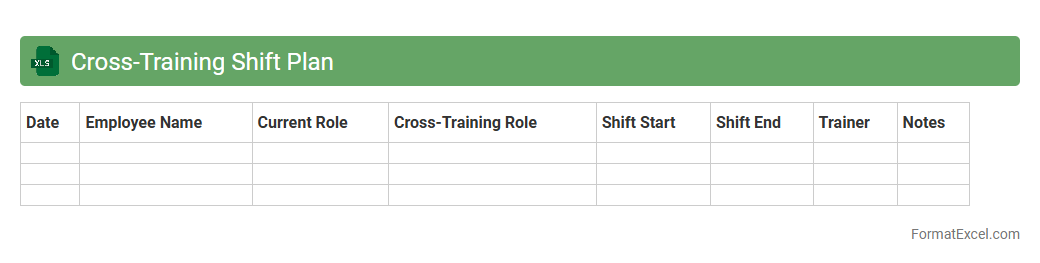
Cross-Training Shift Plan
A
Cross-Training Shift Plan Excel document is a strategic scheduling tool designed to allocate and track employee training across various roles and shifts, ensuring workforce flexibility and operational continuity. It provides a clear visual layout of who is trained on which tasks during specific shifts, helping managers optimize staffing and reduce skill gaps. This document enhances team productivity by promoting skill diversity, minimizing downtime, and facilitating smoother shift transitions.
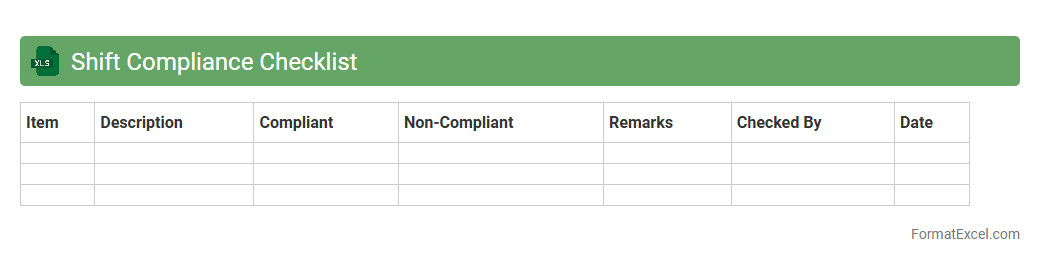
Shift Compliance Checklist
The
Shift Compliance Checklist Excel document is a structured tool designed to monitor and ensure adherence to work shift schedules and labor regulations within an organization. It helps track employee attendance, shift timings, and compliance with company policies, reducing violations and improving workforce management efficiency. Utilizing this checklist promotes punctuality, reduces overtime costs, and supports regulatory compliance audits.
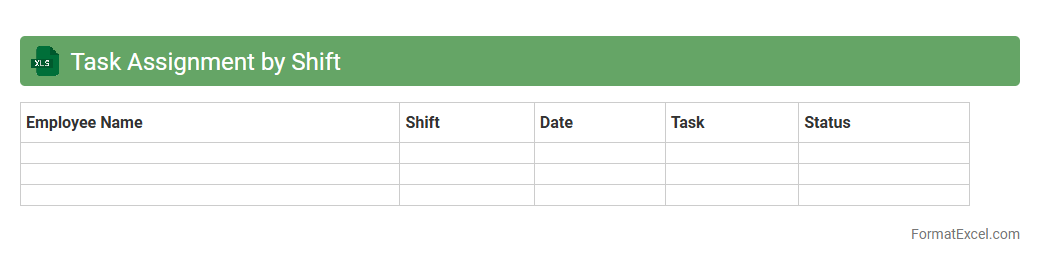
Task Assignment by Shift
The
Task Assignment by Shift Excel document is a structured tool designed to organize and allocate tasks according to specific work shifts, ensuring clear responsibility and efficient time management. It helps track employee assignments, monitor workload distribution, and optimize operational productivity by aligning tasks with shift schedules. This document is essential for improving coordination, minimizing overlap, and enhancing workforce accountability in shift-based environments.
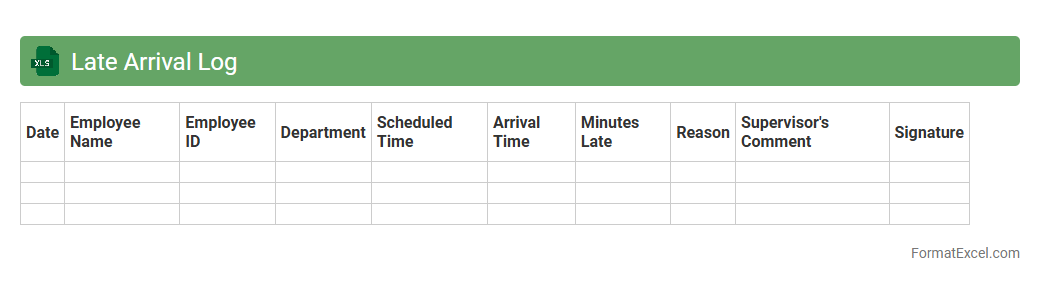
Late Arrival Log
The
Late Arrival Log Excel document is a structured spreadsheet used to record and monitor instances of tardiness within a team or organization. It enables easy tracking of arrival times, identification of punctuality patterns, and generation of reports for attendance management. This log enhances accountability, ensures compliance with attendance policies, and supports effective workforce planning.
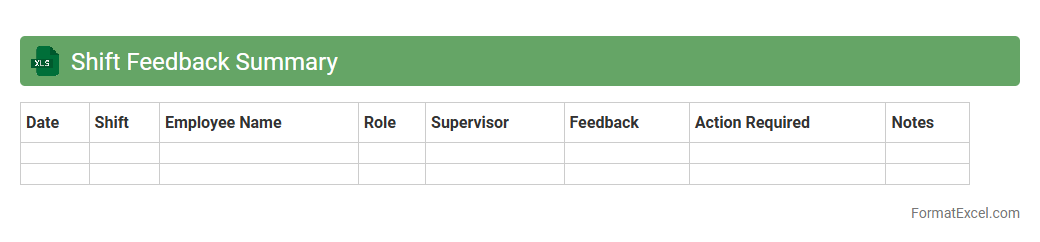
Shift Feedback Summary
The
Shift Feedback Summary Excel document consolidates employee feedback and performance data from multiple shifts into a single, organized file. It enables managers to identify trends, address concerns promptly, and improve operational efficiency by tracking key metrics such as attendance, task completion, and worker satisfaction. Utilizing this summary enhances communication and supports data-driven decision-making within shift-based environments.
Introduction to Shift Schedule Formats
Shift schedule formats define the structure for organizing employee work hours effectively. A well-designed format helps ensure optimal workforce management and reduces scheduling conflicts. Common formats include weekly, bi-weekly, and rotating shifts.
Benefits of Using Excel for Shift Scheduling
Excel provides flexibility, ease of use, and powerful tools for creating and managing shift schedules. Its grid layout and formula functions facilitate accurate shift tracking and calculations. Excel also supports customization and easy sharing across teams.
Key Elements of an Excel Shift Schedule
Important components include employee names, shift times, dates, and job roles. Incorporating color coding helps visualize shifts quickly for better shift allocation and clarity. Clear labeling of weekends and holidays is also crucial for planning.
Step-by-Step Guide to Creating a Shift Schedule in Excel
Start by setting up the calendar layout with dates and employee names in rows and columns. Then, assign shift times using consistent codes or colors for each shift type. Finally, review and adjust the schedule to ensure fair shift distribution among employees.
Essential Formulas for Managing Shifts in Excel
Formulas like COUNTIF and SUMPRODUCT help calculate total hours and count shifts per employee. Conditional formatting formulas highlight overlapping shifts or days off automatically. Using these enhances accuracy and efficiency in shift management.
Sample Shift Schedule Templates in Excel
Templates offer predefined structures for common schedules like morning, evening, and night shifts. They save time by providing ready-to-use layouts tailored for various industries. Utilizing these templates ensures professional and consistent scheduling.
Tips for Customizing Excel Shift Schedules
Customize schedules by adding dropdown lists for shift types and conditional formatting to flag issues. Incorporating comments can provide extra details on shift coverage or special requests. These tweaks improve usability and team communication.
Common Challenges in Excel Shift Scheduling
Managing shift swaps, ensuring adequate coverage, and avoiding overtime can be difficult with manual scheduling. Errors in data entry or formula setup may lead to conflicts or understaffing. Awareness of these challenges encourages careful schedule design.
Best Practices for Efficient Shift Management
Maintain clear communication with employees and update the schedule regularly. Use color codes and protect cells with formulas to prevent accidental changes. Following these steps ensures smooth operation and employee satisfaction.
Downloadable Shift Schedule Excel Templates
Many websites offer free downloadable Excel templates for shift scheduling, pre-designed for various needs. These templates provide convenient starting points to save time and improve accuracy. Access to such resources supports efficient shift planning immediately.