Employee Salary Breakdown
An
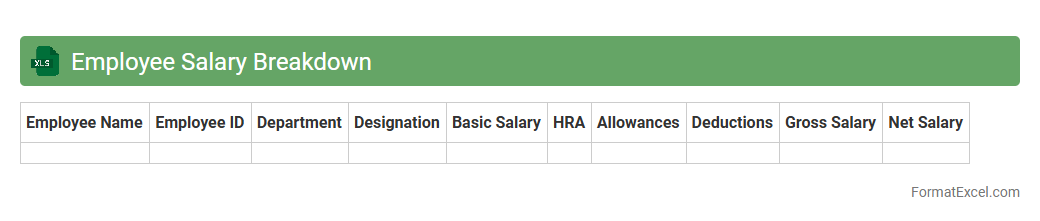
Employee Salary Breakdown Excel document itemizes each component of an employee's total compensation, including basic salary, allowances, bonuses, deductions, and taxes. This detailed structure helps employers maintain transparency, ensuring accurate payroll processing and compliance with tax regulations. Employees benefit by clearly understanding how their salary is calculated, aiding in financial planning and dispute resolution.
Monthly Pay Slip
A
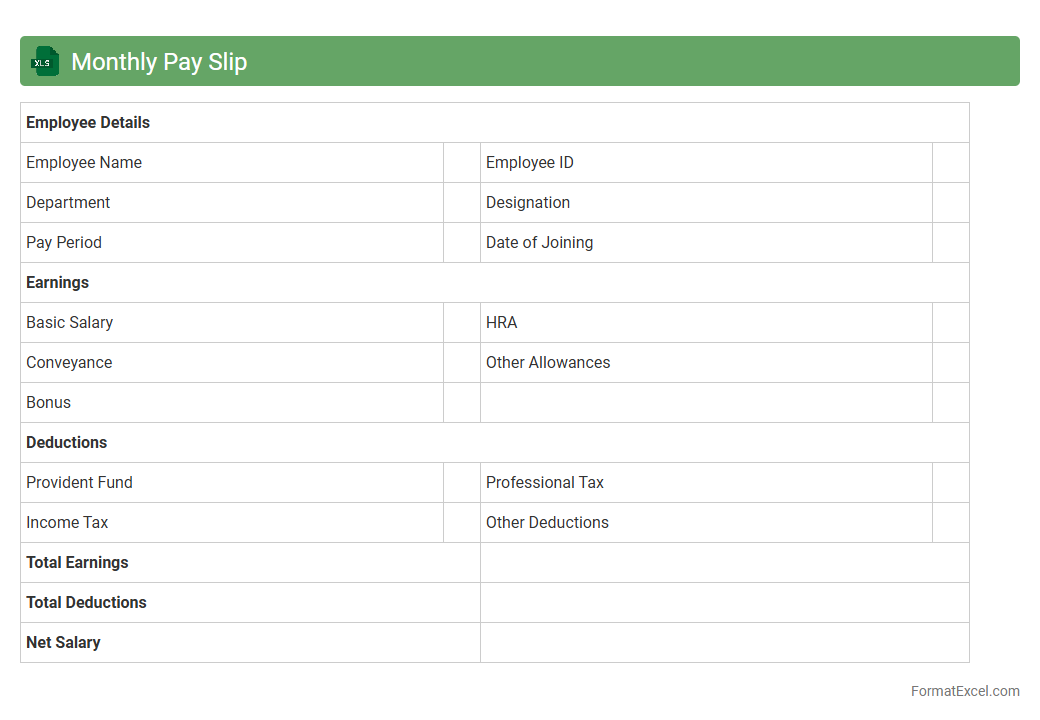
Monthly Pay Slip Excel document is a digital template used to record and calculate employee salaries, deductions, and net pay on a monthly basis. It helps businesses maintain accurate payroll records, ensures compliance with financial regulations, and provides employees with transparent salary details. This tool streamlines payroll management, reduces errors, and supports efficient financial reporting.
Attendance Register
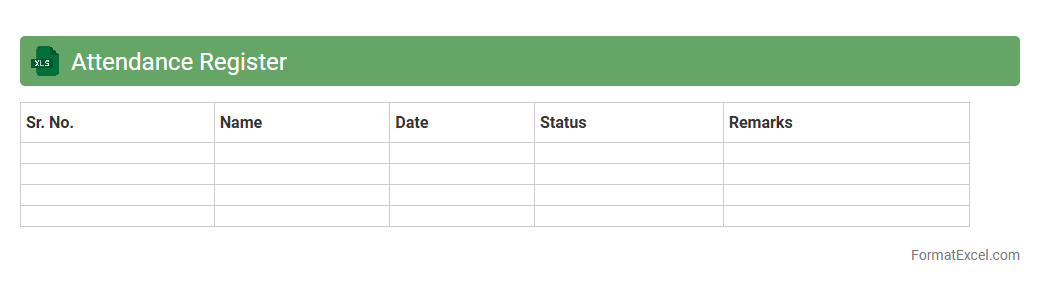
An Attendance Register Excel document is a
digital tool for tracking employee or student attendance in an organized and efficient manner. It allows users to record daily presence, absences, and leave statuses, simplifying payroll processing and performance evaluation. This document enhances accuracy, reduces manual errors, and provides clear data for attendance analysis and reporting.
Overtime Calculation Sheet
An
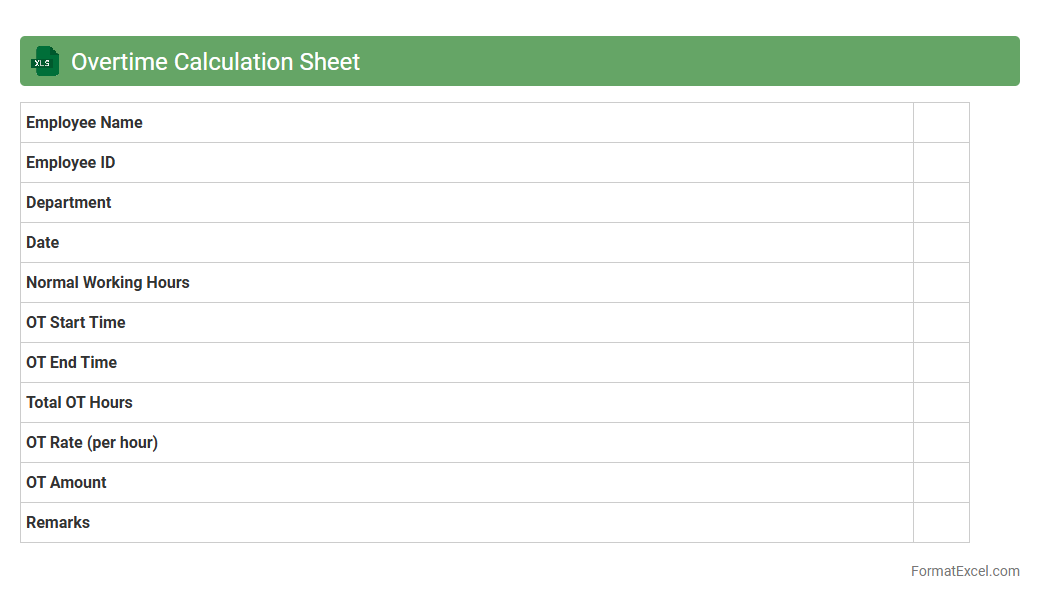
Overtime Calculation Sheet in Excel is a specialized document designed to track and compute extra working hours beyond regular shifts. It streamlines payroll processes by automatically calculating overtime pay based on predefined rates and hours entered. This tool enhances accuracy in compensation, ensures compliance with labor regulations, and simplifies employee time management for businesses.
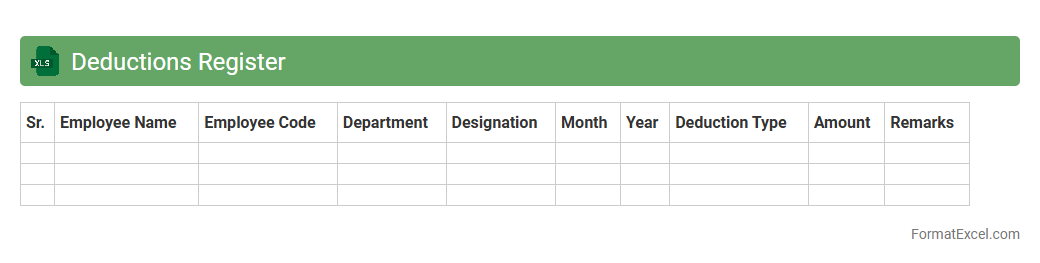
Deductions Register
A
Deductions Register Excel document systematically records and tracks all employee deductions such as taxes, loan repayments, and insurance premiums, ensuring accurate payroll management. It facilitates quick access to historical deduction data, simplifies reconciliation processes, and enhances compliance with financial regulations. This organized format supports efficient auditing and helps maintain transparent financial records for both employers and employees.
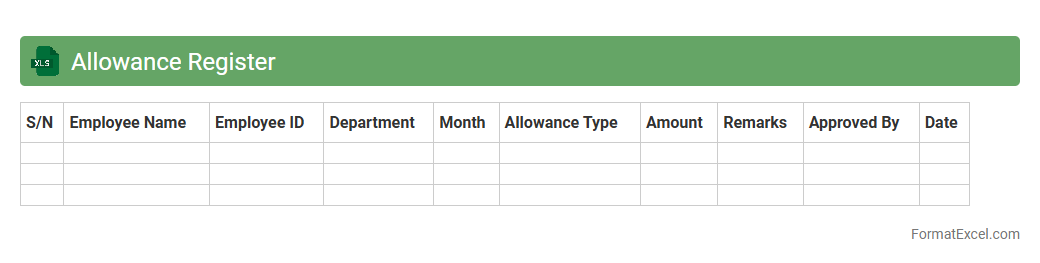
Allowance Register
An
Allowance Register Excel document systematically records employee allowances, including housing, transportation, and meal subsidies, ensuring accurate payroll processing and compliance with company policies. It facilitates financial tracking by consolidating allowance data, simplifying audits and reporting for HR and finance departments. This organized approach enhances transparency and efficiency in managing employee compensation components.
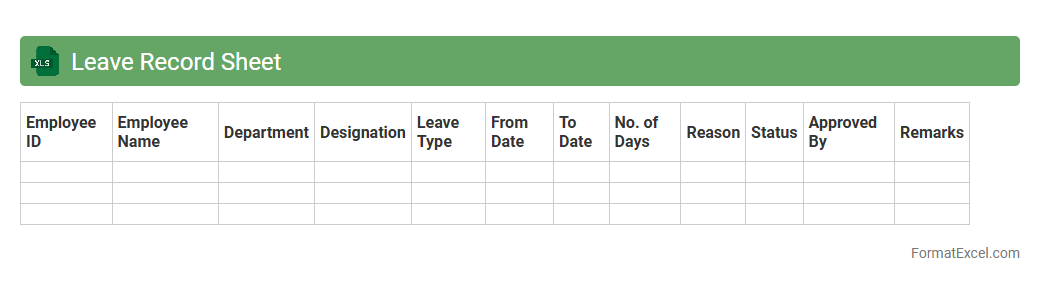
Leave Record Sheet
A
Leave Record Sheet Excel document is a structured spreadsheet designed to track employee leave details such as vacation days, sick leave, and personal time off. It streamlines leave management by providing a clear overview of each employee's leave history, helping HR departments maintain accurate records and ensure compliance with company policies. This tool enhances workforce planning, reduces payroll errors, and supports efficient attendance monitoring.
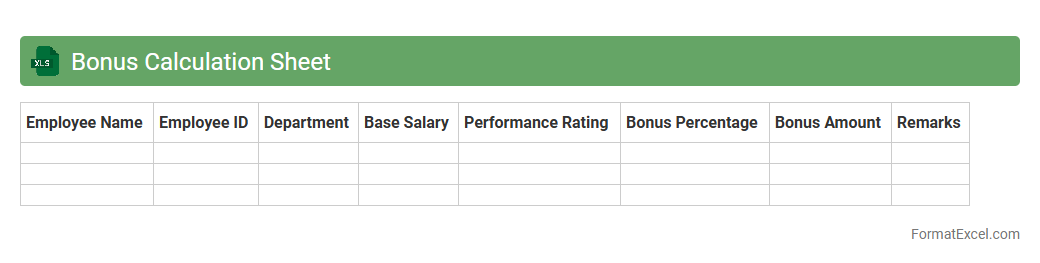
Bonus Calculation Sheet
A
Bonus Calculation Sheet Excel document is a structured tool designed to accurately compute employee bonuses based on predefined criteria such as performance metrics, sales targets, or attendance records. It streamlines the process by automating complex calculations, reducing errors, and ensuring transparency in bonus distribution. This sheet is essential for HR and finance teams to maintain consistency, save time, and enhance payroll management efficiency.
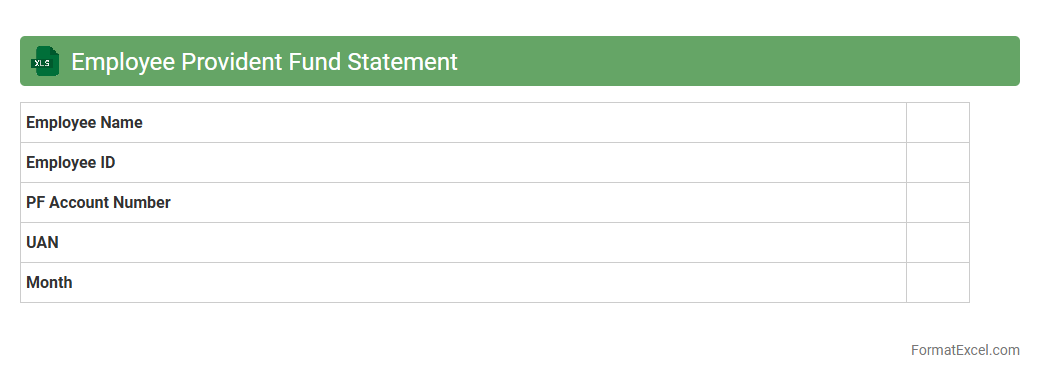
Employee Provident Fund Statement
The
Employee Provident Fund Statement excel document is a digital record that consolidates an individual's provident fund contributions, employer contributions, interest earned, and total accumulated balance over time. It enables employees to easily track their retirement savings, verify monthly deductions, and monitor the growth of their fund without manual calculations. This document is useful for financial planning, ensuring compliance with provident fund regulations, and facilitating transparency between employees and employers.
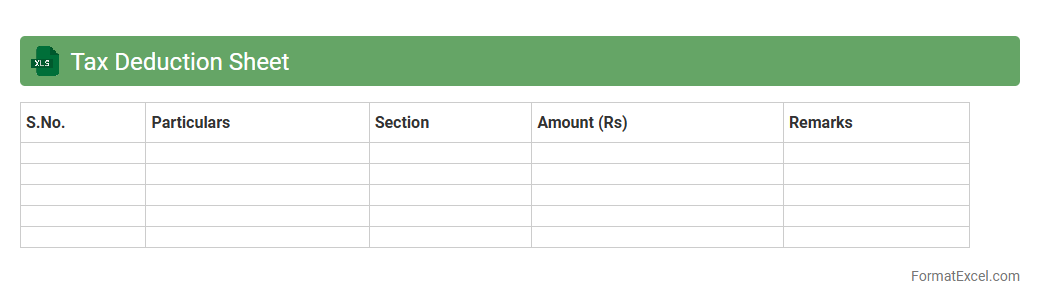
Tax Deduction Sheet
A
Tax Deduction Sheet Excel document is a structured spreadsheet designed to track and calculate various tax deductions applicable to an individual or organization, ensuring accurate financial management. It helps users organize deductible expenses, monitor tax-saving opportunities, and simplifies the preparation of tax returns by providing clear, detailed records. This tool is essential for maximizing tax benefits while maintaining compliance with regulatory requirements.
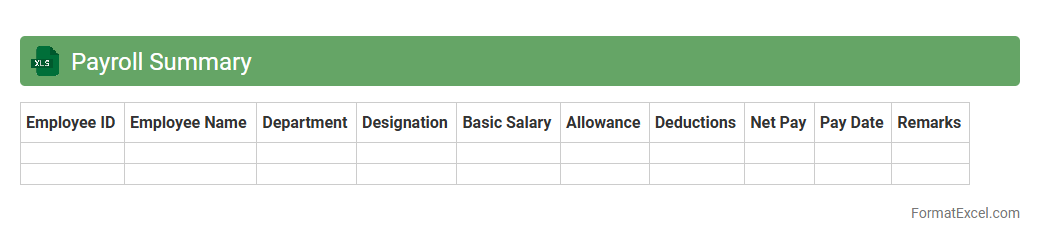
Payroll Summary
A
Payroll Summary Excel document consolidates employee compensation data, including salaries, bonuses, deductions, and taxes, into an organized format. It enables businesses to efficiently track payroll expenses, ensure compliance with tax regulations, and facilitate accurate financial reporting. This tool also simplifies auditing processes and supports strategic decision-making by providing clear insights into labor costs.
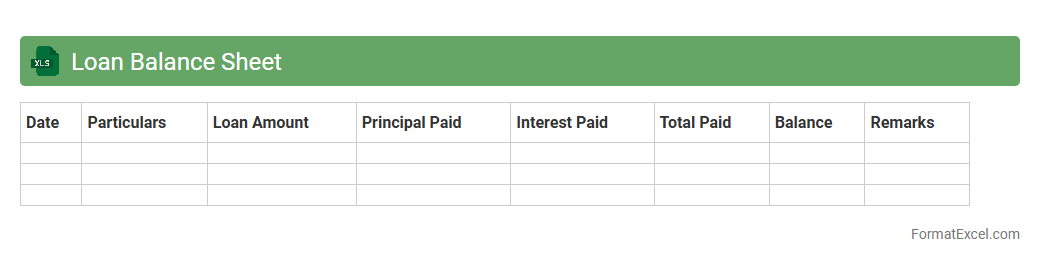
Loan Balance Sheet
A
Loan Balance Sheet Excel document is a financial tool used to track the outstanding amounts of loans, including principal, interest, and repayment schedules in a structured format. It helps individuals and businesses monitor their debt status, manage cash flow effectively, and plan future financial decisions based on accurate, up-to-date loan balances. This organized approach enhances transparency and simplifies the process of loan management for better financial control.
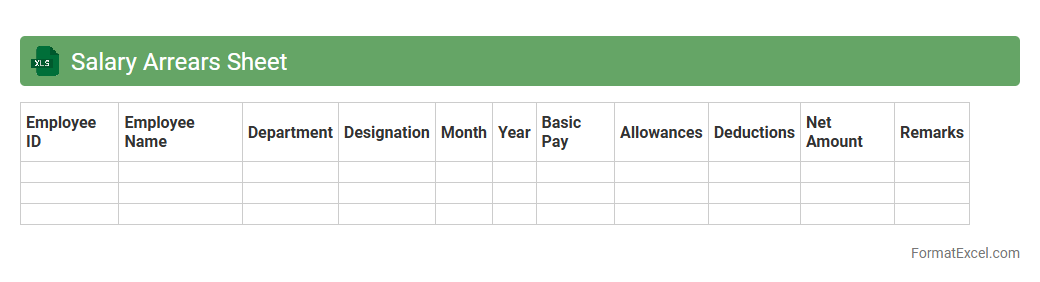
Salary Arrears Sheet
A
Salary Arrears Sheet Excel document is a detailed financial record used to track pending payments or adjustments in employee salaries over a specific period. It helps businesses manage and calculate delayed salary payments efficiently, ensuring accurate payroll processing and compliance with compensation policies. This sheet improves transparency in salary management and aids in resolving discrepancies related to wage arrears.
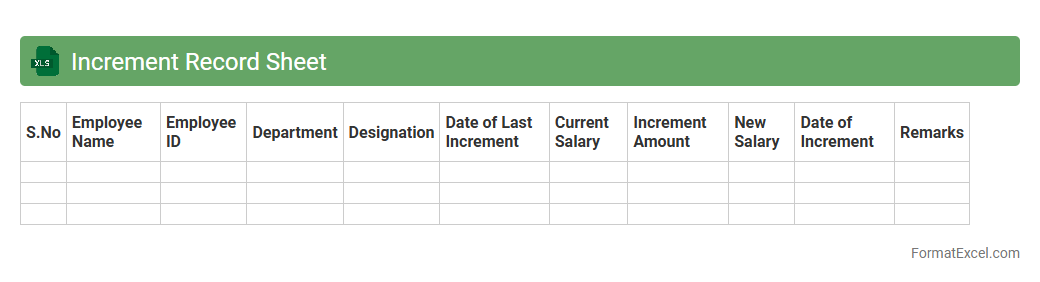
Increment Record Sheet
An
Increment Record Sheet Excel document is a structured spreadsheet used to track employee salary increments, recording details such as previous salary, increment amount, new salary, and effective dates. It helps HR departments maintain accurate, organized, and easily accessible records, facilitating payroll processing and performance review analysis. Utilizing this tool enhances transparency and efficiency in managing employee compensation adjustments over time.
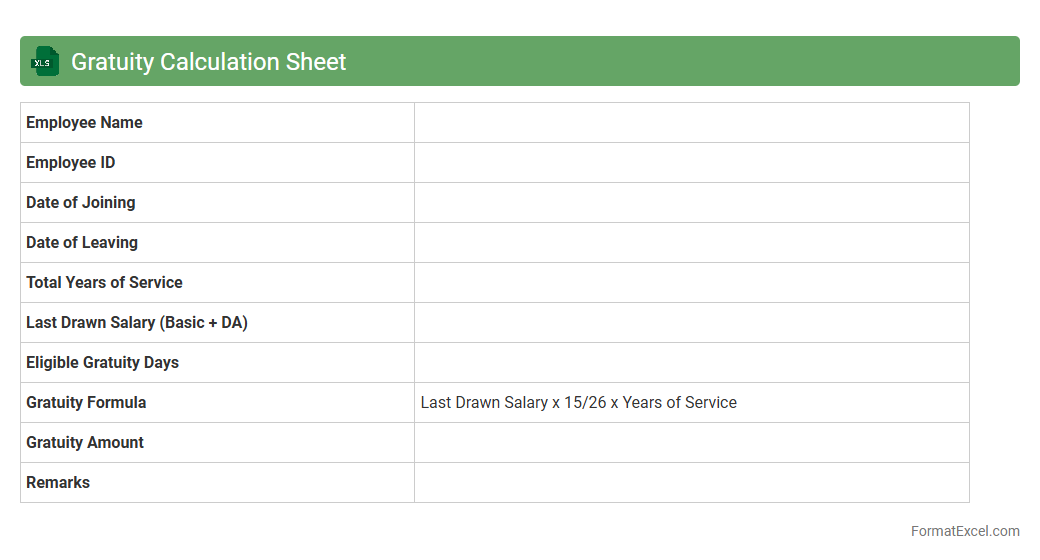
Gratuity Calculation Sheet
A
Gratuity Calculation Sheet in Excel is a specialized tool designed to accurately compute the gratuity amounts payable to employees based on their tenure and last drawn salary. It simplifies complex calculations by using predefined formulas to ensure compliance with legal gratuity rules and avoid manual errors. This document is useful for HR professionals and accountants to maintain transparent, efficient, and error-free gratuity management in organizations.
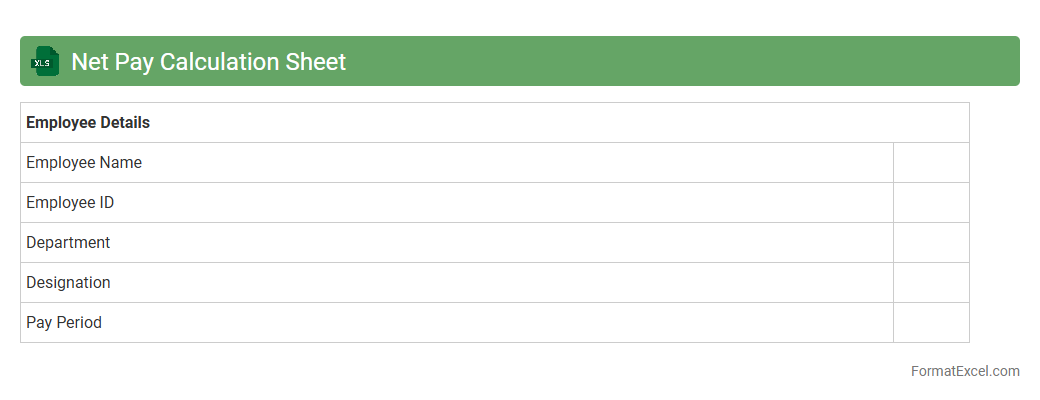
Net Pay Calculation Sheet
A
Net Pay Calculation Sheet Excel document automates the process of determining an employee's take-home salary by deducting taxes, insurance, and other withholdings from the gross pay. This tool ensures accurate payroll management and minimizes errors associated with manual salary computations. Employers and HR professionals rely on it to streamline payroll processing, maintain compliance, and generate transparent financial records.
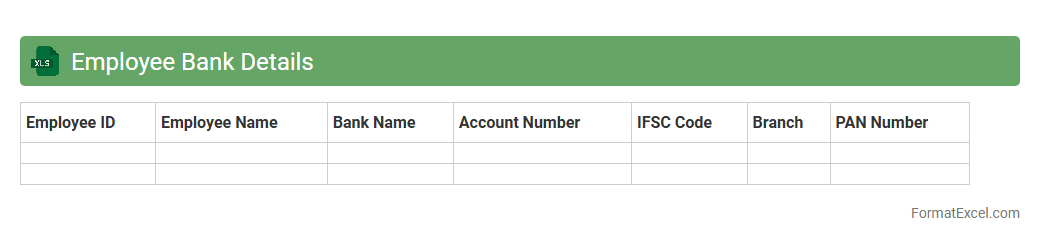
Employee Bank Details
An
Employee Bank Details Excel document is a structured spreadsheet containing essential banking information of employees, such as account numbers, bank names, and IFSC codes. It streamlines the payroll process by facilitating accurate and timely salary transfers directly to employees' bank accounts. Maintaining this document enhances financial record-keeping and simplifies audits and compliance management within an organization.
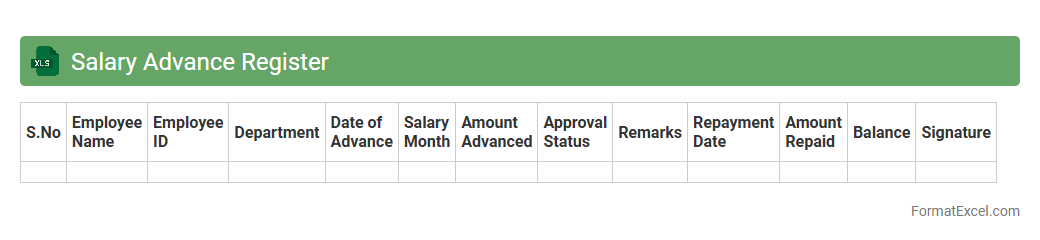
Salary Advance Register
The
Salary Advance Register Excel document serves as a comprehensive tool to record and track employee salary advances systematically. It helps organizations monitor advance disbursements, repayment schedules, and outstanding balances, ensuring accurate financial management and transparency. Using this register reduces errors, streamlines payroll processes, and facilitates timely follow-ups on salary advance recoveries.
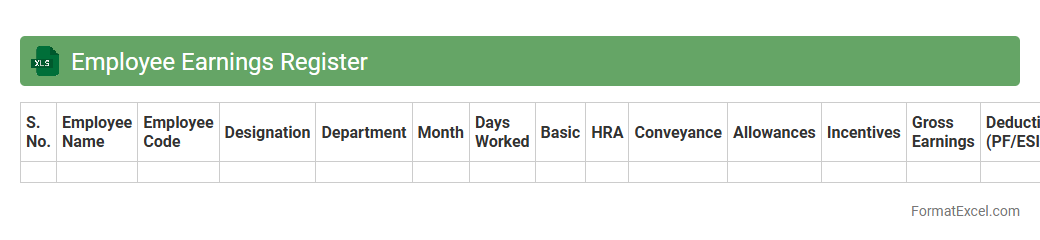
Employee Earnings Register
The
Employee Earnings Register Excel document is a comprehensive record that tracks detailed payroll information, including wages, bonuses, deductions, and taxes for each employee. It is essential for accurate payroll processing, financial auditing, and compliance with labor laws. This document enables businesses to easily generate reports, analyze compensation trends, and ensure transparency in employee earnings management.
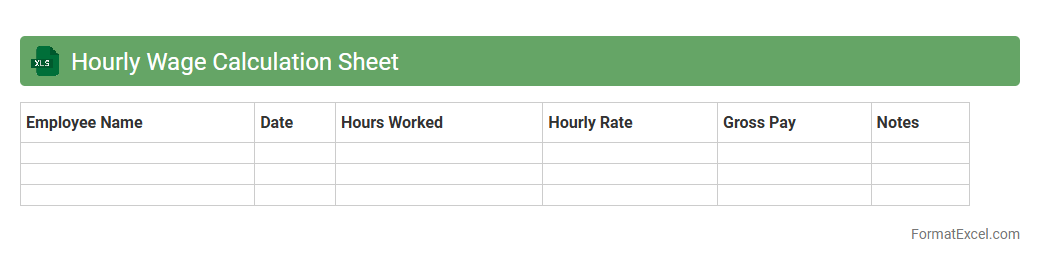
Hourly Wage Calculation Sheet
An
Hourly Wage Calculation Sheet in Excel is a structured document designed to accurately track and calculate employee wages based on the hours worked. It automates the process of multiplying hours by pay rates, incorporating overtime and deductions to ensure precise payroll management. This tool enhances financial accuracy, simplifies payroll processing, and aids in budgeting labor costs for businesses and individuals.
Salary Comparison Sheet
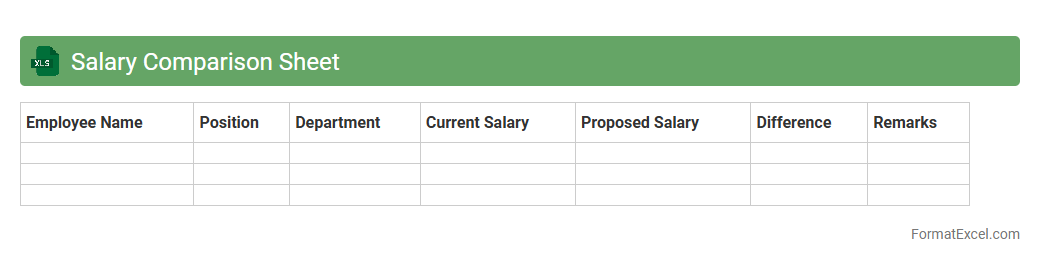
A
Salary Comparison Sheet in Excel is a structured document designed to analyze and compare the compensation packages of different employees, roles, or market standards. It helps organizations identify disparities, budget payroll expenses accurately, and make informed decisions on salary adjustments or negotiations. By providing a clear overview of salary data, it enhances transparency and supports strategic workforce planning.
Cumulative Salary Register
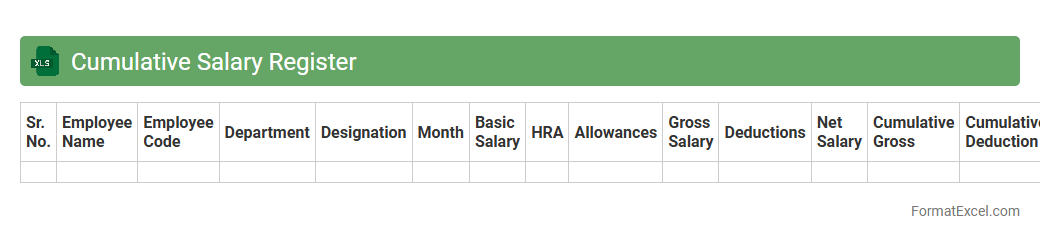
A
Cumulative Salary Register Excel document is a comprehensive record that consolidates employees' salary details over a specified period, including earnings, deductions, and net pay. It streamlines payroll management by providing a clear overview of total compensation, making it easier to track salary trends, calculate tax liabilities, and ensure compliance with labor regulations. This document enhances accuracy, reduces payroll errors, and supports efficient financial reporting for organizations.
Salary Revision Tracker
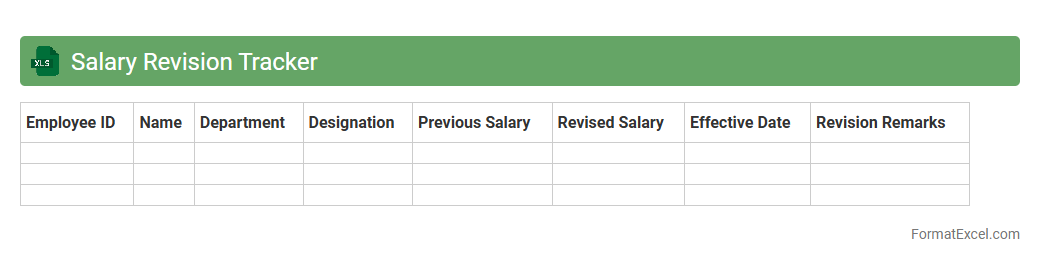
A
Salary Revision Tracker Excel document is a structured spreadsheet designed to record and monitor employee salary adjustments over time. It helps HR professionals and managers systematically track changes in compensation, ensuring transparency and consistency during appraisal cycles. Using this tool improves budget planning and supports equitable salary management across the organization.
Payslip Distribution Log
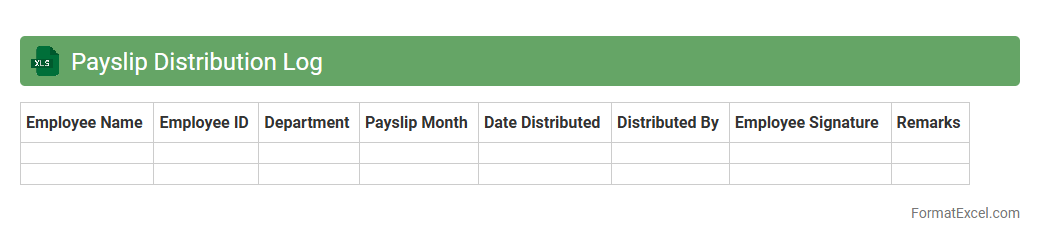
A
Payslip Distribution Log Excel document records the detailed distribution of employee payslips, including dates, employee names, and delivery methods. It helps organizations track which payslips have been successfully issued and ensures compliance with payroll distribution policies. This log simplifies auditing processes, reduces errors, and maintains a clear payroll history for future reference.
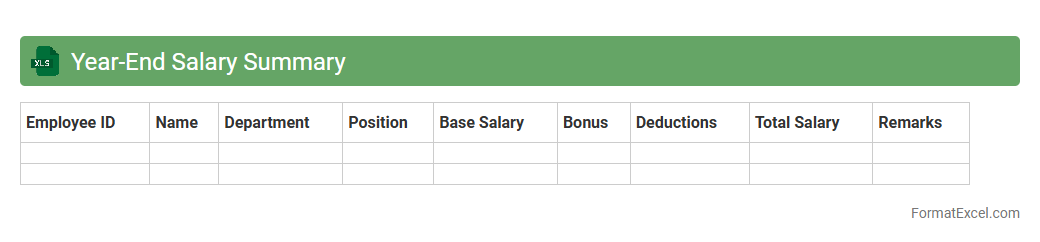
Year-End Salary Summary
The
Year-End Salary Summary Excel document compiles annual compensation data, including bonuses, deductions, and taxes, into a clear, organized format. It facilitates accurate financial reporting and tax filing by providing a comprehensive overview of employee earnings throughout the year. This tool helps businesses ensure payroll accuracy and supports employees in reviewing their total income for personal financial planning.
Introduction to Salary Sheet Format in Excel
The Salary Sheet Format in Excel is a structured template used to record and manage employee payroll details efficiently. It allows for easy tracking of salaries, deductions, bonuses, and net pay in a single document. This format facilitates clear and organized payroll processing for businesses of any size.
Importance of Salary Sheets for Payroll Management
Salary sheets are essential for accurate payroll management, ensuring timely and error-free salary disbursement. They help maintain transparency in employee compensation and support compliance with taxation and labor laws. These sheets also aid in record-keeping and auditing processes.
Key Components of a Salary Sheet
A comprehensive salary sheet includes employee details, basic salary, allowances, deductions, and net pay as its key components. Additional fields often capture bonuses, overtime, taxes, and leave status. These elements ensure detailed and precise salary calculations.
Step-by-Step Guide to Creating a Salary Sheet in Excel
Start by setting up columns for employee information and salary details, then input basic salary and allowances. Next, apply formulas to calculate deductions and net salary, ensuring to format cells for clarity. Finally, review the sheet for accuracy and save it securely.
Essential Formulas for Salary Calculation
Key formulas include SUM for total earnings, IF for conditional deductions, and subtraction to find net salary; these are crucial for automatic salary calculation. Using Excel's built-in functions reduces manual errors and saves time. Mastery of these formulas enhances payroll efficiency.
Free Downloadable Salary Sheet Excel Templates
Numerous free Excel templates for salary sheets are available online, offering standardized formats with pre-built formulas. These downloadable templates make payroll processing quicker and simpler for businesses new to Excel. They can also be customized to meet specific organizational needs.
Tips for Automating Salary Calculations in Excel
Leverage Excel features such as named ranges, data validation, and conditional formatting to automate payroll tasks. Utilize pivot tables and macros for advanced salary analysis and batch processing. Automation reduces errors and streamlines repetitive calculations effectively.
Common Errors to Avoid in Salary Sheet Preparation
Avoid common pitfalls such as incorrect formula references, missing employee data, and inconsistent formatting. Double-check entries for accuracy, especially tax deductions and allowances. Preventing these errors ensures reliable and error-free salary management.
Ensuring Data Security in Salary Sheets
Protect sensitive payroll information by using password protection, restricted access, and encrypted storage for salary sheets. Regular backups and controlled sharing help maintain data integrity and confidentiality. Prioritizing data security safeguards employee privacy and organizational compliance.
Frequently Asked Questions About Salary Sheet Excel Formats
Common queries include how to customize templates, incorporate tax calculations, and troubleshoot formula errors. Users also seek guidance on updating sheets for new payroll policies and automating repetitive tasks. Clear answers to these FAQs enhance user confidence in managing salary sheets effectively.