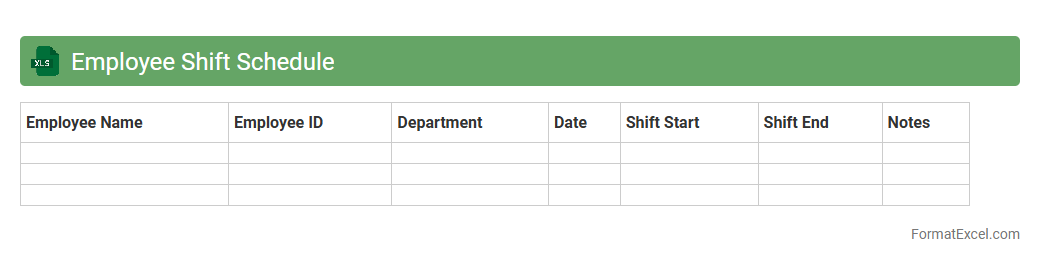
Employee Shift Schedule
An
Employee Shift Schedule Excel document organizes work shifts by date, time, and employee, enabling efficient workforce management. It helps track attendance, prevent scheduling conflicts, and ensures proper coverage during business hours. Using this tool improves productivity, streamlines communication, and supports compliance with labor regulations.
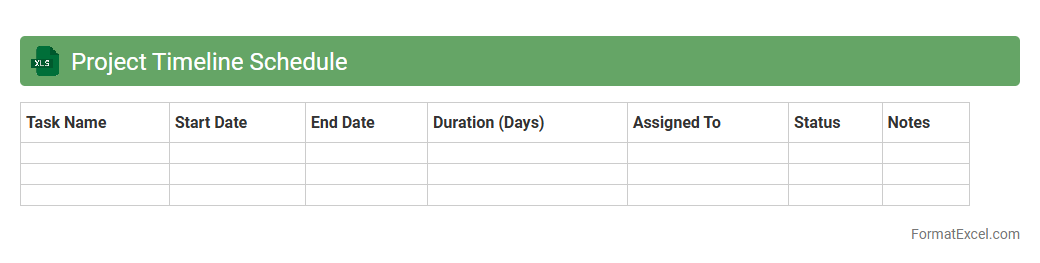
Project Timeline Schedule
A
Project Timeline Schedule Excel document is a detailed spreadsheet that outlines project tasks, start and end dates, milestones, and resource allocation in a visual timeline format. It helps teams track progress, manage deadlines, and ensure effective coordination across different phases of the project. Using this tool improves productivity by providing clear visibility into project status and critical path activities.
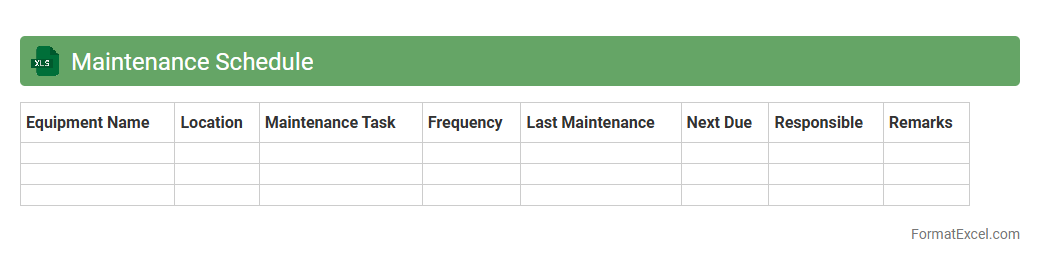
Maintenance Schedule
A
Maintenance Schedule Excel document is a powerful tool designed to organize, track, and plan routine equipment and facility upkeep. It enables users to efficiently allocate resources, set reminders for preventive tasks, and minimize downtime by ensuring timely maintenance activities. This structured approach enhances operational reliability, extends asset lifespan, and reduces unexpected repair costs.
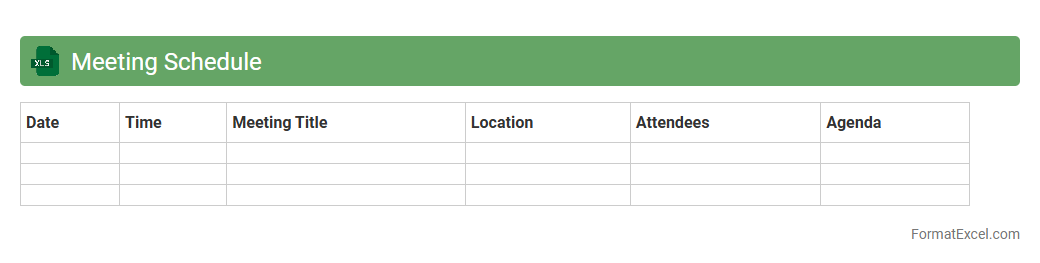
Meeting Schedule
A
Meeting Schedule Excel document is a structured spreadsheet designed to organize and track meetings, including dates, times, participants, and agendas. It streamlines planning by providing a clear overview of upcoming meetings, ensuring punctuality and efficient time management. This tool enhances collaboration by centralizing schedules, reducing conflicts, and improving overall productivity in both professional and personal settings.
Production Schedule
A
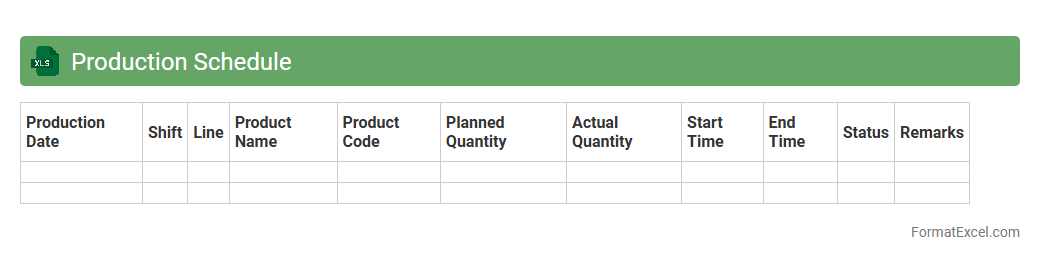
Production Schedule Excel document is a tool used to plan, organize, and track manufacturing or project tasks over time. It provides a clear timeline and allocation of resources, helping to optimize workflow efficiency and minimize downtime. By using this document, businesses can ensure timely delivery, manage inventory, and improve overall productivity.
Training Schedule
A
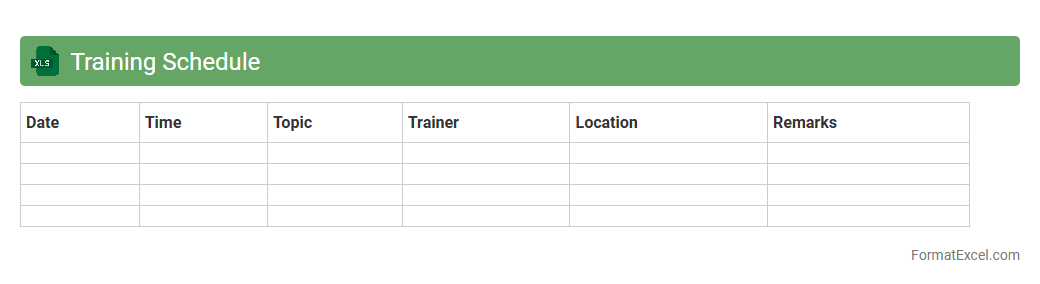
Training Schedule Excel document is a structured spreadsheet designed to organize and track training sessions, including dates, times, topics, and participant details. It enhances productivity by providing a clear timeline and ensuring all training activities are managed efficiently, reducing conflicts and overlaps. This tool is essential for HR departments and training managers to monitor progress, allocate resources, and measure the effectiveness of training programs.
Delivery Schedule
A
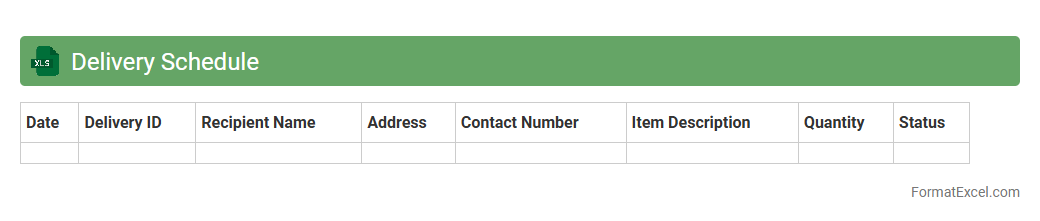
Delivery Schedule Excel document is a structured spreadsheet used to plan, track, and manage the timing of product shipments or service deliveries. It helps businesses ensure timely fulfillment by organizing delivery dates, quantities, and destinations in one accessible format. This tool enhances operational efficiency, reduces delays, and supports effective communication between suppliers, logistics teams, and customers.
Cleaning Schedule
A
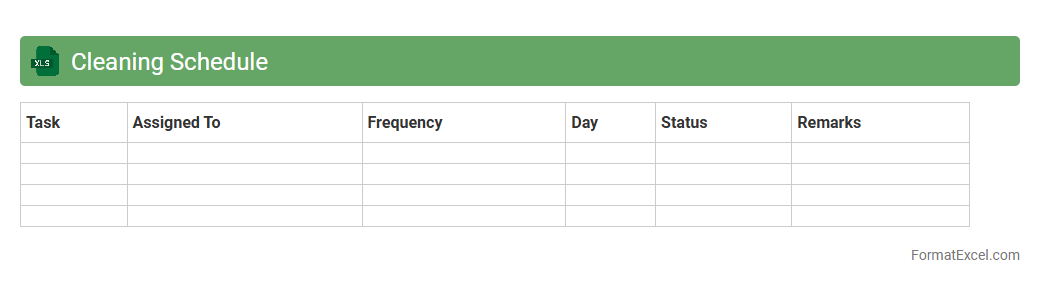
Cleaning Schedule Excel document is a structured spreadsheet designed to organize and track cleaning tasks over specific time periods. It helps manage chores by assigning responsibilities, setting deadlines, and monitoring progress, ensuring environments remain hygienic and orderly. This tool enhances efficiency, accountability, and consistency in maintaining cleanliness in homes, offices, or commercial spaces.
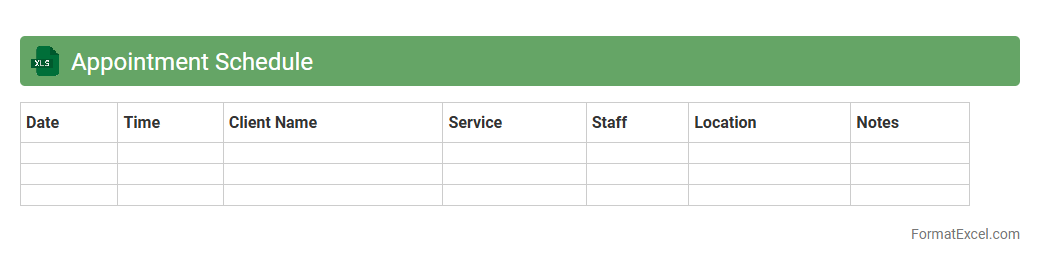
Appointment Schedule
An
Appointment Schedule Excel document is a digital tool designed to organize and manage appointments efficiently by tracking dates, times, client names, and meeting details. It enhances productivity by providing a clear visual timeline and preventing scheduling conflicts, ensuring timely reminders and easy access to appointment history. This type of document is essential for businesses and individuals who need to maintain structured calendars and improve time management.
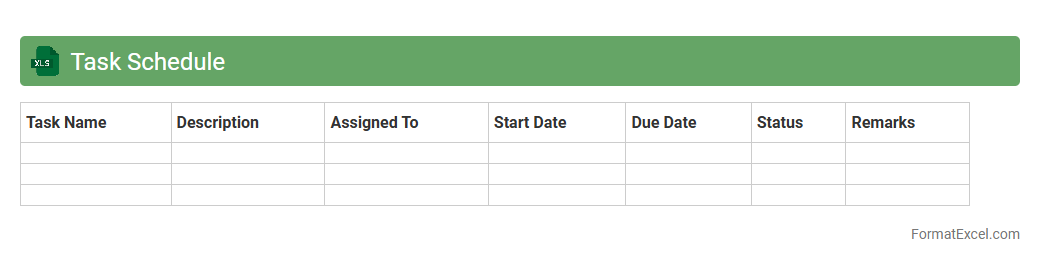
Task Schedule
A
Task Schedule Excel document is a structured spreadsheet designed to organize, track, and manage tasks efficiently by listing deadlines, priorities, and assigned responsibilities. It enhances productivity by providing clear visibility of upcoming activities, ensuring timely completion and resource allocation. Using this tool helps individuals and teams streamline workflows, minimize delays, and improve overall project management accuracy.
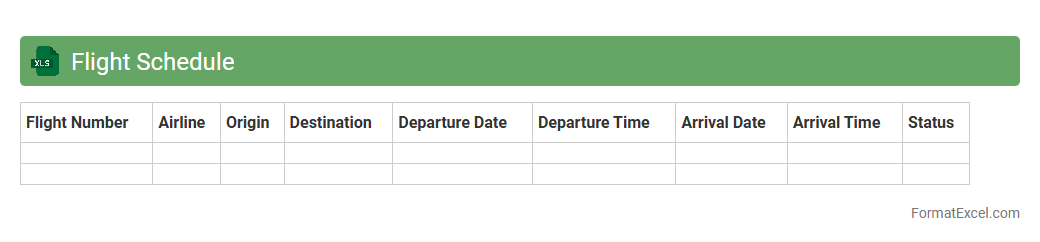
Flight Schedule
A
Flight Schedule Excel document is a structured spreadsheet that organizes flight details such as departure and arrival times, airline names, flight numbers, and airport codes. It enables efficient tracking and management of flight information, facilitating easy updates and quick data retrieval. This document proves invaluable for airlines, travel agencies, and passengers by streamlining travel planning and operational logistics.
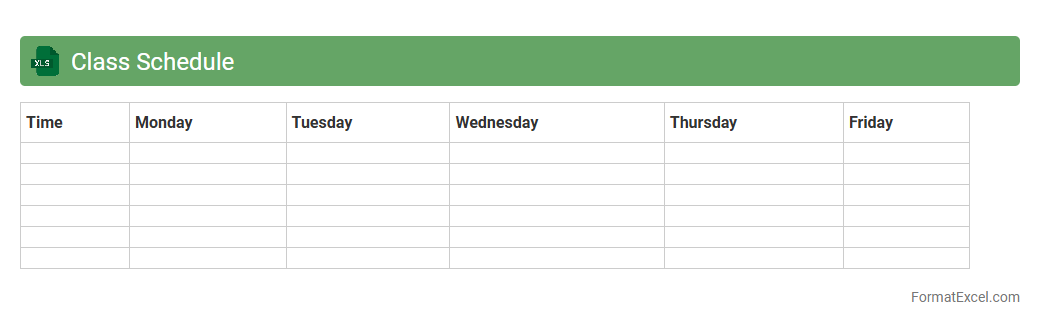
Class Schedule
A
Class Schedule Excel document is a structured spreadsheet designed to organize and manage academic timetables, including class times, subjects, and instructor details. It allows students and educators to efficiently track schedules, avoid conflicts, and plan their study or teaching hours effectively. By using this tool, users can enhance time management, increase productivity, and ensure a well-organized academic routine.
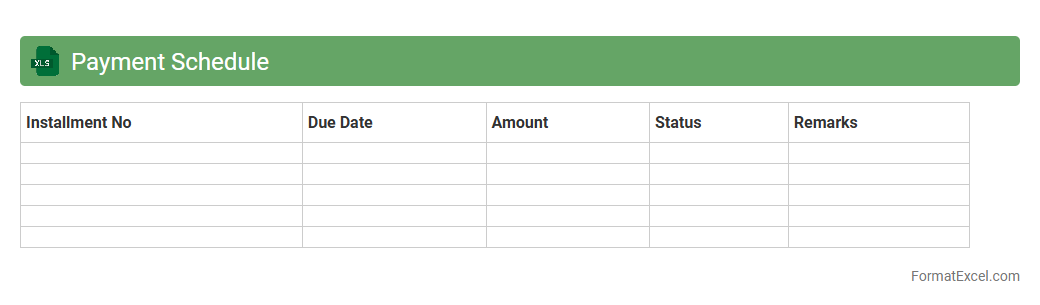
Payment Schedule
A
Payment Schedule Excel document is a spreadsheet designed to organize and track payment timelines, amounts, and recipients effectively. It helps manage cash flow by providing clear visibility into upcoming payments and deadlines, ensuring timely dues and avoiding penalties. Businesses and individuals use this tool to maintain financial discipline, streamline budgeting processes, and enhance overall payment accuracy.
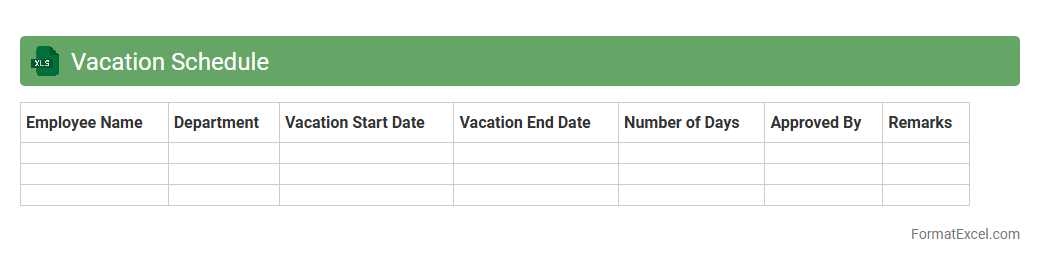
Vacation Schedule
A
Vacation Schedule Excel document is a structured spreadsheet used to track and manage employee leave plans efficiently. It helps organizations organize time-off requests, avoid staffing conflicts, and ensure continuous workflow by providing a clear overview of who is on vacation and when. Utilizing this tool enhances workforce planning, reduces scheduling errors, and improves overall productivity within the company.
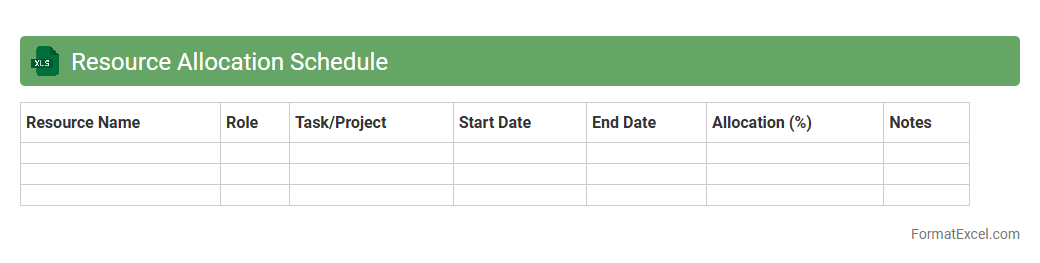
Resource Allocation Schedule
A
Resource Allocation Schedule Excel document is a tool used to plan, track, and manage the distribution of resources such as personnel, equipment, and time across various projects or tasks. It helps optimize productivity by clearly outlining who or what is assigned to each task, preventing overallocation and minimizing downtime. This document enables better decision-making by providing a visual timeline and capacity overview, ensuring efficient use of resources and meeting project deadlines.
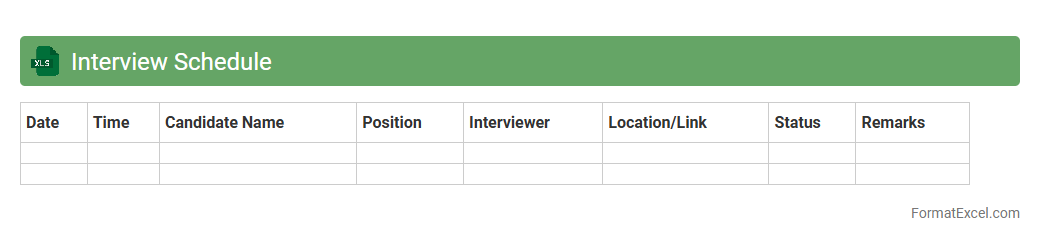
Interview Schedule
An
Interview Schedule Excel document is a structured spreadsheet used to organize and manage interview appointments, candidate details, and time slots efficiently. It helps streamline the recruitment process by providing a clear overview of interview timings, interviewer assignments, and candidate information in one centralized location. This tool enhances productivity, minimizes scheduling conflicts, and ensures a smooth and professional interview experience for all parties involved.
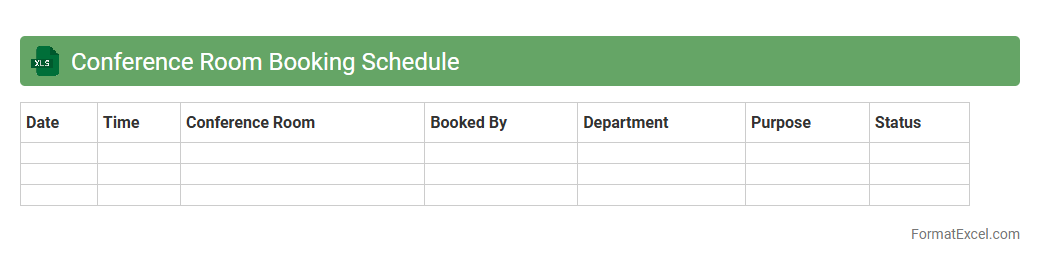
Conference Room Booking Schedule
A
Conference Room Booking Schedule Excel document is a structured spreadsheet designed to organize and manage the reservation of meeting spaces within an office or facility. This tool allows users to efficiently allocate rooms by tracking time slots, dates, and participant details, preventing booking conflicts and ensuring optimal utilization of resources. By providing a clear overview of room availability, it enhances coordination, supports effective planning, and increases productivity in workplace operations.
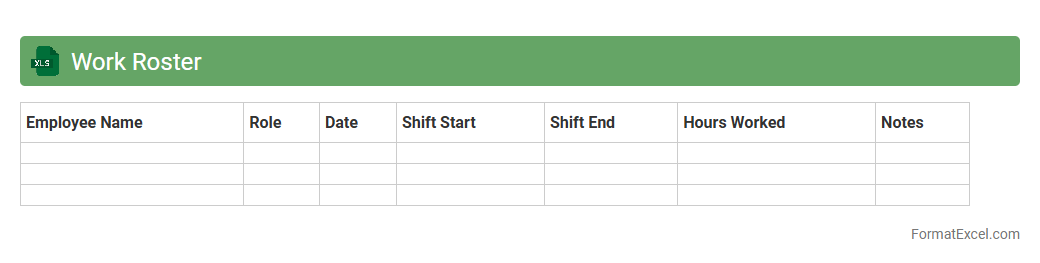
Work Roster
A
Work Roster Excel document is a structured spreadsheet used to schedule employee shifts, track attendance, and manage workload distribution efficiently. It helps organizations optimize labor resources, avoid scheduling conflicts, and ensure compliance with labor regulations by clearly displaying work hours and employee availability. This tool enhances team productivity and simplifies administrative tasks related to workforce management.
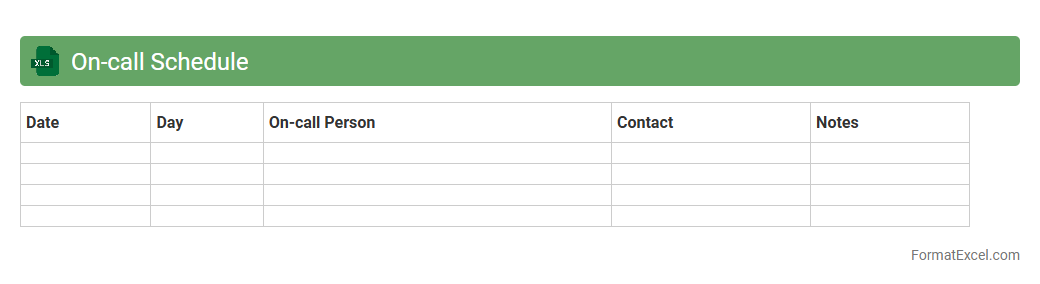
On-call Schedule
An
On-call Schedule Excel document organizes employee shifts and availability for on-call duties, ensuring clear communication and accountability. It helps managers efficiently assign and track personnel coverage, reducing scheduling conflicts and response delays. This tool enhances operational readiness and supports timely incident management in critical environments.
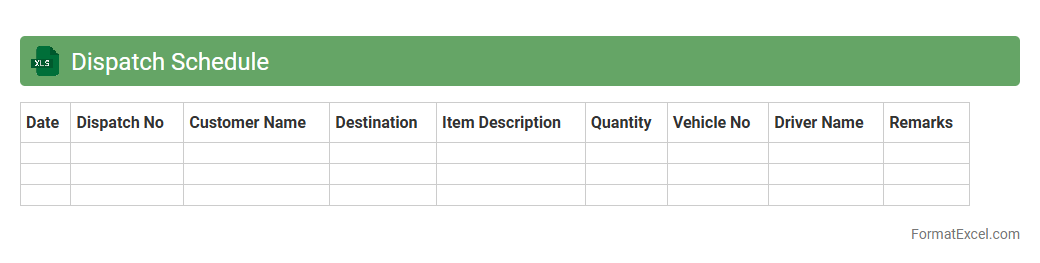
Dispatch Schedule
A
Dispatch Schedule Excel document is a structured spreadsheet used to organize and manage the timing and allocation of shipments or deliveries. It provides clear visibility into dispatch dates, vehicle assignments, and delivery routes, ensuring efficient logistics planning. This tool helps reduce errors, improve resource utilization, and enhance communication among supply chain teams.
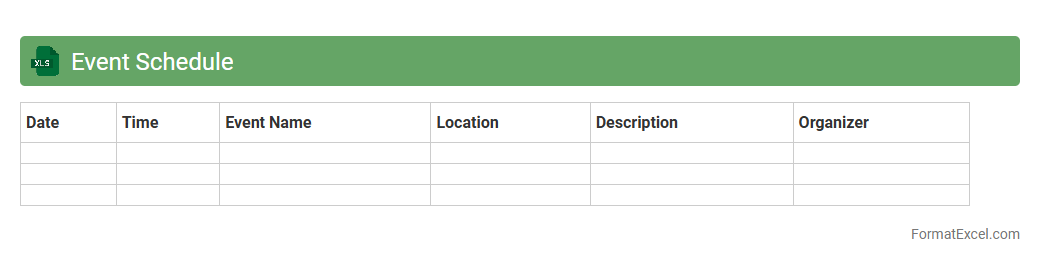
Event Schedule
An
Event Schedule Excel document is a structured spreadsheet designed to organize and manage the timing, activities, and resources of an event efficiently. It helps users track important details such as event dates, session times, speakers, and venues, ensuring smooth coordination and timely execution. This tool is essential for event planners to maintain clarity, avoid conflicts, and enhance overall event productivity.
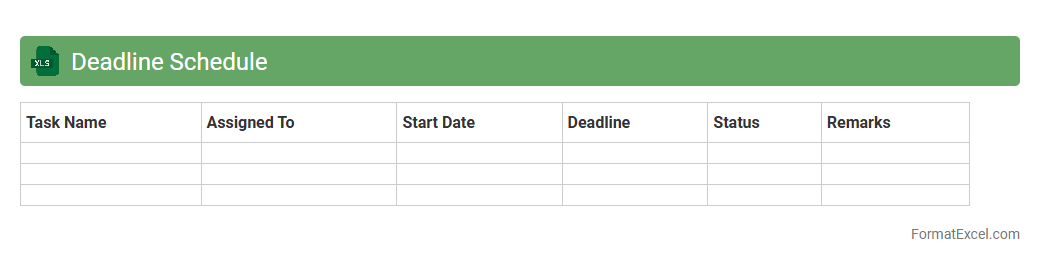
Deadline Schedule
A
Deadline Schedule Excel document is a spreadsheet tool designed to organize and track project timelines, task deadlines, and important milestones efficiently. It helps users monitor progress, prioritize tasks, and avoid missed deadlines by providing a clear, visual overview of upcoming due dates. Utilizing conditional formatting and automated reminders within the Excel sheet enhances productivity and ensures timely project completion.
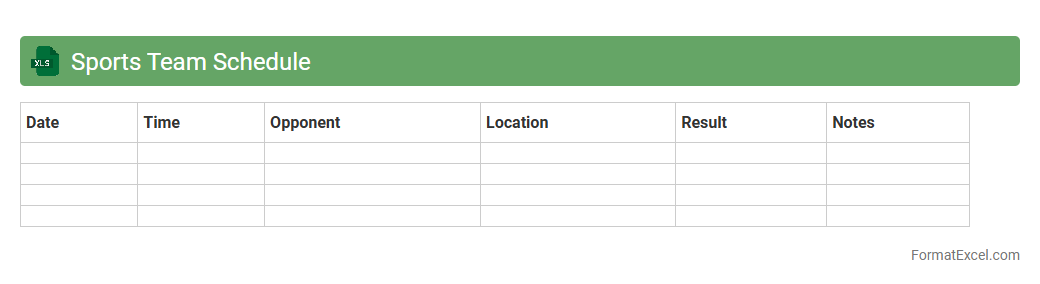
Sports Team Schedule
A
Sports Team Schedule Excel document is a structured spreadsheet that organizes game dates, practice sessions, player availability, and venue information. This tool enhances team coordination by providing clear, accessible timelines that help coaches, players, and staff manage commitments effectively. Utilizing such a document improves communication, reduces scheduling conflicts, and ensures smooth operation throughout the sports season.
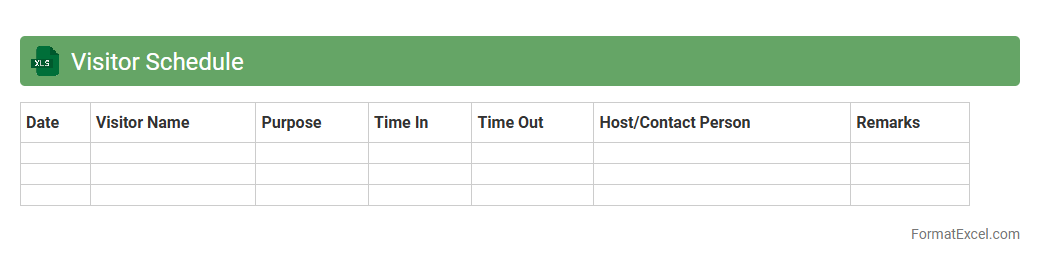
Visitor Schedule
A
Visitor Schedule Excel document is a structured spreadsheet used to organize and track visitor information, appointments, and timings efficiently. It helps streamline visitor management by providing a clear overview of expected arrivals, reducing wait times and improving overall coordination. This tool enhances administrative control and supports smooth communication between hosts and visitors in various business or institutional settings.
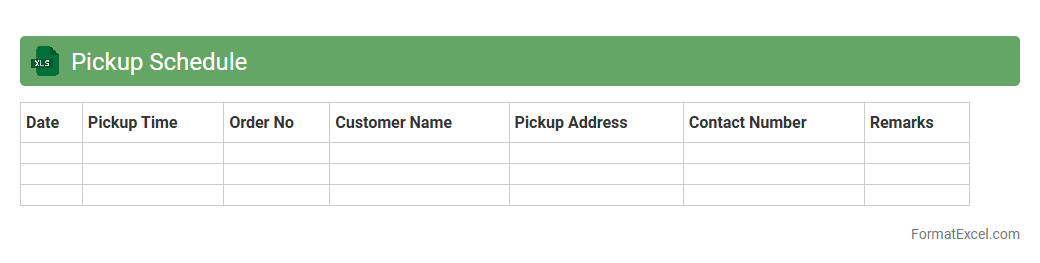
Pickup Schedule
A
Pickup Schedule Excel document organizes and tracks the timing and details of item pickups, ensuring timely coordination for logistics or deliveries. It allows users to input, update, and monitor pickup dates, locations, and contact information efficiently in a structured spreadsheet format. This tool enhances operational efficiency by reducing missed pickups and improving communication between teams and service providers.
Understanding Schedule Formats in Excel
Excel provides versatile schedule formats that help in organizing tasks, appointments, and deadlines efficiently. These formats can be tailored to daily, weekly, or monthly views, enhancing clarity. Understanding these formats allows users to manage time and resources better.
Key Benefits of Using Excel for Scheduling
Excel offers flexibility, ease of use, and powerful data management tools for scheduling. Its grid layout and formula capabilities enable precise tracking and adjustments. Additionally, Excel supports integration with other Microsoft Office tools, increasing productivity.
Essential Elements of an Effective Excel Schedule
An effective Excel schedule includes clear headings, time slots, and task descriptions as essential elements. Color coding and status indicators improve readability and prioritization. These components ensure the schedule is both functional and user-friendly.
Step-by-Step Guide to Creating a Schedule in Excel
Start by defining the time frame and entering dates on the top row for your schedule. Next, list tasks or events in the first column and fill in the appropriate cells with details. Use Excel features like cell merging and borders to enhance layout clarity.
Popular Schedule Templates Available in Excel
Excel offers various pre-built schedule templates such as weekly planners, employee shift schedules, and project timelines. These templates save time and provide a professional look. Users can customize them to meet specific scheduling needs.
Customizing Schedule Formats for Different Needs
Schedules in Excel can be customized by adjusting rows, columns, font styles, and colors to suit different purposes. Adding drop-down lists and checkboxes enhances interactivity. Customization ensures the schedule aligns perfectly with your workflow.
Conditional Formatting Tips for Schedules
Conditional formatting in Excel allows you to highlight deadlines, overdue tasks, or priority items automatically. Setting rules based on cell values makes the schedule visually intuitive. This feature helps in quick identification of critical information.
Automating Schedules with Excel Formulas
Using Excel formulas like IF, TODAY, and VLOOKUP can automate date calculations and task status updates in your schedule. Automation reduces manual errors and saves time. Dynamic schedules can adapt in real-time to changes in data.
Best Practices for Sharing and Collaborating on Excel Schedules
Save schedules in cloud services like OneDrive to enable real-time collaboration. Use Excel's commenting and track changes features to communicate effectively. Establish version control to maintain data integrity among multiple users.
Troubleshooting Common Issues in Excel Schedule Formats
Common issues include misaligned cells, incorrect date formats, and formula errors in your schedule. Regularly check formatting consistency and formula accuracy. Utilize Excel's error-checking tools to diagnose and fix problems swiftly.