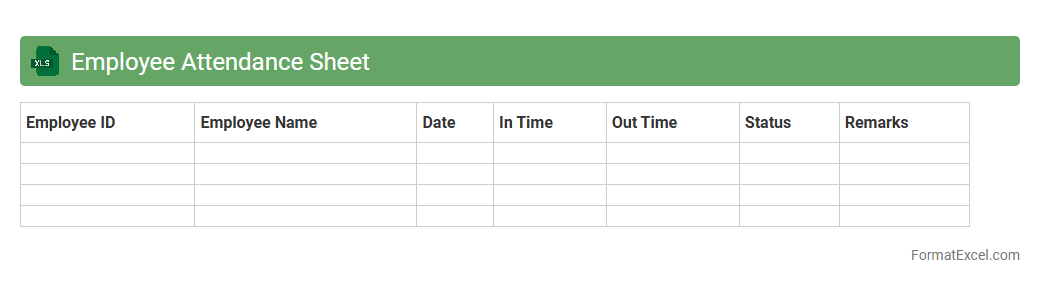
Employee Attendance Sheet
An
Employee Attendance Sheet Excel document is a digital tool designed to track and record employees' daily presence, absence, and working hours efficiently. It helps businesses monitor attendance patterns, calculate payroll accurately, and ensure compliance with labor regulations. By providing organized and easily accessible attendance data, this sheet supports effective workforce management and improves overall productivity.
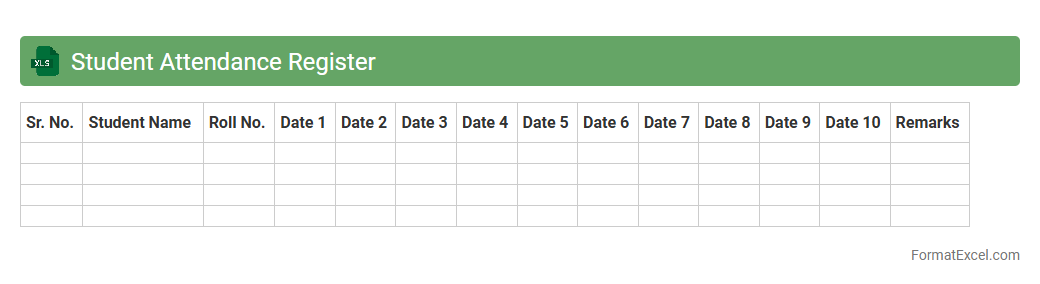
Student Attendance Register
The
Student Attendance Register Excel document is a digital tool designed to record and monitor student attendance efficiently. It allows educators to track daily presence, calculate attendance percentages, and identify patterns of absenteeism with ease. This register is useful for maintaining accurate records, ensuring compliance with school policies, and supporting student performance analysis.
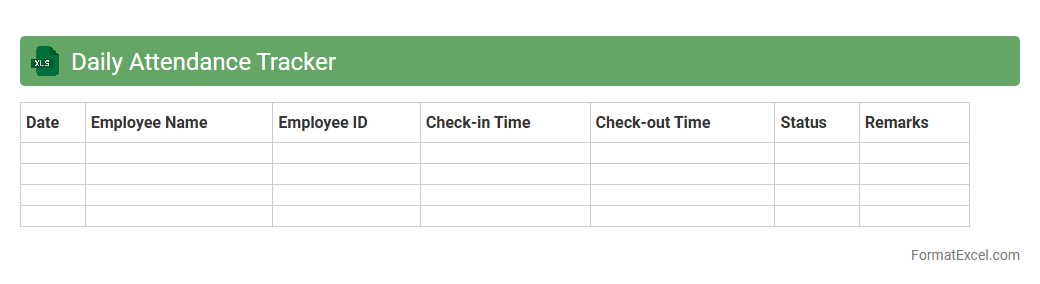
Daily Attendance Tracker
A
Daily Attendance Tracker Excel document is a digital tool designed to record and monitor employee or student attendance on a daily basis. It automates data entry, allowing easy tracking of absences, tardiness, and work hours, which improves accuracy and efficiency in attendance management. This tracker is useful for generating reports, analyzing attendance patterns, and ensuring compliance with organizational or educational policies.
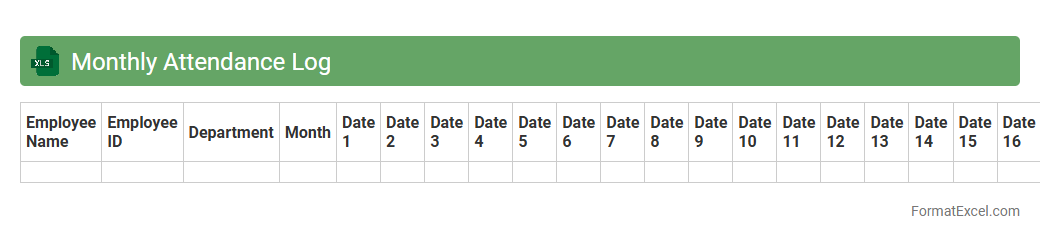
Monthly Attendance Log
The
Monthly Attendance Log Excel document is a structured spreadsheet designed to record daily attendance data for employees, students, or team members across a month. It helps track presence, absences, and tardiness systematically, enabling easy calculation of attendance percentages and identification of attendance patterns. This tool is essential for organizations to monitor workforce availability, improve payroll accuracy, and support performance evaluations.
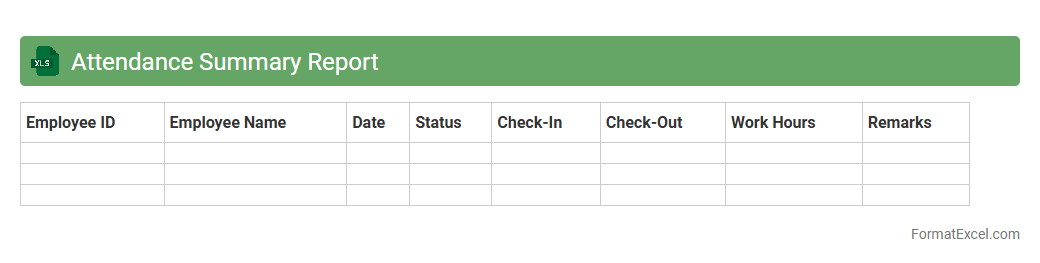
Attendance Summary Report
An
Attendance Summary Report Excel document compiles employee attendance data, including hours worked, absences, and leave types, into a clear, organized format. This report helps managers track attendance patterns, identify issues like frequent absenteeism, and ensure payroll accuracy. By analyzing the data, organizations can improve workforce management and enhance productivity.
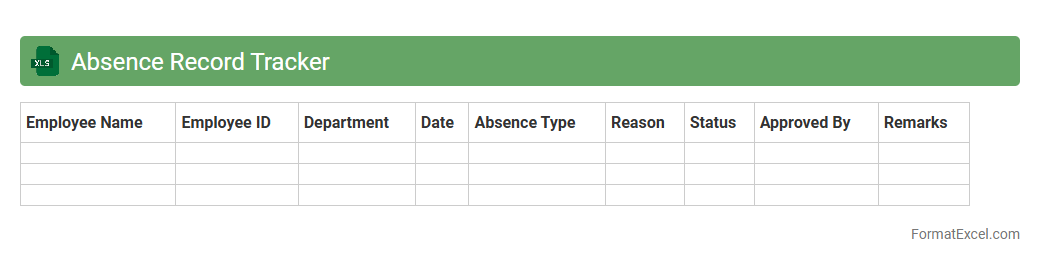
Absence Record Tracker
An
Absence Record Tracker Excel document is a digital tool designed to monitor and document employee attendance, including absences due to illness, vacation, or other reasons. It helps organizations maintain accurate records, identify patterns in absenteeism, and manage workforce productivity effectively. By providing a centralized and organized system, it simplifies payroll processing and supports compliance with labor laws.
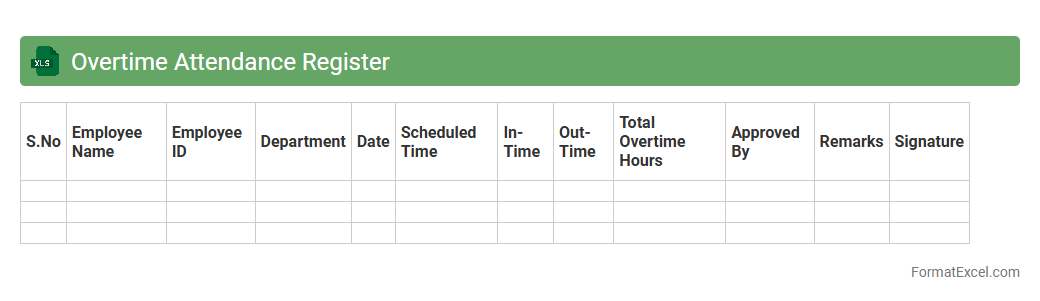
Overtime Attendance Register
An
Overtime Attendance Register Excel document is a structured spreadsheet designed to record and track employees' overtime hours accurately. It helps organizations monitor extra work hours, ensuring fair compensation and compliance with labor regulations. This tool enhances payroll efficiency, improves attendance transparency, and supports labor cost management effectively.
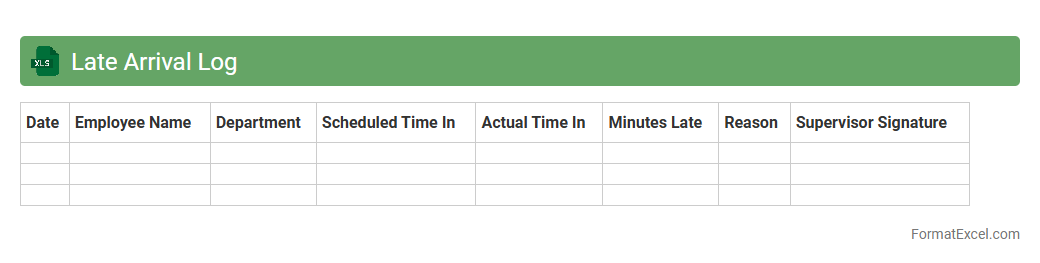
Late Arrival Log
The
Late Arrival Log Excel document is a structured tool used to record and track instances of tardiness within an organization or institution. It helps monitor employee or student punctuality, enabling efficient identification of frequent late arrivals and allowing management to implement timely interventions. By organizing data such as dates, times, reasons, and frequency of lateness, this log enhances accountability and supports attendance policy enforcement.
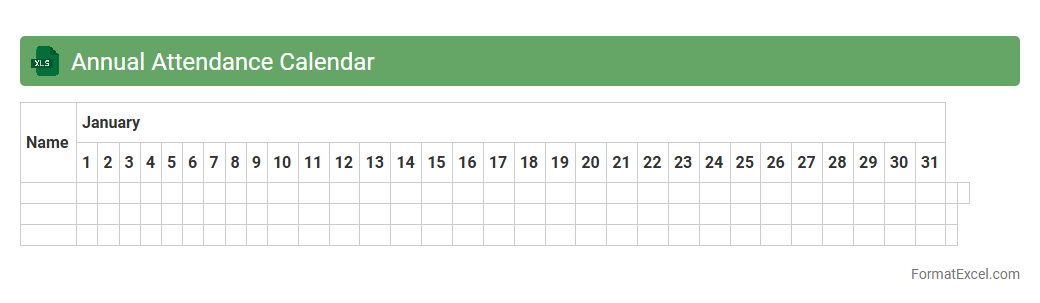
Annual Attendance Calendar
The
Annual Attendance Calendar Excel document is a comprehensive tool designed to track employee attendance, leave, and holidays over the course of a year. It provides organized data visualization, enabling managers to easily monitor attendance patterns and ensure workforce productivity. This document helps streamline payroll processes and supports effective resource planning within organizations.
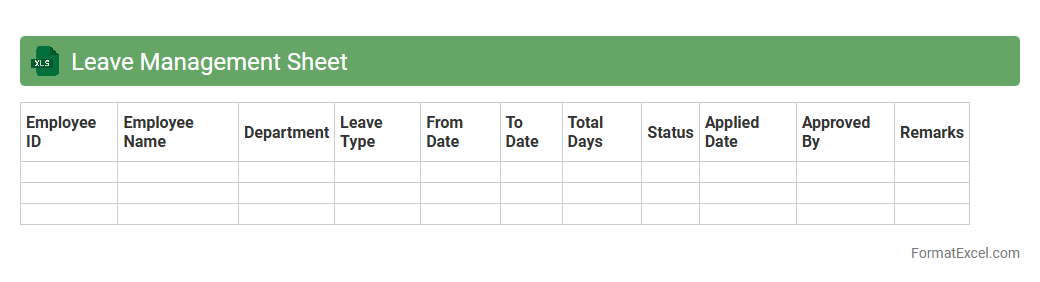
Leave Management Sheet
A
Leave Management Sheet Excel document is a structured tool designed to track employee leave records, including vacation, sick days, and personal absences. It helps organizations maintain accurate attendance data, ensuring compliance with leave policies while facilitating transparent communication between HR and staff. By automating leave calculations and providing visual summaries, it improves workforce planning and reduces administrative errors.
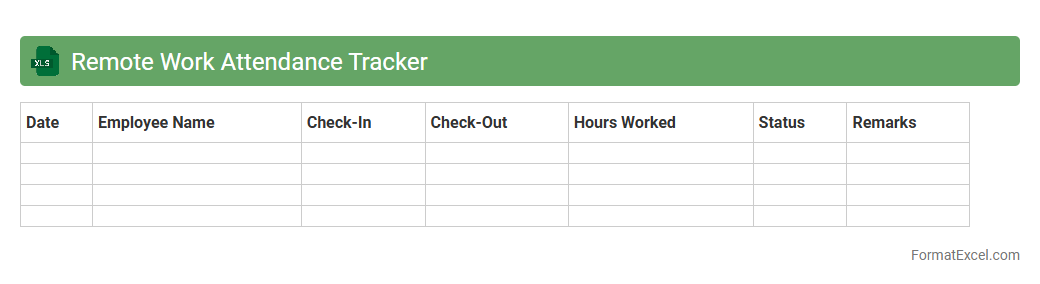
Remote Work Attendance Tracker
A
Remote Work Attendance Tracker Excel document is a digital tool designed to monitor and record employee attendance and work hours in a remote setting. It streamlines the management of remote workforce data by providing real-time tracking of login times, breaks, and task completion, ensuring accountability and productivity. This tracker is useful for organizations to maintain accurate records, optimize scheduling, and support transparent communication between employees and management.
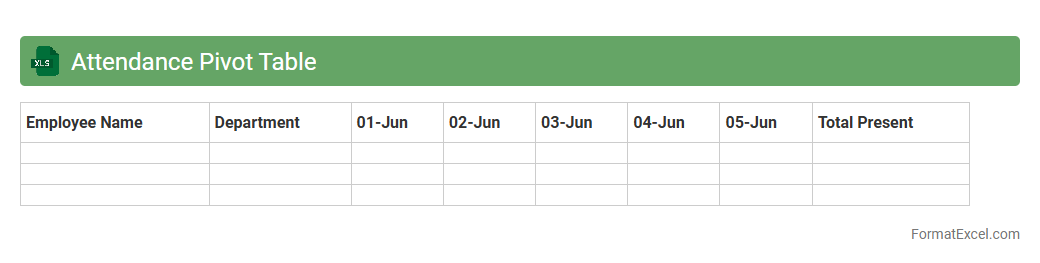
Attendance Pivot Table
An
Attendance Pivot Table in Excel is a powerful tool that summarizes and analyzes attendance data by categorizing information such as dates, employee names, and attendance status. It helps organizations track patterns, identify absences, and generate reports quickly without manually sorting large datasets. Utilizing this feature improves accuracy and efficiency in attendance management, making workforce monitoring more straightforward and insightful.
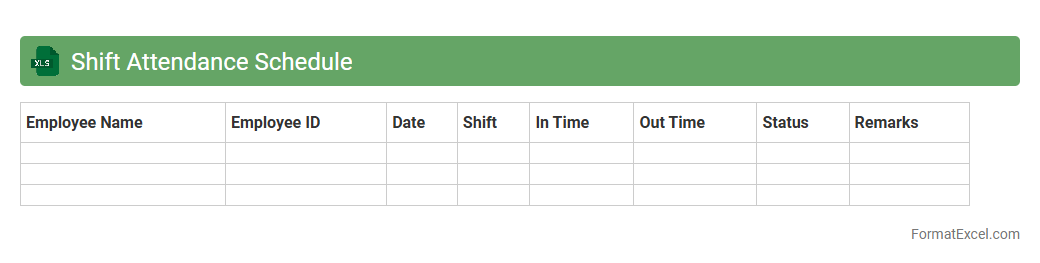
Shift Attendance Schedule
The
Shift Attendance Schedule Excel document is a tool designed to track employee work shifts and attendance efficiently. It enables businesses to organize shift timings, monitor punctuality, and manage workforce allocation systematically. By providing a clear overview of attendance patterns, this document helps improve productivity and simplifies payroll processing.
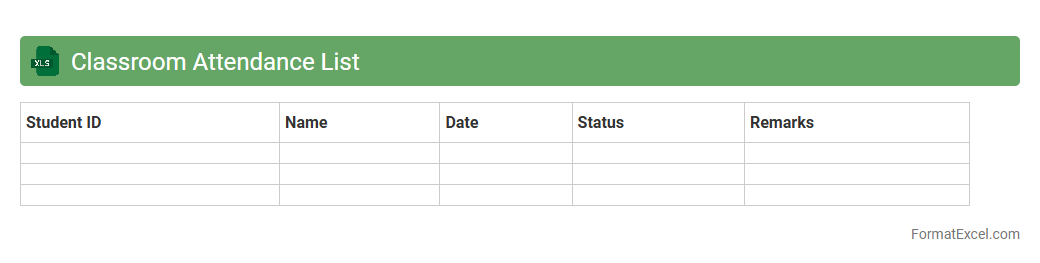
Classroom Attendance List
A
Classroom Attendance List Excel document is a digital tool designed to systematically track and record student attendance in educational settings. It enables educators to maintain accurate records, analyze attendance patterns, and identify absenteeism trends efficiently. This organized approach enhances classroom management and supports timely interventions to improve student engagement and performance.
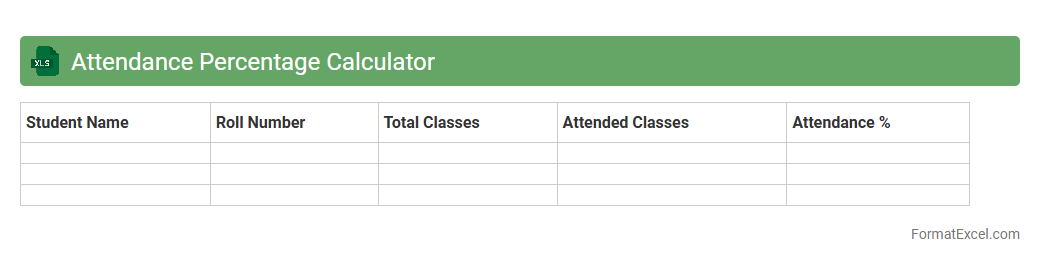
Attendance Percentage Calculator
An
Attendance Percentage Calculator Excel document is a tool designed to track and compute the attendance rates of students or employees by analyzing attendance records and total days present. It automates calculations, ensuring accuracy and saving time compared to manual methods, which is crucial for performance evaluations and compliance monitoring. This calculator helps institutions and organizations maintain transparent records, monitor attendance trends, and identify individuals with low attendance for appropriate follow-up actions.
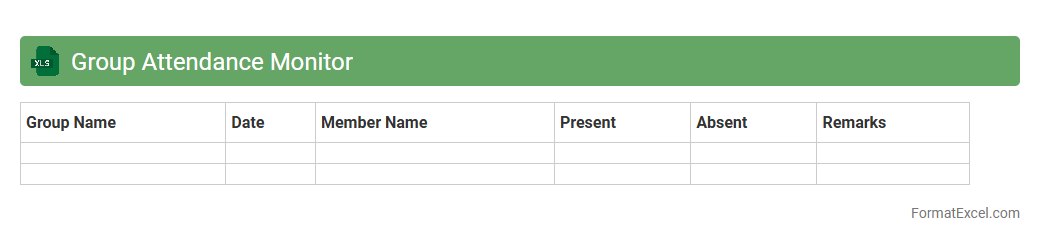
Group Attendance Monitor
The
Group Attendance Monitor Excel document is a comprehensive tool designed to track and record attendance for groups in various settings such as classrooms, meetings, or training sessions. It allows users to efficiently manage attendance data, identify patterns of absenteeism, and generate reports for analysis. This Excel sheet enhances organizational productivity by providing clear visibility into attendance trends and ensuring accountability.
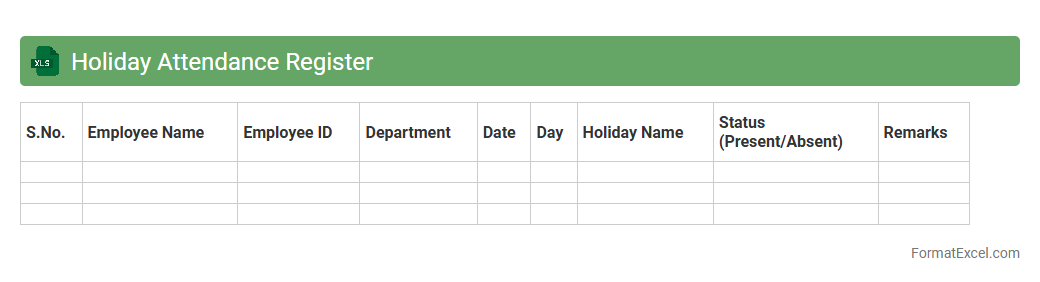
Holiday Attendance Register
A
Holiday Attendance Register Excel document is a structured spreadsheet designed to track employee attendance during holidays, including leave days and working hours. It helps organizations maintain accurate records, ensuring compliance with labor laws and simplifying payroll processing. Using this register enhances workforce management by providing clear insights into holiday schedules and attendance patterns.
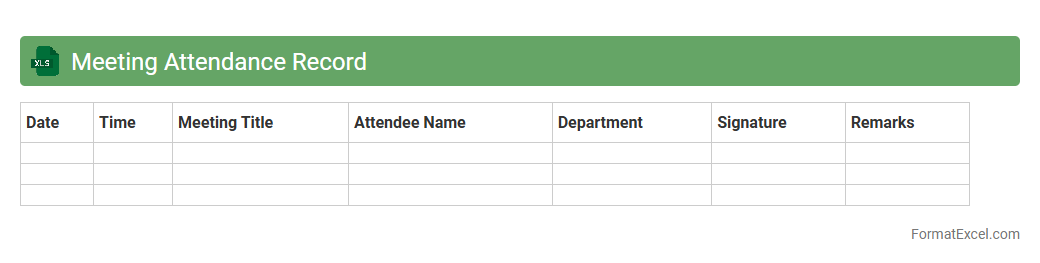
Meeting Attendance Record
A
Meeting Attendance Record Excel document is a structured spreadsheet designed to track and document participants' presence during meetings. It helps organizations maintain accurate attendance data, monitor team engagement, and ensure accountability. By providing a clear record of who attended, it supports effective meeting management and facilitates follow-up actions.
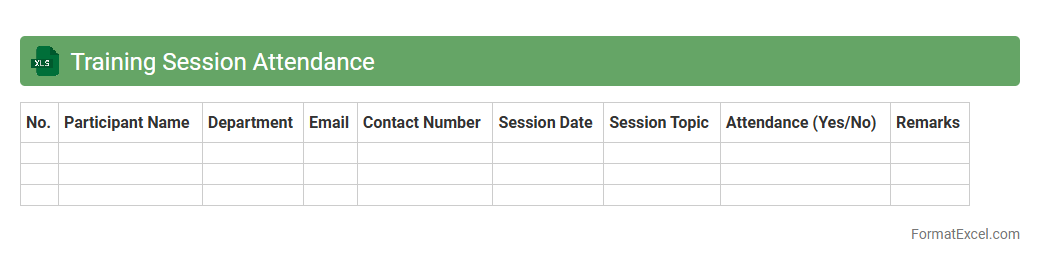
Training Session Attendance
A
Training Session Attendance Excel document is a structured spreadsheet used to record and track participant presence during training events. It helps organizations monitor employee engagement, identify attendance patterns, and ensure compliance with training requirements. This document facilitates efficient reporting and data analysis to improve future training programs.
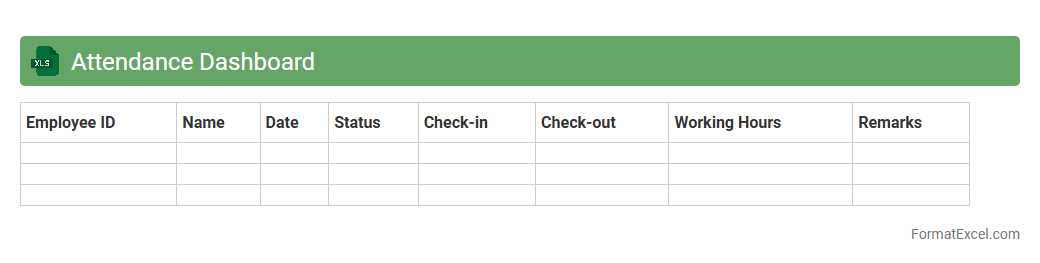
Attendance Dashboard
The
Attendance Dashboard Excel document is a dynamic tool designed to track and analyze employee or student attendance efficiently by consolidating data into visual charts and summary tables. It helps organizations monitor attendance patterns, identify absenteeism trends, and improve workforce or class management through real-time insights. This dashboard enhances decision-making by providing a clear overview of attendance records, reducing manual errors, and saving time on reporting tasks.
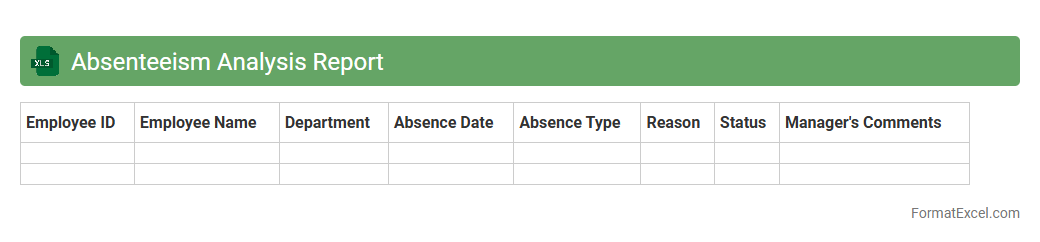
Absenteeism Analysis Report
The
Absenteeism Analysis Report Excel document tracks and analyzes patterns of employee absences over specific periods, highlighting trends such as frequency, duration, and reasons for absence. This report helps organizations identify underlying issues affecting workforce productivity and aids in implementing targeted interventions to reduce absenteeism. By leveraging this data, businesses can improve attendance management, reduce costs related to lost work hours, and enhance overall operational efficiency.
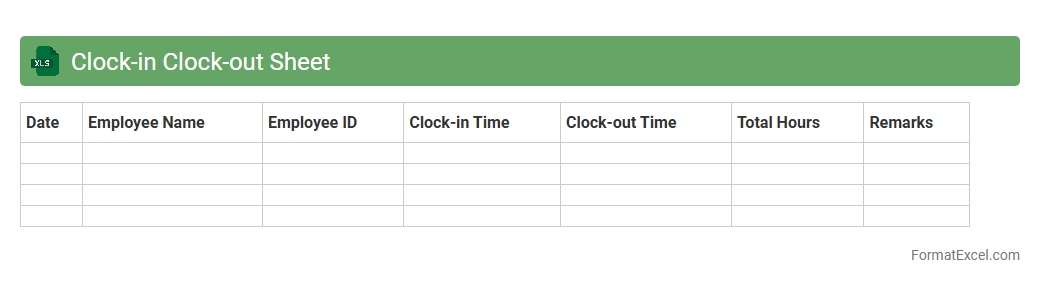
Clock-in Clock-out Sheet
A
Clock-in Clock-out Sheet Excel document is a digital timesheet used to record employee work hours by tracking their starting and ending times each day. It streamlines attendance management, simplifies payroll calculations, and enhances accuracy by automatically calculating total hours worked. This tool improves productivity monitoring and ensures compliance with labor laws by maintaining precise time records.
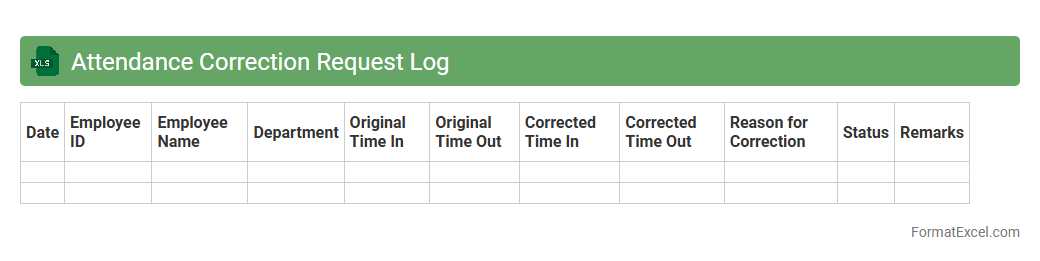
Attendance Correction Request Log
The
Attendance Correction Request Log Excel document is a structured tool used to record and track employee requests for adjustments in their attendance records. It helps HR departments maintain accurate timekeeping by logging details such as request dates, reasons for corrections, and approval statuses. This organized approach ensures transparency and facilitates timely resolution of discrepancies in attendance data.
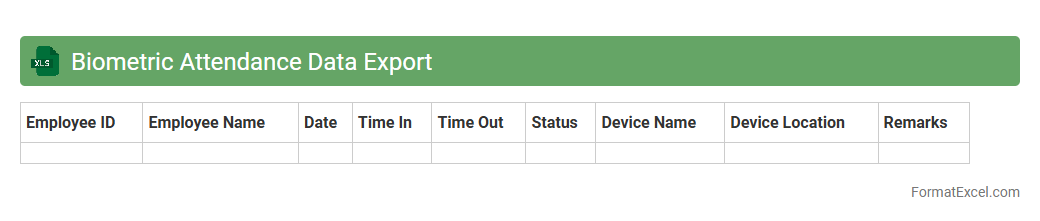
Biometric Attendance Data Export
A
Biometric Attendance Data Export Excel document contains recorded attendance data captured through biometric systems such as fingerprint or facial recognition devices. It provides an organized, timestamped log of employee attendance, enabling efficient tracking of work hours and punctuality. This document is useful for payroll processing, attendance analysis, and maintaining accurate workforce records.
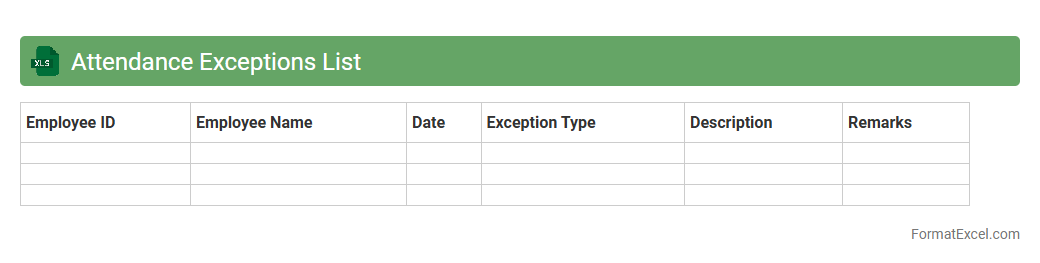
Attendance Exceptions List
The
Attendance Exceptions List Excel document is a tool used to track and highlight anomalies in employee attendance, such as absences, late arrivals, and early departures. It consolidates attendance data into an easily readable format, enabling managers to identify patterns and address compliance issues efficiently. This document improves workforce management by ensuring accuracy in payroll and supporting timely decision-making regarding employee attendance.
Introduction to Attendance Format in Excel
The attendance format in Excel is a structured layout that helps track employee or student attendance efficiently. It allows users to organize daily presence, absences, and leaves in a single workbook. Excel's grid system makes it easy to view and analyze attendance data systematically.
Benefits of Using Excel for Attendance Tracking
Using Excel for attendance tracking provides flexibility in data entry and customization compared to manual methods. It enables quick calculations of attendance percentages, days absent, and other metrics. Excel also supports easy sharing and updating, enhancing collaboration within teams.
Essential Features of an Excel Attendance Sheet
Key features include date columns, employee or student names, attendance status codes, and summary fields for totals. The data validation option helps standardize attendance input like Present, Absent, or Leave. Conditional formatting highlights attendance patterns and anomalies automatically.
Step-by-Step Guide to Creating an Attendance Format in Excel
Start by listing all names in the first column and dates across the top row to create the matrix. Use drop-down lists for attendance status using Data Validation to avoid errors. Finally, add summary formulas to calculate total presents, absences, and leave days to get an overview.
Common Templates for Excel Attendance Sheets
There are many pre-designed templates available online that range from simple daily trackers to complex monthly or yearly formats. Templates often include automatic calculations and charts for visual analysis. These templates save time and ensure consistency in attendance monitoring.
Customizing Your Excel Attendance Format
Customize your attendance sheet by adding specific columns like shift timings, late arrivals, or reasons for absence. Including color-coded statuses using conditional formatting makes interpretation faster. You can also tailor the sheet to match organizational policies and terminology.
Automating Attendance Calculations with Excel Formulas
Formulas like COUNTIF and SUMIF help automate the calculation of days present or absent. Using the NETWORKDAYS function helps determine workdays excluding weekends and holidays. Automating reduces manual errors and saves time in attendance analysis.
Tips for Maintaining Accurate Attendance Records
Consistent and timely updating is key for maintaining accurate records. Regularly back up your Excel files to avoid data loss. Use protection features and restricted editing to prevent accidental changes.
Sharing and Collaborating on Attendance Sheets in Excel
Excel's integration with OneDrive and SharePoint allows real-time collaboration on attendance sheets. Multiple users can view and edit simultaneously, improving transparency. Version control features help track changes and revert if necessary.
Best Practices for Data Security in Attendance Records
Protect sensitive attendance data by applying password protection to Excel files. Use encryption and restrict access to authorized personnel only for data security. Regularly update passwords and audit access to maintain confidentiality.