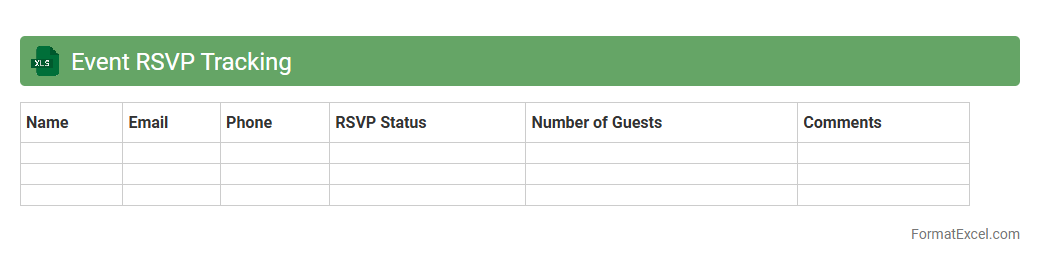
Event RSVP Tracking
An
Event RSVP Tracking Excel document is a structured spreadsheet designed to monitor and manage guest responses for events efficiently. It helps organizers keep accurate records of attendees, meal preferences, and special requests, streamlining event planning and communication. This tool enhances guest management, reduces errors, and ensures a well-organized event experience.
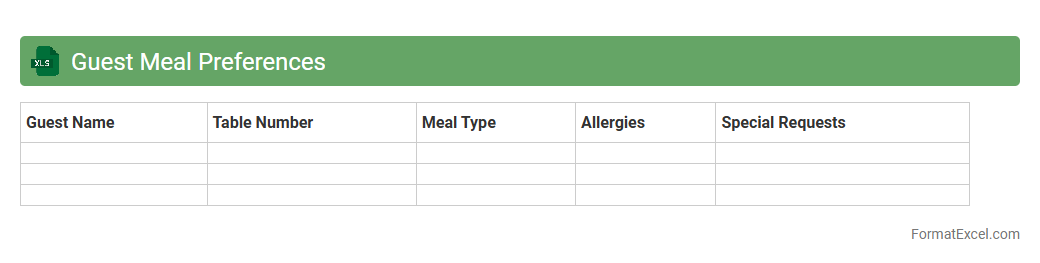
Guest Meal Preferences
The
Guest Meal Preferences Excel document is a detailed record that captures individual dietary requirements and meal choices for guests attending events. It helps organizers ensure personalized catering by accurately tracking allergies, dietary restrictions, and preferred cuisines. This tool enhances guest satisfaction and streamlines meal planning, reducing errors and food waste.
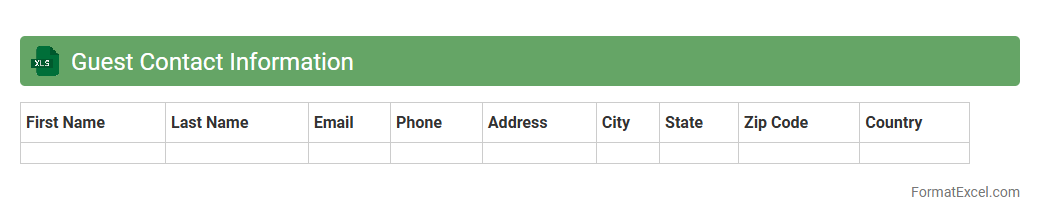
Guest Contact Information
The
Guest Contact Information Excel document is a structured spreadsheet containing essential details such as names, phone numbers, email addresses, and physical addresses of guests. It is useful for organizing and managing communication efficiently, enabling quick access to contact details for event planning, marketing campaigns, or customer service follow-ups. This centralized data helps improve guest engagement, streamline event coordination, and enhance personalized interactions.
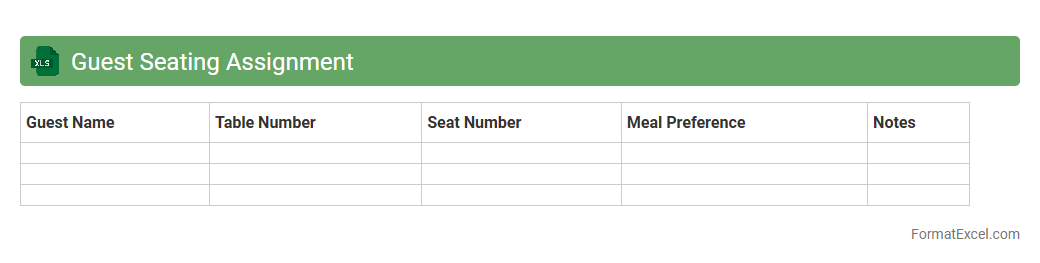
Guest Seating Assignment
A
Guest Seating Assignment Excel document is a structured spreadsheet designed to organize and allocate guests to specific seats at events such as weddings, conferences, or banquets. It enables event planners to efficiently visualize seating arrangements, avoid conflicts, and ensure optimal guest comfort and interaction. By using this tool, you can streamline the event preparation process and enhance overall guest experience through precise and manageable seating plans.
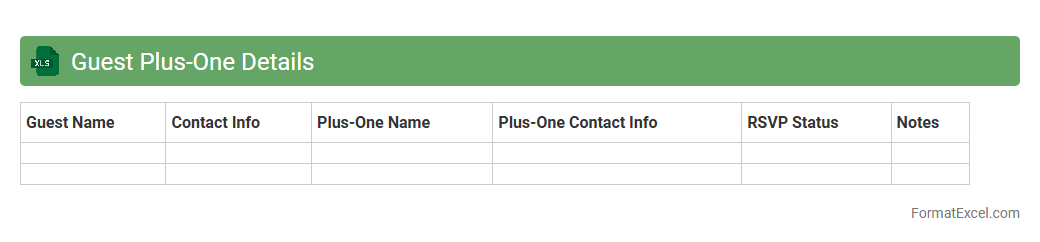
Guest Plus-One Details
The
Guest Plus-One Details Excel document is a organized spreadsheet that captures essential information about event attendees and their accompanying guests. It helps streamline event planning by consolidating names, contact details, RSVP status, and special requirements in one accessible file. Using this document enhances communication, ensures accurate headcounts, and supports personalized guest experiences.
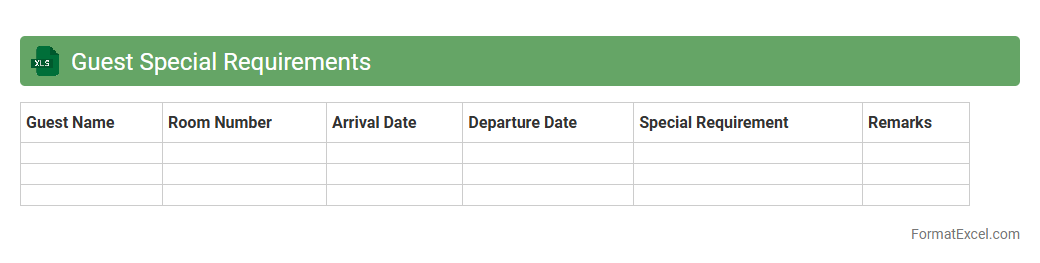
Guest Special Requirements
The
Guest Special Requirements Excel document serves as a centralized tool to record and manage specific needs or preferences of guests, such as dietary restrictions, accessibility needs, or room preferences. This organized data enables staff to provide personalized service, ensuring a higher level of guest satisfaction and operational efficiency. By having all special requirements clearly documented, businesses can minimize errors and enhance the overall guest experience.
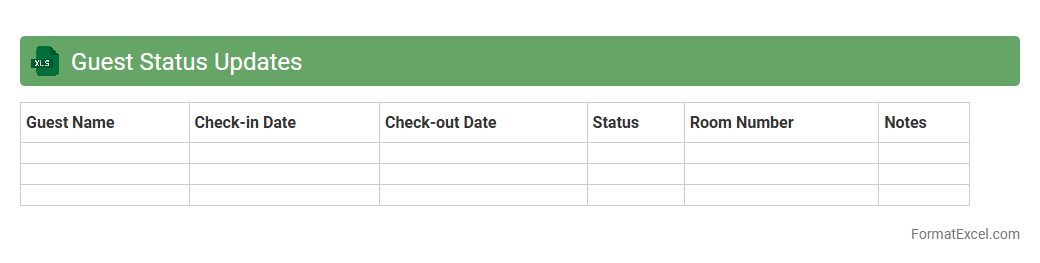
Guest Status Updates
The
Guest Status Updates Excel document is a comprehensive tool designed to track and manage real-time information about guests, including arrival times, room assignments, and special requests. It streamlines communication among staff by providing a clear overview of guest statuses, enabling efficient service and timely updates. This document enhances operational efficiency and improves guest satisfaction by ensuring accurate and organized data management.
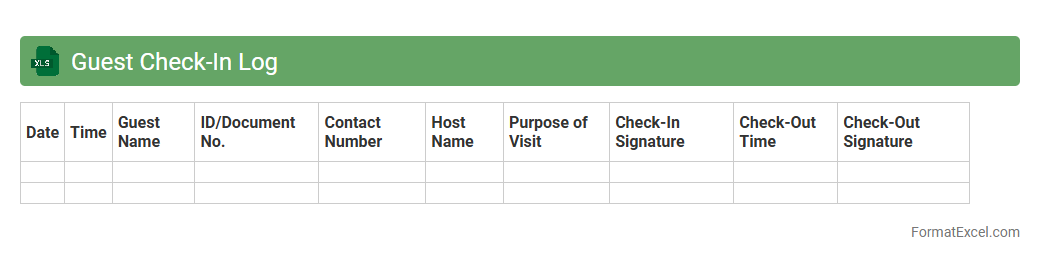
Guest Check-In Log
A
Guest Check-In Log Excel document is a digital record-keeping tool used to track visitor information such as names, check-in times, and contact details. It streamlines the process of managing guest arrivals, enhancing security and organization for hotels, events, or workplaces. This log allows quick access to visitor data, facilitating efficient communication and record maintenance.
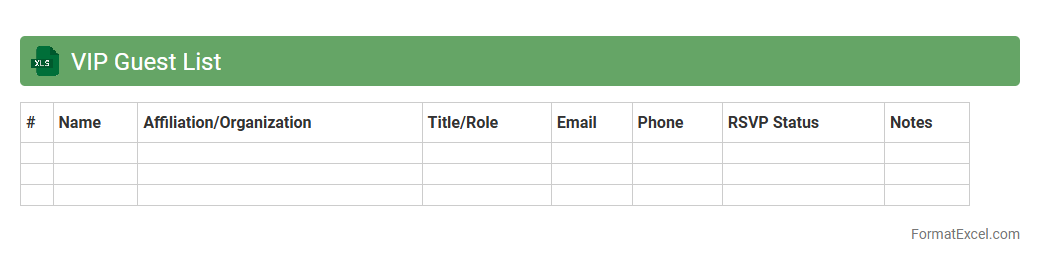
VIP Guest List
A
VIP Guest List Excel document is a structured spreadsheet designed to organize and manage information about important attendees for events, including names, contact details, and special requirements. It streamlines the planning process by enabling easy tracking, sorting, and updating of guest information, ensuring efficient communication and personalized service. This tool is especially useful for event coordinators, marketing teams, and hospitality professionals aiming to enhance guest experiences and maintain exclusivity.
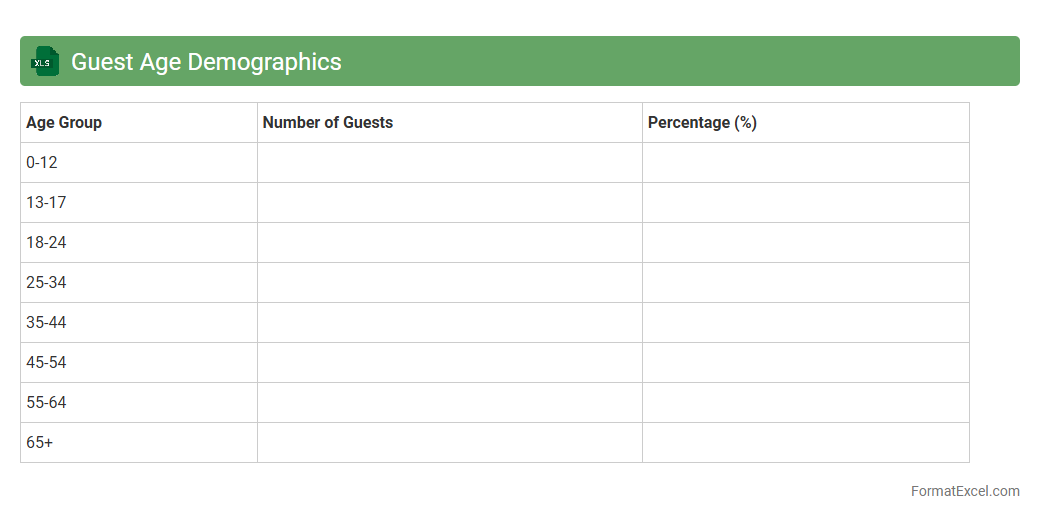
Guest Age Demographics
The
Guest Age Demographics Excel document categorizes visitor data by age groups, enabling businesses to analyze customer profiles effectively. This information helps tailor marketing strategies, improve service offerings, and optimize product development to meet the preferences of different age segments. Access to detailed age demographics supports data-driven decision-making, enhancing overall customer engagement and satisfaction.
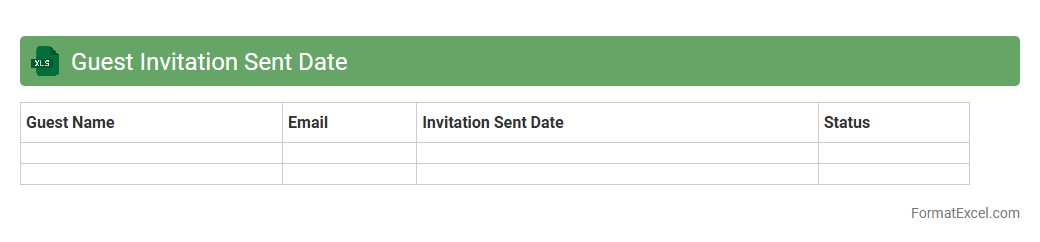
Guest Invitation Sent Date
The
Guest Invitation Sent Date Excel document tracks the specific dates when invitations were sent to guests, enabling efficient management of event planning and follow-ups. By organizing invitation timestamps, it helps monitor response rates, prioritize reminders, and ensure timely communication with invitees. This structured data format streamlines event coordination and enhances overall guest engagement.
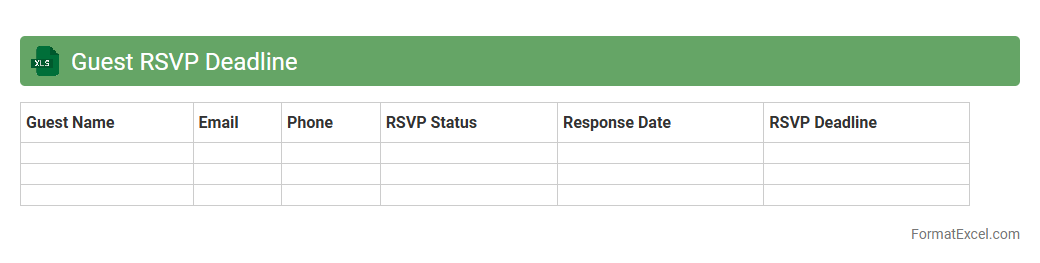
Guest RSVP Deadline
The
Guest RSVP Deadline Excel document is a structured spreadsheet used to track and manage guest responses for events efficiently. It helps keep accurate records of RSVP statuses, deadlines, and contact details, ensuring timely follow-up and accurate headcounts. Utilizing this tool enhances event planning by reducing last-minute uncertainties and improving overall organization.
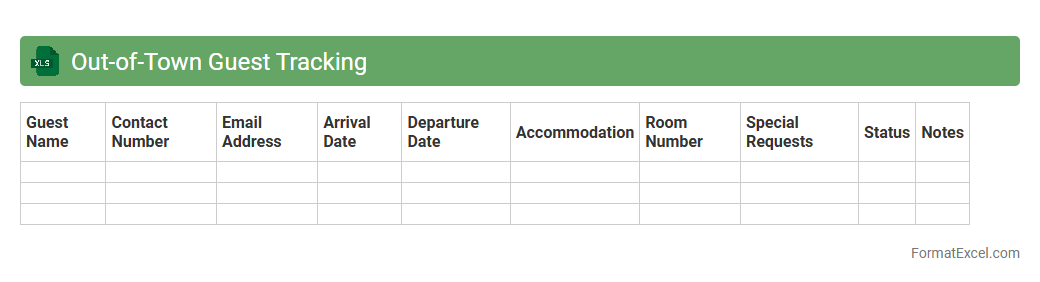
Out-of-Town Guest Tracking
The
Out-of-Town Guest Tracking Excel document is a digital tool designed to systematically record and manage information about guests visiting from other locations. It allows for easy organization of guest addresses, contact details, visit dates, and special requirements, streamlining communication and logistical planning. This document is essential for businesses and event organizers to enhance guest experience, ensure personalized service, and maintain accurate records for future reference or follow-up.
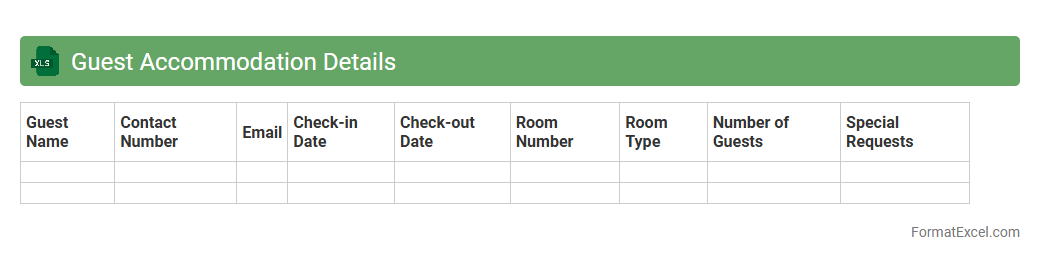
Guest Accommodation Details
The Guest Accommodation Details Excel document is a comprehensive spreadsheet that organizes crucial information about guests, including names, contact details, booking dates, and room preferences. It enhances operational efficiency by enabling quick access to reservation data and streamlining communication with guests. Maintaining accurate
guest accommodation records helps improve service quality and supports effective planning and resource allocation.
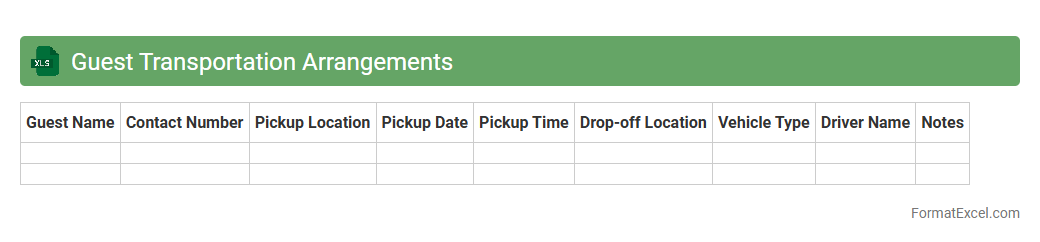
Guest Transportation Arrangements
The
Guest Transportation Arrangements Excel document serves as a centralized tool to organize and track all transportation details for event attendees, ensuring timely and efficient travel management. It typically includes fields for guest names, pickup and drop-off locations, vehicle types, schedules, and contact information, facilitating seamless coordination among event planners and transportation providers. Utilizing this document helps prevent logistical errors, improves communication, and enhances the overall guest experience by providing clear and accessible transportation plans.
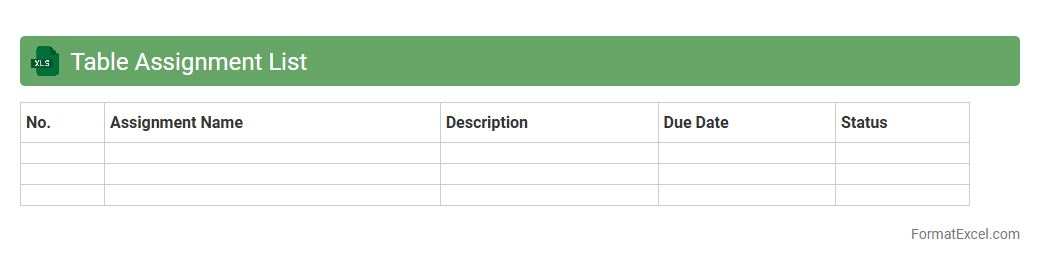
Table Assignment List
The
Table Assignment List Excel document is a structured spreadsheet used to organize and allocate seating arrangements efficiently for events, classrooms, or workplaces. It helps manage participant or employee placements, ensuring optimized space utilization and easy adjustments when needed. This tool aids in reducing conflicts, improving communication, and enhancing overall event or operational management.
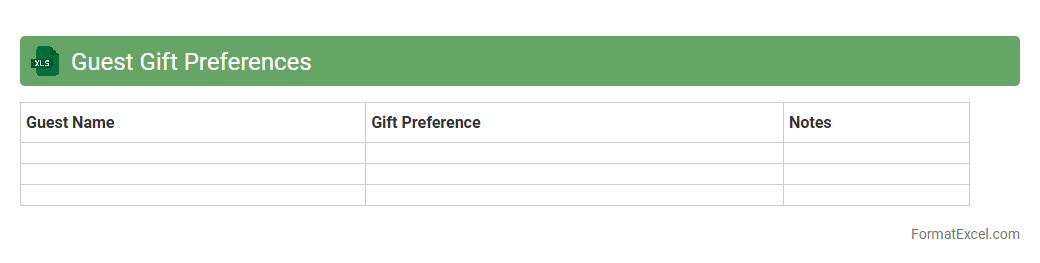
Guest Gift Preferences
The
Guest Gift Preferences Excel document contains detailed records of guest choices, including favorite gift types, colors, and sizes, enabling personalized gifting strategies. This organized data enhances event planning efficiency by ensuring gifts align with individual preferences, boosting guest satisfaction and engagement. Utilizing this document helps streamline inventory management and budget allocation by forecasting popular gift selections.
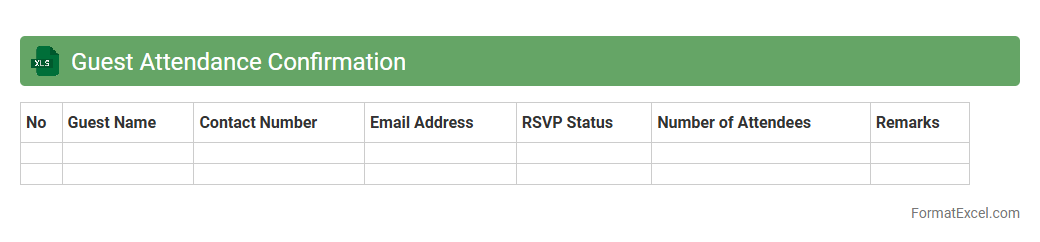
Guest Attendance Confirmation
The
Guest Attendance Confirmation excel document is a structured tool designed to track and verify the participation of attendees in events or meetings. It streamlines the process of recording RSVP status, contact information, and attendance, improving communication and planning accuracy. This document enhances event management efficiency by reducing errors and ensuring accurate guest follow-ups.
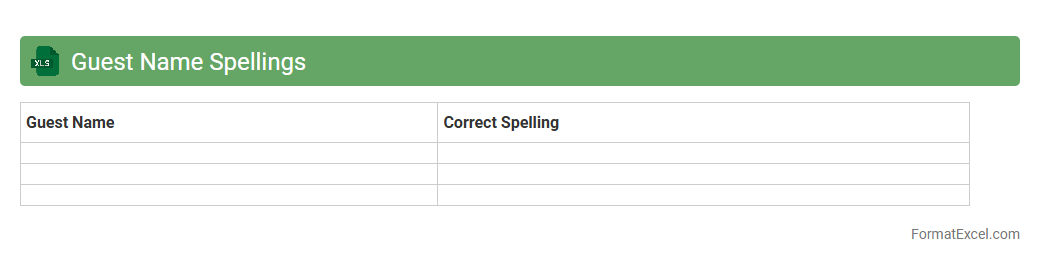
Guest Name Spellings
The
Guest Name Spellings Excel document is a structured spreadsheet designed to accurately record and verify the correct spellings of guest names for events, bookings, or client lists. It helps prevent errors in communication, ensures professionalism in correspondence, and streamlines check-in or registration processes. This document is essential for maintaining data integrity and enhancing guest experience in hospitality, event management, and customer service sectors.
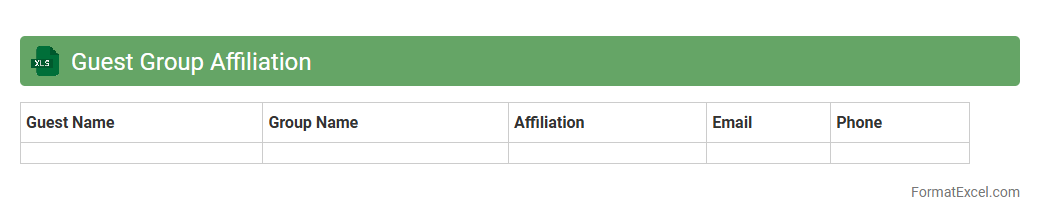
Guest Group Affiliation
The
Guest Group Affiliation Excel document is a structured file used to categorize and track relationships between guests and their associated groups, such as organizations, companies, or events. This document streamlines data management by enabling quick identification of group memberships, facilitating targeted communication, and enhancing event planning or customer relationship strategies. It proves invaluable for businesses and event organizers by improving guest segmentation and optimizing personalized service delivery.
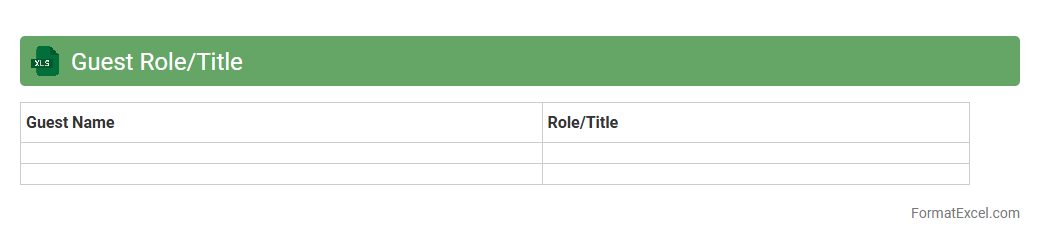
Guest Role/Title
A
Guest Role/Title Excel document is a structured file used to organize and track the roles or titles assigned to guests at events, meetings, or organizations. It helps streamline event planning by clearly identifying each guest's position, enabling personalized communication and efficient seating arrangements. This document improves coordination, enhances guest management, and ensures a professional and organized experience for both hosts and attendees.
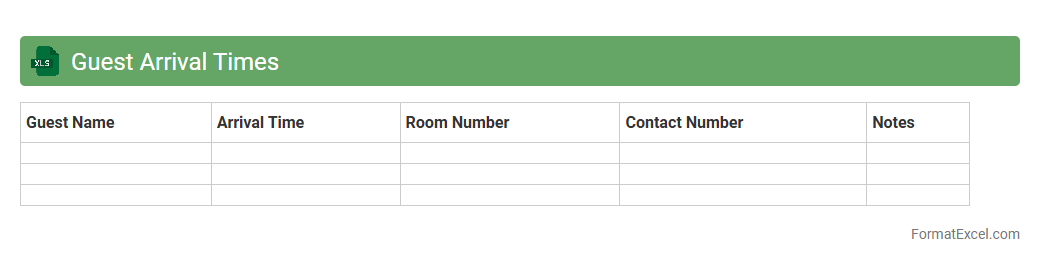
Guest Arrival Times
The
Guest Arrival Times Excel document is a structured spreadsheet that records and organizes the scheduled or actual arrival times of guests for events, appointments, or accommodations. It enables efficient planning, resource allocation, and timely coordination by providing clear visibility of when each guest is expected. Using this document helps businesses streamline operations, reduce waiting times, and enhance overall guest experience.
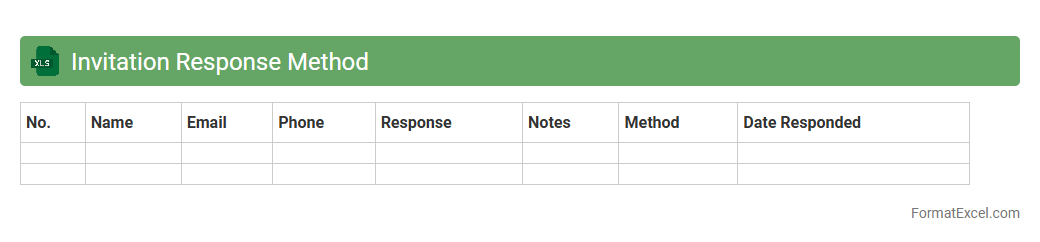
Invitation Response Method
The
Invitation Response Method Excel document is a structured tool designed to track and manage responses to event invitations efficiently. It allows users to organize data such as invitee names, RSVP statuses, and follow-up actions, ensuring accurate attendance forecasting and streamlined communication. This method enhances event planning by reducing missed responses and enabling timely decision-making based on real-time data.
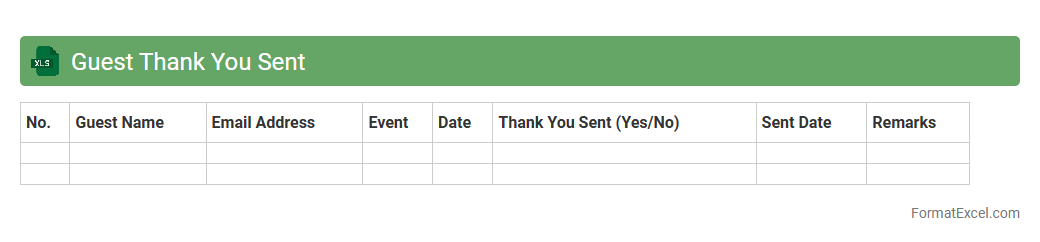
Guest Thank You Sent
The
Guest Thank You Sent Excel document is a tracking tool used to monitor and manage thank-you notes sent to guests. It helps businesses maintain personalized communication, improve customer relationships, and ensure follow-ups are timely. By organizing guest information and message status, this document enhances customer satisfaction and loyalty.
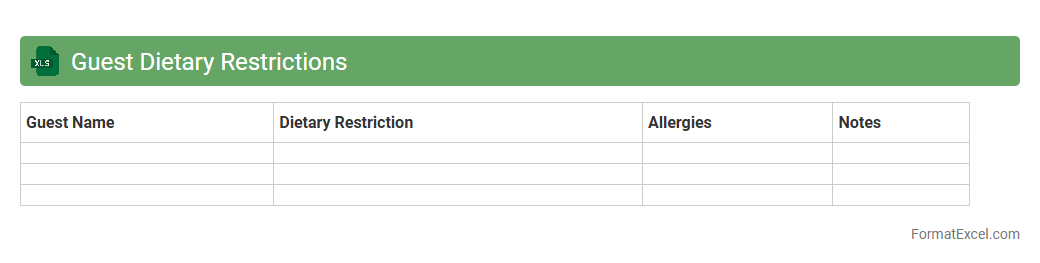
Guest Dietary Restrictions
The
Guest Dietary Restrictions Excel document is a structured spreadsheet designed to track and manage individual dietary needs and preferences for event attendees or clients. It helps ensure that all meals served comply with guests' allergies, intolerances, and specific dietary requirements, thereby enhancing guest satisfaction and safety. This organized data enables efficient communication with catering teams and reduces the risk of dietary mishaps.
Introduction to Event Guest List Management
Effective event guest list management is crucial for organizing successful events. It helps in tracking attendance, managing invitations, and ensuring a smooth check-in process. Proper management enhances overall event coordination and guest experience.
Benefits of Using Excel for Guest Lists
Excel offers a versatile and user-friendly platform for maintaining guest lists. Its powerful data organization and sorting features make managing large lists easier. Additionally, Excel's customization options allow for tailored guest management solutions.
Key Elements of an Event Guest List Format
A comprehensive guest list format includes essential elements such as guest names, contact information, RSVP status, and special requirements. These key elements ensure thorough tracking and smooth communication with attendees. Including notes about meal preferences or accessibility needs is also beneficial.
Step-by-Step Guide to Creating a Guest List in Excel
Start by setting up columns with headers for key data fields like name, email, phone number, and RSVP. Enter guest details and utilize Excel's data validation tools to reduce errors. Finally, apply filters and sorting to organize your guest list efficiently.
Essential Columns for Your Event Guest List Spreadsheet
Crucial columns include Guest Name, Email Address, Phone Number, RSVP Status, Number of Guests, and Special Requests. Including these essential columns helps in detailed tracking and event preparation. This format ensures no critical information is overlooked.
Sample Excel Template for Event Guest Management
A sample Excel template typically contains structured rows and columns with built-in formulas for RSVP tracking. Templates save time by providing a ready-made framework that can be customized. They also help maintain consistency across different events.
Tips for Organizing and Sorting Your Excel Guest List
Use Excel's sorting and filtering features to group guests by status or priority. Color coding and conditional formatting can visually distinguish between confirmed and pending attendees. These organizing tips streamline the management process and improve clarity.
Best Practices for Tracking RSVPs in Excel
Keep the RSVP column updated daily and use drop-down menus for standardized responses like "Yes," "No," or "Maybe." Setting reminders to follow up ensures accurate attendance counts. Implementing these best practices helps avoid last-minute surprises.
Advanced Excel Features for Guest List Optimization
Utilize Excel's advanced features such as pivot tables, macros, and VLOOKUP for enhanced data analysis. These tools allow for automatic data summarization and error reduction. Leveraging these advanced features maximizes efficiency in guest list management.
Common Mistakes to Avoid with Excel Guest Lists
Avoid common errors like duplicate entries, inconsistent data formats, and neglecting to back up your file. Not validating data or ignoring RSVP updates can cause event planning issues. Prevent these common mistakes to ensure accurate and reliable guest data.