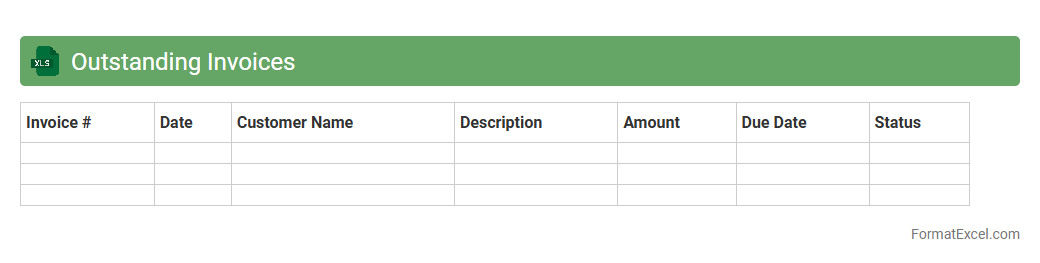
Outstanding Invoices
An
Outstanding Invoices Excel document is a detailed spreadsheet that tracks all unpaid customer invoices, categorizing them by due dates, amounts, and client information. This tool is essential for managing cash flow, ensuring timely follow-ups on overdue payments, and maintaining accurate financial records. By providing a clear overview of receivables, it enables businesses to improve credit control and forecast revenue effectively.
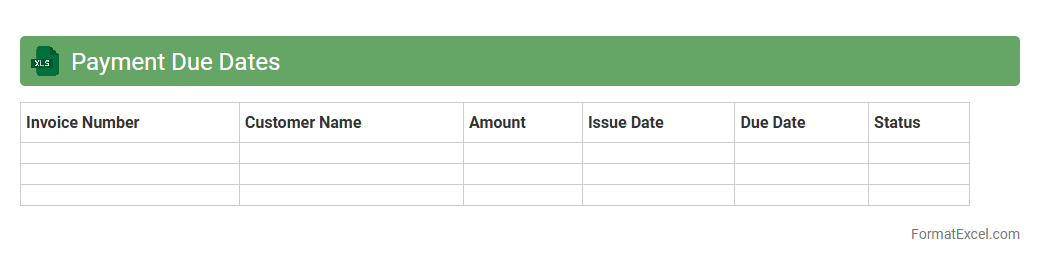
Payment Due Dates
A
Payment Due Dates Excel document is a spreadsheet tool designed to track and manage upcoming payment deadlines for bills, invoices, or loans. It helps users organize financial obligations, avoid late fees, and maintain a clear overview of cash flow by providing timely reminders and scheduled payment dates. This document is essential for efficient financial planning and ensuring timely transactions in both personal and business contexts.
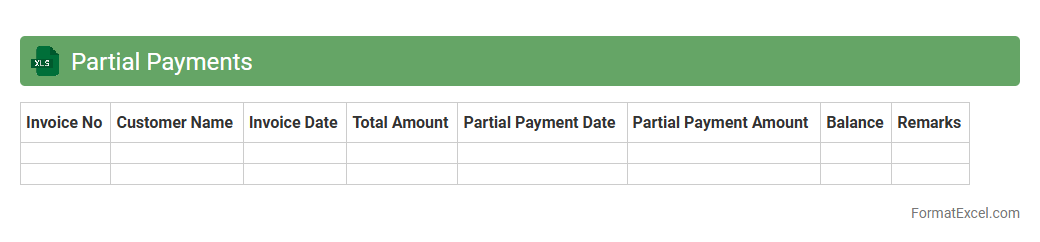
Partial Payments
A
Partial Payments Excel document is a structured spreadsheet designed to track and manage installment payments made toward a total debt or invoice. It helps businesses and individuals maintain clear records of payment dates, amounts paid, outstanding balances, and payment statuses. Utilizing this document improves financial organization, ensures transparency in payment tracking, and facilitates efficient budgeting and cash flow management.
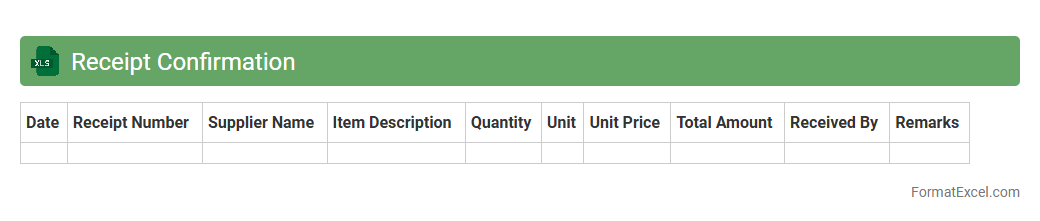
Receipt Confirmation
A
Receipt Confirmation Excel document is a structured spreadsheet used to record and verify the receipt of goods, services, or payments, ensuring accurate tracking and accountability. It helps streamline inventory management, financial auditing, and supplier communication by providing a clear and organized record of transactions. This document reduces errors and discrepancies, enhancing operational efficiency and transparency in business processes.
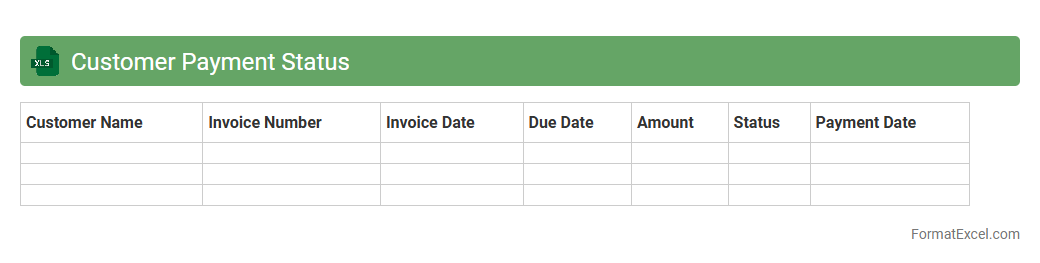
Customer Payment Status
The
Customer Payment Status Excel document is a detailed record tracking invoice payments, outstanding balances, and payment dates for customers. It helps businesses monitor cash flow, identify overdue accounts, and improve financial reporting accuracy. Using this document enables efficient credit management and supports timely decision-making for enhancing customer relationships.
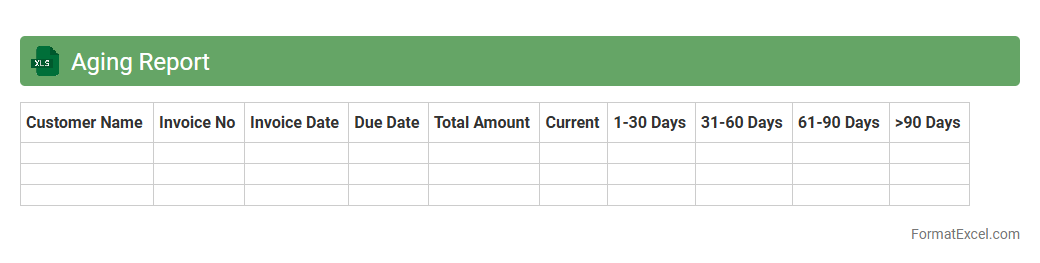
Aging Report
An
Aging Report Excel document organizes outstanding invoices based on the length of time they have been unpaid, typically categorized into 30, 60, 90 days, or more. This report is essential for tracking accounts receivable, identifying overdue payments, and managing cash flow effectively. Businesses use it to prioritize collection efforts, reduce bad debts, and maintain healthy financial operations.
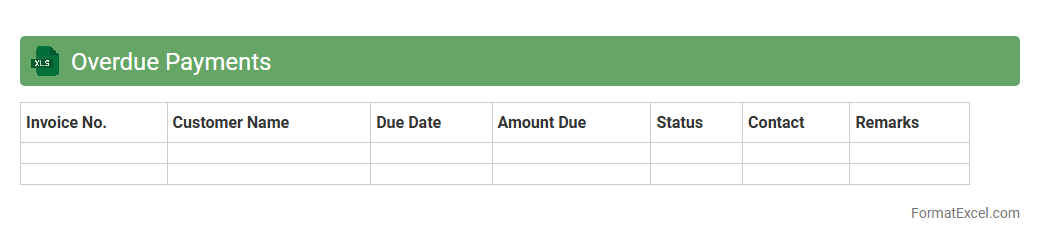
Overdue Payments
An
Overdue Payments Excel document is a financial tracking tool that organizes and monitors outstanding invoices and unpaid bills by client or date. It helps businesses identify late payments efficiently, improving cash flow management and facilitating timely follow-ups with customers. This document enhances financial transparency and supports better decision-making in accounts receivable processes.
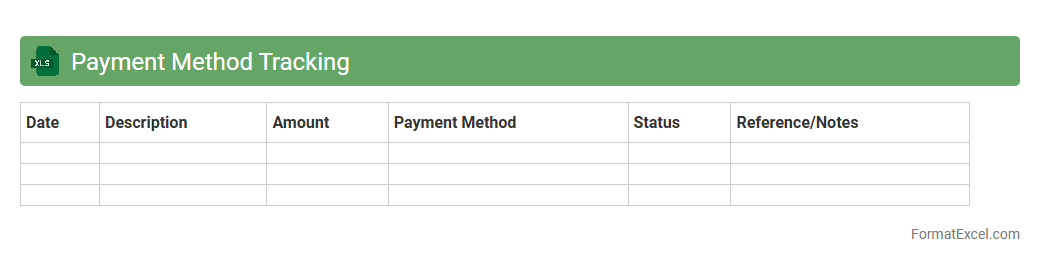
Payment Method Tracking
A
Payment Method Tracking Excel document is a tool designed to monitor and record various payment types such as credit cards, bank transfers, and digital wallets, ensuring accurate financial management. It helps businesses and individuals track transaction dates, amounts, and payment statuses, which simplifies reconciliation and audit processes. Using this document enhances transparency, prevents errors, and improves cash flow management by providing clear visibility into payment activities.
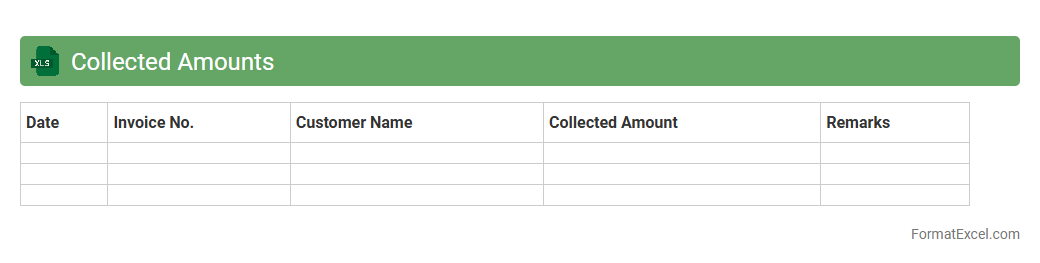
Collected Amounts
The
Collected Amounts Excel document is a financial tracking tool that records payments received from clients or customers, enabling precise monitoring of cash flow. It consolidates data such as transaction dates, amounts, and payer details, facilitating easy reconciliation with bank statements and invoices. This document is essential for maintaining accurate accounts receivable records and improving financial reporting accuracy.
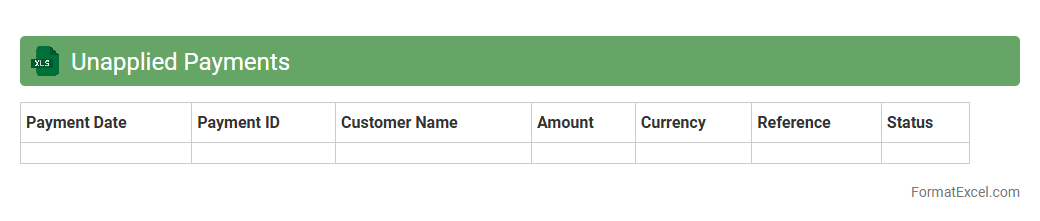
Unapplied Payments
The
Unapplied Payments Excel document is a detailed file that tracks customer payments not yet matched to specific invoices, helping businesses identify discrepancies in accounts receivable. It is useful for finance teams to reconcile payments efficiently by highlighting unapplied amounts, reducing errors, and improving cash flow management. This document supports accurate financial reporting and ensures timely follow-up with customers for outstanding balances.
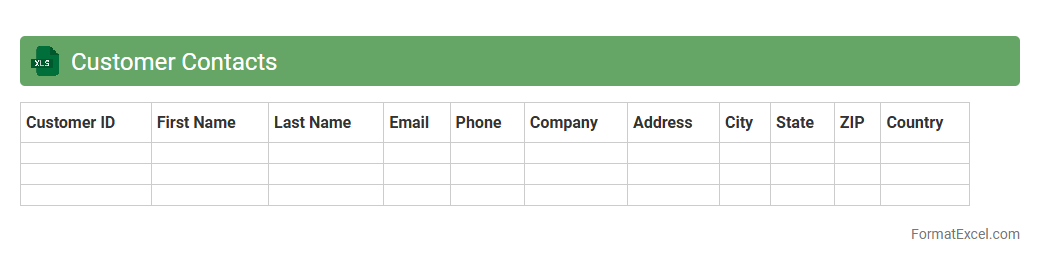
Customer Contacts
A
Customer Contacts Excel document is a structured spreadsheet that organizes essential information such as names, phone numbers, email addresses, and company details of clients in one centralized location. It improves efficiency by enabling quick access to up-to-date contact details, facilitating targeted marketing campaigns, customer service follow-ups, and relationship management. Leveraging this tool supports streamlined communication and enhances the ability to track interactions and sales opportunities effectively.
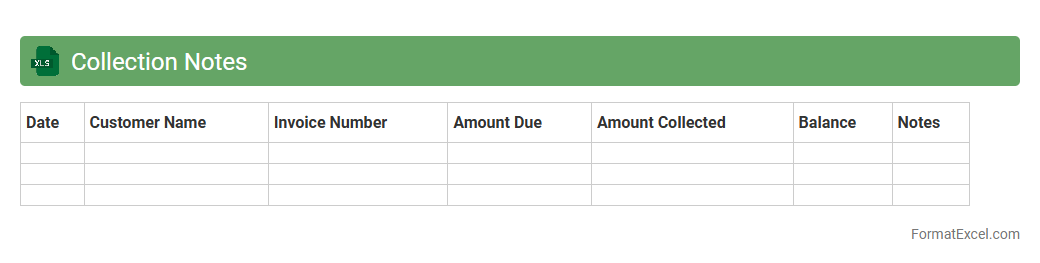
Collection Notes
A
Collection Notes Excel document is a structured spreadsheet used to record and track communication details related to payment collections. It helps businesses monitor client interactions, payment statuses, and follow-up reminders, ensuring efficient debt recovery and cash flow management. Utilizing this tool improves organization, accountability, and transparency within financial operations.
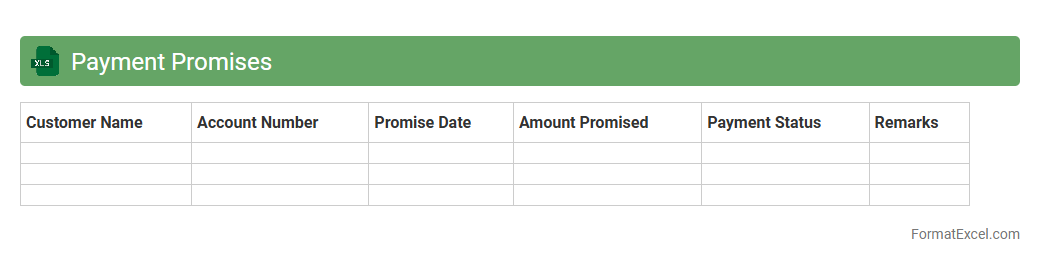
Payment Promises
The
Payment Promises Excel document is a structured tool designed to track and manage commitments made by customers or clients regarding future payments. It consolidates due dates, amounts, and status updates, facilitating efficient monitoring and follow-up to ensure timely collections and improved cash flow. This document enhances financial planning and reduces the risk of outstanding debts by providing clear visibility into payment obligations.
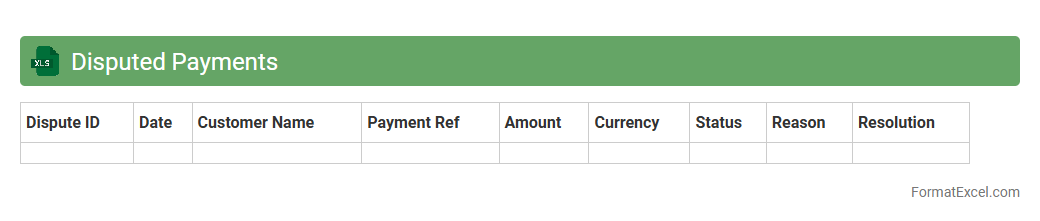
Disputed Payments
The
Disputed Payments Excel document serves as a centralized tool to track, manage, and resolve payment discrepancies efficiently. It allows organizations to monitor outstanding disputes, document communication with stakeholders, and analyze patterns in payment errors to prevent future occurrences. This document enhances financial transparency and accelerates reconciliation processes, ultimately improving cash flow management and vendor relationships.
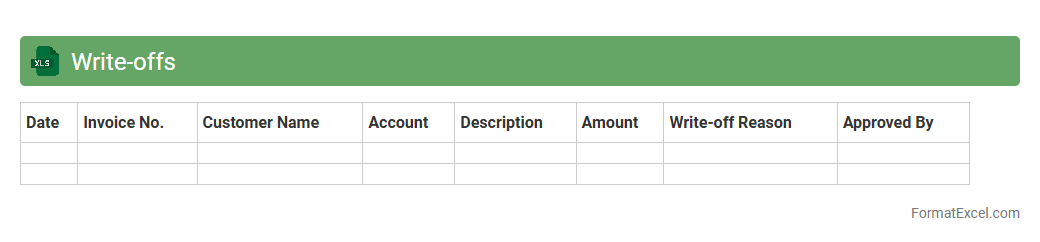
Write-offs
A
Write-offs Excel document is a structured spreadsheet used to record and manage uncollectible receivables or expenses that a business decides to remove from its accounts. It helps organizations track financial adjustments, maintain accurate financial records, and generate reports for auditing or tax purposes. Using this document improves transparency and aids in effective financial decision-making by clearly outlining amounts written off during a specific period.
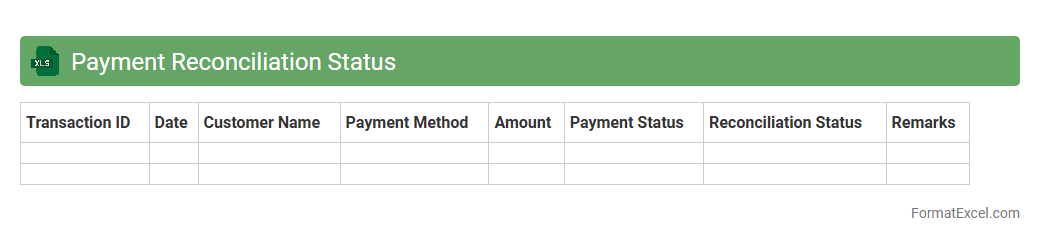
Payment Reconciliation Status
The
Payment Reconciliation Status Excel document tracks and matches payments received against invoices issued, ensuring accurate financial records. It helps businesses identify discrepancies, outstanding payments, and overpayments, streamlining the accounting process. This tool enhances cash flow management and supports timely decision-making by providing clear visibility into payment statuses.
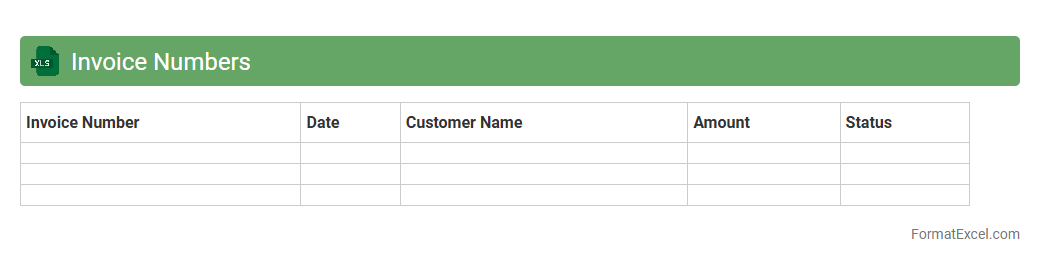
Invoice Numbers
An
Invoice Numbers Excel document is a structured spreadsheet used to record and track unique invoice identifiers systematically, facilitating efficient financial management and auditing. It helps businesses organize billing information, quickly retrieve transaction details, and prevent duplication errors, enhancing overall accounting accuracy. Utilizing this tool streamlines payment processing and supports timely reconciliation of accounts receivable.
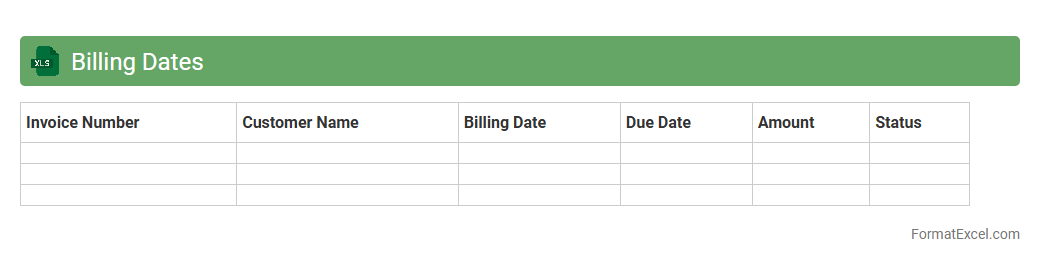
Billing Dates
A
Billing Dates Excel document is a structured spreadsheet designed to track invoice due dates, payment schedules, and billing cycles efficiently. It helps businesses manage cash flow by providing clear visibility into upcoming payments and deadlines, reducing the risk of late fees and missed invoices. Utilizing this tool streamlines financial planning and enhances organization within accounting processes.
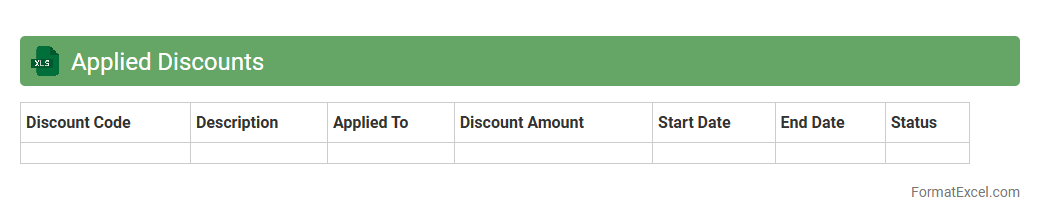
Applied Discounts
The
Applied Discounts Excel document systematically tracks all discounts given across sales transactions, providing clear visibility on discount patterns and their impact on revenue. It allows businesses to analyze discount effectiveness, identify trends, and optimize pricing strategies to maximize profit margins. By maintaining detailed records, this document supports accurate financial reporting and informed decision-making.
Collections Agent
A
Collections Agent Excel document is a structured spreadsheet designed to track and manage outstanding payments, customer accounts, and collection activities efficiently. It allows users to organize debtor information, payment statuses, due dates, and communication logs in one centralized location, improving accountability and follow-up processes. This tool enhances cash flow management by providing clear insights into overdue accounts and prioritizing collection efforts effectively.
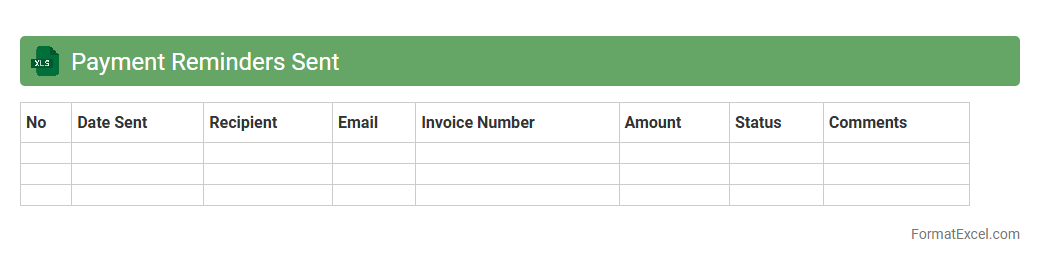
Payment Reminders Sent
The
Payment Reminders Sent Excel document is a structured tool used to track and manage notifications sent to clients regarding upcoming or overdue payments. It helps businesses maintain organized records of reminder dates, payment statuses, and customer responses, facilitating timely follow-ups and minimizing late payments. By providing clear visibility into payment schedules, this document improves cash flow management and strengthens client communication.
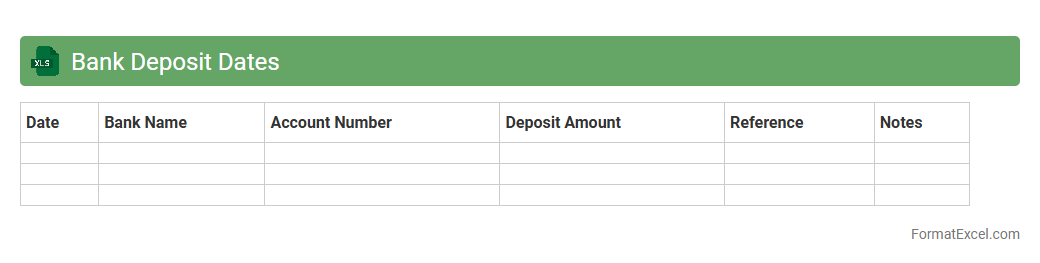
Bank Deposit Dates
A
Bank Deposit Dates Excel document is a spreadsheet designed to track and organize the dates of bank deposits efficiently. It helps users accurately monitor transaction timelines, manage cash flow, and reconcile accounts with ease. This tool is essential for financial planning, ensuring timely deposits, and maintaining clear records for audits or reporting.
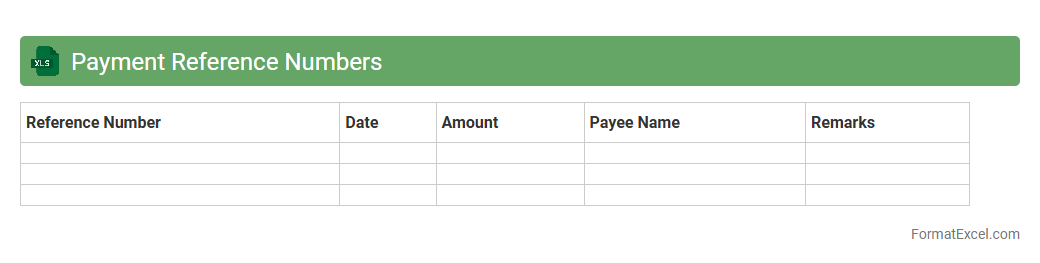
Payment Reference Numbers
A
Payment Reference Numbers Excel document organizes unique transaction identifiers that simplify tracking and reconciliation of payments across various accounts. This tool enhances financial accuracy by allowing quick matching of payments to invoices, reducing errors and improving audit readiness. Businesses use it to streamline accounting processes, ensuring timely payment verification and reporting.
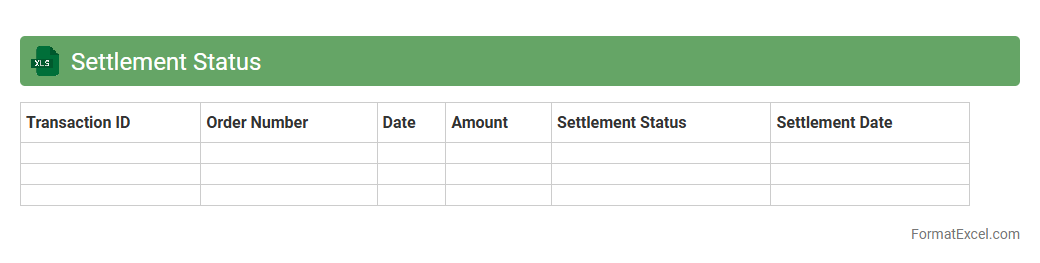
Settlement Status
The
Settlement Status Excel document is a detailed spreadsheet that tracks the progress and completion of financial settlements between parties. It provides clear visibility into payment statuses, outstanding balances, and transaction dates, enabling efficient reconciliation and timely follow-ups. This document streamlines financial management by ensuring accuracy and transparency in settlement processes.
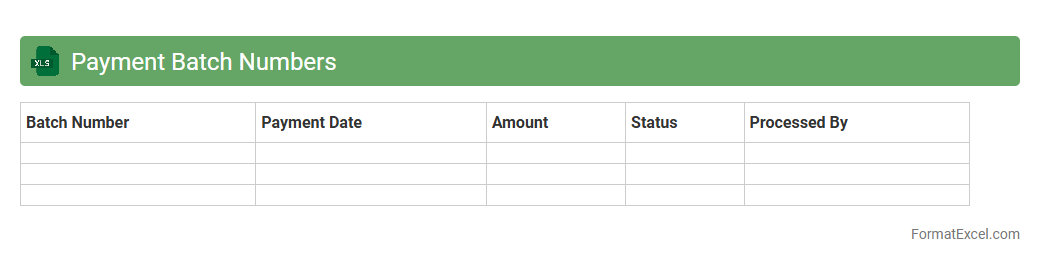
Payment Batch Numbers
A
Payment Batch Numbers Excel document organizes multiple payment transactions into grouped batches for streamlined processing and record-keeping. It helps track payment statuses, facilitates reconciliation with bank statements, and ensures accurate financial reporting. Using this document enhances efficiency in managing bulk payments and reduces errors in accounting workflows.
Introduction to Payment Collection List Format
The Payment Collection List Format in Excel is a structured way to record and manage payment details efficiently. It helps businesses maintain clear records of transactions for better financial oversight. Using Excel for this purpose offers flexibility and ease of customization.
Importance of Organized Payment Tracking
Organized payment tracking is essential for timely collections and accurate financial reporting. It reduces errors and helps in identifying outstanding payments quickly. A well-maintained list supports better cash flow management and business decision-making.
Key Components of a Payment Collection List
A typical payment collection list includes columns such as payer name, invoice number, payment date, amount due, and payment status. Incorporating these components ensures comprehensive tracking of all transactions. Highlighting the payment status helps identify pending or completed payments easily.
Step-by-Step Guide to Creating an Excel Payment Collection List
Begin by setting up headers for each key component in Excel. Input your payment data under the respective columns and use formulas to calculate totals automatically. This simple step-by-step process ensures your payment list is organized and functional.
Essential Excel Features for Payment Tracking
Features such as filters, conditional formatting, and pivot tables enhance the efficiency of payment tracking. They help you sort, highlight overdue payments, and analyze financial data at a glance. Mastering these Excel tools improves your overall payment management.
Sample Payment Collection List Template in Excel
A sample template typically includes predefined columns with formula cells for totals and balances. It acts as a ready-to-use guide to streamline your payment collection process. Utilizing a template can save time and minimize setup errors.
Customizing Your Payment Collection List Format
Customizing allows you to tailor the list according to your business needs, such as adding notes or custom status codes. Adjust columns, colors, and formulas to fit your workflow. This personalization ensures more relevant and usable data tracking.
Common Mistakes to Avoid in Payment Recording
Common errors include missing payment dates, duplicate entries, and incorrect amounts. These mistakes can lead to inaccurate financial reports and delayed collections. Avoiding data entry errors preserves the integrity of your payment records.
Tips for Automating Payment Collection in Excel
Use Excel macros, data validation, and automatic alerts to reduce manual input and errors. Automation speeds up data processing and improves consistency. Leveraging automation enhances the efficiency of your payment collection system.
Best Practices for Securing Payment Data in Excel
Protect your Excel file with passwords and restrict editing permissions to authorized personnel only. Regular backups and encryption help safeguard sensitive payment information. Implementing strong security measures ensures data confidentiality and integrity.