Employee Directory
An
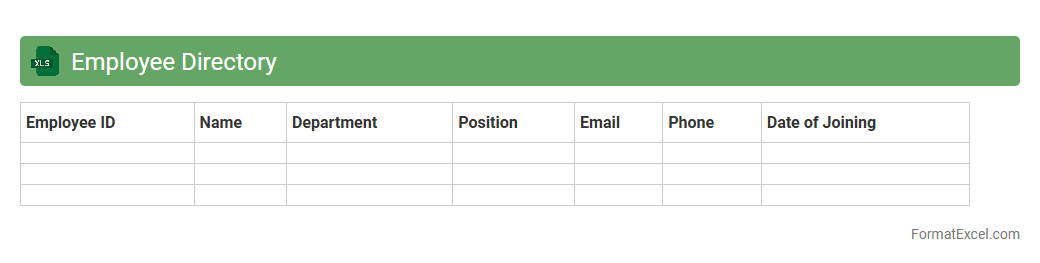
Employee Directory Excel document is a structured spreadsheet that lists essential employee information such as names, job titles, departments, contact details, and employee IDs. It serves as a centralized resource for quickly accessing and managing workforce data, enhancing communication and collaboration within an organization. This document streamlines HR processes, simplifies employee tracking, and supports efficient decision-making by providing accurate and up-to-date personnel information.
Project Assignment Matrix
The
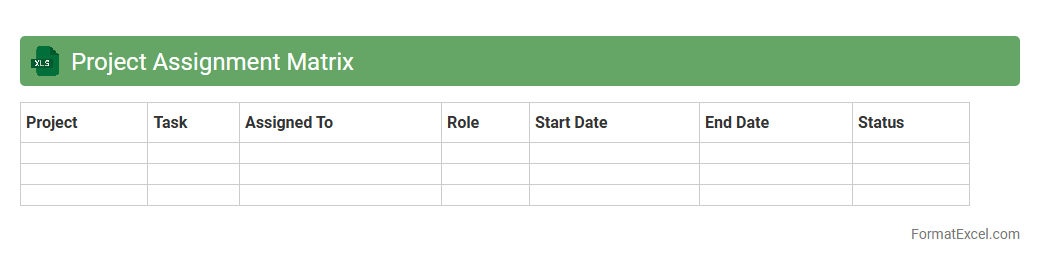
Project Assignment Matrix Excel document organizes project tasks, team members, and their specific roles in a clear, tabular format. It streamlines resource allocation by providing a visual overview of responsibilities and deadlines, ensuring balanced workload distribution and preventing task overlap. This matrix improves project tracking and communication, helping teams stay aligned and achieve timely project completion.
Role Allocation Sheet
A
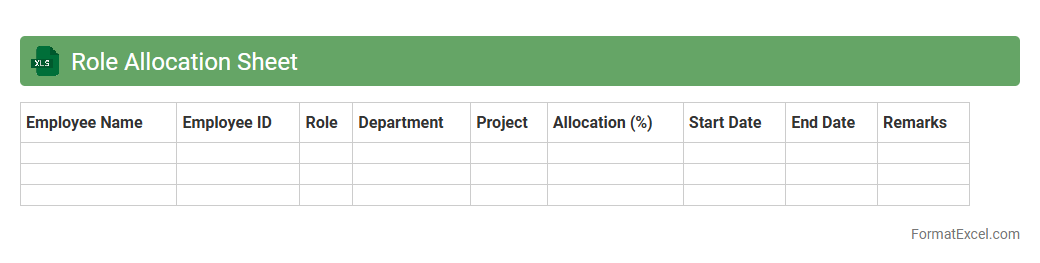
Role Allocation Sheet in Excel is a structured document used to assign and track specific responsibilities within a team or project. It enhances clarity by outlining each member's roles, deadlines, and tasks, ensuring efficient resource management and accountability. Utilizing this sheet supports better communication, helps prevent task overlap, and optimizes overall project workflow.
Attendance Tracker
An
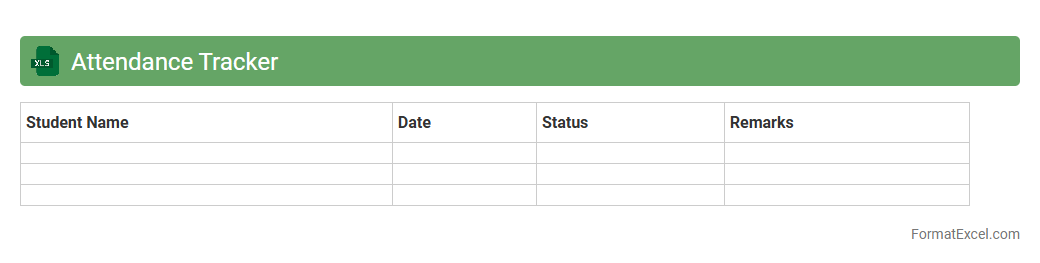
Attendance Tracker Excel document is a digital tool designed to record and monitor attendance data for individuals or groups over a specific period. It streamlines the process of tracking presence, absences, and tardiness, enabling efficient data management and analysis. This tool is useful for organizations, schools, and businesses to improve accountability, manage payroll, and identify attendance patterns swiftly.
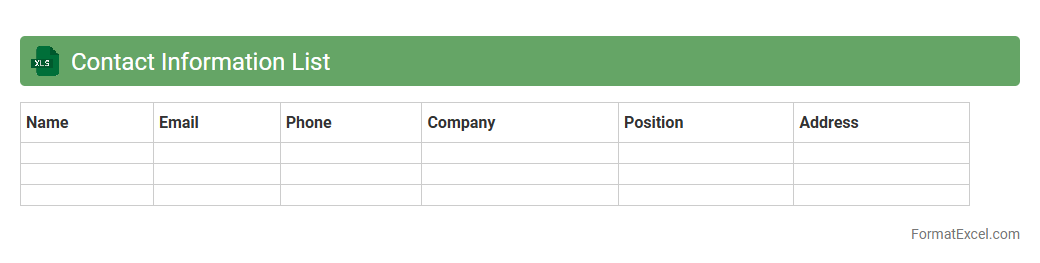
Contact Information List
A
Contact Information List Excel document is a structured spreadsheet that stores names, phone numbers, email addresses, and other relevant contact details in organized columns and rows. It enables efficient management, quick retrieval, and easy updating of contact data for personal, professional, or marketing purposes. This tool enhances communication workflows, supports targeted outreach, and facilitates relationship management across diverse networks.
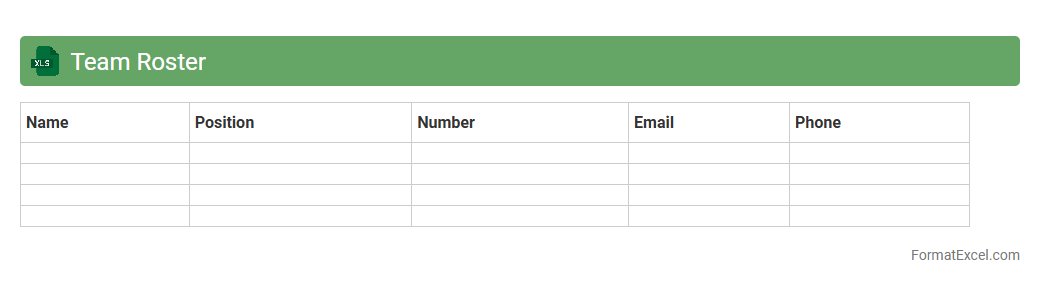
Team Roster
A
Team Roster Excel document is a structured spreadsheet that lists team members along with relevant details such as roles, contact information, and availability. It enables efficient management of personnel, simplifying scheduling, task assignments, and tracking individual responsibilities. By organizing team data in a clear format, it enhances communication and streamlines project coordination for better productivity.
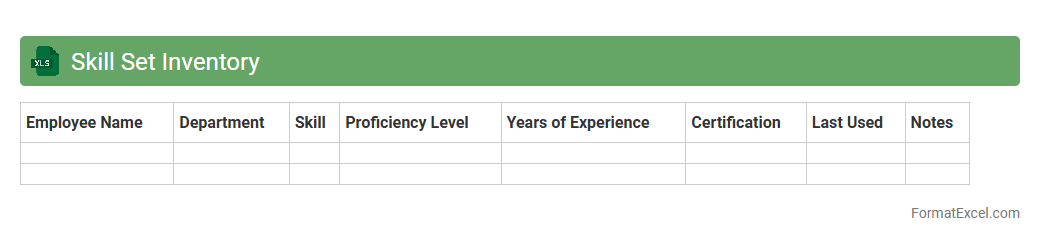
Skill Set Inventory
A
Skill Set Inventory Excel document is a structured spreadsheet that catalogs employees' skills, qualifications, and competencies within an organization. It enables efficient tracking and analysis of workforce capabilities, helping managers identify skill gaps, plan training programs, and allocate resources effectively. Utilizing this tool enhances talent management, supports strategic decision-making, and drives organizational growth by aligning employee skills with business needs.
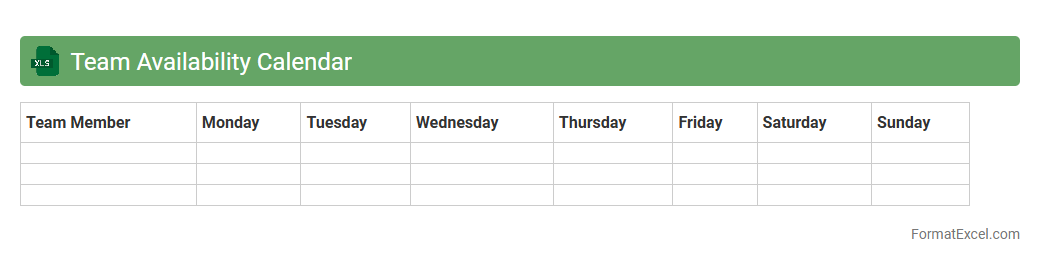
Team Availability Calendar
The
Team Availability Calendar Excel document is a powerful tool for tracking and managing the schedules and availability of team members in a centralized format. It helps project managers and team leads to quickly identify who is available for tasks, meetings, or collaborations, reducing scheduling conflicts and improving productivity. By visualizing team members' availability, it enhances resource allocation, ensures efficient workflow, and supports effective planning in dynamic work environments.
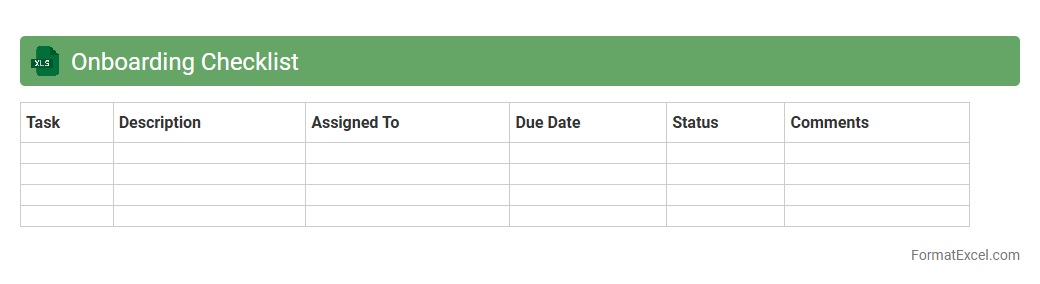
Onboarding Checklist
An
Onboarding Checklist Excel document is a structured tool designed to organize and track all essential tasks and requirements during the employee onboarding process. It helps HR professionals ensure that new hires complete necessary paperwork, training sessions, and equipment setups efficiently while providing a clear timeline and accountability. Utilizing this checklist enhances employee integration, reduces errors, and streamlines communication between departments for a smooth onboarding experience.
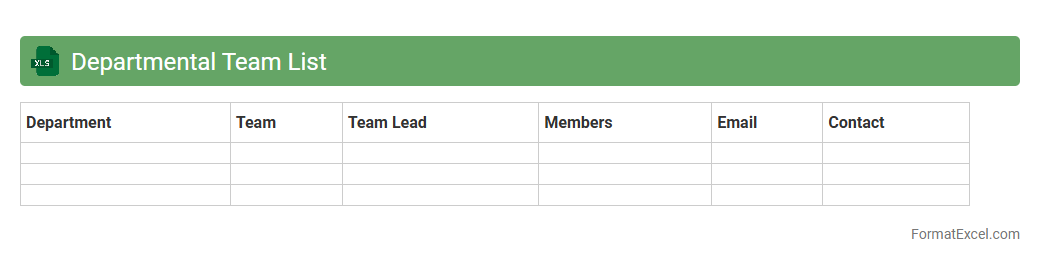
Departmental Team List
The
Departmental Team List Excel document is a structured spreadsheet that organizes detailed information about team members within various departments, including names, roles, contact details, and project assignments. It is useful for streamlining communication, tracking resource allocation, and enhancing collaboration by providing quick access to accurate team data. This document supports efficient workforce management and aids in decision-making processes across organizational levels.
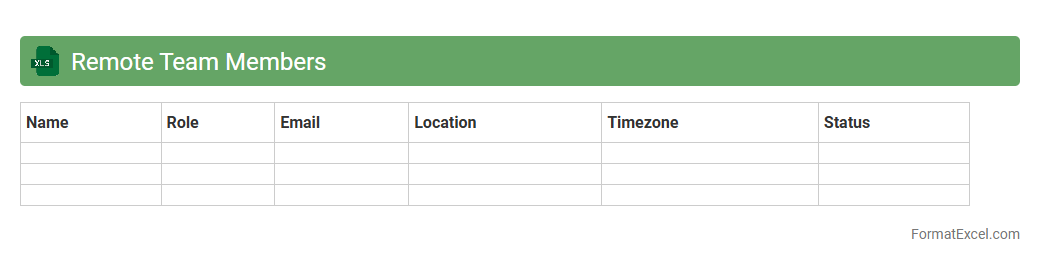
Remote Team Members
A
Remote Team Members Excel document is a structured spreadsheet designed to organize and track the details of team members working remotely, including their roles, contact information, time zones, and project assignments. This document enhances communication and collaboration efficiency by providing a centralized reference that helps managers monitor availability, coordinate tasks, and manage productivity across different locations. Utilizing this tool streamlines team management, reduces misunderstandings, and supports effective workflow planning in distributed work environments.
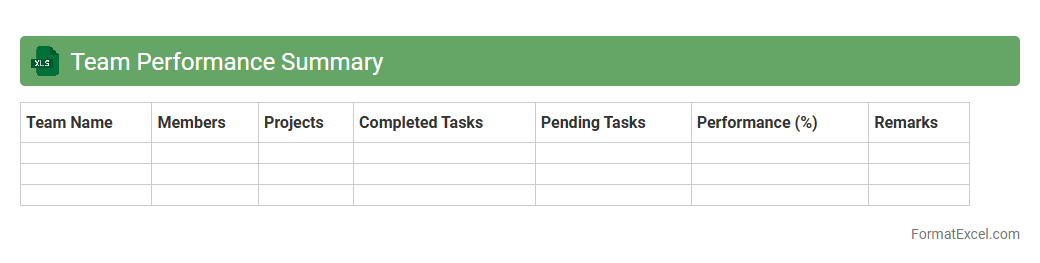
Team Performance Summary
A
Team Performance Summary Excel document consolidates key metrics and data reflecting the productivity, efficiency, and outcomes of a team's efforts over a specific period. It enables managers to track progress against goals, identify strengths and areas for improvement, and make data-driven decisions to enhance overall team effectiveness. Using this document fosters transparency, facilitates performance reviews, and supports strategic planning to boost team success.
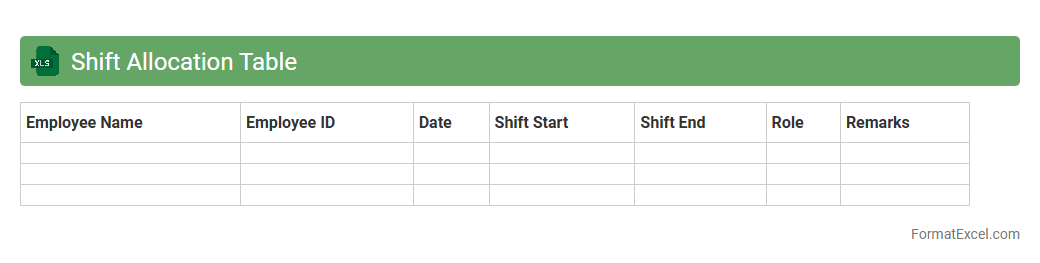
Shift Allocation Table
A
Shift Allocation Table in Excel is a structured document used to organize and assign employee work shifts efficiently. It helps managers track employee availability, prevent scheduling conflicts, and ensure adequate staffing levels for different time periods. By using this table, businesses can optimize workforce management, improve productivity, and reduce labor costs.
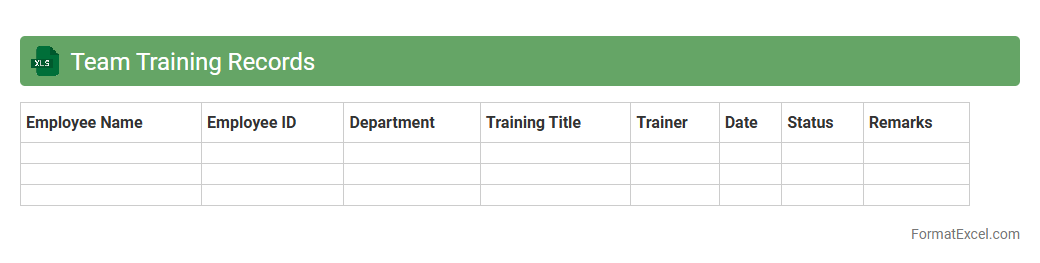
Team Training Records
The
Team Training Records Excel document is a centralized tool that tracks employee training history, certifications, and skill development progress within an organization. It helps managers monitor compliance with mandatory training, identify skill gaps, and plan future training sessions efficiently. This document enhances workforce development by ensuring that all team members meet required qualifications and improve their competencies systematically.
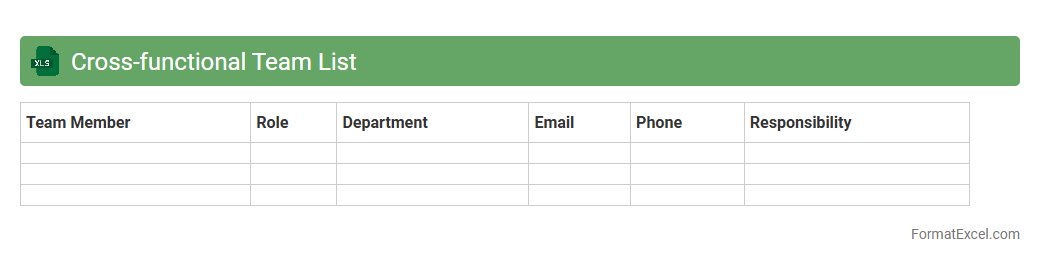
Cross-functional Team List
A
Cross-functional Team List Excel document organizes and displays team members from various departments, enabling streamlined collaboration and clear role identification. It facilitates project management by providing a comprehensive overview of skills, responsibilities, and communication channels within the team. Using this document helps improve efficiency, coordination, and accountability across diverse functions.
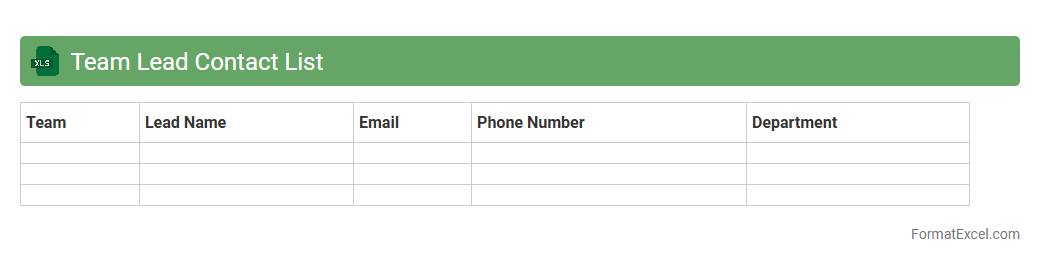
Team Lead Contact List
The
Team Lead Contact List Excel document is a centralized spreadsheet that stores essential contact information for all team leaders within an organization. It enables quick access to names, phone numbers, email addresses, and departments, streamlining communication and collaboration across projects. This document enhances operational efficiency by ensuring team members can promptly reach leadership for support, updates, and coordination.
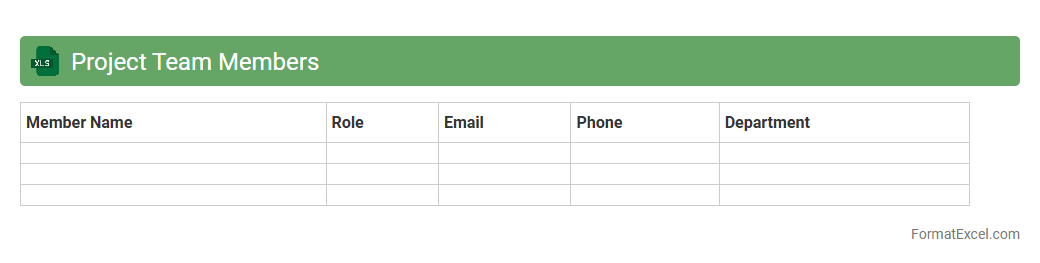
Project Team Members
The
Project Team Members Excel document serves as a centralized tool to organize and manage detailed information about all individuals involved in a project. It typically includes roles, contact details, responsibilities, and availability, which enhances team coordination and communication. By having this data structured and easily accessible, project managers can efficiently allocate resources, track progress, and ensure accountability throughout the project's lifecycle.
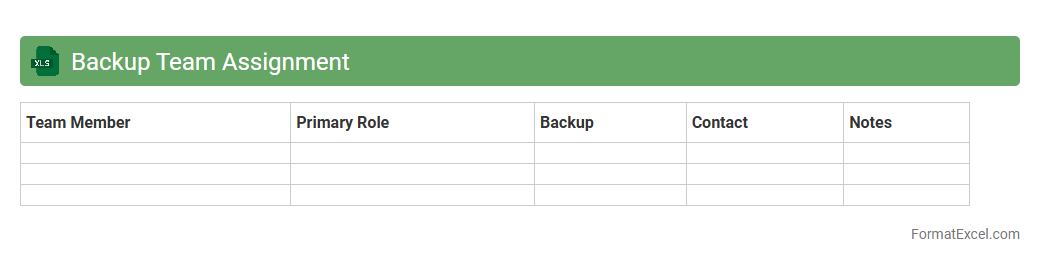
Backup Team Assignment
The
Backup Team Assignment Excel document organizes and tracks backup responsibilities within a team, ensuring seamless coverage during absences or high workload periods. It provides clear visibility into who is assigned as a backup for each critical role, improving operational continuity and reducing downtime risks. This tool enhances resource management by enabling quick reassignment and efficient communication across team members.
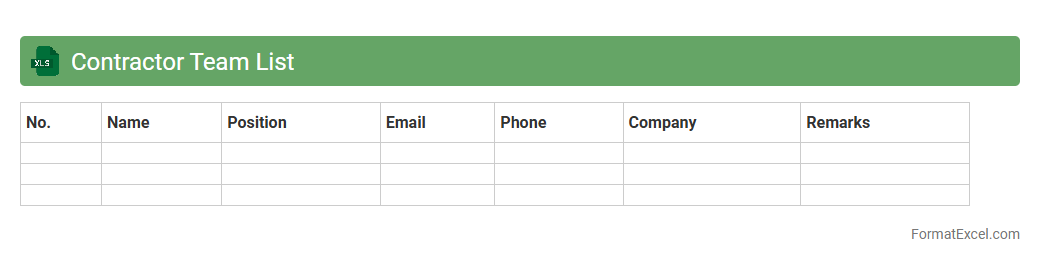
Contractor Team List
A
Contractor Team List Excel document is a structured spreadsheet that organizes key information about contractors, including names, roles, contact details, and project assignments. It streamlines project management by providing a centralized reference that enhances communication, scheduling, and resource allocation. This document improves accountability and efficiency by enabling quick access to up-to-date contractor data essential for tracking performance and ensuring compliance.
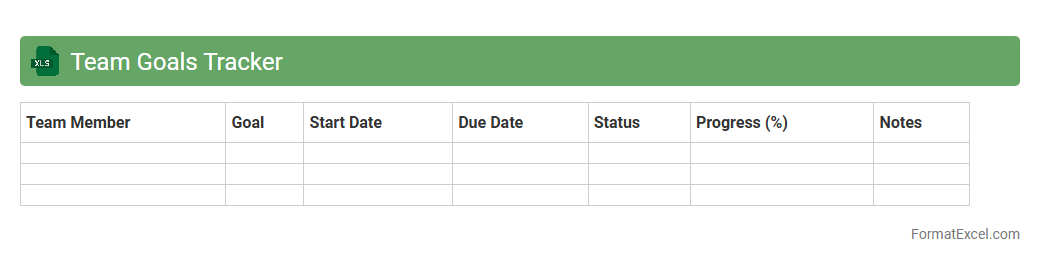
Team Goals Tracker
The
Team Goals Tracker Excel document is a powerful tool designed to monitor and manage the progress of individual and collective objectives within a team. It helps in setting clear milestones, assigning responsibilities, and visualizing performance trends over time, ensuring accountability and motivation. By centralizing goal tracking, this document enhances communication, streamlines project management, and drives team productivity effectively.
Mentorship Pairing List
The
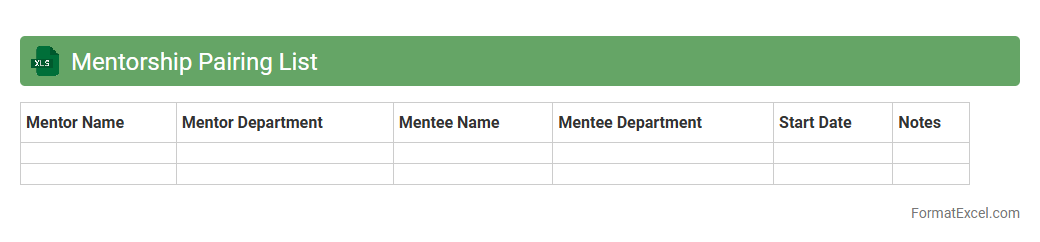
Mentorship Pairing List Excel document organizes and tracks mentor-mentee relationships efficiently, enabling easy access to pairing details such as names, contact information, and skill alignment. It helps streamline the coordination process, ensures balanced mentor allocation, and facilitates monitoring of progress and feedback. Utilizing this document improves the overall mentorship program effectiveness by maintaining clear communication and structured support.
Team Member Birthdays
A
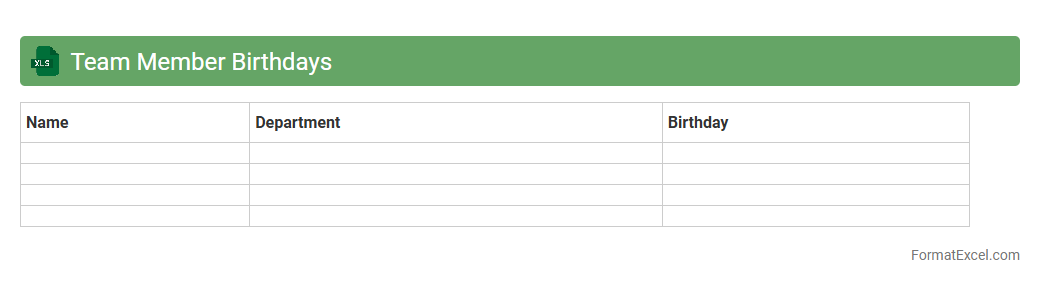
Team Member Birthdays Excel document is a structured spreadsheet that records the birth dates of all employees within an organization. This tool helps managers and HR teams to efficiently track and celebrate birthdays, fostering a positive work environment and boosting employee morale. By organizing this data systematically, it ensures timely recognition and strengthens team relationships.
Team Location Map
The
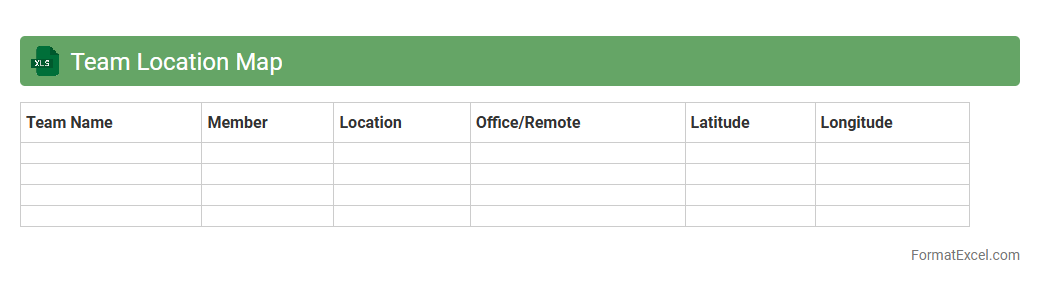
Team Location Map Excel document visually represents the geographic distribution of team members, making it easier to understand where each individual is based. This tool enhances coordination and communication by allowing managers to plan meetings, allocate resources, and manage time zones effectively. It also supports strategic decision-making by providing insights into regional team strengths and potential collaboration opportunities.
Team Diversity Overview
The
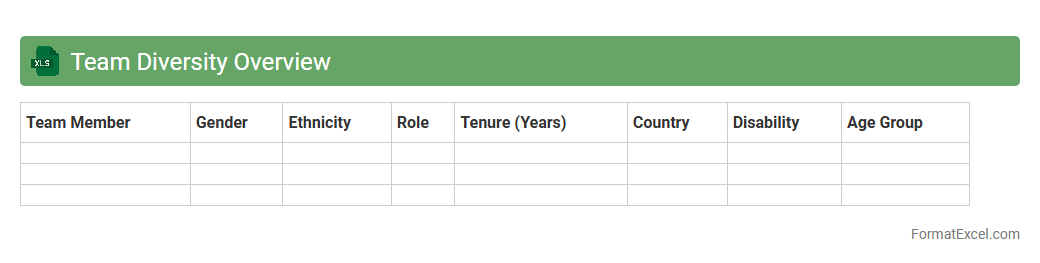
Team Diversity Overview Excel document provides a comprehensive analysis of demographic and professional attributes within a team, including gender, ethnicity, age, skills, and experience levels. It enables organizations to identify diversity gaps, track progress toward inclusion goals, and support data-driven decision-making for talent management and team building. This tool enhances workplace equity, improves collaboration, and drives innovation by fostering a well-rounded and balanced team composition.
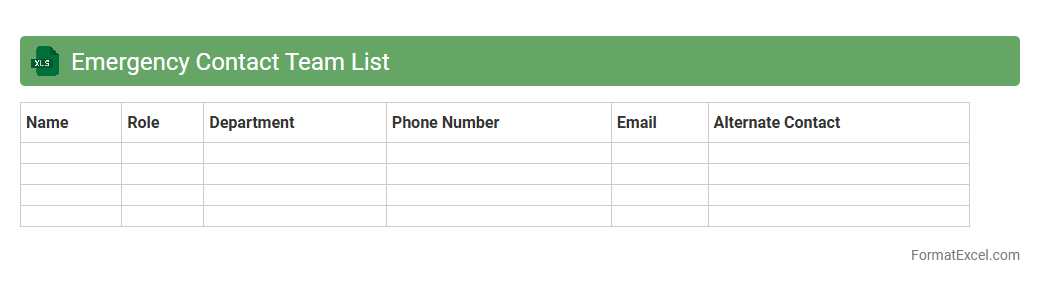
Emergency Contact Team List
An Emergency Contact Team List Excel document is a structured spreadsheet that consolidates crucial contact information for team members responsible for handling emergencies. This list includes names, phone numbers, email addresses, and roles, enabling quick communication during urgent situations. Maintaining a
centralized emergency contact list ensures efficient coordination, faster response times, and enhanced safety management in the workplace or organization.
Introduction to Team List Format in Excel
The team list format in Excel is a structured way to organize member information efficiently. It helps visualize roles, contact details, and statuses in a single worksheet. This format simplifies collaboration and updates across various teams.
Benefits of Organizing Team Lists in Excel
Organizing team data in Excel improves clarity and accessibility for all team members. It enables quick sorting, filtering, and data analysis through built-in features. The benefits include easy tracking and enhanced communication within teams.
Essential Elements of a Team List
A comprehensive team list should include columns for names, roles, contact info, and availability. Including status indicators and notes allows for efficient updates and task allocation. These essential elements ensure complete and useful team data management.
Choosing the Right Excel Template for Team Lists
Selecting an appropriate Excel template depends on the team's size and data complexity. Templates with built-in formulas and formatting save time and reduce errors. The right template enhances productivity and data consistency.
Step-by-Step Guide to Creating a Team List in Excel
Start by defining columns such as Name, Role, Contact, and Status. Input all member data systematically before applying formatting for clarity. This step-by-step process ensures an organized and easy-to-use team list.
Formatting Tips for Clear Team Presentation
Use consistent fonts, colors, and borders to improve readability in Excel sheets. Highlight headers and important cells to guide users visually. Proper formatting creates a professional and user-friendly team list.
Using Conditional Formatting for Team Lists
Conditional formatting can dynamically highlight important team data like availability or overdue tasks. Applying color scales or data bars draws attention to key details. This feature enhances data visualization and management efficiency.
Automating Team Assignments with Excel Formulas
Excel formulas like IF, VLOOKUP, and INDEX can streamline task assignments based on team roles or workload. Automating through formulas reduces manual errors and saves time. The use of formulas empowers efficient team operation workflows.
Best Practices for Maintaining and Updating Team Lists
Regularly update the team list to reflect current statuses and new members. Use protected sheets and backup copies to secure data integrity. Adopting best practices sustains data accuracy and accessibility over time.
Sample Team List Templates for Immediate Use
Downloading ready-made Excel templates speeds up the setup of your team lists. Many templates come pre-configured with useful columns, formulas, and formatting. These sample templates offer a practical starting point for any team management task.