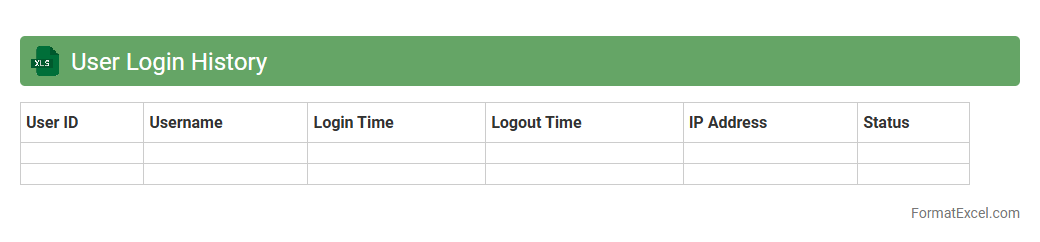
User Login History
The
User Login History Excel document records detailed information about user access times, IP addresses, and login durations, providing a comprehensive overview of user activity within a system. This data is essential for security auditing, compliance monitoring, and identifying unusual login patterns that might indicate potential security threats. By analyzing login history, organizations can enhance user management strategies and ensure better protection of sensitive information.
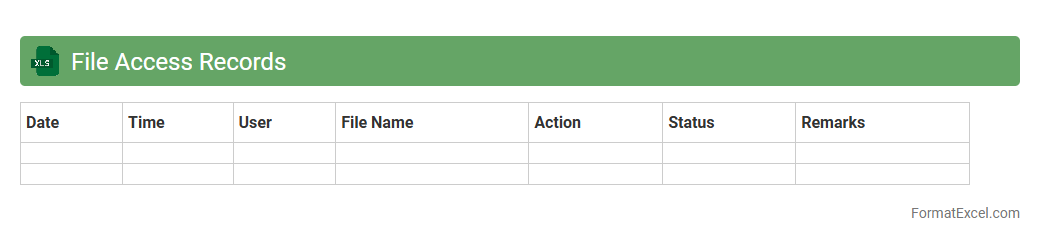
File Access Records
File Access Records in an Excel document track user interactions with files, including timestamps, user IDs, and actions performed, providing a detailed audit trail. This record is crucial for monitoring data security, ensuring compliance with access policies, and identifying unauthorized file usage. Maintaining accurate
File Access Records enhances accountability and helps in forensic analysis during security incidents.
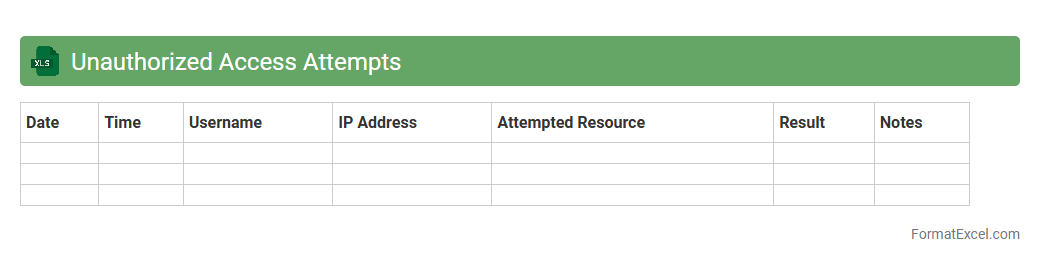
Unauthorized Access Attempts
The
Unauthorized Access Attempts Excel document tracks and records instances where users try to gain access to restricted systems or data without proper authorization. This tool helps organizations monitor security breaches, identify patterns of malicious activity, and strengthen their cybersecurity measures. By analyzing the recorded data, businesses can proactively prevent future unauthorized intrusions and ensure compliance with data protection regulations.
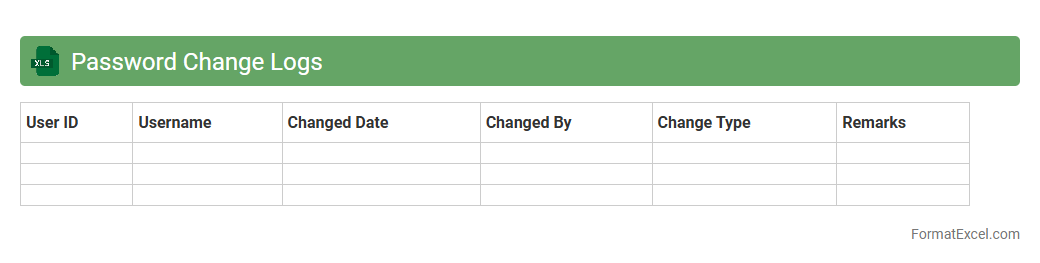
Password Change Logs
A
Password Change Logs Excel document records detailed entries of password updates, including user IDs, timestamps, and status changes, enhancing security auditing and compliance tracking. It helps organizations monitor unauthorized access attempts and ensures adherence to password policies by providing a transparent history of credential modifications. This log is a critical tool for IT administrators to quickly identify security breaches and maintain robust password management practices.
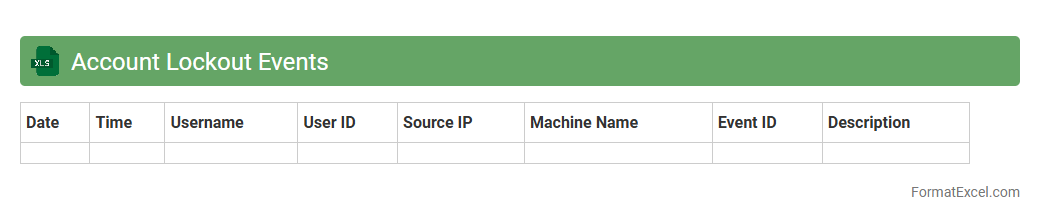
Account Lockout Events
The
Account Lockout Events Excel document records instances where user accounts are locked due to multiple failed login attempts, providing detailed timestamps, usernames, and source IP addresses. This document is useful for identifying security incidents, monitoring suspicious login behavior, and supporting timely responses to potential cyber threats. Analyzing these events helps organizations strengthen their access control policies and maintain system integrity.
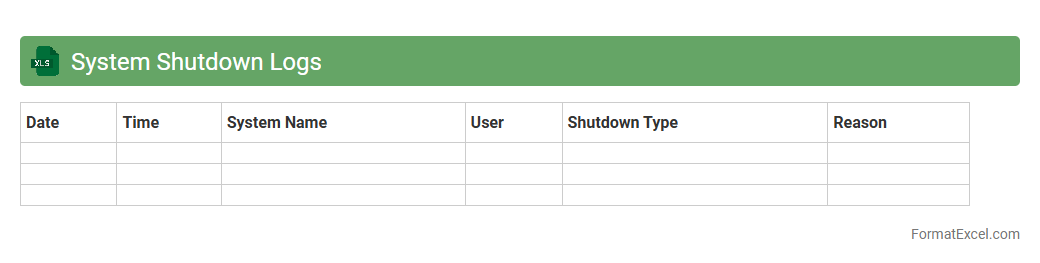
System Shutdown Logs
The
System Shutdown Logs Excel document records detailed information about each instance when a computer or server has been powered down, including timestamps, reasons for shutdown, and user or system actions involved. This document is crucial for troubleshooting unexpected shutdowns, identifying patterns of hardware or software failures, and improving system reliability and uptime. IT professionals use these logs to analyze shutdown causes, optimize maintenance schedules, and enhance overall system performance.
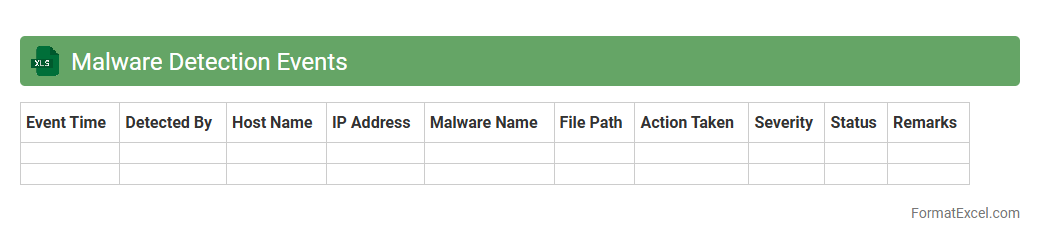
Malware Detection Events
The
Malware Detection Events Excel document systematically records and organizes instances of identified malware activities, enabling efficient tracking and analysis of security threats. It provides cybersecurity teams with detailed data such as timestamps, affected systems, malware types, and detection methods, which enhances incident response accuracy and speed. Using this document helps prioritize vulnerabilities, supports compliance reporting, and strengthens overall network defense strategies.
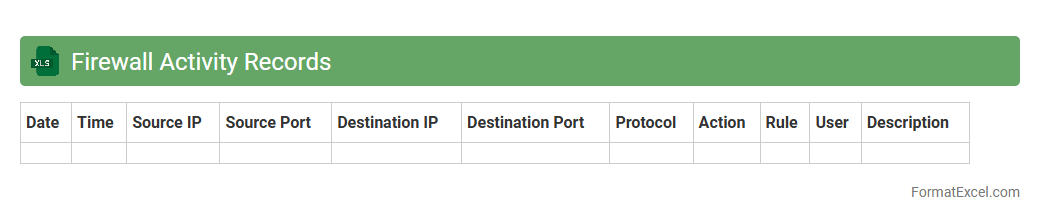
Firewall Activity Records
Firewall Activity Records Excel document systematically logs network traffic data, including IP addresses, timestamps, ports, and access attempts, enabling detailed analysis of security events. This record helps identify unauthorized access, detect suspicious activities, and supports compliance with cybersecurity policies. Maintaining a
Firewall Activity Record in Excel facilitates efficient monitoring, reporting, and forensic investigation by organizing data in a clear, searchable format.
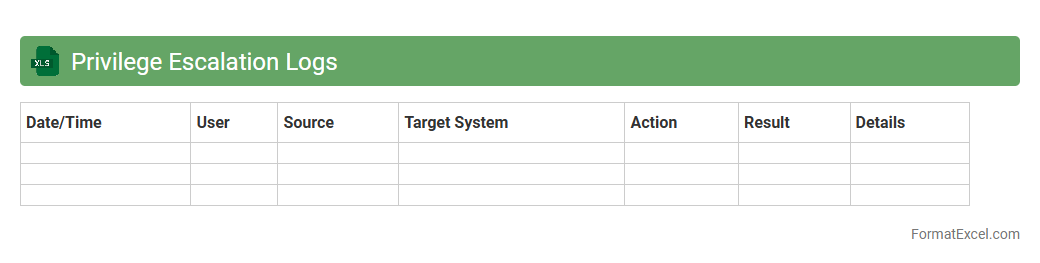
Privilege Escalation Logs
A
Privilege Escalation Logs Excel document records detailed instances where user permissions are elevated within a system, capturing key data such as user IDs, timestamps, and types of escalated privileges. This log file is essential for cybersecurity teams to monitor unauthorized access attempts, identify potential insider threats, and ensure compliance with security policies. Analyzing this document enables organizations to quickly detect privilege misuse and implement corrective measures to protect sensitive information.
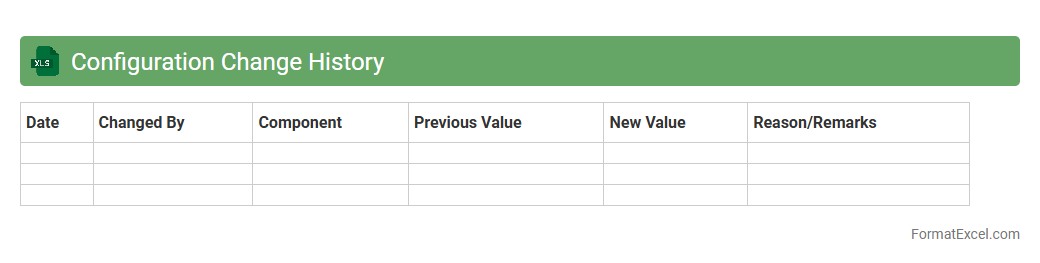
Configuration Change History
A
Configuration Change History Excel document tracks and records all modifications made to system settings or project parameters over time, providing a clear overview of updates, who made them, and when. This detailed log aids in troubleshooting by quickly identifying recent changes that may have impacted system performance or stability. It also supports compliance and audit requirements by maintaining an accurate, chronological history of all configuration adjustments.
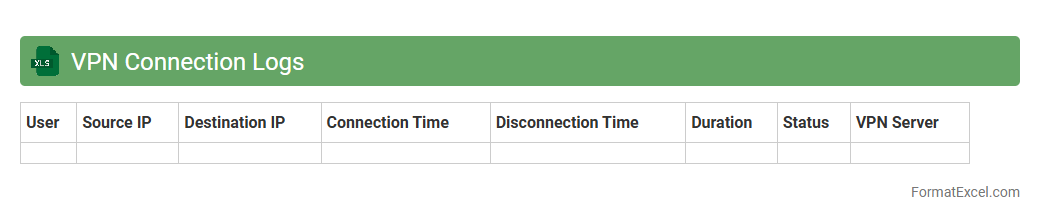
VPN Connection Logs
A
VPN Connection Logs Excel document records detailed information about users' VPN activities, including timestamps, IP addresses, connection durations, and data transferred. Analyzing this data helps organizations monitor network security, identify unauthorized access attempts, and optimize VPN performance. The structured format of Excel enables easy filtering, sorting, and visualization for effective network management and compliance auditing.
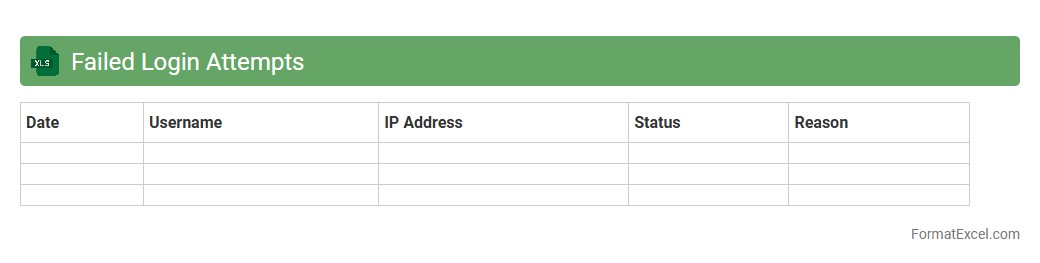
Failed Login Attempts
The
Failed Login Attempts Excel document serves as a detailed record of unsuccessful login efforts, capturing critical data such as timestamps, user IDs, and IP addresses. This document is essential for enhancing cybersecurity by identifying potential unauthorized access attempts and patterns of login failures. Analyzing this data helps organizations implement stronger security measures, prevent brute force attacks, and maintain compliance with data protection regulations.
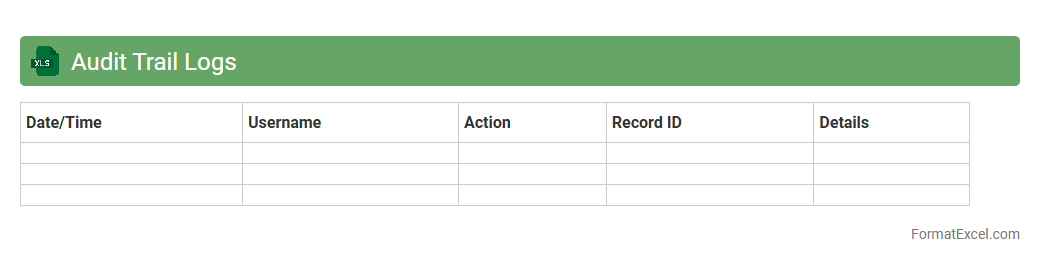
Audit Trail Logs
Audit Trail Logs Excel document records detailed chronological entries of system activities, changes, and user actions. This
Audit Trail Logs tool helps organizations ensure data integrity, maintain compliance with regulatory standards, and facilitate forensic analysis during investigations. By providing transparency and accountability, it improves operational oversight and supports effective risk management.
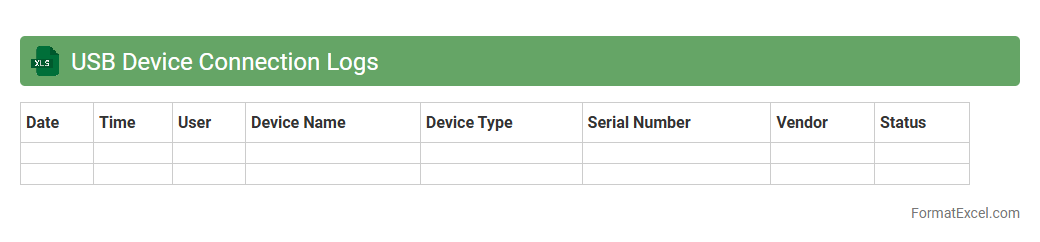
USB Device Connection Logs
The
USB Device Connection Logs Excel document records detailed information about USB device interactions, including connection times, device IDs, and user activity. This log is crucial for tracking hardware usage, enhancing security by detecting unauthorized device access, and supporting IT troubleshooting and compliance audits. By analyzing these logs, organizations can maintain a comprehensive overview of all USB device activities to prevent data breaches and ensure policy adherence.
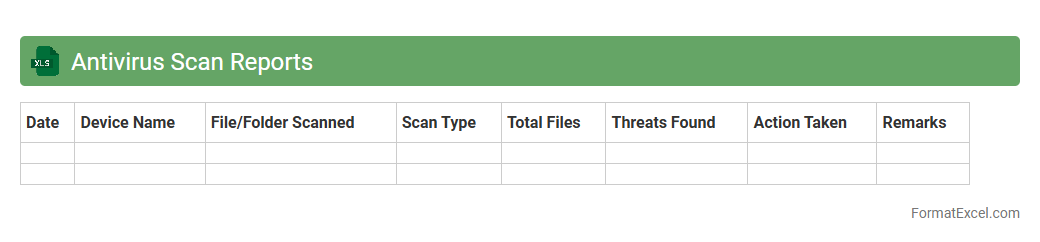
Antivirus Scan Reports
An
Antivirus Scan Reports Excel document compiles detailed results from antivirus software scans into a structured spreadsheet, enabling easy analysis of detected threats, scan dates, and system vulnerabilities. This document helps cybersecurity teams track malware trends, prioritize remediation efforts, and ensure comprehensive protection across devices. Efficiently organizing scan data enhances decision-making and strengthens overall network security management.
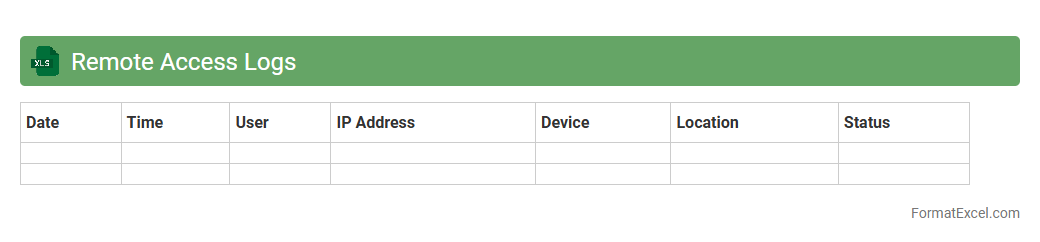
Remote Access Logs
The
Remote Access Logs Excel document records detailed information about user connections to remote systems, including timestamps, IP addresses, and authentication results. It is useful for monitoring security, analyzing access patterns, and troubleshooting connectivity issues in IT environments. Organizations rely on this log to ensure compliance, detect unauthorized access, and maintain operational integrity.
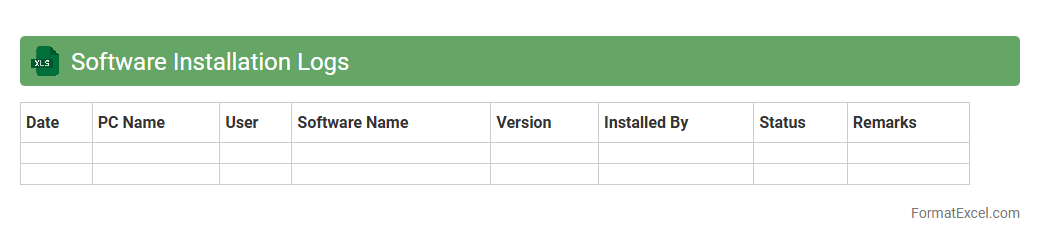
Software Installation Logs
A
Software Installation Logs Excel document records detailed information about the installation processes of software applications, including timestamps, installation status, error codes, and system configurations. It is useful for IT teams to track successful installations, troubleshoot failures, and ensure compliance with software deployment policies. By organizing installation data systematically, this document streamlines maintenance and supports efficient audit reporting.
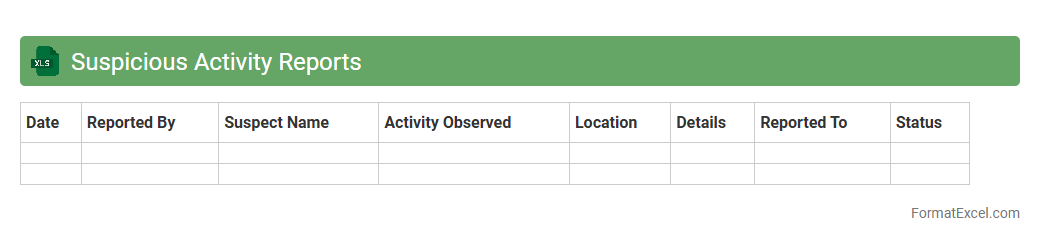
Suspicious Activity Reports
A
Suspicious Activity Reports (SAR) Excel document is a structured spreadsheet used to record and analyze unusual or potentially illicit financial transactions. It helps financial institutions and regulatory bodies track patterns that may indicate money laundering, fraud, or other financial crimes. This tool enhances compliance efforts by organizing data for easy review, enabling timely detection and reporting of suspicious activities.
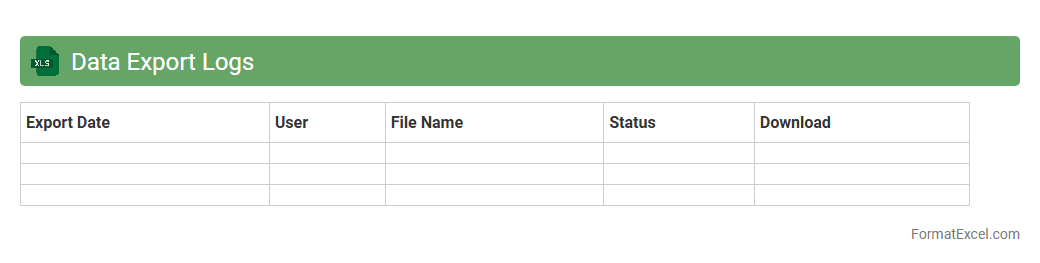
Data Export Logs
The
Data Export Logs Excel document provides a detailed record of data extraction activities, including timestamps, user information, and data volume exported. This log allows organizations to monitor data usage, ensure compliance with data governance policies, and troubleshoot any irregularities in data handling. By analyzing export patterns, businesses can optimize data management processes and enhance security protocols effectively.
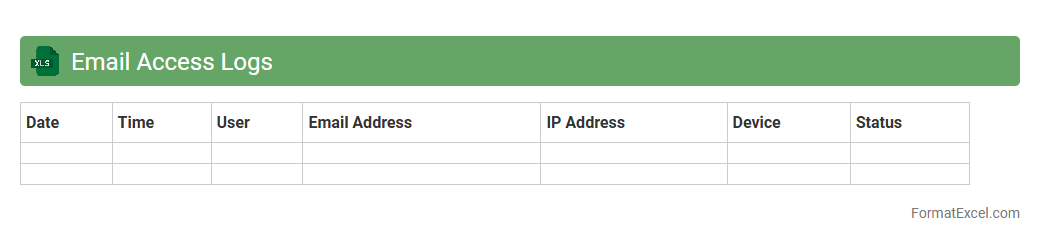
Email Access Logs
The
Email Access Logs Excel document records detailed information about email activities, including timestamps, sender and recipient addresses, IP locations, and access attempts. This log is valuable for monitoring email security, tracking unauthorized accesses, and auditing communication patterns. Using this document helps organizations enhance cybersecurity measures and ensure compliance with data protection regulations.
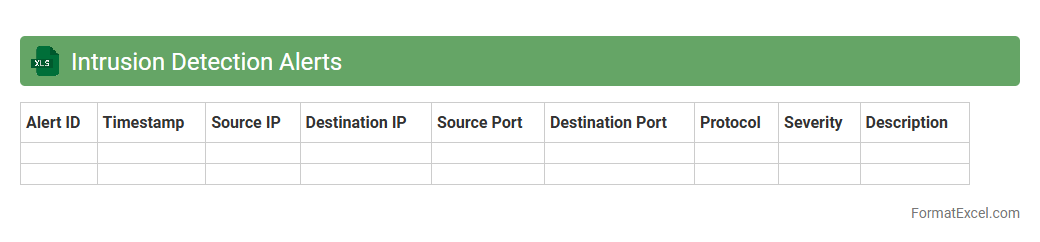
Intrusion Detection Alerts
The
Intrusion Detection Alerts Excel document is a structured file that compiles and organizes security alerts generated by intrusion detection systems (IDS). It enables cybersecurity teams to systematically analyze suspicious activities, track threat patterns, and prioritize response efforts by providing timestamps, alert types, severity levels, and source IP information. This document is essential for improving incident response efficiency and maintaining an effective security posture by helping detect and mitigate potential cyber threats promptly.
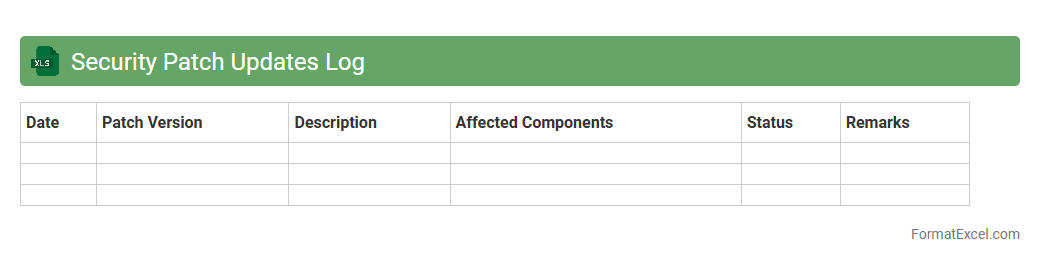
Security Patch Updates Log
A
Security Patch Updates Log Excel document systematically records all security patches applied to software and systems, including patch dates, descriptions, and status. This log helps IT teams track vulnerabilities addressed, ensure compliance with security policies, and schedule future updates efficiently. Maintaining this document reduces risks of unpatched systems and supports auditing processes by providing a clear history of security measures implemented.
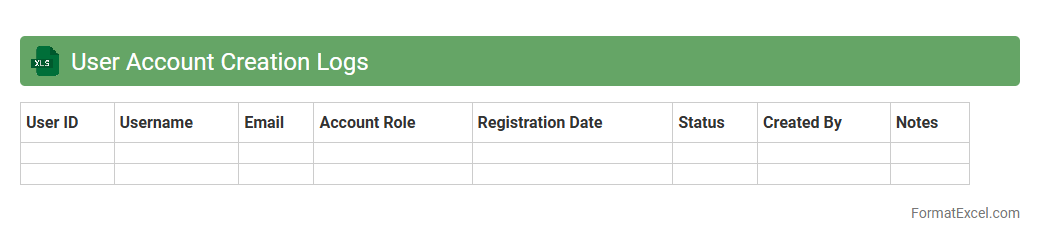
User Account Creation Logs
User Account Creation Logs Excel document is a detailed record of all new user accounts created within a system or platform, tracking usernames, creation dates, and associated metadata. This log is essential for maintaining security, monitoring user activity, and auditing account management processes. The
User Account Creation Logs enable administrators to quickly identify unauthorized access or unusual account creation patterns, ensuring compliance and enhancing overall system governance.
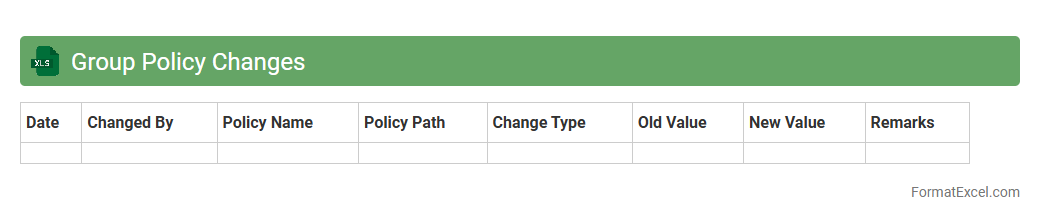
Group Policy Changes
A
Group Policy Changes Excel document is a structured spreadsheet that tracks modifications made to Group Policy Objects (GPOs) within an IT environment. It provides detailed information such as the date, user, and specific policy changes, enabling administrators to audit and troubleshoot configuration updates effectively. This document enhances security compliance and operational efficiency by offering clear visibility and historical records of policy adjustments.
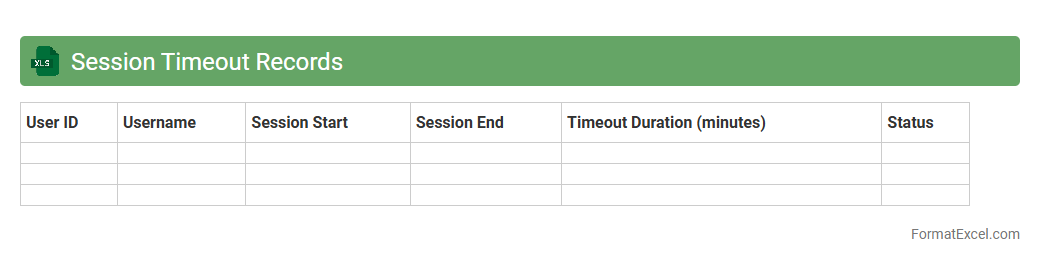
Session Timeout Records
The
Session Timeout Records Excel document tracks user session durations and automatically logs out inactive users to enhance security and resource management. It helps administrators monitor session activity patterns, identify potential security risks, and optimize system performance by preventing unauthorized access. This document is essential for maintaining compliance with IT policies and improving overall operational efficiency.
Introduction to Security Log Formats in Excel
Security logs in Excel provide a structured way to monitor and record security-related events. Using Excel's features can help organize data efficiently for quick analysis. Understanding the security log format is essential for effective data management.
Importance of Structuring Security Logs
A well-structured log enhances readability and simplifies incident tracking. Proper formatting allows for easy filtering, sorting, and reporting of security events. Consistent log structure ensures reliable and actionable security insights.
Essential Columns for Security Log Sheets
Security logs typically include columns such as Date, Time, Event Description, User, and Severity. These columns provide the foundational data required for comprehensive monitoring. Defining essential columns is key for capturing relevant security information.
Standardized Data Types in Security Logs
Employing standardized data types like date, time, and categorical lists ensures uniformity across the log. This prevents data entry errors and allows for seamless data processing. Using standardized data types improves accuracy and consistency.
Tips for Timestamp and Date Formatting
Using the ISO 8601 format (YYYY-MM-DD HH:MM:SS) for timestamps promotes clarity and avoids ambiguity. Consistent date-time formats make sorting and filtering events more efficient. Proper timestamp formatting supports effective event chronology tracking.
Implementing Data Validation for Accuracy
Excel's data validation tools restrict incorrect entries and maintain log quality. Dropdown lists, controlled input types, and error messages minimize human error during data entry. Applying data validation safeguards the log's integrity.
Integrating Event Severity and Categories
Classifying events by severity and category helps prioritize security responses. Using predefined lists for event types streamlines categorization and filtering. Highlighting event severity ensures critical incidents receive prompt attention.
Automating Log Updates with Excel Tools
Excel's macros and Power Query facilitate automatic log refresh and data aggregation. Automation reduces manual workload and speeds up real-time monitoring. Leveraging automation tools enhances log maintenance efficiency.
Exporting and Sharing Security Logs Securely
Exporting logs in formats like CSV or XLSX allows easy sharing across platforms. Protecting files with passwords and limiting access controls log confidentiality. Secure log export is vital for safe data distribution and compliance.
Best Practices for Maintaining Log Integrity
Regular backups and audit trails prevent data loss and unauthorized modifications. Restricting editing permissions ensures only authorized personnel can update logs. Maintaining log integrity preserves trustworthiness and usability of security data.