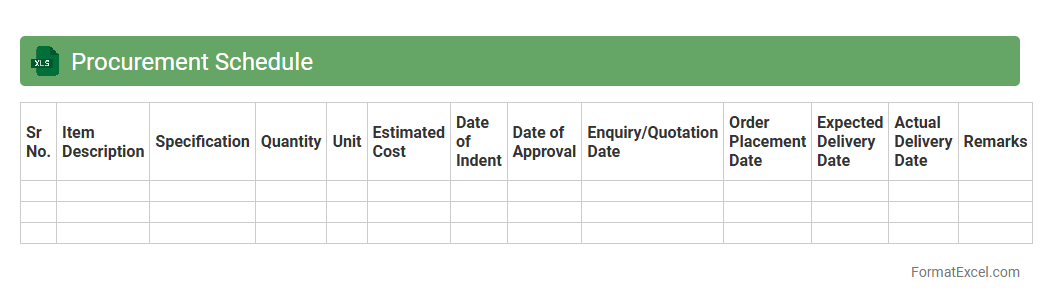
Procurement Schedule
A
Procurement Schedule Excel document is a detailed spreadsheet that outlines all purchasing activities, timelines, and vendor information essential for project management and budgeting. It helps organizations track procurement deadlines, monitor supplier performance, and manage costs effectively, ensuring timely procurement of goods and services. This tool enhances transparency, coordination between departments, and supports strategic decision-making within the supply chain process.
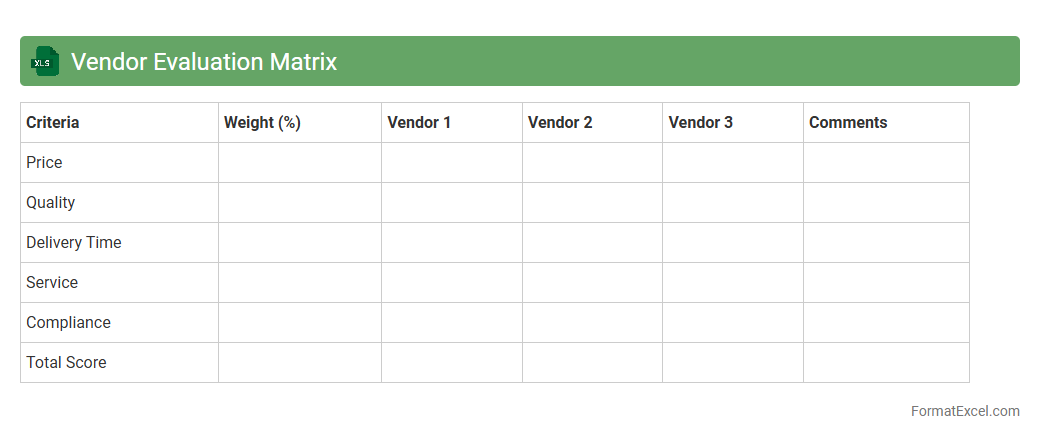
Vendor Evaluation Matrix
The
Vendor Evaluation Matrix Excel document is a structured tool used to systematically assess and compare suppliers based on predefined criteria such as cost, quality, delivery time, and service. It enables organizations to make data-driven decisions by assigning weighted scores to each vendor's performance, ensuring transparency and consistency in the selection process. This matrix streamlines procurement, reduces risks, and helps identify the most reliable vendors to enhance overall supply chain efficiency.
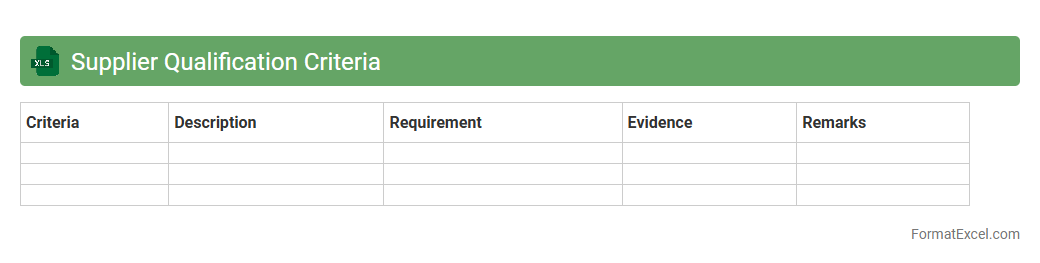
Supplier Qualification Criteria
A
Supplier Qualification Criteria Excel document systematically evaluates potential suppliers based on key factors such as quality standards, delivery performance, financial stability, and compliance certifications. This tool streamlines the vendor selection process by providing a clear, data-driven framework to assess and compare suppliers objectively. It helps organizations minimize risks, ensure consistent product quality, and maintain efficient supply chain operations.
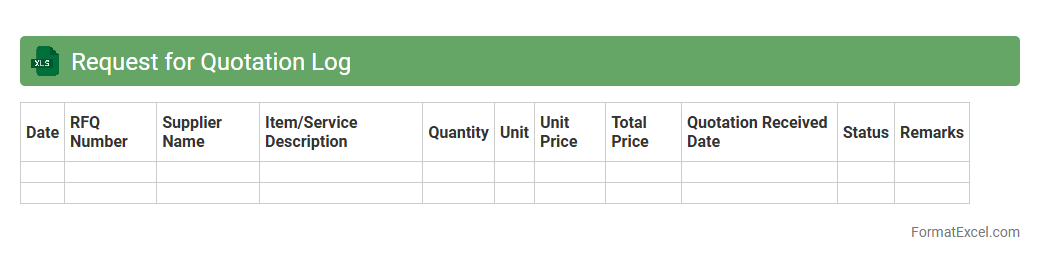
Request for Quotation Log
The
Request for Quotation (RFQ) Log Excel document is a structured tool used to record and track vendor quotations during the procurement process. It helps organize supplier responses, compare prices, and evaluate terms efficiently, ensuring transparency and informed decision-making. By maintaining a centralized log, teams can streamline communication, reduce errors, and accelerate the purchase approval workflow.
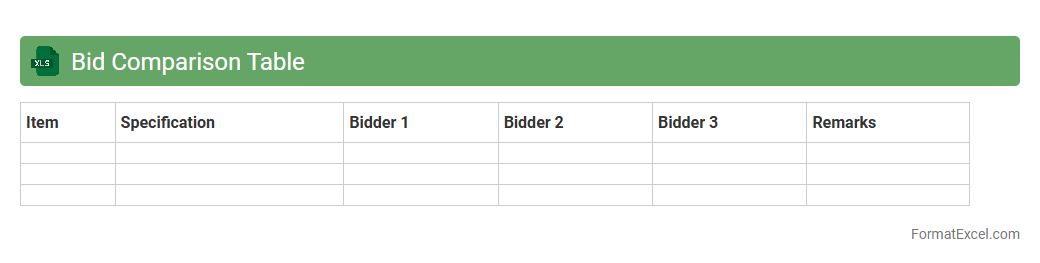
Bid Comparison Table
A
Bid Comparison Table Excel document organizes multiple vendor bids side-by-side, making it easier to evaluate price, quality, and terms simultaneously. This tool enhances decision-making by providing clear visibility into each bid's strengths and weaknesses, streamlining the procurement process. It helps businesses save time, reduce errors, and select the most cost-effective and suitable offer for their needs.
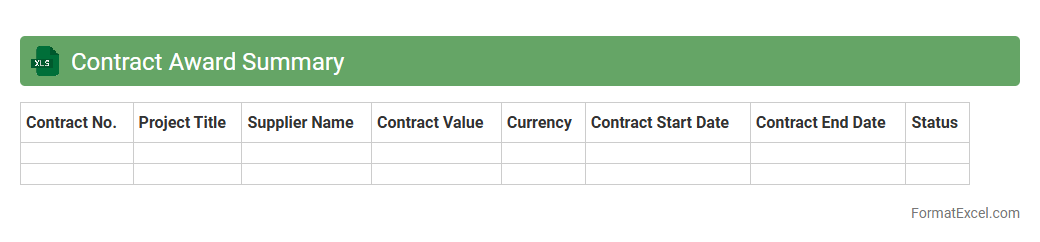
Contract Award Summary
A
Contract Award Summary Excel document consolidates key details of awarded contracts, including contract values, vendors, award dates, and project scopes. It enables efficient tracking and comparison of contract performance metrics, enhancing decision-making and budget management. Organizations use this document to maintain transparency, ensure compliance, and streamline procurement processes.
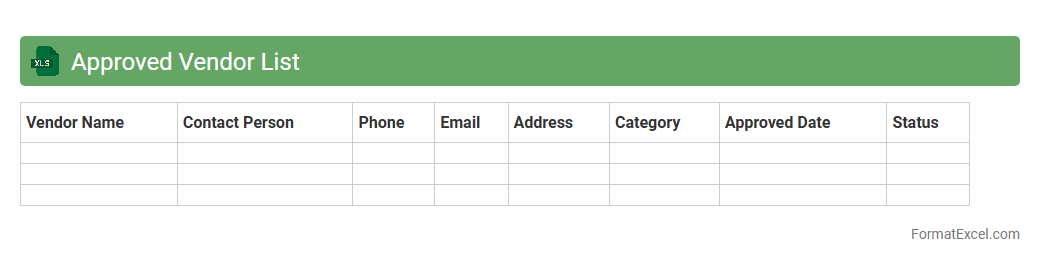
Approved Vendor List
An
Approved Vendor List (AVL) Excel document is a curated spreadsheet that details all pre-qualified suppliers authorized to provide goods or services to a company. It streamlines procurement processes by ensuring purchases are made only from trusted vendors, which minimizes risk and enhances quality control. Maintaining an AVL in Excel format allows for easy updates, sorting, and filtering, improving vendor management efficiency and decision-making.
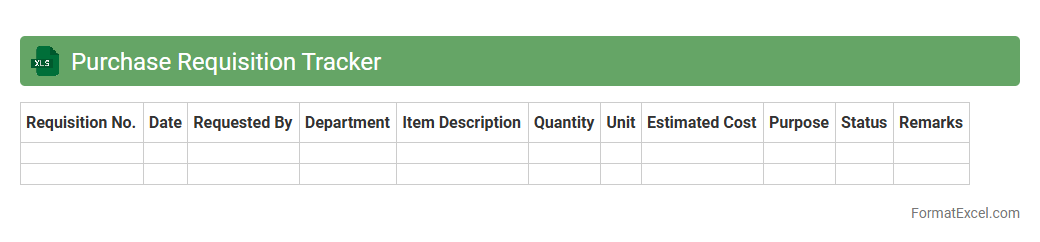
Purchase Requisition Tracker
The
Purchase Requisition Tracker Excel document is a spreadsheet tool designed to monitor and manage purchase requests within an organization. It helps streamline the procurement process by organizing requisition dates, item details, approval statuses, and vendor information in one centralized location. This tracker enhances transparency, reduces delays, and ensures efficient budget control by providing real-time insights into pending and completed purchase requests.
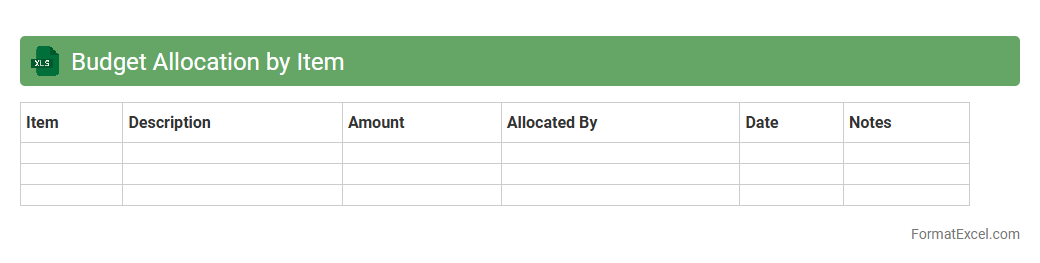
Budget Allocation by Item
The
Budget Allocation by Item Excel document is a detailed financial tool that organizes and tracks expenses based on specific categories or items, facilitating precise budget management. It allows users to allocate funds effectively, monitor spending patterns, and ensure resources are distributed according to project or departmental priorities. This document enhances financial transparency and decision-making by providing clear insights into where money is being utilized within an organization.
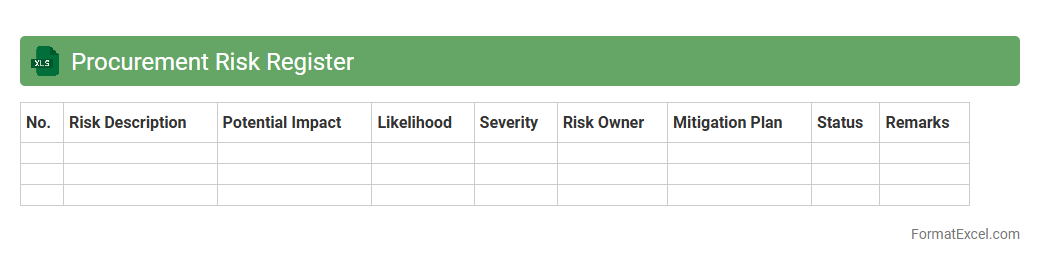
Procurement Risk Register
A
Procurement Risk Register Excel document is a tool designed to identify, assess, and monitor potential risks associated with procurement activities. It allows organizations to document risk details such as likelihood, impact, mitigation strategies, and responsible parties in a structured format. This register enhances decision-making by providing clear visibility into procurement vulnerabilities, enabling proactive risk management and ensuring smoother supply chain operations.
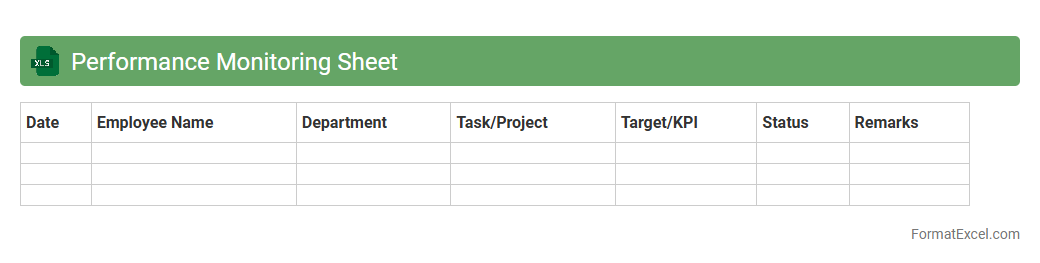
Performance Monitoring Sheet
A
Performance Monitoring Sheet in Excel is a tool designed to track and analyze key performance indicators (KPIs) across various tasks or projects. It enables users to visualize progress, identify trends, and make informed decisions based on real-time data. This document enhances productivity by providing a clear overview of performance metrics, facilitating timely interventions and continuous improvement.
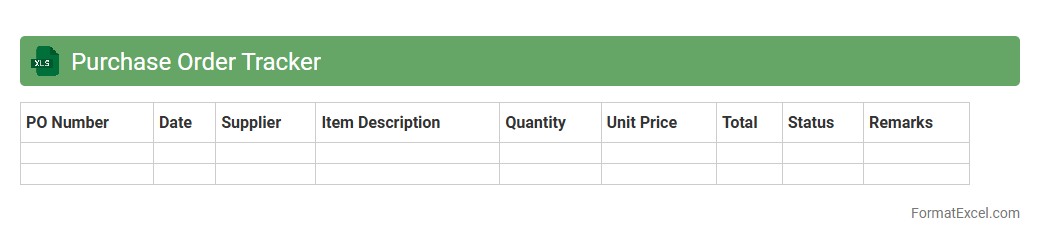
Purchase Order Tracker
A
Purchase Order Tracker Excel document is a tool designed to monitor and manage purchase orders efficiently by recording details such as order numbers, supplier information, order dates, item descriptions, quantities, and payment status. It helps businesses maintain accurate records, track order progress, prevent delays, and streamline procurement processes through organized data visualization and easy updates. Utilizing this tracker enhances inventory management, improves supplier communication, and supports timely decision-making for operational efficiency.
Delivery Schedule
A
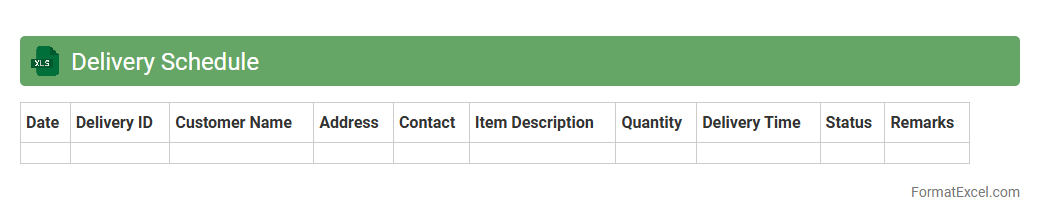
Delivery Schedule Excel document is a structured spreadsheet that outlines timelines and quantities for product shipments or project milestones. It helps businesses track delivery dates, manage inventory levels, and coordinate logistics efficiently, ensuring timely fulfillment of orders. By providing clear visibility into delivery timelines, it minimizes delays and improves communication between suppliers, manufacturers, and customers.
Change Order Log
A
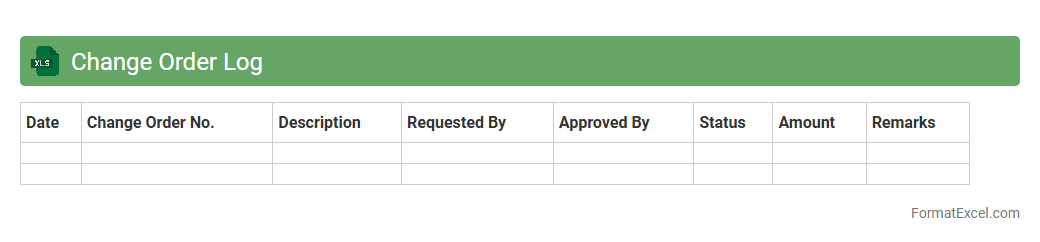
Change Order Log Excel document is a structured spreadsheet used to track and manage changes in project scope, schedule, or cost. It records details such as change descriptions, approval status, dates, and responsible parties, providing clear visibility over project modifications. This tool is essential for maintaining organization, enhancing communication, and ensuring accountability throughout the project lifecycle.
Payment Milestones
A
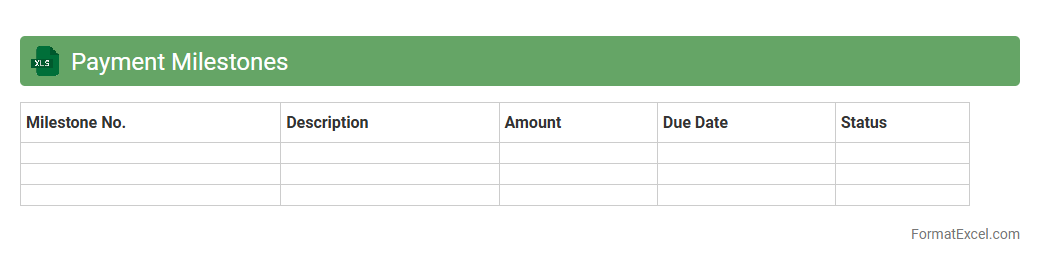
Payment Milestones Excel document is a structured financial tool used to track and manage scheduled payments within a project or contract lifecycle. It helps organizations monitor payment progress, adhere to budget timelines, and ensure timely cash flow management by clearly outlining due dates, amounts, and payment recipients. This spreadsheet enhances financial transparency and accountability, reducing the risk of missed payments and improving project cost control.
Procurement Status Dashboard
The
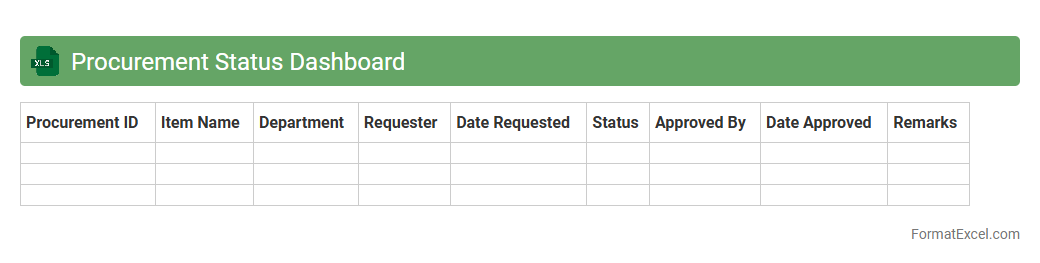
Procurement Status Dashboard Excel document tracks real-time progress of purchase orders, supplier deliveries, and budget utilization, providing clear visibility into the procurement lifecycle. It helps businesses identify bottlenecks, manage supplier performance, and optimize purchasing decisions by consolidating data into easy-to-analyze charts and tables. Utilizing this dashboard enhances transparency, improves cost control, and supports timely decision-making in procurement operations.
Supplier Performance Scorecard
A
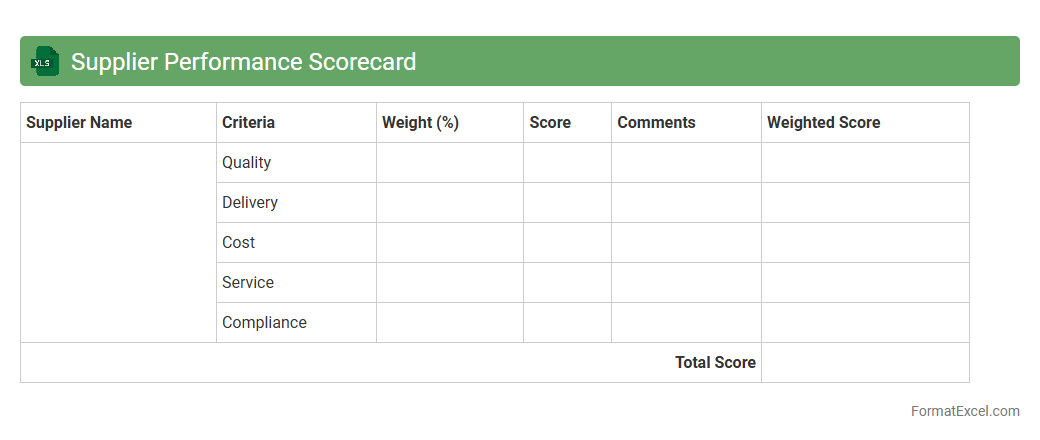
Supplier Performance Scorecard Excel document is a tool used to systematically evaluate and track the performance of suppliers based on key criteria such as quality, delivery time, cost, and service. It helps organizations identify reliable suppliers, manage risks, and improve supply chain efficiency by providing clear, data-driven insights. Using this scorecard enables businesses to make informed decisions, foster better supplier relationships, and ensure consistent product or service standards.
Compliance Checklist
A
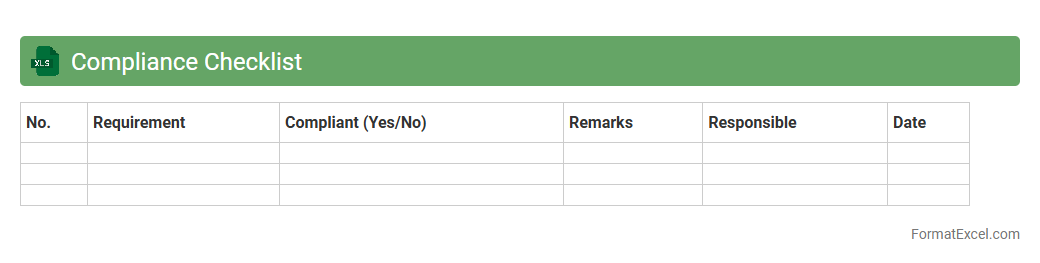
Compliance Checklist Excel document is a structured spreadsheet designed to track and ensure adherence to regulatory standards, policies, or internal requirements within an organization. It allows users to systematically record compliance status, deadlines, and notes, simplifying the management of complex compliance obligations across multiple departments. Utilizing this tool enhances accuracy in monitoring compliance activities, reduces risk of oversight, and supports efficient reporting during audits.
Procurement Document Register
A
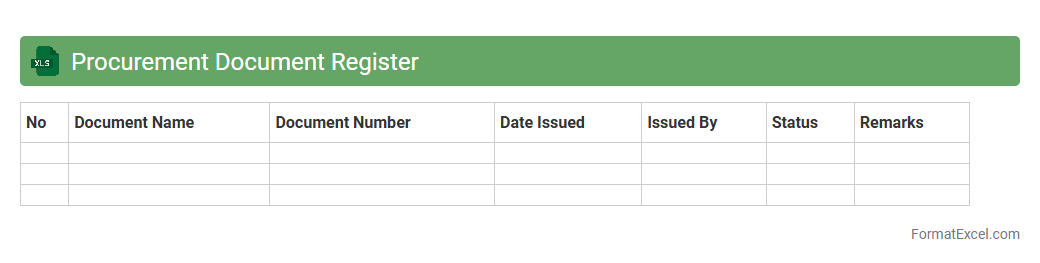
Procurement Document Register Excel is a centralized spreadsheet that tracks all procurement-related documents, such as purchase orders, contracts, and vendor invoices, ensuring organized record-keeping. It helps streamline the procurement process by enabling easy access, monitoring, and updating of documents, reducing errors and delays. This tool improves audit readiness and enhances transparency in supplier management and contract compliance.
Goods Received Log
The
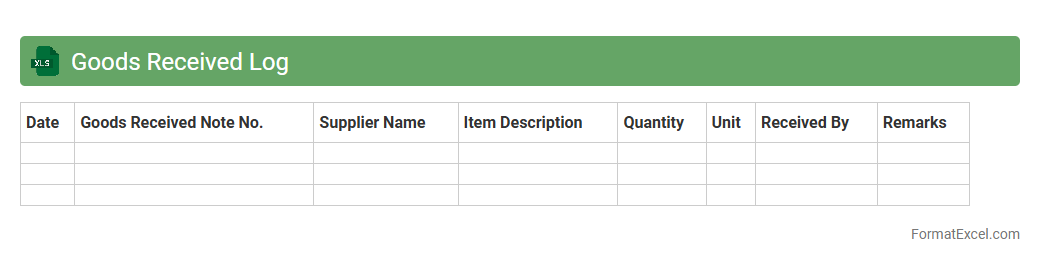
Goods Received Log Excel document is a detailed record used to track and verify all incoming shipments of goods, including quantities, delivery dates, and supplier details. It helps businesses maintain accurate inventory levels, streamline warehouse management, and ensure timely reconciliation of purchase orders. Utilizing this log improves accountability, reduces errors in stock management, and supports efficient decision-making in supply chain processes.
Non-Conformance Report
A
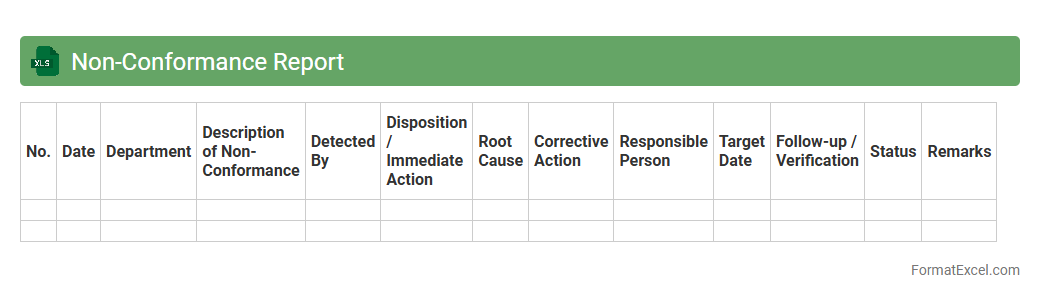
Non-Conformance Report (NCR) Excel document is a structured tool used to record and track instances where products, processes, or services deviate from established standards or specifications. This document helps organizations identify, analyze, and address issues efficiently by providing detailed information on the nature of non-conformance, responsible parties, and corrective actions. Using an NCR Excel sheet enhances quality control, promotes accountability, and supports continuous improvement in operational processes.
Procurement Cost Summary
The
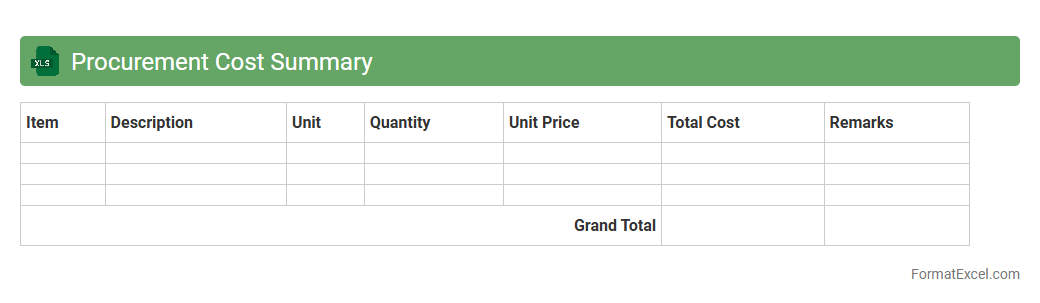
Procurement Cost Summary Excel document consolidates all purchasing expenses, enabling clear visibility into cost distribution across suppliers, materials, and projects. It streamlines budget tracking, helps identify cost-saving opportunities, and supports informed financial decision-making. This tool enhances procurement efficiency by providing accurate data for forecasting and reports.
Contractor Contact List
A
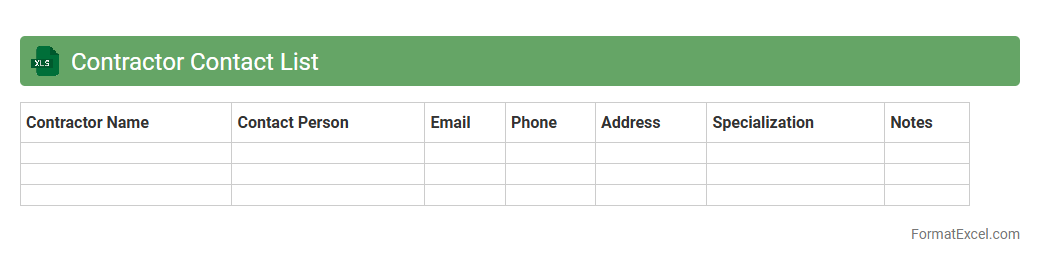
Contractor Contact List Excel document is a structured spreadsheet that organizes essential information about contractors, including names, phone numbers, email addresses, and specialties. It simplifies communication and project management by providing quick access to reliable contacts, ensuring timely coordination and efficient workflow. This document is particularly useful for businesses managing multiple contractors, helping to maintain organized records and streamline contact processes.
Invoice Tracking Sheet
An
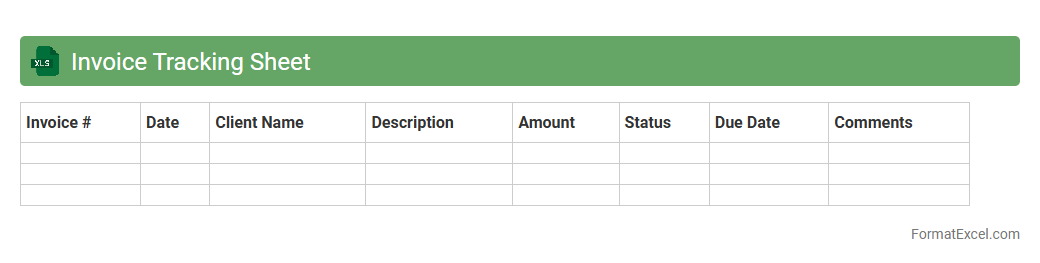
Invoice Tracking Sheet in Excel is a structured document designed to organize, monitor, and manage all invoice-related data, such as invoice numbers, dates, amounts, and payment statuses. It streamlines financial operations by providing clear visibility into unpaid invoices, payment timelines, and cash flow, enabling businesses to reduce errors and enhance collection efforts. Using this tool improves accountability, simplifies audit processes, and supports informed decision-making regarding accounts receivable management.
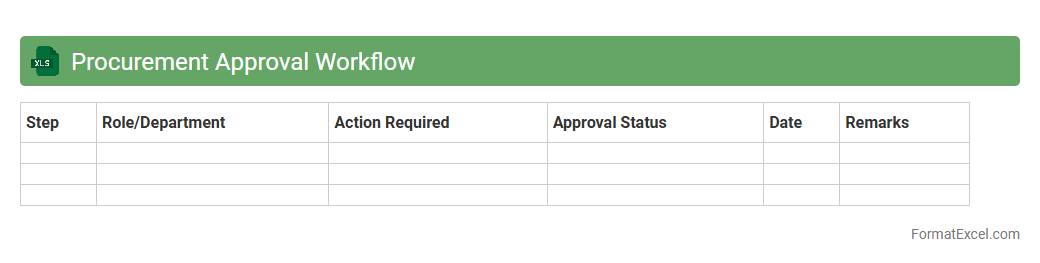
Procurement Approval Workflow
A
Procurement Approval Workflow Excel document is a structured template that organizes and tracks the approval process for purchasing requests within an organization. It streamlines communication between departments by clearly defining each approval stage, responsible personnel, and status updates. This tool enhances efficiency, reduces delays, and ensures compliance with company procurement policies.
Introduction to Procurement Plan Formats
A procurement plan format provides a structured outline for organizing purchasing activities within an organization. It serves as a roadmap for acquiring goods and services efficiently. Different formats can be used, but Excel remains a popular choice due to its flexibility and accessibility.
Benefits of Using Excel for Procurement Planning
Excel offers powerful tools such as formulas, filters, and pivot tables, making it ideal for procurement planning. It allows procurement teams to track budgets, timelines, and supplier information in one place. Additionally, Excel's customizable templates enhance collaboration and monitoring of procurement processes.
Key Components of a Procurement Plan
A robust procurement plan includes essential elements like project details, procurement objectives, budget estimates, timelines, and responsible parties. Accurate supplier evaluation and risk assessment are also key components. Together, these elements help ensure procurement activities align with organizational goals.
Essential Columns in an Excel Procurement Template
Typical columns in an Excel procurement template include Item Description, Quantity, Estimated Cost, Supplier, Delivery Date, and Approval Status. These columns capture the critical data needed for transparency and tracking. Properly organizing these fields facilitates easier data entry and reporting.
Step-by-Step Guide to Creating a Procurement Plan in Excel
Start by defining procurement objectives and requirements. Next, create structured columns and input relevant data for each purchase item. Finally, use Excel's data validation and conditional formatting features to ensure accuracy and clarity in your procurement plan.
Sample Procurement Plan Excel Template
A sample Excel template includes pre-set columns and formulas to calculate total costs and track deadlines. It offers a practical example of how to structure a comprehensive procurement plan. Using templates saves time and ensures consistency in documentation.
Customizing Procurement Plans for Different Projects
Procurement plans must be tailored to the specific needs of each project, considering scope, scale, and timelines. Customization involves adjusting columns and data points to reflect unique project requirements. This ensures the plan is relevant and actionable for project managers and stakeholders.
Best Practices for Managing Procurement Data in Excel
Maintain data integrity by regularly updating and backing up your Excel files. Use clear naming conventions and protect sensitive information with password encryption. Following these best practices improves data security and ease of retrieval.
Common Mistakes in Excel Procurement Planning
Avoid errors such as incomplete data entry, unstructured templates, and lack of version control. Overlooking approval processes or failing to track changes can lead to procurement inefficiencies. Recognizing and correcting these common mistakes is crucial for effective procurement management.
Downloadable Procurement Plan Excel Templates
Many websites offer free or premium downloadable procurement plan templates for Excel. These templates provide a foundation that can be customized for various industries and project sizes. Utilizing downloadable resources can accelerate the procurement planning process.