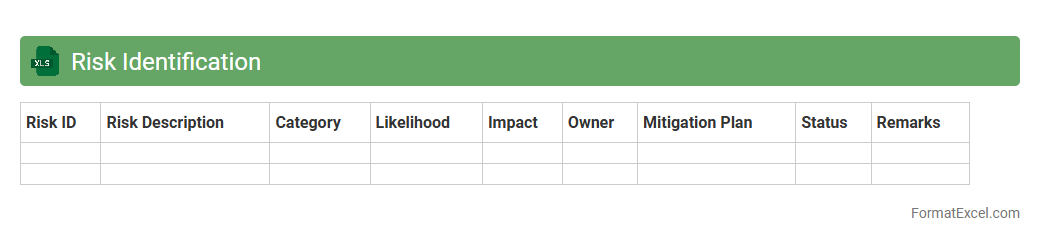
Risk Identification
A
Risk Identification Excel document is a structured spreadsheet used to systematically list, categorize, and assess potential risks in a project or business environment. It helps organizations proactively identify threats, enabling better risk management and decision-making through clear visualization and prioritization of risk factors. This tool supports risk mitigation strategies by providing a comprehensive overview of vulnerabilities and their potential impact on objectives.
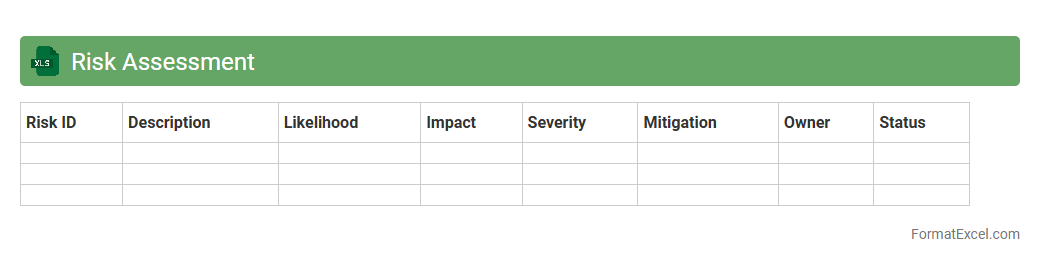
Risk Assessment
A
Risk Assessment Excel document is a structured spreadsheet tool designed to identify, analyze, and evaluate potential risks within a project or organization. It allows users to systematically record risk factors, assess their impact and probability, and prioritize mitigation strategies based on quantitative and qualitative data. Using this document enhances decision-making by providing a clear overview of risks, enabling proactive management and minimizing potential negative outcomes.
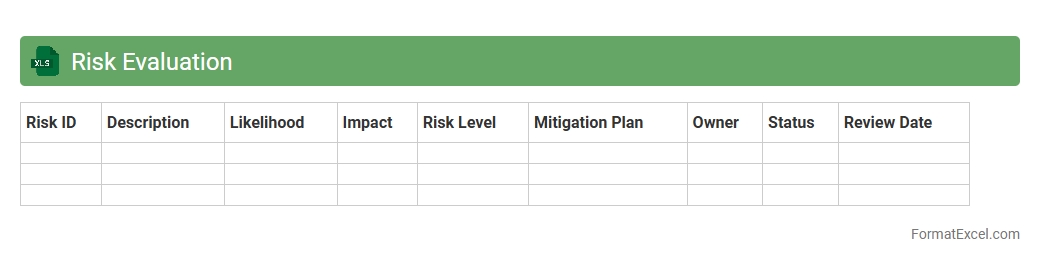
Risk Evaluation
The
Risk Evaluation Excel document is a structured tool designed to identify, assess, and prioritize potential risks within a project or organization. It allows users to quantify risk factors through customizable criteria such as likelihood, impact, and mitigation costs, providing a clear visual representation of risk levels. This tool is essential for informed decision-making, helping to allocate resources effectively and implement proactive risk management strategies.
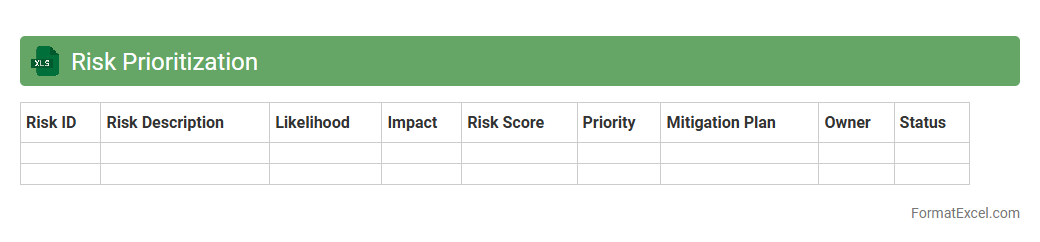
Risk Prioritization
A
Risk Prioritization Excel document is a tool used to systematically identify, assess, and rank risks based on their potential impact and likelihood. It helps organizations focus on critical vulnerabilities by organizing data into measurable categories such as severity, probability, and mitigation cost. This enables efficient allocation of resources and enhances decision-making in risk management processes.
Risk Response Planning
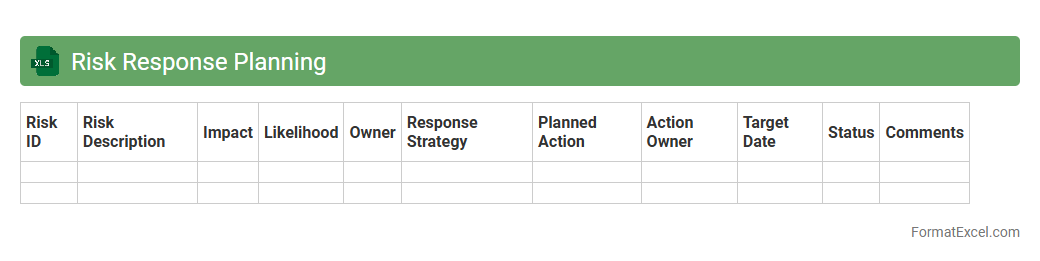
A
Risk Response Planning Excel document systematically identifies potential project risks and outlines strategies to mitigate, transfer, or accept them, enhancing proactive decision-making. It serves as a centralized tool to track risk status, assign responsibilities, and monitor the effectiveness of response actions throughout the project lifecycle. Utilizing this document improves project resilience, reduces uncertainty, and supports timely adjustments, driving successful risk management outcomes.
Risk Mitigation Strategies
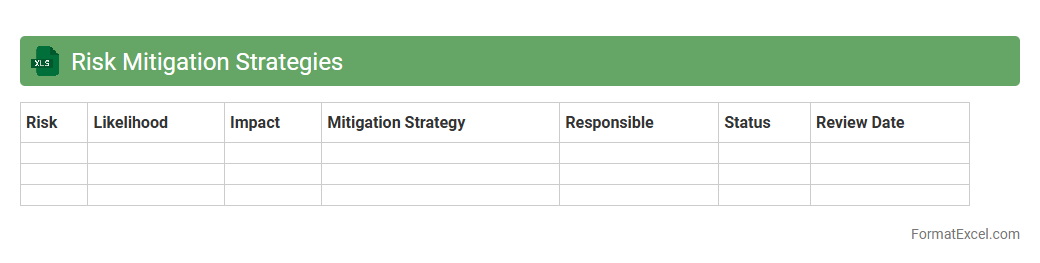
A
Risk Mitigation Strategies Excel document is a structured tool designed to identify, analyze, and prioritize potential risks within a project or organization. It allows users to systematically plan and track mitigation actions, assign responsibilities, and monitor progress, ensuring proactive management of threats before they impact objectives. This document enhances decision-making, improves resource allocation, and contributes to achieving project goals by minimizing uncertainties and potential losses.
Risk Monitoring
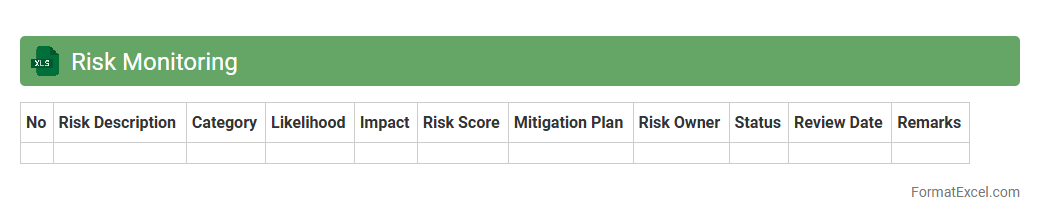
A
Risk Monitoring Excel document systematically tracks and evaluates potential risks throughout a project's lifecycle, enabling real-time updates and detailed analysis. It consolidates risk data such as likelihood, impact, mitigation strategies, and status in an organized, accessible format, facilitating informed decision-making. This tool improves risk visibility, supports proactive management, and ensures timely responses to emerging threats, enhancing overall project success.
Risk Reporting
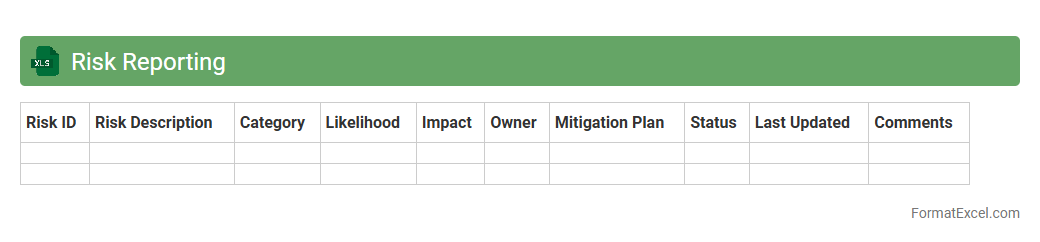
A
Risk Reporting Excel document is a structured spreadsheet designed to identify, assess, and track potential risks within a project or organization. It enables users to systematically document risk details, assign risk levels, and monitor mitigation actions, providing clear visibility into risk status. This tool enhances decision-making, supports compliance, and promotes proactive risk management by consolidating critical data in an accessible format.
Risk Register
A
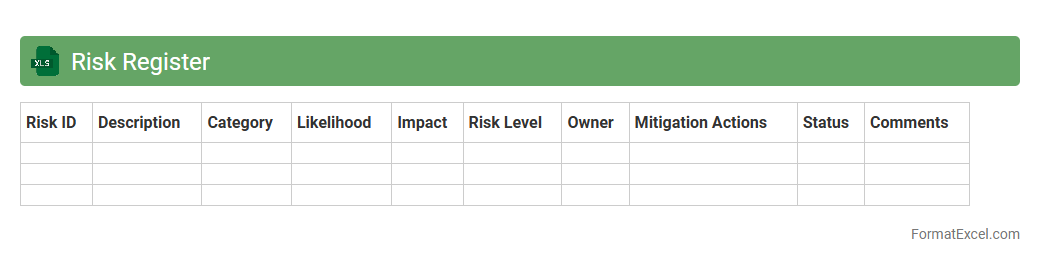
Risk Register Excel document is a structured tool used to identify, assess, and manage potential risks within a project or organization. It systematically records risk details such as likelihood, impact, mitigation strategies, and owners, enabling proactive decision-making. Utilizing this document improves risk visibility, enhances communication, and supports timely interventions to minimize negative effects.
Stakeholder Risk Tolerance
The
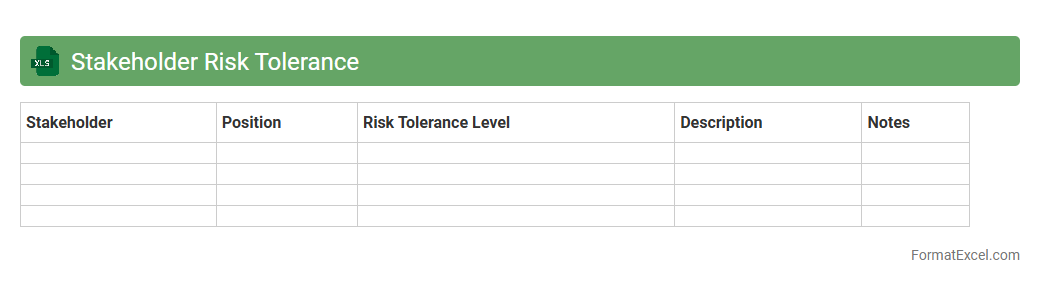
Stakeholder Risk Tolerance Excel document is a valuable tool designed to quantify and analyze the varying risk tolerance levels of different stakeholders in a project or organization. It allows users to systematically capture and compare risk preferences, enabling more informed decision-making by aligning project risks with stakeholder expectations. This resource enhances risk management strategies by providing clear insights into which risks are acceptable and which require mitigation, thereby improving communication and reducing potential conflicts.
Roles and Responsibilities
A
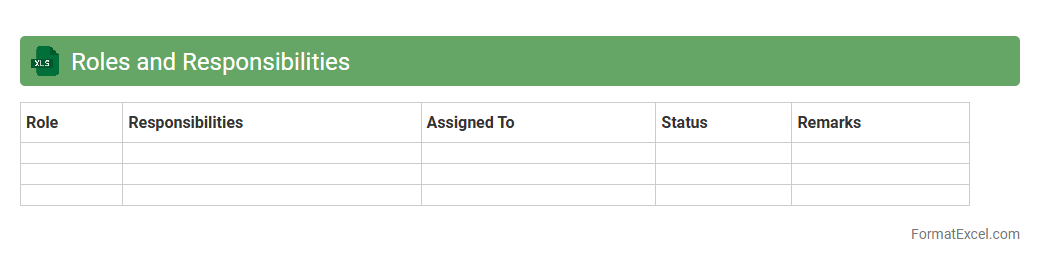
Roles and Responsibilities Excel document systematically outlines the specific duties and expectations assigned to each team member within a project or organization. This tool enhances clarity and accountability by providing a clear reference for task delegation, preventing overlap and ensuring efficient workflow. Its structured format allows easy updates and tracking progress, making project management more transparent and organized.
Risk Communications Plan
A
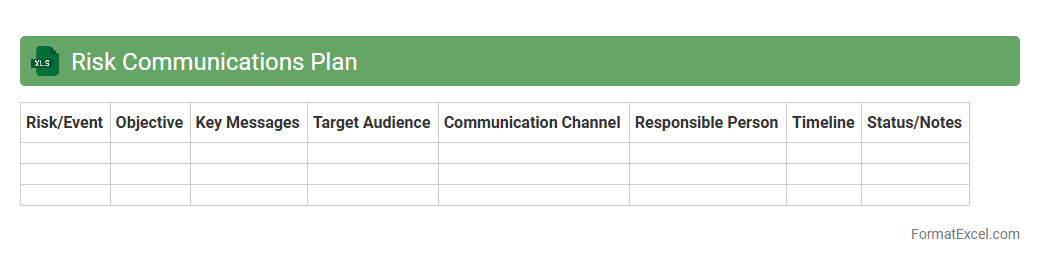
Risk Communications Plan Excel document is a structured tool designed to outline and manage communication strategies related to potential risks in a project or organization. It helps identify key stakeholders, communication channels, message timing, and content to ensure clear and timely dissemination of risk information. Using this document enhances transparency, facilitates proactive risk management, and supports informed decision-making across teams.
Contingency Planning
A
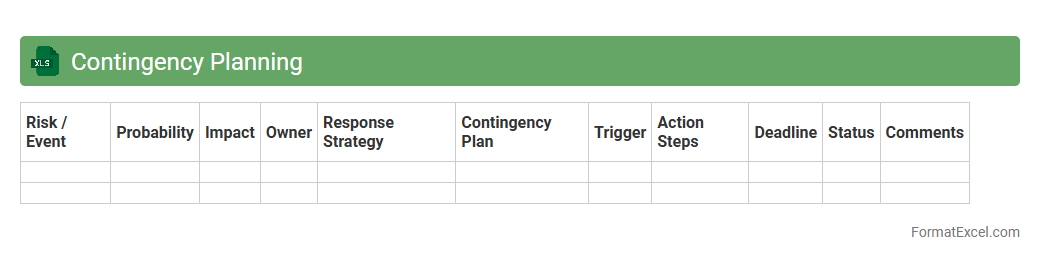
Contingency Planning Excel document is a structured tool designed to identify potential risks and outline predefined response strategies to mitigate disruptions. It allows organizations to systematically organize scenarios, assign responsibilities, and track action plans in a clear, accessible format. This document is useful for enhancing preparedness, reducing downtime, and ensuring business continuity during unexpected events.
Residual Risk Assessment
A
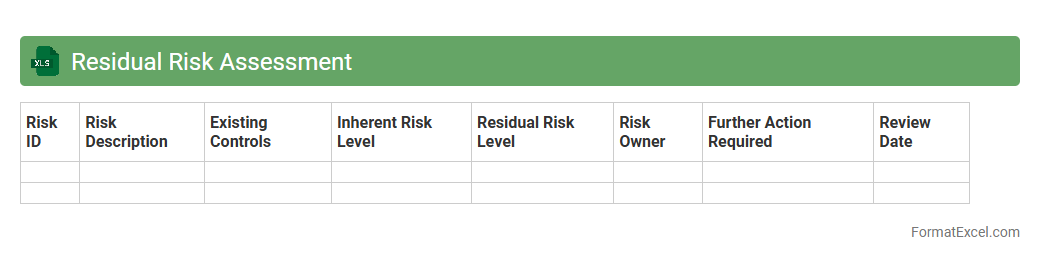
Residual Risk Assessment Excel document systematically quantifies remaining risks after implementing mitigation measures, enabling organizations to prioritize and manage potential threats effectively. By consolidating hazard identifications, control measures, and risk evaluations in one accessible spreadsheet, it streamlines decision-making and enhances compliance with industry standards. This tool facilitates continuous monitoring and adjustment of safety protocols, ultimately minimizing operational vulnerabilities and strengthening overall risk management strategies.
Risk Escalation Procedures
A
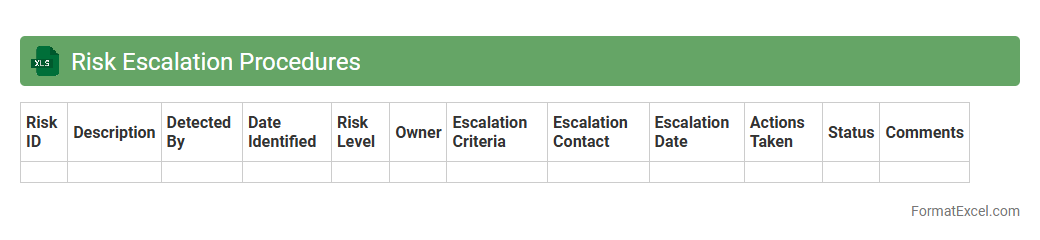
Risk Escalation Procedures Excel document is a structured tool used to identify, document, and manage potential risks within a project or organization by outlining the steps for escalating issues based on their severity and impact. This document allows teams to respond promptly to emerging risks through predefined escalation paths, ensuring timely communication with decision-makers and minimizing potential disruptions. Utilizing this Excel-based procedure enhances risk visibility, supports effective decision-making, and improves overall project governance and risk mitigation strategies.
Risk Appetite Statement
A
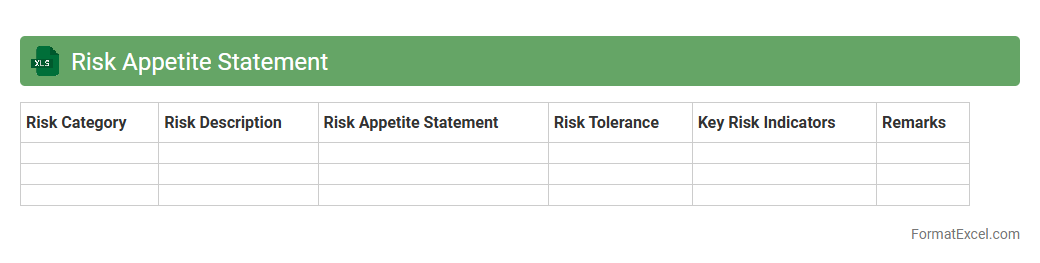
Risk Appetite Statement Excel document serves as a structured tool to define and quantify the level of risk an organization is willing to accept in pursuit of its objectives. It enables risk managers and decision-makers to systematically evaluate and monitor risk thresholds, ensuring alignment with strategic goals. By providing a clear, accessible framework for risk tolerance, the document supports informed decisions, enhances risk communication, and drives effective risk management practices.
Risk Impact Analysis
A
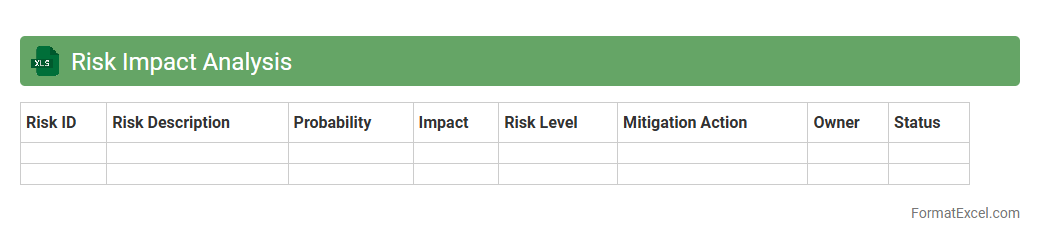
Risk Impact Analysis Excel document systematically identifies and evaluates the potential consequences of risks on a project or business operation. It uses quantitative and qualitative data to prioritize risks based on their likelihood and severity, enabling informed decision-making and resource allocation. This tool enhances risk management by providing clear insights that help mitigate negative outcomes and improve overall project success.
Probability Assessment
A
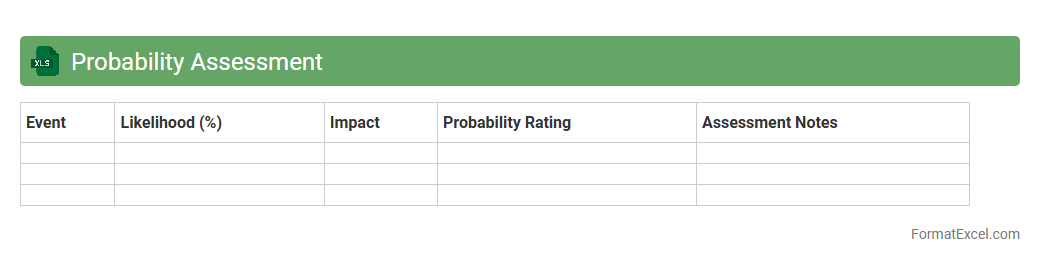
Probability Assessment Excel document is a structured spreadsheet designed to evaluate and quantify the likelihood of various outcomes or risks within a project or decision-making process. It allows users to assign probability values, analyze potential scenarios, and prioritize risks based on their impact and likelihood. This tool is essential for data-driven risk management, enhancing forecasting accuracy and aiding strategic planning across industries.
Early Warning Indicators
The
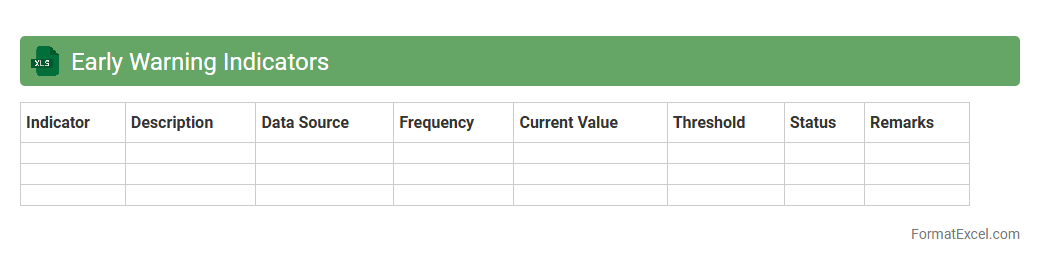
Early Warning Indicators (EWI) Excel document is a structured tool designed to track critical metrics and signals that predict potential risks or issues before they escalate. It enables organizations to monitor performance trends, identify deviations, and take proactive measures to mitigate financial, operational, or project-based challenges. By consolidating data into customizable dashboards and alerts, this document enhances decision-making, improves risk management, and fosters timely interventions.
Risk Control Measures
A
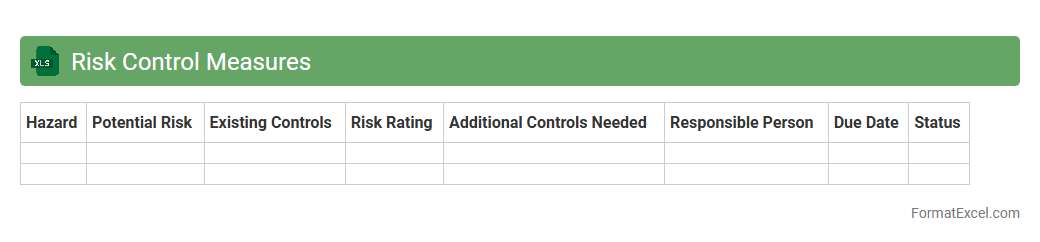
Risk Control Measures Excel document is a structured tool used to identify, assess, and monitor risks within projects or operations, capturing details such as risk descriptions, likelihood, impact, and mitigation strategies. It facilitates systematic tracking and updating of risk statuses, enabling organizations to prioritize actions and allocate resources efficiently. This document is essential for enhancing decision-making, improving safety protocols, and ensuring compliance with regulatory standards.
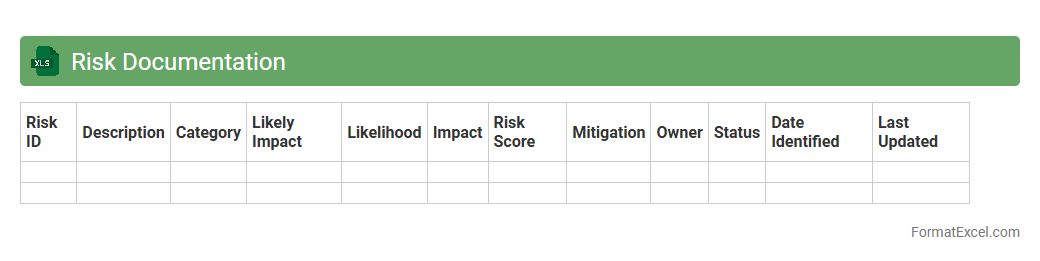
Risk Documentation
A
Risk Documentation Excel document systematically records and tracks potential risks, their impact, probability, and mitigation strategies within a project or organization. It helps in maintaining a clear overview of risk statuses, enabling better decision-making and proactive management. Using this tool enhances accountability and ensures that all stakeholders remain informed about risk factors and control measures.
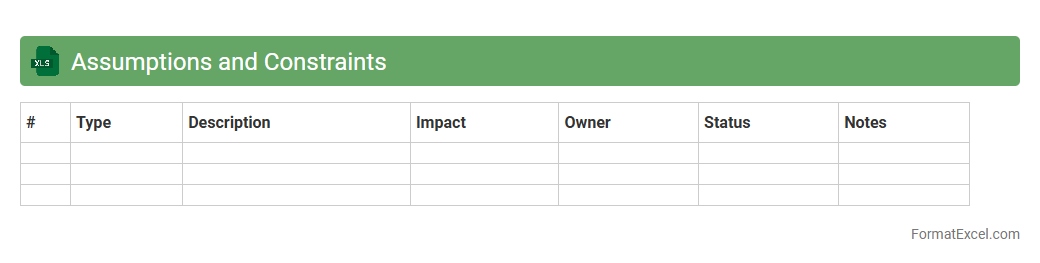
Assumptions and Constraints
An
Assumptions and Constraints Excel document is a structured tool used to document and track project assumptions and limitations, ensuring transparency and clarity throughout the project lifecycle. It helps project managers and teams identify potential risks, set realistic expectations, and align resources effectively by capturing critical factors that can impact project outcomes. This Excel document enhances decision-making and communication by providing a centralized reference point for all project stakeholders.
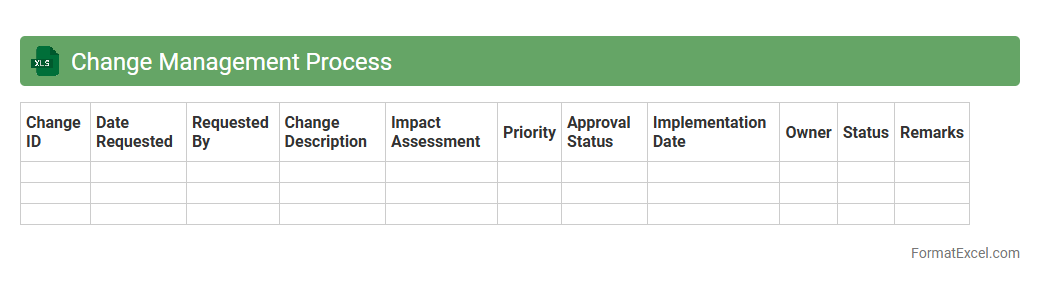
Change Management Process
A
Change Management Process Excel document is a structured tool designed to track, plan, and implement organizational changes effectively. It organizes critical information such as change requests, impact analysis, approval workflows, and status updates, enabling better communication and control throughout the change lifecycle. This document enhances decision-making, reduces risks, and ensures smooth transitions by providing a clear, centralized overview of all change activities.
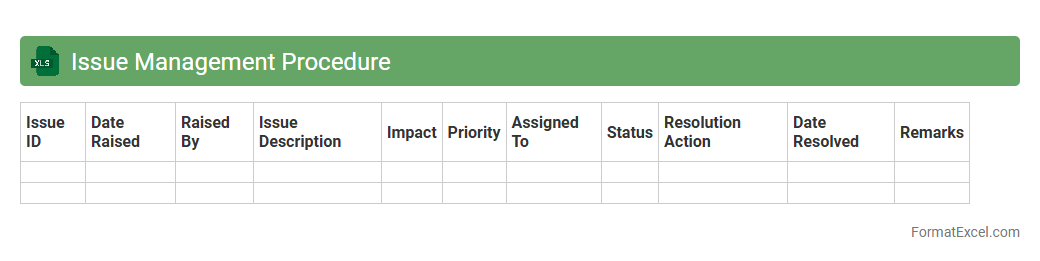
Issue Management Procedure
An
Issue Management Procedure Excel document is a structured tool designed to track, document, and resolve project or operational issues efficiently. It helps teams identify problems, assign responsibilities, set deadlines, and monitor the status of each issue, ensuring timely resolution and minimizing risks. Using this document improves transparency, accountability, and communication, leading to enhanced project performance and decision-making.
Risk Review Schedule
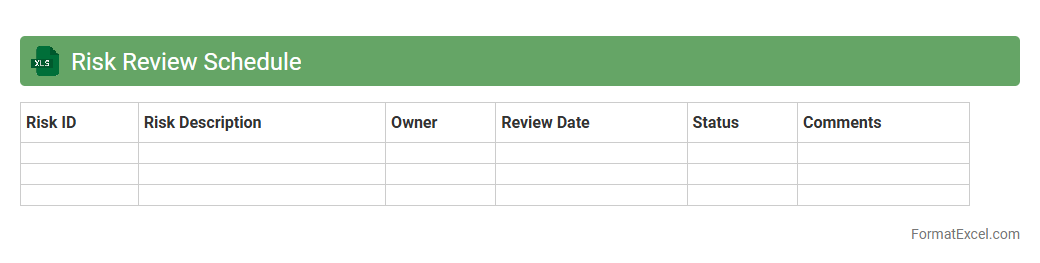
A
Risk Review Schedule Excel document systematically tracks and evaluates potential risks in projects or business operations, enabling timely identification and mitigation. It organizes risk data, assessment dates, responsible persons, and status updates in a clear, accessible format. This tool improves decision-making and ensures consistent monitoring of risk factors to protect organizational objectives.
Introduction to Risk Management Plan in Excel
A Risk Management Plan in Excel is a structured document that helps identify, assess, and mitigate potential risks within projects or organizations. Using Excel offers flexibility and accessibility for managing risk data efficiently. This tool supports clear documentation and tracking of risk mitigation strategies.
Importance of Structured Risk Management
Structured risk management ensures that potential threats are proactively identified and addressed, minimizing project disruptions. It promotes organized risk assessment and prioritization. The discipline strengthens decision-making and enhances overall project success through systematic risk control.
Key Components of a Risk Management Plan
Core components include risk identification, risk analysis, risk mitigation strategies, and monitoring processes. Each element plays a crucial role in managing risks effectively during a project's lifecycle. Documenting these helps build a comprehensive risk response framework.
Advantages of Using Excel for Risk Management
Excel offers customizable templates and powerful data organization tools ideal for tracking risks in real-time. It supports conditional formatting and formulas to prioritize risks automatically. This makes Excel a cost-effective solution for dynamic risk management.
Step-by-Step Guide to Creating a Risk Management Plan in Excel
Start by defining risk categories, then list identified risks with descriptions and impact levels. Assign ownership and set mitigation actions using defined Excel columns. Using filters and formulas speeds up risk prioritization and facilitates a clear risk overview.
Essential Columns and Fields for Risk Tracking
Important columns include Risk ID, Description, Impact, Probability, Mitigation Plan, Owner, and Status. These fields enable comprehensive tracking of each risk's lifecycle and responses. This structure ensures data consistency and supports efficient risk monitoring.
Sample Risk Management Plan Template in Excel
A typical template includes predefined headers for risk attributes and space for updates. It integrates conditional formatting to highlight high-impact or high-probability risks visually. Such templates simplify data entry and improve risk visibility.
Tips for Customizing Your Risk Management Excel Sheet
Adjust columns to fit project-specific risks and workflows for personalized usability. Incorporate dropdown lists and data validation to reduce entry errors. Customizing enhances the tool's effectiveness and maintains data accuracy.
Common Mistakes to Avoid in Risk Management Plans
Avoid overlooking risk categorization, underestimating impacts, or neglecting regular updates. Insufficient owner assignment or unclear mitigation steps can derail the plan's effectiveness. Prevention of these errors ensures a robust risk management process.
Downloadable Risk Management Plan Excel Templates
Various free and premium templates are available online catering to diverse industries and project types. These downloadable files accelerate risk planning and provide tested frameworks. Utilizing these templates helps implement a structured risk strategy quickly.