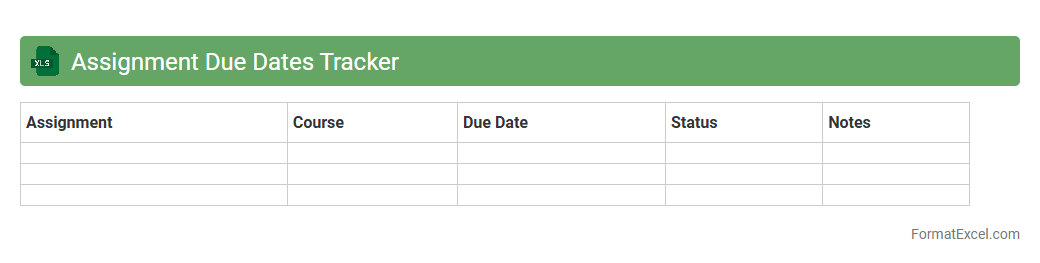
Assignment Due Dates Tracker
The Assignment Due Dates Tracker Excel document is a powerful tool designed to help students and professionals efficiently manage their tasks by tracking deadlines. It allows users to input assignment details, due dates, and priority levels, ensuring timely completion and reducing the risk of missing important submissions. Using this
assignment tracker enhances productivity, organization, and stress management by providing clear visibility of upcoming deadlines.
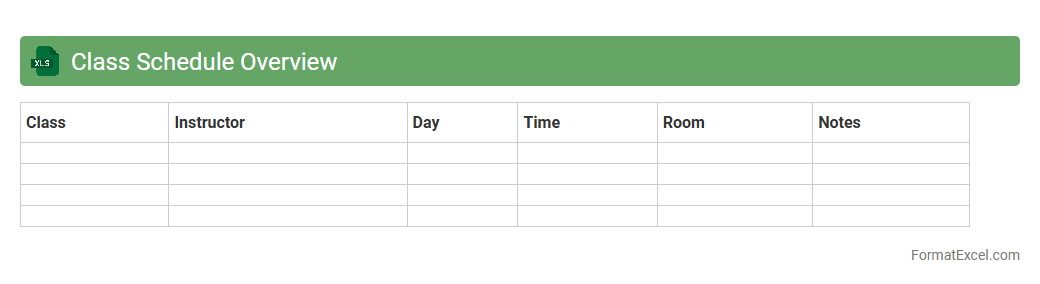
Class Schedule Overview
A
Class Schedule Overview Excel document is a structured spreadsheet that organizes class times, subjects, instructors, and locations in a clear, accessible format. It helps students and educators efficiently plan their weekly activities, avoid conflicts, and manage time effectively by providing a comprehensive visual representation of the academic timetable. This tool enhances productivity and ensures adherence to the academic calendar.
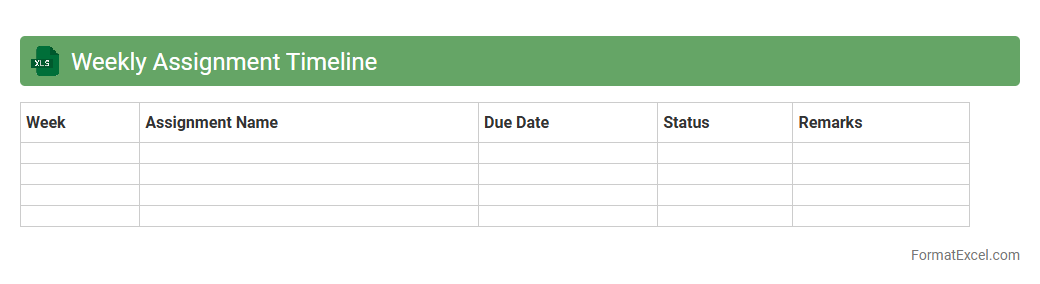
Weekly Assignment Timeline
The
Weekly Assignment Timeline Excel document organizes tasks by days of the week, enabling efficient tracking and management of assignments. It allows users to prioritize deadlines, allocate time effectively, and monitor progress, ensuring that no task is overlooked. This tool enhances productivity by providing a clear visual schedule and helping maintain consistent workflow throughout the week.
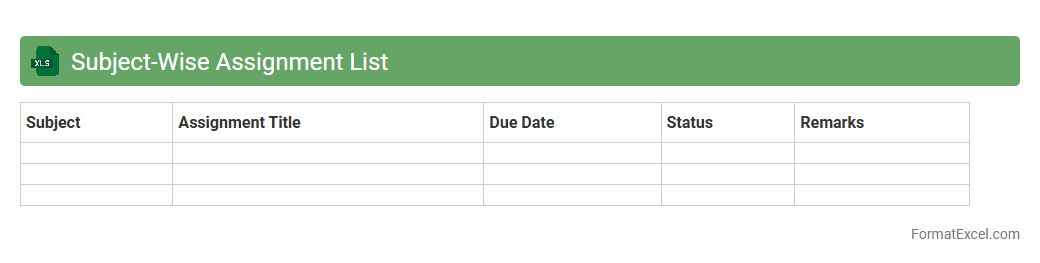
Subject-Wise Assignment List
The
Subject-Wise Assignment List Excel document organizes assignments by individual subjects, enabling efficient tracking and management of academic tasks. It helps educators and students monitor progress, deadlines, and completion status systematically, ensuring timely submission and balanced workload distribution. This tool enhances productivity by providing a clear overview of all assignments categorized by subject, minimizing the risk of missed or overlooked tasks.
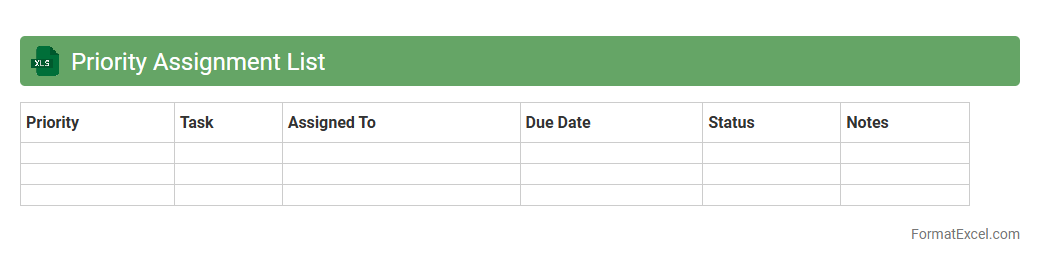
Priority Assignment List
A
Priority Assignment List Excel document is a structured tool used to organize and rank tasks, projects, or assignments based on their urgency and importance. It helps streamline workflow management by clearly indicating which activities require immediate focus, improving time management and resource allocation. This document enhances productivity by reducing confusion and ensuring that critical responsibilities are addressed promptly.
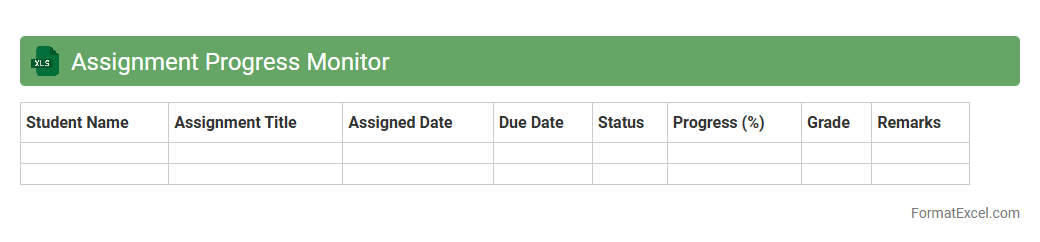
Assignment Progress Monitor
The
Assignment Progress Monitor Excel document is a tool designed to track and visualize the completion status of various tasks or assignments within a project or academic setting. It helps users easily identify pending, ongoing, and completed assignments through dashboards, color-coded cells, and progress bars. This document enhances productivity by providing clear insights into deadlines, task priorities, and resource allocation, facilitating efficient time management and accountability.
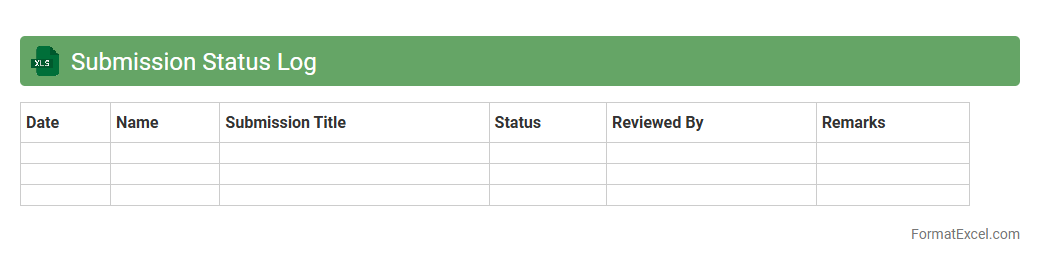
Submission Status Log
The
Submission Status Log Excel document is a centralized tool used to track and monitor the progress of various submissions, such as project proposals, reports, or application forms. It provides real-time updates on submission dates, statuses, responsible parties, and feedback, enabling efficient management and accountability. This log enhances transparency, reduces errors, and ensures timely follow-up on pending or completed submissions.
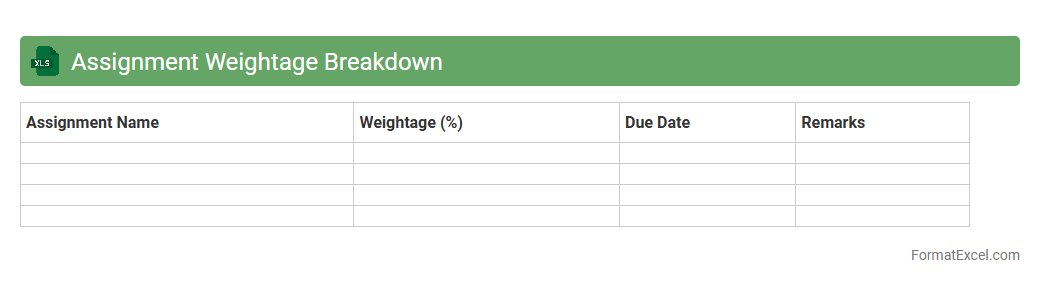
Assignment Weightage Breakdown
An
Assignment Weightage Breakdown Excel document details the distribution of marks or percentages allocated to various assignments within a course or project, enabling clear visibility of each component's impact on the overall grade. It helps students and educators track and prioritize efforts based on the weighted importance of tasks, ensuring balanced workload management and strategic study planning. This organized format facilitates efficient progress monitoring and aids in identifying areas that require greater focus to achieve academic or project success.
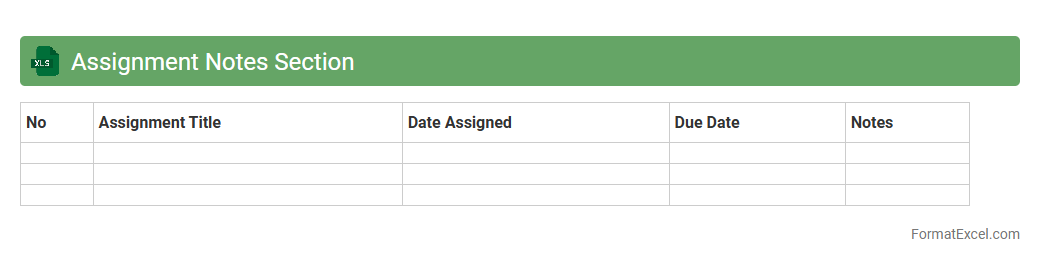
Assignment Notes Section
The
Assignment Notes Section in an Excel document serves as a centralized area to record detailed comments, observations, and instructions related to specific tasks or projects. It enhances organization by keeping all relevant notes easily accessible and linked to the corresponding data entries, improving clarity and reducing miscommunication. This section is especially useful for tracking progress, documenting changes, and ensuring team members stay informed about important updates throughout the assignment lifecycle.
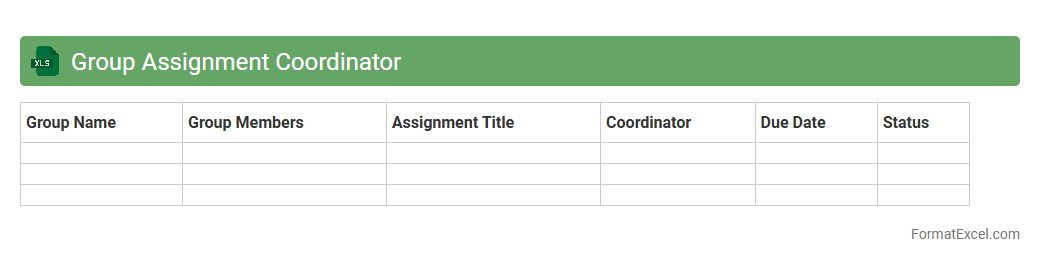
Group Assignment Coordinator
The
Group Assignment Coordinator Excel document is a structured tool designed to streamline the management of group projects by tracking member roles, deadlines, and task progress within a single spreadsheet. It enhances collaboration and accountability by providing clear visibility into each participant's responsibilities and submission timelines. This document is essential for organizing group efforts efficiently, ensuring timely completion and balanced workload distribution.
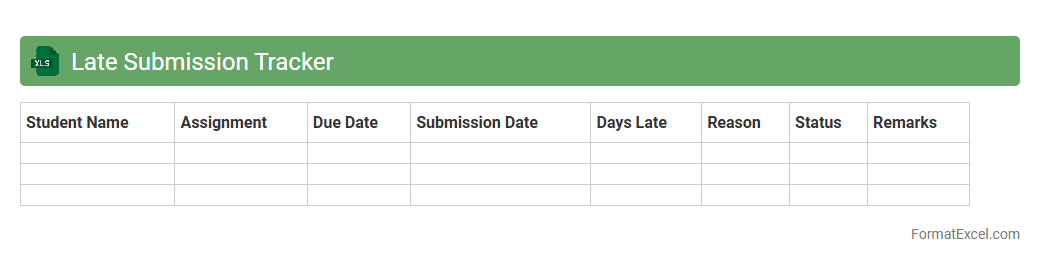
Late Submission Tracker
The
Late Submission Tracker Excel document is a tool designed to monitor and manage overdue tasks, assignments, or project deliverables efficiently. It helps users identify delayed submissions by organizing due dates, submission statuses, and responsible parties in a clear, accessible format. Utilizing this tracker enhances accountability, improves time management, and supports timely follow-ups to ensure deadlines are met consistently.
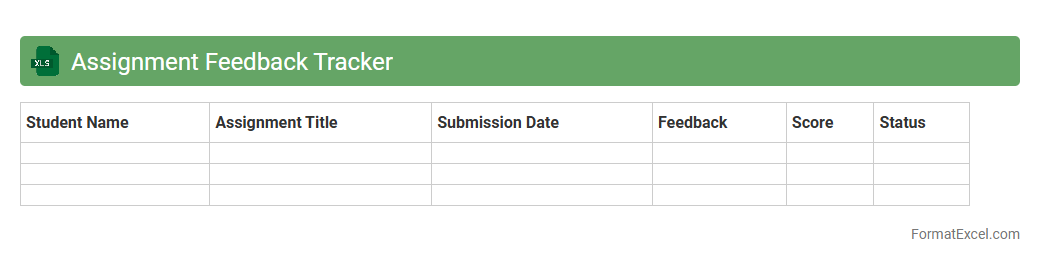
Assignment Feedback Tracker
An
Assignment Feedback Tracker Excel document is a tool designed to systematically record and analyze feedback on assignments, enabling easy monitoring of student progress and areas of improvement. It allows educators to organize comments, grades, and specific suggestions in one place, ensuring consistent and efficient communication with students. This tracker enhances the ability to identify trends in performance, streamline grading processes, and support targeted instructional strategies.
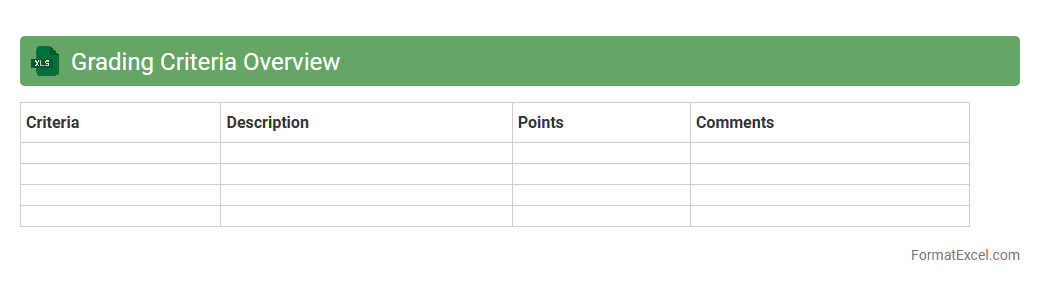
Grading Criteria Overview
The
Grading Criteria Overview Excel document outlines specific standards and benchmarks used to evaluate performance or quality in various tasks or projects. It serves as a structured reference that enables consistent, transparent, and objective assessment by clearly defining scoring rubrics and evaluation metrics. This tool is essential for ensuring fairness, tracking progress, and identifying areas for improvement efficiently.
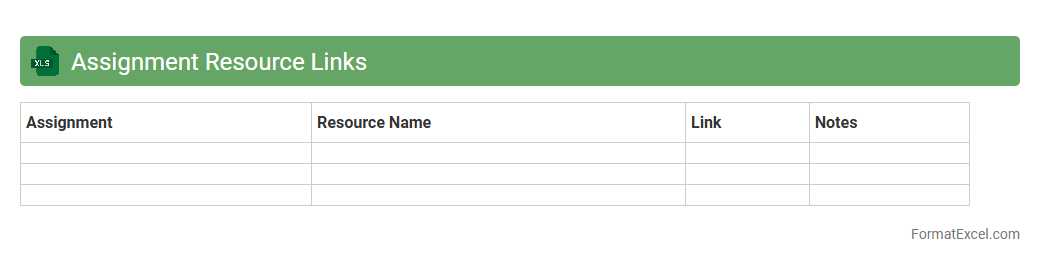
Assignment Resource Links
The
Assignment Resource Links Excel document serves as a centralized repository containing curated URLs, references, and materials essential for completing various assignments efficiently. By organizing all necessary resources in one structured spreadsheet, it eliminates the need to search multiple platforms, saving time and enhancing productivity. This document is especially useful for tracking source credibility and ensuring consistent access to up-to-date academic or project-related content.
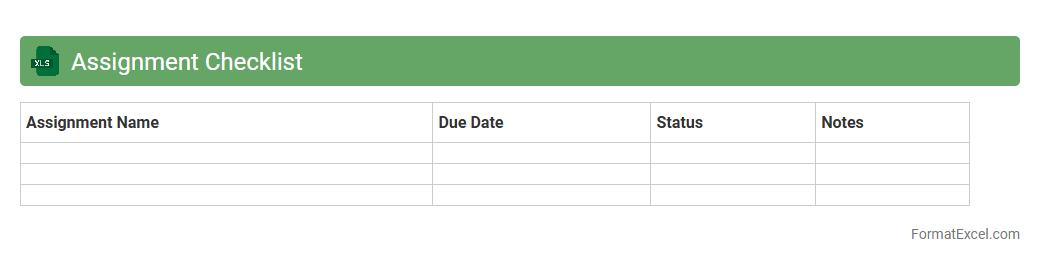
Assignment Checklist
An
Assignment Checklist Excel document is a structured spreadsheet designed to organize and track tasks related to assignments, enabling clear visibility of completion status and deadlines. It helps users prioritize work, set milestones, and ensure that all requirements are met efficiently, reducing the risk of missed submissions. This tool is especially useful for students and professionals who need to manage multiple assignments systematically and improve productivity.
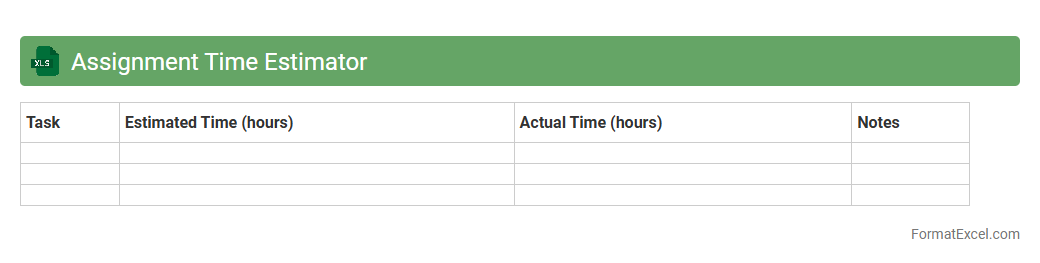
Assignment Time Estimator
The
Assignment Time Estimator Excel document is a tool designed to help users accurately calculate the time required to complete various assignments by inputting task details and estimated durations. It enables better project management and scheduling by providing a clear overview of time allocation, helping to improve productivity and meet deadlines consistently. Users benefit from data-driven insights that assist in prioritizing tasks and avoiding time underestimation.
Upcoming Deadlines Alert
The
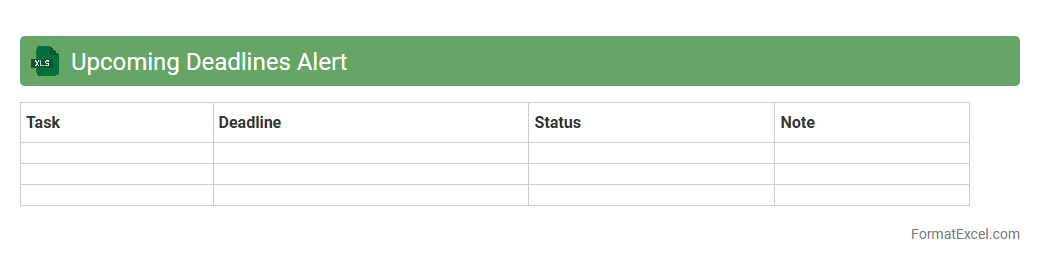
Upcoming Deadlines Alert Excel document is a tool designed to track and manage important dates efficiently. It helps users stay organized by providing timely reminders for deadlines, ensuring critical tasks are completed on schedule. This proactive approach minimizes the risk of missed deadlines, enhancing productivity and time management.
Completed Assignments Record
A
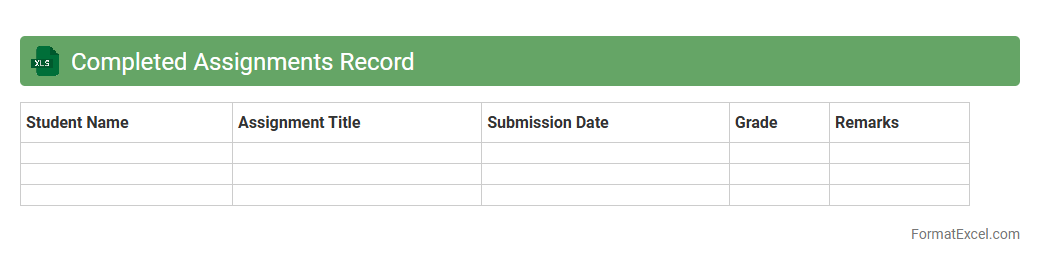
Completed Assignments Record Excel document is a structured spreadsheet designed to track and manage finished tasks or projects systematically. It helps users monitor progress, verify completion dates, and maintain a historical log of assignments, ensuring accountability and efficient workflow management. This tool is especially valuable for educators, project managers, and students who need to organize and review completed work clearly and accurately.
Assignment Revision History
An
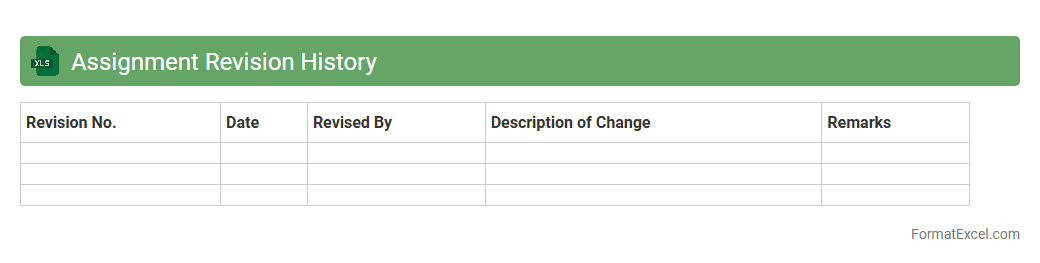
Assignment Revision History Excel document tracks all changes made to assignments over time, including dates, editors, and specific modifications. This detailed record enhances accountability, makes collaboration more transparent, and streamlines the review process by providing clear version control. It helps users quickly identify the most current version and understand the evolution of the assignment content.
Assignment Instructions Summary
The
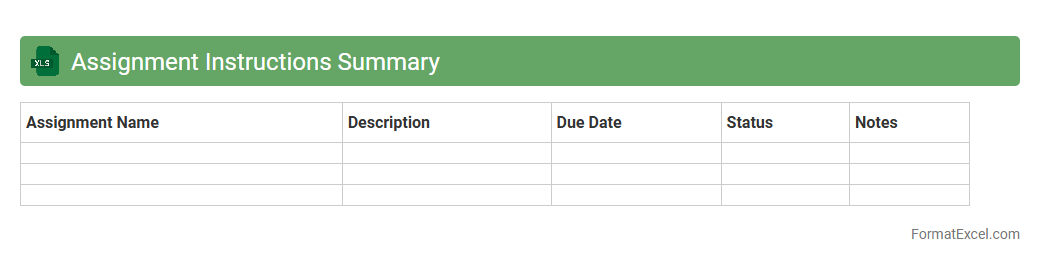
Assignment Instructions Summary Excel document consolidates key details and guidelines for various tasks into a single, organized format. It enhances clarity by providing quick access to deadlines, requirements, and important notes, ensuring consistent compliance and efficient workflow management. This tool is invaluable for tracking progress, minimizing errors, and improving overall productivity in academic or professional settings.
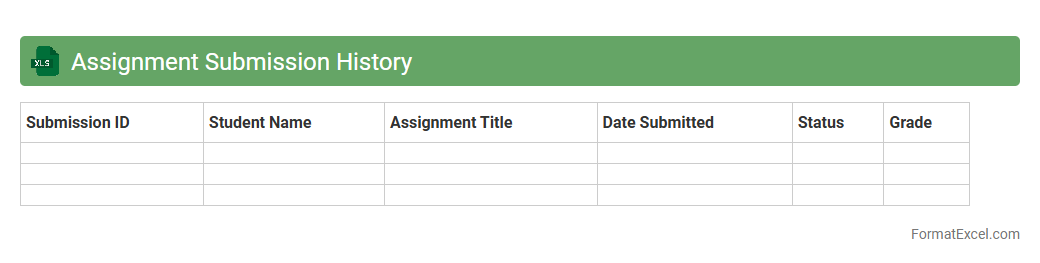
Assignment Submission History
The
Assignment Submission History Excel document records detailed data on student assignment submissions, tracking dates, times, and completion status. This organized dataset enables educators to efficiently monitor student progress, identify patterns of late or missing submissions, and streamline grading processes. Utilizing this history fosters improved academic accountability and supports timely interventions to enhance student performance.
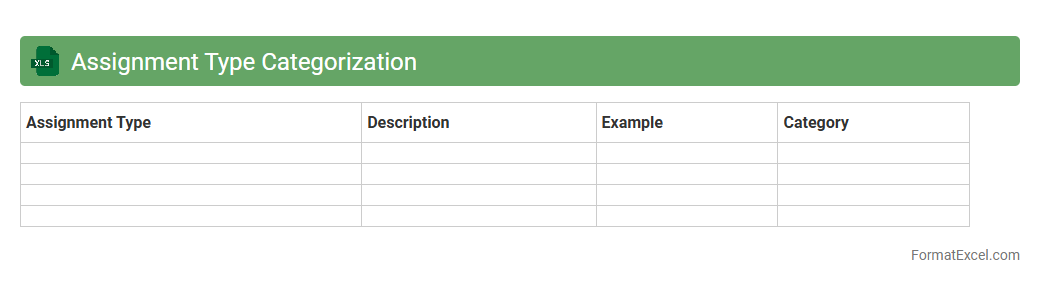
Assignment Type Categorization
The
Assignment Type Categorization Excel document organizes various tasks and projects into distinct categories based on their nature and requirements, enabling efficient management and prioritization. It facilitates clear tracking of deadlines, resource allocation, and performance analysis by grouping similar assignment types together. This structured approach enhances productivity and ensures timely completion of work by providing a comprehensive overview of all assignments in one accessible format.
Assignment File Attachment Log
The
Assignment File Attachment Log Excel document is a structured tool used to track and manage files attached to various assignments, ensuring all relevant documents are organized and easily accessible. It captures essential details such as file names, upload dates, assignment IDs, and user information, enhancing accountability and minimizing the risk of lost or misplaced files. This log is invaluable for project managers, educators, and teams needing efficient file monitoring to streamline workflows and maintain comprehensive records.
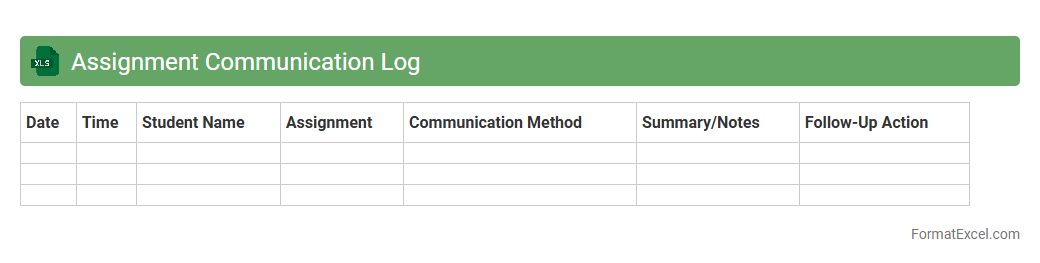
Assignment Communication Log
An
Assignment Communication Log Excel document is a structured tool designed to record and track interactions related to assignments, such as emails, meetings, and feedback between team members or students and instructors. It helps maintain clear records of communication history, deadlines, and task progress, improving accountability and transparency. This document is useful for ensuring timely follow-ups, resolving misunderstandings, and enhancing overall project management efficiency.
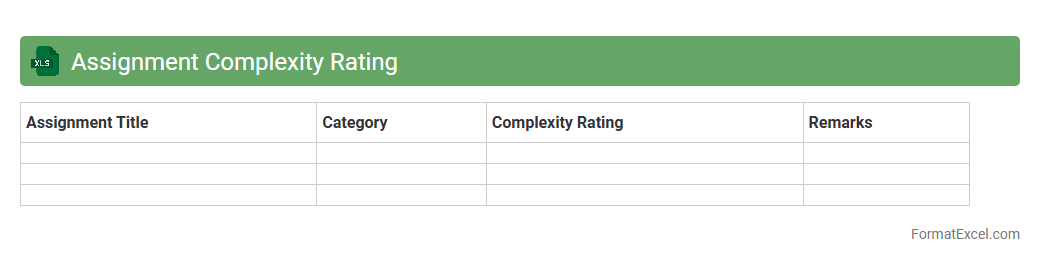
Assignment Complexity Rating
The
Assignment Complexity Rating Excel document quantifies the difficulty level of tasks based on specific criteria such as scope, resources required, and time constraints. It helps project managers allocate resources efficiently, prioritize assignments, and predict potential challenges in workflow. By providing a standardized complexity score, it enhances decision-making and improves project planning accuracy.
Introduction to Assignment Planner Formats
An assignment planner format is a structured layout designed to organize tasks efficiently. It helps students and professionals manage deadlines and prioritize work. Using a clear format ensures better time management and productivity.
Benefits of Using Excel for Assignment Planning
Excel offers a versatile platform with powerful tools for assignment management. Its grid layout makes entering, sorting, and filtering tasks easy and intuitive. Additionally, Excel supports formulas and conditional formatting for automated deadline tracking.
Essential Components of an Assignment Planner
A solid assignment planner should include columns like task name, due date, priority, status, and notes. These elements help users keep track of all aspects of their assignments. Incorporating a progress column is crucial for monitoring completion levels.
Step-by-Step Guide to Creating an Assignment Planner in Excel
Begin by opening a blank Excel worksheet and setting up headers for each essential component. Use data validation to create drop-down lists for statuses or priorities. Apply conditional formatting to highlight approaching deadlines for visual alerts.
Customizable Assignment Planner Templates in Excel
Many templates are readily available that can be tailored to specific needs and styles. Customization allows inclusion of extra fields such as project category or estimated time. Utilizing templates accelerates setup and ensures an effective personalized planner.
Key Excel Features for Enhanced Assignment Planning
Features like sorting and filtering facilitate easy organization of tasks by due date or priority. PivotTables provide insightful overviews on assignment statuses or workload distribution. Leveraging Excel's reminders via formulas helps maintain deadline awareness.
Best Practices for Organizing Assignments in Excel
Keep your planner updated regularly to reflect task progress and changes. Use consistent formatting and clear labels for easy navigation. Group similar assignments to streamline your workflow and increase task management efficiency.
Tracking Progress and Deadlines Effectively
Utilize progress bars or percentage completion indicators to visualize assignment maturity. Set reminders using Excel formulas or integration with calendar apps to avoid missed deadlines. This approach fosters disciplined time management and goal achievement.
Tips for Personalizing Your Excel Assignment Planner
Incorporate color coding to distinguish task priorities or subjects visually. Add personalized notes or motivational quotes to enhance engagement. Adjust layouts and fonts to suit your preferences for an engaging user experience.
Downloadable Sample Assignment Planner Excel Templates
Accessing ready-made templates saves time and provides inspiration for customization. Ensure to select templates compatible with your version of Excel and requirements. Many quality resources online offer free assignment planner templates for immediate use.