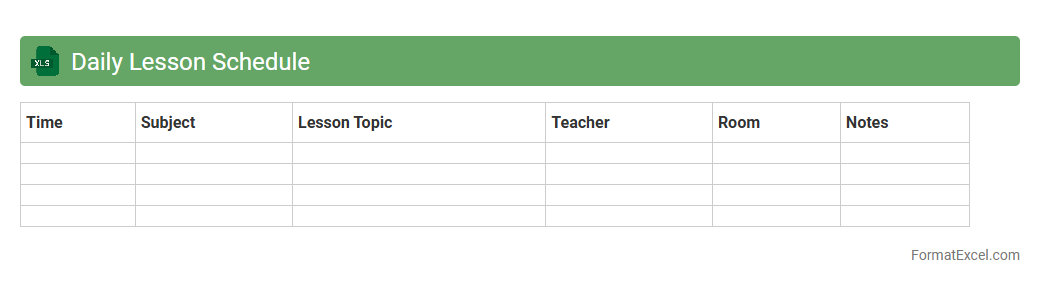
Daily Lesson Schedule
The
Daily Lesson Schedule Excel document organizes teaching plans by date, subject, and time, enabling educators to manage their classes efficiently. It provides a clear overview of lesson timing, topics, and resources, facilitating smooth transitions between activities and improving time management. This tool enhances productivity by ensuring all lessons are systematically planned and easily accessible for reference.
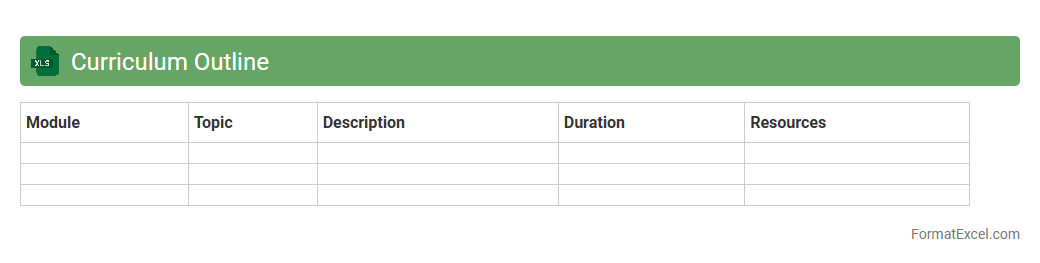
Curriculum Outline
A
Curriculum Outline Excel document serves as a structured template to organize and plan educational content, learning objectives, and assessment methods in a clear, tabular format. This tool enhances curriculum development by enabling easy updates, tracking progress, and ensuring alignment between instructional goals and outcomes. Its customizable nature supports efficient collaboration among educators and streamlines the management of course materials across academic terms.
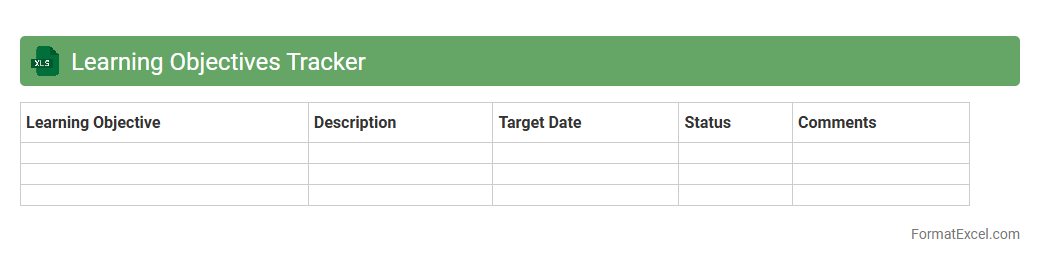
Learning Objectives Tracker
A
Learning Objectives Tracker Excel document is a structured tool designed to monitor and assess educational goals and progress. It allows educators and learners to clearly outline, track, and evaluate specific learning targets, ensuring alignment with curriculum standards and personal development plans. Utilizing this tracker enhances organization, identifies knowledge gaps, and supports timely interventions for improved academic outcomes.
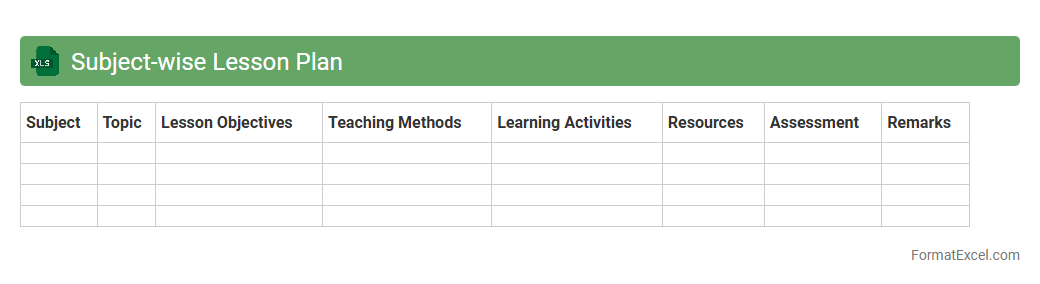
Subject-wise Lesson Plan
A
Subject-wise Lesson Plan Excel document organizes lesson content systematically by subjects, enabling teachers to manage curriculum schedules efficiently. It helps track lesson progress, ensures curriculum coverage, and facilitates easy updates or adjustments based on academic requirements. This structured tool enhances planning accuracy and improves overall classroom management for educational institutions.
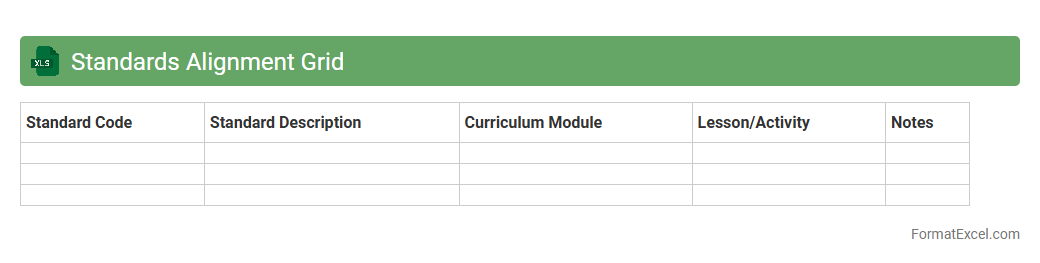
Standards Alignment Grid
The
Standards Alignment Grid Excel document organizes educational standards by subject, grade level, and specific learning objectives, enabling educators to track and align curriculum with required benchmarks effectively. It streamlines lesson planning, assessment design, and ensures compliance with state or national standards, enhancing instructional consistency. This tool supports data-driven decision-making by providing a clear overview of standards coverage and gaps, facilitating targeted interventions and curriculum improvements.
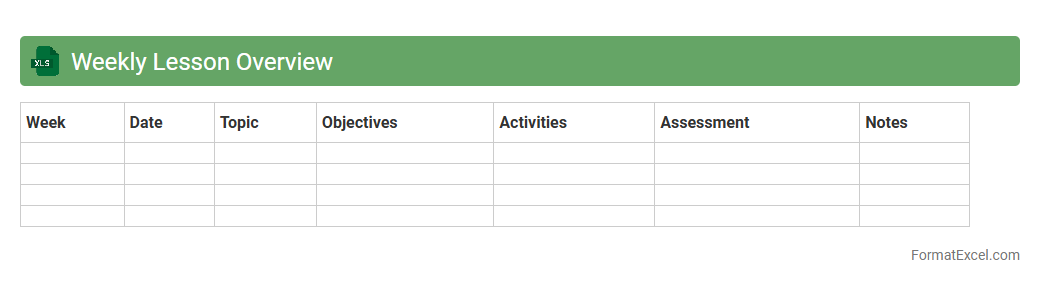
Weekly Lesson Overview
The
Weekly Lesson Overview Excel document is a structured tool designed to organize and track lesson plans, objectives, and activities on a weekly basis. It allows educators to clearly visualize the progression of curriculum, ensuring alignment with learning goals and standards while facilitating efficient time management. This document enhances lesson planning by providing a comprehensive snapshot of teaching content, assessment methods, and student engagement strategies in an accessible format.
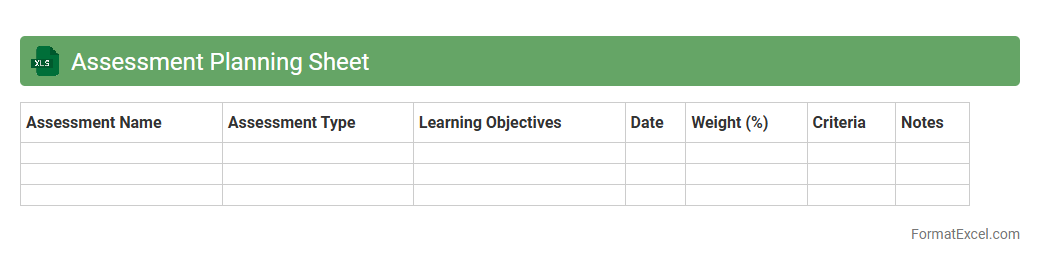
Assessment Planning Sheet
An
Assessment Planning Sheet Excel document is a structured tool designed to organize and schedule various assessment activities systematically. It allows educators and administrators to track assessment dates, criteria, and progress efficiently, ensuring alignment with learning objectives and deadlines. This sheet enhances clarity, accountability, and time management, making it easier to monitor student performance and plan subsequent instructional strategies effectively.
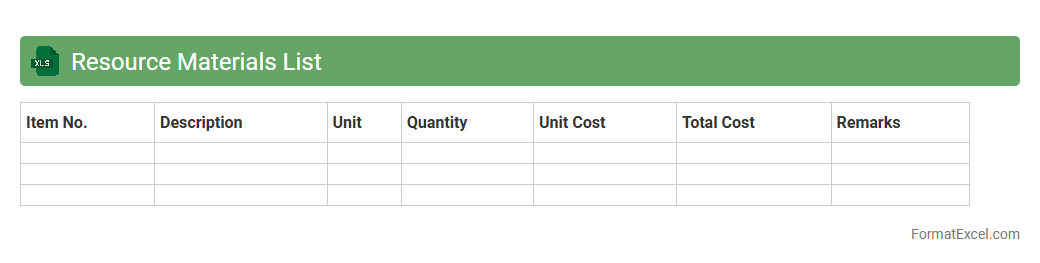
Resource Materials List
The
Resource Materials List Excel document organizes essential data about supplies, tools, and resources required for projects or operations, allowing for efficient tracking and management. This structured format enables users to quickly access quantities, costs, and specifications, enhancing budgeting accuracy and procurement planning. By centralizing material information, it supports streamlined communication among team members and reduces the risk of shortages or overstock.
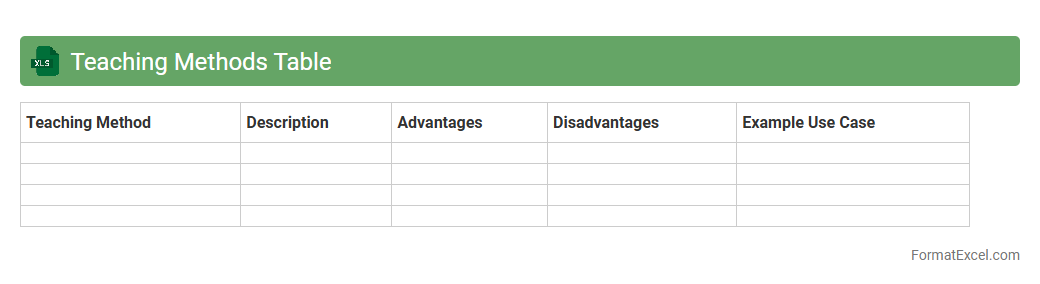
Teaching Methods Table
The
Teaching Methods Table Excel document organizes various instructional strategies into a clear, accessible format, enabling educators to compare and select methods based on effectiveness, subject relevance, and learner needs. It helps streamline lesson planning by categorizing techniques such as lectures, group discussions, and hands-on activities with corresponding benefits and implementation tips. This tool enhances instructional decision-making and promotes more efficient, targeted teaching approaches.
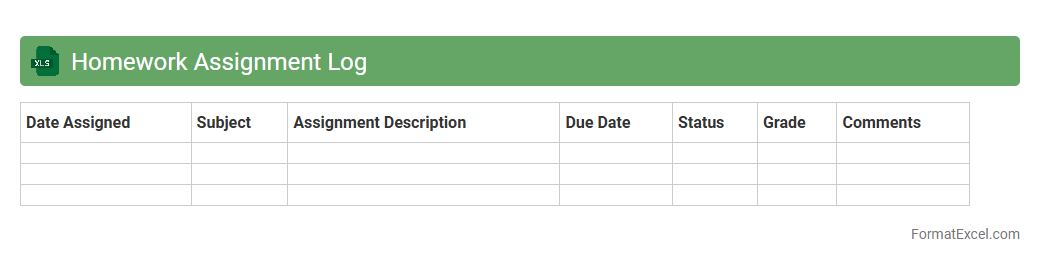
Homework Assignment Log
A
Homework Assignment Log Excel document is a structured digital tool that helps students and educators track assignments, due dates, and completion status efficiently. It enhances organization by providing a clear overview of academic responsibilities, reducing missed deadlines and improving time management. This log also facilitates easy updates and progress monitoring, making it indispensable for maintaining consistent academic performance.
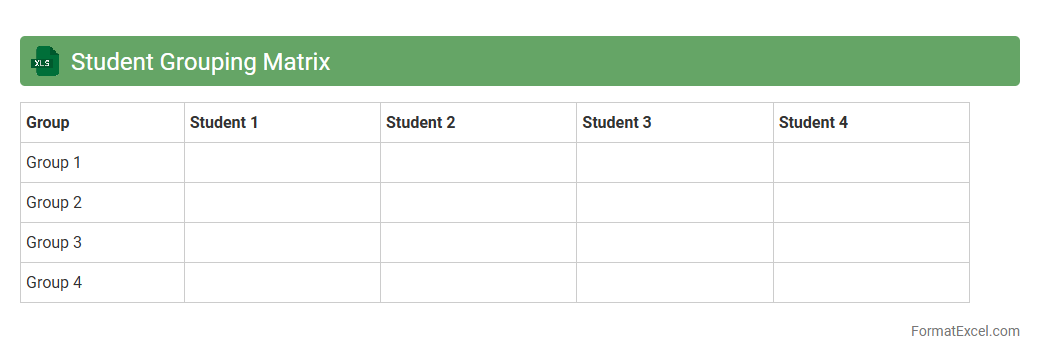
Student Grouping Matrix
The
Student Grouping Matrix Excel document is a tool designed to organize and analyze student data for effective group formation based on criteria like skill level, learning style, or project requirements. It enables educators to create balanced and diverse groups, enhancing collaboration and learning outcomes by ensuring each group has a mix of strengths and abilities. This matrix simplifies data management and decision-making, making student grouping more efficient and targeted.
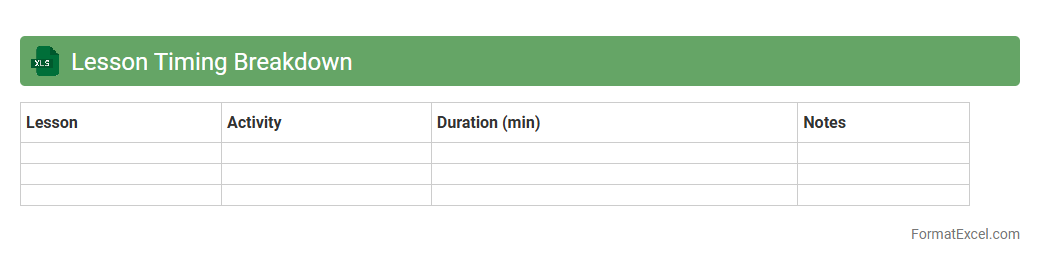
Lesson Timing Breakdown
The
Lesson Timing Breakdown Excel document provides a detailed schedule of lesson durations, helping educators and students manage time efficiently during study or teaching sessions. It breaks down each lesson into segments with precise start and end times, enabling better pacing and organization of the curriculum. This tool ensures that all topics are covered within the allotted timeframe, enhancing overall lesson effectiveness and productivity.
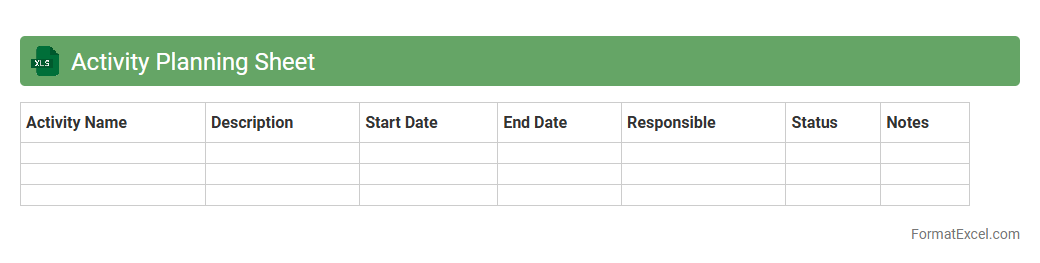
Activity Planning Sheet
An
Activity Planning Sheet Excel document is a structured tool designed to organize, schedule, and track tasks or projects efficiently. It enhances productivity by clearly outlining activities, deadlines, resources, and progress metrics, enabling better time management and resource allocation. This sheet is particularly useful for project managers, teams, and individuals aiming to streamline workflows and ensure timely completion of objectives.
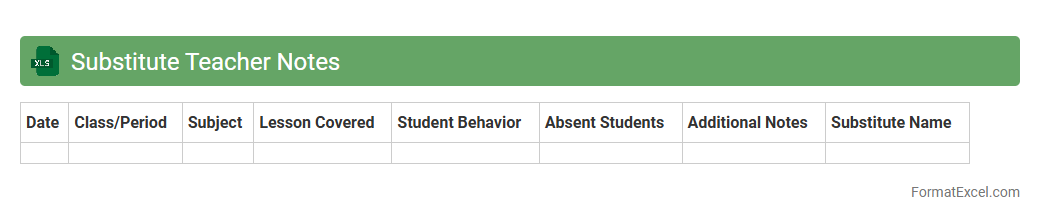
Substitute Teacher Notes
The
Substitute Teacher Notes Excel document is a structured tool designed to organize and store important classroom information for substitute teachers, including lesson plans, student behavior notes, and emergency procedures. It facilitates smooth communication between regular teachers and substitutes, ensuring continuity in teaching and minimizing disruptions during absences. This document enhances efficiency by providing quick access to essential details, helping substitutes manage the classroom effectively and maintain a productive learning environment.
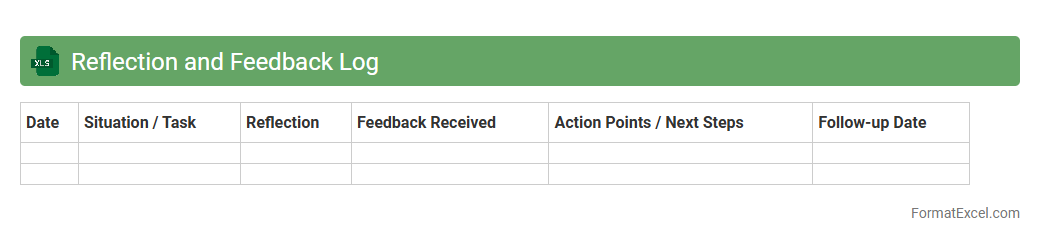
Reflection and Feedback Log
A
Reflection and Feedback Log Excel document serves as a structured tool to record and analyze personal insights and constructive feedback over time. It enables users to track progress, identify patterns, and enhance self-awareness by systematically documenting experiences and responses. This log is particularly useful for continuous improvement in professional development, learning processes, and performance evaluations.
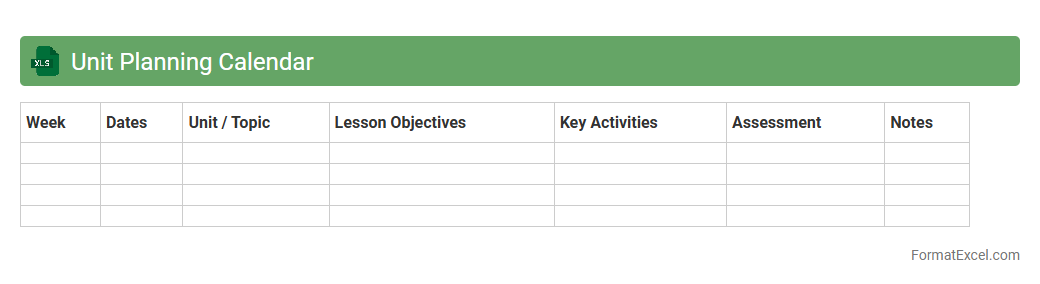
Unit Planning Calendar
The
Unit Planning Calendar Excel document serves as a structured tool to organize and schedule tasks, lessons, or project milestones within a specific timeframe. It enables efficient time management by clearly outlining deadlines, priorities, and dependencies, facilitating seamless coordination among team members. This calendar improves productivity and ensures consistent progress tracking, making it essential for educational planning, project management, and operational workflows.
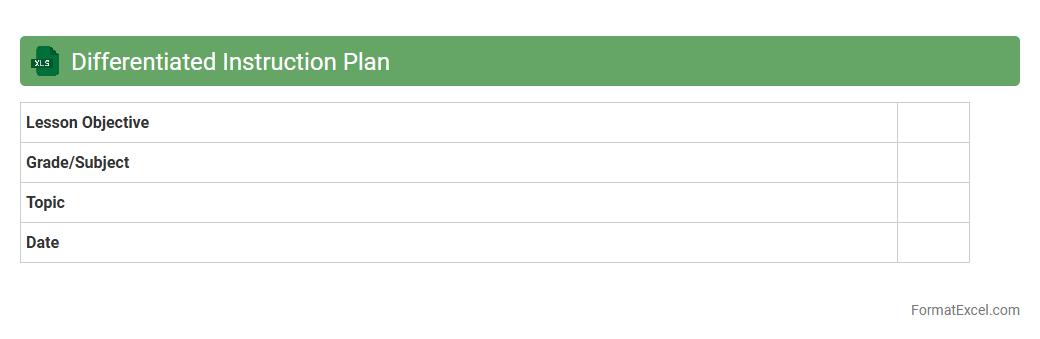
Differentiated Instruction Plan
A
Differentiated Instruction Plan Excel document is a structured tool designed to organize and customize teaching strategies to meet diverse student needs effectively. It allows educators to track individual learning goals, tailor lesson plans, and monitor progress systematically. This document enhances instructional planning by promoting personalized learning approaches, improving student engagement and academic outcomes.
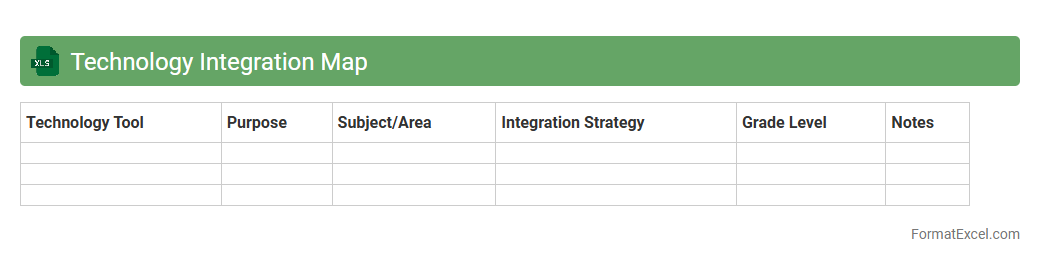
Technology Integration Map
The
Technology Integration Map Excel document is a comprehensive tool designed to help educators and organizations systematically incorporate technology into their teaching methodologies and workflows. It provides structured guidelines, competencies, and examples that align technology use with educational goals, enabling effective planning and assessment of technology adoption. This document is useful for tracking progress, identifying areas for improvement, and ensuring technology enhances learning outcomes rather than distracting from them.
Lesson Materials Checklist
The Lesson Materials Checklist Excel document is a
comprehensive organizational tool designed to track and manage all teaching resources effectively. It helps educators ensure that all necessary lesson components, such as handouts, multimedia files, and equipment, are prepared and accounted for before each class. Utilizing this checklist minimizes oversight, improves lesson planning efficiency, and supports a smooth, well-structured educational experience.
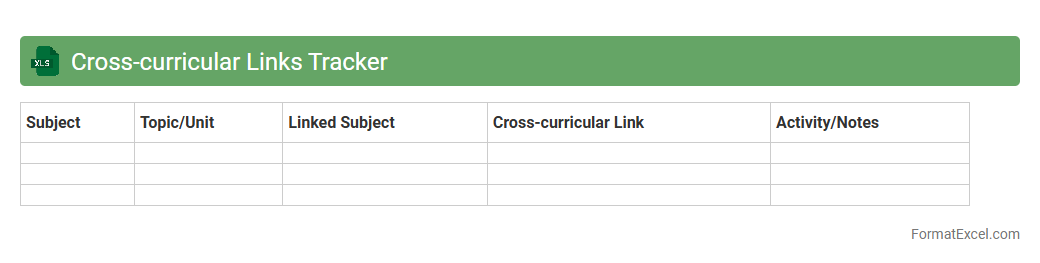
Cross-curricular Links Tracker
The
Cross-curricular Links Tracker Excel document is a tool designed to map and monitor connections between various subject areas within a curriculum, ensuring integrated and coherent learning experiences. It helps educators identify overlapping themes, skills, and knowledge, promoting interdisciplinary teaching and resource planning. This tracker enhances curriculum design, improves collaboration among teachers, and supports holistic student development by highlighting natural links across subjects.
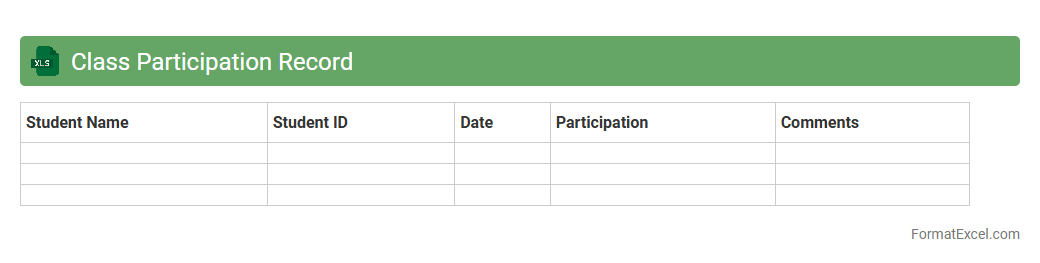
Class Participation Record
A
Class Participation Record Excel document is a structured spreadsheet used to track and evaluate student involvement during lessons, capturing data such as attendance, contributions, and punctuality. This tool helps educators monitor engagement levels, identify active or struggling students, and maintain consistent records for grading purposes. By organizing participation data efficiently, it enhances communication with students and parents regarding academic performance and classroom behavior.
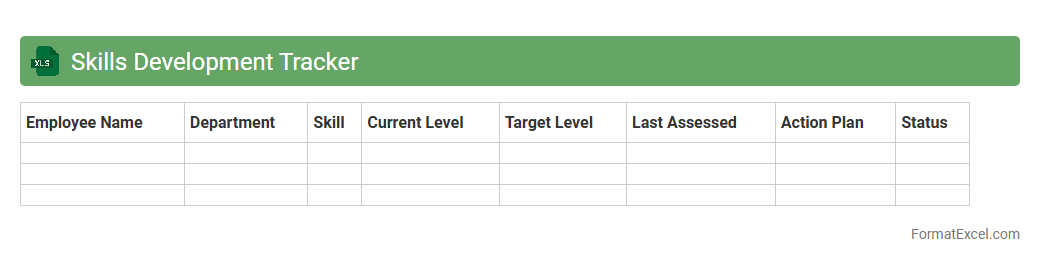
Skills Development Tracker
A
Skills Development Tracker Excel document is a dynamic tool designed to monitor and manage individual or team skill progress over time. It enables users to identify strengths, track learning objectives, and highlight areas needing improvement through organized data and visual charts. By providing clear insights into skill acquisition, this tracker supports targeted training and enhances overall workforce development strategies.
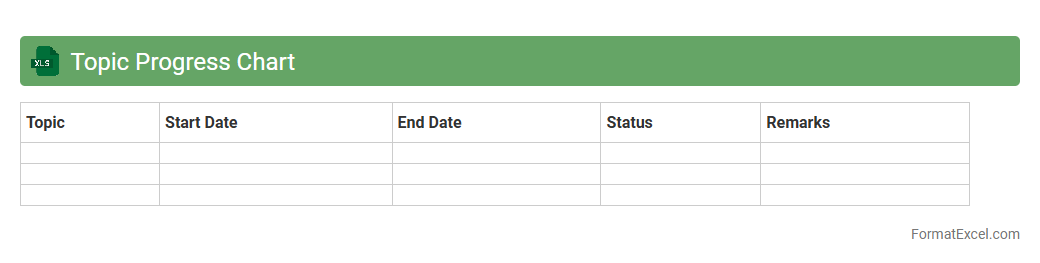
Topic Progress Chart
A
Topic Progress Chart Excel document visually tracks the advancement of various subjects or tasks, enabling efficient monitoring of completion status over time. It helps users identify areas that need improvement and allocate resources effectively to ensure deadlines are met. By organizing data into clear, color-coded segments, this chart simplifies progress assessment and enhances productivity in project management and learning environments.
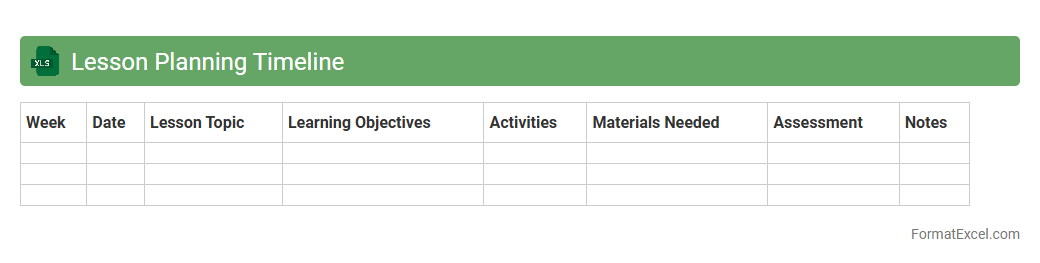
Lesson Planning Timeline
The
Lesson Planning Timeline Excel document is a structured tool designed to organize and schedule educational content across specific timeframes, helping educators systematically plan lessons. It enables the visualization of curriculum pacing, ensures alignment with learning objectives, and facilitates efficient time management. This document is essential for tracking progress, adjusting lesson delivery, and enhancing overall instructional effectiveness in diverse teaching environments.
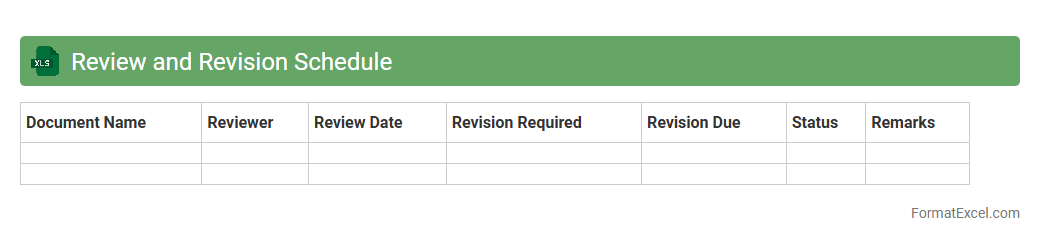
Review and Revision Schedule
A
Review and Revision Schedule Excel document is a structured tool used to organize and track the timing and progress of reviews and updates for projects, documents, or processes. It helps ensure that periodic assessments are conducted systematically, deadlines are met, and necessary revisions are recorded efficiently. Utilizing this schedule enhances project management by improving accountability, facilitating communication, and supporting continuous improvement through timely feedback and updates.
Introduction to Lesson Planner Formats
A lesson planner format organizes educational objectives, activities, and assessments systematically. It helps teachers create effective, structured lesson plans. Using standardized formats ensures consistency in lesson delivery.
Benefits of Using Excel for Lesson Planning
Excel offers powerful tools for lesson planning such as easy data entry, organization, and automatic calculations. It enhances flexibility in customizing schedules and resources. Teachers save time by managing lesson elements efficiently.
Essential Components of an Excel Lesson Planner
Key elements include lesson objectives, activities, materials, assessment methods, and timing. Including these ensures comprehensive planning and clarity. A well-defined Excel lesson planner supports smooth teaching flow.
Step-by-Step Guide to Creating a Lesson Planner in Excel
Start by setting up columns for date, topics, objectives, resources, and notes. Use rows to list each lesson or session sequentially. Applying formatting and formulas makes the planner interactive and user-friendly.
Key Features to Include in Your Excel Lesson Planner
Incorporate drop-down lists, color coding, and conditional formatting for quick reference. Tracking tools like progress bars and checkboxes enhance usability. These features improve the overall lesson planning process.
Customizing Excel Templates for Lesson Planning
Modify templates to fit your teaching style, subjects, and schedule. Customize fonts, colors, and layout for personal preferences and clarity. Customization makes the Excel template more effective and visually appealing.
Time Management and Scheduling in Excel Lesson Planners
Use Excel's time functions to allocate and track lesson durations accurately. Schedule lessons by dates and times to avoid overlaps and ensure coverage. Efficient time management improves classroom productivity.
Sample Lesson Planner Formats in Excel
Examples include weekly planners, daily lesson schedules, and unit planners. They provide templates that save time and demonstrate organization styles. Reviewing sample formats helps tailor your own planner.
Tips for Efficient Lesson Planning with Excel
Keep your planner simple but detailed enough for clarity. Regularly update and review plans for improvements. Utilize Excel shortcuts and templates for faster lesson planning.
Downloadable Excel Lesson Planner Templates
Free and paid templates are available online for immediate use. Choose templates compatible with your course requirements and device. Using downloadable lesson planner templates speeds up the planning process significantly.