Meeting Agenda Template
A
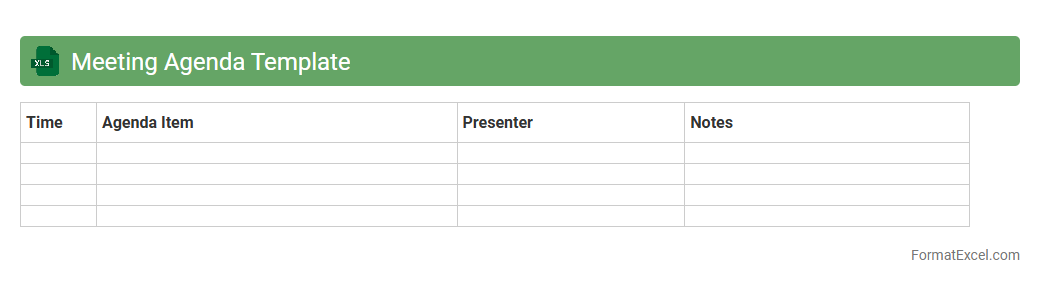
Meeting Agenda Template Excel document is a structured format designed to organize topics, time allocations, and participants for a meeting. It helps streamline preparation by clearly outlining discussion points and objectives, ensuring efficient time management and productive outcomes. Using this template enhances collaboration and keeps all attendees focused on key issues during the meeting.
Meeting Minutes Tracker
A
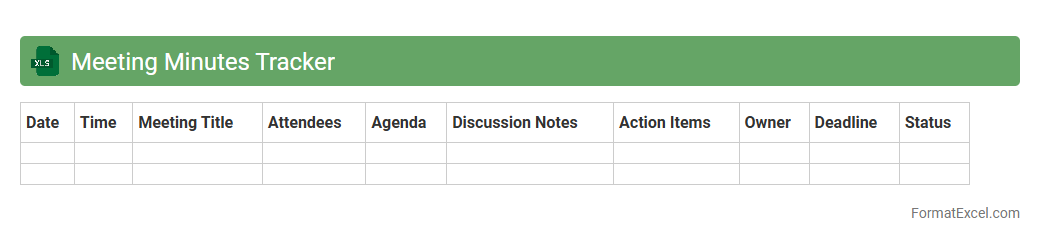
Meeting Minutes Tracker Excel document systematically records discussions, decisions, and action items from meetings, ensuring accurate documentation and easy retrieval. It enhances organization by providing a centralized place for tracking attendance, agenda topics, assigned tasks, and deadlines. This tool improves accountability, streamlines follow-ups, and supports better communication within teams or organizations.
Attendee Contact List
An
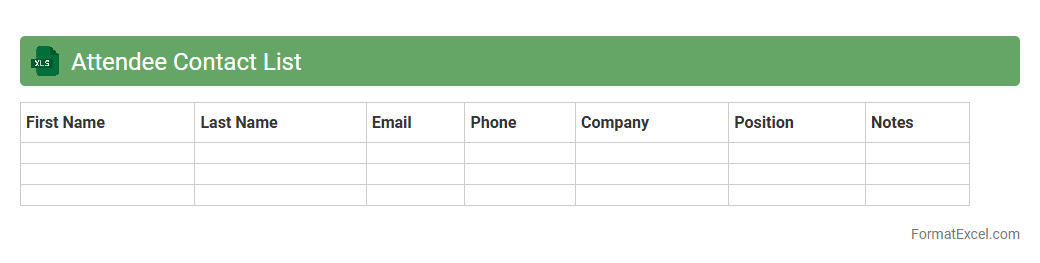
Attendee Contact List Excel document is a structured spreadsheet containing detailed information about event participants, including names, email addresses, phone numbers, and company affiliations. It serves as an essential tool for event organizers and marketers to efficiently communicate, follow up, and manage relationships with attendees. Utilizing this list enhances networking opportunities, streamlines post-event engagement, and supports data-driven marketing strategies.
Meeting Room Booking Schedule
A
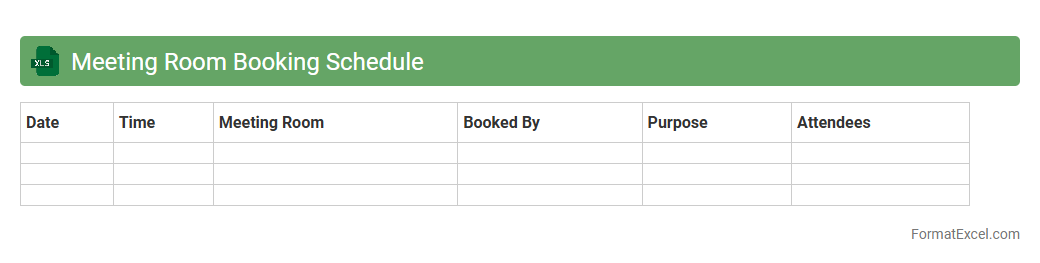
Meeting Room Booking Schedule Excel document is a digital tool designed to organize and manage room reservations efficiently by tracking availability, times, and user details. It helps prevent scheduling conflicts, optimizes space utilization, and ensures smooth coordination within offices or organizations. By providing clear visibility of room usage, it enhances productivity and streamlines administrative processes.
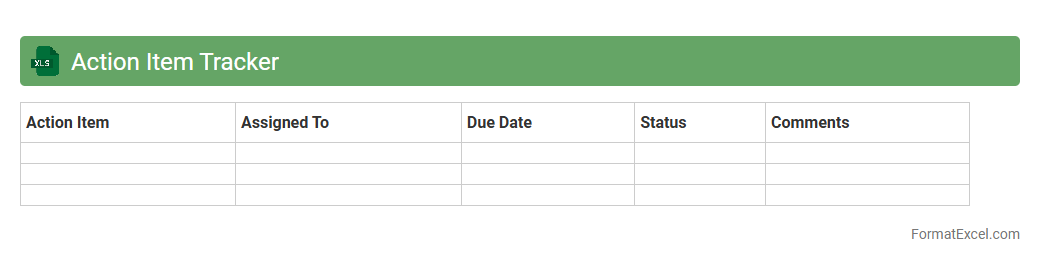
Action Item Tracker
An
Action Item Tracker Excel document is a powerful tool designed to organize, prioritize, and monitor tasks within projects or teams. It helps individuals and managers by providing a clear overview of responsibilities, deadlines, and progress, ensuring accountability and timely completion of assigned actions. This streamlined approach improves workflow efficiency and enhances collaboration by keeping all stakeholders informed and aligned.
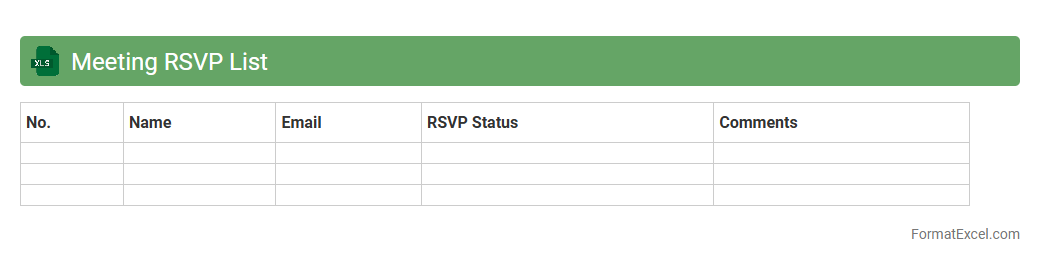
Meeting RSVP List
A
Meeting RSVP List Excel document is a structured spreadsheet used to track attendees' responses for an event or meeting, ensuring accurate headcount and organization. It helps organizers manage participant information, track confirmations, and plan logistics efficiently by consolidating response status in one accessible file. Utilizing this tool improves communication, reduces no-shows, and facilitates smoother event coordination.
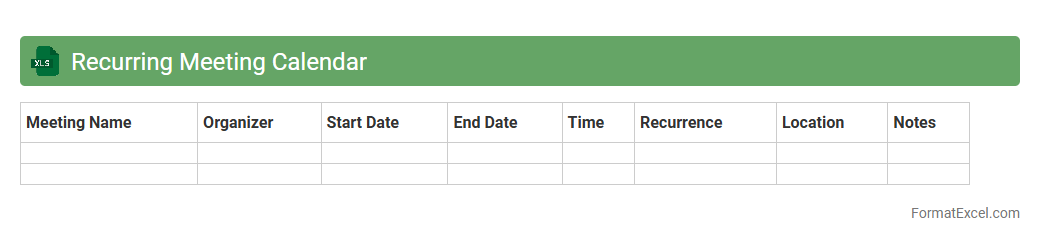
Recurring Meeting Calendar
A
Recurring Meeting Calendar Excel document is a tool designed to schedule and track repeating meetings efficiently. It helps users manage recurring appointments by automatically organizing dates, times, and agendas, reducing the risk of conflicts. This document enhances productivity by providing a clear overview of future meetings, ensuring timely preparation and consistent communication.
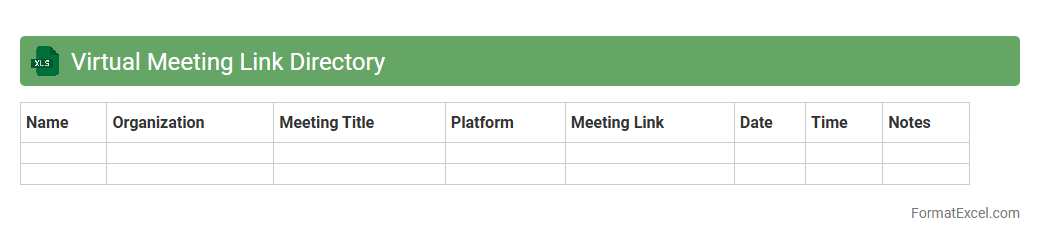
Virtual Meeting Link Directory
A
Virtual Meeting Link Directory Excel document is a centralized spreadsheet that organizes and stores URLs for various online meetings, allowing easy access and management. It improves productivity by providing a quick reference to virtual meeting links, reducing the time spent searching through emails or messages. This tool is especially valuable for teams and organizations that conduct frequent remote meetings across multiple platforms.
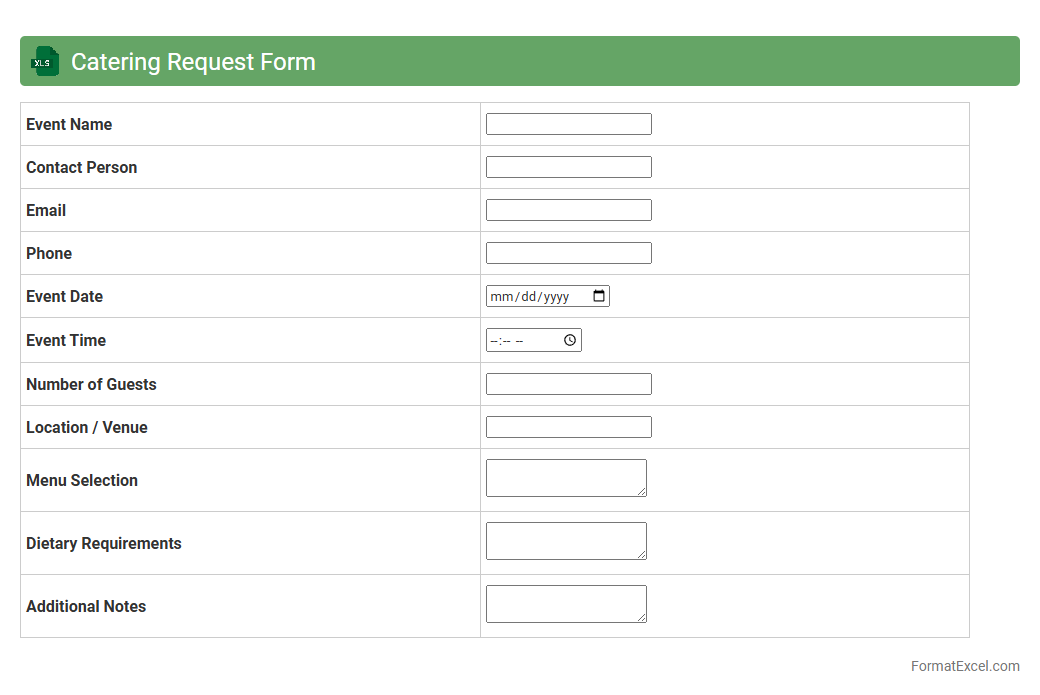
Catering Request Form
A
Catering Request Form Excel document is a structured template designed to capture detailed information about food and beverage requirements for events or meetings. It streamlines the ordering process by organizing data such as menu selections, quantities, event dates, and special dietary needs in a clear, easily accessible format. This tool enhances communication between clients and catering teams, reduces errors, and improves efficiency in planning and delivering catering services.
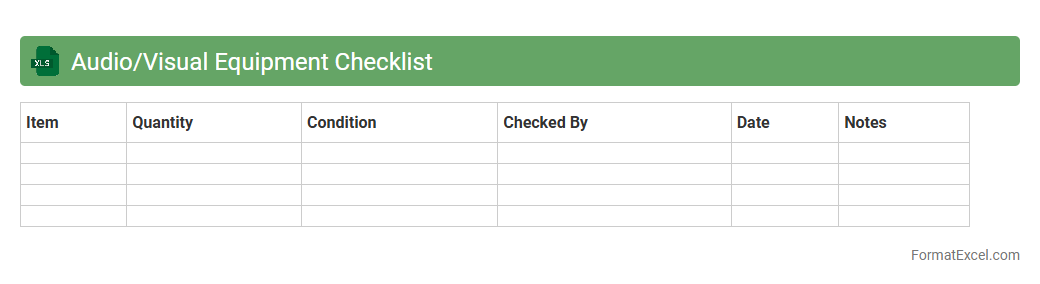
Audio/Visual Equipment Checklist
An
Audio/Visual Equipment Checklist Excel document is a comprehensive tool designed to organize and track all audio and visual gear needed for events or productions. It helps ensure that essential items such as microphones, speakers, projectors, and cables are accounted for, reducing the risk of missing equipment during setup. This checklist streamlines event preparation, enhances efficiency, and minimizes technical issues for smoother presentations.
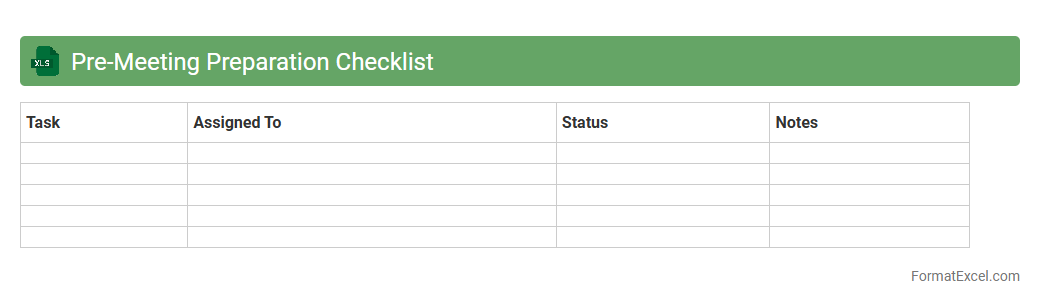
Pre-Meeting Preparation Checklist
A
Pre-Meeting Preparation Checklist Excel document is a structured tool designed to organize and track all essential tasks before a meeting, ensuring nothing important is overlooked. It helps streamline agenda creation, confirm participant availability, gather necessary documents, and set clear objectives for a more productive meeting outcome. By using this checklist, teams can enhance efficiency, reduce meeting times, and improve overall communication and decision-making processes.
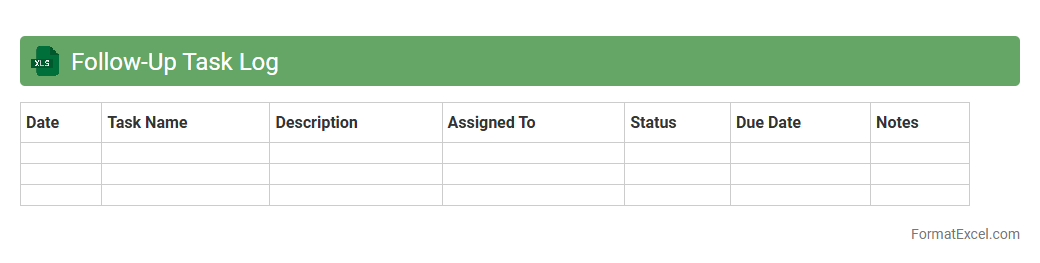
Follow-Up Task Log
A
Follow-Up Task Log Excel document is a structured tool designed to track and manage ongoing tasks systematically. It allows users to record task details, deadlines, assigned personnel, and status updates, ensuring no important action items are overlooked. This log enhances productivity by providing clear visibility into progress and helping prioritize follow-ups effectively.
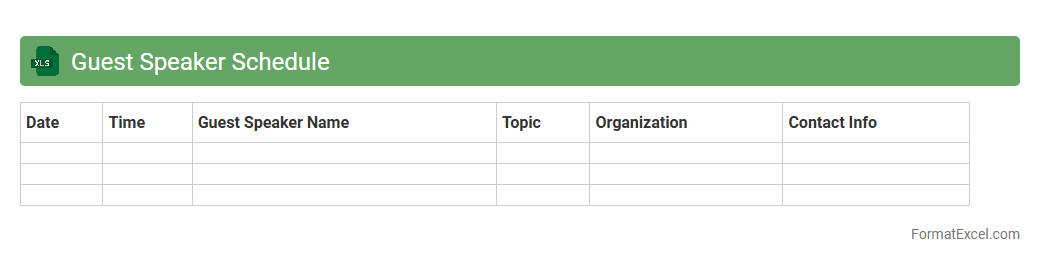
Guest Speaker Schedule
The
Guest Speaker Schedule Excel document organizes and tracks speaker engagements, including dates, times, topics, and contact information, streamlining event planning and coordination. It enhances communication among organizers, ensures timely updates, and helps avoid scheduling conflicts by providing a clear overview of all guest appearances. This tool is essential for managing multiple events efficiently and maintaining professional relationships with speakers.
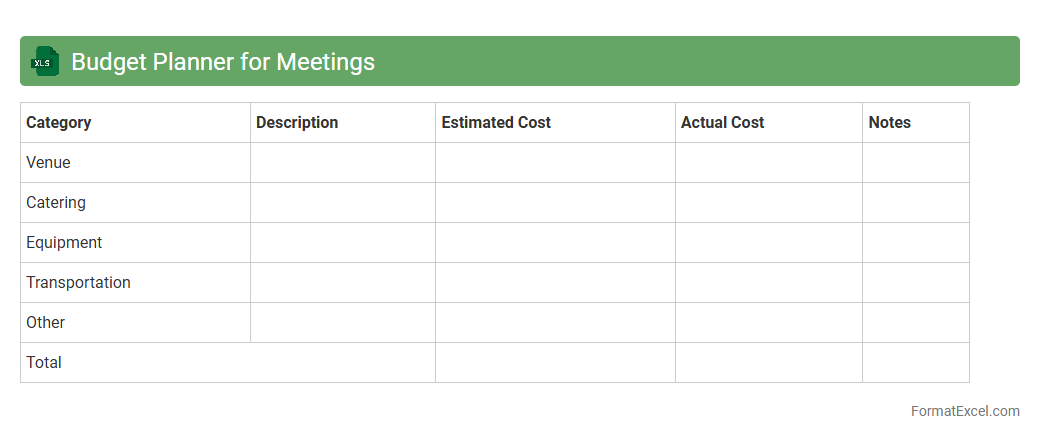
Budget Planner for Meetings
The
Budget Planner for Meetings Excel document is a tool designed to efficiently organize and track all expenses related to meeting planning, including venue costs, catering, and equipment rentals. It helps users manage spending by providing clear visibility into budget allocation and actual expenditures, ensuring financial control and preventing overspending. This planner streamlines the financial planning process, making it easier to justify costs and optimize resource allocation for successful meetings.
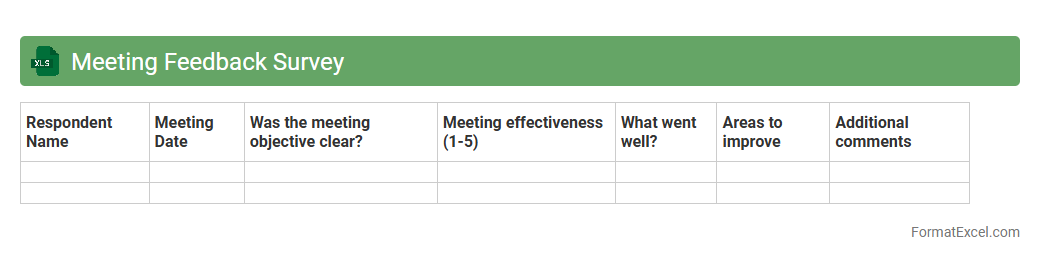
Meeting Feedback Survey
A
Meeting Feedback Survey Excel document is a structured spreadsheet designed to collect and analyze participants' opinions and experiences regarding meetings. It enables organizations to gather quantitative and qualitative data, facilitating improvements in meeting effectiveness, engagement, and productivity. By systematically tracking feedback, teams can identify trends, address concerns, and enhance overall communication strategies.
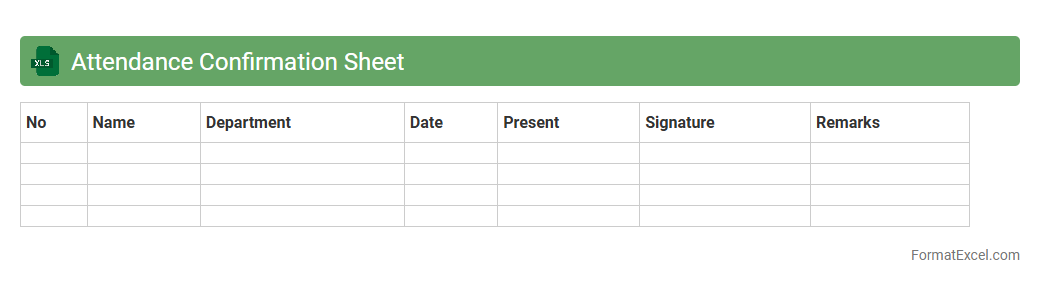
Attendance Confirmation Sheet
An
Attendance Confirmation Sheet Excel document is a structured tool designed to accurately record and verify the presence of individuals in meetings, classes, or events. It streamlines the process of tracking attendance by providing clear columns for names, dates, and signatures, ensuring accountability and easy reference. This document is invaluable for organizations aiming to maintain organized records, monitor participation rates, and enhance administrative efficiency.
Presentation Schedule
A
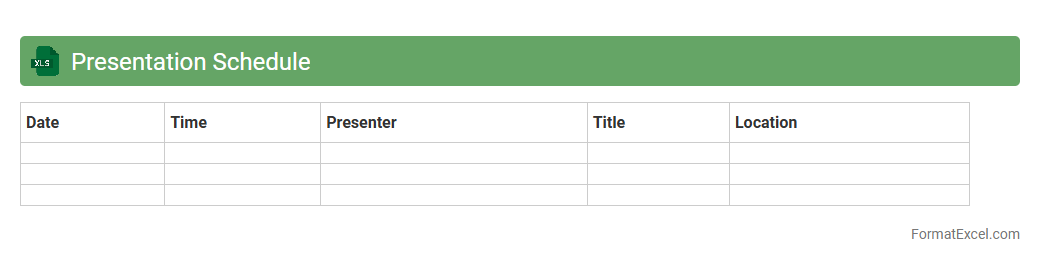
Presentation Schedule Excel document organizes and tracks the timing, topics, and presenters for multiple presentations in a clear, structured format. It helps ensure smooth coordination, avoid overlaps, and maintain time management during events or meetings. By providing an easy-to-update and shareable tool, it enhances collaboration and boosts overall productivity.
Time Zone Converter
A
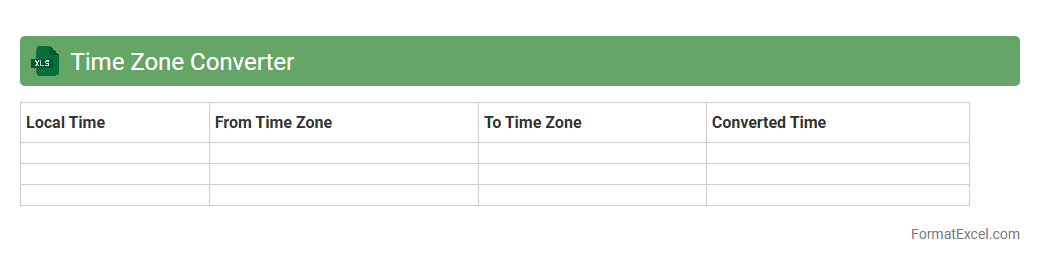
Time Zone Converter Excel document is a digital tool designed to quickly and accurately convert times between different global time zones. This tool helps businesses and individuals coordinate meetings, deadlines, and events across various regions without confusion. It streamlines scheduling by providing clear, error-free time comparisons, enhancing productivity and communication.
Meeting Supplies Inventory
A
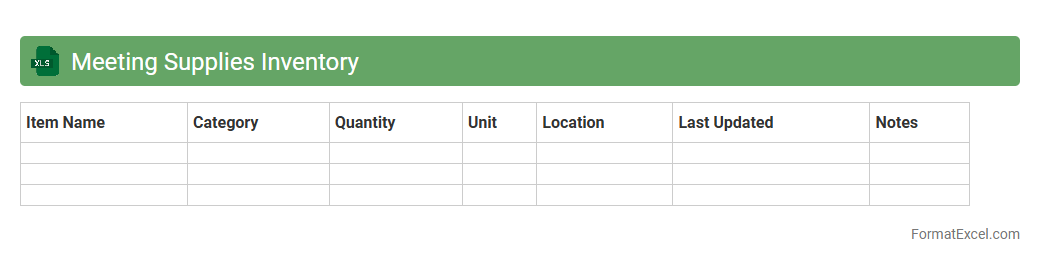
Meeting Supplies Inventory Excel document is a comprehensive spreadsheet that tracks and manages all necessary materials required for meetings, such as stationery, technology equipment, and refreshments. It helps organizations monitor stock levels, avoid shortages, and streamline the procurement process. Using this inventory tool ensures efficient resource allocation and prepares teams for successful, well-equipped meetings.
Breakout Session Assignment Sheet
The
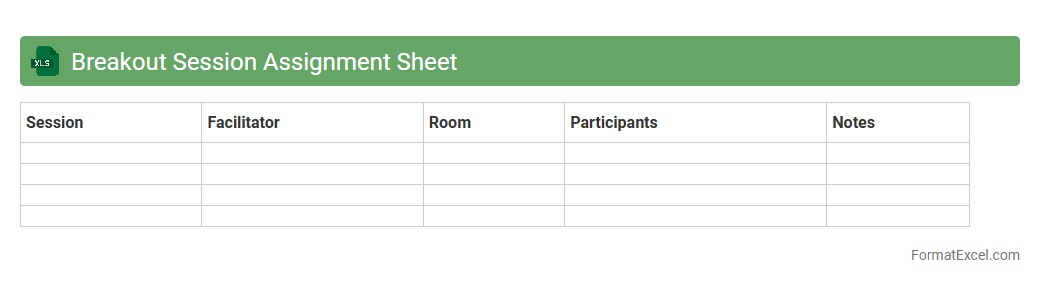
Breakout Session Assignment Sheet Excel document organizes participant names, session topics, and schedules into a clear, accessible format, simplifying event management. It enables efficient tracking of attendees' group assignments during workshops or conferences, reducing confusion and enhancing coordination. By streamlining session planning, this tool improves communication among organizers and ensures smooth execution of breakout activities.
Parking/Transport Arrangement List
The
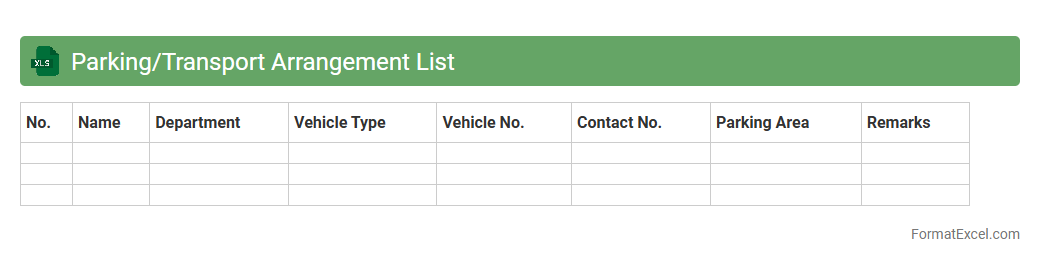
Parking/Transport Arrangement List Excel document organizes detailed information about vehicle parking slots, transport schedules, and assigned personnel for easy reference and management. It streamlines logistics by providing clear visibility of resource allocation, optimizing space usage, and reducing scheduling conflicts in busy environments. This document enhances efficiency in coordinating transportation and parking needs, ensuring smooth operational flow.
Conflict Resolution Log
A
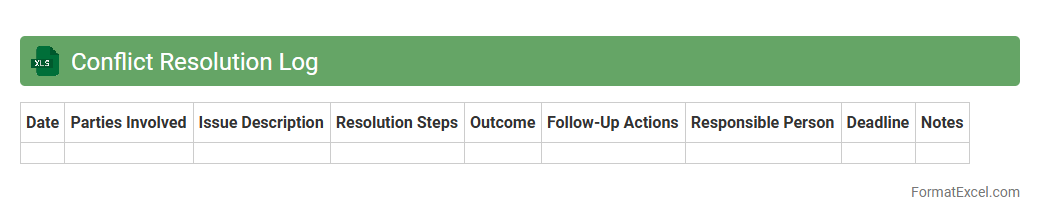
Conflict Resolution Log Excel document is a structured tool designed to track and manage disputes within an organization or project, documenting the nature of conflicts, involved parties, resolutions, and follow-up actions. This log enhances transparency and accountability by creating a centralized record that helps identify recurring issues and supports data-driven decision-making for improving team dynamics. Using this tool effectively aids in timely conflict resolution, minimizes misunderstandings, and promotes a collaborative work environment.
Meeting Evaluation Form
A
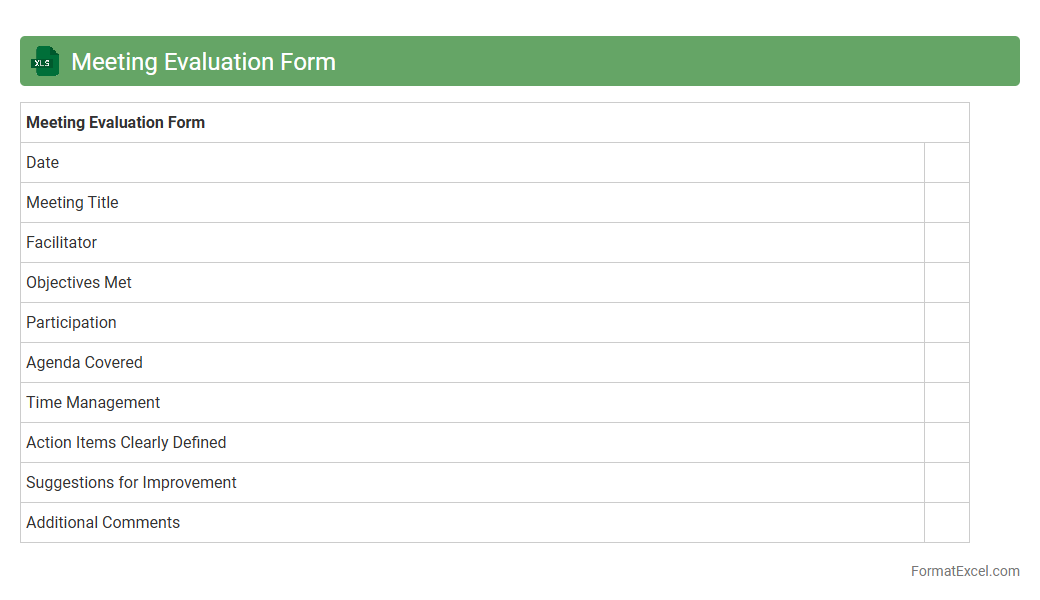
Meeting Evaluation Form Excel document is a structured tool designed to collect feedback on various aspects of a meeting, such as content, organization, and participant engagement. It helps organizations assess the effectiveness of meetings by analyzing participant responses and identifying areas for improvement. Using this form streamlines the feedback process, promotes accountability, and enhances future meeting productivity and participant satisfaction.
Decision Log
A
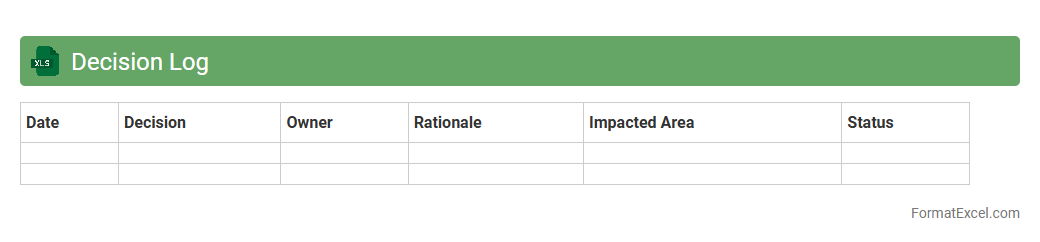
Decision Log Excel document is a structured spreadsheet used to record and track key decisions made during projects or meetings, ensuring transparency and accountability. It provides a centralized location to document decision details, responsible parties, dates, and outcomes, which facilitates better collaboration and informed future referencing. This tool helps teams avoid miscommunication, maintain project alignment, and improve overall decision-making efficiency.
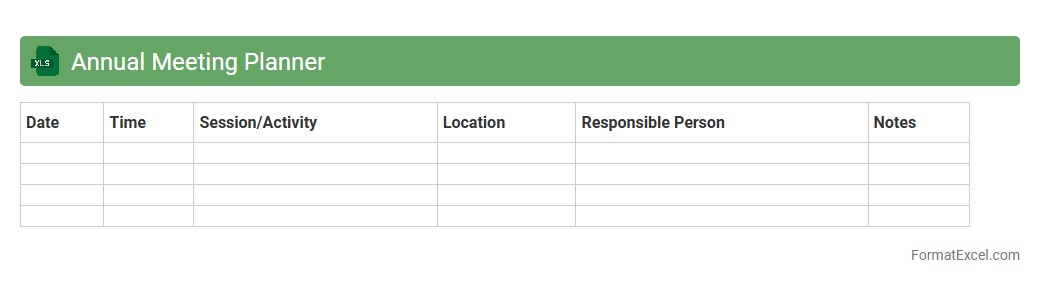
Annual Meeting Planner
An
Annual Meeting Planner Excel document is a structured spreadsheet designed to organize and track the logistics, schedules, and budgets of yearly meetings or conferences. It helps users streamline event planning by providing clear timelines, task assignments, and expense monitoring, ensuring no detail is overlooked. This tool enhances productivity and communication among team members, making event management more efficient and less prone to errors.
Introduction to Meeting Planner Format in Excel
The Meeting Planner Format in Excel is a powerful tool designed to organize and streamline the scheduling of meetings. It helps users manage dates, times, agendas, and participant lists effectively.
Key Features of an Effective Meeting Planner
An effective meeting planner should include clear time slots, agenda details, participant names, and status updates. The ability to track and update information in real-time is essential for smooth coordination.
Essential Columns for Your Excel Meeting Planner
Important columns include Date, Time, Meeting Title, Participants, Location, and Action Items. These columns ensure comprehensive tracking of all meeting aspects in one place.
Step-by-Step Guide to Creating a Meeting Planner in Excel
Start by creating a table with headers for each meeting detail, then input data for each meeting instance. Use Excel's formatting and conditional formatting features to highlight important dates and statuses.
Customizing Your Meeting Planner Template
Adjust column sizes, add dropdown lists for participant names, and set conditional formatting for overdue meetings. Customization helps tailor the planner to fit your unique scheduling needs.
Time Management Using Excel Meeting Planner
Leverage the planner to allocate specific time slots and avoid scheduling conflicts. Efficient time management reduces overlaps and boosts meeting productivity.
Tips for Automating Meeting Reminders in Excel
Use Excel formulas and macros to trigger alerts for upcoming meetings. Leveraging automation helps ensure no meetings are missed and participants stay informed.
Best Practices for Collaborating on Meeting Schedules
Share the Excel planner via cloud services like OneDrive or SharePoint for real-time updates. Good collaboration practices include keeping the planner accessible and editable by all stakeholders.
Free Downloadable Meeting Planner Excel Templates
Explore various free templates online suited for different meeting types and sizes. These templates save time and provide a solid foundation for meeting planning tasks.
Frequently Asked Questions about Excel Meeting Planners
Common questions include how to integrate Outlook calendars or customize templates. Understanding Excel's features can maximize the planner's effectiveness and ease of use.