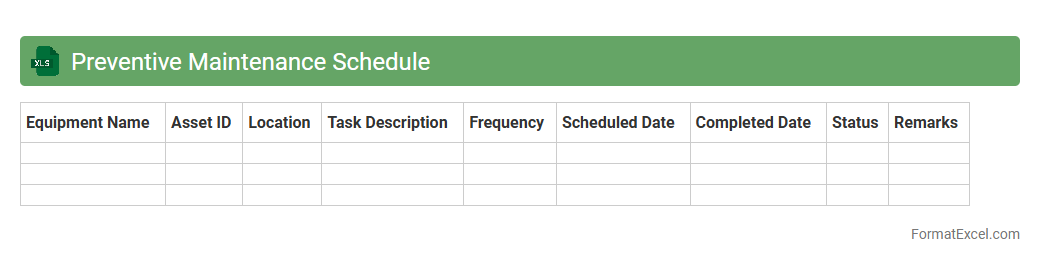
Preventive Maintenance Schedule
A
Preventive Maintenance Schedule Excel document is a structured spreadsheet that outlines planned maintenance tasks for equipment and machinery to prevent unexpected breakdowns. It helps organizations track service intervals, assign responsibilities, and document completed activities, ensuring operational efficiency and reducing downtime. Utilizing this tool enables proactive asset management and extends the lifespan of critical equipment.
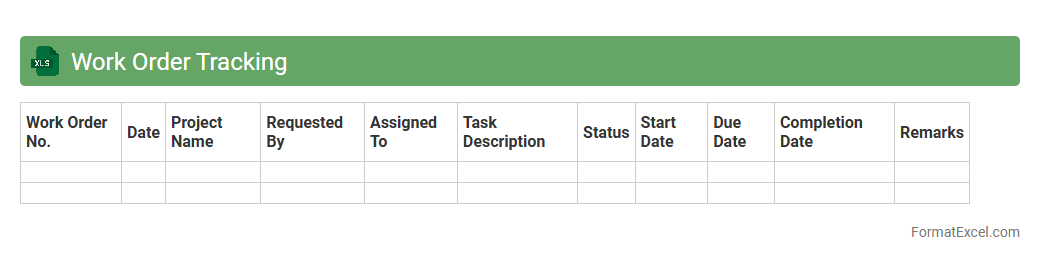
Work Order Tracking
A
Work Order Tracking Excel document is a powerful tool designed to monitor, manage, and organize work orders efficiently within any business operation. It allows users to keep detailed records of job status, deadlines, assigned personnel, and resources used, improving workflow transparency and accountability. By providing real-time updates and easy access to work order information, it enhances productivity and minimizes errors in project execution.
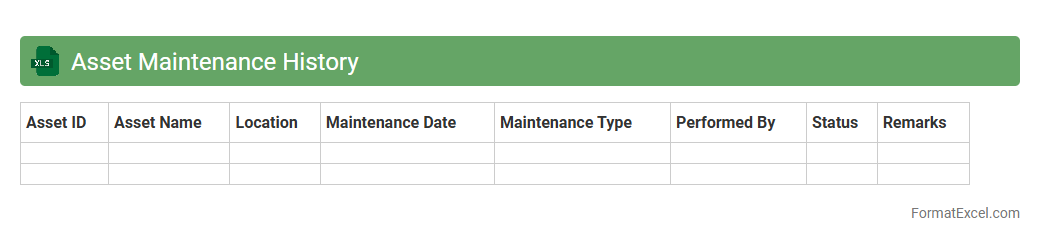
Asset Maintenance History
An
Asset Maintenance History Excel document systematically records all maintenance activities performed on equipment, including dates, types of service, and costs. This organized data enables efficient tracking of asset performance and helps predict future maintenance needs, reducing downtime and extending asset lifespan. It supports informed decision-making by providing a clear overview of maintenance trends and expenditure for budgeting and operational planning.
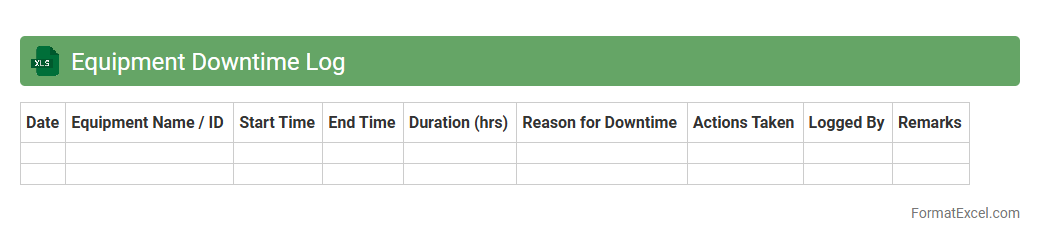
Equipment Downtime Log
An
Equipment Downtime Log Excel document tracks machinery or equipment stoppages, capturing details such as duration, reasons, and impact on production. This log enables identification of frequent issues, supports maintenance scheduling, and improves operational efficiency by minimizing unexpected downtimes. Using this data-driven approach enhances decision-making and helps reduce overall maintenance costs.
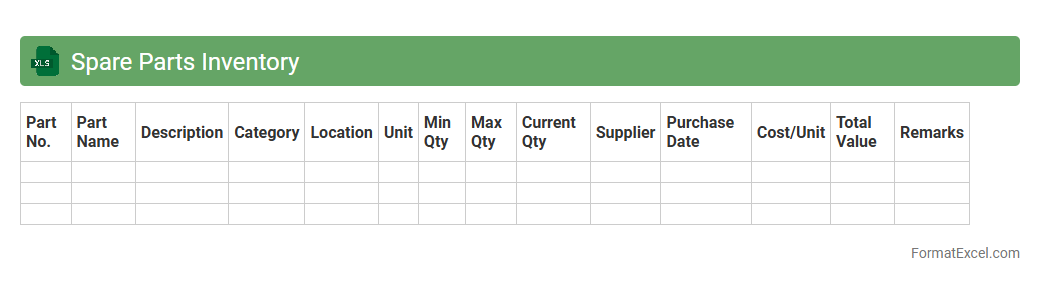
Spare Parts Inventory
A
Spare Parts Inventory Excel document is a structured spreadsheet used to track, manage, and organize spare parts for machinery or equipment. It helps businesses maintain optimal stock levels, prevent downtime due to part shortages, and streamline procurement processes. By providing clear visibility into available quantities, reorder points, and historical usage, this tool enhances inventory control and operational efficiency.
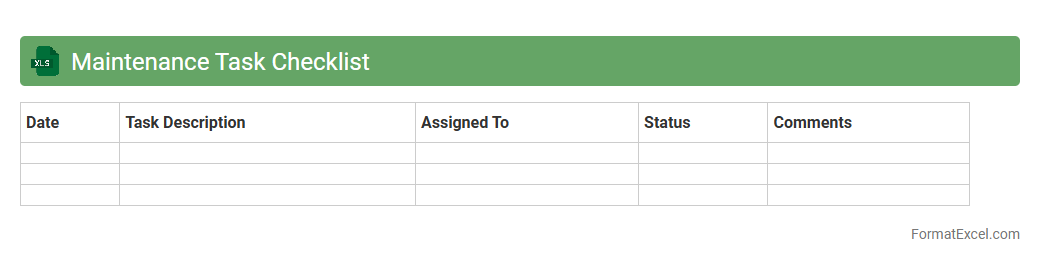
Maintenance Task Checklist
A
Maintenance Task Checklist Excel document is a structured spreadsheet designed to organize and track routine maintenance activities for equipment, facilities, or systems. It enhances productivity by ensuring all tasks are systematically recorded, scheduled, and completed on time, reducing equipment downtime and preventing costly repairs. This tool supports maintenance teams in prioritizing tasks, maintaining compliance with safety standards, and facilitating detailed reporting and analysis for continuous improvement.
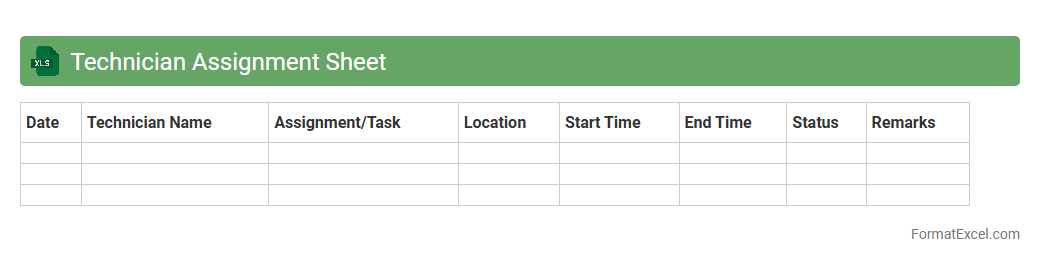
Technician Assignment Sheet
The
Technician Assignment Sheet Excel document is a structured tool designed to organize and track technician schedules, tasks, and assignments efficiently. It helps managers allocate resources effectively, monitor progress, and ensure timely completion of maintenance or service jobs. Using this sheet improves operational productivity and enhances communication within technical teams.
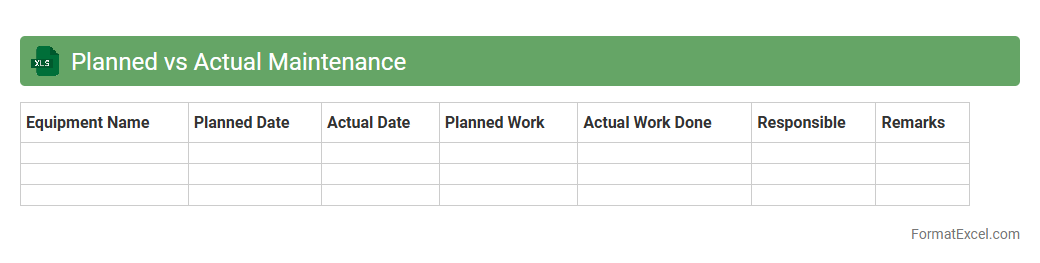
Planned vs Actual Maintenance
The
Planned vs Actual Maintenance Excel document tracks scheduled maintenance tasks against the maintenance work actually performed, allowing for precise monitoring of maintenance efficiency and adherence to timelines. It helps identify discrepancies between planned activities and actual execution, enabling better resource allocation and minimizing downtime. This tool is essential for improving maintenance workflows, reducing operational costs, and enhancing equipment reliability in industrial or facility management contexts.
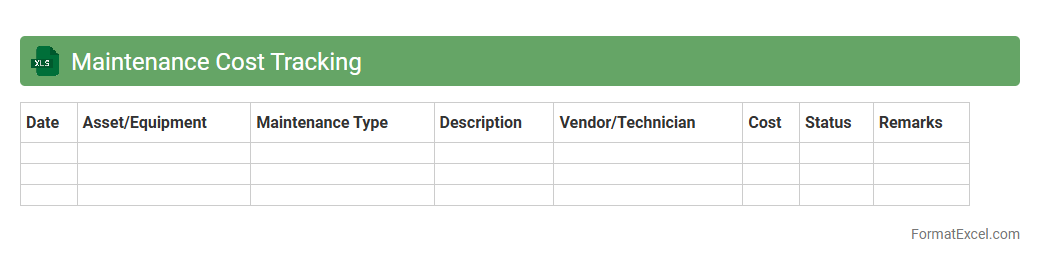
Maintenance Cost Tracking
Maintenance Cost Tracking Excel document is a powerful tool designed to record, monitor, and analyze expenses related to equipment, facilities, or vehicle upkeep. It enables organizations to identify spending patterns, forecast future maintenance budgets, and allocate resources efficiently, thereby reducing unexpected breakdowns and costly repairs. Using this tool improves overall operational efficiency and supports strategic planning by providing detailed insights into maintenance expenditures.
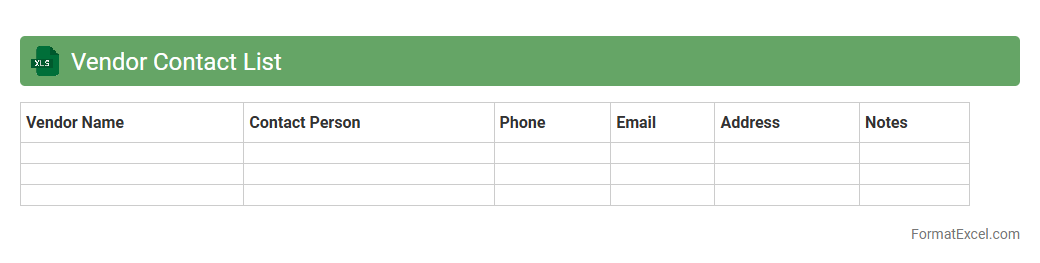
Vendor Contact List
A
Vendor Contact List Excel document is a centralized spreadsheet that stores detailed information about suppliers, including company names, contact persons, phone numbers, email addresses, and service details. It streamlines communication, making it easier to quickly reach the right vendor for procurement, negotiation, or support purposes. This organized format enhances efficiency, reduces delays, and improves vendor relationship management across projects and departments.
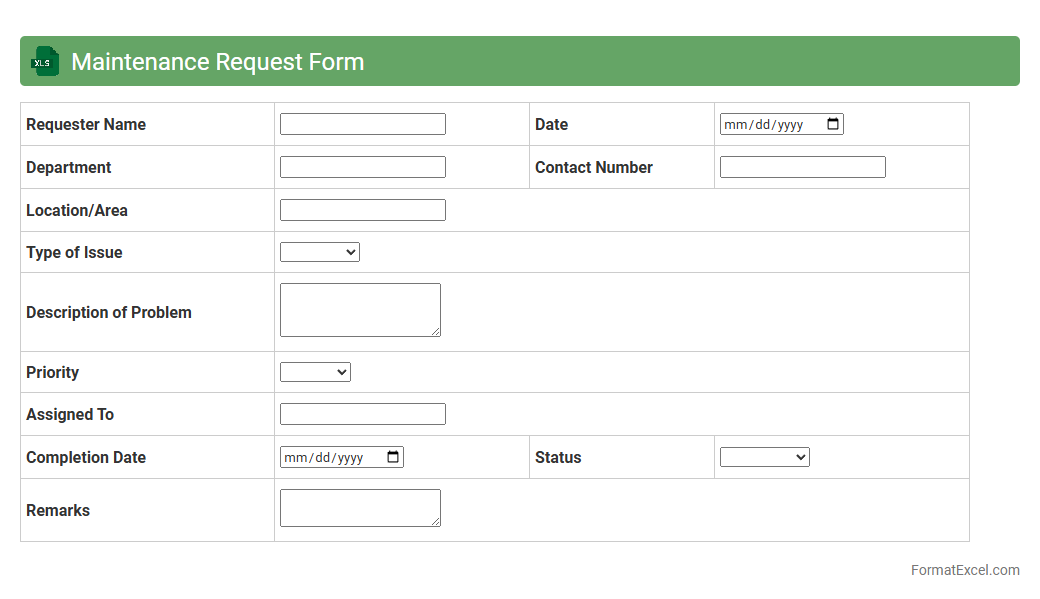
Maintenance Request Form
A
Maintenance Request Form Excel document is a structured digital template designed to record, track, and manage maintenance issues within facilities or equipment. It streamlines communication between staff and maintenance teams, ensuring timely reporting and resolution of issues to minimize downtime. The form facilitates organized data collection, enabling efficient prioritization and resource allocation for maintenance tasks.
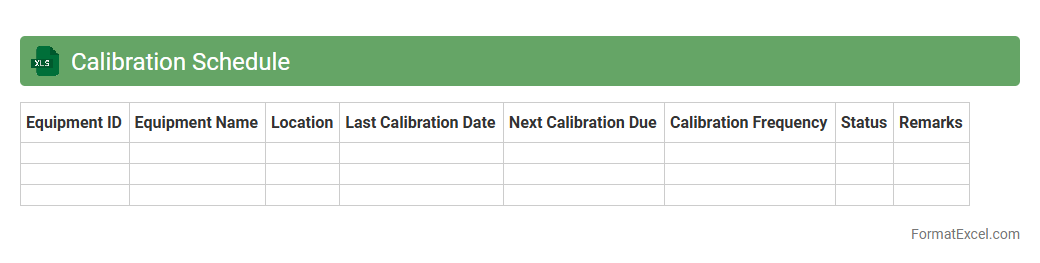
Calibration Schedule
A
Calibration Schedule Excel document is a structured tool used to track and manage the calibration dates and status of various instruments and equipment. It helps ensure timely maintenance, adherence to industry standards, and minimizes downtime by providing a clear overview of upcoming calibration tasks. Using this document improves accuracy, compliance, and operational efficiency in quality control processes.
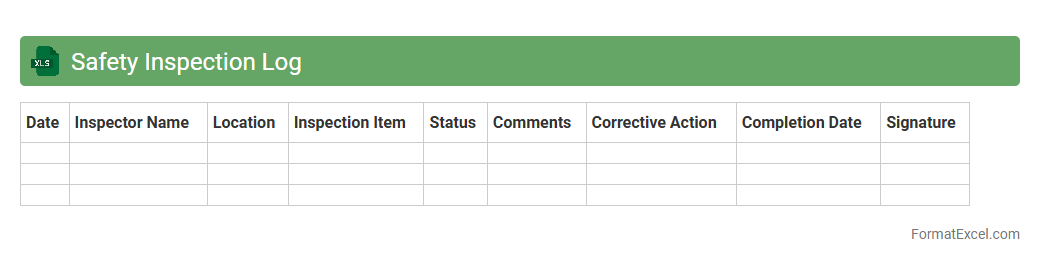
Safety Inspection Log
A
Safety Inspection Log Excel document is a structured spreadsheet used to systematically record and track safety inspections, hazards, and corrective actions in the workplace. It helps organizations maintain compliance with safety regulations, identify potential risks early, and ensure timely follow-up on safety issues. The log enhances workplace safety management by providing clear documentation and easy access to historical inspection data for audits and continuous improvement.
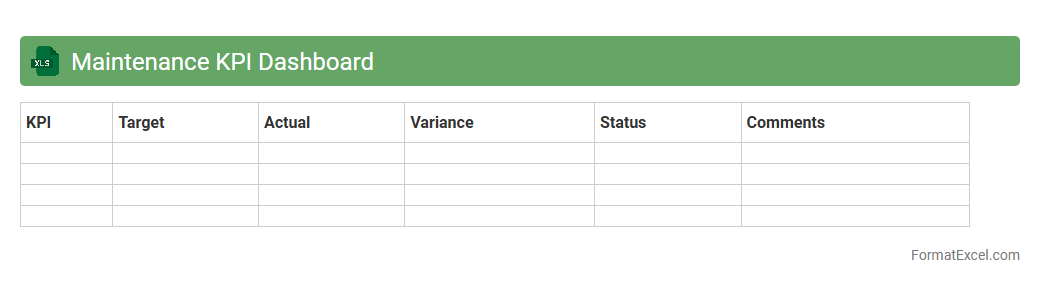
Maintenance KPI Dashboard
A
Maintenance KPI Dashboard Excel document is a tool designed to track and visualize key performance indicators related to maintenance activities, such as equipment uptime, mean time to repair (MTTR), and maintenance costs. It enables maintenance teams to monitor efficiency, identify bottlenecks, and make data-driven decisions to improve operational performance. Using this dashboard helps organizations optimize asset reliability, reduce downtime, and lower overall maintenance expenses.
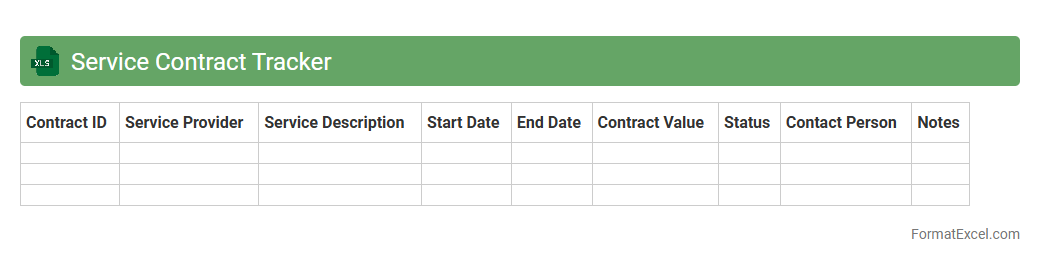
Service Contract Tracker
The
Service Contract Tracker Excel document is a tool designed to organize, monitor, and manage service agreements efficiently. It helps users keep track of contract start dates, expiration deadlines, renewal options, and key terms to ensure timely actions and avoid lapses. This document improves operational efficiency by providing clear visibility into contract statuses and supporting strategic decision-making regarding vendor and service management.
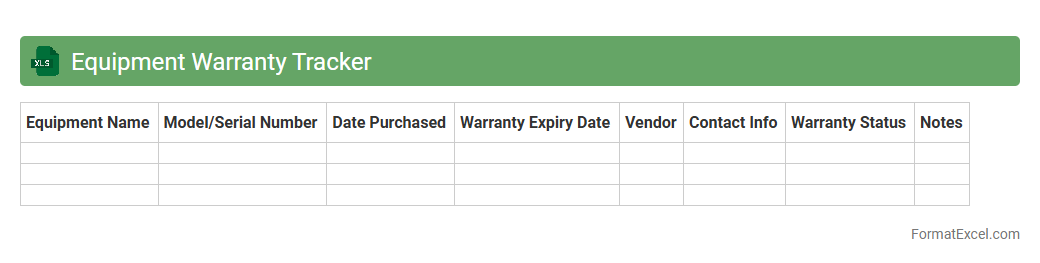
Equipment Warranty Tracker
An
Equipment Warranty Tracker Excel document is a specialized tool designed to monitor and manage warranty information for various equipment and machinery. It helps organizations keep precise records of warranty periods, expiration dates, and service agreements, enabling timely maintenance and claim processing. Utilizing this tracker reduces downtime, prevents missed warranty claims, and enhances overall asset management efficiency.
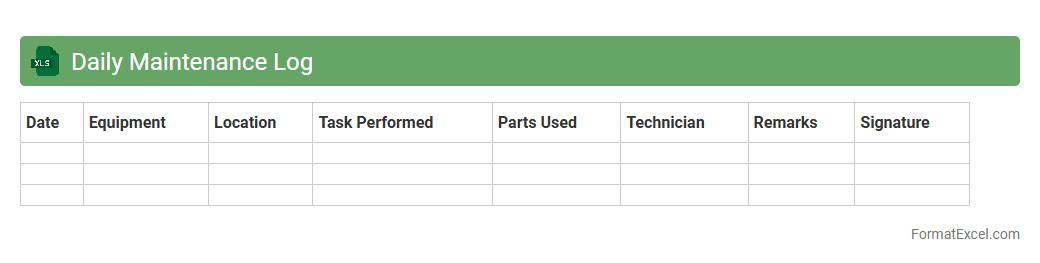
Daily Maintenance Log
A
Daily Maintenance Log Excel document systematically records maintenance activities, tracking equipment status, repairs, and routine checks. It enhances operational efficiency by providing clear visibility into maintenance schedules, reducing downtime, and facilitating timely interventions. Organizations benefit from improved asset management and data-driven decisions by leveraging this organized, easily accessible format.
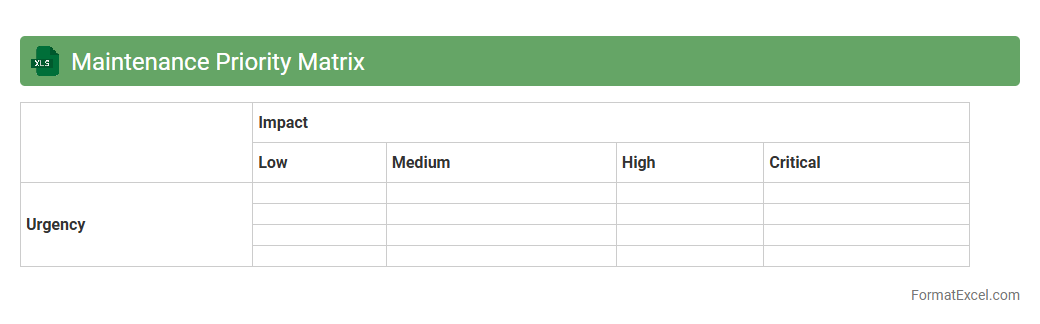
Maintenance Priority Matrix
The
Maintenance Priority Matrix Excel document is a valuable tool designed to help organizations categorize and prioritize maintenance tasks based on criticality and urgency. By systematically assessing factors such as equipment condition, impact on operations, and resource availability, it enables efficient allocation of maintenance efforts and minimizes downtime. This matrix enhances decision-making by providing clear visual guidance on which maintenance activities require immediate attention and which can be scheduled for later.
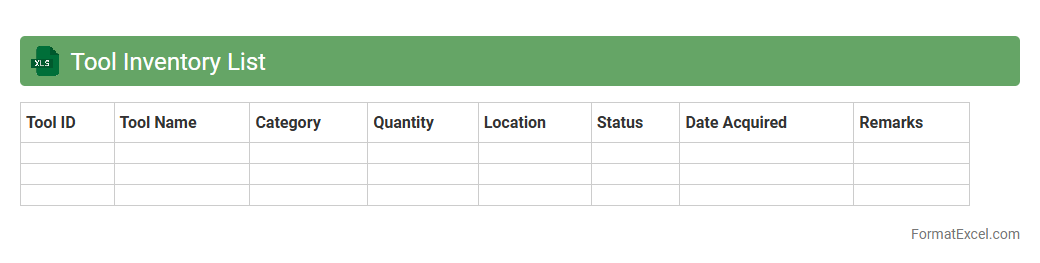
Tool Inventory List
A
Tool Inventory List Excel document is a detailed record that tracks tools, equipment, and supplies used in various operations or projects. It helps organizations maintain accurate information on quantity, condition, location, and maintenance schedules, improving efficiency and reducing downtime. This document supports better asset management, ensuring timely replacements and minimizing loss or misplacement of tools.
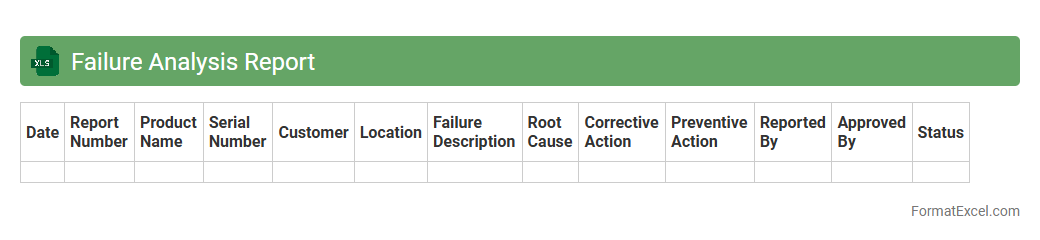
Failure Analysis Report
A
Failure Analysis Report Excel document systematically records and analyzes product or process failures to identify root causes and prevent recurrence. It helps organizations track failure patterns, assess impact, and implement corrective actions efficiently, improving overall quality and reliability. Using this structured format also facilitates clear communication among teams and supports data-driven decision-making.
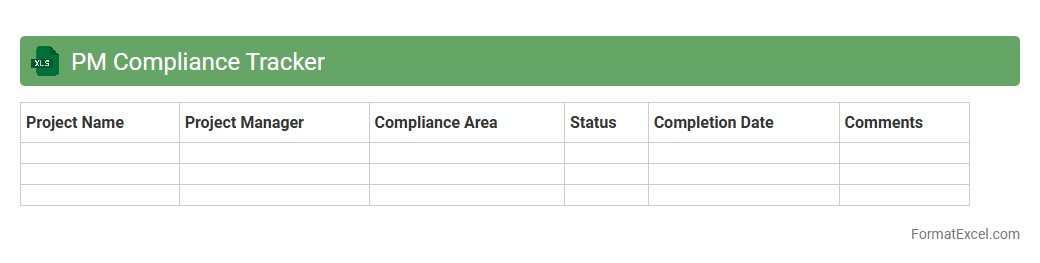
PM Compliance Tracker
The
PM Compliance Tracker Excel document is a tool designed to monitor project management adherence to regulatory standards and internal policies. It enables users to systematically record, track, and analyze compliance metrics, ensuring all project activities meet required guidelines. This tracker enhances transparency, reduces risk of non-compliance, and supports timely corrective actions for improved project outcomes.
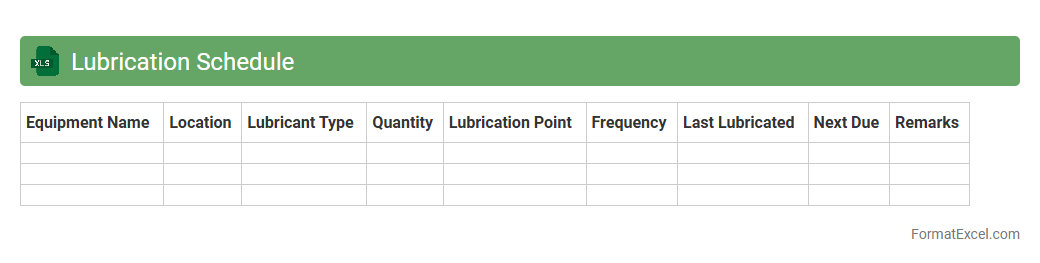
Lubrication Schedule
A
Lubrication Schedule Excel document is a structured spreadsheet designed to organize and track lubrication tasks for machinery and equipment maintenance. It helps maintenance teams ensure timely application of lubricants, preventing wear and extending equipment lifespan by recording lubricant types, quantities, and reapplication intervals. Using this document optimizes maintenance efficiency, reduces downtime, and supports predictive maintenance strategies through clear visual tracking and reminders.
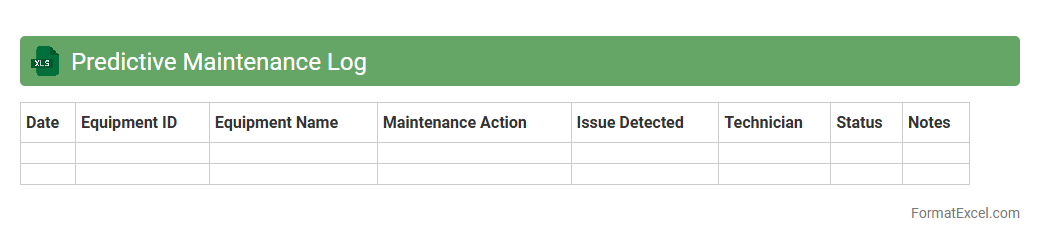
Predictive Maintenance Log
A
Predictive Maintenance Log Excel document is a structured spreadsheet used to record and analyze equipment condition data over time, helping to forecast maintenance needs before failures occur. It tracks key metrics such as vibration levels, temperature readings, and operational hours, enabling timely interventions that reduce downtime and maintenance costs. Using this log supports data-driven decision-making, enhancing asset reliability and extending equipment lifespan.
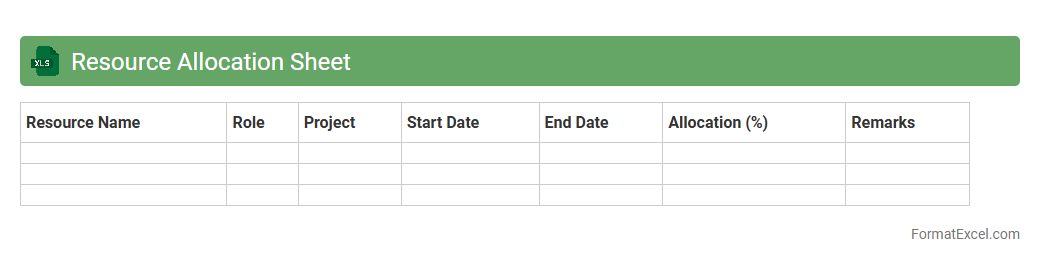
Resource Allocation Sheet
A
Resource Allocation Sheet in Excel is a structured document used to plan, track, and manage the distribution of resources such as time, personnel, and equipment across various projects or tasks. It enables efficient utilization of resources by providing visibility into availability, workload balancing, and potential bottlenecks, ensuring projects stay on schedule and within budget. This tool supports decision-making by allowing managers to reallocate resources dynamically based on project priorities and team capacity.
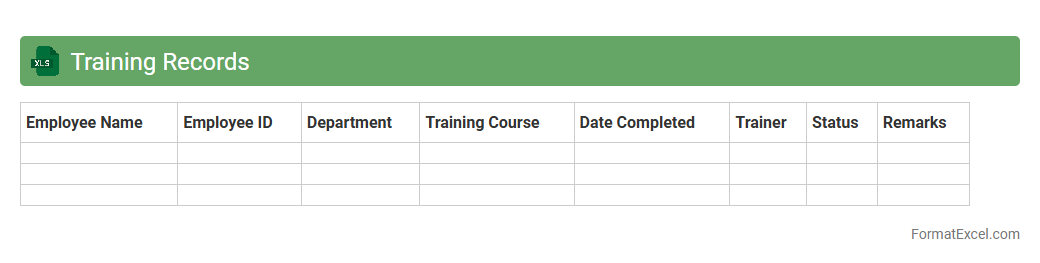
Training Records
A
Training Records Excel document is a structured file used to track employee training sessions, certifications, and progress efficiently. It allows organizations to maintain accurate and up-to-date information on compliance, skill development, and training schedules. This centralized resource improves workforce management by ensuring all training requirements are met and easily accessible for audits or performance reviews.
Introduction to Maintenance Planner Formats
A Maintenance Planner format in Excel is a structured template designed to organize maintenance tasks efficiently. It enables users to track work orders, schedules, and resources in a clear and accessible way. This format simplifies planning and improves overall equipment reliability.
Importance of a Maintenance Planner in Excel
An Excel-based maintenance planner is crucial for ensuring timely preventive and corrective maintenance activities. It helps reduce equipment downtime and extend asset life by systematically scheduling tasks. This tool supports decision-making through organized, accessible maintenance data.
Key Features of an Effective Maintenance Planner Format
Effective maintenance planners include features like clear task descriptions, priority levels, and due dates. They also integrate status updates and resource allocation to monitor progress accurately. These core elements enhance maintenance tracking and operational efficiency.
Essential Columns for Maintenance Planning
Important columns often include Task ID, Description, Priority, Assigned To, Start Date, Due Date, and Status. Including equipment details and estimated time helps streamline scheduling. These columns provide comprehensive information for effective planning and execution.
Sample Maintenance Planner Format in Excel
A sample format typically displays tasks in a grid with color-coded statuses and filters for quick sorting. It visually represents upcoming deadlines and completed work, enhancing clarity. This example demonstrates practical use of an organized maintenance schedule.
Steps to Create a Maintenance Planner in Excel
Start by setting up columns tailored to your maintenance needs and input relevant data. Use Excel's conditional formatting and drop-down menus to enhance usability. Finally, incorporate formulas for automatic date calculations and status updates for easier management.
Customizing Your Excel Maintenance Planner
Customization includes adjusting columns, adding company logos, and integrating macros to automate tasks. Tailoring the planner to specific equipment types or maintenance cycles improves relevance. Enhanced adaptability ensures the planner fits unique operational requirements.
Tips for Optimizing Maintenance Scheduling
Prioritize preventive maintenance and group tasks by equipment or location to maximize efficiency. Regularly update the planner and review performance metrics to identify bottlenecks. These strategies lead to better resource allocation and improved scheduling accuracy.
Downloadable Maintenance Planner Excel Templates
Many free and paid Excel maintenance planner templates are available online, offering ready-to-use solutions. Choose templates that match your industry and maintenance complexity for best results. Downloadable templates provide a quick start to organizing your maintenance process.
Best Practices for Using Excel Maintenance Planners
Maintain consistent data entry, update the planner regularly, and back up files frequently to avoid loss. Train staff to use the planner effectively and encourage collaboration for accuracy. Following these best practices ensures maximum benefit from your maintenance planner.