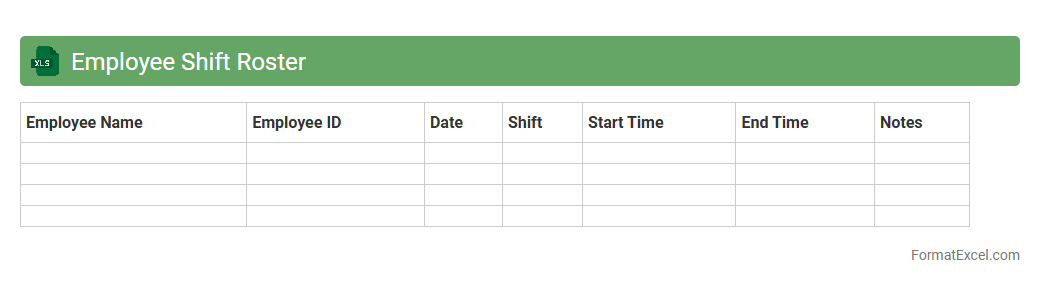
Employee Shift Roster
An
Employee Shift Roster Excel document is a structured spreadsheet used to schedule and organize work shifts for employees, ensuring optimal coverage and balanced workloads. It helps managers track shift assignments, avoid overlaps, and accommodate employee availability, improving overall workforce management. This document enhances productivity by providing clear, accessible shift information and streamlining communication within teams.
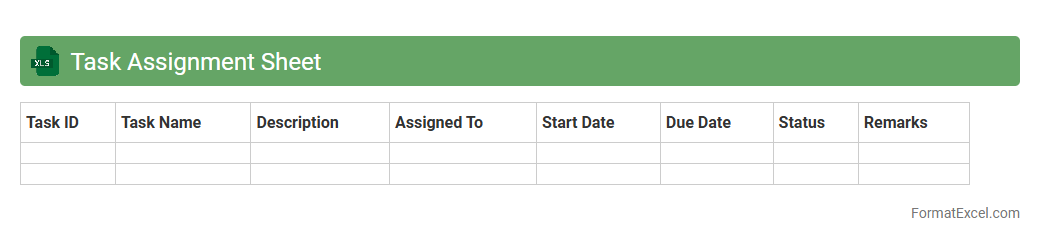
Task Assignment Sheet
A
Task Assignment Sheet Excel document is a structured spreadsheet used to allocate and track responsibilities across team members, ensuring clarity and accountability. It organizes tasks by deadlines, priorities, and assignees, making project management more efficient. This tool enhances productivity by providing a clear overview of workload distribution and progress in real-time.
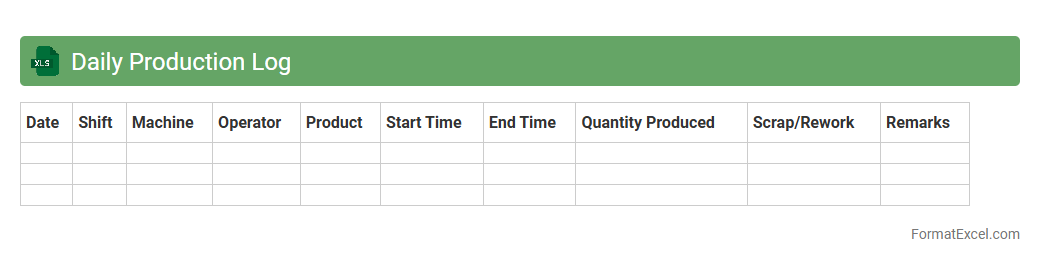
Daily Production Log
A
Daily Production Log Excel document systematically records daily manufacturing activities, including quantities produced, machine performance, and labor utilization. It enables real-time tracking of production efficiency, identifies bottlenecks, and supports data-driven decision-making to optimize operations. This log improves communication across teams by providing transparent and organized production data for performance analysis and process improvement.
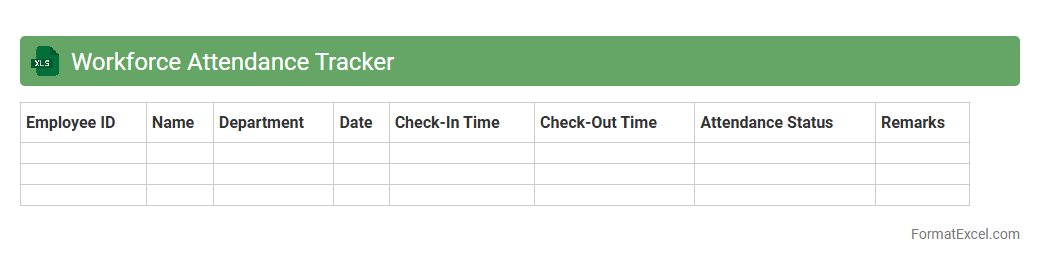
Workforce Attendance Tracker
A
Workforce Attendance Tracker Excel document is a tool designed to monitor employee attendance, recording work hours, absences, and punctuality accurately. This efficient system helps organizations streamline payroll processing, ensure compliance with labor regulations, and identify attendance patterns for improved workforce management. Using Excel's customizable features allows businesses to generate detailed reports and gain valuable insights into employee productivity and attendance trends.
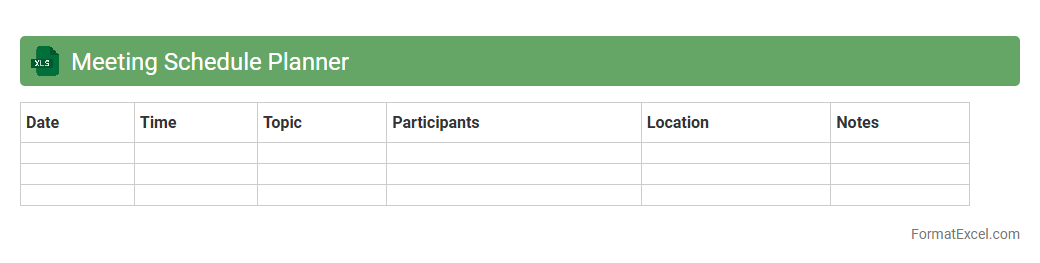
Meeting Schedule Planner
A
Meeting Schedule Planner Excel document is a structured tool designed to organize and manage meeting times, agendas, and participant details in a clear, accessible format. It streamlines the coordination process by allowing users to efficiently allocate time slots, track attendees, and set priorities for each meeting. This tool enhances productivity by reducing scheduling conflicts and ensuring all essential topics are covered during meetings.
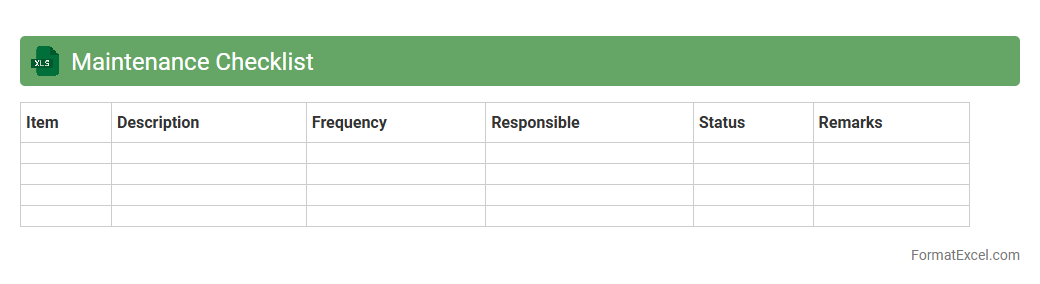
Maintenance Checklist
A
Maintenance Checklist Excel document is a structured spreadsheet designed to organize and track routine maintenance tasks for equipment, facilities, or systems. It helps users schedule inspections, record completed activities, and monitor maintenance status, ensuring timely upkeep and reducing the risk of equipment failure. Utilizing this tool improves operational efficiency and extends the lifespan of assets through systematic documentation and accountability.
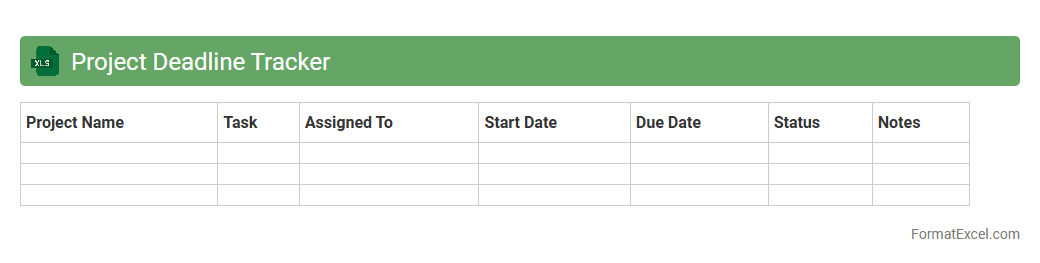
Project Deadline Tracker
The
Project Deadline Tracker Excel document is a powerful tool designed to monitor project timelines and ensure on-time task completion by organizing deadlines, milestones, and key deliverables in a structured format. It helps teams prioritize work, allocate resources efficiently, and identify potential bottlenecks before they impact project progress. Using this tracker enhances accountability and improves overall project management by providing clear visibility into upcoming deadlines and overdue tasks.
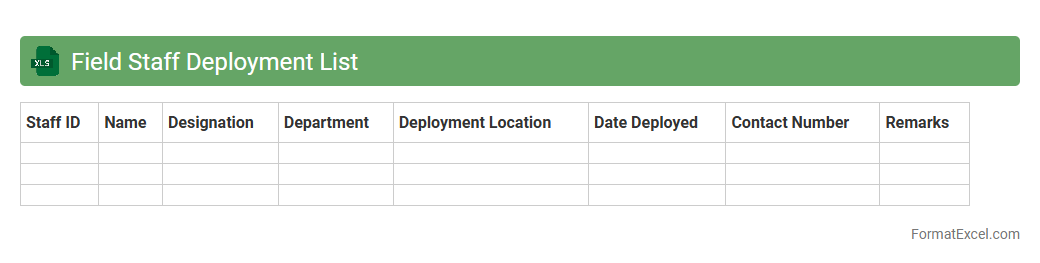
Field Staff Deployment List
The
Field Staff Deployment List Excel document systematically organizes information about personnel assigned to various locations, including details like names, roles, schedules, and contact information. It enhances operational efficiency by providing a clear overview of staff allocation, facilitating quick adjustments and effective communication. This resource is invaluable for managing workforce distribution, ensuring representative coverage across sites, and optimizing project timelines.
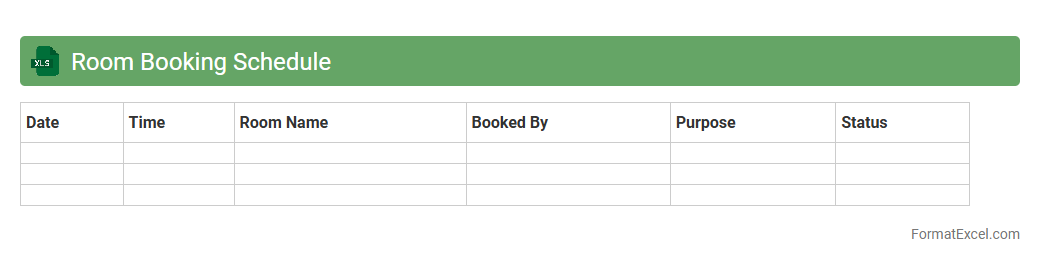
Room Booking Schedule
A
Room Booking Schedule Excel document is a structured spreadsheet designed to organize and manage room reservations efficiently. It provides a clear overview of booking times, dates, and room availability, reducing conflicts and ensuring optimal utilization of space. This tool streamlines the scheduling process, enhances communication among users, and supports effective resource management in offices, hotels, or event venues.
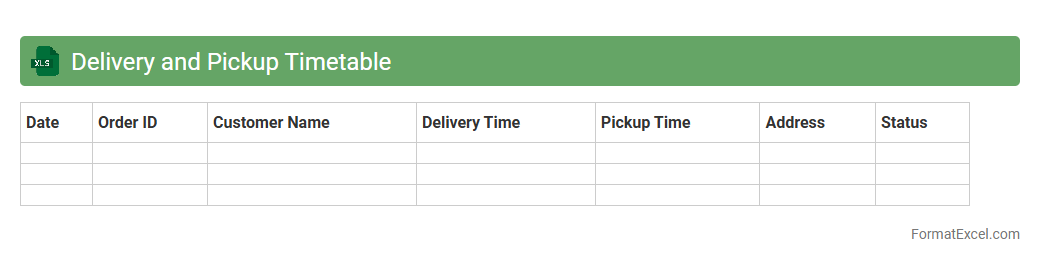
Delivery and Pickup Timetable
A
Delivery and Pickup Timetable Excel document is a structured schedule that organizes and tracks delivery and pickup times for goods and services. It helps businesses manage logistics efficiently, ensuring timely coordination between suppliers, drivers, and customers. This timetable reduces errors, improves communication, and enhances overall operational productivity by providing clear visibility into scheduled activities.
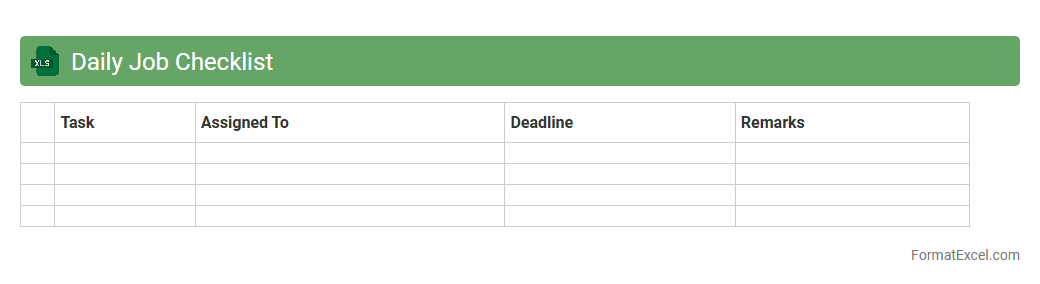
Daily Job Checklist
A
Daily Job Checklist Excel document is a structured digital tool used to organize, track, and manage daily tasks and responsibilities efficiently. It enhances productivity by providing a clear overview of job priorities, deadlines, and progress, enabling users to stay focused and complete tasks on time. This document is particularly useful for project managers, team leaders, and employees aiming to maintain consistency and accountability in their daily workflows.
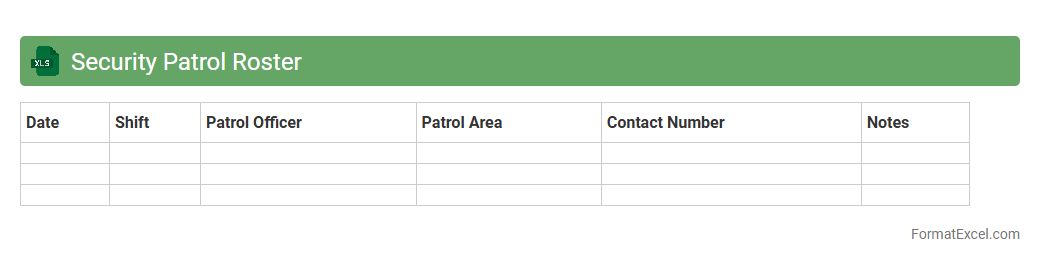
Security Patrol Roster
A
Security Patrol Roster Excel document is a structured spreadsheet used to schedule and track security personnel shifts, ensuring optimal coverage and accountability. It helps organizations maintain a clear record of patrol times, personnel assigned, and specific locations monitored, enhancing operational efficiency and security management. By organizing shifts systematically, it minimizes scheduling conflicts and improves communication among security teams.
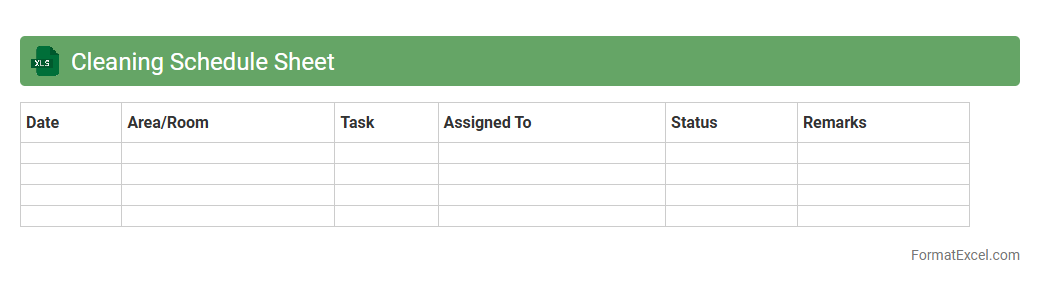
Cleaning Schedule Sheet
A
Cleaning Schedule Sheet in Excel is a structured document designed to organize and track cleaning tasks efficiently. It helps assign specific duties to team members, set deadlines, and monitor progress, ensuring a systematic approach to maintaining cleanliness. This tool enhances productivity, reduces missed tasks, and promotes accountability in environments like offices, schools, and healthcare facilities.
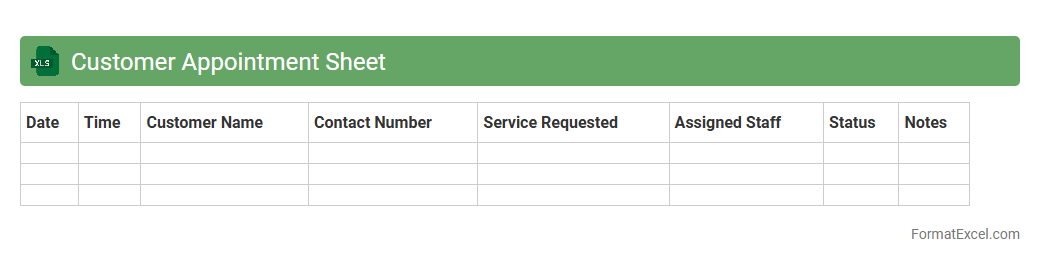
Customer Appointment Sheet
A
Customer Appointment Sheet Excel document is a structured tool designed to organize and track client appointments efficiently. It helps businesses schedule meetings, record customer details, and monitor appointment statuses, ensuring better time management and enhanced customer service. By consolidating all appointment data in one accessible location, it reduces scheduling conflicts and improves overall operational productivity.
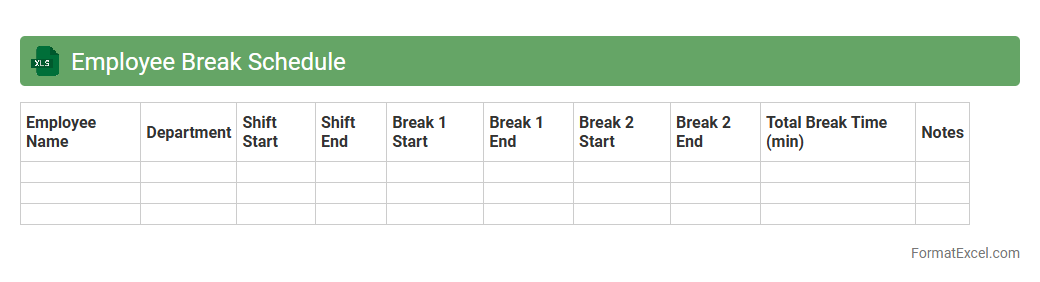
Employee Break Schedule
The
Employee Break Schedule Excel document is a tool designed to organize and track employee break times efficiently. It helps ensure compliance with labor laws by accurately recording break durations and prevents scheduling conflicts, thereby promoting fair work practices. Using this document improves workforce management, enhances productivity, and supports employee well-being through proper break planning.
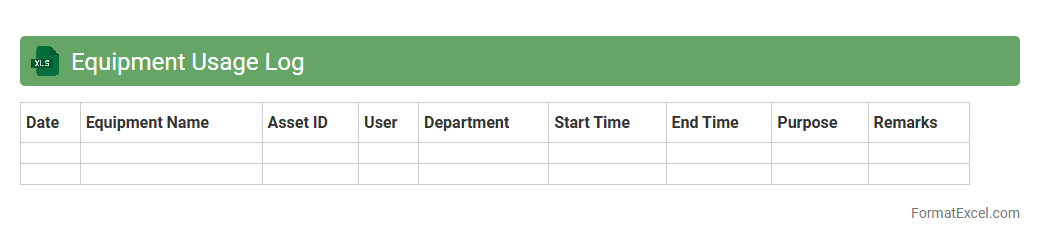
Equipment Usage Log
An
Equipment Usage Log Excel document is a structured spreadsheet designed to record and track the operational hours, maintenance schedules, and usage patterns of machinery or tools. This log helps organizations monitor equipment performance, prevent downtime through timely maintenance, and optimize resource allocation by providing clear usage data. By maintaining accurate records, businesses can reduce repair costs, extend equipment lifespan, and improve overall operational efficiency.
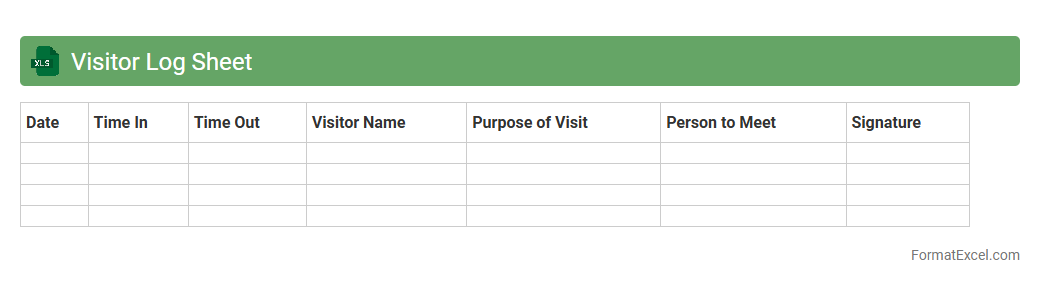
Visitor Log Sheet
A
Visitor Log Sheet Excel document is a digital spreadsheet designed to record detailed information about visitors, including names, contact details, visit times, and purposes. It streamlines visitor management by organizing data systematically, making it easy to track entries, monitor attendance, and enhance security protocols. This document is essential for businesses, institutions, and event organizers to maintain accurate visitor records and ensure smooth operational flow.
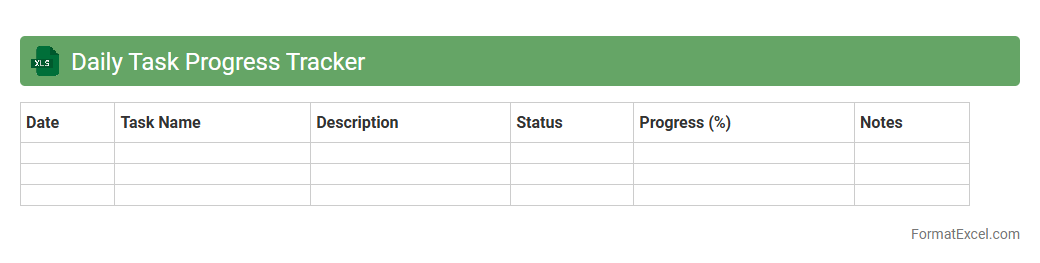
Daily Task Progress Tracker
A
Daily Task Progress Tracker Excel document is a structured spreadsheet designed to monitor and record the completion status of daily activities and tasks. It helps improve productivity by providing a clear overview of ongoing, completed, and pending tasks, enabling efficient time management and prioritization. This tool supports goal tracking, accountability, and performance analysis in both personal and professional settings.
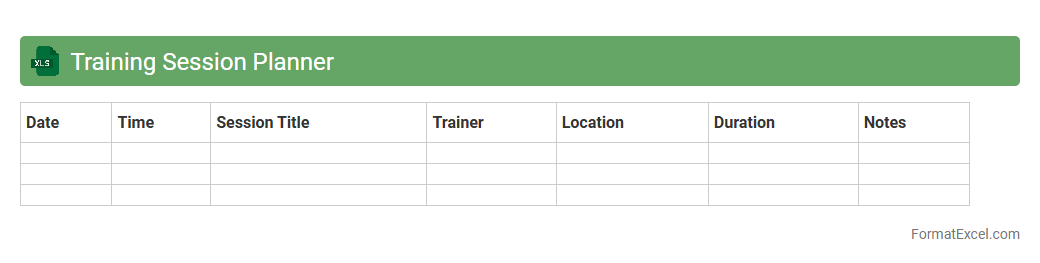
Training Session Planner
A
Training Session Planner Excel document is a structured tool designed to organize and schedule training activities efficiently, allowing users to outline course content, allocate time slots, and track participant progress in one place. It helps trainers and managers optimize the learning experience by providing a clear overview of resources, objectives, and timelines, ensuring that sessions align with organizational goals. This planner enhances productivity by reducing planning errors and facilitating smooth coordination among all stakeholders involved in the training process.
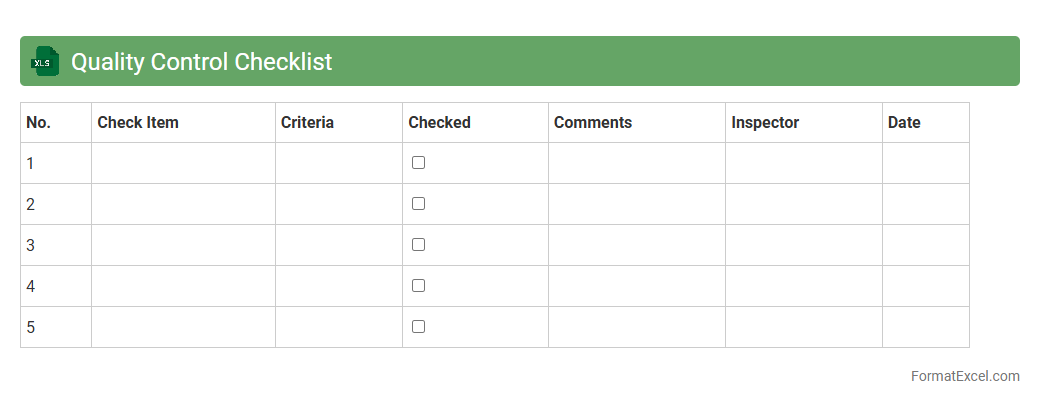
Quality Control Checklist
A
Quality Control Checklist Excel document is a structured spreadsheet designed to systematically track, verify, and document quality standards during production or service processes. It helps organizations identify defects, ensure compliance with specifications, and maintain consistent product quality by providing clear checkpoints and criteria for inspection. Using this tool enhances process efficiency, reduces errors, and supports continuous improvement efforts through organized data analysis.
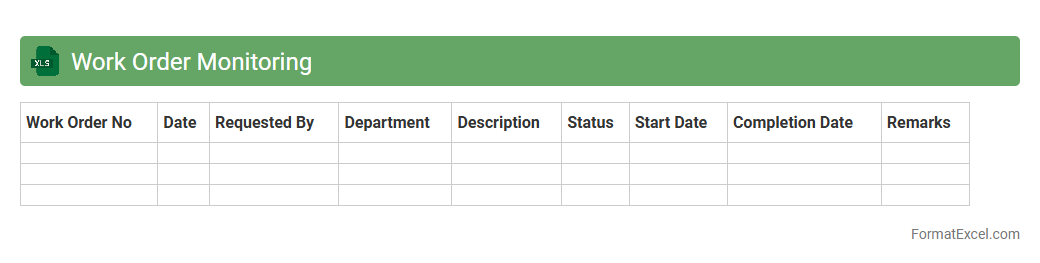
Work Order Monitoring
A
Work Order Monitoring Excel document is a tool designed to track the status, progress, and completion of work orders within a project or maintenance environment. It enables efficient management of tasks by organizing data such as work order ID, assigned personnel, deadlines, and priority levels. This document helps improve workflow transparency, ensures timely completion of jobs, and facilitates resource allocation for enhanced operational efficiency.
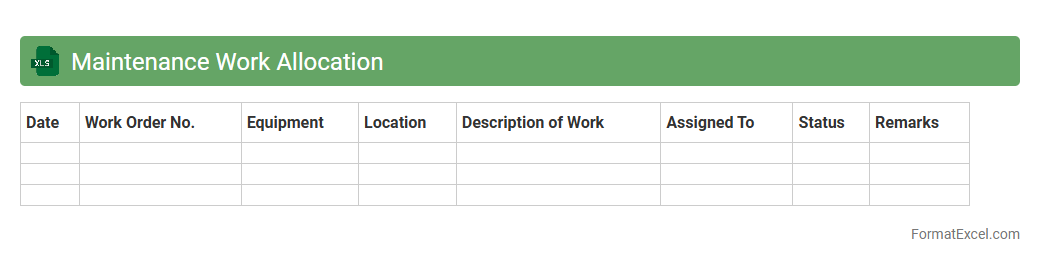
Maintenance Work Allocation
The
Maintenance Work Allocation Excel document is a structured tool designed to assign, track, and manage maintenance tasks efficiently within an organization. It helps streamline workflow by categorizing work orders, assigning responsibilities, and monitoring progress to ensure timely completion. This document enhances resource management, reduces downtime, and improves overall maintenance operations through clear visibility and accountability.
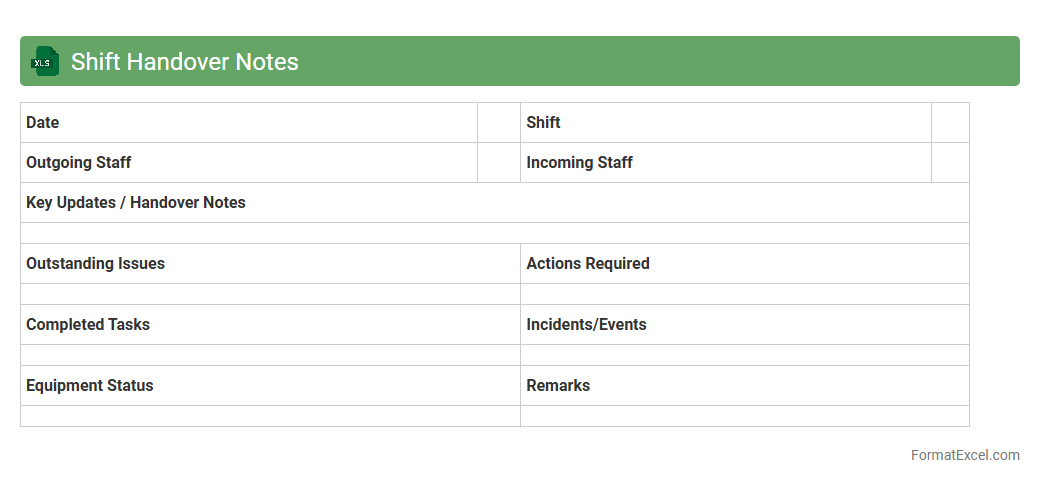
Shift Handover Notes
The
Shift Handover Notes Excel document is a structured spreadsheet that facilitates the seamless transfer of critical information between outgoing and incoming shift personnel. It organizes key data such as tasks completed, ongoing issues, and special instructions, ensuring continuity and accountability in operations. This tool enhances communication efficiency, reduces errors, and supports workflow consistency across shifts.
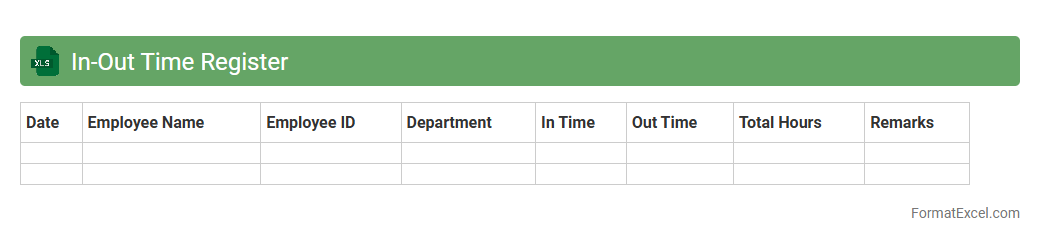
In-Out Time Register
The
In-Out Time Register Excel document is a digital tool used to accurately record employee attendance by tracking the exact time of arrival and departure. It helps organizations monitor working hours, calculate overtime, and ensure compliance with labor regulations. Using this register improves workforce management, enhances payroll accuracy, and supports productivity analysis.
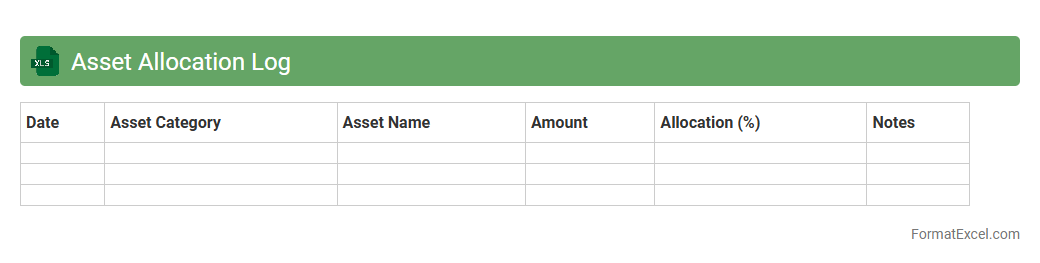
Asset Allocation Log
An
Asset Allocation Log Excel document is a structured tool used to track and manage the distribution of investments across various asset classes such as stocks, bonds, and cash. It provides clear insights into portfolio diversification, enabling better risk management and balanced growth potential. By regularly updating this log, investors can monitor changes, rebalance their portfolios effectively, and make informed financial decisions.
Introduction to Daily Work Schedule Formats
A daily work schedule is a structured plan outlining tasks and activities for each day. It helps individuals and teams stay organized and efficient. Various formats exist, with Excel being a popular choice due to its flexibility.
Benefits of Using Excel for Scheduling
Excel offers powerful tools for creating and managing schedules, including easy editing and formula automation. It allows users to visualize daily tasks clearly and adjust plans quickly. The spreadsheet environment enhances customization and accessibility.
Key Elements of a Daily Work Schedule
A comprehensive schedule includes time slots, task descriptions, priorities, and deadlines. Clear categorization aids in tracking progress and managing workload. Including a status indicator helps monitor task completion efficiently.
Step-by-Step Guide to Creating a Schedule in Excel
Begin by setting up columns for time intervals and rows for tasks or employees. Use cell formatting to separate sections visually and create headers. Incorporate conditional formatting to highlight urgent or overdue tasks for better visibility.
Essential Columns and Rows for Efficiency
Key columns include Time, Task Description, Assigned To, Priority, and Status. Rows typically represent different hours or task entries throughout the day. Organizing data clearly improves readability and workflow management.
Customizing Templates for Different Work Roles
Modify templates to suit specific roles by adding relevant columns like Location or Equipment Needed. Tailored schedules enhance relevance and user engagement. Leveraging role-specific templates streamlines task allocation.
Automating Tasks with Excel Formulas
Utilize formulas like IF, COUNTIF, or VLOOKUP to automate status updates and task summaries. Excel's formula capabilities reduce manual errors and save time. Automation boosts productivity through dynamic data management.
Tips for Effective Time Management Using Excel
Prioritize tasks using color-coded priority levels and allocate realistic time blocks. Regularly review and adjust your schedule for efficiency. Effective time management revolves around consistent use of Excel scheduling tools.
Sample Daily Work Schedule Templates in Excel
Templates provide ready-made frameworks with pre-defined columns and formats for quick adoption. They serve various industries and day-to-day operations with customizable options. Using a template jumpstarts the scheduling process.
Best Practices for Maintaining and Updating Schedules
Keep schedules current by updating task statuses and adjusting timelines promptly. Share the workbook with stakeholders for collaborative input and transparency. Regular maintenance ensures an accurate and effective scheduling system.