Product Inventory Log
A
Product Inventory Log Excel document is a structured spreadsheet used to track and manage product quantities, details, and movement within a business. It enables accurate monitoring of stock levels, identifies trends in sales or shortages, and supports inventory forecasting to prevent overstocking or stockouts. This tool enhances operational efficiency by providing clear, real-time data for decision-making in supply chain management and financial planning.
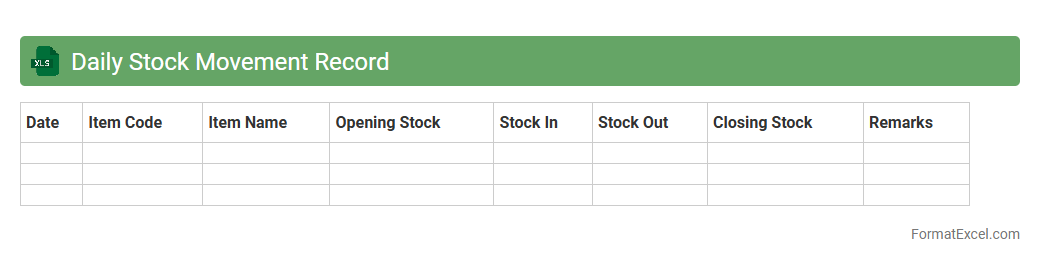
Daily Stock Movement Record
A
Daily Stock Movement Record Excel document tracks the inflow and outflow of inventory items on a daily basis, providing precise data on stock levels, movements, and trends. This record helps businesses maintain accurate inventory counts, identify discrepancies quickly, and optimize stock replenishment processes to prevent overstocking or stockouts. By analyzing daily stock movements, companies improve operational efficiency, reduce carrying costs, and enhance decision-making for supply chain management.
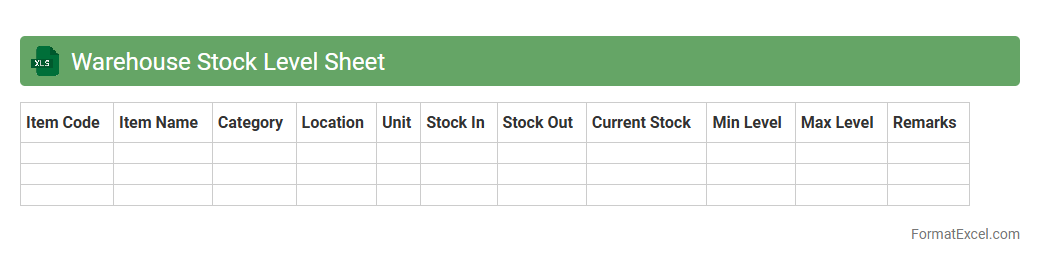
Warehouse Stock Level Sheet
A
Warehouse Stock Level Sheet Excel document is a tool designed to track and manage inventory quantities within a warehouse efficiently. It provides real-time data on stock availability, helping to prevent overstocking or stockouts by maintaining optimal inventory levels. This sheet enhances operational accuracy, supports demand forecasting, and streamlines order fulfillment processes.
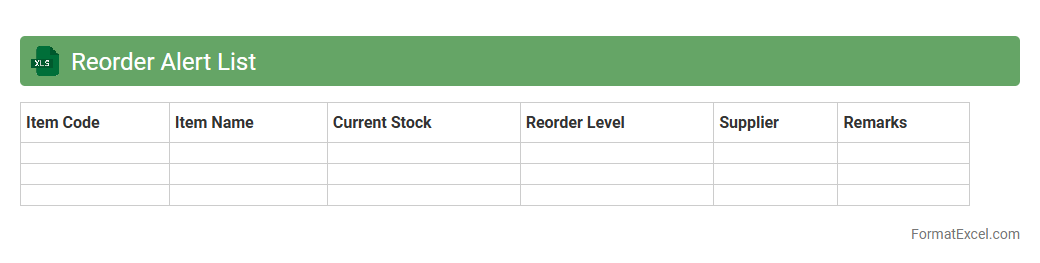
Reorder Alert List
The
Reorder Alert List Excel document is a valuable inventory management tool that tracks stock levels and highlights items needing replenishment. It helps businesses maintain optimal inventory by automatically signaling when product quantities fall below predefined reorder points. This ensures timely restocking, minimizes stockouts, and supports efficient supply chain operations.
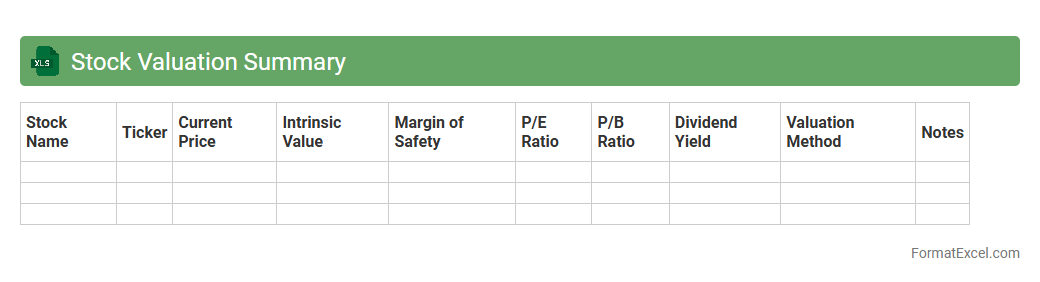
Stock Valuation Summary
A
Stock Valuation Summary Excel document provides a detailed overview of a stock's intrinsic value by compiling key financial metrics such as earnings per share, price-to-earnings ratio, and projected growth rates. This tool helps investors make informed decisions by simplifying complex valuation data into an easily accessible format for quick analysis. It is essential for identifying undervalued or overvalued securities and optimizing portfolio management strategies.
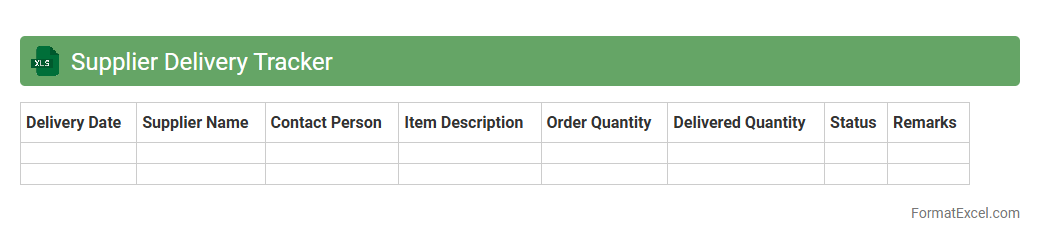
Supplier Delivery Tracker
The
Supplier Delivery Tracker Excel document is a tool designed to monitor and manage the status of deliveries from various suppliers. It helps businesses track order timelines, shipment progress, and delivery performance, ensuring timely receipt of goods. Utilizing this tracker improves supply chain efficiency and reduces delays by providing clear visibility into supplier commitments and delivery schedules.
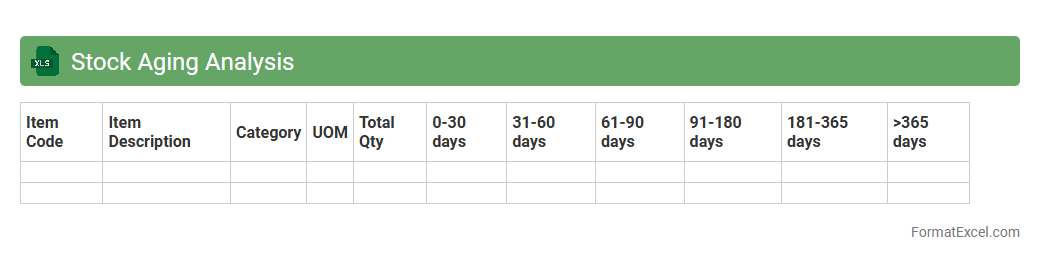
Stock Aging Analysis
Stock Aging Analysis Excel document is a powerful tool for tracking inventory based on the duration items have been held in stock. It helps identify slow-moving or obsolete products by categorizing inventory into aging buckets such as 0-30, 31-60, and over 60 days. Using this analysis enables better inventory management, reduces holding costs, and improves cash flow by highlighting
opportunities for timely stock clearance.
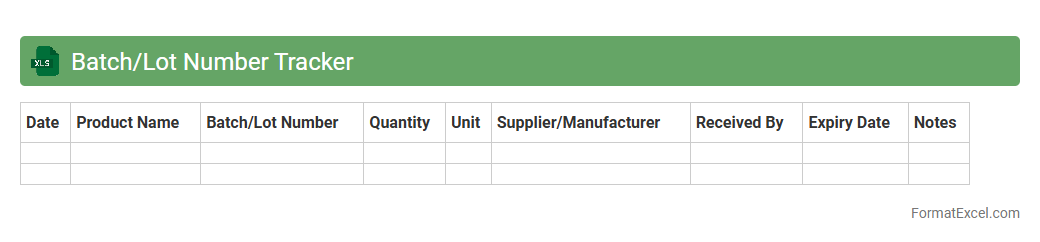
Batch/Lot Number Tracker
A
Batch/Lot Number Tracker Excel document is a tool designed to record and monitor production batches or lot numbers, facilitating traceability and quality control. It helps businesses quickly identify and isolate specific products in case of recalls, defects, or quality issues, thereby minimizing risks and ensuring compliance with industry standards. This tracker improves inventory management efficiency and supports regulatory requirements by maintaining accurate, organized records accessible for audits and inspections.
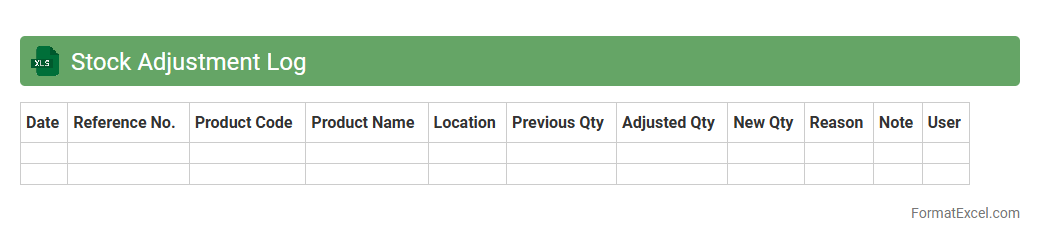
Stock Adjustment Log
The
Stock Adjustment Log Excel document is a vital tool for tracking inventory changes, detailing additions, subtractions, and corrections. It enhances accuracy in inventory management by providing a clear, chronological record of stock adjustments, helping to identify discrepancies and improve stock control. Businesses use this log to optimize stock levels, reduce errors, and streamline audit processes.
Damaged Stock Report
A
Damaged Stock Report Excel document systematically records inventory items that have been damaged, providing detailed information on quantities, reasons for damage, and associated costs. This report helps businesses identify patterns in stock damage, enabling better decision-making for inventory management and reducing financial losses. By tracking damaged goods efficiently, companies can improve their supply chain processes and maintain accurate stock levels.
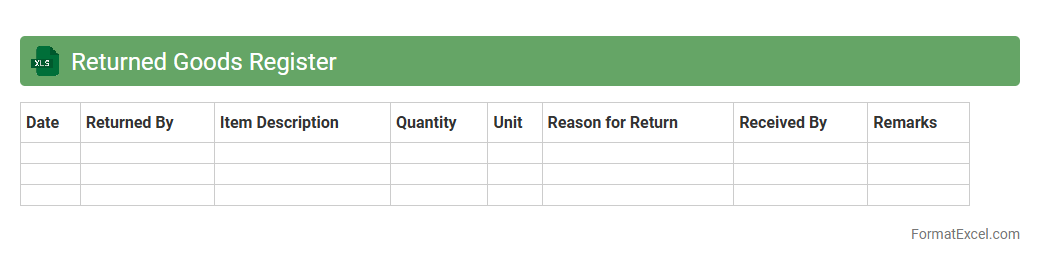
Returned Goods Register
The
Returned Goods Register Excel document is a structured spreadsheet used to record and track products that customers return due to defects, dissatisfaction, or other reasons. It helps businesses monitor return patterns, manage inventory adjustments, and identify recurring quality issues, thereby improving customer service and operational efficiency. Utilizing this register enables accurate documentation for warranty claims and facilitates data-driven decision-making in supply chain management.
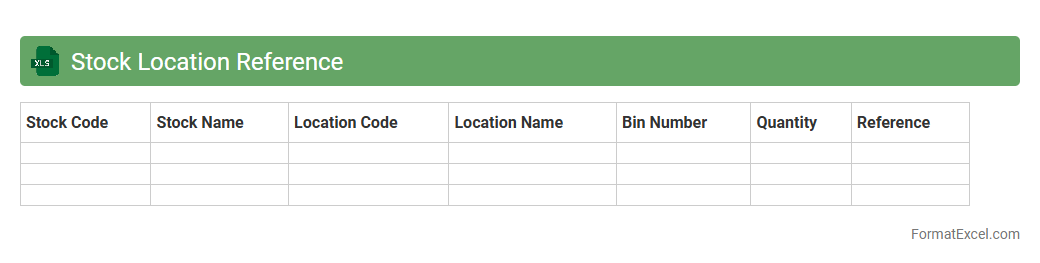
Stock Location Reference
A
Stock Location Reference Excel document is a structured inventory tool that records precise details about product storage locations within warehouses or retail spaces. It enhances operational efficiency by enabling quick identification and retrieval of items, reducing search time and minimizing stock misplacement. This document supports accurate inventory management, helps maintain stock accuracy, and streamlines supply chain workflows for businesses.
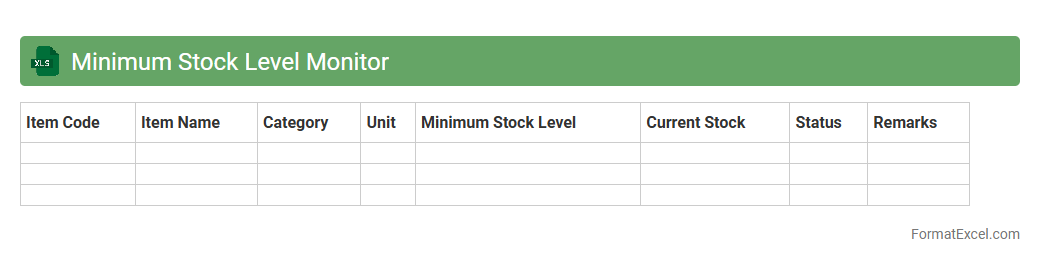
Minimum Stock Level Monitor
The
Minimum Stock Level Monitor Excel document helps businesses track inventory levels to prevent stockouts and overstocking. It automatically flags items that fall below a predefined minimum threshold, enabling timely reorder decisions and efficient inventory management. This tool ensures smoother operations by maintaining optimal stock levels and reducing carrying costs.
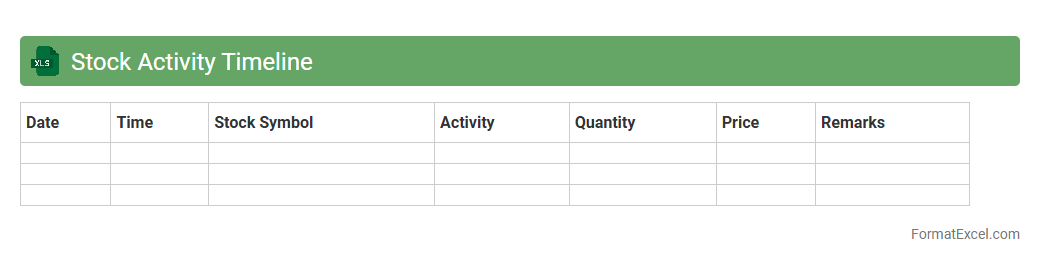
Stock Activity Timeline
The
Stock Activity Timeline Excel document tracks the chronological history of stock transactions, including purchases, sales, dividends, and splits, providing a clear overview of investment performance. By organizing data with dates, quantities, and prices, it allows investors to analyze trends and make informed decisions based on past activity. This tool is essential for portfolio management, tax reporting, and identifying optimal buy or sell points.
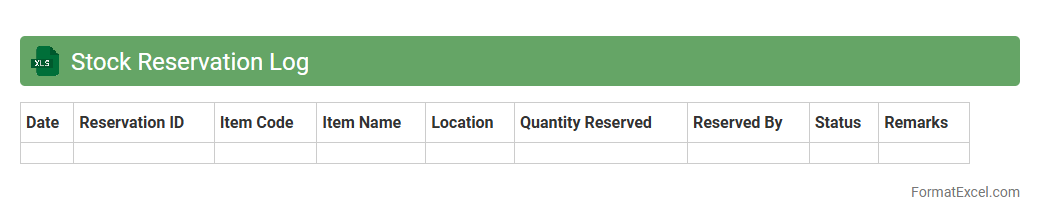
Stock Reservation Log
A
Stock Reservation Log Excel document is a detailed record tracking reserved inventory items, quantities, and reservation dates. It helps businesses manage stock efficiently, preventing overbooking and ensuring timely order fulfillment. This log enhances inventory accuracy and supports better demand forecasting by providing clear visibility into reserved goods.
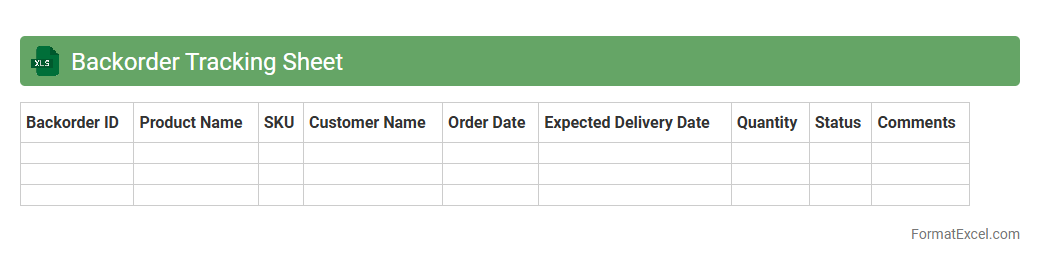
Backorder Tracking Sheet
A
Backorder Tracking Sheet in Excel is a structured tool designed to monitor and manage pending customer orders that cannot be fulfilled immediately due to stock shortages. It helps businesses efficiently track inventory levels, prioritize backorders, and communicate order status updates, reducing delays and improving customer satisfaction. By organizing order data, expected restock dates, and fulfillment progress, this sheet enhances supply chain visibility and decision-making processes.
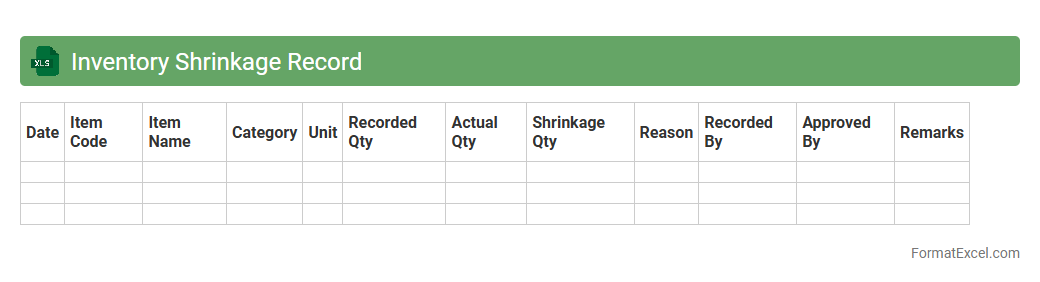
Inventory Shrinkage Record
An
Inventory Shrinkage Record Excel document tracks discrepancies between recorded inventory and actual stock, highlighting losses due to theft, damage, or errors. This tool enables businesses to identify patterns of shrinkage, streamline inventory control, and improve accuracy in financial reporting. Utilizing this record helps minimize losses, optimize stock management, and enhance overall operational efficiency.
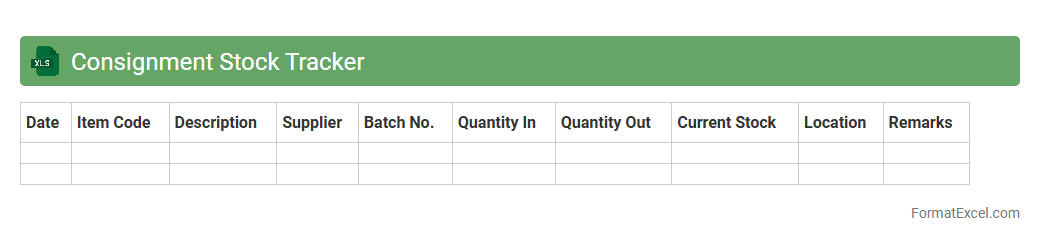
Consignment Stock Tracker
The
Consignment Stock Tracker Excel document is a powerful tool designed to monitor and manage inventory held on consignment, enabling businesses to track stock levels, sales, and replenishment needs accurately. It provides real-time visibility into consigned goods, helping reduce stockouts and excess inventory while improving supplier relationships and cash flow management. Using this tracker enhances operational efficiency by offering detailed insights into stock movement and ensuring timely updates on consignment status.
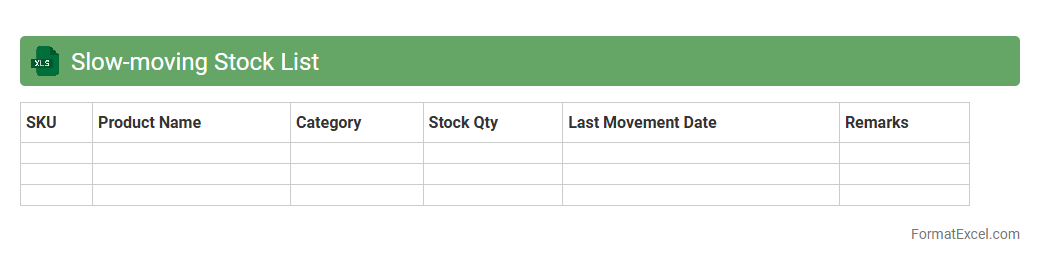
Slow-moving Stock List
A
Slow-moving Stock List Excel document tracks inventory items with low sales or extended storage periods to identify products that may tie up capital unnecessarily. It helps businesses optimize inventory management by highlighting items that need clearance, reordering adjustments, or promotional efforts to improve cash flow. This tool enhances decision-making, reduces holding costs, and minimizes the risk of stock obsolescence.
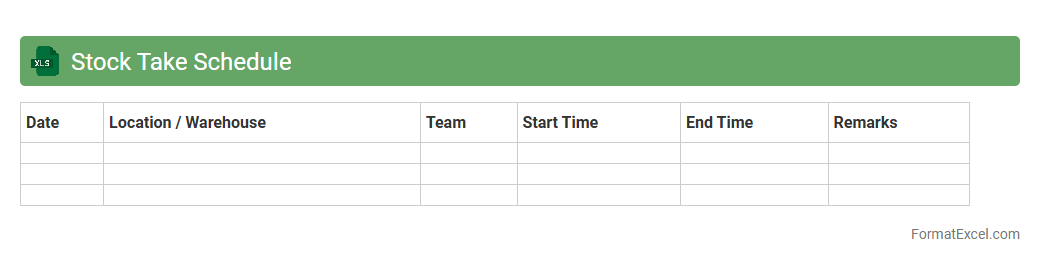
Stock Take Schedule
A
Stock Take Schedule Excel document is a structured spreadsheet used to plan and track inventory counting activities within a business. It helps organize stock-taking dates, assign responsibilities, and record item quantities, enhancing accuracy and efficiency in inventory management. By using this schedule, companies minimize discrepancies, prevent stockouts, and maintain optimal inventory levels for improved operational control.
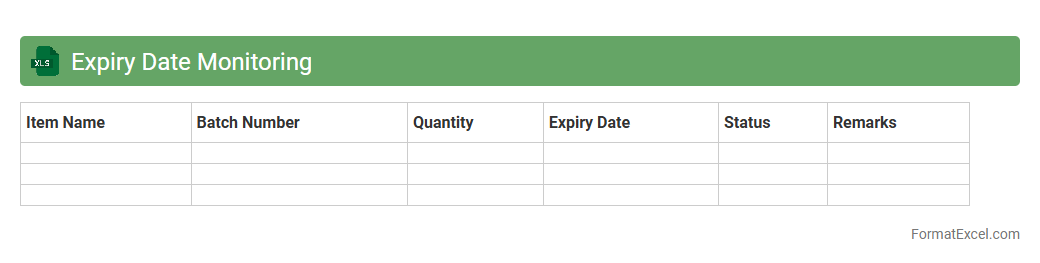
Expiry Date Monitoring
Expiry Date Monitoring Excel document is a structured spreadsheet designed to track and manage the expiration dates of products, documents, or licenses efficiently. It helps businesses and individuals avoid losses by providing timely alerts for renewals or disposals, ensuring compliance and maintaining operational continuity. Using this tool enhances inventory control, reduces waste, and safeguards against the risks associated with expired items.
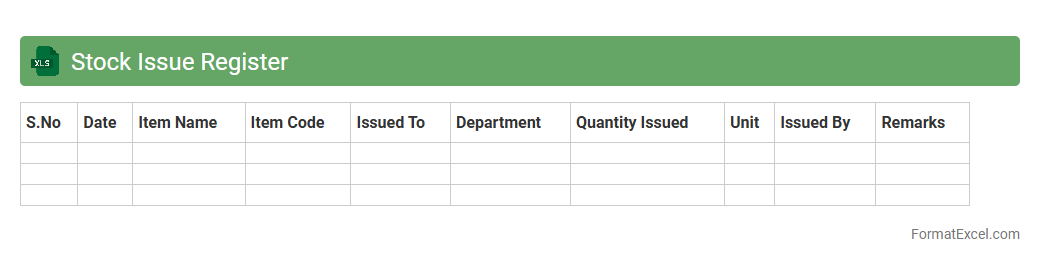
Stock Issue Register
A
Stock Issue Register Excel document is a digital record-keeping tool that tracks the issuance of inventory items from stock to various departments or projects. It helps monitor stock levels, identify consumption patterns, and prevent discrepancies by maintaining accurate transaction details such as item description, quantity issued, date, and recipient. This document enhances inventory management efficiency, reduces stockouts, and supports financial accountability in businesses.
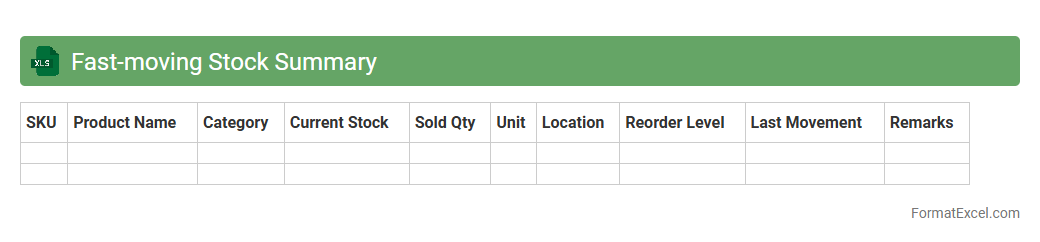
Fast-moving Stock Summary
The
Fast-moving Stock Summary Excel document is a tool designed to track and analyze inventory items that have high turnover rates, enabling businesses to identify products that sell quickly. It helps optimize stock levels, reduces holding costs, and improves cash flow by highlighting items that require frequent replenishment. This summary supports informed decision-making for procurement and inventory management, ensuring a streamlined supply chain and better customer satisfaction.
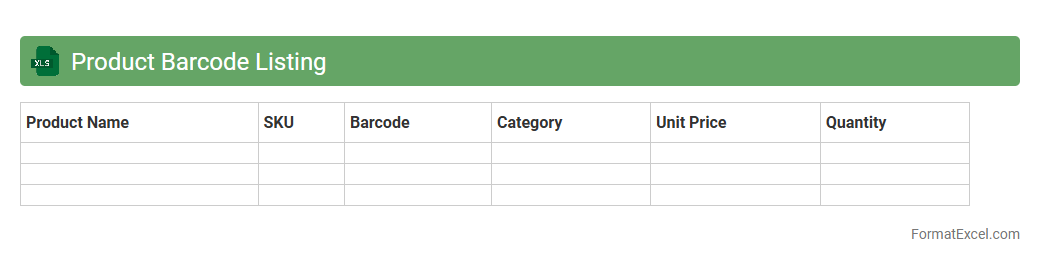
Product Barcode Listing
A
Product Barcode Listing Excel document is a structured file that organizes product information alongside corresponding barcode numbers, facilitating efficient inventory management and product tracking. It allows businesses to quickly scan and identify items, reducing errors in stock control and enhancing the accuracy of sales data. This document is essential for streamlining supply chain operations and improving overall operational efficiency.
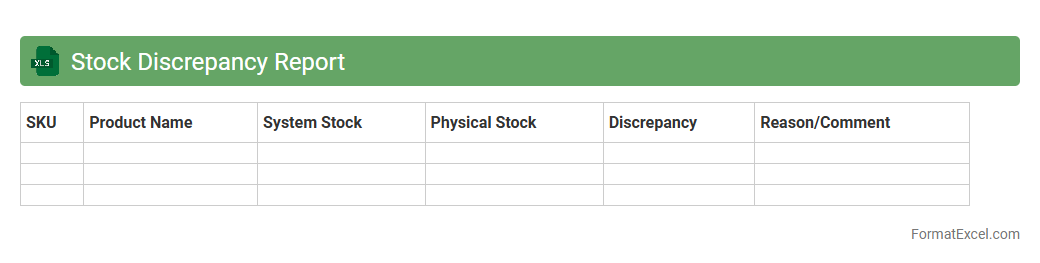
Stock Discrepancy Report
A
Stock Discrepancy Report Excel document identifies inconsistencies between recorded inventory levels and actual stock counts, highlighting variances that may indicate errors, theft, or mismanagement. This report enables businesses to maintain accurate inventory data, optimize stock control, and minimize losses by quickly addressing discrepancies. Regular use of this document improves decision-making in procurement, sales, and warehouse management by providing actionable insights into inventory accuracy.
Introduction to Stock Tracker Formats in Excel
Excel offers a versatile platform for creating a stock tracker that helps monitor inventory and stock levels efficiently. It allows customization to suit various business needs, from simple lists to complex databases. Understanding different formats is key to building an effective stock management tool.
Key Benefits of Using Excel for Stock Tracking
Using Excel for stock tracking provides benefits like flexibility, ease of use, and widespread availability. It enables real-time updates and comprehensive data analysis through built-in functions. Additionally, Excel integrates well with other business systems to streamline operations.
Essential Columns in a Stock Tracker Spreadsheet
A well-designed stock tracker includes columns such as Item Name, Quantity, Reorder Level, and Supplier. These columns provide critical information for inventory management and help avoid stockouts or overstocking. Adding columns for dates and prices can further improve tracking accuracy.
Step-by-Step Guide to Creating a Stock Tracker in Excel
Start by setting up column headers to define the data categories clearly. Enter sample data to test formulas and ensure calculations like total stock and reorder alerts work. Finally, use Excel's table feature to organize data and simplify sorting and filtering tasks.
Must-Have Excel Formulas for Stock Management
Key formulas include SUM for total stock, IF to trigger reorder alerts, and VLOOKUP to retrieve item details automatically. These enhance accuracy and save time by automating manual calculations. Mastering formulas is essential for creating a dynamic stock management system in Excel.
Advanced Features: Conditional Formatting and Data Validation
Conditional formatting highlights critical stock levels, making it easy to identify items needing replenishment. Data validation controls input accuracy by restricting entries to acceptable values. These features improve data integrity and help maintain accurate records.
Automating Stock Updates with Excel Functions
Excel functions like NOW and TODAY can automate date tracking as inventory changes occur. Combining these with macros or Power Query can streamline updates from external data sources. Automation reduces manual errors and improves efficiency in stock control.
Tips for Visualizing Stock Data with Excel Charts
Charts such as bar graphs and line charts transform raw stock data into visual insights for quick analysis. Use dynamic ranges to update charts automatically when data changes. Visualizations help stakeholders understand trends and make informed inventory decisions.
Free Templates and Resources for Excel Stock Trackers
Many websites offer free Excel templates designed for stock management, which can be customized to fit unique business needs. These pre-built templates save time and provide proven frameworks. Using reliable resources is a smart way to start a stock tracking system easily.
Best Practices for Maintaining Accurate Stock Records in Excel
Regularly updating stock entries and validating data inputs ensures accuracy and reliability. Backup your Excel files and use version control to prevent data loss and track changes. Consistency in record maintenance is critical for effective inventory management.