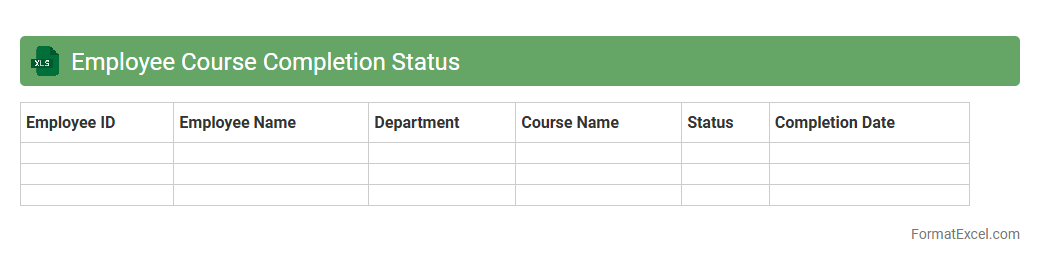
Employee Course Completion Status
The
Employee Course Completion Status Excel document tracks individual progress and completion rates of training programs within an organization, providing clear insights on employee development. It helps managers identify knowledge gaps, ensure compliance with mandatory courses, and allocate resources more effectively. Maintaining this document supports performance reviews and strategic planning by offering accurate data on workforce skills and ongoing educational achievements.
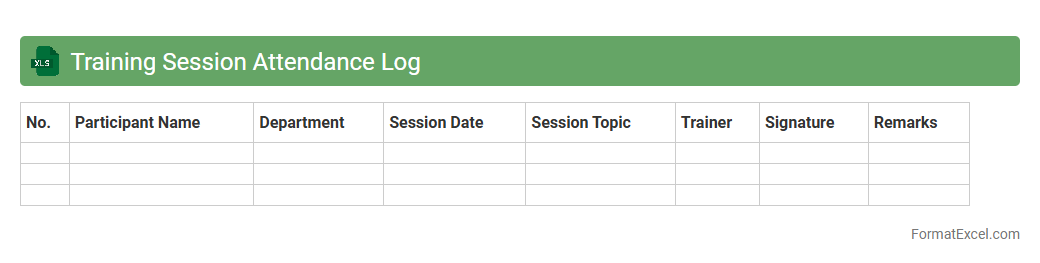
Training Session Attendance Log
A
Training Session Attendance Log Excel document systematically records participant presence during training events, enabling accurate tracking of attendance. This log helps organizations monitor employee engagement, comply with training requirements, and analyze participation trends for workforce development. Using this tool improves accountability and supports data-driven decisions to enhance training effectiveness.
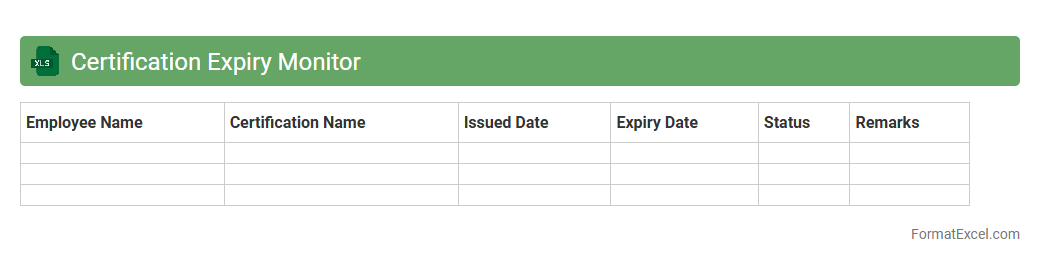
Certification Expiry Monitor
The
Certification Expiry Monitor Excel document is a tracking tool designed to help organizations keep precise records of employee or vendor certifications and their expiration dates. It facilitates timely notifications preventing lapses in compliance and ensures continuous eligibility for certifications critical to operational standards. This monitor enhances risk management by allowing proactive renewal planning, ultimately saving time and reducing the likelihood of certification-related disruptions.
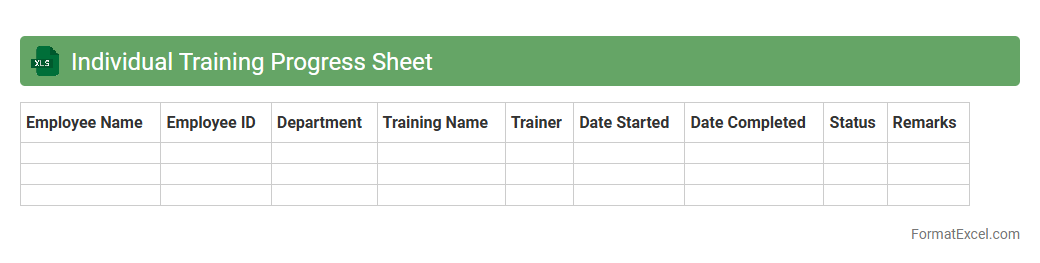
Individual Training Progress Sheet
The
Individual Training Progress Sheet Excel document tracks personal development by recording training sessions, skills acquired, and performance metrics. It provides a clear overview of progress, helping individuals and managers identify strengths and areas for improvement. This tool enhances goal-setting and ensures consistent monitoring of training effectiveness.
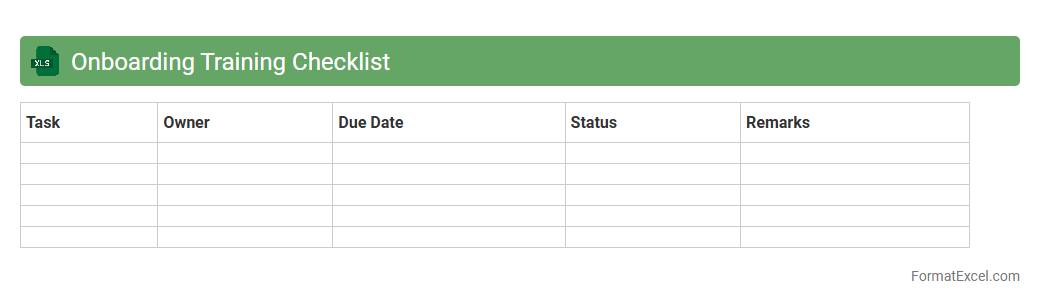
Onboarding Training Checklist
An
Onboarding Training Checklist Excel document is a structured tool designed to organize and track the progress of new employee training activities. It helps ensure all necessary topics, tasks, and compliance steps are completed systematically, reducing the risk of important information being overlooked. This checklist improves efficiency, enhances employee integration, and supports consistent training standards across the organization.
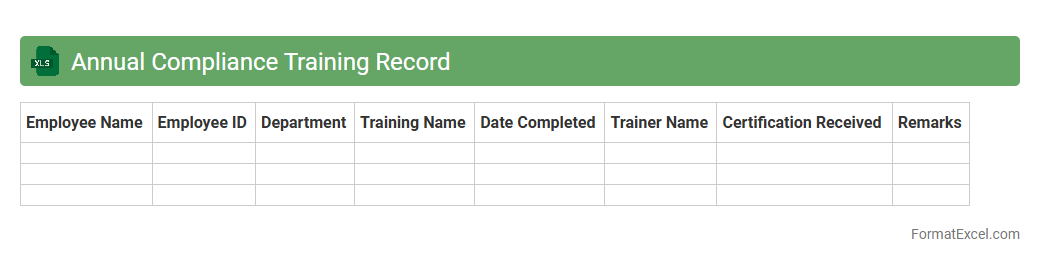
Annual Compliance Training Record
An
Annual Compliance Training Record Excel document is a structured file used to track employees' completion of mandatory compliance training courses over a year. It helps organizations maintain accurate documentation for audits, ensures regulatory requirements are met, and identifies employees who need training updates. This record streamlines compliance management by providing easy access to training statuses, dates, and certifications in a centralized format.
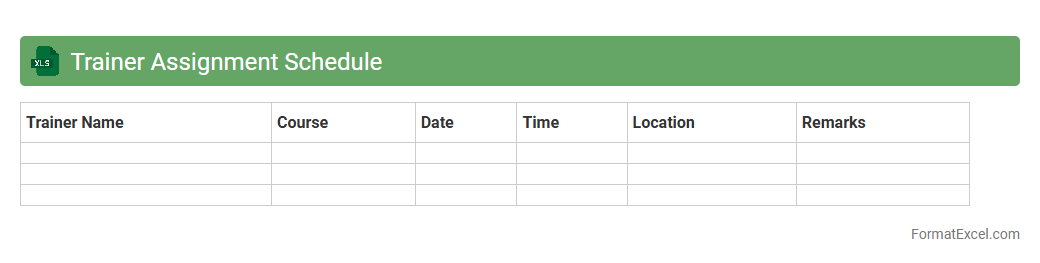
Trainer Assignment Schedule
The
Trainer Assignment Schedule Excel document is a structured tool designed to organize and track the allocation of trainers to various training sessions or courses. It provides clear visibility of trainer availability, session timings, and locations, ensuring efficient resource management and minimizing scheduling conflicts. This document enhances coordination, improves training delivery, and supports timely communication between management and trainers.
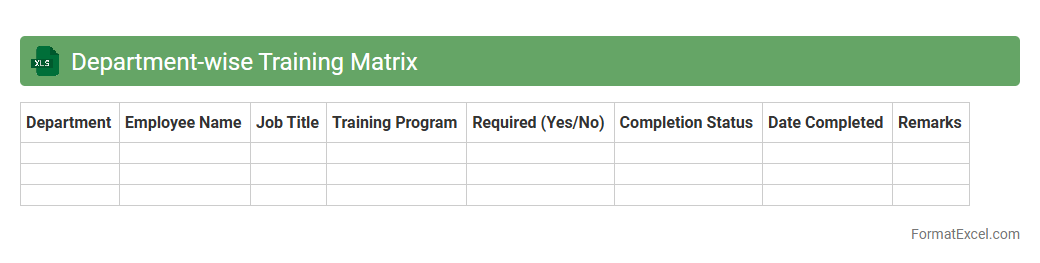
Department-wise Training Matrix
A
Department-wise Training Matrix Excel document organizes employee training data by department, tracking skill development, training completion, and proficiency levels. It helps managers identify skill gaps, plan targeted training programs, and ensure regulatory compliance across teams systematically. This tool enhances workforce efficiency by providing clear visibility into training progress and staffing capabilities department-wise.
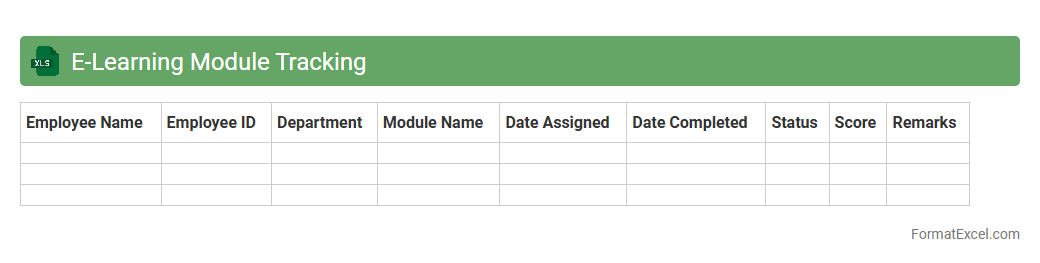
E-Learning Module Tracking
An
E-Learning Module Tracking Excel document is a structured spreadsheet used to monitor the progress and completion status of online training modules by employees or students. It helps organizations efficiently manage learning schedules, track individual performance, and identify gaps in knowledge or participation. This tool enhances accountability and ensures timely compliance with training requirements.
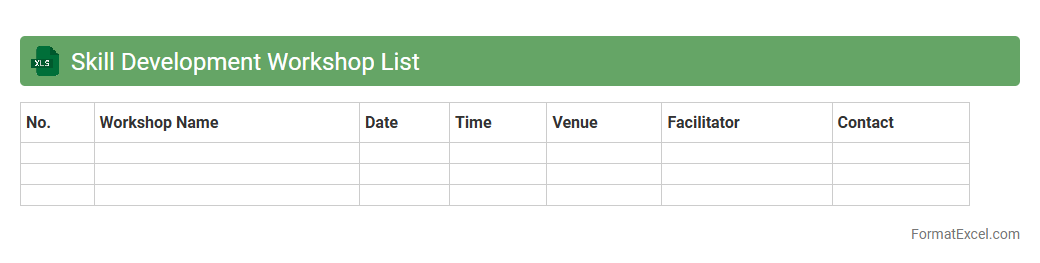
Skill Development Workshop List
The
Skill Development Workshop List Excel document is a comprehensive tool that organizes and tracks various workshops aimed at enhancing professional skills. It includes details such as workshop names, dates, topics, facilitators, and participant information, enabling effective planning and management. By using this document, organizations can monitor progress, identify skill gaps, and ensure targeted growth opportunities for their workforce.
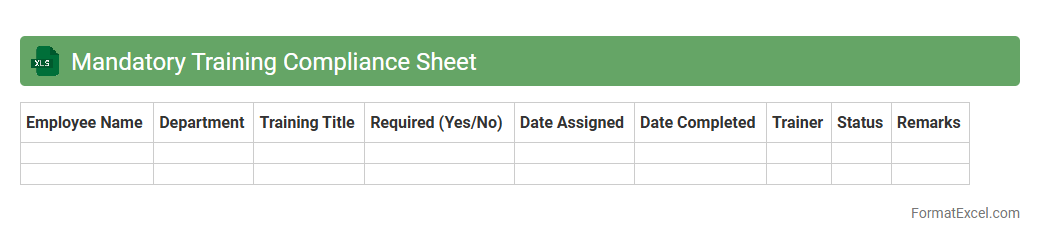
Mandatory Training Compliance Sheet
The
Mandatory Training Compliance Sheet Excel document is a structured tool designed to track and manage employee completion of required training programs within an organization. It helps ensure regulatory adherence by providing a clear overview of who has completed mandatory courses, deadlines, and any outstanding training needs. This document enhances organizational accountability and supports compliance audits by offering easily accessible, up-to-date training records.
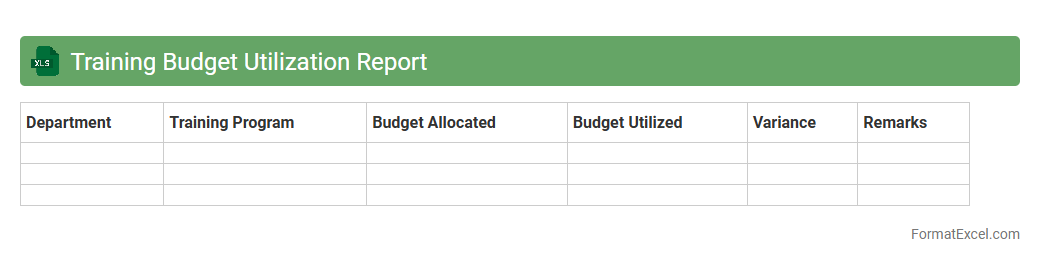
Training Budget Utilization Report
The
Training Budget Utilization Report Excel document tracks allocated funds versus actual spending on employee training programs, providing clear visibility into budget adherence. It helps organizations identify areas of overspending or underspending, enabling more effective financial planning and resource allocation. By analyzing this report, companies can optimize their training investments to improve workforce development outcomes.
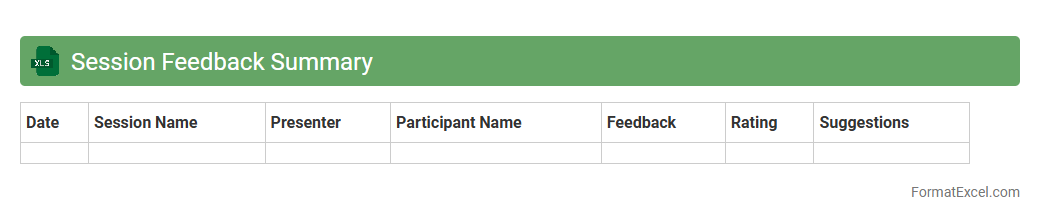
Session Feedback Summary
The
Session Feedback Summary Excel document consolidates participant responses and ratings from training or meeting sessions into a clear, organized format. It allows for quick analysis of attendee satisfaction, key insights, and areas needing improvement by summarizing qualitative and quantitative data. This tool enhances decision-making by providing a comprehensive overview that aids in refining future sessions and measuring overall effectiveness.
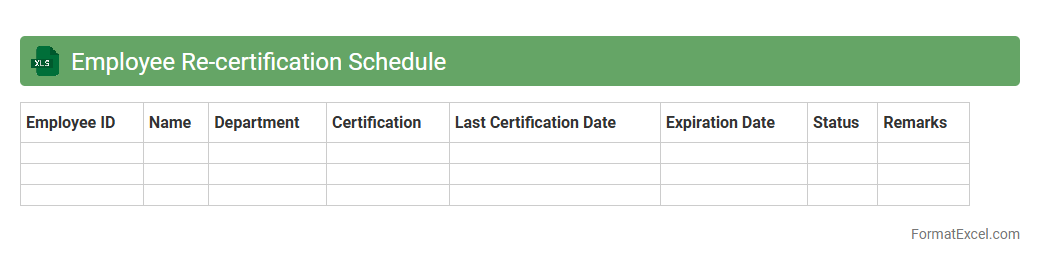
Employee Re-certification Schedule
An
Employee Re-certification Schedule Excel document is a structured spreadsheet used to track and manage the re-certification dates and requirements for employees within an organization. It helps ensure compliance with industry standards and regulatory mandates by providing timely reminders and clear visibility of certification expiration dates. This tool streamlines the maintenance of employee qualifications, reduces the risk of lapses, and supports workforce readiness and operational continuity.
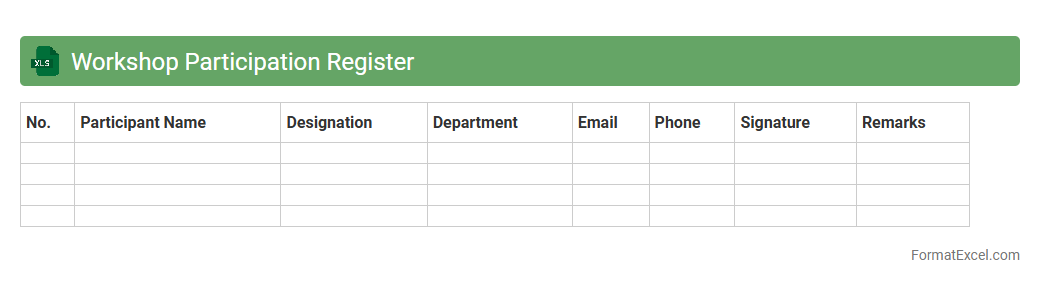
Workshop Participation Register
The
Workshop Participation Register Excel document is a structured tool designed to record and track attendees' details, such as names, contact information, workshop dates, and session topics. It helps organizers efficiently manage participant data, analyze attendance trends, and ensure accurate record-keeping for reporting or follow-up purposes. This document streamlines communication and supports informed decision-making in planning future workshops.
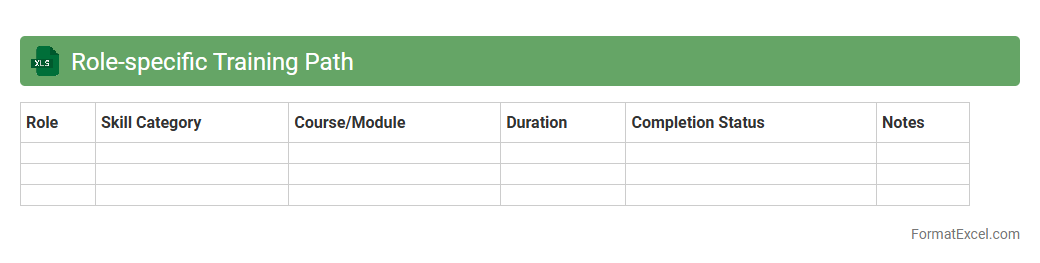
Role-specific Training Path
The
Role-specific Training Path Excel document outlines tailored training modules aligned with distinct job roles, ensuring employees receive targeted skill development. It acts as a roadmap for personalized learning, improving competency and efficiency within specific functions. This structured approach enhances workforce performance and supports career progression by focusing on relevant knowledge and skills.
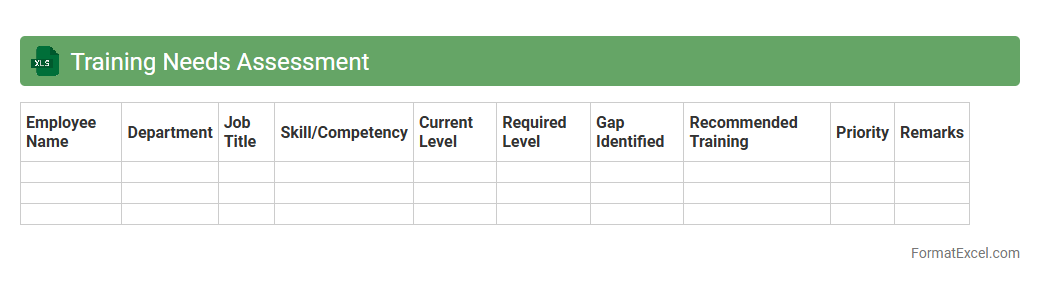
Training Needs Assessment
A
Training Needs Assessment Excel document is a structured tool used to identify skill gaps and determine the specific training requirements of employees within an organization. It organizes data systematically, allowing managers to analyze current competencies against desired performance levels, facilitating targeted learning interventions. This document enhances decision-making by prioritizing training resources effectively, ultimately improving workforce productivity and job satisfaction.
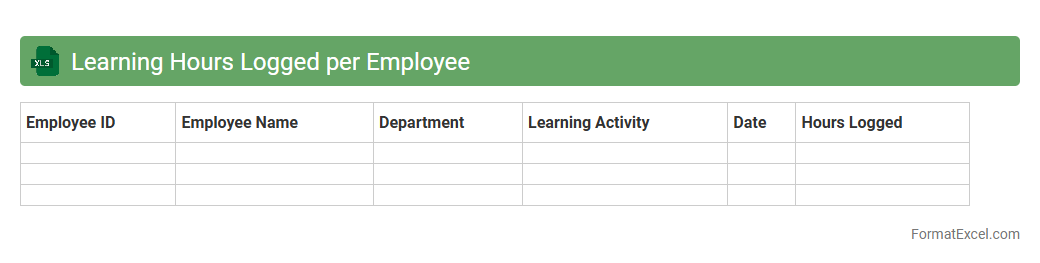
Learning Hours Logged per Employee
The
Learning Hours Logged per Employee Excel document tracks the total time each employee spends on training and development activities, providing detailed insights into individual and team learning progress. This data helps organizations monitor skill enhancement, identify knowledge gaps, and allocate resources efficiently to improve overall workforce competence. By analyzing logged hours, management can optimize training programs, boost employee engagement, and align learning initiatives with business goals.
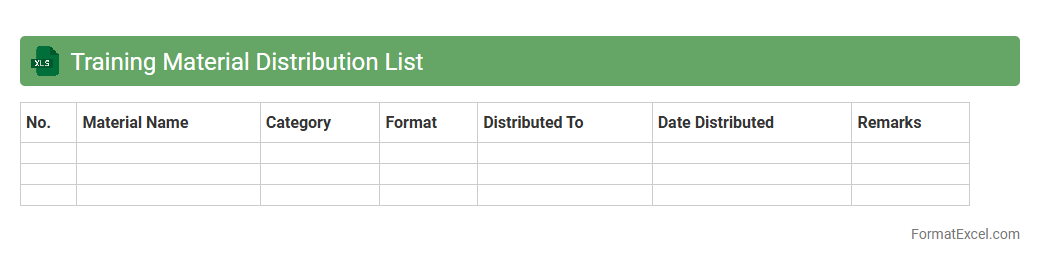
Training Material Distribution List
A
Training Material Distribution List Excel document is a structured spreadsheet used to track and manage the dissemination of training resources to participants or departments. It includes details such as recipient names, contact information, material types, distribution dates, and status updates, ensuring organized and efficient distribution. This document enhances accountability, prevents duplication, and streamlines follow-up processes, making it essential for effective training program management.
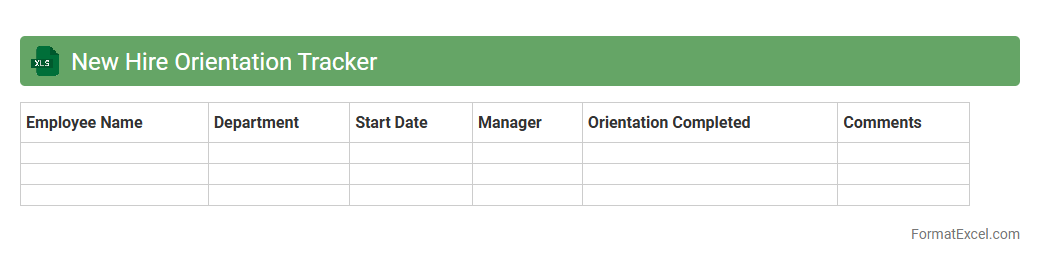
New Hire Orientation Tracker
The
New Hire Orientation Tracker Excel document is a comprehensive tool designed to monitor and manage the onboarding process of new employees efficiently. It helps HR teams track completion of orientation tasks, training schedules, and important paperwork, ensuring no step is overlooked. This organized approach improves employee integration, reduces administrative errors, and enhances overall onboarding productivity.
Self-paced Learning Status
The
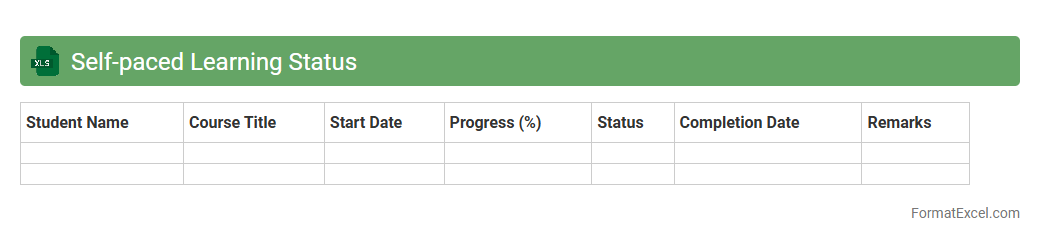
Self-paced Learning Status Excel document tracks individual progress in self-directed courses by recording completion rates, quiz scores, and time spent on modules. It enables educators and learners to monitor performance trends, identify areas needing improvement, and personalize study plans effectively. This tool enhances accountability and motivation by providing clear, up-to-date insights into learning achievements.
Cross-training Assignment Tracker
The
Cross-training Assignment Tracker Excel document is a powerful tool designed to monitor employee skill development and task assignments across multiple roles within an organization. It helps managers efficiently plan and allocate cross-training sessions, ensuring workforce flexibility and improved productivity. By providing clear visualization of individual progress and skill gaps, the tracker enables targeted training efforts that enhance team capability and reduce operational risks.
Mentor-Mentee Program Log
The
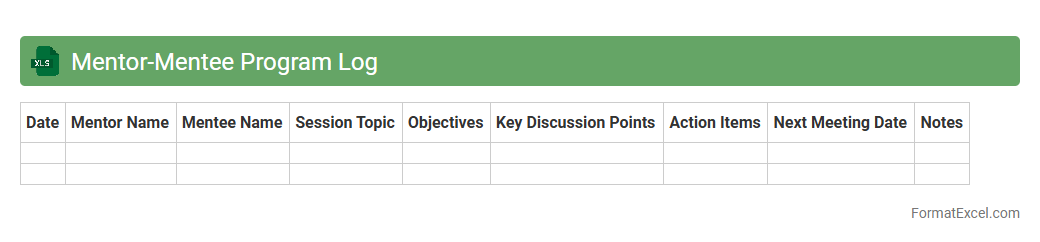
Mentor-Mentee Program Log Excel document serves as a structured tool to record and track interactions, progress, and goals between mentors and mentees. It provides a clear overview of meeting dates, discussion topics, action items, and milestones, enhancing accountability and communication. This organized data enables program coordinators to assess the effectiveness of mentorship relationships and identify areas for improvement.
Classroom Training Schedule
A
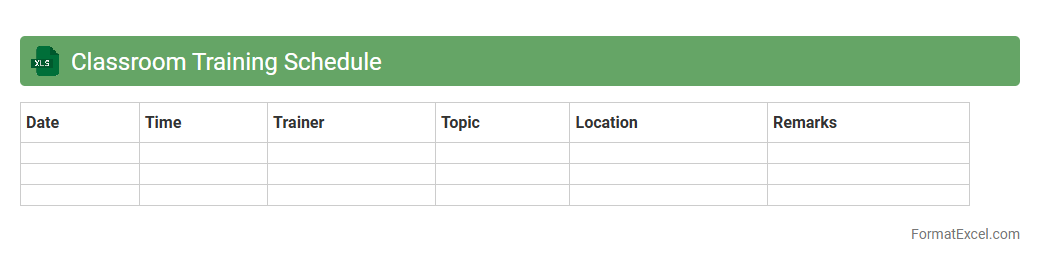
Classroom Training Schedule Excel document is a structured spreadsheet designed to organize and manage training sessions, including dates, times, topics, instructors, and participant details. It streamlines the planning process, ensuring efficient allocation of resources and minimizing scheduling conflicts. This tool enhances communication among trainers and trainees while providing a clear overview of the entire training program.
Upskilling Program Participant List
The
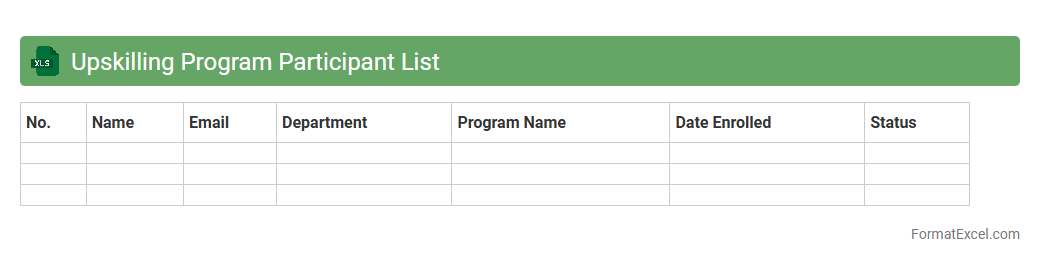
Upskilling Program Participant List Excel document is a comprehensive record of individuals enrolled in a skill enhancement initiative, capturing essential data such as names, contact details, courses undertaken, and progress status. This organized dataset enables efficient tracking, reporting, and analysis of participants' development, helping managers and educators identify skill gaps and tailor training programs accordingly. By maintaining accurate and up-to-date participant information, the document supports strategic workforce planning and improves the overall effectiveness of upskilling efforts.
Introduction to Training Tracker Formats in Excel
A Training Tracker format in Excel helps organizations monitor employee learning and development effectively. It provides a structured layout to record training sessions, progress, and completion status. Using Excel's grid system simplifies organizing and updating training data.
Benefits of Using Excel for Training Tracking
Excel offers flexibility and ease of use, making it an ideal tool for managing a training tracker. It enables real-time updates, customization, and data analysis without the need for specialized software. Additionally, Excel's compatibility with other Microsoft tools enhances collaborative efforts.
Essential Components of a Training Tracker
Key elements include employee details, training course names, dates, status, and feedback. A well-designed training tracker ensures accurate and comprehensive information collection. This helps in tracking progress and identifying learning gaps effectively.
Step-by-Step Guide to Creating a Training Tracker in Excel
Start by defining your tracking purpose and necessary fields, then create columns for each data point. Input sample data and format cells to improve readability. Finally, use validation rules and formulas to automate tracking and reporting.
Key Columns to Include in Your Training Tracker
Include columns such as Employee Name, Training Title, Date Completed, Status, and Completion Percentage. Each column in the training tracker should convey specific, actionable information. This assists in quick analysis and reporting.
Best Practices for Structuring Training Data
Maintain consistency with naming conventions and date formats to enhance data accuracy. Use separate sheets or tables for large datasets in your training tracker. Regularly update the tracker to reflect the most recent training statuses.
Excel Formulas for Effective Tracking and Reporting
Utilize formulas like COUNTIF, SUMIF, and VLOOKUP to summarize and analyze training data. These functions make your training tracker dynamic and responsive to data changes. Conditional formatting can visually highlight key metrics and deadlines.
Tips for Automating Your Training Tracker
Implement dropdown lists, data validation, and conditional formatting for streamlined data entry. Use macros to automate repetitive tasks and generate reports. Automation keeps your training tracker efficient and reduces manual errors.
Sample Training Tracker Templates in Excel
Explore pre-built templates available online to save time and get inspiration. A well-structured training tracker template includes all necessary fields and automation features. Customize templates according to your organization's specific training needs.
Common Pitfalls and Solutions in Training Tracking
Common issues include inconsistent data entry and outdated records in the training tracker. Combat these with regular audits and standardized procedures. Use Excel's protection features to prevent accidental data modification.