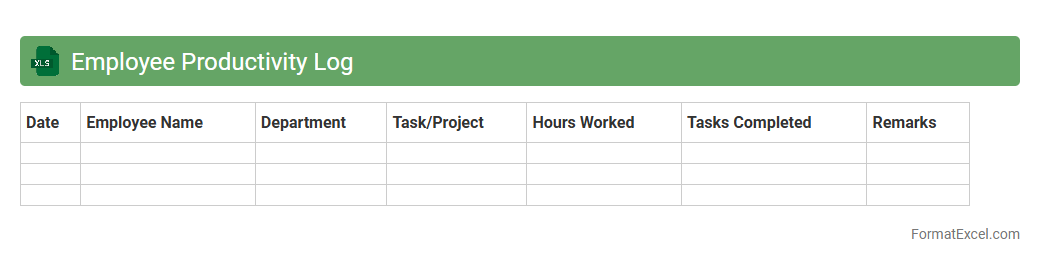
Employee Productivity Log
An
Employee Productivity Log Excel document systematically tracks daily tasks, hours worked, and performance metrics, enabling managers to monitor workforce efficiency accurately. It provides valuable insights into individual and team productivity trends, facilitating data-driven decisions for improving workflow and resource allocation. By maintaining detailed records, this log helps identify bottlenecks and optimize employee output, ultimately enhancing overall organizational performance.
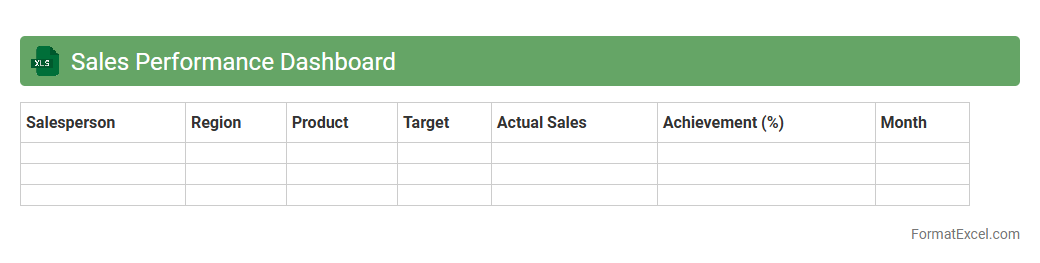
Sales Performance Dashboard
A
Sales Performance Dashboard Excel document is a dynamic tool designed to visualize key sales metrics such as revenue, conversion rates, and sales targets in real time. It enables sales teams and managers to track progress, identify trends, and make data-driven decisions that enhance overall sales effectiveness. By consolidating complex data into an intuitive format, this dashboard improves strategic planning and boosts productivity.
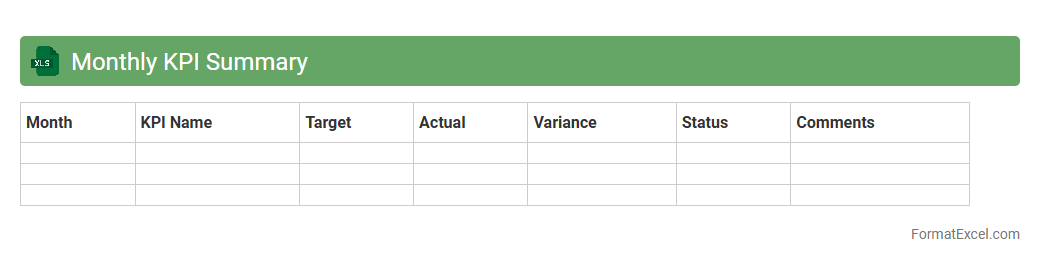
Monthly KPI Summary
The
Monthly KPI Summary Excel document consolidates key performance indicators from various departments into a single, easy-to-read format, enabling quick assessment of business health. It facilitates data-driven decision-making by highlighting trends, variances, and achievement levels against targets over the course of the month. This tool enhances performance monitoring, accountability, and strategic planning by providing clear, actionable insights for managers and stakeholders.
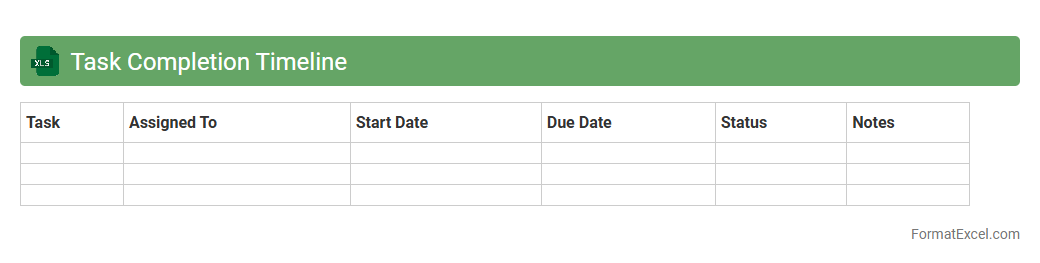
Task Completion Timeline
The
Task Completion Timeline Excel document is a structured tool designed to track the progress and deadlines of various tasks within a project or workflow. It visually represents the start and end dates, milestones, and overall duration, enabling efficient project management and timely completion. This document helps teams coordinate efforts, identify bottlenecks early, and maintain accountability, ultimately improving productivity and deadline adherence.
Individual Performance Review
An
Individual Performance Review Excel document is a structured tool used to track and evaluate employee performance metrics over specific periods. It allows managers to input, analyze, and visualize key performance indicators (KPIs), goals, and feedback systematically, promoting data-driven decision-making. This document enhances accountability, identifies development areas, and supports personalized growth plans for maximizing workforce effectiveness.
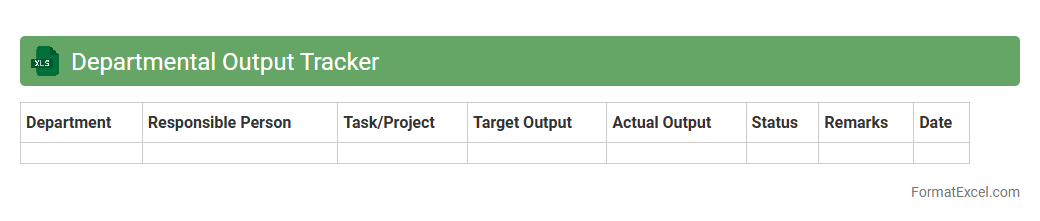
Departmental Output Tracker
The
Departmental Output Tracker Excel document is a tool designed to systematically record, monitor, and analyze the performance metrics and deliverables of various departments within an organization. It enables tracking of key performance indicators (KPIs), timelines, and project statuses, providing clear visibility into departmental productivity and resource allocation. This document is useful for identifying bottlenecks, ensuring accountability, and facilitating data-driven decision-making to optimize overall operational efficiency.
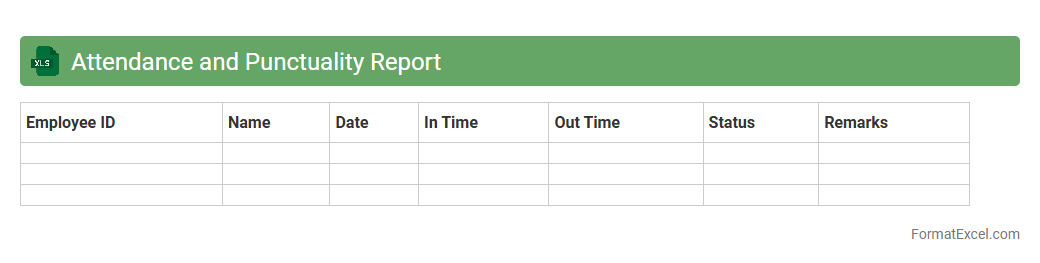
Attendance and Punctuality Report
An
Attendance and Punctuality Report Excel document tracks employee presence, arrival times, and absences to ensure accurate workforce management. It helps identify patterns of tardiness, absenteeism, and overall time management, enabling businesses to improve productivity and enforce company policies. This report supports payroll accuracy and aids in performance evaluations by providing clear, organized attendance data.
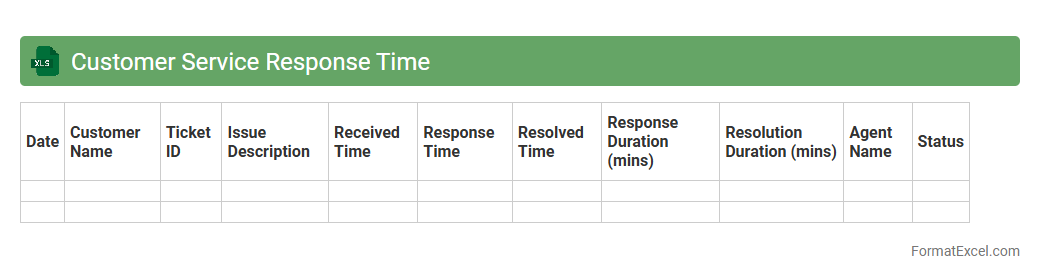
Customer Service Response Time
The
Customer Service Response Time Excel document tracks the duration between customer inquiries and the responses provided, enabling organizations to monitor efficiency and identify bottlenecks in their support processes. By analyzing response times, companies can improve customer satisfaction, streamline workflow, and allocate resources effectively. This data-driven approach supports strategic decisions to enhance overall service quality and maintain competitive advantage.
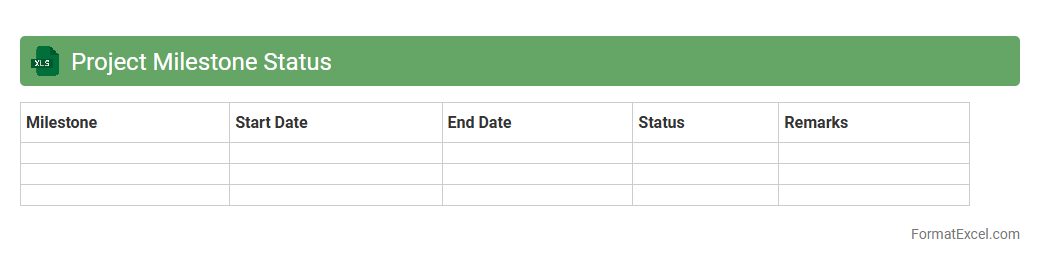
Project Milestone Status
A
Project Milestone Status Excel document is a structured spreadsheet that tracks key project milestones, their deadlines, and current completion statuses. It enables project managers and teams to monitor progress, identify delays promptly, and ensure timely delivery of deliverables. By visualizing milestone achievements clearly, this document enhances communication, accountability, and informed decision-making throughout the project lifecycle.
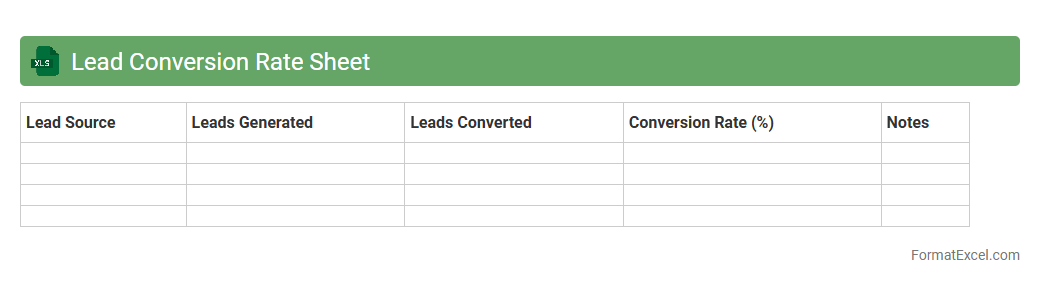
Lead Conversion Rate Sheet
A
Lead Conversion Rate Sheet in Excel is a document designed to track and analyze the percentage of leads that successfully become paying customers. This sheet helps businesses measure the effectiveness of their marketing and sales efforts by organizing lead data, conversion metrics, and timeframes in a clear, structured format. Utilizing this tool enables informed decision-making to optimize strategies, improve sales performance, and increase overall revenue.
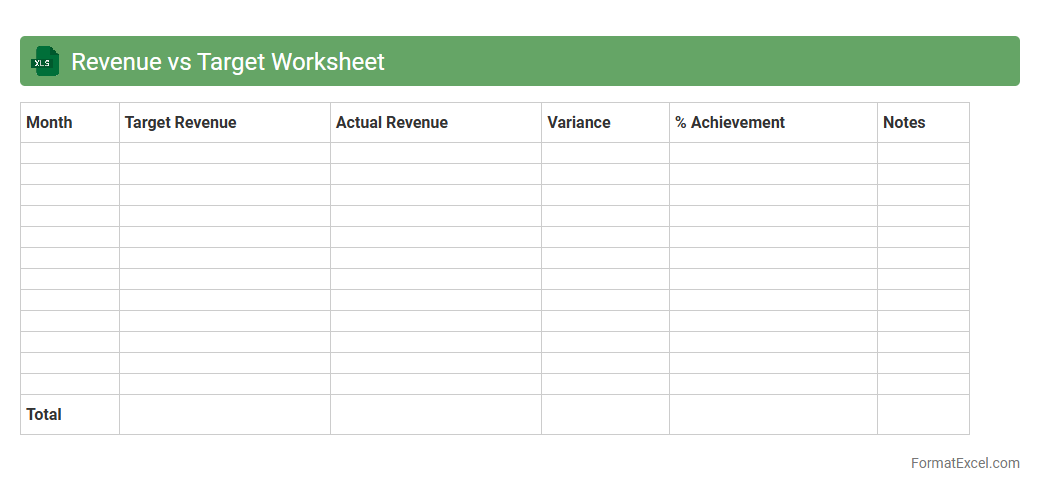
Revenue vs Target Worksheet
A
Revenue vs Target Worksheet Excel document is a tool designed to track and compare actual revenue against projected targets over specific periods. This worksheet helps businesses identify performance gaps, analyze trends, and make data-driven decisions to enhance financial outcomes. By providing clear visualization and organized data, it supports effective budget management and strategic planning.
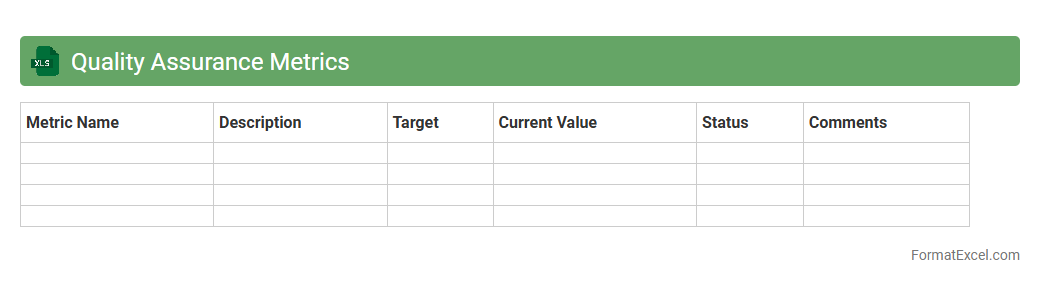
Quality Assurance Metrics
Quality Assurance Metrics Excel document is a structured tool designed to track, analyze, and report key performance indicators related to product quality and process efficiency. It helps teams measure defect rates, test coverage, and cycle time, allowing for data-driven decision making and continuous improvement. Using this
QA Metrics Excel sheet enhances transparency, accountability, and overall quality management in software development or manufacturing environments.
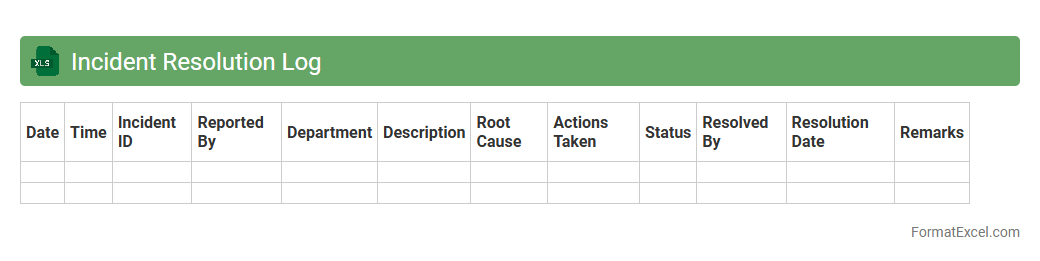
Incident Resolution Log
The
Incident Resolution Log Excel document is a structured tool used to record, track, and manage incident reports systematically. It facilitates efficient monitoring of issues by documenting key details such as incident status, resolution steps, responsible personnel, and timeframes, which enhances accountability and communication within teams. This log is essential for identifying recurring problems, analyzing resolution effectiveness, and improving overall incident management processes.
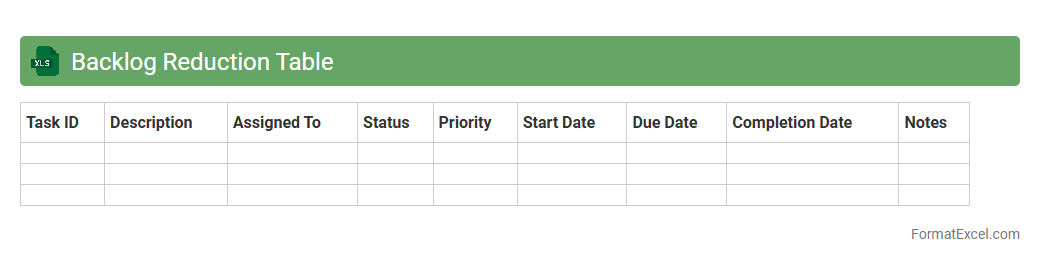
Backlog Reduction Table
A
Backlog Reduction Table Excel document systematically tracks and organizes pending tasks or issues to streamline workflow management. By clearly visualizing the volume and status of backlogs, it helps identify priority areas and allocate resources efficiently. This tool enhances productivity by enabling teams to focus on reducing delays and improving project timelines.
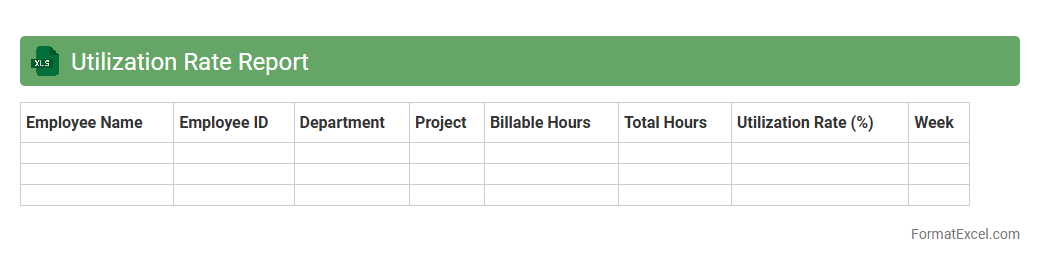
Utilization Rate Report
The
Utilization Rate Report Excel document measures the percentage of available work hours effectively used by employees or teams within a specific period. It helps managers track productivity, identify underutilized resources, and optimize workforce allocation to enhance operational efficiency. By analyzing this report, organizations can make data-driven decisions that improve project planning and maximize overall profitability.
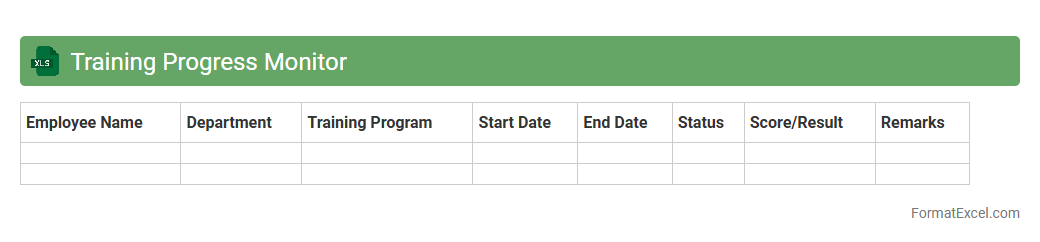
Training Progress Monitor
The
Training Progress Monitor Excel document is a tool designed to track and evaluate employee training sessions, capturing key metrics such as completion rates, assessment scores, and skill development over time. It enables managers to identify skill gaps, measure training effectiveness, and ensure alignment with organizational goals by providing clear, visual summaries of progress. This systematic tracking supports data-driven decisions to optimize training programs and enhance workforce competency.
Call Handling Statistics
The
Call Handling Statistics Excel document compiles detailed data on call volumes, response times, and resolution rates, enabling businesses to monitor and improve customer service performance. By analyzing key metrics such as average wait time and call abandonment rates, organizations can identify bottlenecks and optimize staffing levels. This document serves as a valuable tool for enhancing operational efficiency and boosting overall customer satisfaction.
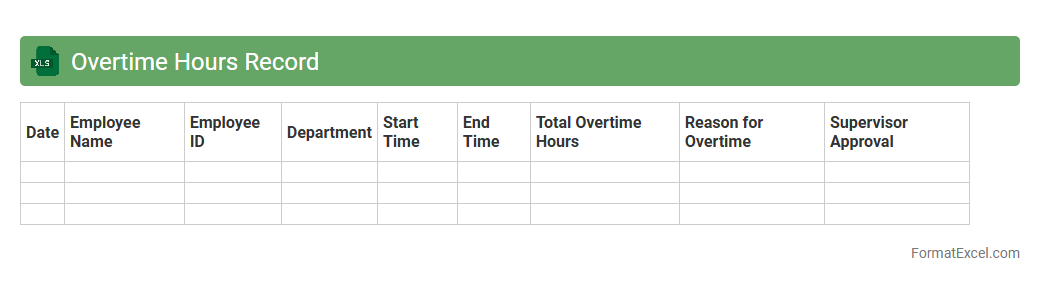
Overtime Hours Record
The
Overtime Hours Record Excel document is a spreadsheet designed to track and calculate the extra hours employees work beyond their regular schedule. It helps organizations monitor employee productivity, ensure accurate payroll processing, and comply with labor regulations. By maintaining precise overtime records, businesses can optimize workforce management and control labor costs effectively.
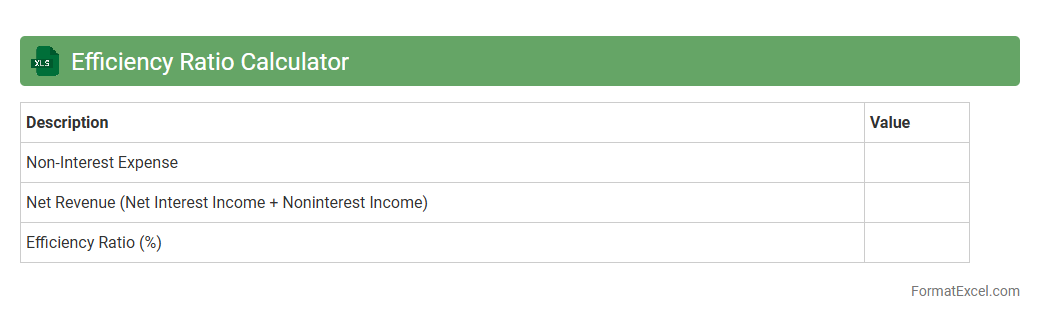
Efficiency Ratio Calculator
The
Efficiency Ratio Calculator Excel document is a tool designed to evaluate the efficiency of a business by comparing expenses to revenue, helping to identify cost-saving opportunities. It automates calculations, reducing errors and saving time for financial analysts and decision-makers. Using this calculator enhances financial insights, enabling better resource allocation and operational improvements.
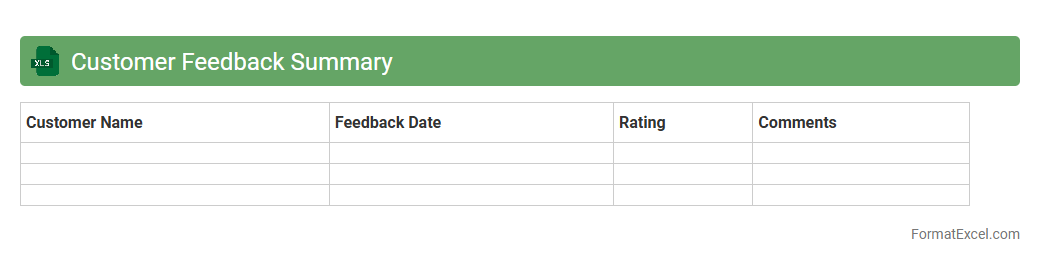
Customer Feedback Summary
A
Customer Feedback Summary Excel document compiles and organizes customer comments, ratings, and satisfaction data into a clear, accessible format. It helps businesses track trends, identify areas for improvement, and measure the effectiveness of customer service initiatives. By analyzing this summary, companies can enhance product quality, optimize user experience, and make data-driven decisions to boost customer loyalty.
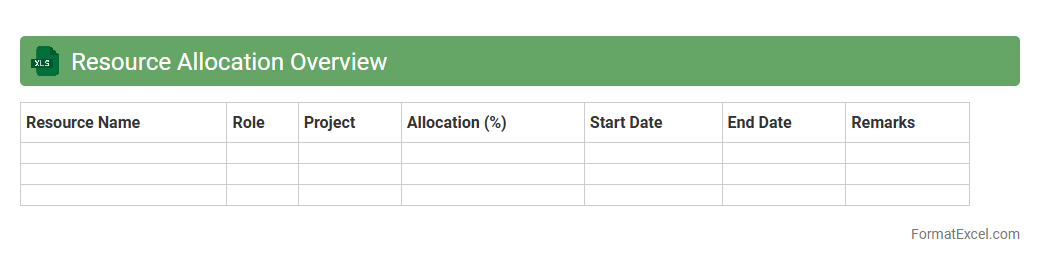
Resource Allocation Overview
The
Resource Allocation Overview Excel document provides a detailed visualization of how resources such as personnel, time, and budget are distributed across various projects or departments. This tool helps organizations optimize resource usage by highlighting underutilized assets and preventing overallocation, ensuring efficient project management and operational productivity. Its data-driven structure supports informed decision-making and strategic planning, enhancing workflow coordination and maximizing return on investment.
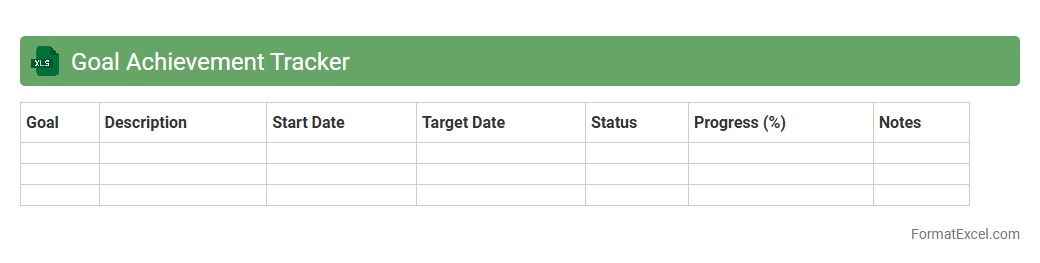
Goal Achievement Tracker
A
Goal Achievement Tracker Excel document is a customizable tool designed to help individuals or teams set, monitor, and evaluate progress toward specific objectives using data-driven charts and status updates. It streamlines goal management by providing clear visualizations of milestones, deadlines, and completion rates, facilitating better time management and accountability. Using this tracker increases productivity and motivation by offering real-time insights and enabling strategic adjustments to meet targets effectively.
Annual Performance Comparison
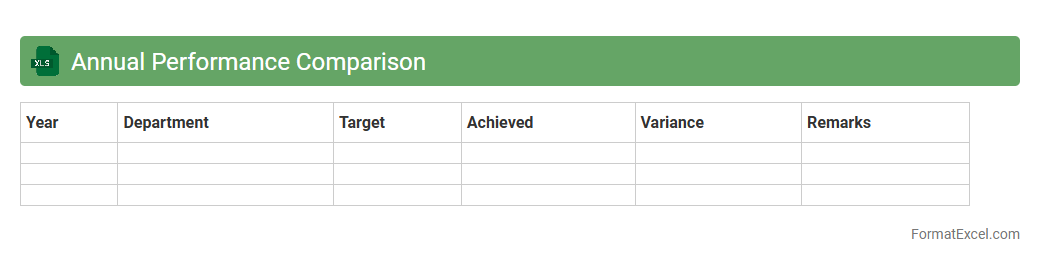
The
Annual Performance Comparison Excel document is a tool designed to track and analyze key performance metrics over a one-year period, allowing businesses to evaluate growth, productivity, and efficiency. By organizing data month-by-month or quarter-by-quarter, it helps identify trends, highlight areas needing improvement, and facilitates strategic decision-making. This document streamlines performance reviews, making it easier to benchmark progress against goals and industry standards.
Error Rate Analysis
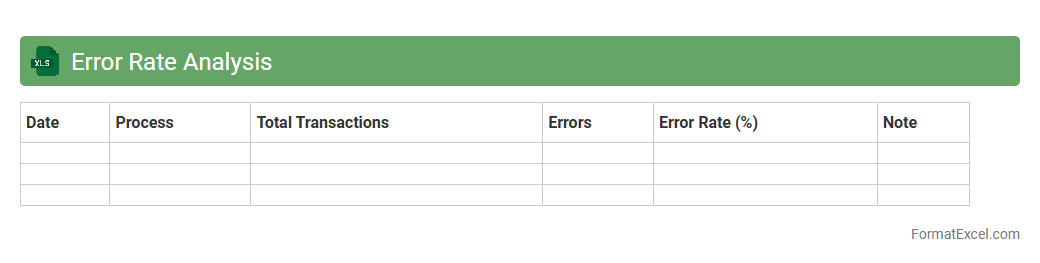
Error Rate Analysis in an Excel document involves systematically tracking and evaluating mistakes within a dataset or process to identify patterns and root causes of errors. This analysis helps improve accuracy, enhance workflow efficiency, and supports informed decision-making by providing clear metrics on error frequency and distribution. Utilizing
Error Rate Analysis in Excel enables organizations to proactively reduce defects and optimize overall operational quality.
Performance Improvement Plan
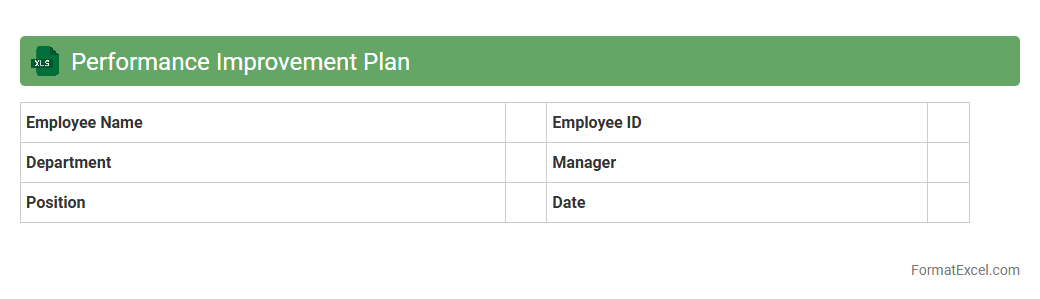
A
Performance Improvement Plan (PIP) Excel document is a structured tool designed to track employee goals, action steps, and progress efficiently. It allows managers to systematically document performance issues, set measurable objectives, and monitor improvements over time. Using this Excel template enhances transparency, accountability, and communication during the employee development process.
Introduction to Performance Tracker Formats in Excel
A Performance Tracker in Excel is a tool designed to monitor and assess individual or team performance over time. It helps organize data systematically for easy analysis and reporting. Excel provides flexible formats to customize trackers for various needs.
Key Features of an Effective Excel Performance Tracker
An effective tracker includes clear metrics, real-time updates, and easy visualization options. Strong use of data validation and conditional formatting enhances accuracy and readability. Integration with charts and pivot tables provides deeper insights.
Essential Columns and Data Points to Include
Include columns like Date, Task/Project, Employee Name, Metrics, Targets, and Status for comprehensive tracking. Adding performance scores or ratings enables quick evaluation. Additional fields for comments or notes add valuable context.
Step-by-Step Guide to Creating a Performance Tracker in Excel
Begin by setting up columns based on your key performance indicators (KPIs). Enter sample data, then apply conditional formatting for visual cues. Finally, use formulas to calculate totals, averages, or percentage completion.
Customizing Templates for Different Performance Metrics
Adjust the tracker layout based on specific measurements like sales, productivity, or attendance. Incorporate unique metrics relevant to your business or project goals. Use Excel's flexibility to add or remove columns as needed.
Using Conditional Formatting to Visualize Performance
Conditional formatting highlights performance trends by coloring cells based on values. Use rules to mark high achievers or areas needing improvement. This visualization tool makes data interpretation faster and more intuitive.
Automating Data Entry with Excel Formulas
Formulas such as IF, SUMIF, and VLOOKUP reduce manual entry and improve accuracy. Automate calculations for cumulative performance or target comparisons using Excel functions. This boosts efficiency and minimizes errors.
Best Practices for Maintaining Accurate Performance Records
Regularly update tracker data and backup files to prevent loss. Ensure consistency in data input by defining clear guidelines and using dropdown lists. Implement data validation to minimize errors and maintain integrity.
Sample Performance Tracker Template Download
Using a pre-designed Excel template saves time while providing a structured format. Templates typically include built-in formulas and formatting for immediate use. Access to a sample template streamlines the setup process.
Tips for Analyzing and Interpreting Tracker Data in Excel
Utilize pivot tables and charts to summarize and visualize performance trends effectively. Focus on key metrics to identify patterns, strengths, and improvement opportunities. Consistent analysis fosters informed decision-making using tracker data.