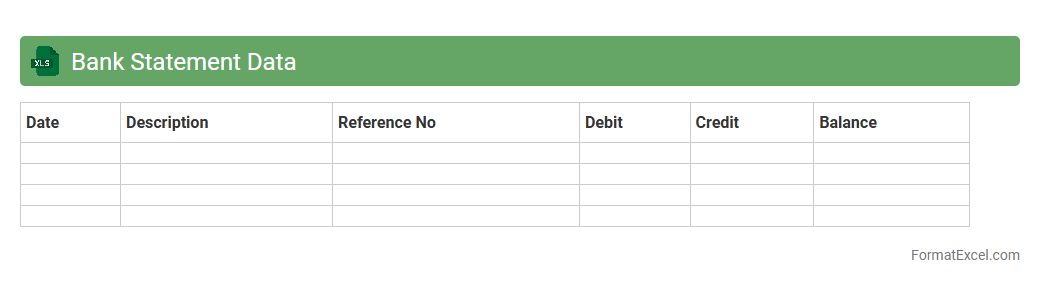
Bank Statement Data
A
Bank Statement Data Excel document is a structured spreadsheet that organizes transaction details such as dates, amounts, descriptions, and balances from bank statements. This format enables efficient tracking and analysis of financial activities, facilitating budgeting, expense management, and reconciliation processes. By providing clear visibility into cash flow patterns, it helps individuals and businesses make informed financial decisions and maintain accurate records.
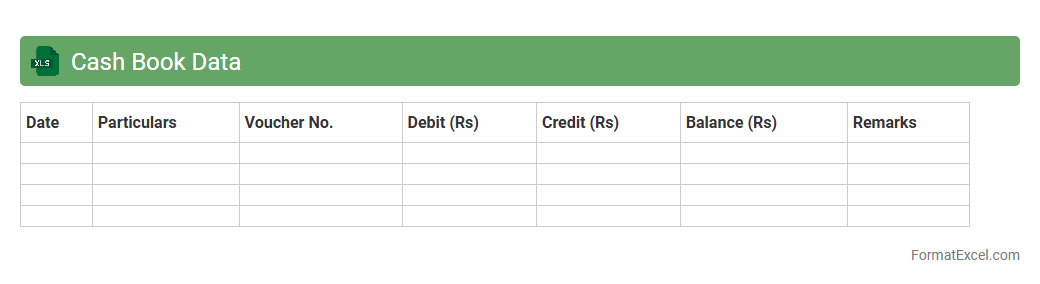
Cash Book Data
A
Cash Book Data Excel document is a digital record-keeping tool designed to track all cash transactions, including receipts and payments, in a systematic and organized manner. It provides real-time visibility into cash flow, helping businesses maintain accurate financial records and avoid discrepancies. Using this document enhances financial management by simplifying reconciliation processes and supporting effective budget planning.
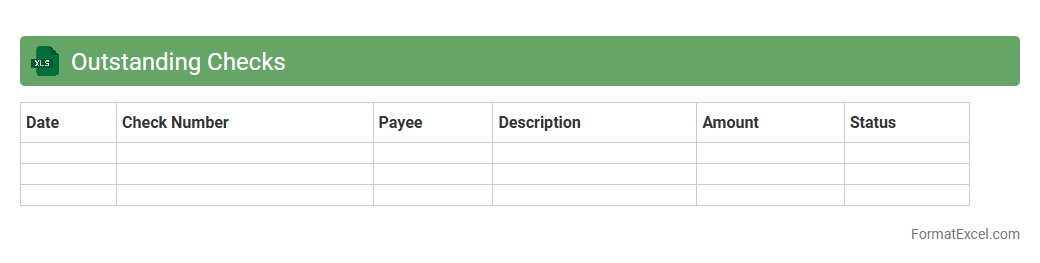
Outstanding Checks
An
Outstanding Checks Excel document tracks checks that have been issued but not yet cleared by the bank, helping businesses maintain accurate cash flow records. It serves as a reconciliation tool by comparing issued checks against bank statements to identify discrepancies or errors. Using this document ensures financial accuracy and aids in effective cash management by preventing overdrafts and avoiding inaccurate account balances.
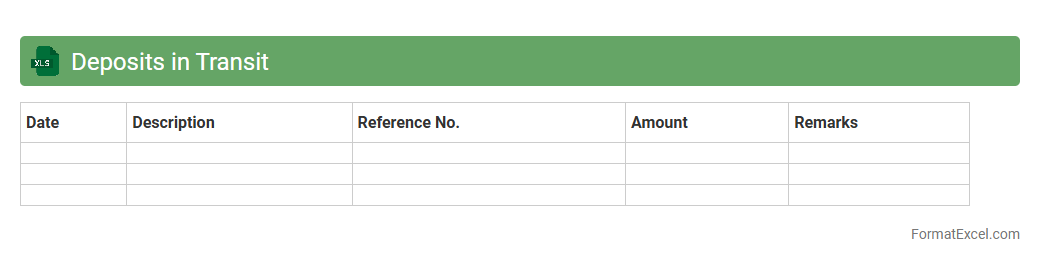
Deposits in Transit
A
Deposits in Transit Excel document records deposits made but not yet reflected in the bank statement, ensuring accurate cash flow tracking. It helps reconcile bank records with company books by identifying timing differences between deposits and bank recognition. This tool is essential for maintaining financial accuracy and preventing discrepancies in cash management.
Bank Charges
A
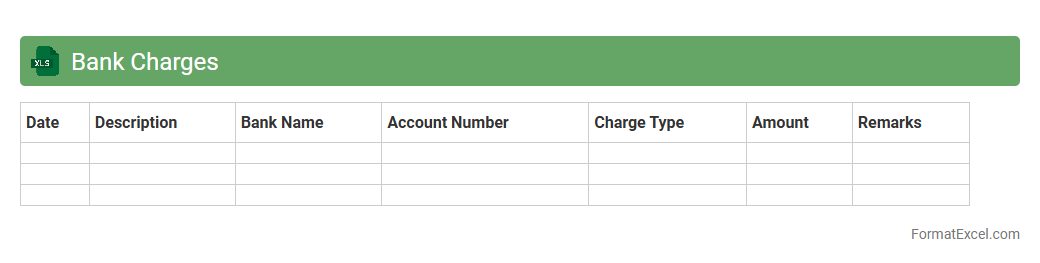
Bank Charges Excel document is a detailed spreadsheet that records all fees imposed by banks, including service charges, transaction fees, and penalties. It helps individuals and businesses monitor and analyze banking expenses to manage costs effectively. This document provides clear visibility into financial outflows, facilitating better budgeting and financial planning.
Direct Credits
The
Direct Credits Excel document is a structured spreadsheet used to record and manage direct credit transactions efficiently. It helps streamline payroll, vendor payments, and other bulk payment processes by organizing payment details such as account numbers, amounts, and transaction dates. This tool enhances accuracy and saves time by automating data entry and providing a clear overview of all direct credit activities.
Direct Debits
A
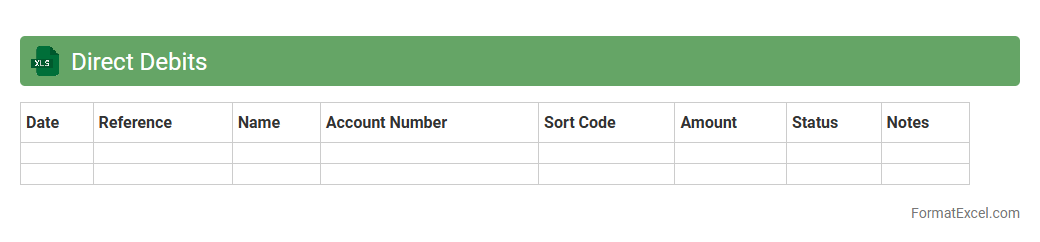
Direct Debits Excel document is a spreadsheet designed to track and manage automated payments authorized by account holders to pay bills or subscriptions. It helps users monitor payment dates, amounts, and payees, ensuring timely payments and accurate financial record-keeping. This tool improves cash flow management and reduces the risk of missed or duplicated payments.
Errors in Cash Book
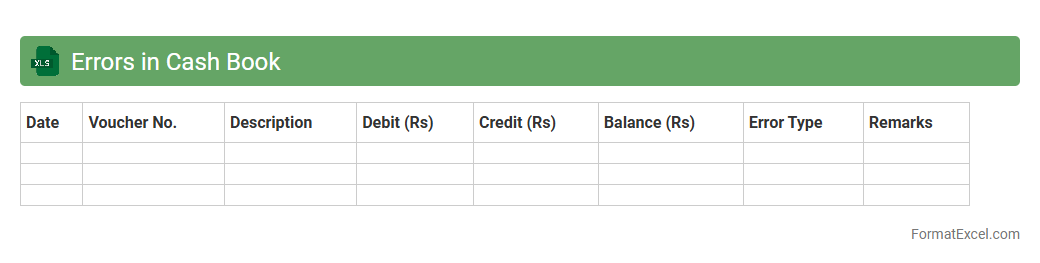
Errors in Cash Book excel document refer to inaccuracies or discrepancies in recording cash transactions, such as wrong entries, missing amounts, or miscalculations. Identifying and correcting these errors ensures accurate financial records, helping businesses maintain reliable cash flow tracking and simplify auditing processes. The
Cash Book error correction improves data integrity and supports efficient financial management.
Errors in Bank Statement
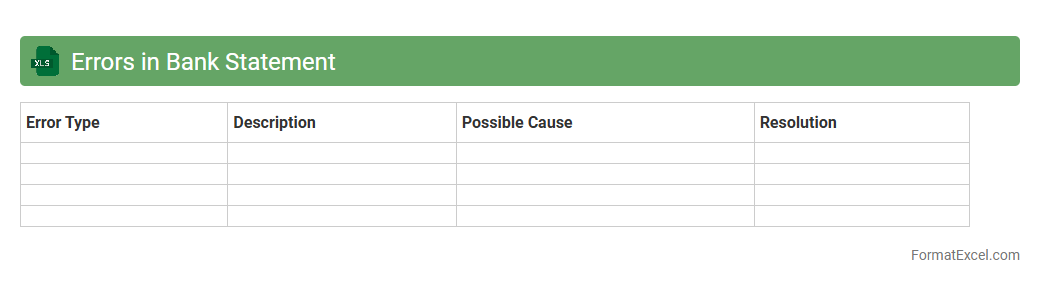
Errors in bank statement Excel documents refer to discrepancies or inaccuracies such as incorrect transaction entries, missing data, or calculation mistakes that can affect financial records. Identifying and correcting these
errors ensures accurate reconciliation of bank accounts, enhances financial transparency, and prevents potential issues like overdrafts or fraud. Using Excel for error detection allows for efficient data analysis, automation of error checks, and improved financial management.
Unpresented Checks
An
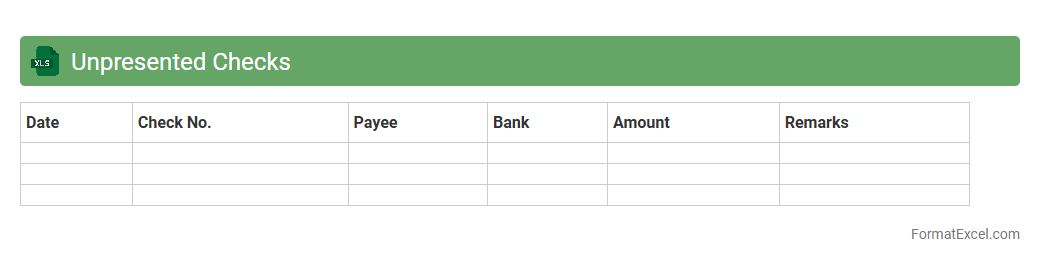
Unpresented Checks Excel document is a financial tool used to track checks issued by a company that have not yet been cashed or cleared by the bank. This document helps maintain accurate cash flow management by identifying outstanding payments, preventing discrepancies between the company's cash book and bank statements. It is essential for ensuring proper reconciliation and avoiding overdraft situations.
Uncredited Deposits
An
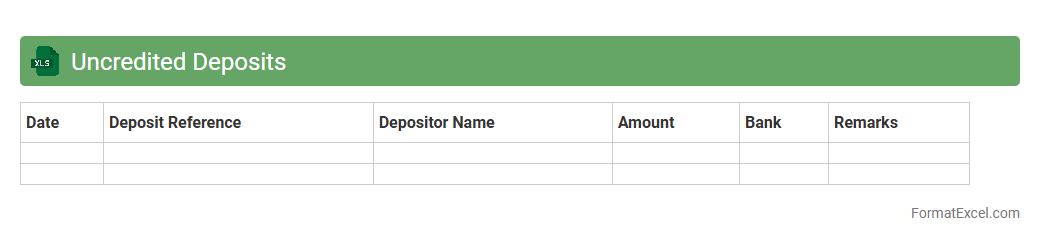
Uncredited Deposits Excel document is a financial tracking tool that records deposits made to a bank account but not yet reflected in the bank statement. It helps businesses reconcile cash flow discrepancies by identifying pending deposits and ensuring accurate financial reporting. This document enhances cash management efficiency and aids in maintaining up-to-date accounting records.
Interest Income
An
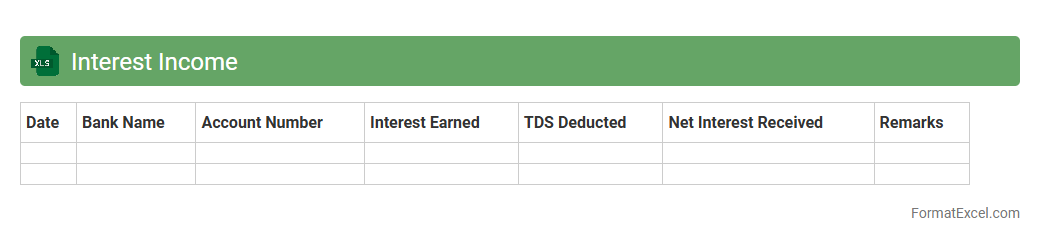
Interest Income Excel document is a structured spreadsheet designed to track and calculate earnings generated from various interest-bearing accounts or investments. It helps users analyze their passive income streams by organizing data such as principal amounts, interest rates, payment periods, and total interest earned. This tool is useful for personal finance management, budgeting, and tax reporting by providing clear insights into interest income over time.
Standing Orders
A
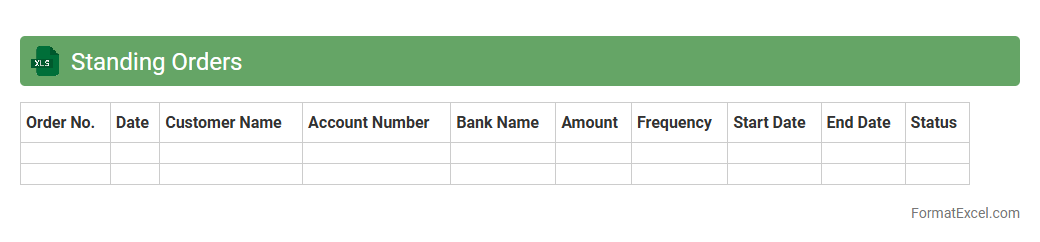
Standing Orders Excel document is a structured spreadsheet used to automate and manage recurring financial or operational instructions within organizations. It streamlines processes such as regular payments, inventory restocking, or task scheduling by providing a clear, customizable template for consistent execution. This tool enhances efficiency, reduces errors, and ensures timely compliance with predefined directives.
Returned Checks
A
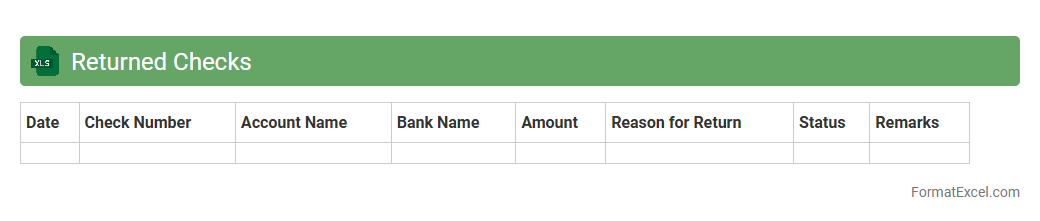
Returned Checks Excel document is a spreadsheet used to track checks that have been rejected by banks due to insufficient funds or other issues. It helps businesses monitor unpaid transactions, manage cash flow, and follow up with customers promptly to resolve payment problems. This organized approach reduces financial discrepancies and improves overall accounting accuracy.
Bank Transfers
A
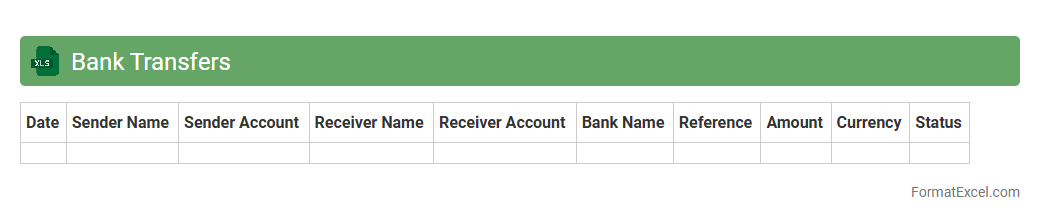
Bank Transfers Excel document is a structured spreadsheet designed to record and manage detailed information about financial transactions between bank accounts. It allows users to track transfer dates, amounts, sender and receiver details, and transaction references in an organized manner, enhancing transparency and accountability. This tool is useful for businesses and individuals to reconcile accounts, monitor cash flow, and generate reports for financial analysis or auditing purposes.
Credit Transfers
A
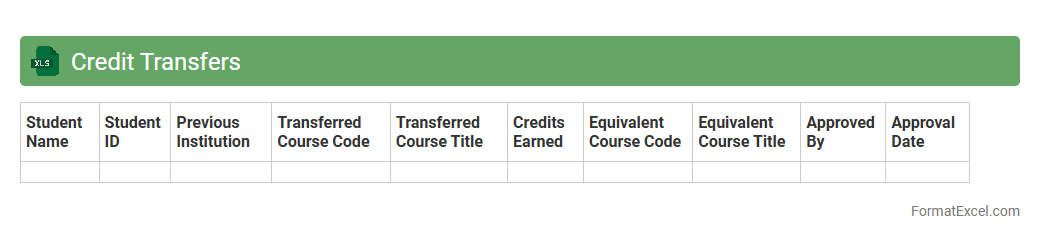
Credit Transfers Excel document is a structured spreadsheet used to organize and process multiple credit transfer transactions efficiently. It facilitates bulk payments by capturing essential data such as beneficiary details, account numbers, transfer amounts, and transaction dates in a systematic format. This tool streamlines financial operations, reduces errors, and accelerates the reconciliation process within banking and accounting workflows.
Debit Transfers
A
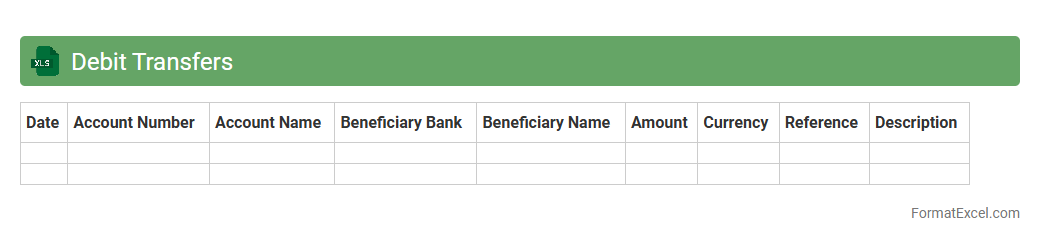
Debit Transfers Excel document is a structured spreadsheet designed to record, organize, and track debit transactions efficiently. It helps businesses and individuals monitor outgoing payments, reconcile accounts, and analyze cash flow by providing a clear overview of all debit transfers. This tool streamlines financial management, reduces errors, and enhances budget planning through accurate data consolidation.
Bank Errors
A
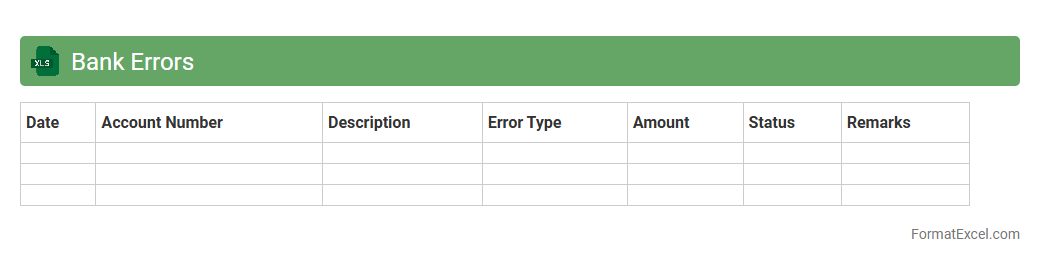
Bank Errors Excel document is a spreadsheet designed to track, analyze, and reconcile discrepancies between bank statements and accounting records. It helps identify errors such as incorrect charges, duplicated transactions, or unauthorized withdrawals, enabling businesses and individuals to correct their financial data promptly. Utilizing this tool enhances accuracy in financial reporting, reduces the risk of fraud, and streamlines the bank reconciliation process.
Adjusting Entries
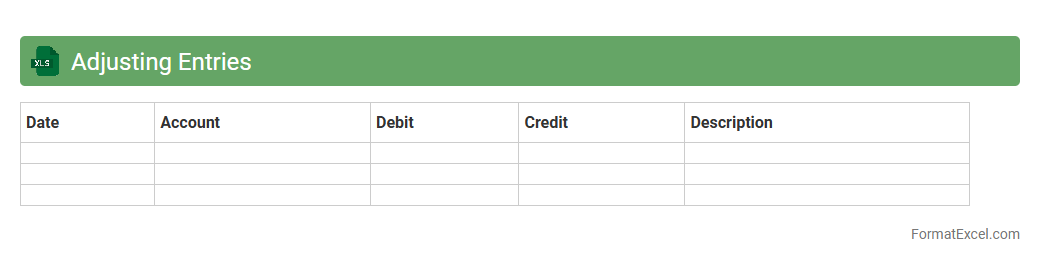
Adjusting Entries Excel document is a specialized spreadsheet designed to record and manage end-of-period accounting adjustments, ensuring financial statements reflect accurate and up-to-date information. This document streamlines the process of updating accounts such as accrued revenues, expenses, and prepaid items, enhancing accuracy and compliance with accounting standards. Using an Excel format allows for easy calculations, data organization, and integration with other financial records, making it an essential tool for accountants and financial professionals.
Reconciled Balance
A
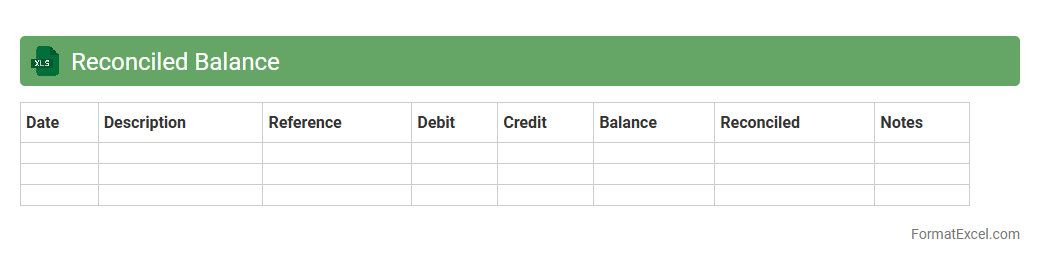
Reconciled Balance Excel document is a financial tool used to compare and verify the consistency between two sets of records, such as bank statements and company ledgers. This document helps identify discrepancies, errors, or unauthorized transactions by systematically aligning account balances. It is essential for maintaining accurate financial records and ensuring compliance with accounting standards.
Unreconciled Items
An
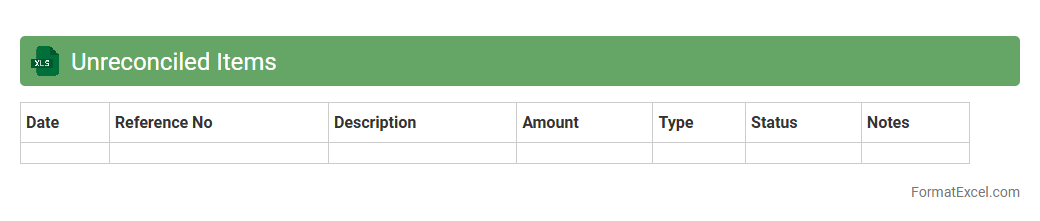
Unreconciled Items Excel document is a specialized spreadsheet used to track and identify discrepancies between financial records, such as bank statements and accounting books. It helps businesses pinpoint transactions that do not match, enabling timely resolution of errors, potential fraud, or overlooked entries. Utilizing this document improves financial accuracy, supports audit readiness, and streamlines the reconciliation process for better cash flow management.
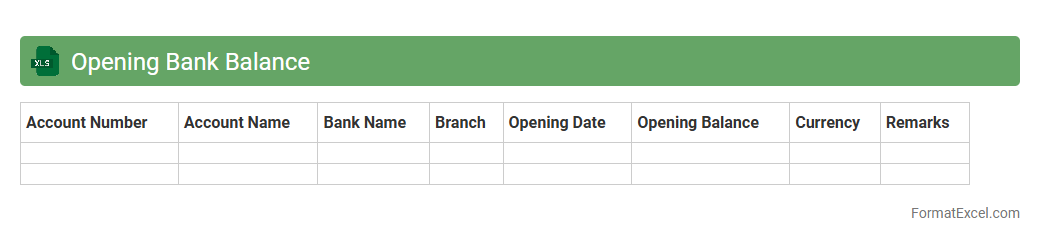
Opening Bank Balance
An
Opening Bank Balance Excel document records the starting amount of funds available in a bank account at the beginning of a financial period. It helps businesses and individuals track cash flow, reconcile accounts, and maintain accurate financial records. The document ensures efficient financial planning, budgeting, and auditing by providing a clear snapshot of initial funds.
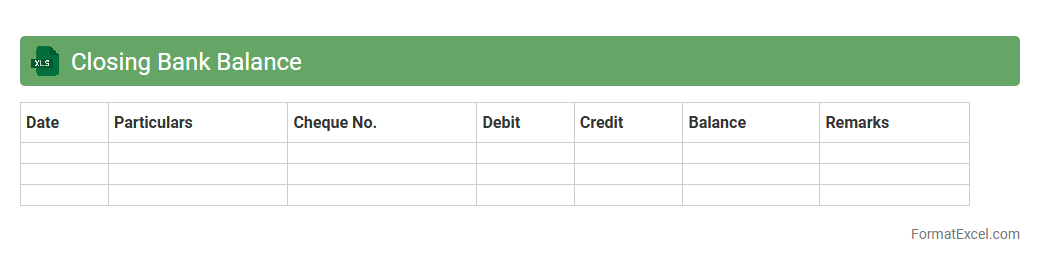
Closing Bank Balance
The Closing Bank Balance Excel document is a financial tool that tracks the final balance in a bank account at the end of a specific period, summarizing all deposits and withdrawals. It helps businesses and individuals maintain accurate records of cash flow, ensuring effective cash management and financial planning. Using this document improves financial accuracy by providing a clear overview of
bank reconciliations and preventing discrepancies.
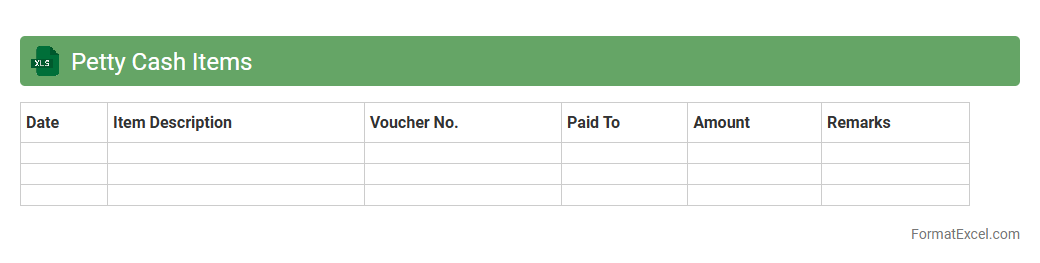
Petty Cash Items
The
Petty Cash Items Excel document is a structured spreadsheet designed to track small cash expenses within a business or organization. It helps maintain accurate records of minor purchases, enabling better budget management and expense reconciliation. By organizing petty cash transactions, it ensures transparency and simplifies financial auditing processes.
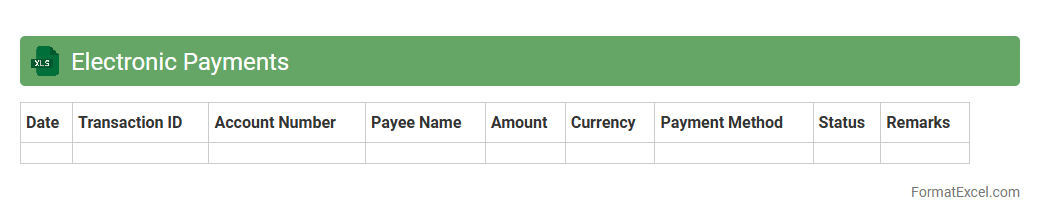
Electronic Payments
An
Electronic Payments Excel document is a structured spreadsheet designed to track, manage, and analyze digital transactions such as credit card payments, online transfers, and mobile payments. It helps users organize payment data, monitor cash flow, and reconcile accounts efficiently, reducing errors and saving time in financial management. By utilizing features like formulas and pivot tables, this document enhances accuracy and provides valuable insights for budgeting and forecasting electronic payment trends.
Posted Transactions
The
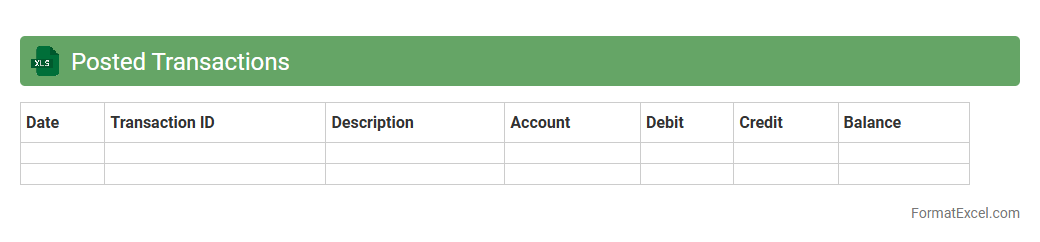
Posted Transactions Excel document is a detailed record of all financial transactions that have been finalized and recorded in an accounting system. It provides a comprehensive overview of debits, credits, dates, amounts, and account details, enabling accurate tracking and reconciliation of financial activities. This document is essential for auditing, financial analysis, and ensuring compliance with accounting standards.
Introduction to Bank Reconciliation Statement
A bank reconciliation statement is a document that matches your company's cash records with the bank's records. It helps identify discrepancies between the two records to ensure accuracy. This process is crucial for effective cash flow management and financial reporting.
Importance of Bank Reconciliation in Accounting
Bank reconciliation is vital for detecting errors, fraud, and ensuring accurate accounting records. It maintains the integrity of financial statements by aligning the company's books with actual bank transactions. Regular reconciliation helps prevent overdrafts and financial losses.
Key Components of a Bank Reconciliation Statement
The statement includes key components such as the bank balance per statement, the balance per books, outstanding checks, and deposits in transit. These elements highlight timing differences and discrepancies for review. Understanding these components is essential for effective reconciliation.
Benefits of Using Excel for Bank Reconciliation
Excel offers a flexible and user-friendly platform for preparing bank reconciliation statements. It allows for customized templates, formula automation, and easy data tracking. Utilizing Excel increases accuracy and saves time in the reconciliation process.
Steps to Create a Bank Reconciliation Statement in Excel
Start by entering the bank statement balance and book balance into Excel. Next, list all outstanding checks and deposits in transit, then calculate adjusted balances using formulas. Finally, verify that the adjusted bank balance matches the adjusted book balance.
Essential Columns for Bank Reconciliation in Excel
Key columns include Date, Description, Withdrawals, Deposits, Outstanding Checks, and Adjusted Balances. Properly labeling these columns ensures clear tracking of transactions and discrepancies. Correct column setup enhances the accuracy of your bank reconciliation.
Sample Bank Reconciliation Statement Format in Excel
A typical format consists of bank statement balance, adjustments for outstanding items, book balance, and reconciled balance. This format ensures all unrecorded transactions are accounted for systematically. A well-organized layout simplifies review and audit processes.
Common Mistakes in Bank Reconciliation Statements
Common errors include omitting transactions, incorrect calculations, and timing mismatches. Such mistakes can lead to inaccurate financial data and faulty decision-making. Double-checking entries mitigates these risks and ensures reliable reconciliation.
Tips for Automating Bank Reconciliation in Excel
Use Excel formulas, conditional formatting, and macros to automate calculations and flag discrepancies. Linking bank and book data sources enhances real-time updates and reduces manual errors. Automation streamlines the reconciliation workflow effectively.
Downloadable Bank Reconciliation Statement Excel Template
Many websites offer free downloadable Excel templates designed for bank reconciliation. These templates come preformatted with essential columns and formulas to simplify the process. Using a template accelerates setup and improves accuracy.