Packing List Template
A
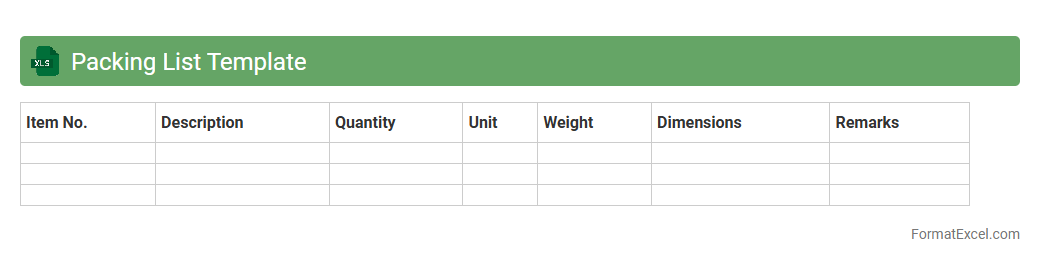
Packing List Template Excel document organizes shipment details, including item descriptions, quantities, and weights, facilitating efficient inventory tracking and customs clearance. It helps businesses streamline logistics by providing a clear record of contents in each package, reducing errors and improving communication with carriers. Using this template enhances accuracy in order fulfillment and supports compliance with international shipping regulations.
International Packing List
An
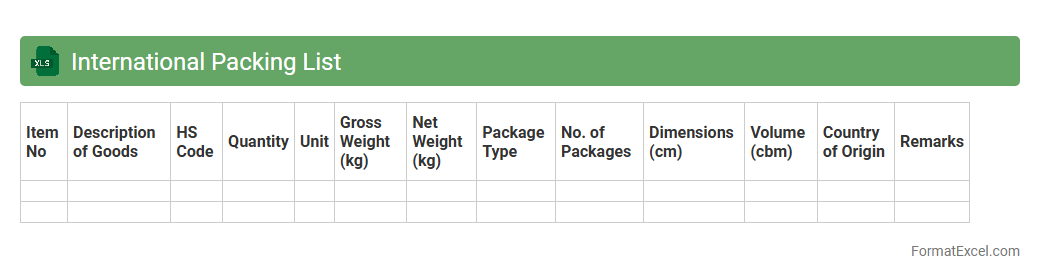
International Packing List Excel document is a detailed spreadsheet used to itemize and organize shipment contents for global trade, ensuring accuracy and compliance with customs regulations. This document includes information such as product descriptions, quantities, weights, dimensions, and packaging details, facilitating smooth customs clearance and minimizing delays. Utilizing this tool helps businesses maintain transparency, improve inventory management, and streamline logistics operations in international shipping processes.
Export Packing List
An
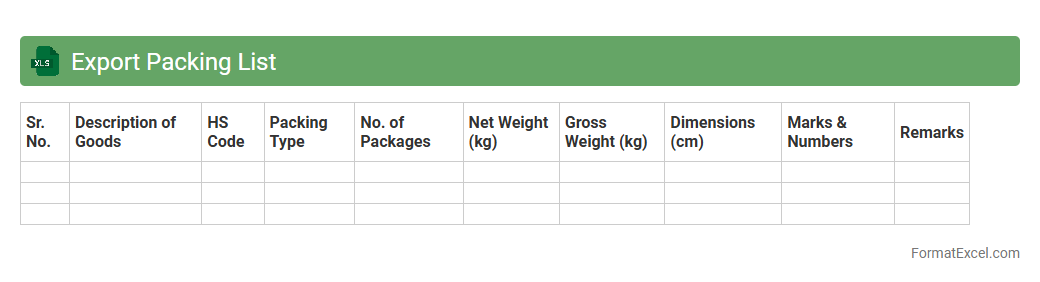
Export Packing List Excel document details the contents, dimensions, and weight of shipments for international trade, facilitating customs clearance and inventory management. This organized format ensures accuracy in shipment verification, reduces delays at borders, and supports compliance with import-export regulations. It serves as a critical tool for exporters, freight forwarders, and customs officials to streamline logistics and maintain transparent documentation.
Import Packing List
An
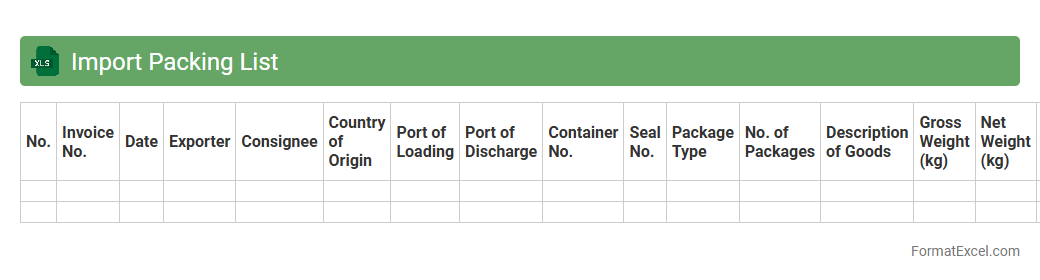
Import Packing List Excel document is a detailed inventory spreadsheet used in international shipping that outlines the contents, quantity, and packaging specifications of imported goods. This document helps customs officials verify shipments, streamlines customs clearance, and ensures accurate tracking and inventory management for importers. Utilizing an Excel format allows for easy customization, data analysis, and efficient sharing among logistics, warehouse, and procurement teams.
Commercial Packing List
A
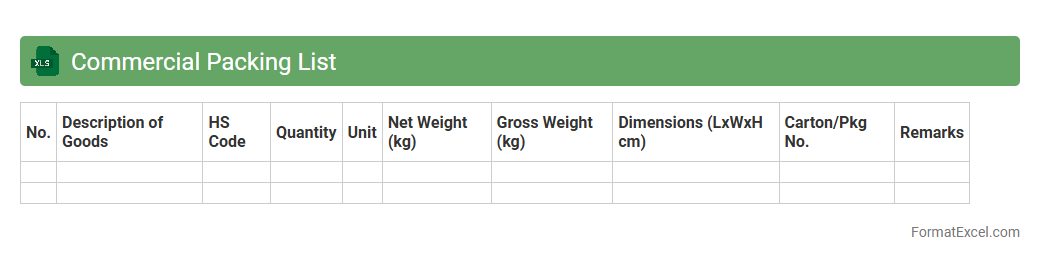
Commercial Packing List Excel document is a detailed inventory sheet used in international shipping that outlines the contents, dimensions, and weight of each package in a shipment. It helps customs officials verify the shipment's contents, ensuring compliance with import/export regulations, and assists logistics teams in organizing and tracking goods efficiently. This document improves accuracy in inventory management and minimizes delays or disputes during transportation and delivery.
Freight Packing List
A
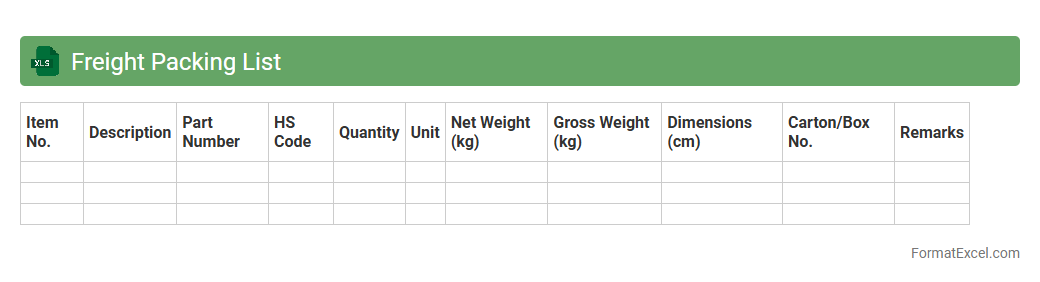
Freight Packing List Excel document is a detailed inventory that outlines the contents, quantity, and specifications of goods being shipped. It enhances shipment accuracy by providing clear information for customs clearance, inventory management, and efficient freight handling. This document is essential for ensuring transparency and accountability throughout the logistics and supply chain process.
Shipment Packing List
A
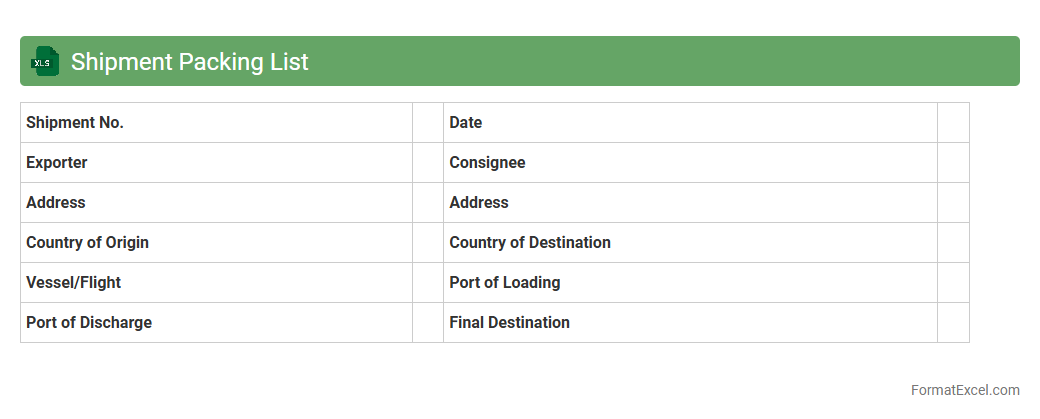
Shipment Packing List Excel document is a detailed inventory that outlines the contents, quantities, and specifications of items included in a shipment. This document facilitates accurate customs clearance, inventory management, and verification of goods upon receipt. Utilizing a packing list enhances transparency and efficiency throughout the shipping process, reducing errors and delays.
Travel Packing List
A
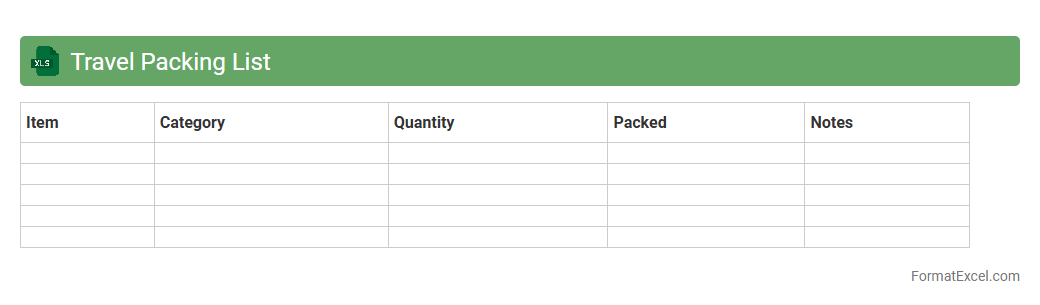
Travel Packing List Excel document is a digital spreadsheet that helps organize and categorize items needed for a trip, ensuring nothing essential is forgotten. This tool allows users to customize lists based on trip duration, destination, and activities, improving packing efficiency and reducing stress. By providing a clear visual overview, it streamlines packing preparation and enhances overall travel readiness.
Moving Packing List
A
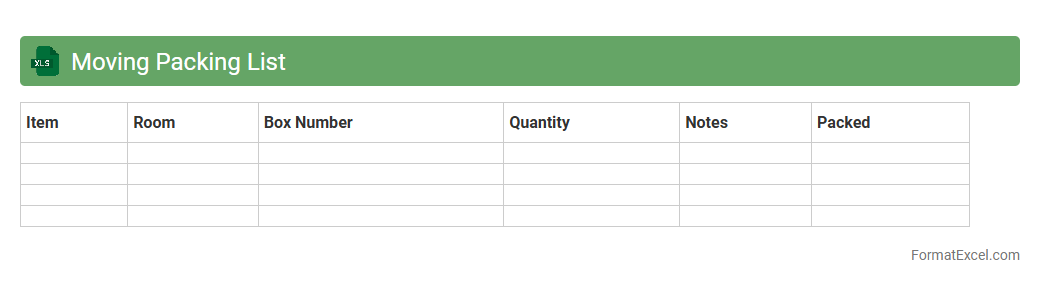
Moving Packing List Excel document is a detailed spreadsheet used to organize and track belongings during a move, listing items, quantities, and their assigned boxes or rooms. It helps streamline the packing process by providing a clear inventory, reducing the risk of lost or misplaced items, and making unpacking more efficient. This document enhances overall moving logistics, ensuring better planning and time management.
Event Packing List
An
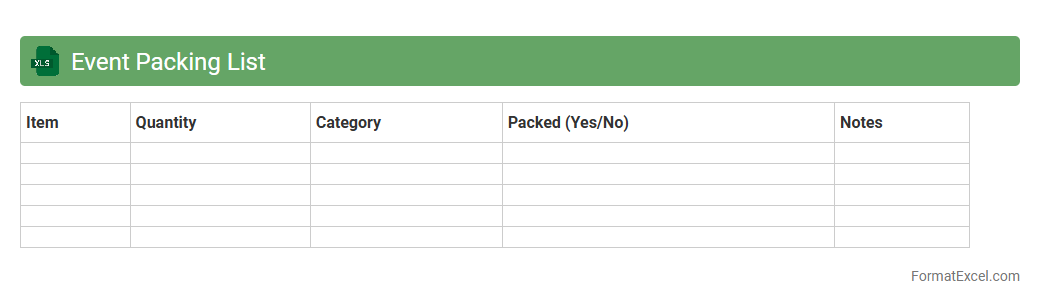
Event Packing List Excel document is a structured spreadsheet designed to organize and track all necessary items for an event, ensuring nothing is forgotten. It helps streamline preparation by categorizing supplies, assigning quantities, and tracking packing status, which reduces last-minute stress and improves efficiency. Using this document enhances coordination among team members and ensures timely readiness for successful event execution.
Warehouse Packing List
A
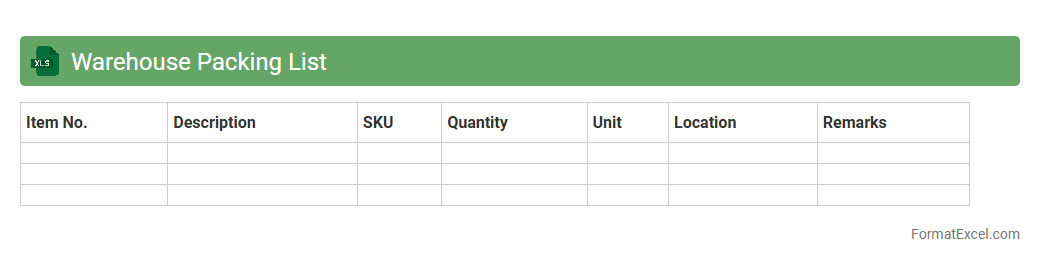
Warehouse Packing List Excel document is a structured spreadsheet used to detail the items packed for shipment, including quantities, descriptions, and packaging specifics. This document streamlines inventory management by providing clear and organized data that facilitates accurate order fulfillment, reduces errors, and enhances communication between warehouse staff and logistics teams. Utilizing a Warehouse Packing List Excel sheet improves operational efficiency, ensuring timely and precise delivery of goods.
Bulk Packing List
A
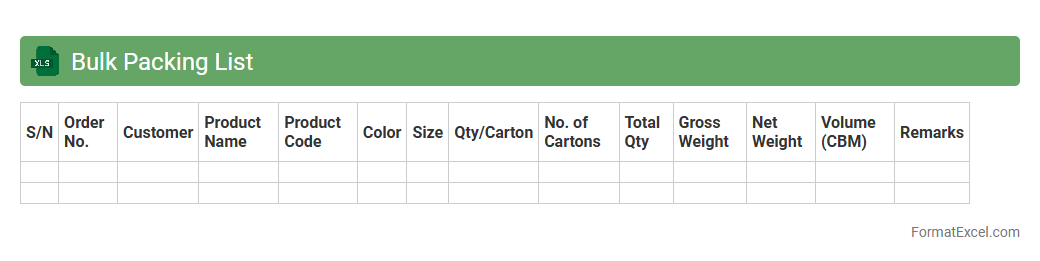
Bulk Packing List Excel document is a detailed inventory spreadsheet that organizes and tracks large shipment items, including quantities, descriptions, and packaging details. This tool enhances efficiency by providing clear visibility into order contents, ensuring accurate shipment processing and minimizing errors in logistics management. Companies use it to streamline supply chain operations, improve communication between departments, and maintain precise shipment records for auditing and compliance purposes.
Container Packing List
A
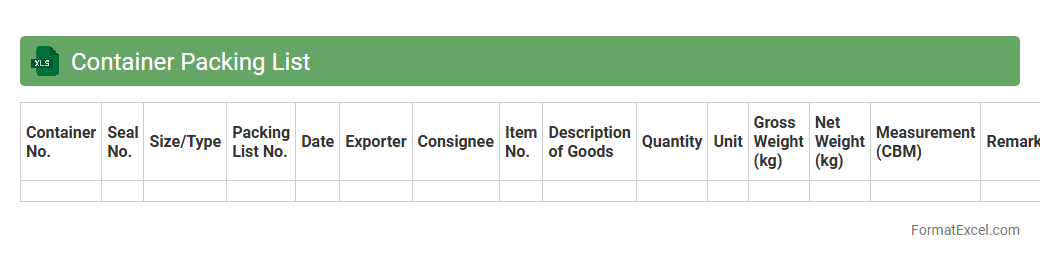
Container Packing List Excel document is a detailed inventory sheet that organizes and itemizes goods loaded into a shipping container, including quantities, descriptions, weights, and dimensions. This document is essential for verifying shipment contents during customs clearance, inventory management, and ensuring accuracy in delivery processes. Using Excel allows for easy customization, data sorting, and quick updates, improving overall efficiency in logistics and supply chain operations.
Sample Packing List
A
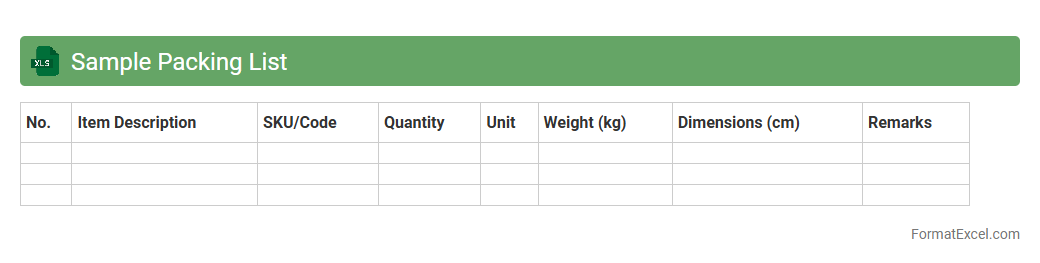
Sample Packing List Excel document serves as a structured template to itemize and organize products or materials for shipment, including details such as quantities, descriptions, and packaging specifications. It enhances inventory management by providing clear visibility of packed items, reducing errors, and facilitating efficient customs clearance. This tool streamlines logistics processes, ensuring accurate documentation and smoother delivery operations.
Order Packing List
An
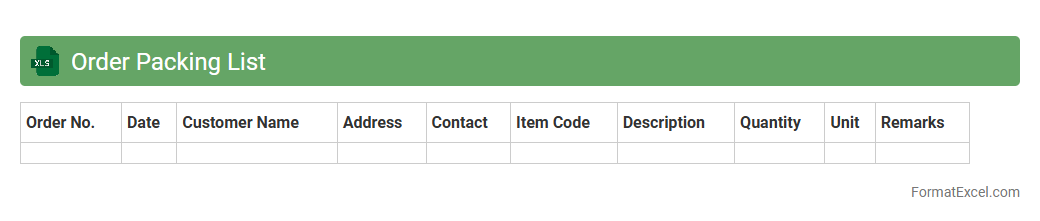
Order Packing List Excel document serves as a detailed record of items included in a shipment, specifying quantities, descriptions, and packaging details. It facilitates accurate inventory management, reduces shipping errors, and improves communication between suppliers, warehouses, and customers. This document is essential for tracking orders, ensuring compliance with shipping regulations, and streamlining logistics operations.
Product Packing List
A
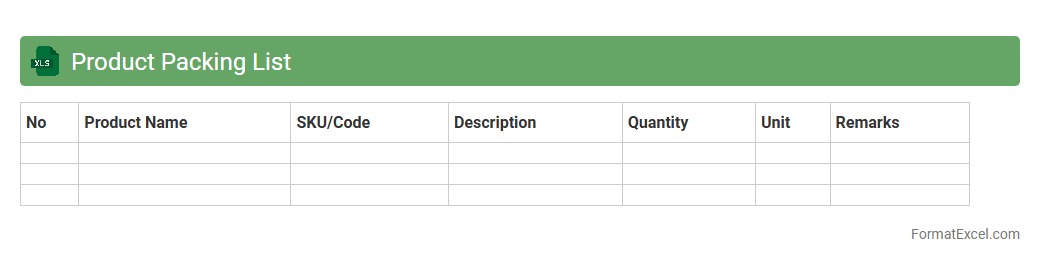
Product Packing List Excel document is a detailed spreadsheet that itemizes all products included in a shipment, specifying quantities, descriptions, and packaging details. It helps businesses streamline inventory management, ensures accuracy in order fulfillment, and facilitates smooth customs clearance by providing clear documentation of shipped goods. Using this document enhances communication between suppliers, logistics providers, and customers, reducing errors and improving overall supply chain efficiency.
Gift Packing List
A
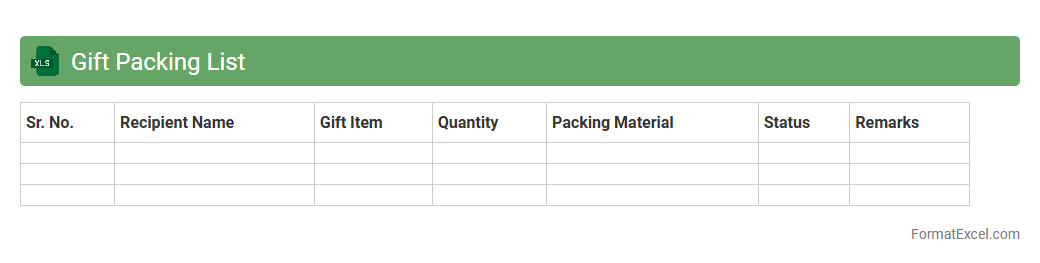
Gift Packing List Excel document is a structured spreadsheet used to organize and track gifts for events, holidays, or special occasions. It helps manage recipient names, gift items, quantities, costs, and packaging details efficiently, ensuring nothing is forgotten or duplicated. Utilizing this tool improves planning accuracy, budget control, and timely preparation of gifts.
Personal Packing List
A
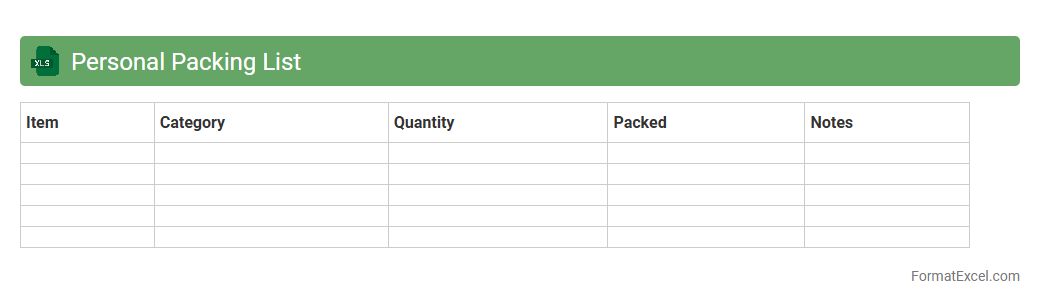
Personal Packing List Excel document is a customizable spreadsheet designed to organize and track items needed for travel or relocation. It helps users efficiently categorize essentials, reducing the risk of forgetting important belongings. By using this tool, travelers save time, minimize stress, and ensure a well-prepared trip or move.
Project Packing List
A
Project Packing List Excel document is a structured spreadsheet designed to organize and track all materials, tools, and equipment needed for a specific project. It helps streamline inventory management, ensuring that every item is accounted for and reducing the risk of missing components during project execution. Using this document improves efficiency, supports accurate budgeting, and enhances communication between team members.
Trip Packing List
A
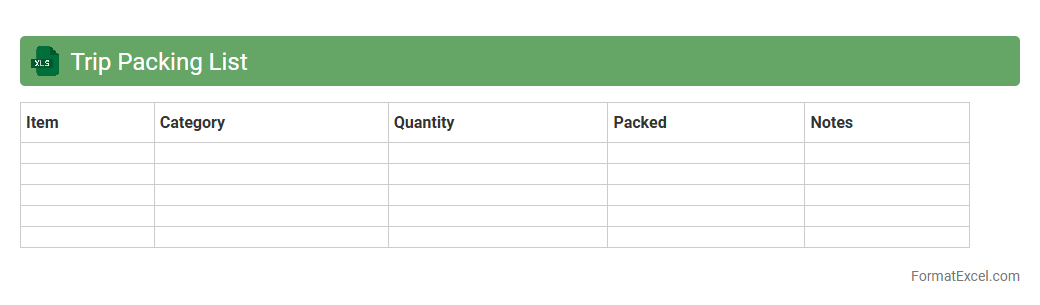
Trip Packing List Excel document is a structured spreadsheet designed to organize and track all essential items needed for travel, ensuring nothing critical is forgotten. It allows travelers to categorize belongings by type, importance, and quantity, enhancing packing efficiency and reducing last-minute stress. Using this tool helps optimize suitcase space and ensures preparedness for various trip activities and weather conditions.
Product Return Packing List
A
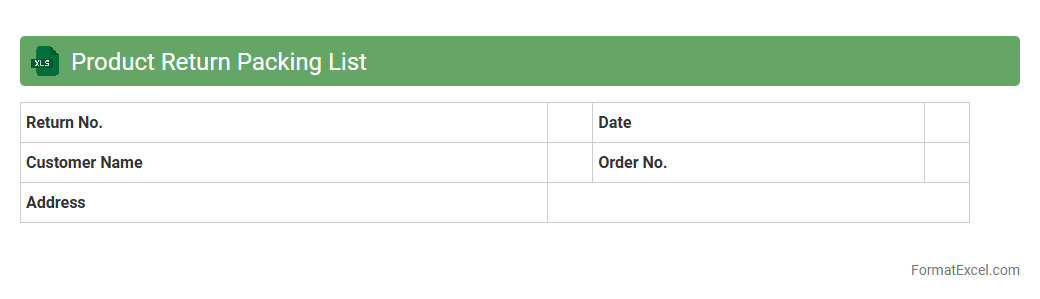
Product Return Packing List Excel document is a detailed inventory sheet that outlines the items being returned, including quantities, descriptions, and return reasons. It helps streamline the return process by providing clear documentation for both the sender and receiver, reducing errors and facilitating efficient tracking. This organized format improves communication between businesses and customers, ensuring smooth handling of returned products.
Supplier Packing List
A
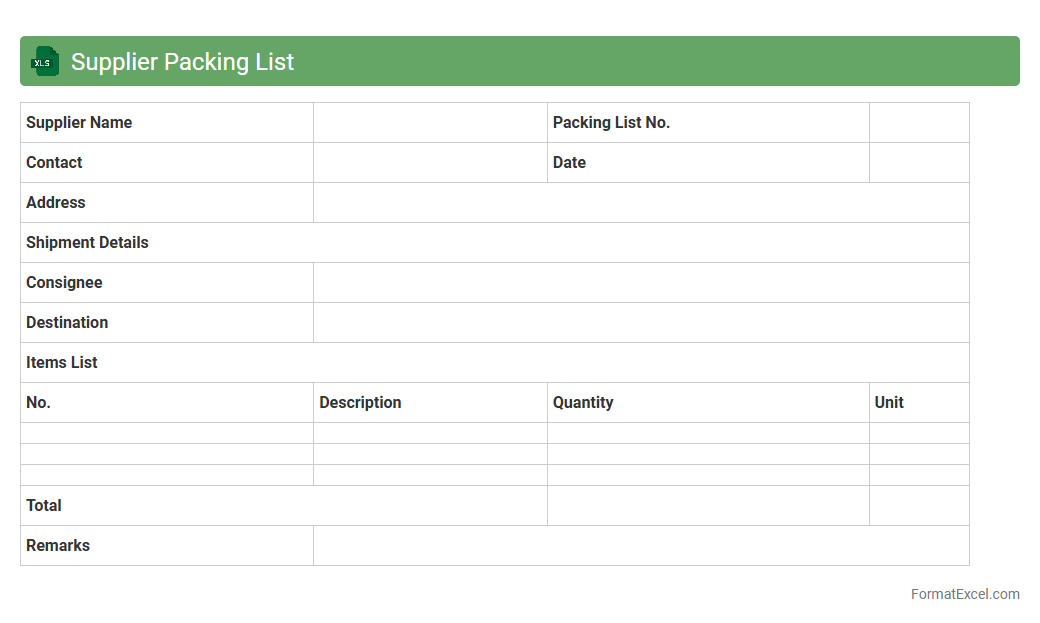
Supplier Packing List Excel document details the contents, quantities, and packaging specifications of goods supplied, ensuring accurate shipment verification and inventory management. It streamlines communication between suppliers and buyers by providing clear, standardized information, reducing errors and delays in the supply chain. This document enhances operational efficiency by facilitating customs clearance, delivery tracking, and quality control processes.
Client Packing List
A
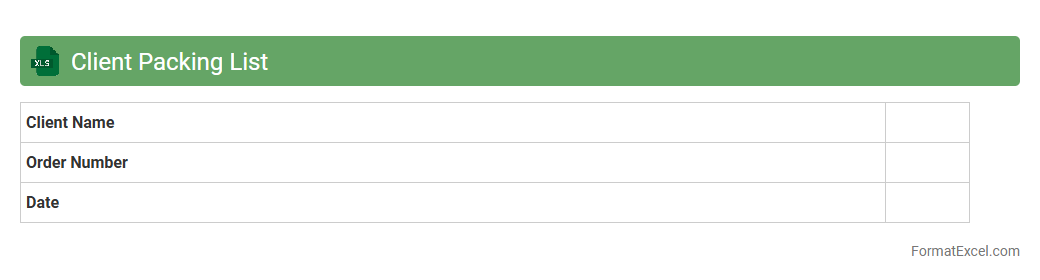
Client Packing List Excel document is a detailed inventory sheet used to organize and track items included in a shipment for a specific client. It helps improve accuracy in order fulfillment, reducing errors and ensuring all products are accounted for during shipping and receiving. This document enhances communication between sales, warehouse, and logistics teams by providing clear, structured data on packed goods.
Shipping Packing List
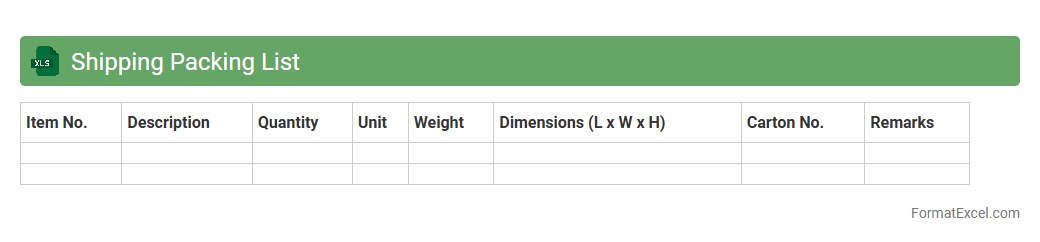
A Shipping Packing List Excel document is a detailed record that itemizes the contents of a shipment, including quantities, descriptions, weights, and packaging details. This document is essential for confirming the accuracy of orders during shipping, facilitating customs clearance, and ensuring smooth logistics management. Using a
Shipping Packing List Excel helps businesses improve inventory control and reduces errors in the supply chain process.
Goods Packing List
A
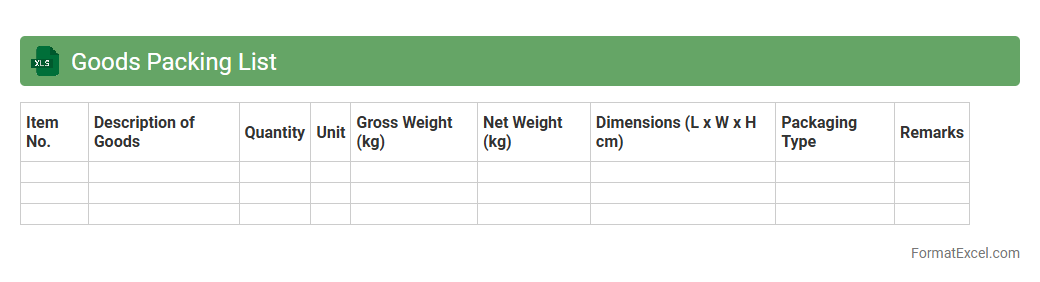
Goods Packing List Excel document is a detailed inventory spreadsheet that itemizes products included in a shipment, specifying quantities, descriptions, and packaging details. It streamlines logistics by providing clear information for customs clearance, inventory management, and shipment verification. This organized format enhances accuracy, reduces errors, and improves communication between suppliers, carriers, and recipients.
Introduction to Packing List Format in Excel
The packing list format in Excel is a structured document used to detail the contents of a shipment. It helps in tracking and verifying items during shipping and receiving processes. Excel offers flexibility and accessibility for creating and managing these lists efficiently.
Key Components of a Packing List
A packing list typically includes the shipper and consignee information, item descriptions, quantities, and weights. It also contains shipment details such as carton numbers and dimensions. These key components ensure accurate inventory management and smooth customs clearance.
Benefits of Using Excel for Packing Lists
Excel provides powerful tools like formulas, filters, and templates that simplify creating and updating packing lists. It allows for easy customization to fit various shipping requirements. Utilizing Excel improves data accuracy and speeds up the packing process through its automation capabilities.
Essential Columns in an Excel Packing List
Crucial columns include item number, description, quantity, unit of measure, weight, and packaging type. Additional columns like carton number and shipment date enhance tracking and organization. Defining these essential columns ensures the completeness of packing list data.
How to Design a Packing List Template in Excel
Designing a packing list template involves structuring data into clear, labeled columns and applying consistent formatting for readability. Incorporate dropdowns for standardized entries and use borders to separate sections visually. A well-designed template saves time and reduces entry errors.
Step-by-Step Guide to Creating a Packing List
Start by setting up the spreadsheet with headers, then input the key data points for each item. Use Excel functions to calculate totals and validate data integrity. Following this step-by-step guide ensures a complete and accurate packing list.
Sample Packing List Format for Export/Import
A sample packing list for export/import includes shipper, consignee, item details, invoice numbers, and harmonized system codes. These details facilitate customs inspections and border clearance. Using a standardized format supports compliance with international shipping regulations.
Customizing Packing List Templates in Excel
Excel allows users to modify templates by adding or removing columns, adjusting styles, and incorporating company branding. Customization caters to specific shipment types or internal record-keeping requirements. This flexibility ensures the packing list meets diverse business needs.
Tips for Organizing Packing Data Effectively
Use filters and conditional formatting to highlight critical items or discrepancies. Regularly update and back up the packing list to maintain data accuracy. Implementing these organizing tips promotes efficient shipment tracking and error prevention.
Downloadable Excel Packing List Template
A downloadable packing list template provides a ready-made foundation for managing shipments quickly. It includes predefined columns and formulas to automate calculations. Utilizing a downloadable template saves time and ensures consistency across packing lists.