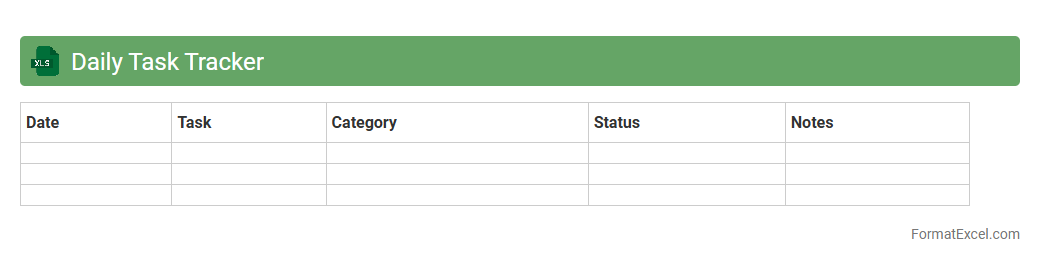
Daily Task Tracker
A
Daily Task Tracker Excel document is a digital tool designed to organize and monitor daily activities, deadlines, and priorities efficiently. It helps users improve productivity by providing a clear overview of completed and pending tasks, enabling better time management and accountability. This spreadsheet can be customized with various features like progress bars, categories, and deadlines to suit individual or team workflows.
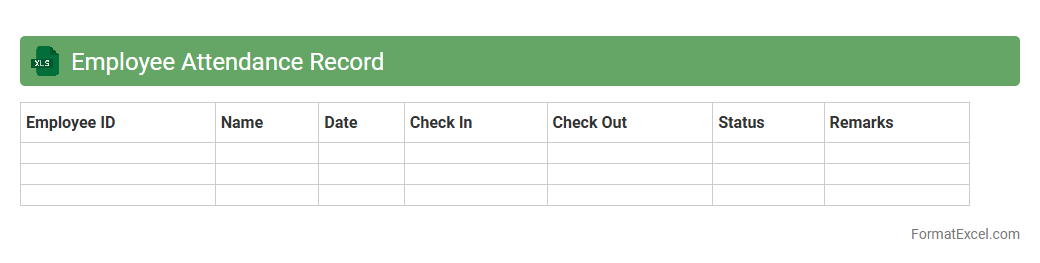
Employee Attendance Record
An
Employee Attendance Record Excel document is a spreadsheet designed to track the daily attendance, working hours, and absences of employees within an organization. It provides a structured way to monitor punctuality, calculate payroll accurately, and identify patterns in employee attendance. This document enhances workforce management by simplifying data organization and improving decision-making related to human resources.
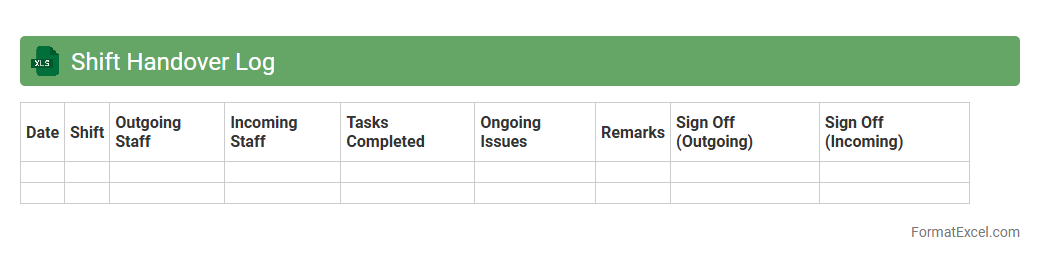
Shift Handover Log
The
Shift Handover Log Excel document is a structured record designed to facilitate seamless communication between outgoing and incoming shifts by documenting critical information, tasks completed, ongoing issues, and pending actions. It enhances accountability, minimizes errors, and ensures continuity in operations by providing a clear, easily accessible summary that can be reviewed and updated in real time. This log streamlines workflow coordination and supports efficient management of resources and responsibilities during shift transitions.
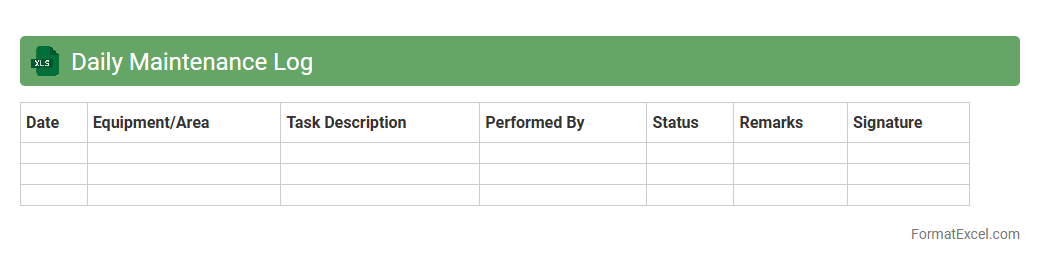
Daily Maintenance Log
A
Daily Maintenance Log Excel document is a structured spreadsheet designed to record, track, and manage routine maintenance activities within facilities or equipment. It helps ensure timely inspections, repairs, and preventive maintenance tasks are documented clearly, improving operational efficiency and reducing downtime. This log provides valuable data for identifying recurring issues, scheduling future maintenance, and supporting compliance with safety standards.
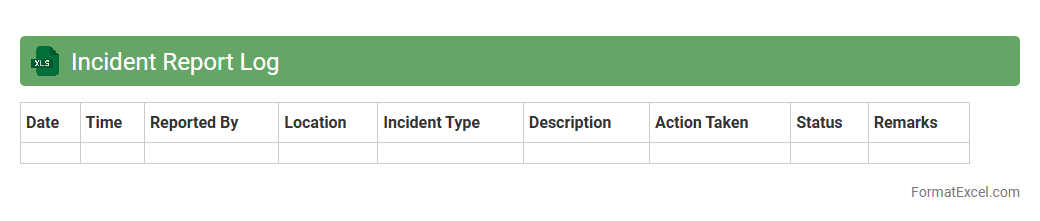
Incident Report Log
An
Incident Report Log Excel document is a structured tool designed to record and track incidents systematically within an organization. It enables efficient documentation of details such as date, time, nature of the incident, involved parties, and resolution status, facilitating clear communication and accountability. This log supports risk management efforts by identifying patterns, ensuring compliance with safety protocols, and promoting faster resolution of recurrent issues.
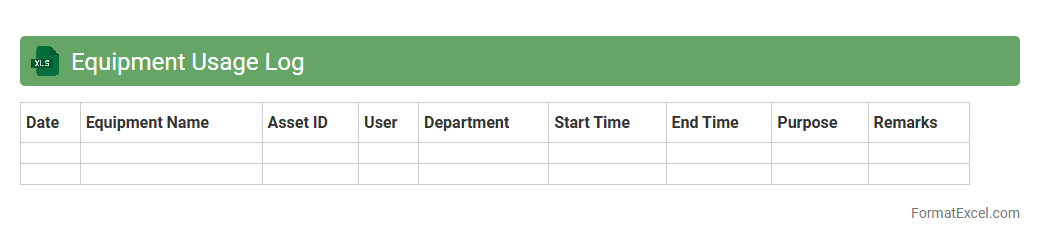
Equipment Usage Log
An
Equipment Usage Log Excel document systematically records the operational details and usage duration of machinery, tools, or devices within a facility. It enables efficient tracking of maintenance schedules, reduces downtime by identifying overused or underused equipment, and supports data-driven decisions for asset management. This log fosters accountability and optimizes resource allocation, ultimately enhancing productivity and cost efficiency.
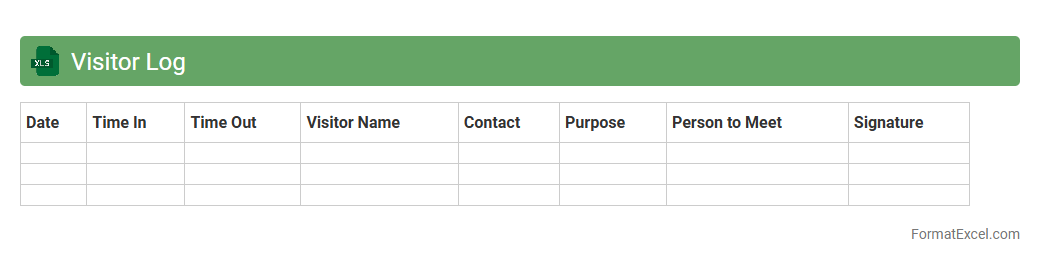
Visitor Log
A
Visitor Log excel document is a digital record-keeping tool used to track and manage visitor information such as names, contact details, entry and exit times, and purpose of visit. It enhances security by providing an organized and easily accessible database, enabling quick identification of visitors and ensuring compliance with access policies. Additionally, this document supports data analysis for visitor trends and improves operational efficiency in managing physical premises.
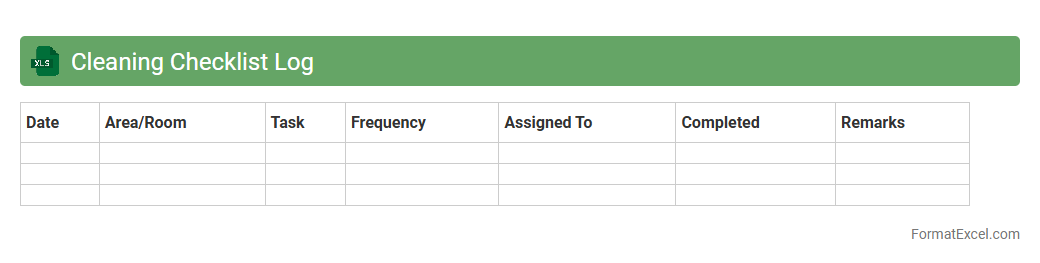
Cleaning Checklist Log
A
Cleaning Checklist Log Excel document is a structured spreadsheet used to systematically track cleaning tasks, schedules, and completion statuses. It enhances organization by providing a clear overview of cleaning responsibilities, ensuring accountability and timely maintenance. This tool is particularly useful for businesses and households aiming to maintain hygiene standards efficiently and reduce the risk of overlooked duties.
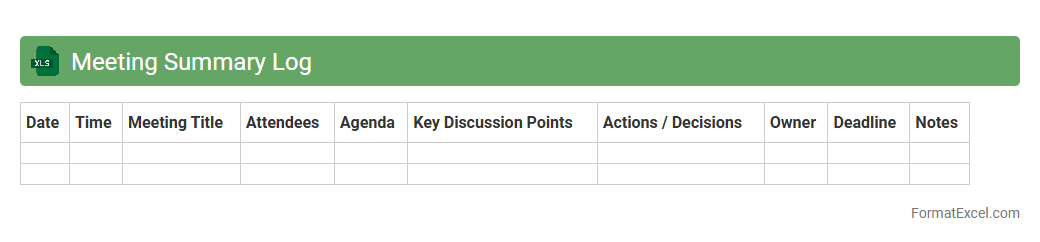
Meeting Summary Log
A
Meeting Summary Log Excel document is a structured spreadsheet used to record key points, decisions, action items, and attendees from meetings. It helps maintain organized and easily accessible records, enabling better follow-up and accountability across teams. By tracking meeting outcomes systematically, it improves communication, project management, and overall productivity.
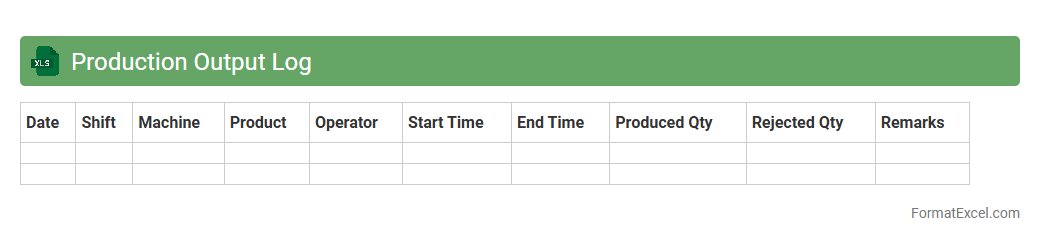
Production Output Log
A
Production Output Log Excel document is a structured spreadsheet used to record and track manufacturing or production data, including quantities produced, time stamps, machine performance, and employee shifts. It enables businesses to monitor productivity, identify bottlenecks, and ensure quality control by providing real-time insights into production efficiency. This document is essential for optimizing operations, reducing downtime, and improving overall output accuracy.
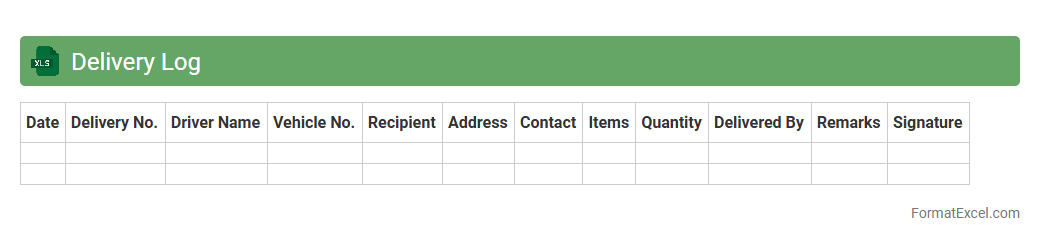
Delivery Log
A
Delivery Log Excel document is a structured spreadsheet that records detailed information about each shipment, including delivery dates, recipient details, shipment status, and tracking numbers. It allows businesses to efficiently monitor and manage deliveries, ensuring timely fulfillment and easy access to historical data for analysis and reporting. This tool enhances operational transparency, improves customer service, and supports inventory control by providing a centralized record of all delivery activities.
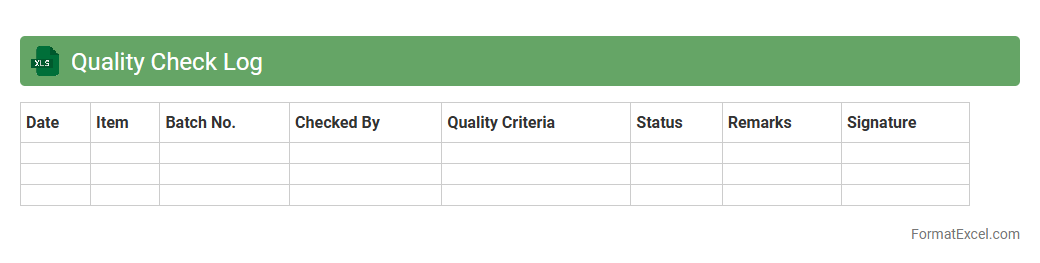
Quality Check Log
A
Quality Check Log Excel document is a structured spreadsheet used to systematically record, track, and analyze quality inspection data for products or processes. It helps identify defects, monitor compliance with standards, and improve overall quality assurance by providing a clear, organized overview of inspection results over time. This tool enhances decision-making, ensures accountability, and facilitates continuous improvement in manufacturing or service delivery environments.
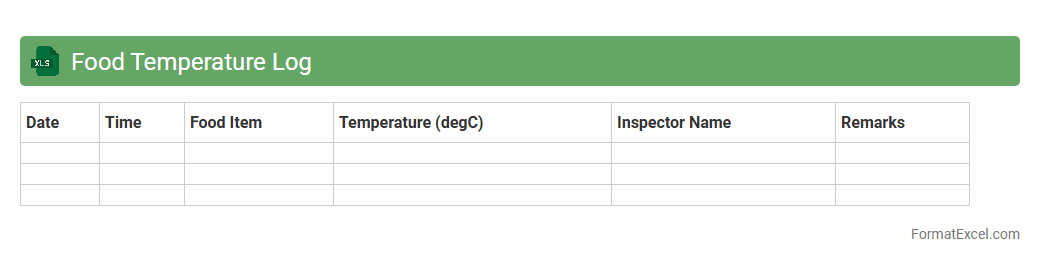
Food Temperature Log
A
Food Temperature Log Excel document is a digital tool designed to record and monitor the temperatures of food items during storage, preparation, and serving. It ensures compliance with food safety standards by helping track critical temperature ranges to prevent foodborne illnesses. Using this log facilitates maintaining consistent food quality, meeting health regulations, and supporting effective kitchen management.
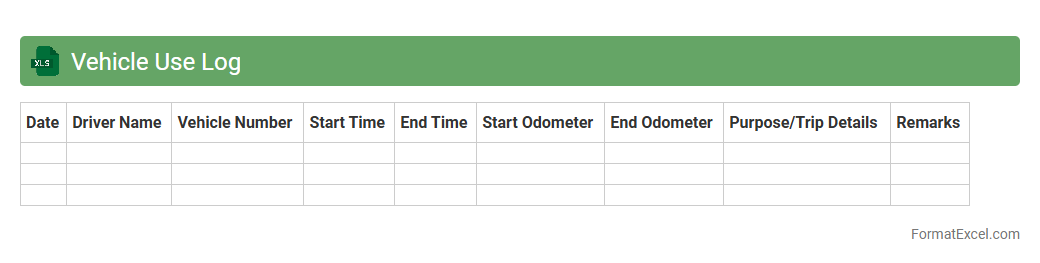
Vehicle Use Log
A
Vehicle Use Log Excel document is a structured spreadsheet designed to record the details of vehicle usage, including date, driver, mileage, purpose of trip, and fuel consumption. This log helps track operational efficiency, manage maintenance schedules, and optimize fuel costs by providing clear, organized data access. It serves as an essential tool for fleet management, ensuring accountability and supporting reporting requirements for businesses or individuals managing multiple vehicles.
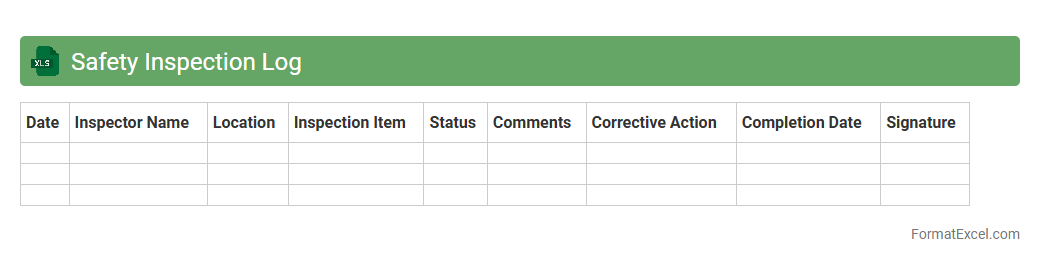
Safety Inspection Log
A
Safety Inspection Log Excel document serves as a comprehensive record-keeping tool designed to monitor workplace safety conditions and identify potential hazards. It streamlines the process of documenting routine safety checks, ensuring compliance with industry regulations and facilitating timely interventions to prevent accidents. By maintaining organized and accessible safety data, this log enhances risk management, promotes a safer work environment, and supports continuous improvement in safety protocols.
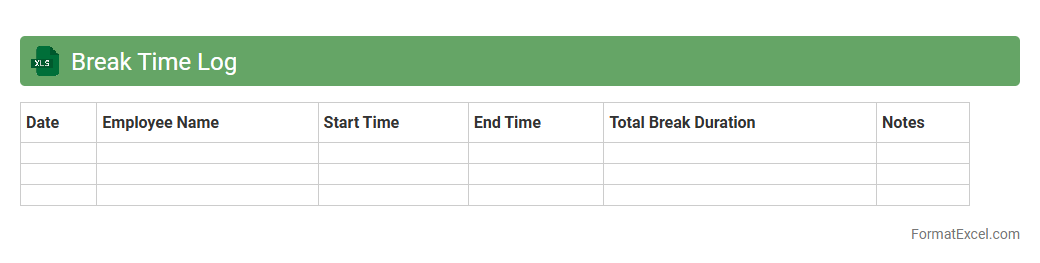
Break Time Log
A
Break Time Log Excel document is a digital tool designed to accurately record and monitor employees' break periods throughout the workday. By tracking start and end times of breaks, this log enhances productivity analysis, helps ensure compliance with labor regulations, and supports fair time management practices. It provides managers with clear insights into break patterns, aiding in optimizing work schedules and improving overall operational efficiency.
Work Progress Log
A
Work Progress Log Excel document is a structured tool designed to track and record the status of tasks and projects over time. It allows users to monitor deadlines, update completion percentages, and note any issues or delays, ensuring clear visibility of ongoing activities. This log enhances productivity by facilitating efficient project management and timely decision-making through organized data analysis.
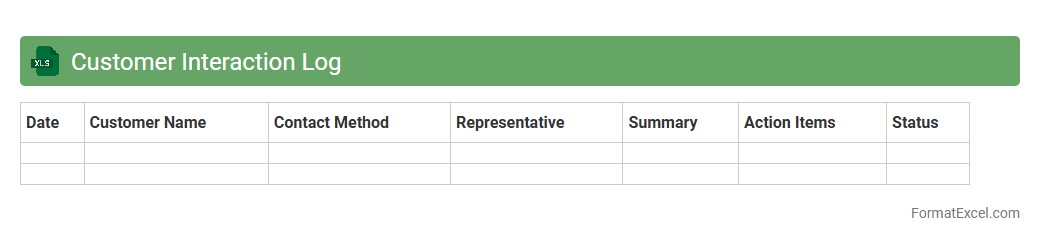
Customer Interaction Log
A
Customer Interaction Log Excel document is a structured spreadsheet used to systematically record all communications and engagements with customers, including calls, emails, meetings, and feedback. This tool helps organizations track customer interactions over time, ensuring consistency, improving relationship management, and enabling data-driven decision-making. By analyzing this log, businesses can identify communication patterns, enhance customer service, and increase overall satisfaction and retention.
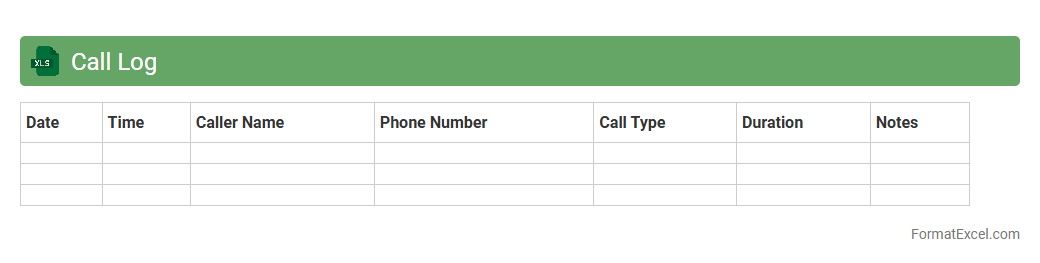
Call Log
A
Call Log Excel document is a structured spreadsheet used to record details of phone calls including date, time, duration, caller ID, and call purpose. It helps businesses and individuals track communication history, analyze calling patterns, and manage follow-ups efficiently. By organizing call data systematically, it enhances customer relationship management and supports data-driven decision-making.
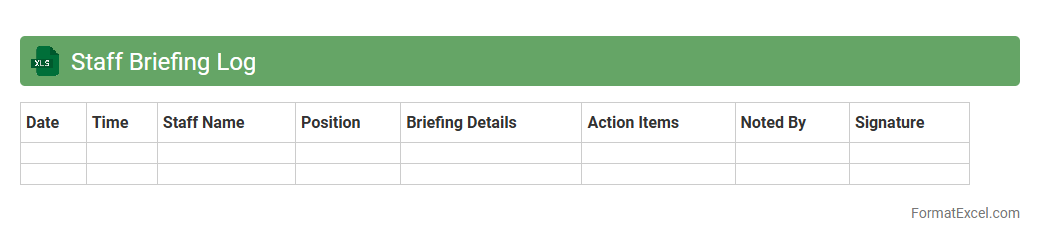
Staff Briefing Log
A
Staff Briefing Log Excel document is a structured tool designed to record and track team meeting details, including topics discussed, action items, and employee attendance. It helps maintain clear communication, ensures accountability, and provides a reference for follow-up on tasks and decisions made during staff briefings. Organizations use this log to improve operational efficiency and keep all team members informed and aligned.
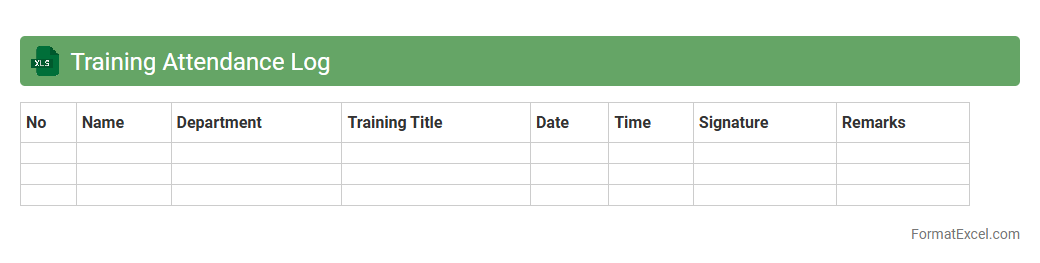
Training Attendance Log
A
Training Attendance Log Excel document is a structured spreadsheet used to record and track employee participation in training sessions. It helps organizations monitor attendance, identify skill gaps, and ensure compliance with mandatory training requirements. By maintaining accurate attendance data, companies can optimize workforce development and improve overall training program effectiveness.
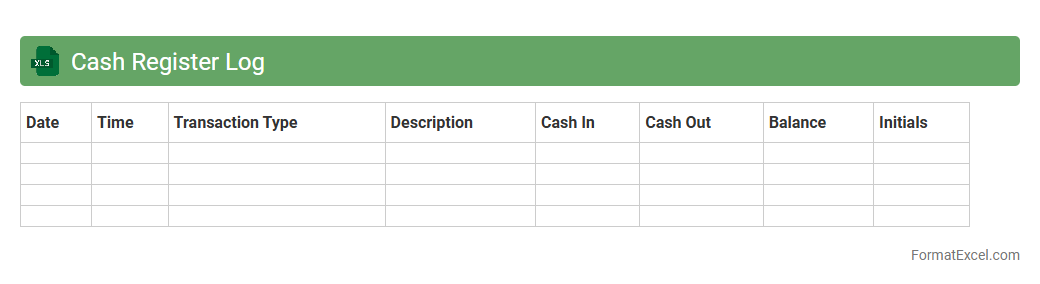
Cash Register Log
A
Cash Register Log Excel document is a structured record-keeping tool that tracks daily cash transactions, sales, and register balances. It helps businesses monitor cash flow accurately, identify discrepancies, and maintain financial accountability. Using this log improves financial management and supports effective auditing and reporting processes.
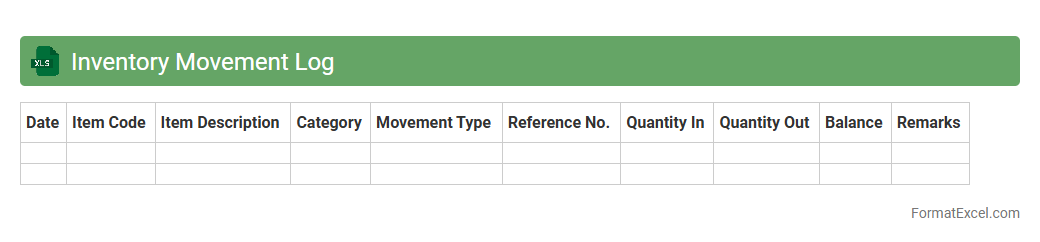
Inventory Movement Log
An
Inventory Movement Log Excel document is a detailed record that tracks the inflow and outflow of inventory items over time, capturing data such as item names, quantities, dates, and transaction types. It helps businesses maintain accurate stock levels, identify trends in product usage, and prevent stockouts or overstock situations. Utilizing this log improves inventory management efficiency, supports better decision-making, and enhances overall supply chain operations.
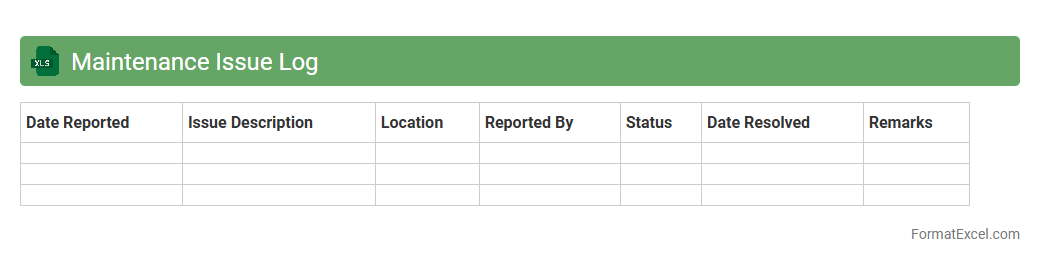
Maintenance Issue Log
A
Maintenance Issue Log Excel document is a structured spreadsheet used to record, track, and manage maintenance problems and their resolutions. It helps in organizing data such as issue description, date reported, assigned technician, status, and completion date, ensuring efficient monitoring and timely repairs. This tool improves workflow, reduces downtime, and provides valuable insights for preventive maintenance planning.
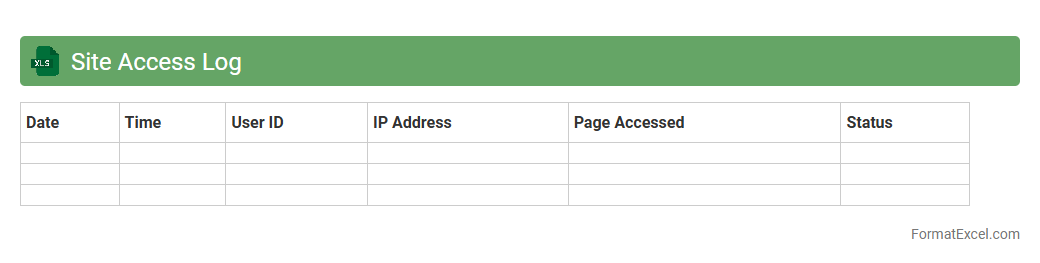
Site Access Log
The
Site Access Log Excel document systematically records visitor details, timestamps, and access points, providing a clear audit trail of site activity. This log is crucial for monitoring security, identifying unauthorized access, and analyzing traffic patterns to improve site management. Utilizing this data enhances transparency and helps maintain compliance with safety and regulatory standards.
Introduction to Daily Log Format in Excel
A Daily Log Format in Excel helps track tasks, activities, and progress systematically. It serves as a structured record for personal or business use. Excel's flexibility makes it ideal for maintaining daily entries efficiently.
Benefits of Using Excel for Daily Logs
Excel offers powerful tools for organizing and analyzing daily data with ease. Its ability to sort, filter, and visualize information enhances productivity. Using Excel for logs ensures accuracy and quick accessibility.
Key Elements of an Effective Daily Log
An effective daily log contains essential columns such as date, task description, time spent, and status. Including clear headers ensures easy navigation and understanding. Proper formatting enhances readability and data entry speed.
Step-by-Step Guide to Creating a Daily Log in Excel
Start by opening a new Excel sheet and defining column headers for your log. Input daily entries systematically and use Excel features like drop-down lists for consistency. Save regularly to maintain your data integrity.
Essential Columns to Include in Your Daily Log
Crucial columns include Date, Task, Start Time, End Time, Duration, and Notes. These provide comprehensive tracking and reporting capabilities. Adding a status column helps monitor task completion effectively.
Customizing Your Excel Daily Log Template
Customize your log by adjusting columns to fit specific needs and adding conditional formatting to highlight important data. You can also include formulas for automatic calculations. Tailoring the template improves user experience and functionality.
Tips for Streamlining Data Entry
Use data validation, drop-down menus, and keyboard shortcuts to speed up entry. Pre-filling repetitive information reduces errors and saves time. Establishing a consistent data entry process enhances log accuracy.
Automating Calculations and Summaries
Leverage Excel formulas like SUM, COUNT, and AVERAGE for real-time data summaries. PivotTables offer dynamic reporting and insights. Automation reduces manual work and increases efficiency in managing your daily logs.
Best Practices for Managing Daily Logs
Keep daily logs updated regularly and back up files to prevent data loss. Use clear naming conventions and organize logs by date or project. Adopting consistent review routines ensures logs remain relevant and useful.
Downloadable Excel Daily Log Templates
Accessing downloadable templates saves setup time and provides proven layouts for effective logging. Many templates include built-in formulas and features to enhance tracking. Choosing a trusted template accelerates your daily log implementation.