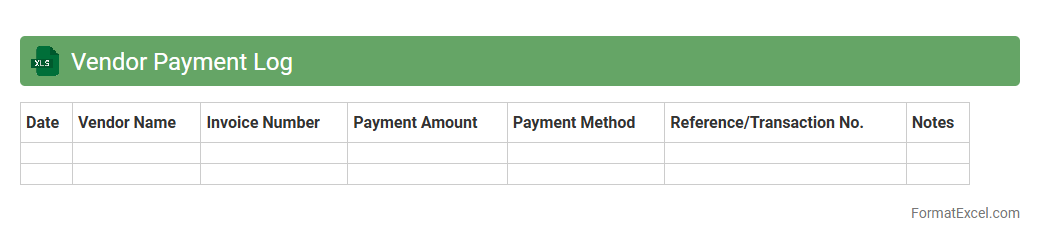
Vendor Payment Log
The
Vendor Payment Log Excel document is a detailed record that tracks all payments made to suppliers, capturing essential information such as payment dates, amounts, invoice numbers, and payment methods. It streamlines financial management by providing clear visibility into vendor transactions, ensuring timely payments, and helping avoid discrepancies or missed obligations. This document is invaluable for auditing, budgeting, and maintaining strong vendor relationships through accurate payment tracking.
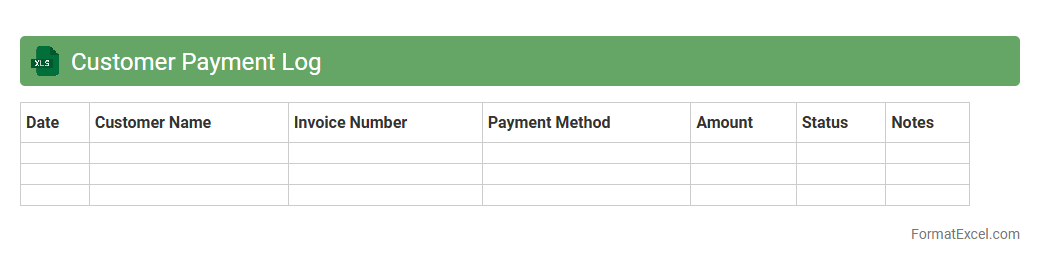
Customer Payment Log
A
Customer Payment Log Excel document records detailed information about customer transactions, including payment dates, amounts, methods, and outstanding balances. This log helps businesses monitor cash flow, track overdue payments, and streamline accounting processes by providing clear visibility of financial activities. Using this data, companies can improve customer relationship management and ensure timely follow-ups on payment delays.
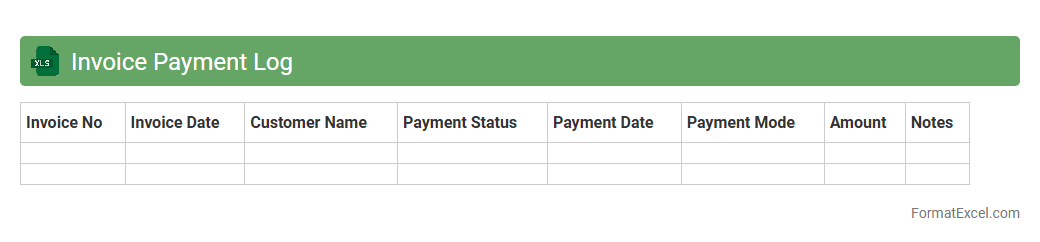
Invoice Payment Log
An
Invoice Payment Log Excel document is a structured spreadsheet designed to track all payment transactions related to invoices, including payment dates, amounts, invoice numbers, and client details. This log streamlines financial management by providing clear visibility into outstanding and completed payments, helping businesses maintain accurate records and manage cash flow effectively. By using the Invoice Payment Log, organizations improve accountability, reduce payment discrepancies, and simplify audit processes.
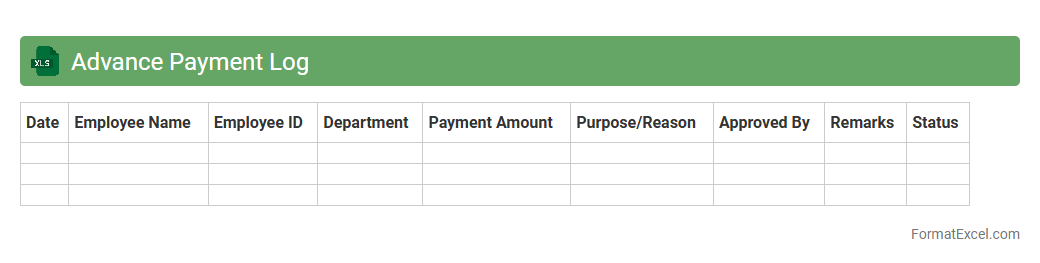
Advance Payment Log
The
Advance Payment Log Excel document is a structured spreadsheet designed to record and track all advance payments made to vendors, employees, or contractors. It helps maintain accurate financial records by detailing payment dates, amounts, recipients, and related project or invoice references, ensuring transparency and easy reconciliation. This tool is essential for effective cash flow management and auditing purposes, preventing discrepancies and facilitating timely follow-ups on pending advances.
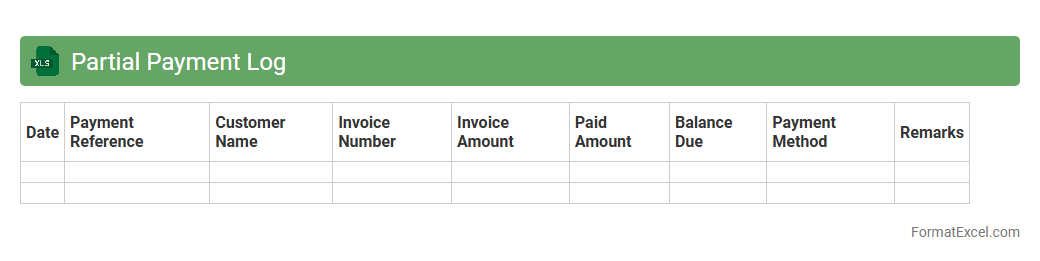
Partial Payment Log
The
Partial Payment Log Excel document is a tool designed to track and record partial payments made towards invoices or debts, providing a clear overview of outstanding balances and payment schedules. It helps businesses maintain accurate financial records, streamline cash flow management, and monitor customer payment behavior efficiently. By consolidating payment details in one place, it facilitates timely follow-ups and reduces discrepancies in accounting processes.
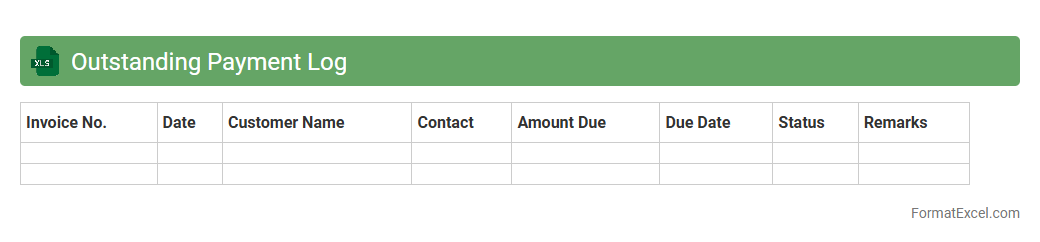
Outstanding Payment Log
An
Outstanding Payment Log Excel document is a detailed record that tracks unpaid invoices and pending payments, helping businesses manage their cash flow effectively. It provides clear visibility into due dates, client names, amounts owed, and payment statuses, enabling timely follow-ups and reducing the risk of missed payments. This tool supports financial planning and improves accounts receivable management by consolidating all outstanding payment data in one accessible format.
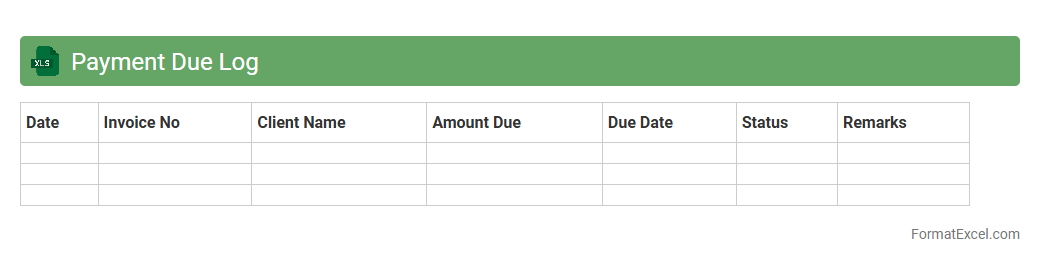
Payment Due Log
A
Payment Due Log Excel document is a structured spreadsheet used to track, manage, and monitor upcoming payments, including due dates, amounts, and payees. It helps businesses and individuals maintain financial discipline by ensuring timely payments and avoiding late fees or penalties. The log provides a clear overview of outstanding liabilities, facilitating better cash flow management and budgeting decisions.
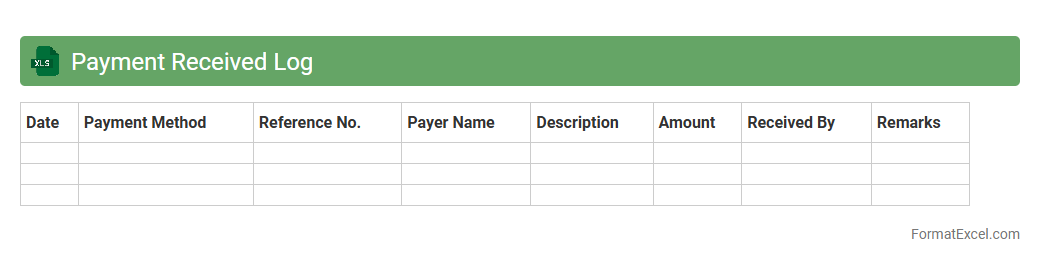
Payment Received Log
The
Payment Received Log Excel document is a structured tool designed to track all incoming payments systematically, including details such as payer information, payment dates, amounts, and payment methods. It facilitates accurate financial record-keeping, helps monitor cash flow, and ensures transparency in transaction management for businesses and individuals. By maintaining this log, users can quickly reconcile accounts, generate financial reports, and identify any discrepancies in payment collections.
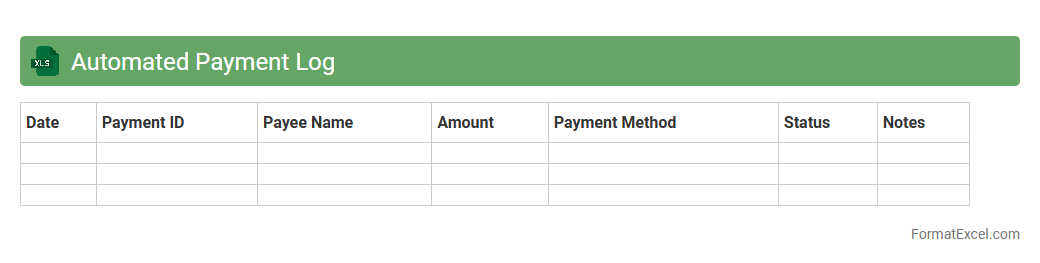
Automated Payment Log
An
Automated Payment Log Excel document is a spreadsheet tool designed to record, track, and manage payment transactions systematically with minimal manual input. It helps businesses maintain accurate financial records, monitor payment statuses, and generate reports efficiently, saving time and reducing errors. This automation enhances accountability and provides clear insights into cash flow and payment histories for better financial decision-making.
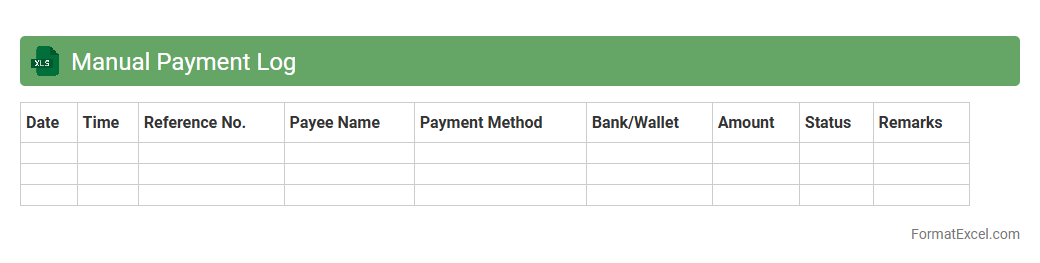
Manual Payment Log
A
Manual Payment Log Excel document is a structured spreadsheet used to record and track payment transactions made manually rather than through automated systems. It helps maintain accurate financial records by capturing details such as payment dates, amounts, payees, and payment methods, which ensures transparency and facilitates easy reconciliation. This document is essential for monitoring cash flow, auditing financial activities, and preventing discrepancies in accounting processes.
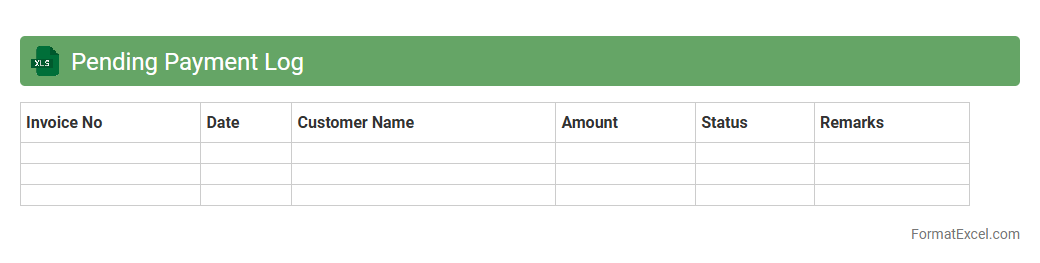
Pending Payment Log
The
Pending Payment Log Excel document is a comprehensive record that tracks all unpaid invoices, outstanding bills, and pending transactions within an organization. It allows finance teams to monitor due dates, manage cash flow efficiently, and prioritize payments to avoid late fees or service disruptions. Utilizing this log helps enhance financial transparency and supports more accurate budgeting and forecasting processes.
Overdue Payment Log
The
Overdue Payment Log Excel document is a comprehensive tool designed to track and manage outstanding payments systematically. It helps businesses monitor due dates, identify overdue invoices, and maintain accurate financial records, ensuring timely follow-ups and improved cash flow management. This log enhances accountability and streamlines the collection process by providing clear visibility into payment statuses.
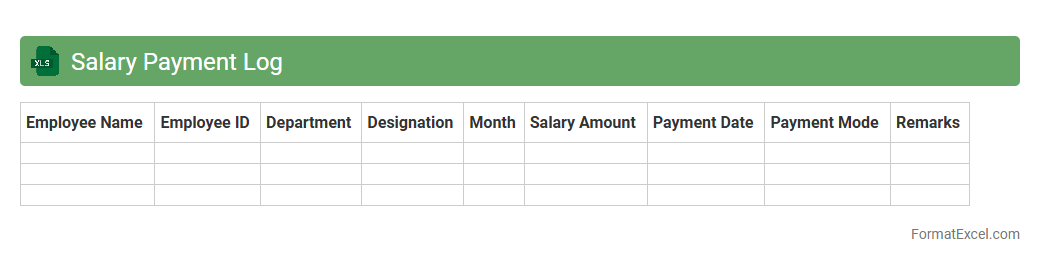
Salary Payment Log
A
Salary Payment Log Excel document is a detailed record-keeping tool that tracks employee compensation, including payment dates, amounts, and deductions. It is useful for ensuring accurate payroll management, facilitating financial audits, and maintaining compliance with tax regulations. By systematically organizing salary data, it helps businesses streamline payroll processes and minimize errors.
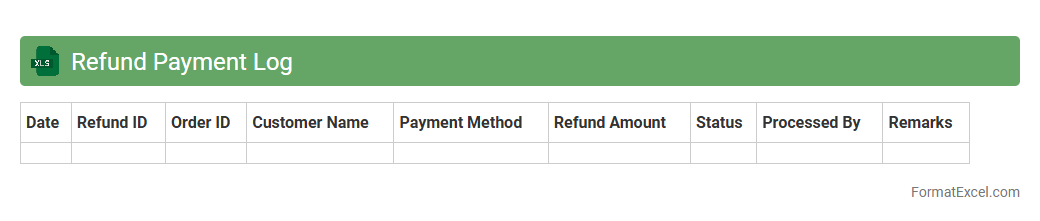
Refund Payment Log
The
Refund Payment Log Excel document is a structured record that tracks all refund transactions, including dates, amounts, payment methods, and recipient details. It helps businesses monitor refund activities, ensure accurate financial reconciliation, and identify patterns or discrepancies in refund processing. Utilizing this log improves transparency, facilitates audit readiness, and enhances customer service by providing quick access to refund histories.
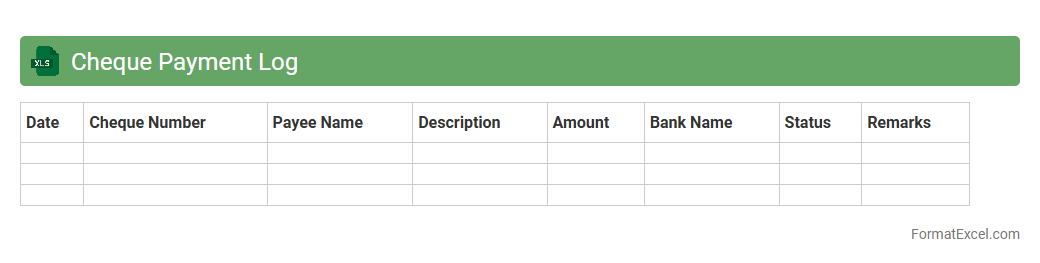
Cheque Payment Log
A
Cheque Payment Log Excel document is a structured spreadsheet used to record and track all cheque transactions, including details such as cheque number, date, payee, amount, and status. It helps maintain accurate financial records, simplifies reconciliation processes, and enhances internal control by providing clear visibility of payments made via cheques. Businesses and individuals benefit from this organized log to prevent errors, detect potential fraud, and ensure timely follow-up on pending or cleared payments.
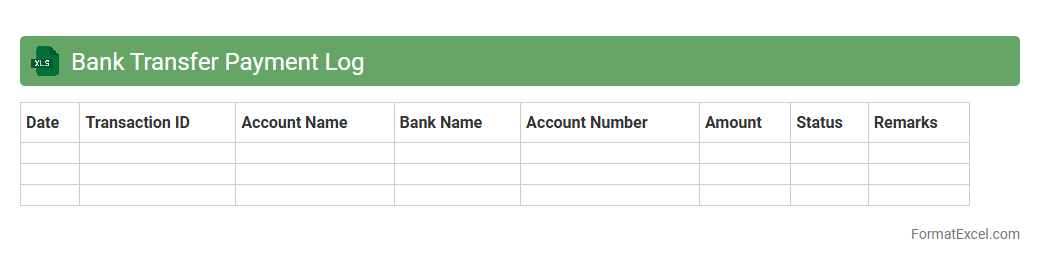
Bank Transfer Payment Log
A
Bank Transfer Payment Log Excel document records detailed information about all bank transfer transactions, including dates, amounts, sender and recipient details, and transaction IDs. This log helps businesses maintain accurate financial records, monitor cash flow, and streamline reconciliation processes. Utilizing such a document enhances transparency and simplifies auditing by providing a clear history of payments made and received.
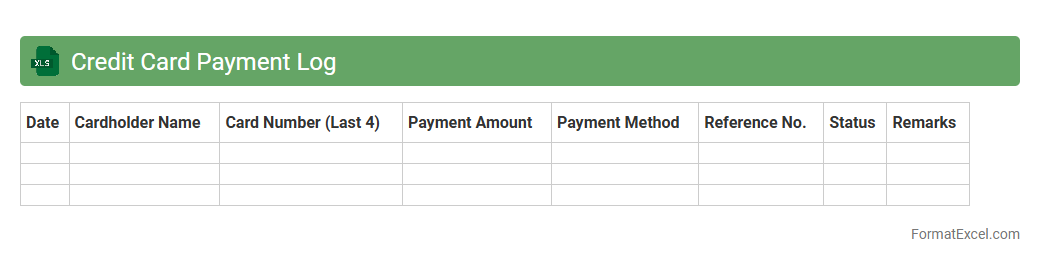
Credit Card Payment Log
A
Credit Card Payment Log Excel document tracks all credit card transactions and payments, providing a clear record of spending, due dates, and balances. It helps users monitor expenses, avoid late fees, and manage budgets effectively by consolidating payment information in one accessible location. This log supports financial accountability and improves credit score management through timely payments and detailed expense tracking.
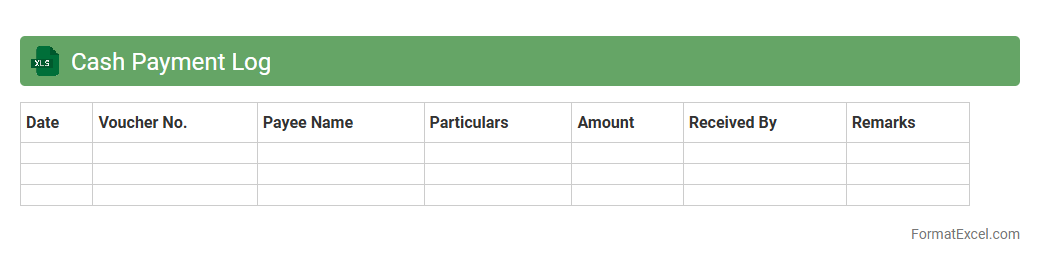
Cash Payment Log
A
Cash Payment Log Excel document is a structured spreadsheet used to record and track all cash transactions systematically, including dates, amounts, payees, and purposes. It helps maintain accurate financial records, ensures transparency, and simplifies reconciliation during audits or budgeting processes. Utilizing this log improves cash flow management and reduces the risk of errors or fraud in handling petty cash payments.
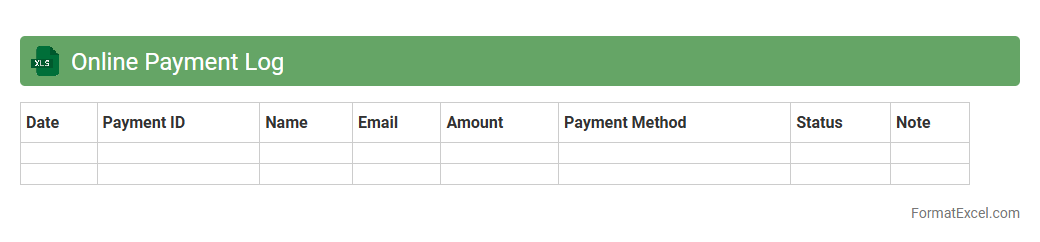
Online Payment Log
An
Online Payment Log Excel document is a spreadsheet used to systematically record and track digital transactions, including payment dates, amounts, methods, and recipient details. It helps individuals and businesses maintain organized financial records, ensuring accurate monitoring of cash flow and quick reconciliation of accounts. By providing a clear overview of online payments, this log supports budgeting, auditing, and timely payment verification processes.
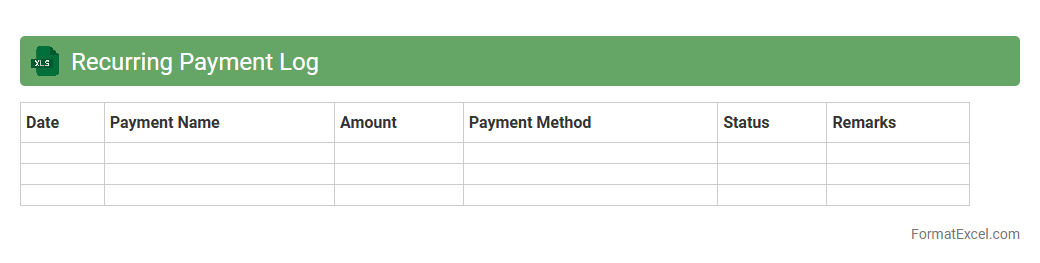
Recurring Payment Log
The
Recurring Payment Log Excel document is a systematic record that tracks all scheduled payments, such as subscriptions, bills, and loan installments, helping businesses or individuals manage cash flow effectively. It provides clear visibility into payment dates, amounts, and payment status, reducing the risk of missed or duplicate transactions. This organized approach improves financial planning, audit readiness, and simplifies tracking recurring expenses over time.
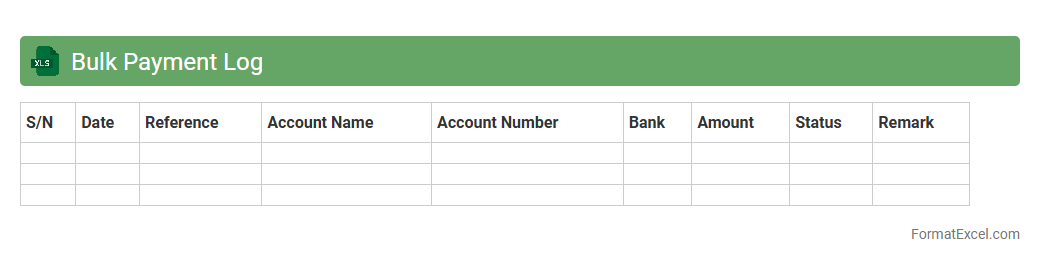
Bulk Payment Log
A
Bulk Payment Log Excel document systematically records multiple payment transactions, enabling efficient tracking and reconciliation of financial activities. It organizes data such as payment dates, amounts, recipients, and transaction statuses, facilitating transparent audit trails and error detection. This document streamlines payment processing, improves financial reporting accuracy, and supports compliance with accounting standards.
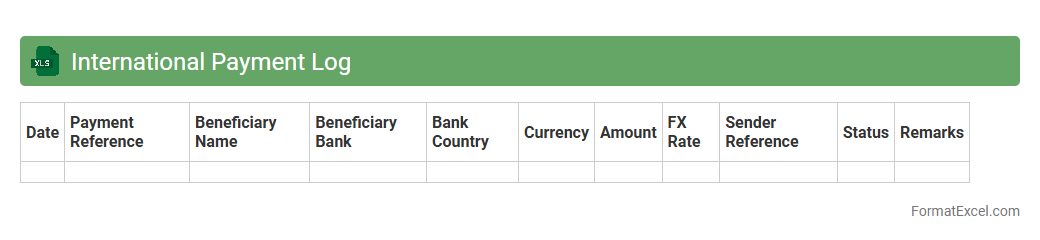
International Payment Log
The International Payment Log Excel document is a
comprehensive tracking tool designed to record and monitor all cross-border financial transactions with accuracy. It helps businesses maintain detailed records of payments made and received internationally, ensuring compliance with currency regulations and facilitating efficient reconciliation of accounts. This log enhances transparency, reduces errors in financial reporting, and simplifies auditing processes for global payment activities.
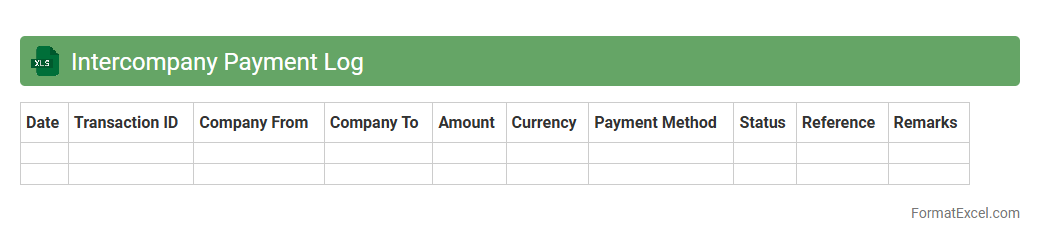
Intercompany Payment Log
The
Intercompany Payment Log Excel document is a detailed record used to track financial transactions between different entities within the same corporate group. It helps ensure accurate reconciliation of payments and balances, minimizing errors and discrepancies in intercompany accounts. This log is essential for maintaining transparent audit trails and facilitating efficient financial reporting and regulatory compliance.
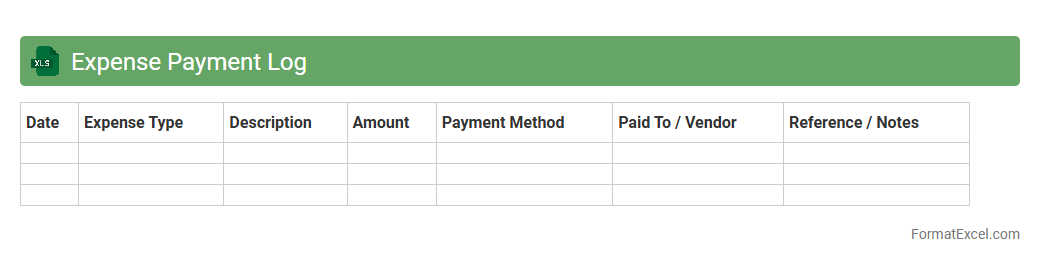
Expense Payment Log
An
Expense Payment Log Excel document systematically records all financial expenditures, tracking payment dates, amounts, vendors, and payment methods. It enables effective budget management by providing clear visibility into spending patterns and ensuring timely payments. This organized record helps reduce errors, supports financial audits, and improves cash flow control for individuals or businesses.
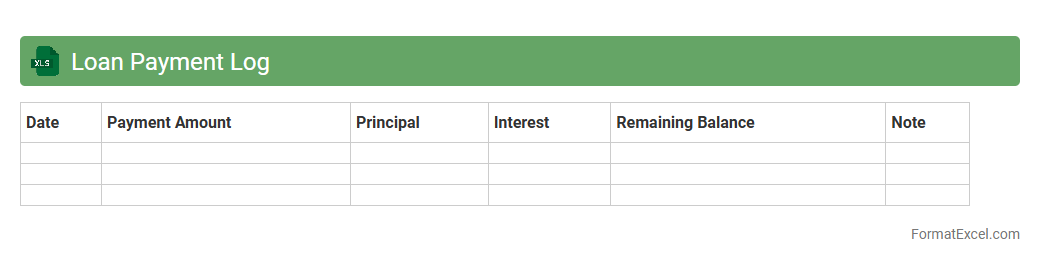
Loan Payment Log
A
Loan Payment Log Excel document is a structured spreadsheet designed to track loan repayments, including dates, amounts, and outstanding balances. It helps users monitor payment schedules, prevent missed payments, and manage debt efficiently. By maintaining accurate records, individuals and businesses can ensure financial accountability and improve loan management strategies.
Introduction to Payment Log Formats
A payment log format in Excel serves as a structured template to record and manage financial transactions efficiently. It helps businesses and individuals maintain accurate records of their payments over time. Adopting a standardized format ensures consistency and ease of data retrieval.
Benefits of Tracking Payments in Excel
Tracking payments in Excel offers flexible data management with customizable columns and automatic calculations. It aids in monitoring expenses, ensuring timely payments, and simplifying financial reporting. Excel's user-friendly interface allows for effective payment oversight without specialized software.
Essential Columns for a Payment Log Spreadsheet
Key columns include Payment Date, Amount, Payment Method, Payee, and Transaction ID for comprehensive tracking. Adding Status and Notes columns enhances payment monitoring and documentation. These essential columns help organize payments systematically.
Step-by-Step Guide to Creating a Payment Log in Excel
Begin by setting up column headers for all relevant payment details. Enter payment data consistently, using data validation to minimize errors. Utilize Excel functions to calculate totals and track outstanding payments for a streamlined log setup.
Payment Log Templates: Free Download and Customization
Various free Excel payment log templates are available online, designed for different needs. Customize templates by adding specific columns or branding to suit your workflow. Templates expedite log creation and promote uniform data entry.
Best Practices for Organizing Payment Data
Maintain chronological order and consistent formatting to improve readability and analysis. Use filters and conditional formatting to highlight overdue or pending payments easily. Proper organization of payment data enhances overall financial management.
Tips for Automating Calculations in Payment Logs
Leverage Excel formulas like SUM, IF, and VLOOKUP to automate totals and status updates. Incorporate pivot tables for dynamic summaries and trends visualization. Automating calculations reduces manual errors and saves time on payment tracking.
Common Mistakes to Avoid in Payment Log Formatting
Avoid incomplete entries, inconsistent data formats, and lack of backups to prevent inaccuracies. Ensure that formulas are correctly applied and not overwritten during data entry. Awareness of these common mistakes improves log reliability.
Enhancing Security and Privacy in Excel Payment Logs
Protect payment logs with password encryption and restrict editing permissions to authorized users only. Regularly back up files to prevent data loss. Ensuring data security maintains confidentiality of sensitive financial information.
Exporting, Sharing, and Analyzing Payment Logs
Export logs to PDF or CSV formats for easy sharing and integration with other systems. Use Excel's data analysis tools to generate reports and identify payment patterns. Effective sharing and analysis improves financial decision-making.