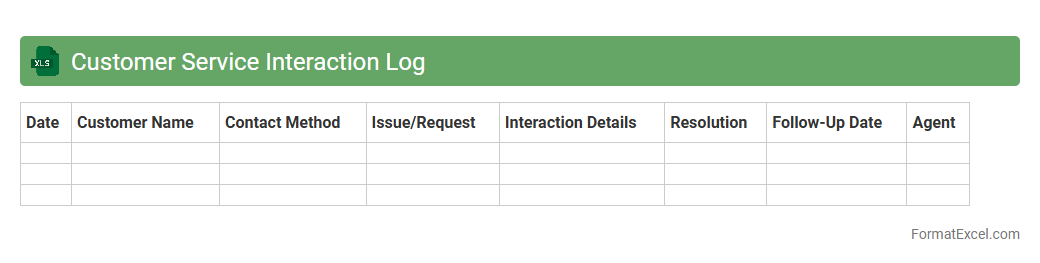
Customer Service Interaction Log
The
Customer Service Interaction Log Excel document is a tool designed to systematically record and track all customer interactions, including inquiries, complaints, and feedback. It allows businesses to monitor response times, identify common issues, and improve the overall customer experience by analyzing communication patterns. Utilizing this log helps enhance customer satisfaction, streamline service processes, and support data-driven decision-making in customer relationship management.
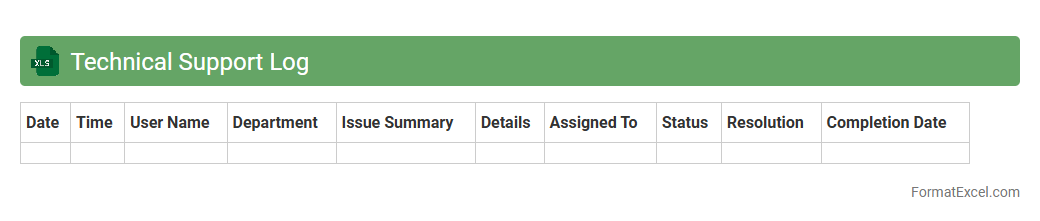
Technical Support Log
A
Technical Support Log Excel document systematically records support requests, issue details, resolution steps, and response times, enabling efficient tracking of technical problems. It enhances team collaboration by providing a centralized database for monitoring progress and identifying recurring issues. This organized approach improves problem resolution speed and supports data-driven decision-making for IT management.
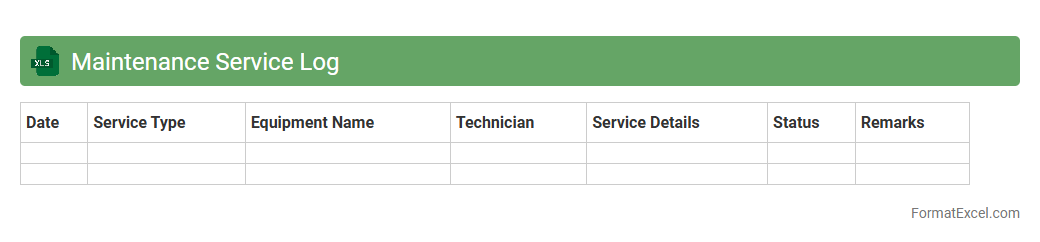
Maintenance Service Log
A
Maintenance Service Log Excel document is a structured spreadsheet used to record and track all maintenance activities and service history for equipment, machinery, or facilities. It helps organizations monitor maintenance schedules, identify recurring issues, and ensure timely repairs, reducing downtime and prolonging asset lifespan. By consolidating detailed maintenance data, this tool enhances operational efficiency and supports informed decision-making for future servicing needs.
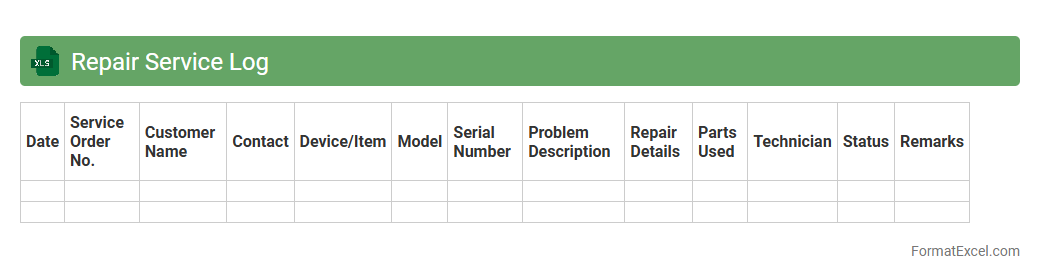
Repair Service Log
A
Repair Service Log Excel document is a detailed record-keeping tool designed to track maintenance and repair activities for equipment, vehicles, or machinery. It helps organize information such as repair dates, service providers, cost details, and parts replaced, enabling efficient monitoring of service history. This log improves asset management, reduces downtime, and supports budget tracking by providing accurate data for future maintenance planning.
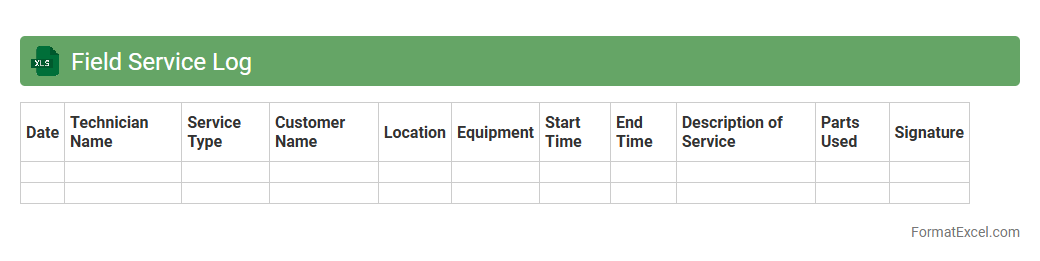
Field Service Log
A
Field Service Log Excel document is a structured spreadsheet used to systematically record and track field service activities, including job details, technician information, service times, and customer feedback. It enhances operational efficiency by providing clear documentation for service history, enabling easy performance analysis, and supporting timely decision-making. This log is essential for managing workflows, ensuring accountability, and improving communication between field teams and management.
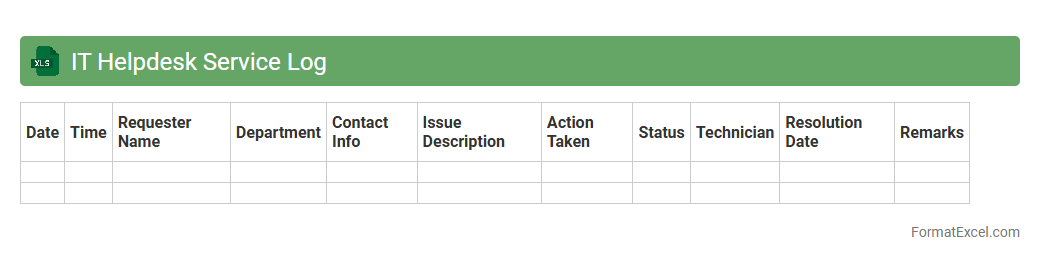
IT Helpdesk Service Log
An
IT Helpdesk Service Log Excel document is a structured tool used to record and track all technical support requests, including details like issue type, status, priority, and resolution times. It enables efficient management of IT support workflows by providing visibility into the volume and nature of service tickets, helping identify recurring problems and measure team performance. This log improves accountability, streamlines communication, and supports data-driven decision-making to enhance overall IT service quality.
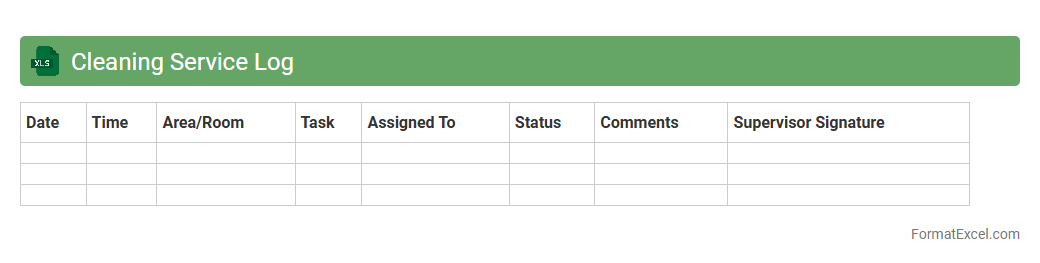
Cleaning Service Log
A
Cleaning Service Log Excel document is a structured digital record that tracks cleaning tasks, schedules, and staff activities in a facility. It improves organization by providing a clear overview of completed and pending cleaning duties, ensuring accountability and timely maintenance. This log enhances operational efficiency, supports compliance with hygiene standards, and facilitates communication between management and cleaning teams.
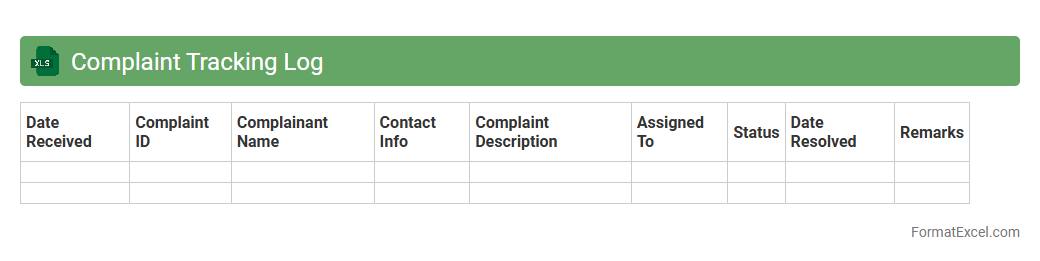
Complaint Tracking Log
A
Complaint Tracking Log Excel document is a structured tool designed to record, monitor, and manage customer complaints systematically. It helps organizations analyze patterns, ensure timely resolution, and improve customer service efficiency by maintaining detailed records of complaint types, dates, statuses, and responsible personnel. Utilizing this log fosters accountability, enhances communication, and supports data-driven decisions for continuous quality improvement.
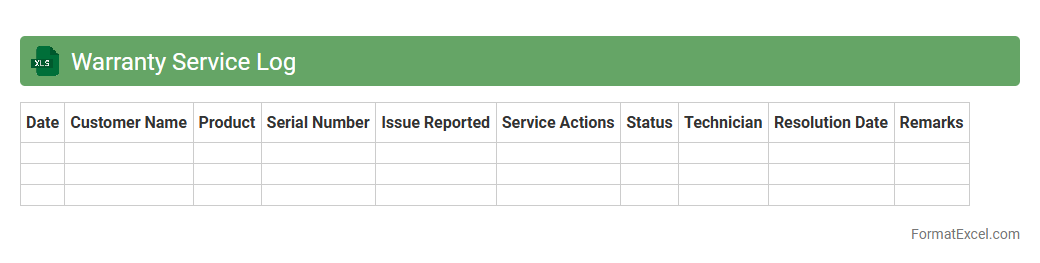
Warranty Service Log
A
Warranty Service Log Excel document is a structured spreadsheet used to record and track warranty claims, repairs, and service activities related to products or equipment. It helps businesses efficiently monitor warranty periods, manage service history, and streamline communication between customers and service teams. This log enhances accountability, reduces downtime, and improves decision-making by providing clear, organized data on product performance and warranty coverage.
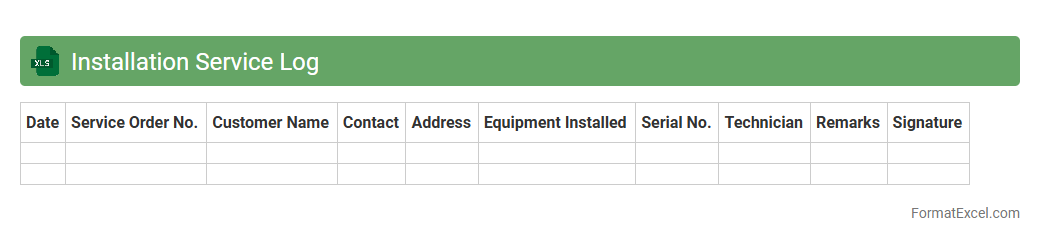
Installation Service Log
An
Installation Service Log Excel document is a structured spreadsheet used to record detailed information about installation tasks, including dates, locations, technician names, equipment details, and service outcomes. It serves as a centralized database that helps track project progress, ensure accountability, and maintain accurate records for future reference. By providing clear visibility into installation activities, this log enhances operational efficiency and supports effective communication between teams.
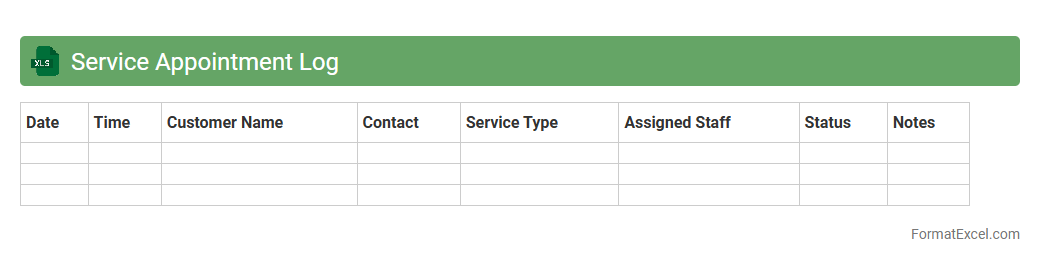
Service Appointment Log
The
Service Appointment Log Excel document is a structured record-keeping tool that tracks detailed information about service appointments, including dates, client names, service types, and technician assignments. It helps businesses efficiently manage schedules, monitor service performance, and analyze appointment trends for better resource allocation. Utilizing this log improves operational accuracy and enhances customer satisfaction by ensuring timely and organized service delivery.
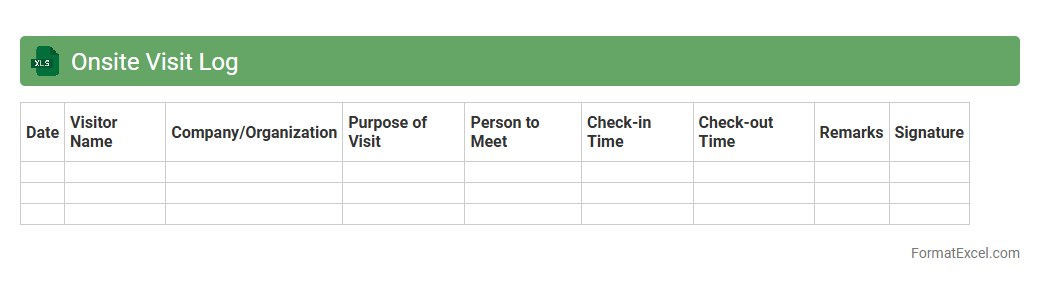
Onsite Visit Log
An
Onsite Visit Log Excel document is a structured tool designed to record and track details of visits to client sites, project locations, or facility inspections. It facilitates efficient documentation of visit dates, attendee information, purpose, observations, and follow-up actions, ensuring accountability and streamlined communication among teams. Utilizing this log enhances project management accuracy, supports compliance audits, and improves the overall coordination of onsite activities.
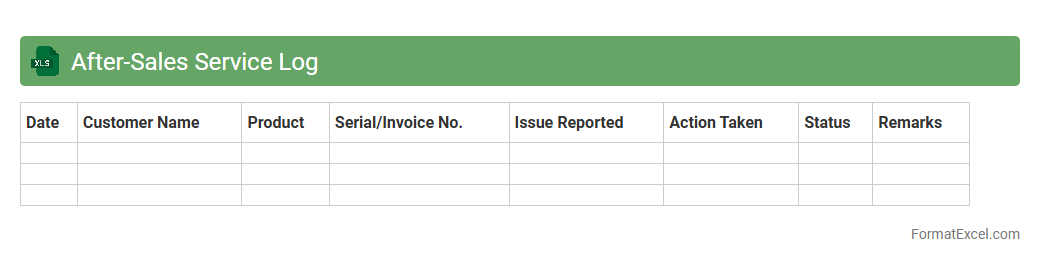
After-Sales Service Log
The
After-Sales Service Log Excel document is a structured tool designed to track and manage customer service interactions post-purchase. It helps record details such as service dates, customer feedback, product issues, and resolution status, enabling efficient follow-up and performance analysis. By organizing this data, businesses improve customer satisfaction, streamline service processes, and identify areas for product or support enhancement.
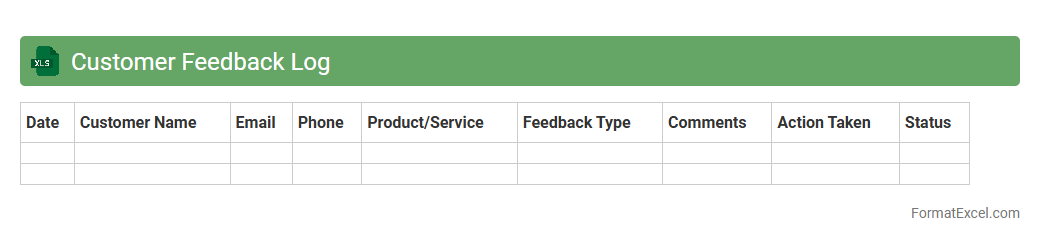
Customer Feedback Log
A
Customer Feedback Log Excel document is a systematic tool used to record, organize, and analyze customer comments, suggestions, and complaints. This log helps businesses track feedback trends, identify recurring issues, and monitor the effectiveness of implemented improvements. Utilizing a Customer Feedback Log enhances customer satisfaction by enabling data-driven decision-making and fostering continuous service enhancement.
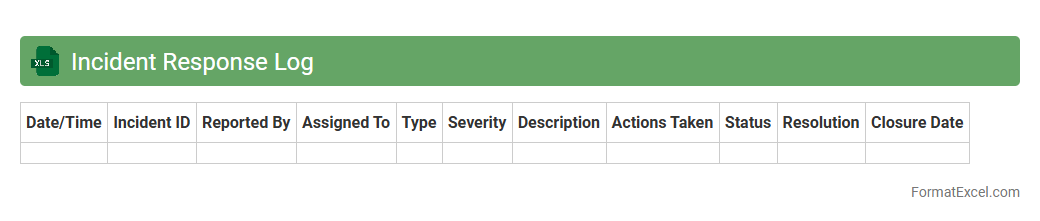
Incident Response Log
An
Incident Response Log Excel document is a structured tool designed to record and track cybersecurity incidents systematically. It enables organizations to document event details, response actions, timelines, and responsible personnel, facilitating clear communication and thorough analysis. This log is essential for improving incident handling efficiency, ensuring compliance, and supporting post-incident reviews to enhance future security measures.
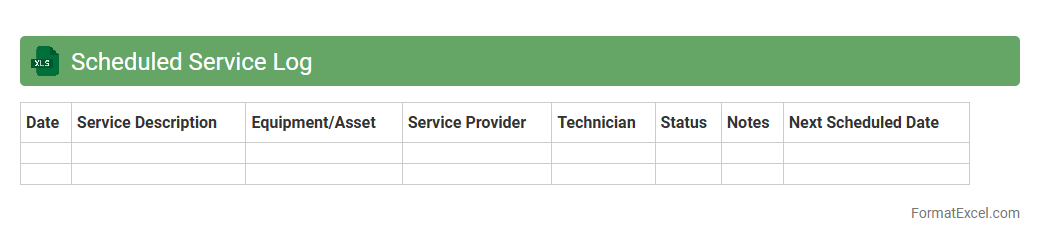
Scheduled Service Log
A
Scheduled Service Log Excel document is a structured spreadsheet used to track and manage routine maintenance and service activities over time. It helps organizations ensure timely servicing of equipment, vehicles, or systems by recording dates, service types, and technician details, improving operational efficiency and preventing costly downtime. Monitoring service schedules through this log supports compliance with maintenance protocols and extends the lifespan of critical assets.
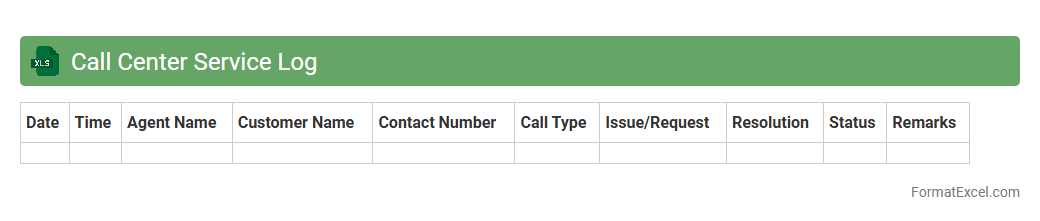
Call Center Service Log
A
Call Center Service Log Excel document is a structured spreadsheet used to record and track customer interactions, service requests, and call outcomes in a call center environment. It provides valuable insights into call volume, agent performance, resolution times, and customer satisfaction metrics, enabling management to identify trends and improve operational efficiency. Utilizing this log helps optimize resource allocation, monitor service quality, and enhance overall customer experience through data-driven decision-making.
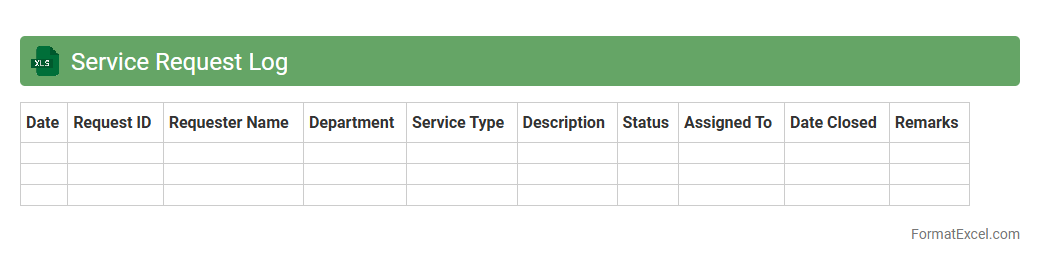
Service Request Log
A
Service Request Log Excel document is a systematic record used to track and manage service requests efficiently. It captures key data such as request date, requester details, issue description, status, and resolution timelines, enabling streamlined communication and accountability. This log enhances operational productivity by providing clear visibility into pending tasks, prioritizing follow-ups, and facilitating performance analysis.
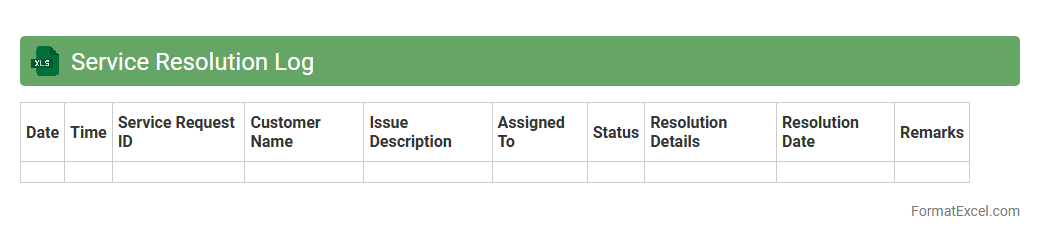
Service Resolution Log
The
Service Resolution Log Excel document is a detailed record of service issues, their resolutions, and related timelines, designed to track and manage customer support activities efficiently. It helps identify recurring problems, monitor response times, and improve overall service quality by providing clear insights into resolution patterns. Utilizing this log enhances communication among support teams and ensures accountability in handling service requests.
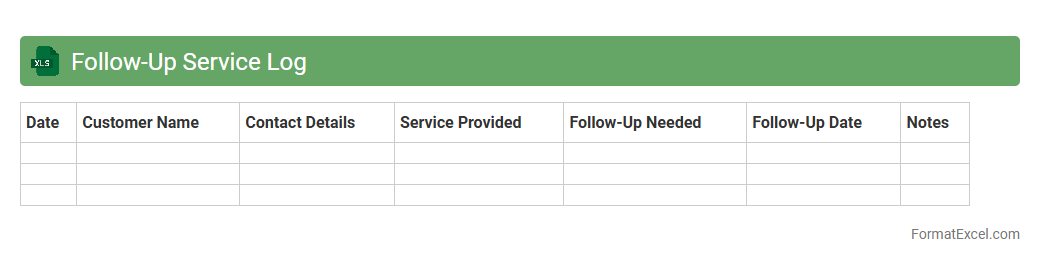
Follow-Up Service Log
The
Follow-Up Service Log Excel document is a structured tool for tracking customer interactions, service requests, and resolution timelines efficiently. It enables businesses to monitor follow-up activities, ensuring timely responses and improving client satisfaction by providing a clear record of communication history. Utilizing this log helps streamline workflow management, identify recurring issues, and enhance overall service quality through systematic documentation.
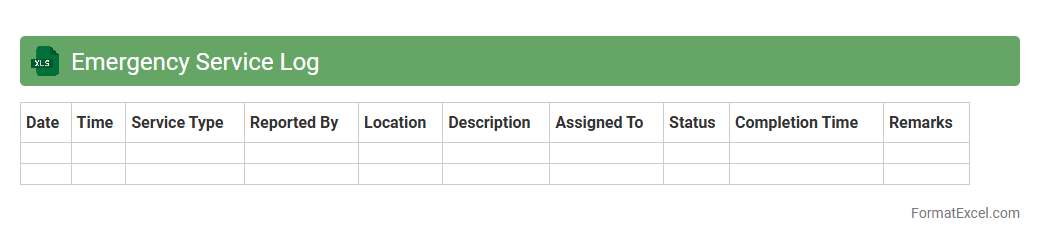
Emergency Service Log
An
Emergency Service Log Excel document is a structured record-keeping tool designed to track and document all emergency responses, including incident details, response times, personnel involved, and outcomes. It enhances coordination by providing easy access to critical information, allowing for efficient incident management and post-event analysis. This log improves accountability, helps identify trends, and supports compliance with safety regulations in emergency services.
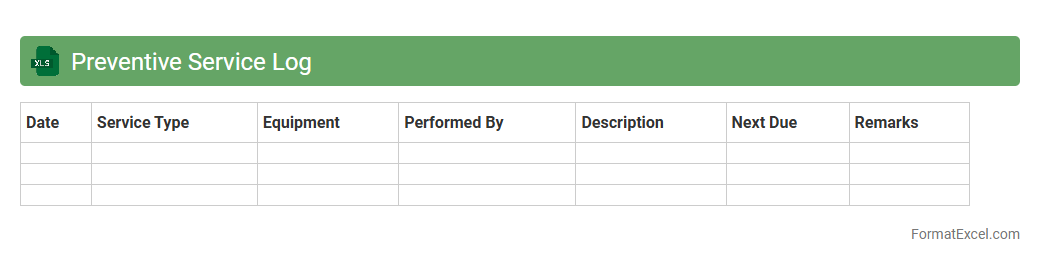
Preventive Service Log
A
Preventive Service Log Excel document is a structured spreadsheet used to track and schedule routine maintenance tasks for equipment or systems to prevent unexpected failures. It helps organizations monitor service history, plan future maintenance, and ensure compliance with safety regulations. This tool enhances operational efficiency by reducing downtime and extending the lifespan of assets through timely preventive actions.
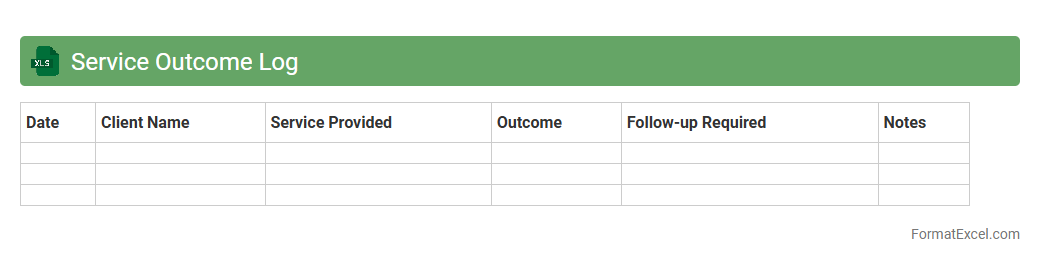
Service Outcome Log
The
Service Outcome Log Excel document systematically records and tracks the results of various service interactions, enabling organizations to analyze performance metrics and customer satisfaction. It provides a clear overview of service effectiveness, helping teams identify trends and areas for improvement quickly. Utilizing this log enhances decision-making by offering data-driven insights that support continuous service quality enhancement.
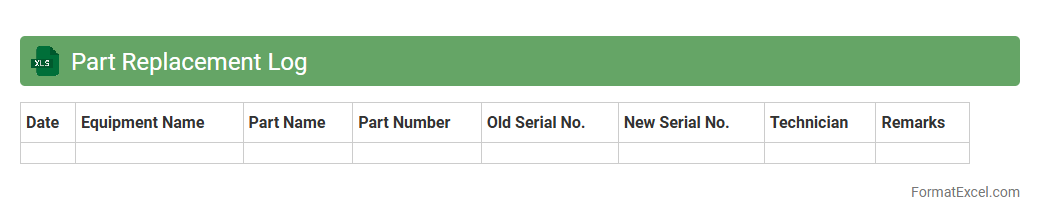
Part Replacement Log
A
Part Replacement Log Excel document is a systematic record-keeping tool used to track the replacement history of components within machinery, equipment, or systems. It helps organizations monitor the frequency, date, and details of part replacements, enabling efficient maintenance scheduling and cost control. This document enhances decision-making by providing clear insights into part lifespan and predicting future replacement needs.
Service Billing Log
The
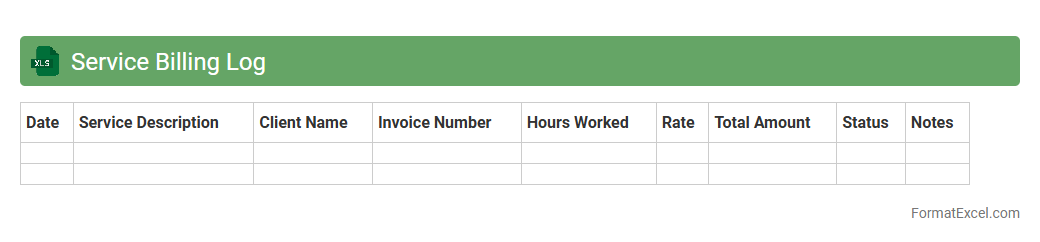
Service Billing Log Excel document is a detailed record that tracks all service-related transactions, including dates, service descriptions, client information, and billing amounts. It streamlines financial management by providing clear visibility into invoicing, payment statuses, and outstanding balances, enabling accurate accounting and timely follow-ups. This document enhances operational efficiency by helping businesses monitor service delivery, detect discrepancies, and improve cash flow management.
Introduction to Service Log Formats
A service log format organizes service activities systematically to enhance tracking and reporting. It allows businesses and individuals to maintain records of maintenance, repairs, and other service tasks efficiently. Using a standardized format ensures consistency and ease of reference.
Benefits of Using Excel for Service Logs
Excel offers powerful features like data sorting, filtering, and calculation, making it ideal for service log management. It provides customizable templates and real-time updates to streamline service tracking. Additionally, Excel enables easy sharing and backup of service records.
Essential Components of a Service Log
Key components include the service date, description, technician details, and status updates, all vital for a comprehensive service log. Including parts used and cost details enhances record accuracy. These elements help in maintaining transparent and actionable service histories.
How to Structure a Service Log in Excel
Arrange columns logically with clear headers such as Date, Service Description, Technician, and Status for an effective Excel service log. Maintain a clean, organized worksheet for easy navigation and data entry. Group related information to improve readability and reduce errors.
Step-by-Step Guide to Creating a Service Log Template
Start by opening a blank Excel worksheet, then define columns for essential data fields including date and task description. Add drop-down lists for statuses and technician names to minimize input errors, enhancing your service log template. Finally, format the sheet for clarity and save it for repeated use.
Recommended Columns for Service Logs
Include columns like Service Date, Service Description, Technician Name, Parts Used, Cost, and Completion Status to cover all critical service log details. Optional columns may include follow-up dates and customer feedback for extended tracking. This comprehensive approach supports better service management.
Customization Tips for Service Logs in Excel
Customize your service log by using conditional formatting to highlight overdue tasks or critical issues, improving visual management of your Excel service log. Use data validation to restrict entries and maintain data integrity. Tailoring templates makes logs easier to use and more effective.
Automating Service Log Entries with Formulas
Utilize Excel formulas like TODAY() for automatic date entries and IF() statements to track status updates efficiently in your service log. Creating dynamic totals with SUM() helps manage service costs effectively. Automation reduces manual errors and saves time.
Best Practices for Maintaining Service Logs
Regular updates and consistent data entry are crucial to keeping your service log accurate and reliable. Back up your Excel files frequently and review logs to identify recurring issues. Clear documentation supports better decision-making and service quality control.
Downloadable Service Log Excel Templates
Accessing free downloadable service log templates saves time and provides a professional starting point. Many websites offer customizable Excel formats tailored for various service needs. Using templates ensures best practices and simplifies the creation process.