Daily Task Tracking
A
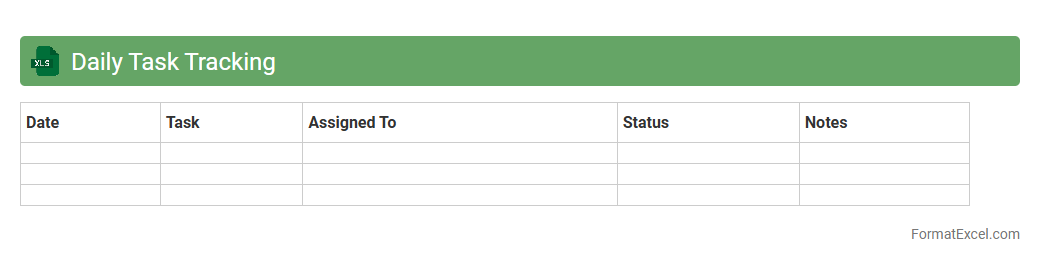
Daily Task Tracking Excel document is a tool designed to organize, monitor, and manage daily activities efficiently. It helps users prioritize tasks, set deadlines, and review progress, ensuring enhanced productivity and time management. By providing a clear overview of responsibilities, this document aids in reducing missed deadlines and improving overall work performance.
Employee Task List
An
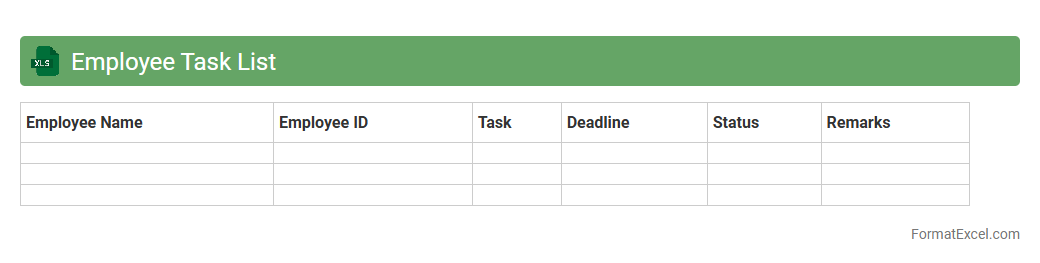
Employee Task List Excel document is a structured spreadsheet used to organize, track, and manage individual or team tasks efficiently. It allows managers and employees to monitor deadlines, prioritize activities, and allocate resources effectively, enhancing overall productivity. This tool also provides clear visibility into task status and progress, facilitating better communication and accountability within the workplace.
Project Task Assignment
A
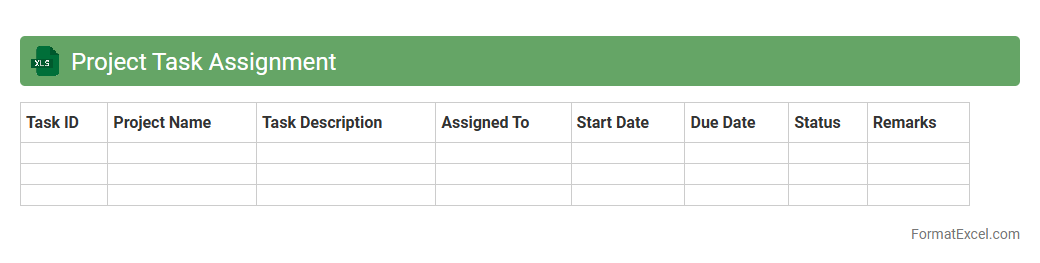
Project Task Assignment Excel document is a structured spreadsheet used to allocate specific tasks to team members, track project progress, and manage deadlines efficiently. It facilitates clear communication, accountability, and resource management by organizing tasks with assigned personnel, start and end dates, and completion status. This tool enhances productivity by providing a centralized location for monitoring work distribution and identifying potential bottlenecks within a project.
Task Progress Monitoring
A
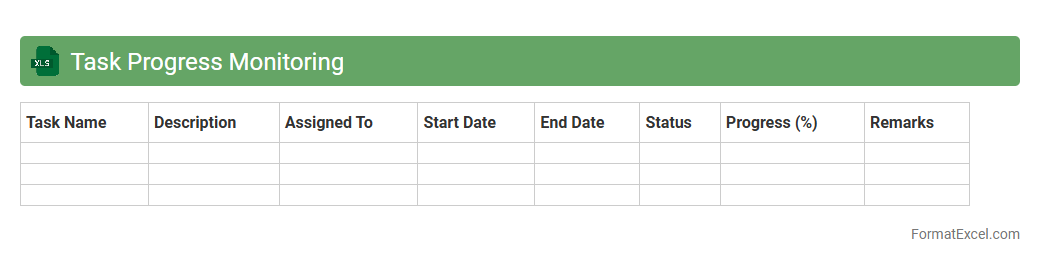
Task Progress Monitoring Excel document is a structured spreadsheet used to track the status, deadlines, and completion percentage of various tasks within a project. It helps teams visualize progress, identify bottlenecks, and allocate resources efficiently, ensuring timely project delivery. By maintaining this record, users can improve accountability and make data-driven decisions to optimize workflow.
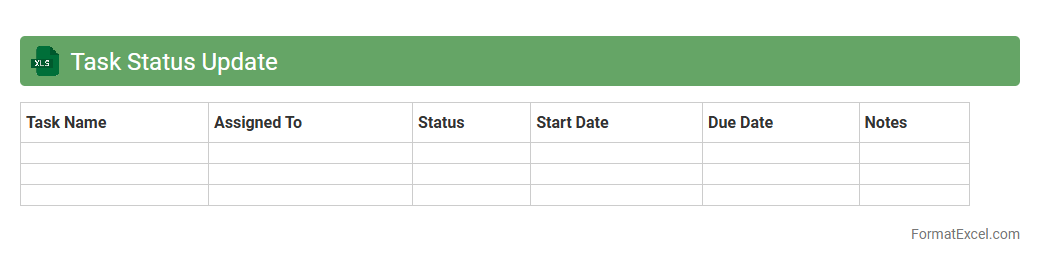
Task Status Update
A
Task Status Update Excel document is a structured spreadsheet designed to track the progress of individual tasks within a project or workflow. It helps users monitor task completion, identify delays, and assign responsibilities, enhancing overall project management efficiency. By providing real-time insights into task statuses, this document supports better decision-making and timely interventions.
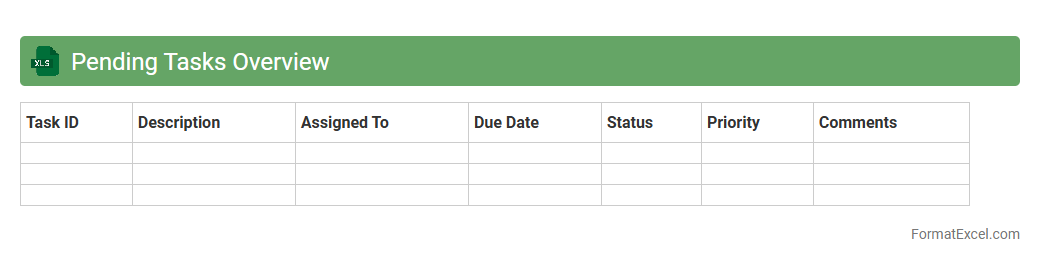
Pending Tasks Overview
The
Pending Tasks Overview Excel document serves as a centralized tracker for all incomplete assignments, enabling efficient monitoring and management of ongoing work. It allows users to prioritize tasks, set deadlines, and track progress, ensuring timely completion and improved productivity. By providing clear visibility into outstanding responsibilities, this document helps teams stay organized and focused on their goals.
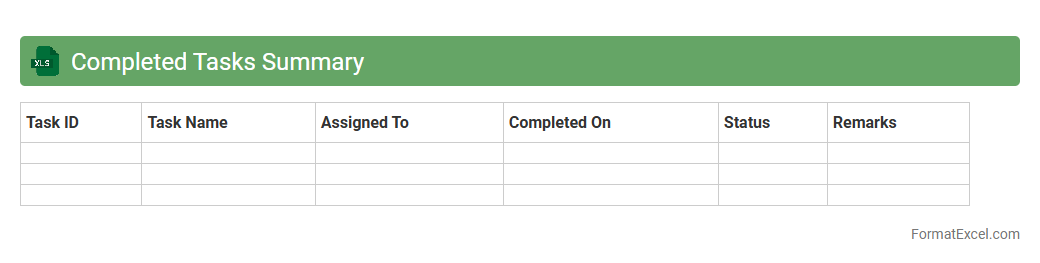
Completed Tasks Summary
The
Completed Tasks Summary Excel document organizes and tracks finished activities, providing a clear overview of project progress and individual achievements. It enables efficient performance analysis, deadline management, and resource allocation by summarizing key details such as task names, completion dates, responsible personnel, and status. This tool improves productivity and accountability by offering quick access to relevant data for reporting and decision-making.
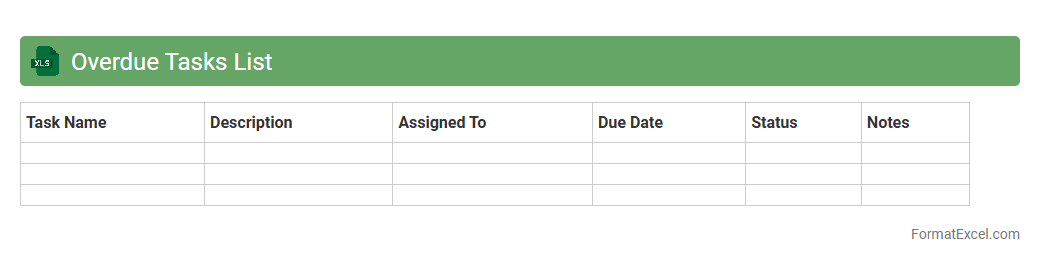
Overdue Tasks List
The
Overdue Tasks List Excel document is a tool designed to track and manage tasks that have missed their deadlines, providing a clear overview of pending responsibilities. It helps individuals and teams prioritize work by highlighting overdue items, ensuring timely follow-up and improved productivity. By organizing task details such as due dates, assigned personnel, and status, this document simplifies project management and reduces the risk of missed deadlines.
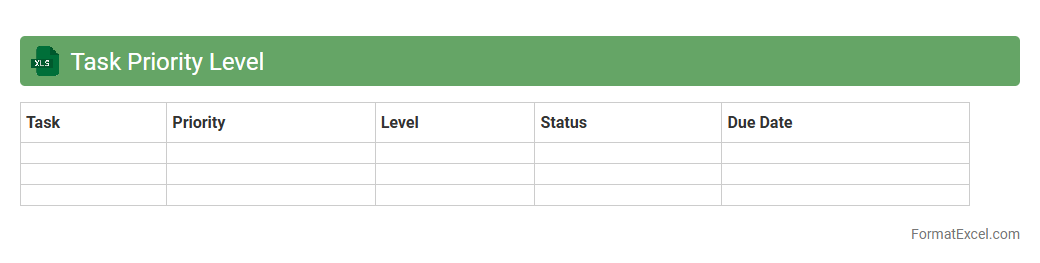
Task Priority Level
A
Task Priority Level Excel document categorizes tasks by their urgency and importance, allowing efficient workflow management and resource allocation. It helps individuals and teams focus on high-priority activities, improving productivity and deadline adherence. By visually organizing tasks, this tool streamlines project planning and prevents overlooking critical assignments.
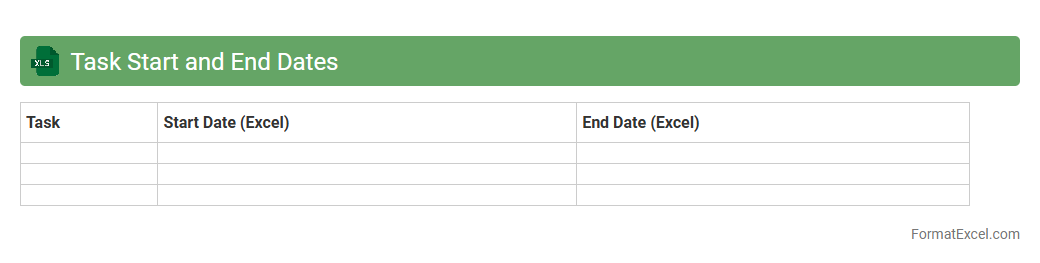
Task Start and End Dates
The
Task Start and End Dates Excel document is a project management tool that helps track the timeline of tasks by specifying when each task begins and concludes. It is useful for organizing workflows, ensuring deadlines are met, and efficiently allocating resources. This document enables better visibility into project progress and aids in identifying potential delays or overlaps in schedules.
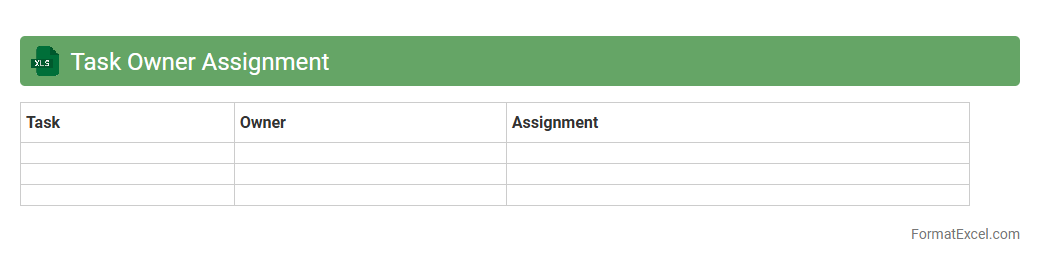
Task Owner Assignment
A
Task Owner Assignment Excel document is a structured spreadsheet designed to allocate specific tasks to designated individuals within a project or team. It enhances accountability by clearly defining responsibilities, deadlines, and progress tracking in one centralized location. This tool streamlines project management, improves communication, and ensures efficient task execution by monitoring ownership and status in real time.
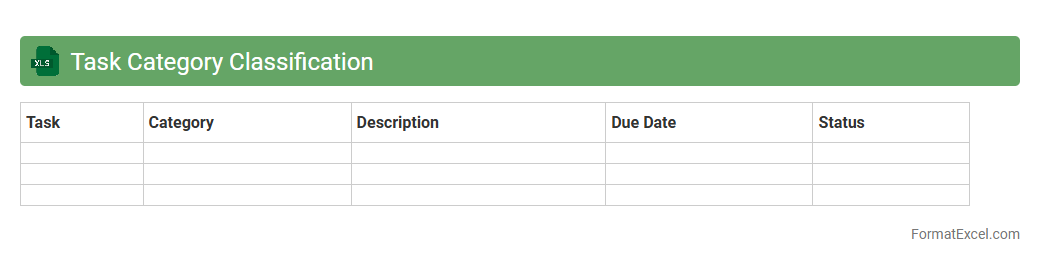
Task Category Classification
Task Category Classification excel document is a tool designed to organize and categorize tasks based on specific criteria, enabling efficient task management and prioritization. It helps users quickly identify the nature and urgency of each task, improving workflow productivity and resource allocation. Using this document streamlines project tracking and enhances decision-making by providing clear task categories and statuses in a structured format.
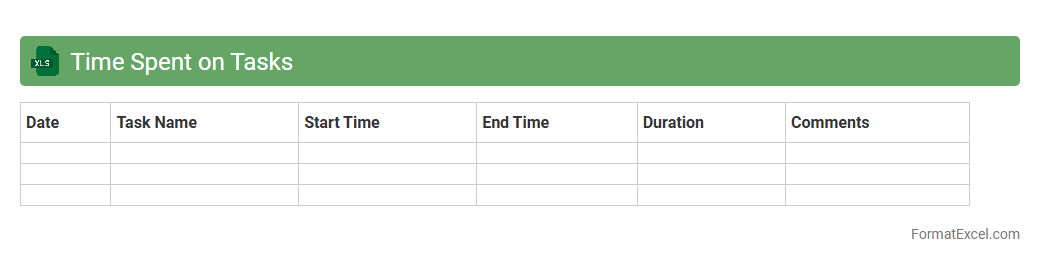
Time Spent on Tasks
The
Time Spent on Tasks Excel document is a detailed tracker designed to record and analyze the duration of various activities or projects. It helps improve productivity by identifying time-consuming tasks and allowing better allocation of resources. This tool aids in project management, budget forecasting, and enhancing overall efficiency in both personal and professional settings.
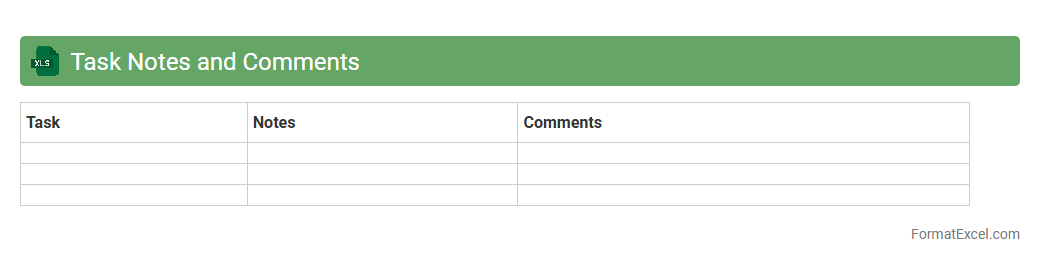
Task Notes and Comments
Task Notes and Comments Excel document serves as a centralized tool for tracking project progress, capturing detailed observations, and facilitating team communication. By organizing
task-specific notes and comments within structured spreadsheets, it enhances collaboration, accountability, and clarity across workflows. This document format supports efficient project management, timely updates, and streamlined information sharing.
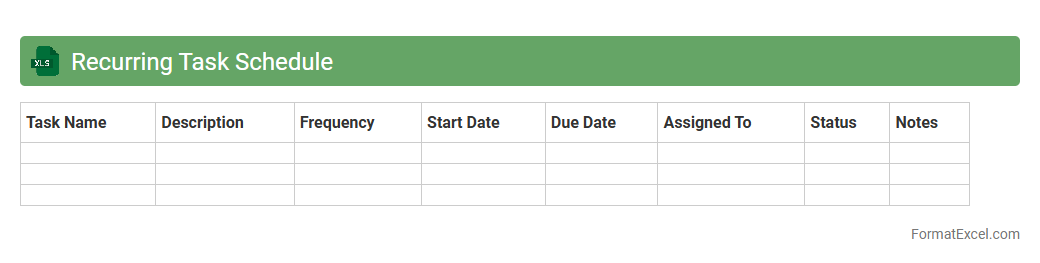
Recurring Task Schedule
A
Recurring Task Schedule Excel document is a tool designed to automate and track repetitive tasks by setting specific intervals for each activity. It helps users maintain consistency, improve productivity, and reduce the risk of missing important deadlines by providing clear visibility of recurring responsibilities. This schedule is essential for project management, team coordination, and personal time management, enabling efficient planning and resource allocation.
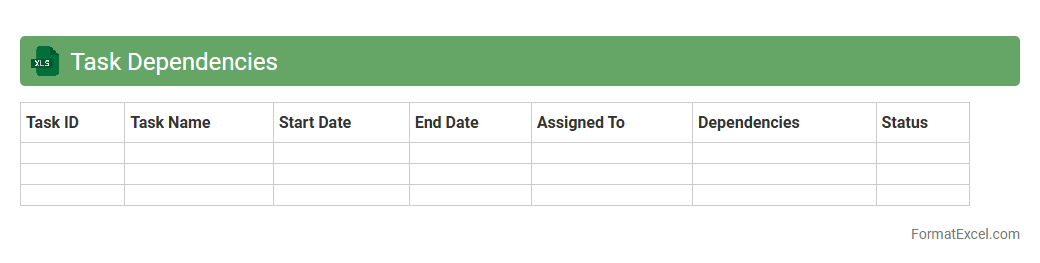
Task Dependencies
A
Task Dependencies Excel document outlines relationships between project tasks, showing which tasks rely on others to start or finish. It helps project managers identify critical paths, avoid delays, and optimize resource allocation for efficient workflow management. Tracking dependencies ensures timely project completion by highlighting task sequences and potential bottlenecks.
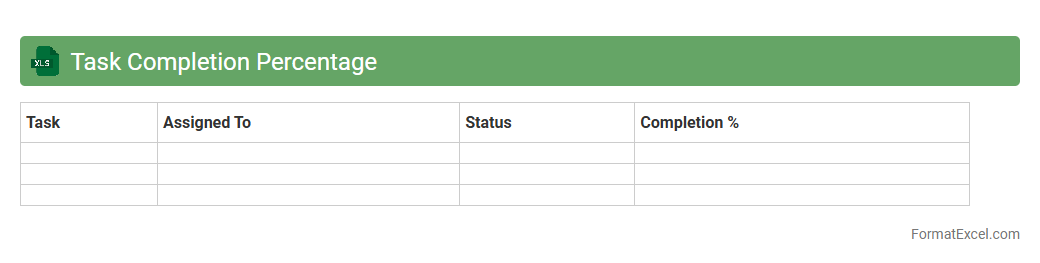
Task Completion Percentage
The
Task Completion Percentage Excel document is a tool designed to track the progress of various tasks by calculating the percentage of work completed against the total tasks assigned. It provides a clear visual representation of project status, enabling efficient monitoring and management of deadlines. This document is useful for identifying bottlenecks, optimizing resource allocation, and ensuring timely project delivery.
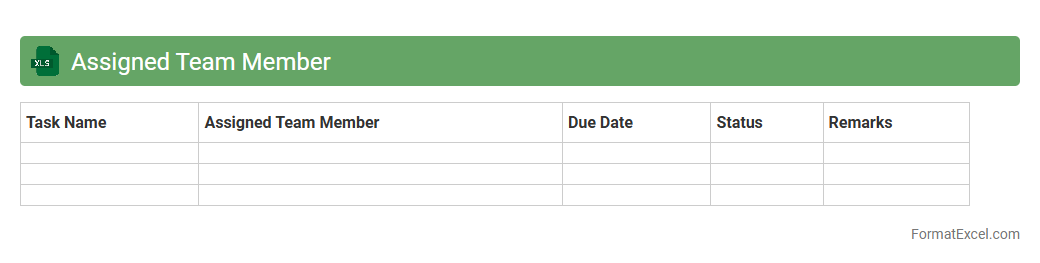
Assigned Team Member
The
Assigned Team Member Excel document is a structured spreadsheet that tracks the allocation of tasks and responsibilities among team members, ensuring clear ownership and accountability. It improves project management efficiency by providing real-time visibility into who is responsible for each task, deadlines, and progress status. This document supports better collaboration, workload balance, and timely project completion by centralizing key team assignment information in an easily accessible format.
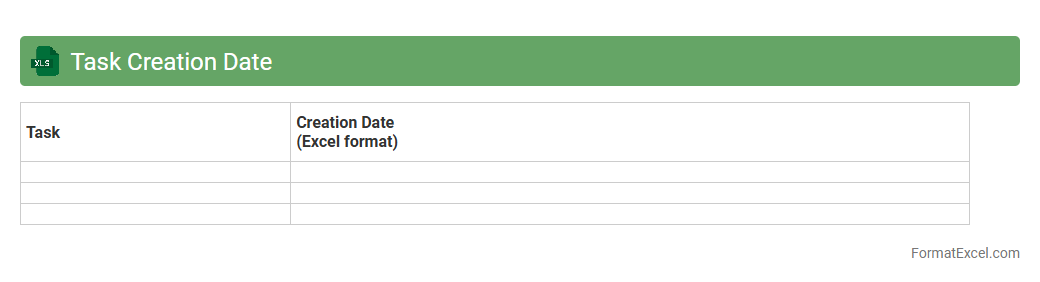
Task Creation Date
The
Task Creation Date in an Excel document refers to the specific date when a task or entry is initially recorded or created within the spreadsheet. This date is crucial for project management, allowing users to track the start time of tasks, monitor progress, and analyze timelines effectively. By leveraging the Task Creation Date, teams can prioritize work, set deadlines accurately, and ensure timely completion of projects.
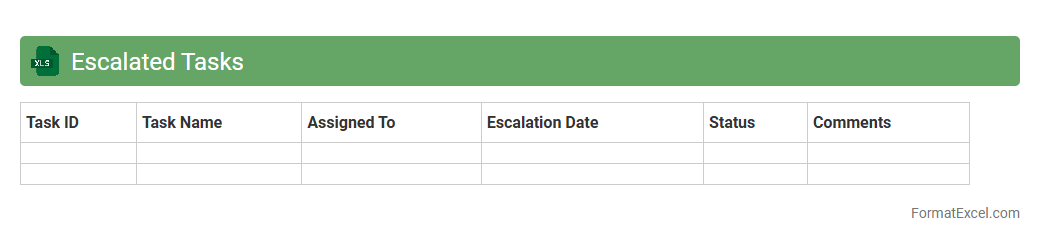
Escalated Tasks
The
Escalated Tasks Excel document is a structured spreadsheet used to track and manage tasks that require urgent attention or higher-level intervention within a project or organization. It helps prioritize critical issues by clearly listing task details, responsible parties, deadlines, and escalation status, ensuring efficient follow-up and resolution. This tool enhances accountability and improves communication among team members, reducing delays and streamlining problem-solving processes.
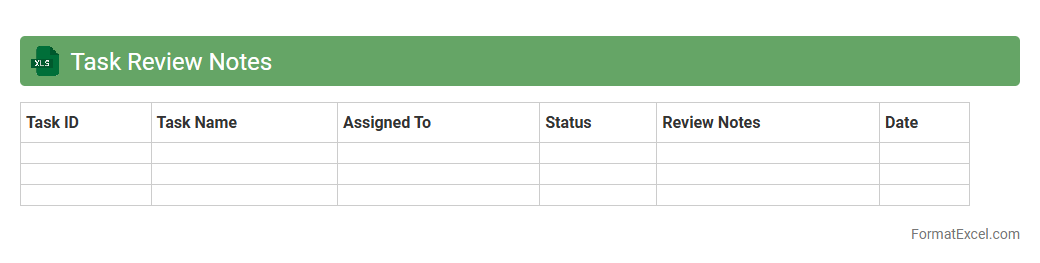
Task Review Notes
The
Task Review Notes Excel document serves as a centralized tool for tracking project tasks, progress updates, and feedback in an organized manner. It allows team members to document task details, review comments, and action items, facilitating clear communication and accountability. Using this document enhances project efficiency by providing a transparent record of task statuses and review outcomes.
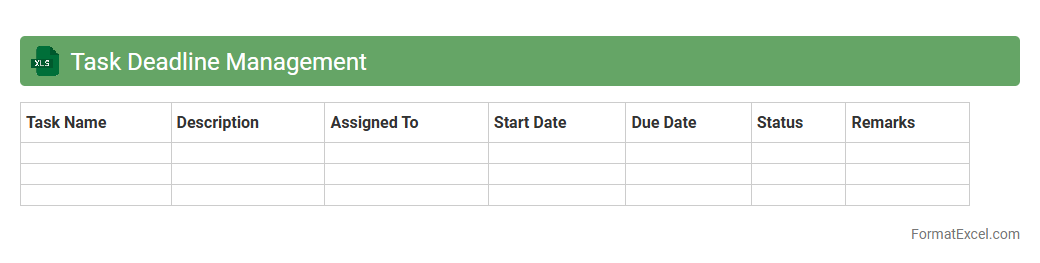
Task Deadline Management
Task Deadline Management excel document is a powerful tool designed to organize and track project deadlines efficiently. It enables users to prioritize tasks, monitor progress, and avoid missed deadlines by clearly displaying due dates and status updates. Using a
Task Deadline Management sheet improves productivity and ensures timely project completion.
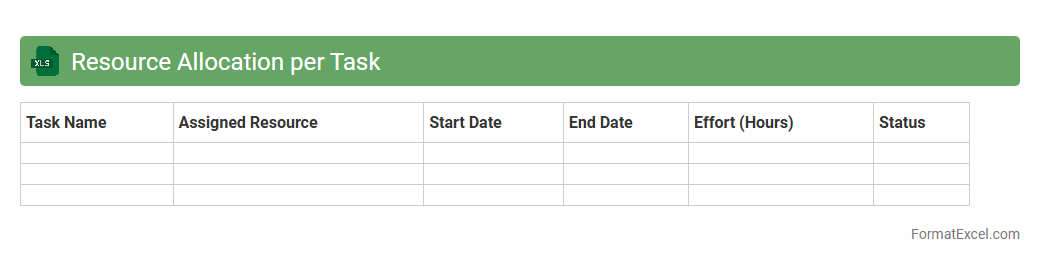
Resource Allocation per Task
A
Resource Allocation per Task Excel document is a spreadsheet designed to assign and manage resources efficiently across various tasks within a project. It helps track the availability, utilization, and workload distribution of team members or assets, ensuring optimal use and preventing overallocation. This tool is useful for project managers to enhance productivity, maintain project timelines, and forecast resource needs accurately.
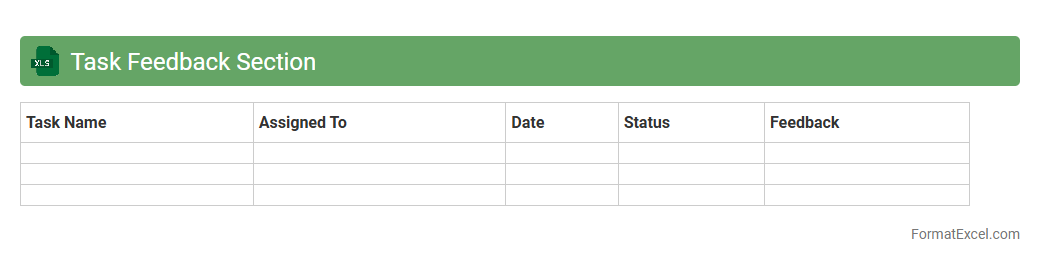
Task Feedback Section
The
Task Feedback Section Excel document serves as a centralized tool for collecting, organizing, and analyzing feedback on specific tasks within a project or workflow. It enhances communication by providing clear, structured data on task performance, allowing teams to identify strengths and areas for improvement efficiently. This document ultimately supports better decision-making and continuous optimization of project outcomes.
Follow-up Actions
A
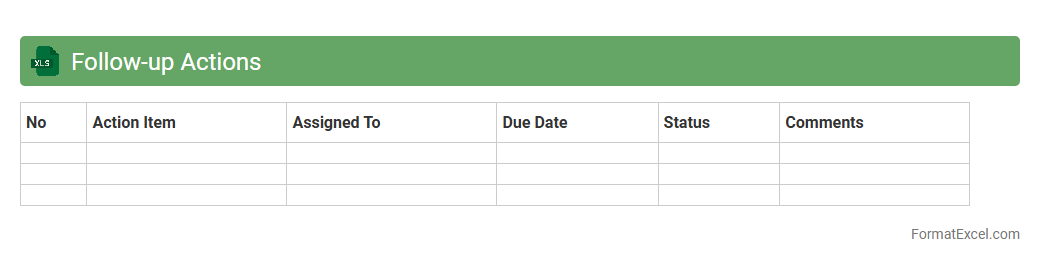
Follow-up Actions Excel document is a structured spreadsheet used to track tasks, deadlines, responsibilities, and progress related to specific projects or meetings. It helps ensure accountability by clearly outlining what actions need to be completed, by whom, and within what timeframe, improving team coordination and efficiency. By consolidating all follow-up information in one place, it reduces the likelihood of missed tasks and enhances overall project management and communication.
Introduction to Task Log Formats
Understanding different task log formats is crucial for efficient project management. A well-structured task log helps track progress and deadlines effectively. Excel is a popular tool to create customizable task logs.
Benefits of Using Excel for Task Logs
Excel offers flexibility and powerful features for task tracking, such as sorting, filtering, and formula automation. It supports real-time updates and easy data visualization. Using Excel can enhance task organization and productivity.
Key Elements of an Effective Task Log
An effective task log includes details like task description, priority, start and due dates, status, and assigned personnel. These key elements ensure clear communication and accountability. They help teams stay aligned and focused.
Step-by-Step Guide to Creating a Task Log in Excel
Begin by setting up a table with relevant columns such as Task Name, Owner, Deadline, and Status. Use Excel features like data validation and conditional formatting to improve usability. Save and update the log regularly for accuracy.
Essential Columns to Include in Your Task Log
Important columns include Task ID, Description, Start Date, Due Date, Priority, Status, and Comments. Each column adds critical context to monitor tasks efficiently. Including these helps prevent missed deadlines and confusion.
Customization Tips for Excel Task Logs
Adjust column widths, apply color coding, and add filters to make the log user-friendly. You can insert dropdown lists for status updates to standardize entries. Customizing enhances readability and task tracking accuracy.
Automating Task Tracking with Excel Formulas
Utilize formulas like IF, TODAY, and COUNTIF to automate status updates and deadline alerts. Automation saves time and reduces human error in tracking tasks. It makes your task log dynamic and responsive.
Sample Task Log Template in Excel
A sample template includes predefined columns and formatting for immediate use. It can be customized to fit specific project needs and workflows. Using a template accelerates setup and ensures consistency.
Best Practices for Managing Task Logs
Regularly update task status and review deadlines to maintain accuracy. Share the task log with stakeholders for transparency and collaboration. Consistent management leads to improved project delivery.
Downloadable Excel Task Log Resources
Various websites offer free downloadable Excel task log resources to boost productivity. These templates range from simple trackers to advanced project management tools. Downloading and adapting these can save setup time.