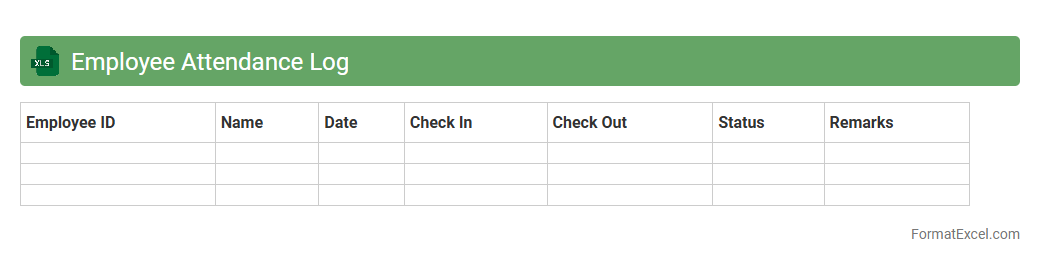
Employee Attendance Log
An
Employee Attendance Log Excel document is a structured spreadsheet used to record and monitor employee attendance, including check-in and check-out times, leaves, and absences. This tool enables organizations to maintain accurate attendance records that support payroll processing, performance evaluation, and compliance with labor laws. By providing a clear overview of attendance patterns, it helps improve workforce management and optimize operational efficiency.
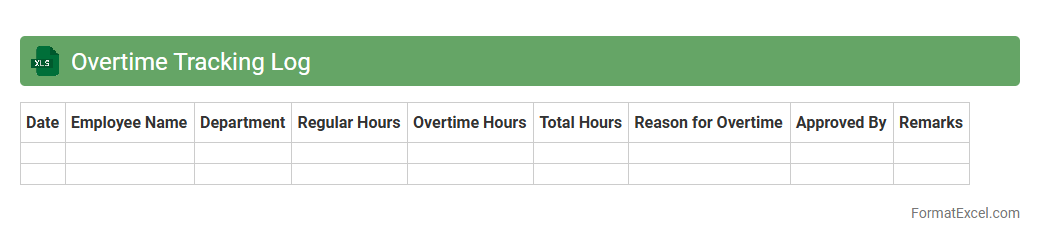
Overtime Tracking Log
An
Overtime Tracking Log Excel document is a digital spreadsheet designed to record and monitor employees' extra working hours beyond their regular schedule. It is useful for accurately calculating additional pay, ensuring compliance with labor laws, and streamlining payroll processes. This log helps managers analyze workforce productivity and manage labor costs effectively.
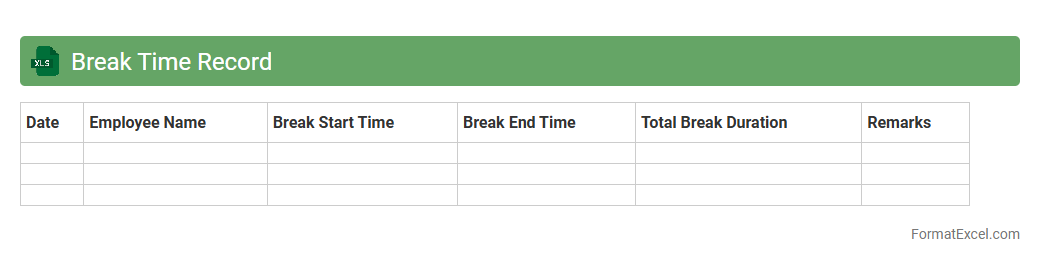
Break Time Record
The
Break Time Record Excel document is a structured tool designed to log and monitor employee break durations accurately within a workday. This record helps organizations ensure compliance with labor regulations, optimize productivity by analyzing break patterns, and maintain transparent workforce management. Utilizing this document simplifies payroll processing and supports better scheduling by providing clear data on when breaks occur and their lengths.
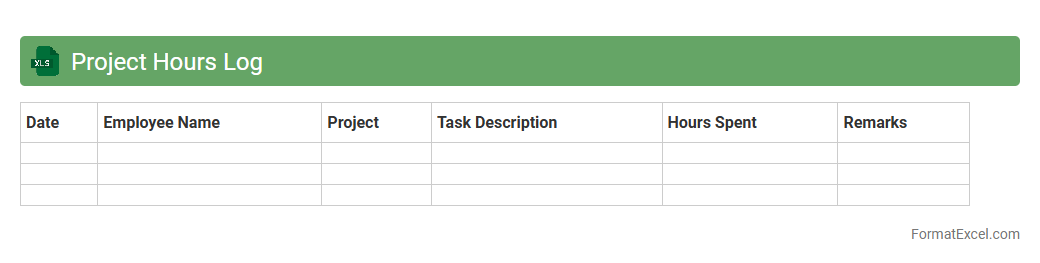
Project Hours Log
A
Project Hours Log Excel document is a structured spreadsheet designed to track and record the time spent by team members on various project tasks. This log enables efficient monitoring of work hours, helping to manage resources, evaluate productivity, and ensure accurate client billing. By providing clear visibility into time allocation, it supports project planning, cost control, and deadline adherence.
Task Duration Log
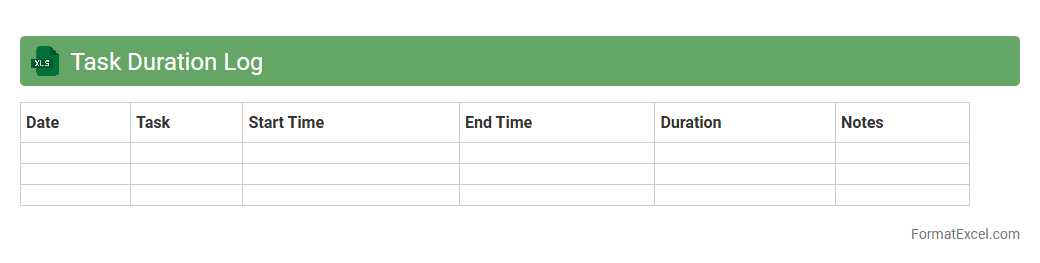
The
Task Duration Log Excel document is a powerful tool designed to record and track the time spent on various tasks, providing clarity on productivity and project timelines. It helps users analyze task efficiency by capturing start and end times, enabling better time management and resource allocation. This document is essential for enhancing workflow transparency and supporting data-driven decision-making in project management.
Absence Log
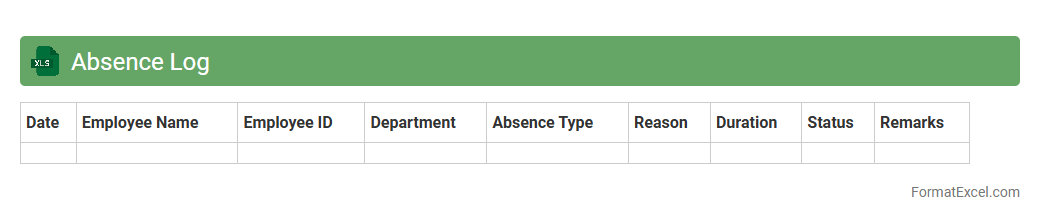
An
Absence Log Excel document is a spreadsheet designed to systematically record and track employee absences, including sick leave, vacation, and other types of time off. It provides valuable insights into attendance patterns, enabling businesses to manage workforce productivity and plan staffing needs effectively. By maintaining accurate absence records, organizations can ensure compliance with labor laws and improve overall employee management.
Shift Schedule Log
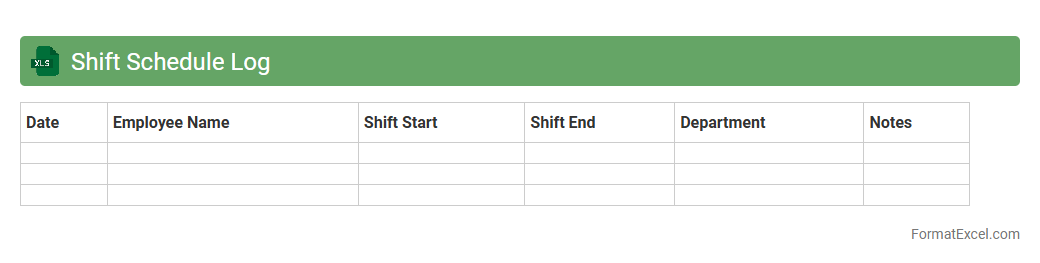
A
Shift Schedule Log Excel document is a structured tool used to record and organize employee work shifts, including start and end times, breaks, and days worked. It helps managers track attendance, monitor labor costs, and ensure adequate staffing levels for operational efficiency. By maintaining accurate shift data, businesses can enhance workforce productivity and streamline payroll processing.
Remote Work Log
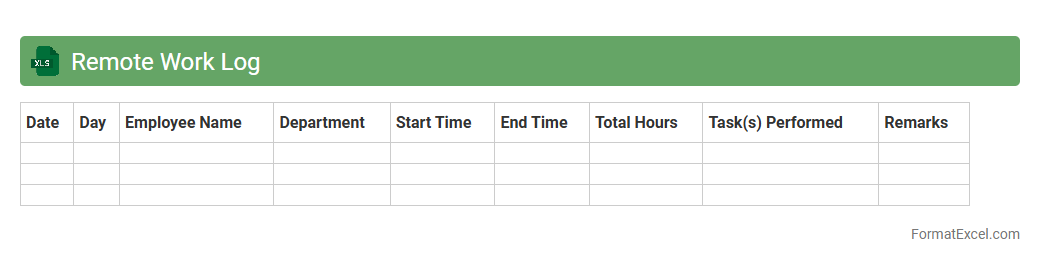
A
Remote Work Log Excel document is a digital spreadsheet designed to track and record employees' work hours, tasks, and productivity while working remotely. It provides a clear and organized method to monitor attendance, manage project timelines, and evaluate performance through real-time data entry and customizable templates. This tool enhances accountability, streamlines communication between teams, and supports effective remote workforce management.
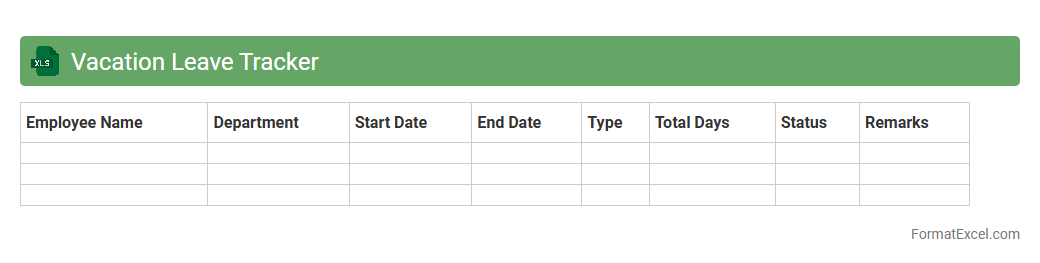
Vacation Leave Tracker
A
Vacation Leave Tracker Excel document is a tool designed to monitor and manage employee leave balances and requests efficiently. It helps organizations maintain accurate records of vacation days taken, remaining leave, and approval statuses, ensuring transparency and avoiding scheduling conflicts. By automating leave tracking, this spreadsheet improves time management and supports HR departments in workforce planning and compliance.
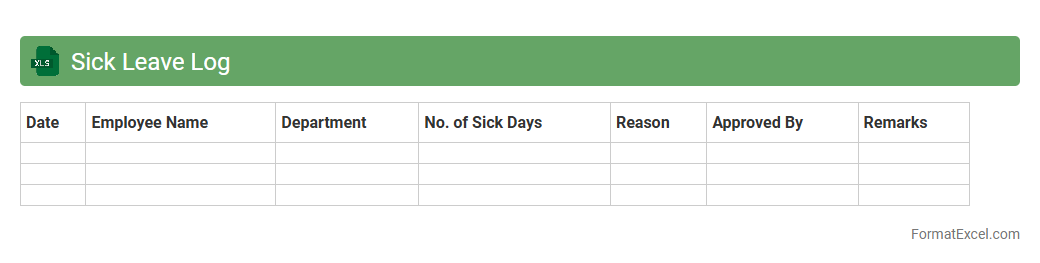
Sick Leave Log
A
Sick Leave Log Excel document is a structured spreadsheet designed to record and track employee sick leave details such as dates, duration, and reasons for absence. It helps organizations maintain accurate attendance records, monitor employee health patterns, and manage workforce productivity effectively. Using this log ensures compliance with company policies and labor regulations while facilitating transparent communication between employees and HR departments.
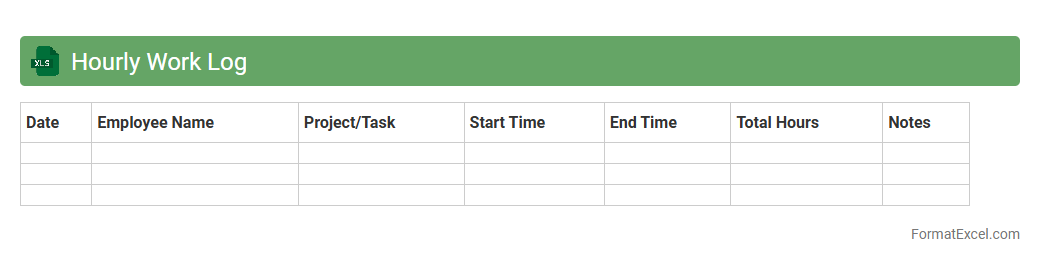
Hourly Work Log
An
Hourly Work Log Excel document is a structured spreadsheet used to record and track the number of hours worked by employees or individuals on a daily or weekly basis. This tool improves time management, payroll accuracy, and project tracking by providing clear data on work periods, breaks, and overtime. It enhances productivity insights and supports compliance with labor laws by maintaining precise and organized work hour records.
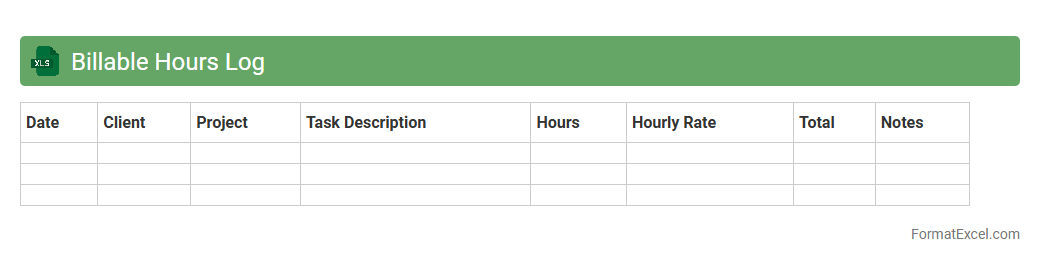
Billable Hours Log
A
Billable Hours Log Excel document systematically records the time spent on client projects, ensuring accurate tracking of billable hours for invoicing purposes. It helps professionals maintain transparency, optimize project management, and increase revenue by minimizing underbilling. This tool is essential for freelancers, law firms, and agencies to streamline financial records and improve productivity analysis.
Non-Billable Hours Log
A
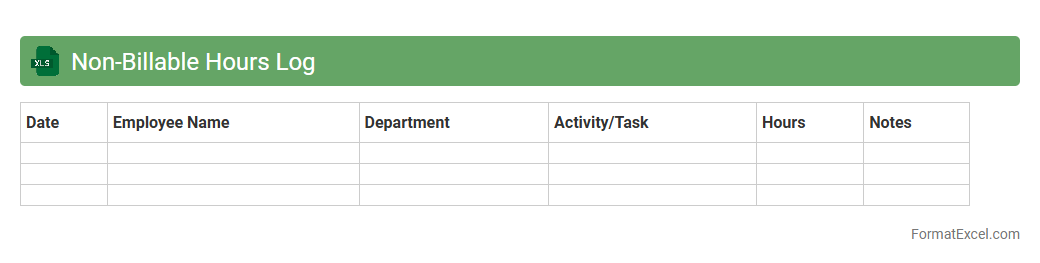
Non-Billable Hours Log Excel document tracks time spent on tasks that are not invoiced to clients, such as internal meetings, training, or administrative work. This log helps organizations analyze productivity, identify areas of improvement, and manage resource allocation more effectively. By maintaining accurate records, businesses can optimize operational efficiency and improve project cost management.
Timesheet Approval Log
The
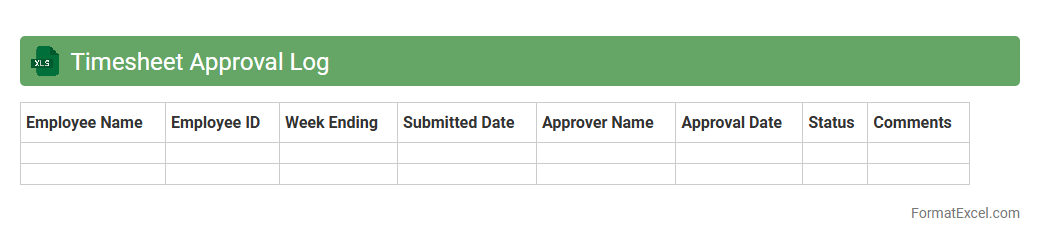
Timesheet Approval Log Excel document is a structured record that tracks employee work hours and the corresponding approval status by managers or supervisors. It offers clear visibility into timesheet submissions, ensuring accurate payroll processing and compliance with labor regulations. This log helps streamline workforce management by reducing errors, facilitating audit trails, and improving accountability in timekeeping practices.
Payroll Hours Log
A
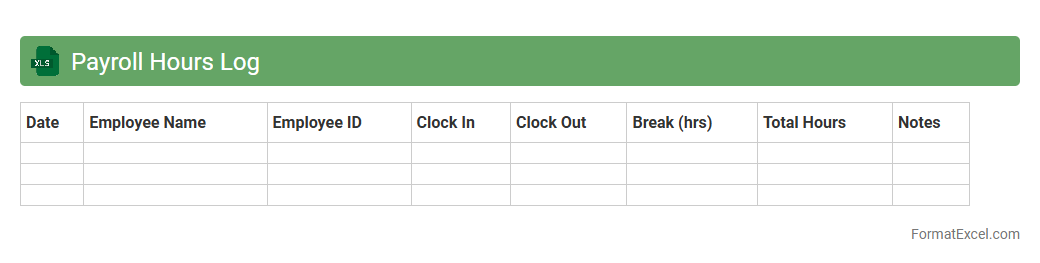
Payroll Hours Log Excel document is a spreadsheet designed to accurately track and record employee work hours, including regular time, overtime, and breaks. It enables efficient calculation of wages and ensures compliance with labor laws by maintaining detailed timekeeping records. Using this log improves payroll accuracy, streamlines administrative tasks, and supports transparent employee compensation management.
Daily Work Hours Log
A
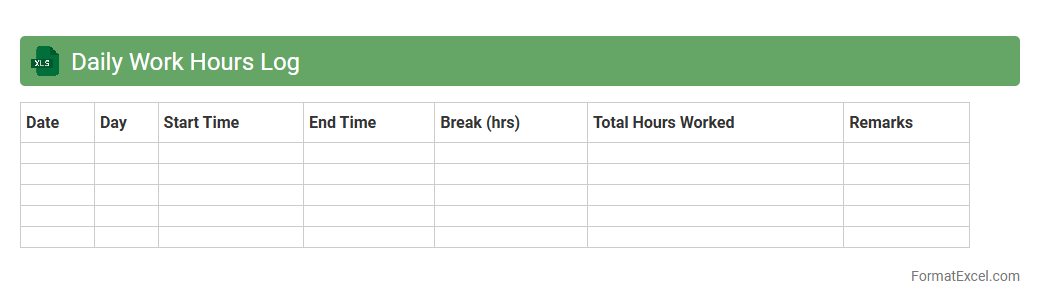
Daily Work Hours Log Excel document is a digital spreadsheet designed to track and record the number of hours worked each day by employees or individuals. It provides a clear and organized structure for monitoring attendance, managing overtime, and calculating payroll accurately. This tool enhances productivity by helping managers analyze work patterns and ensuring compliance with labor regulations.
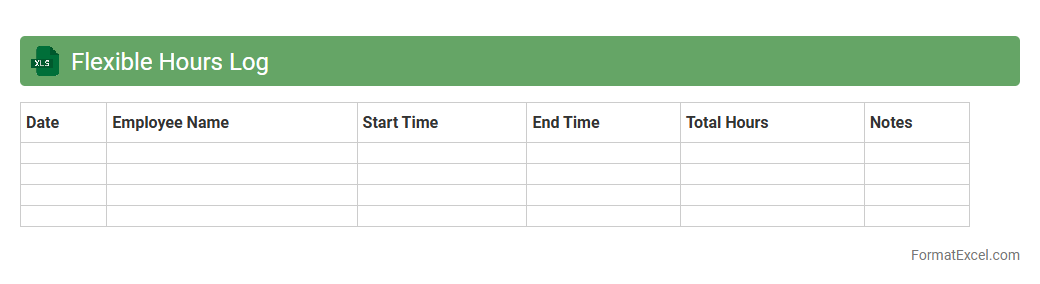
Flexible Hours Log
The
Flexible Hours Log Excel document is a digital tool designed to track and manage employee work hours efficiently, allowing for adaptable scheduling. It helps organizations monitor variable work patterns, ensuring accurate recording of overtime, breaks, and shift changes for payroll and compliance purposes. Using this log improves time management, enhances productivity, and supports transparent communication between employers and employees regarding working hours.
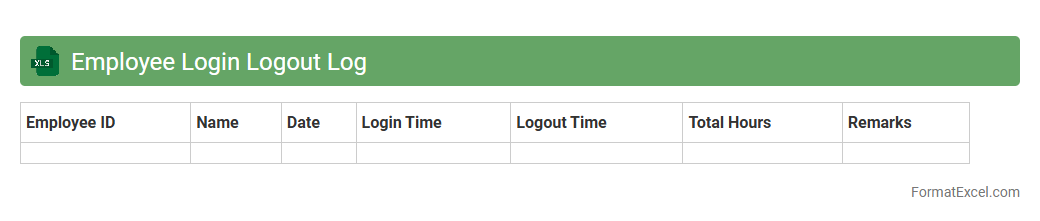
Employee Login Logout Log
An
Employee Login Logout Log Excel document is a digital record that tracks the precise times employees begin and end their work hours, enabling effective monitoring of attendance and punctuality. This log helps organizations ensure accurate payroll processing, identify patterns in workforce attendance, and improve overall productivity management. By maintaining detailed time records, businesses can streamline HR operations and support compliance with labor regulations.
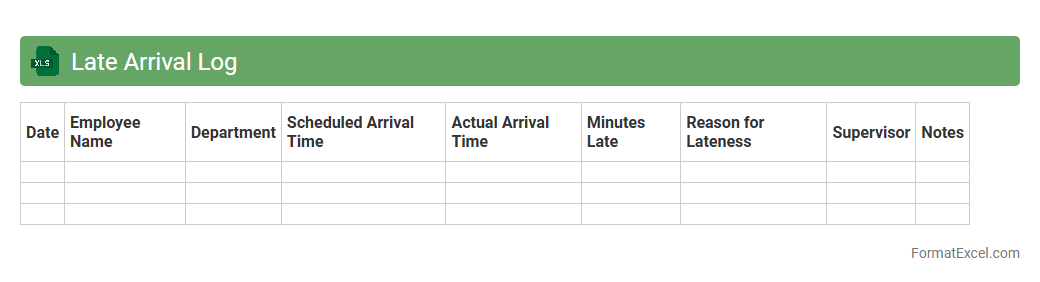
Late Arrival Log
The
Late Arrival Log Excel document is a structured tool designed to accurately record and track instances of tardiness within an organization or team. It enables efficient monitoring by logging employee names, dates, arrival times, and reasons for delay, providing clear visibility on patterns that may affect productivity. Utilizing this log helps managers identify recurring issues, implement punctuality policies, and maintain accountability in workplace attendance.
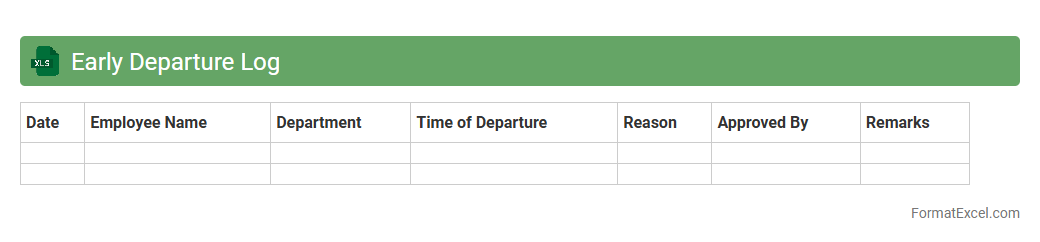
Early Departure Log
The
Early Departure Log Excel document is a structured tool designed to accurately record employee early leave instances, including dates, times, and reasons. This log enhances workforce management by enabling supervisors to monitor attendance patterns, identify frequent early departures, and ensure compliance with company policies. Its organized format facilitates easy data analysis and timely decision-making to improve productivity and accountability.
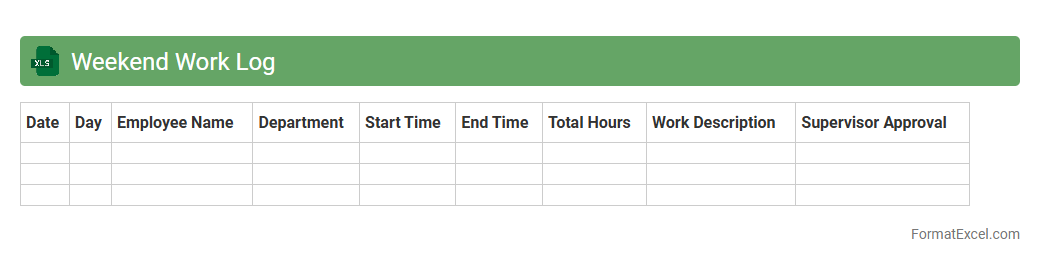
Weekend Work Log
The
Weekend Work Log Excel document is a structured spreadsheet designed to track and record tasks, hours, and productivity specifically for weekend shifts. It helps individuals and organizations monitor work progress, manage time efficiently, and generate accurate reports for payroll or project analysis. Utilizing this log enhances accountability and ensures proper documentation of weekend labor efforts.
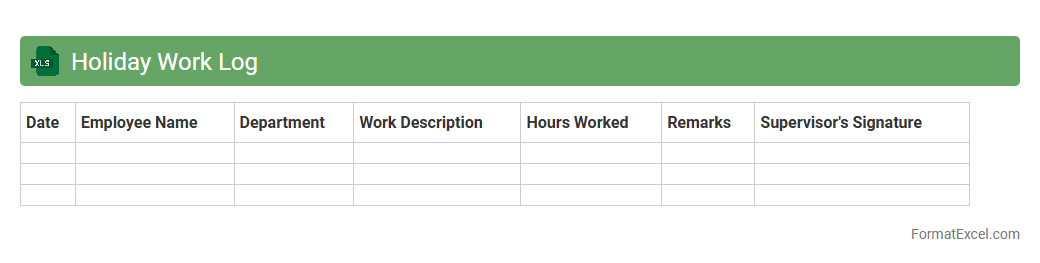
Holiday Work Log
A
Holiday Work Log Excel document is a structured spreadsheet designed to record and track employee work hours during holidays. It helps organizations monitor overtime, ensure accurate payroll calculations, and maintain compliance with labor regulations. Using this log improves workforce management and provides clear documentation for auditing purposes.
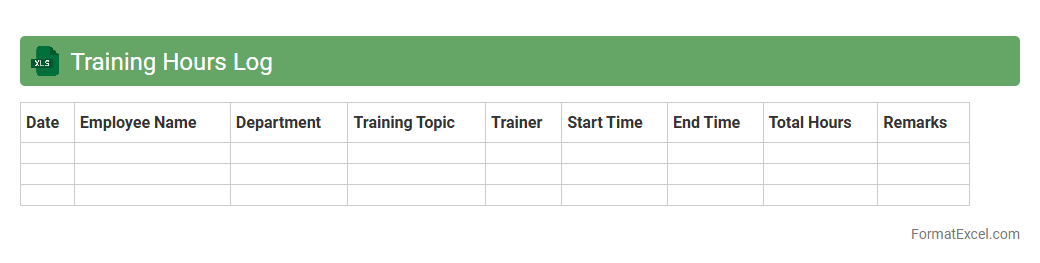
Training Hours Log
A
Training Hours Log Excel document is a structured spreadsheet designed to record and track the number of hours spent on various training activities by employees or students. It is useful for monitoring progress, ensuring compliance with training requirements, and facilitating performance evaluations by providing accurate, easily accessible data. This log helps organizations optimize workforce development and maintain detailed records for auditing and reporting purposes.
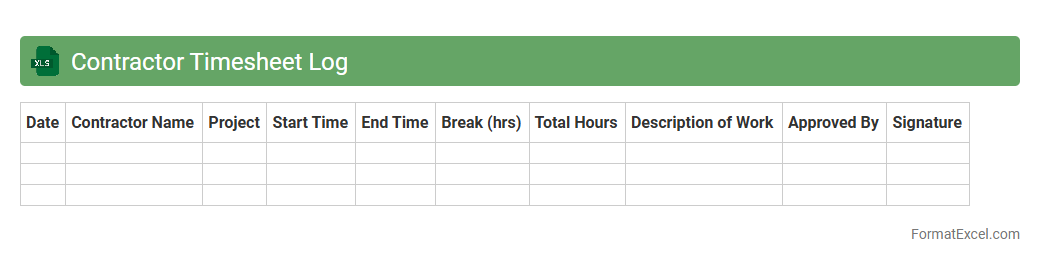
Contractor Timesheet Log
A
Contractor Timesheet Log Excel document is a digital tool designed to record contractors' working hours, project details, and task durations efficiently. It helps businesses track labor costs, ensure accurate payroll processing, and maintain compliance with labor regulations. This log enhances project management by providing clear visibility into resource allocation and productivity metrics.
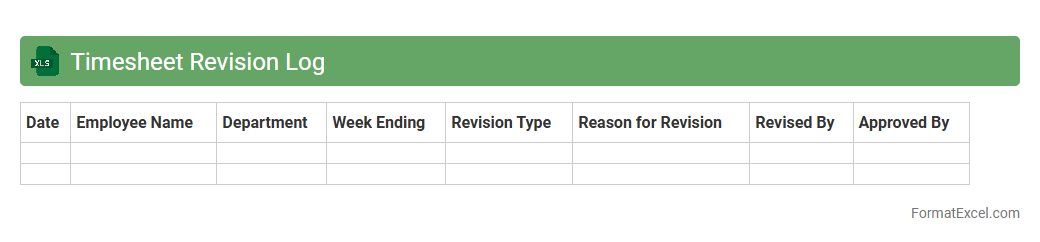
Timesheet Revision Log
A
Timesheet Revision Log Excel document tracks changes made to employee work hours, capturing date, time entries, and reasons for edits to ensure accuracy and accountability. It helps managers monitor adjustments, prevent discrepancies, and maintain transparent records for payroll and compliance audits. This log streamlines workforce management by providing a clear history of timesheet modifications.
Understanding Timesheet Log Formats
A timesheet log format is a structured method for recording hours worked. It helps track employee attendance, task duration, and project time. Proper formatting ensures clarity and ease of use.
Benefits of Using Excel for Timesheet Logs
Excel offers flexibility and powerful features for managing timesheet logs. It enables automatic calculations, customization, and easy data manipulation. This makes timesheet management efficient and error-free.
Essential Columns in an Excel Timesheet
Key columns include Date, Employee Name, Start Time, End Time, Break Duration, and Total Hours. These essential columns capture all necessary data for attendance and payroll. Including a project or task column adds further detail.
Step-by-Step Guide to Creating a Timesheet in Excel
Begin by designing a table with header rows for each column. Next, input data and apply formulas for calculations. Finally, format the cells to improve readability and usability of the timesheet.
Excel Formulas for Automating Timesheets
Common formulas include =SUM to total hours and =IF to check conditions like overtime. The =TEXT function formats time entries correctly. Using these formulas reduces manual errors and saves time.
Timesheet Log Templates: Free Excel Downloads
Many websites offer free Excel timesheet templates that are easy to customize. These pre-built sheets save time and ensure standardized logging. They often include automated calculations and sample data.
Customizing Timesheet Formats for Different Industries
Different industries require specific timesheet customization like job codes or billable hours. Tailoring formats enhances relevance and accuracy in tracking work. This flexibility addresses unique operational needs.
Best Practices for Accurate Timesheet Logging
Regular updates, clear entries, and supervisor approvals improve accuracy. Use consistent formats and double-check calculations to avoid errors. Training staff on proper logging habits is essential.
Tips for Timesheet Data Security in Excel
Protect sensitive information by setting passwords and restricting file access. Enable Excel's encryption features to safeguard data. Following data security protocols prevents unauthorized changes.
Common Timesheet Log Mistakes to Avoid in Excel
Avoid missing entries, incorrect formulas, and inconsistent time formats. These mistakes cause payroll errors and reduce data reliability. Regular audits help in identifying and correcting common errors.