Master Production Schedule
A
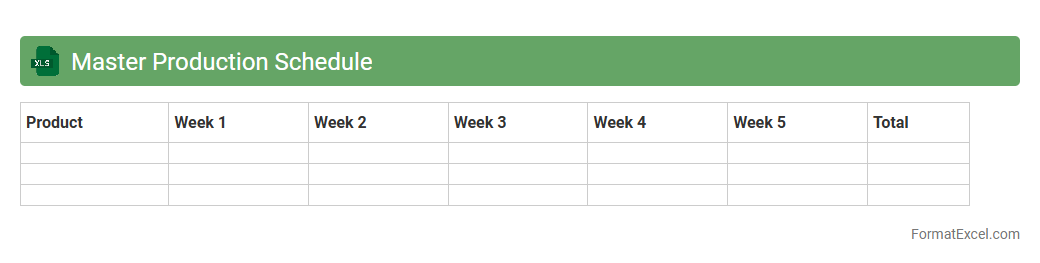
Master Production Schedule (MPS) Excel document is a detailed plan that outlines the quantity and timing of finished goods to be produced within a specific period. It helps manufacturers optimize inventory levels, coordinate resource allocation, and ensure timely product availability. By providing clear visibility into production requirements, the MPS Excel document improves decision-making and enhances overall operational efficiency.
Material Requirement Planning
A
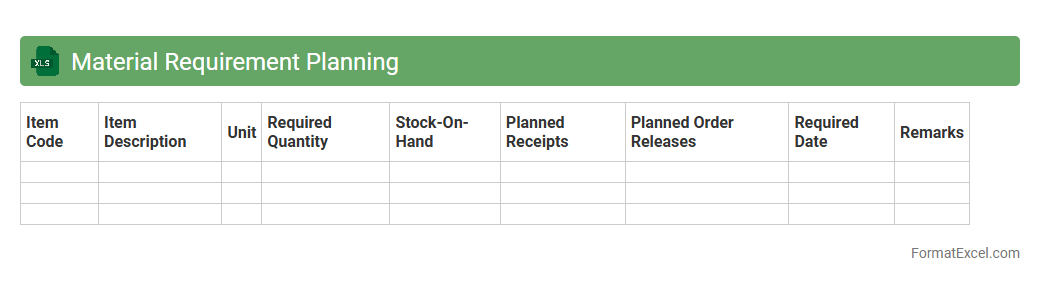
Material Requirement Planning (MRP) Excel document is a spreadsheet tool designed to calculate the quantities and timings of raw materials needed for production processes. It helps businesses maintain optimal inventory levels, avoid shortages, and streamline procurement by forecasting demand based on production schedules. Utilizing an MRP Excel document improves efficiency in supply chain management and reduces carrying costs by ensuring materials are available precisely when required.
Capacity Planning
A
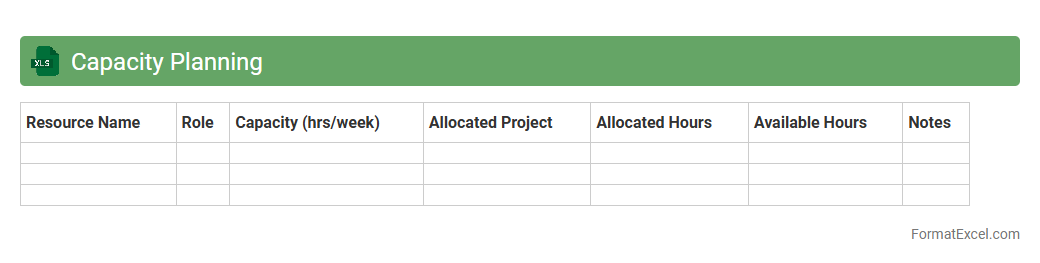
Capacity Planning Excel document is a tool used to forecast and allocate resources effectively based on project demands and workforce availability. It helps organizations optimize productivity by identifying potential bottlenecks and ensuring balanced workload distribution. This document enables data-driven decision-making for resource management and long-term operational efficiency.
Demand Forecast Analysis
A
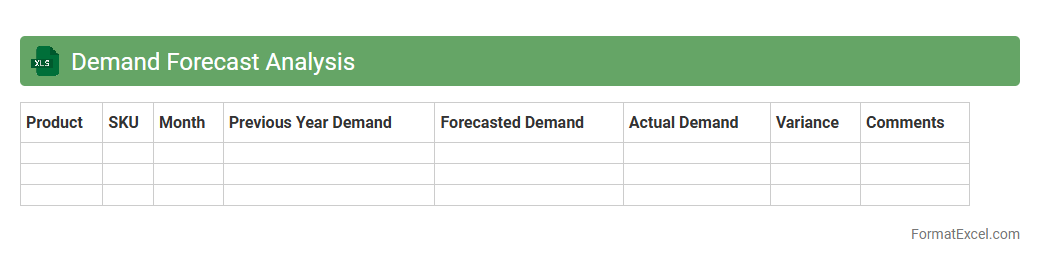
Demand Forecast Analysis Excel document is a tool that uses historical sales data, market trends, and statistical methods to predict future product demand. It helps businesses optimize inventory levels, reduce stockouts, and improve supply chain efficiency. By analyzing demand patterns, companies can make data-driven decisions that enhance profitability and customer satisfaction.
Production Order Tracking
The
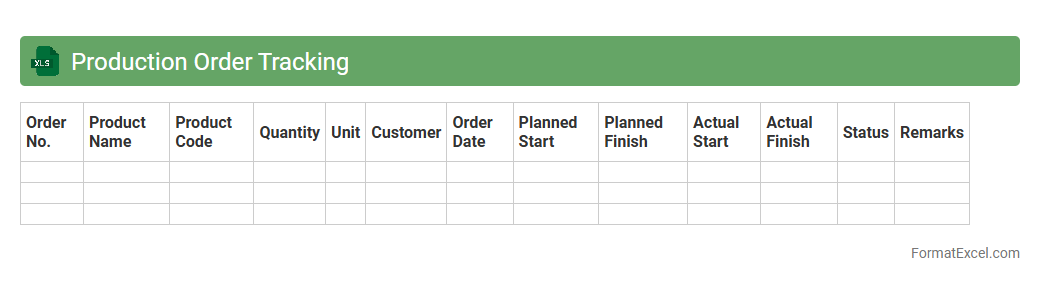
Production Order Tracking Excel document is a powerful tool designed to monitor and manage production schedules, inventory levels, and order statuses efficiently. It allows businesses to streamline workflow by providing real-time updates on production progress, identifying bottlenecks, and ensuring timely delivery of products. Utilizing this document enhances operational transparency, improves resource allocation, and supports data-driven decision-making in manufacturing processes.
Inventory Level Monitoring
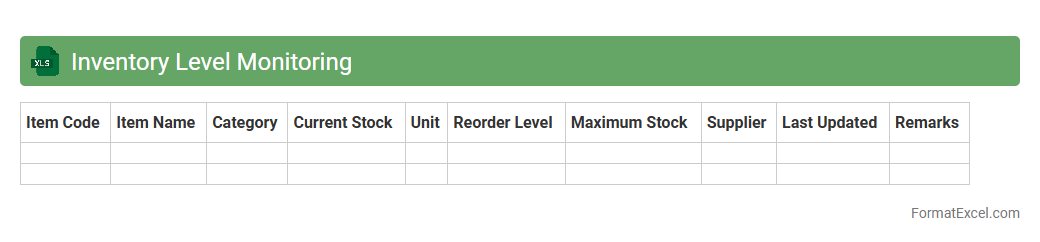
Inventory Level Monitoring Excel document is a powerful tool designed to track stock quantities, update item availability in real-time, and forecast reorder points accurately. It enables businesses to maintain optimal
inventory levels, preventing stockouts and overstock situations that can disrupt operations and increase costs. By providing clear insights through customizable charts and automated alerts, this document supports efficient supply chain management and enhances decision-making processes.
Bill of Materials
A
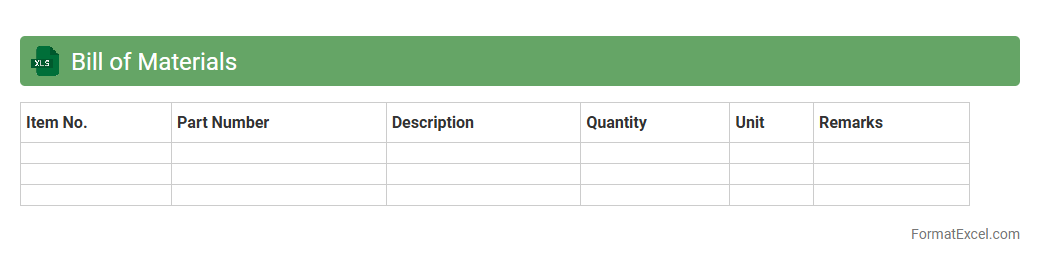
Bill of Materials (BOM) Excel document is a detailed list that enumerates the raw materials, components, and assemblies required to construct a product. It enables precise inventory management, cost estimation, and streamlined production planning by organizing essential data such as part numbers, quantities, and supplier details. Utilizing a BOM Excel sheet enhances manufacturing efficiency and reduces errors in procurement and assembly processes.
Work Center Scheduling
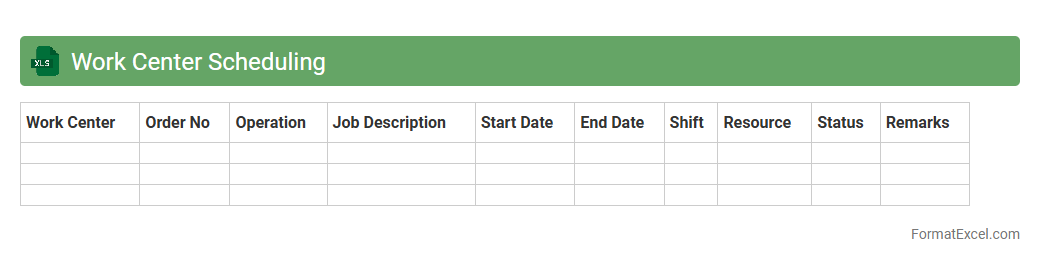
Work Center Scheduling Excel document is a powerful tool designed to manage and optimize production workflows by allocating resources, tasks, and timelines efficiently within a manufacturing or service environment. This
work center scheduling system helps businesses reduce downtime, improve throughput, and ensure timely task completion by providing clear visibility into workload distribution and capacity planning. By utilizing this document, managers can make informed decisions, enhance operational efficiency, and align schedules with production goals seamlessly.
Resource Allocation
A
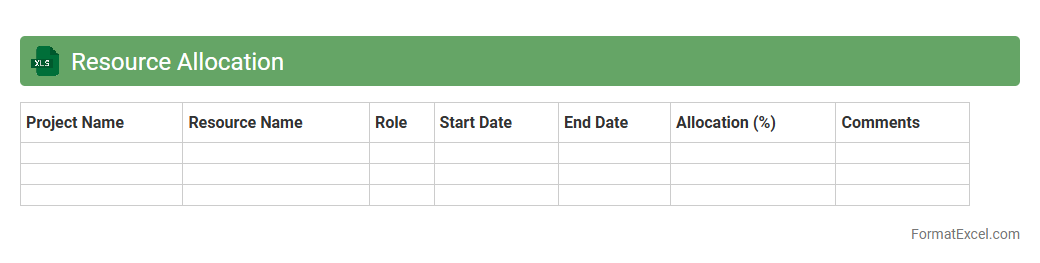
Resource Allocation Excel document is a tool designed to plan, track, and manage the distribution of resources such as time, personnel, and materials across multiple projects or tasks. It helps organizations optimize resource usage by providing clear visibility into availability, workloads, and potential bottlenecks, ensuring efficient project execution. Using this document improves decision-making, reduces overall costs, and enhances productivity by aligning resources with project priorities effectively.
Production Lead Time Analysis
A
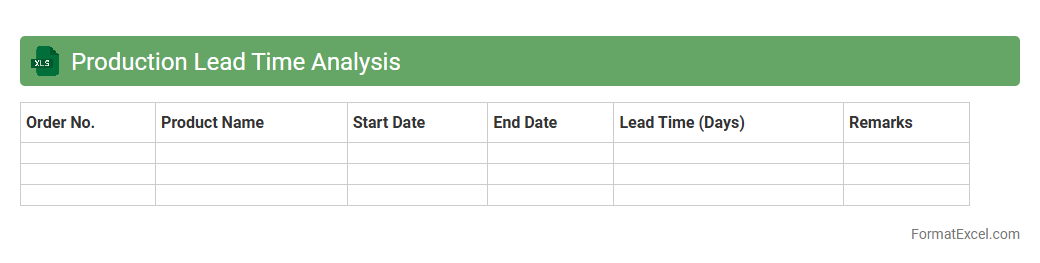
Production Lead Time Analysis Excel document tracks the time taken for each phase of the production process, from order initiation to product completion. It helps identify bottlenecks, streamline workflows, and improve overall efficiency by providing clear visibility into production timelines. Utilizing this analysis enables better scheduling, resource allocation, and reduction of delays, ultimately enhancing operational performance and customer satisfaction.
Production Line Balancing
A
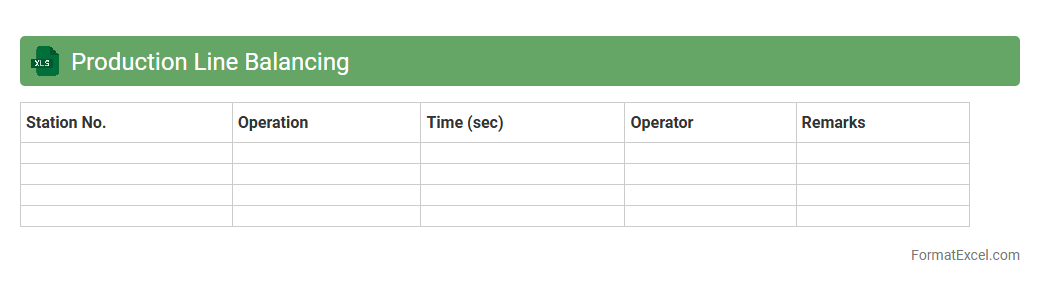
Production Line Balancing Excel document organizes tasks and workstations to optimize workflow, minimize idle time, and ensure even distribution of workload across a manufacturing line. It helps in identifying bottlenecks, improving efficiency, and reducing production costs by aligning cycle times with demand rates. This tool is essential for manufacturing managers seeking to enhance productivity and streamline operations.
Shop Floor Control
A
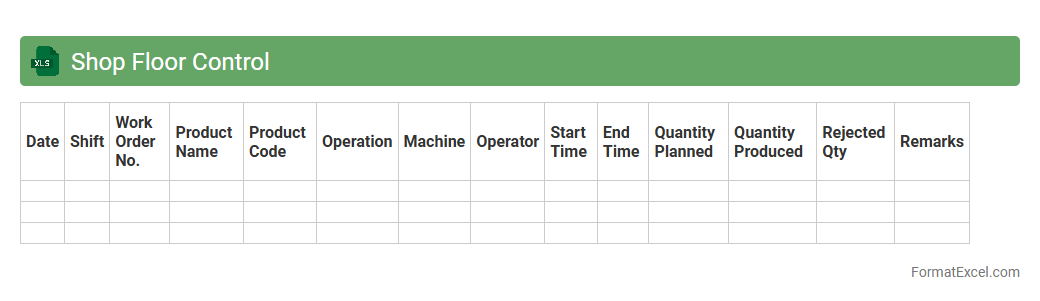
Shop Floor Control Excel document is a digital tool designed to monitor and manage manufacturing activities on the production floor. It helps track work orders, machine status, labor allocation, and inventory levels in real-time, enhancing operational efficiency. By providing clear visibility into production processes, it enables managers to optimize workflow, reduce downtime, and improve overall productivity.
Production Output Reporting
The
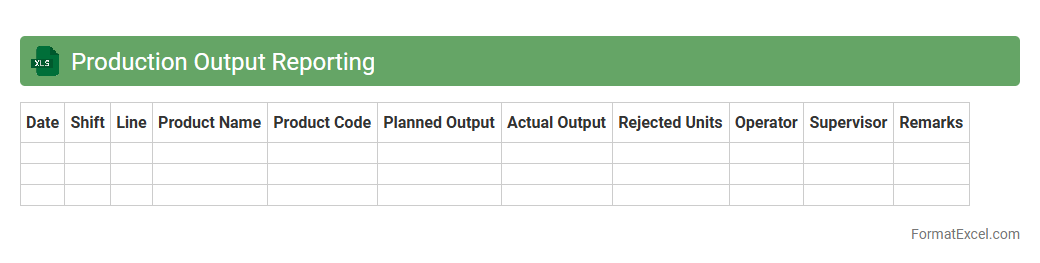
Production Output Reporting Excel document systematically tracks and records manufacturing performance metrics, enabling clear visibility into production rates, efficiency, and downtime. By analyzing this data, businesses can identify bottlenecks, optimize workflow, and improve overall operational productivity. This tool supports informed decision-making and enhances production planning by providing accurate and real-time insights into output trends.
Work-in-Progress Tracking
A
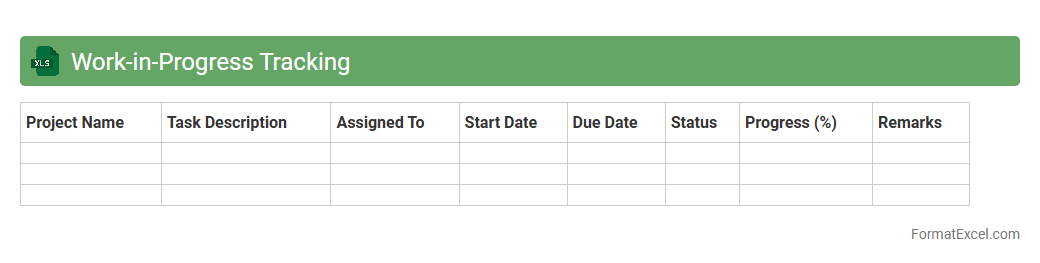
Work-in-Progress Tracking Excel document is a spreadsheet tool designed to monitor ongoing tasks, projects, or production stages by recording status updates, deadlines, and resource allocation. It helps businesses maintain visibility over incomplete work, ensuring timely completion and identifying bottlenecks that may delay progress. This real-time overview supports efficient project management, enhances communication among team members, and improves overall productivity.
Manufacturing Calendar
A
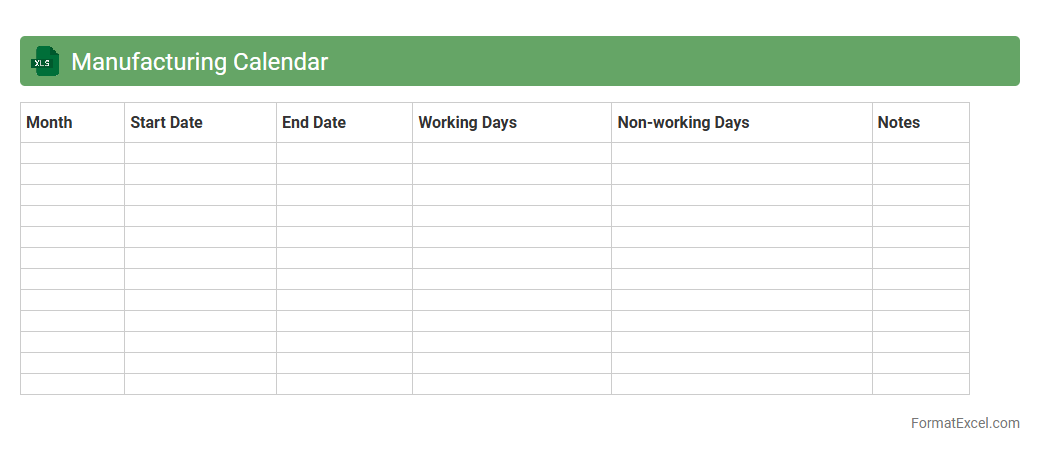
Manufacturing Calendar Excel document is a detailed schedule that outlines production timelines, work shifts, maintenance days, and key manufacturing milestones. It helps optimize resource allocation, track project progress, and coordinate teams to ensure timely product delivery. Utilizing this calendar enhances operational efficiency by minimizing downtime and improving communication across production departments.
Batch Production Planning
A
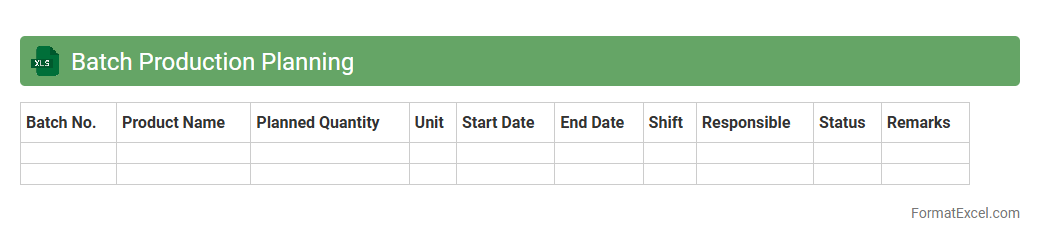
Batch Production Planning Excel document is a structured tool used to schedule and manage the manufacturing of products in specific quantities or batches. It helps streamline resource allocation, track raw materials, and monitor production timelines to ensure efficiency and minimize downtime. This document is essential for optimizing production flow, reducing inventory costs, and meeting delivery deadlines consistently.
Finished Goods Inventory
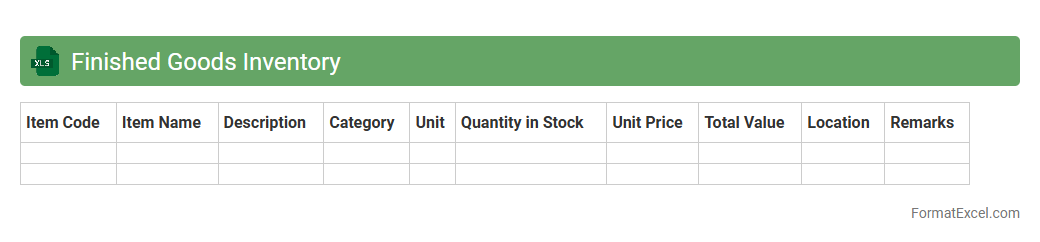
Finished Goods Inventory Excel documents serve as essential tools in tracking and managing the quantity, value, and status of completed products ready for sale. By organizing data such as product IDs, batch numbers, production dates, and stock levels, these spreadsheets enhance accuracy in inventory management, reduce carrying costs, and improve order fulfillment efficiency. Utilizing a
Finished Goods Inventory Excel file facilitates better demand forecasting and financial reporting, enabling businesses to optimize supply chain operations and increase profitability.
Supplier Delivery Schedule
A
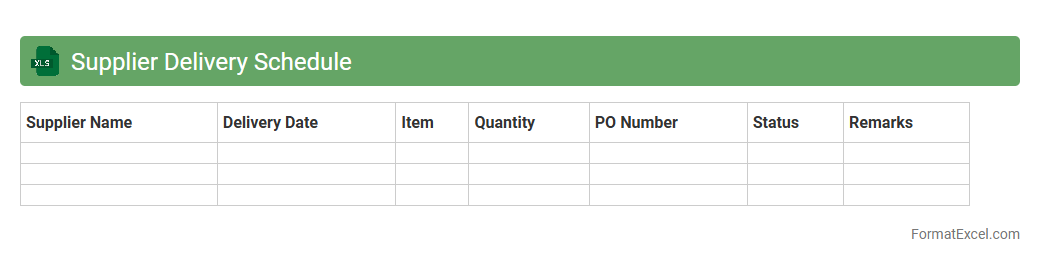
Supplier Delivery Schedule Excel document is a structured spreadsheet that tracks the planned delivery dates, quantities, and status of goods supplied by vendors. It helps businesses monitor inventory flow, coordinate production timelines, and ensure on-time procurement to avoid stockouts or delays. Using this schedule improves supplier relationship management by providing clear visibility into delivery commitments and enabling proactive adjustments.
Procurement Planning
A
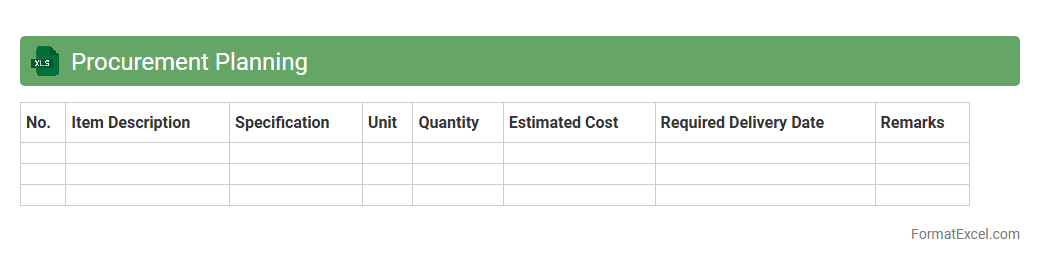
Procurement Planning Excel document is a structured spreadsheet designed to organize, schedule, and track purchasing activities within a project or organization. It helps in forecasting material requirements, budgeting costs, and ensuring timely acquisition of goods and services to avoid delays. Using this tool enhances efficiency, accountability, and strategic decision-making by providing clear visibility into procurement timelines and resource allocation.
Production Cost Analysis
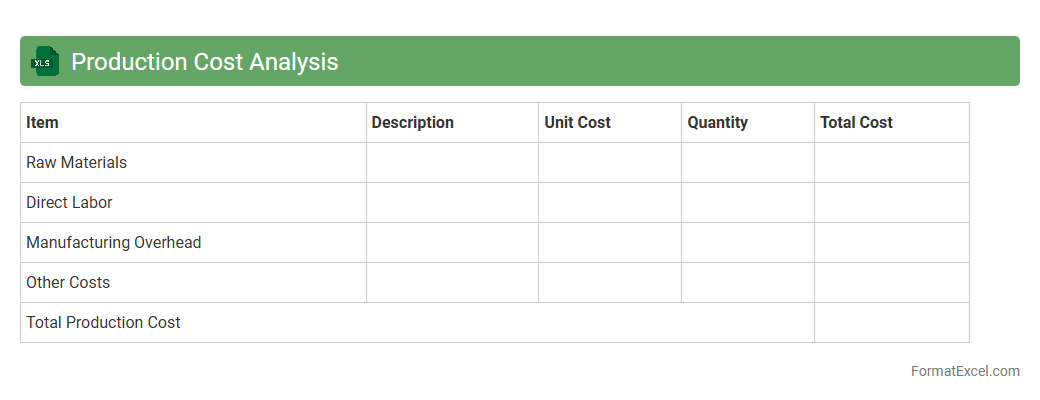
Production Cost Analysis Excel document is a powerful tool designed to track and evaluate all expenses associated with manufacturing, including raw materials, labor, and overhead costs. This document helps businesses identify cost-saving opportunities by providing detailed insights through customizable charts and formulas. Utilizing
Production Cost Analysis enables efficient budgeting, improved pricing strategies, and enhanced profit margin management.
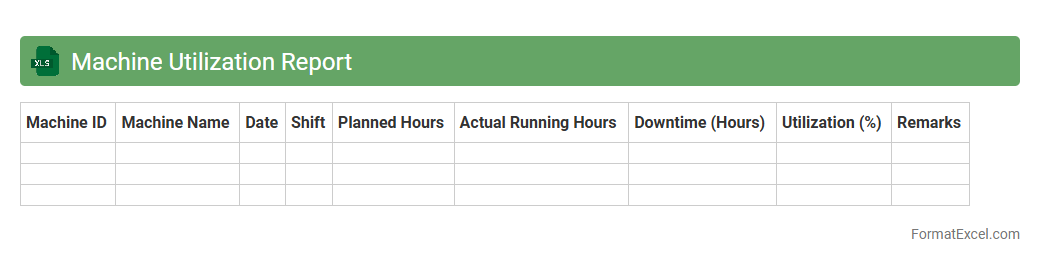
Machine Utilization Report
A
Machine Utilization Report Excel document provides detailed insights into the operational efficiency and usage patterns of machinery over a specific period. It tracks metrics such as runtime, downtime, and capacity usage, enabling businesses to identify bottlenecks, reduce idle time, and optimize maintenance schedules. This report is essential for improving productivity, lowering operational costs, and enhancing equipment lifespan through data-driven decision-making.
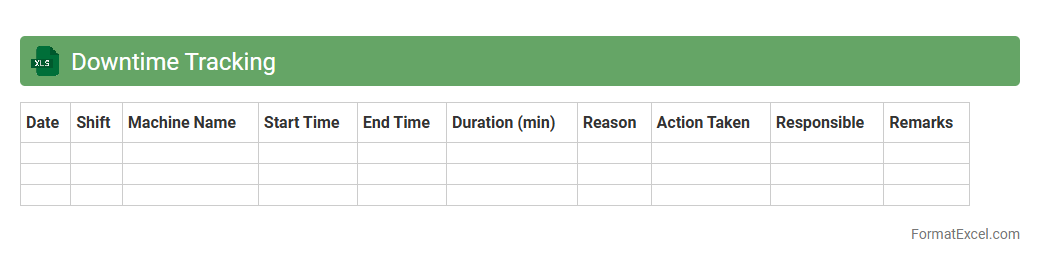
Downtime Tracking
A
Downtime Tracking Excel document is a structured spreadsheet used to record, analyze, and manage periods when equipment, systems, or processes are not operational. It helps businesses identify patterns, root causes, and the frequency of downtime events, enabling data-driven decisions to improve productivity and reduce losses. By providing clear visibility into operational interruptions, this tool supports maintenance planning and enhances overall efficiency.
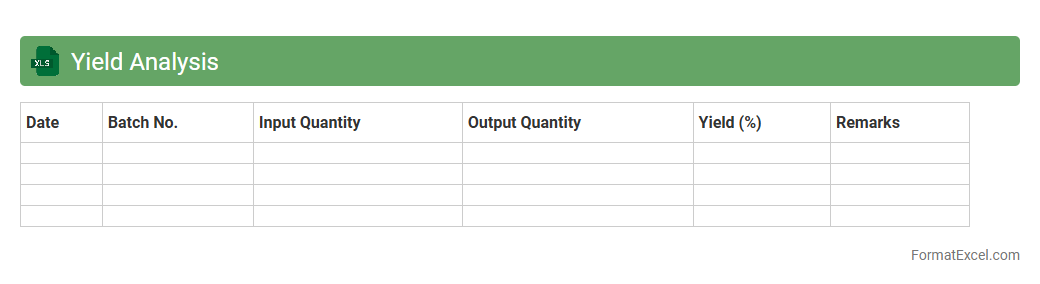
Yield Analysis
Yield Analysis Excel documents provide a detailed assessment of production efficiency by tracking the relationship between input materials and finished output. These spreadsheets help identify waste, defects, and process inefficiencies, enabling businesses to optimize manufacturing workflows and increase profitability. Using
Yield Analysis Excel tools allows for data-driven decisions that improve product quality and reduce operational costs.
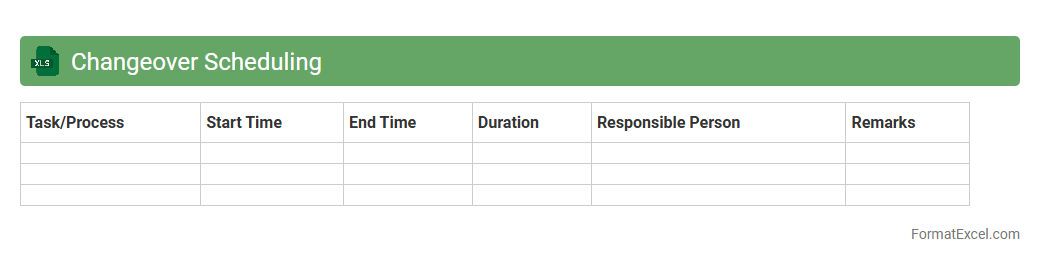
Changeover Scheduling
Changeover Scheduling Excel document is a powerful tool designed to streamline the process of planning and managing equipment changeovers in manufacturing or production environments. It helps optimize machine downtime by organizing tasks, resources, and timelines effectively, resulting in increased operational efficiency and reduced production delays. Using this
Changeover Scheduling tool enables better coordination, improved resource allocation, and enhanced overall productivity.
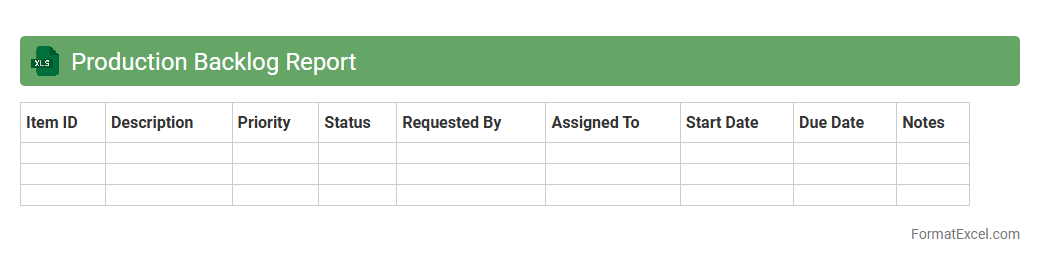
Production Backlog Report
The
Production Backlog Report Excel document is a detailed tracker that captures outstanding production tasks and orders, enabling efficient monitoring of pending work. It consolidates key data such as order status, deadlines, and resource allocation, which helps in prioritizing workflows and identifying bottlenecks. Utilizing this report enhances operational transparency and supports timely decision-making to improve manufacturing productivity.
Introduction to Production Plan Formats
A production plan format is a structured template used to outline the entire production process, ensuring smooth operations and resource management. Excel offers a versatile platform to create and customize these formats effectively. Understanding the layout helps businesses maintain efficiency and meet deadlines.
Importance of a Structured Production Plan
A well-structured production plan ensures clear communication, optimized resource allocation, and timely completion of manufacturing tasks. It minimizes errors and enhances productivity by providing organized guidance throughout production cycles. This structure is critical for meeting customer demands and operational goals.
Key Components of a Production Plan in Excel
Essential elements include task lists, timelines, resource assignments, and status tracking, all combined in a clear spreadsheet format. Excel's features allow dynamic data management and easy updates to reflect production changes. These components create a comprehensive production schedule that aligns resources and deadlines effectively.
Step-by-Step Guide to Creating a Production Plan in Excel
Begin by listing all production phases and associated tasks, then assign dates and responsible teams. Utilize Excel functions like conditional formatting and formulas to automate schedule adjustments and highlight deadlines. This methodical approach results in a functional production blueprint that adapts to shifting project demands.
Essential Columns and Data Fields for Production Planning
Typically, include columns for task name, start and end dates, resources required, current status, and responsible person. Adding fields for priority and estimated time helps improve workload balancing and progress tracking. These data points enable detailed oversight and efficient management in Excel.
Sample Production Plan Template in Excel
A sample template often features a timeline view, checklist, resource allocation sections, and commentary fields for notes. Pre-built templates are available online to streamline the creation process and provide a starting framework. Utilizing a ready-made template accelerates setup and enhances planning accuracy.
Customizing Your Production Plan Format for Specific Needs
Tailor the template by adding industry-specific fields, additional resource details, or integrating inventory data. Excel's flexibility allows incorporating drop-down menus, macros, and pivot tables for enhanced data manipulation. Customization ensures the production plan format aligns precisely with your operational workflows.
Tips for Automating Production Scheduling in Excel
Use Excel formulas like IF, VLOOKUP, and NETWORKDAYS to automate calculations and schedule adjustments. Implement conditional formatting to highlight delays or critical tasks automatically. Automation increases efficiency and accuracy in your production scheduling process.
Common Mistakes to Avoid in Excel Production Planning
Avoid errors such as ignoring data validation, not protecting formulas, and creating overly complex sheets. Failing to update the plan regularly can lead to outdated information affecting production. Recognizing and correcting these issues ensures a reliable and maintainable production plan.
Downloadable Resources and Further Learning
Several websites offer free Excel production plan templates and tutorials to enhance your skills. Online courses provide deeper insights into advanced Excel functions and production management techniques. Utilizing these resources supports continuous improvement in your production planning capabilities.