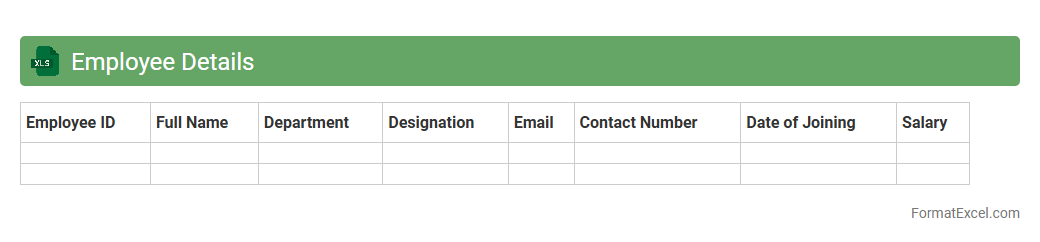
Employee Details
An
Employee Details Excel document is a structured spreadsheet that stores essential information about employees, including names, contact information, job titles, departments, and salary data. This document helps HR managers and business owners streamline workforce management, track employee performance, and ensure accurate payroll processing. Its organized format enables quick data retrieval, efficient reporting, and improved decision-making related to human resources.
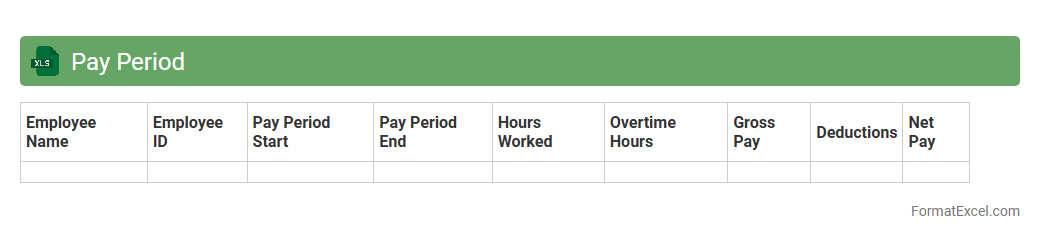
Pay Period
A
Pay Period Excel document is a spreadsheet designed to track employee work hours, attendance, and salary details within a specific timeframe. It helps streamline payroll processing by organizing data such as start and end dates of pay periods, total hours worked, overtime, and deductions in a clear, accessible format. Utilizing this tool enhances accuracy in compensation, simplifies record-keeping, and ensures timely payments aligned with company policies.
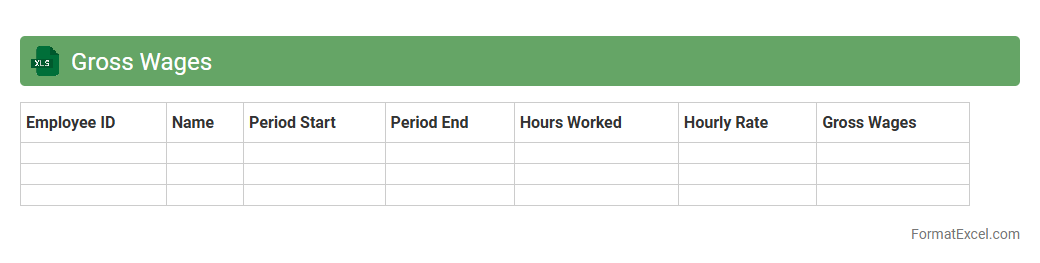
Gross Wages
A
Gross Wages Excel document is a spreadsheet used to calculate and track the total earnings of employees before deductions such as taxes, insurance, and retirement contributions. It helps businesses maintain accurate payroll records, streamline salary calculations, and ensure compliance with labor laws. This tool is essential for financial planning, budgeting, and generating reports related to employee compensation.
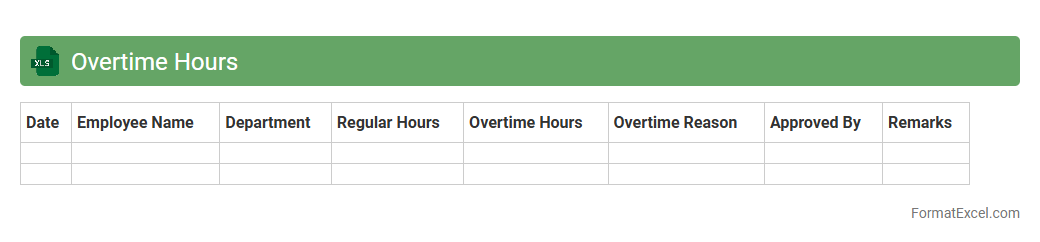
Overtime Hours
The
Overtime Hours Excel document is a spreadsheet designed to track and calculate extra hours worked by employees beyond their regular schedule. It helps businesses monitor labor costs, ensure accurate payroll processing, and maintain compliance with labor laws. By providing clear data on overtime, this tool enhances workforce management and aids in budgeting decisions.
Overtime Pay
An
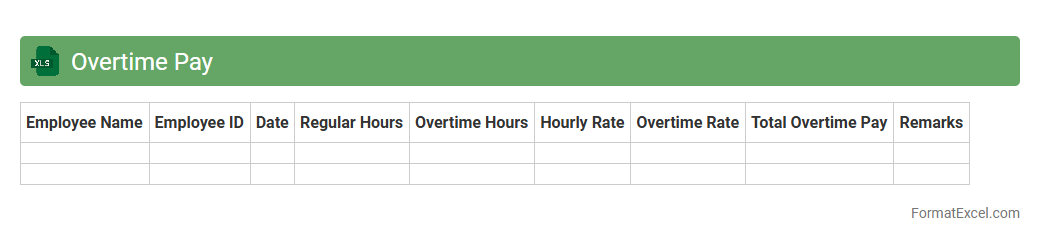
Overtime Pay Excel document is a spreadsheet tool designed to calculate and track employee overtime hours and their corresponding wages efficiently. It automates the process of computing extra pay based on predefined rates, helping businesses maintain accurate payroll records and ensure compliance with labor laws. Utilizing this document streamlines payroll management, reduces errors, and enhances transparency in compensation for additional work hours.
Deductions
A
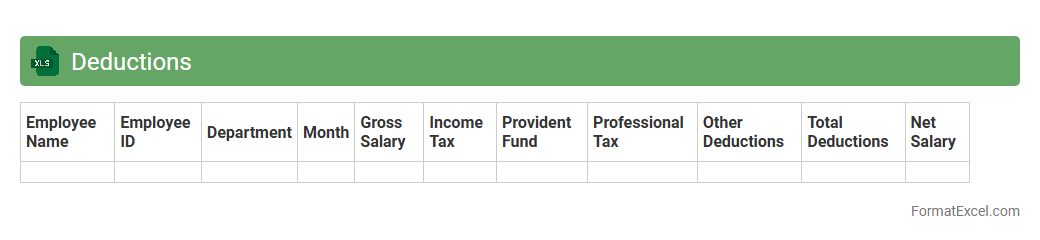
Deductions Excel document is a spreadsheet designed to track and calculate various payroll deductions such as taxes, insurance premiums, retirement contributions, and loan repayments. It streamlines the payroll process by providing accurate and organized deduction data, which helps ensure compliance with tax regulations and simplifies financial record-keeping. This tool improves budgeting and financial planning by offering a clear overview of all deductions affecting net employee salaries.
Tax Withholding
A
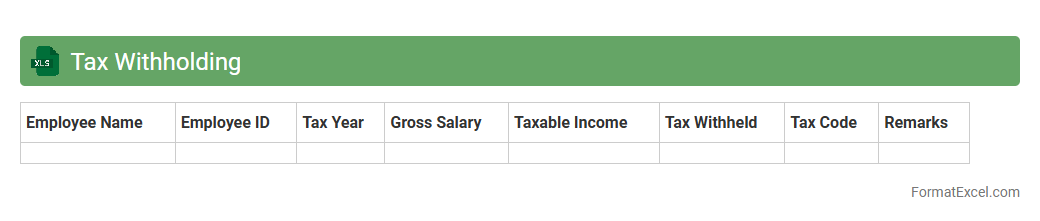
Tax Withholding Excel document is a spreadsheet designed to calculate and track the amount of tax withheld from employee wages or payments, ensuring accurate compliance with tax regulations. It provides a systematic way to organize payroll data, calculate withholding amounts based on current tax tables, and generate reports for tax filing and auditing purposes. This tool enhances accuracy, reduces manual errors, and streamlines the payroll tax management process for both employers and employees.
Net Pay
A
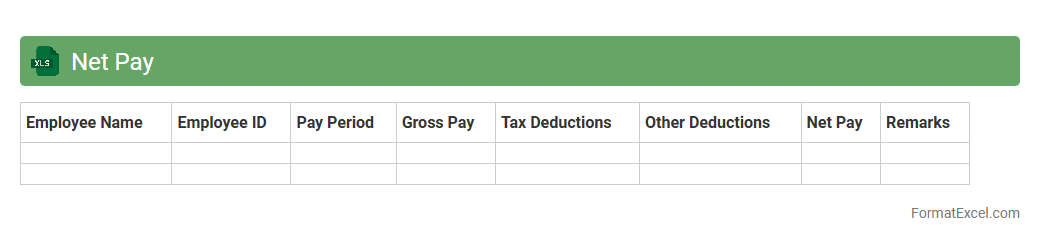
Net Pay Excel document is a spreadsheet that calculates the final salary amount employees receive after deductions such as taxes, insurance, and retirement contributions. It streamlines payroll management by providing a clear, organized view of gross pay versus deductions, ensuring accuracy and transparency in salary distribution. This tool is essential for both employers and employees to track payments, comply with tax regulations, and maintain financial records efficiently.
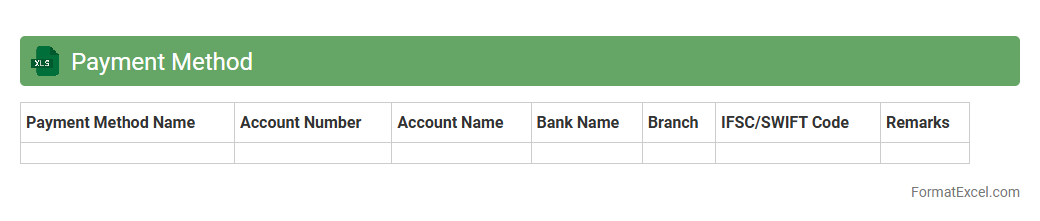
Payment Method
A
Payment Method Excel document is a structured spreadsheet designed to organize and track various payment options, such as credit cards, bank transfers, digital wallets, and cash transactions. It helps businesses and individuals efficiently manage payment records, monitor transaction statuses, and ensure accurate financial reporting. Using this document streamlines payment processing, reduces errors, and enhances transparency in financial management.
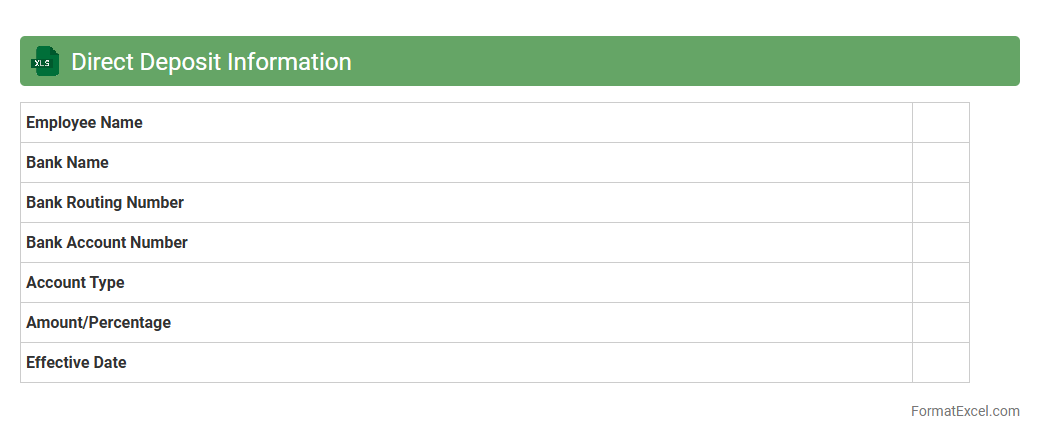
Direct Deposit Information
The
Direct Deposit Information Excel document contains essential details such as bank account numbers, routing numbers, and employee names required to process electronic payments directly into bank accounts. This document streamlines payroll management, reduces errors associated with manual check handling, and ensures timely, secure salary disbursement. It enhances organizational efficiency by centralizing payment data for easy access and updating during the payroll cycle.
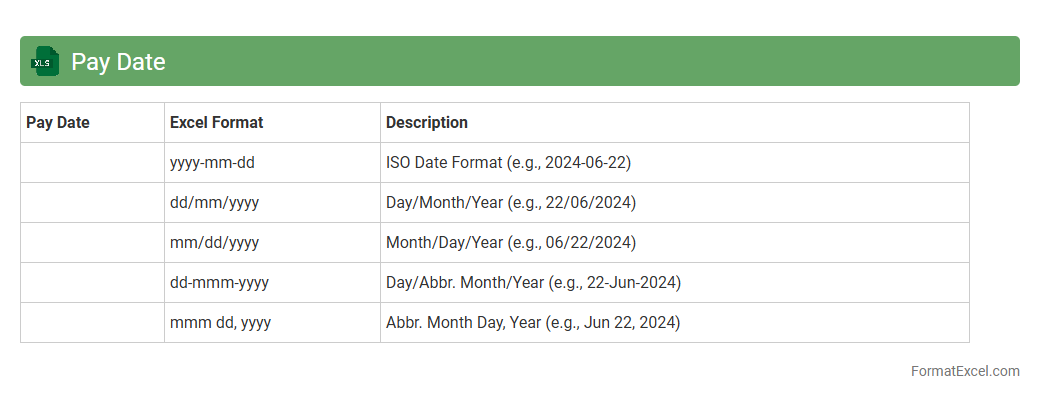
Pay Date
A
Pay Date Excel document is a spreadsheet that tracks and schedules employee payment dates, ensuring timely salary disbursements. It helps businesses manage payroll efficiently by organizing pay periods, payment deadlines, and related financial data in one accessible format. This tool reduces errors and improves financial planning by providing clear visibility on upcoming pay dates.
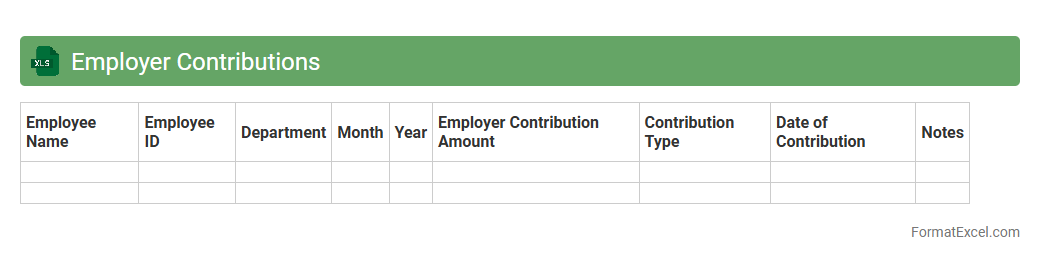
Employer Contributions
An
Employer Contributions Excel document is a spreadsheet designed to track and manage the financial contributions made by employers toward employee benefits such as retirement plans, health insurance, and other payroll-related expenses. It allows for detailed record-keeping, easy calculation of total contributions, and helps ensure compliance with regulatory requirements. By organizing employer contribution data efficiently, this document aids in accurate reporting, budgeting, and audit preparedness.
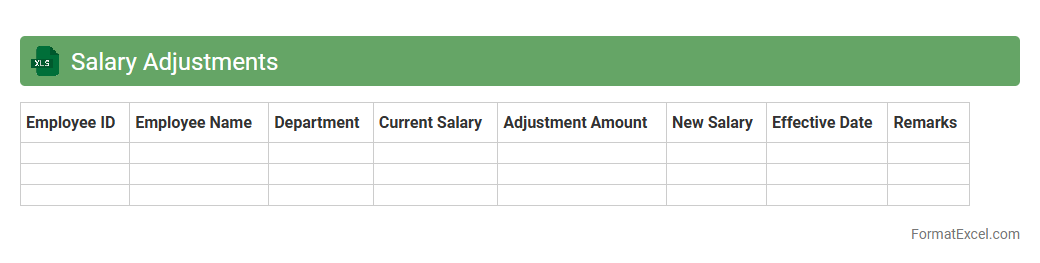
Salary Adjustments
A
Salary Adjustments Excel document is a structured spreadsheet designed to track and manage changes in employee compensation, including raises, bonuses, and deductions. It allows HR professionals and finance teams to analyze salary data efficiently, ensuring accurate payroll processing and compliance with company policies. Utilizing this tool enhances decision-making by providing clear insights into budget allocation and salary trends across the organization.
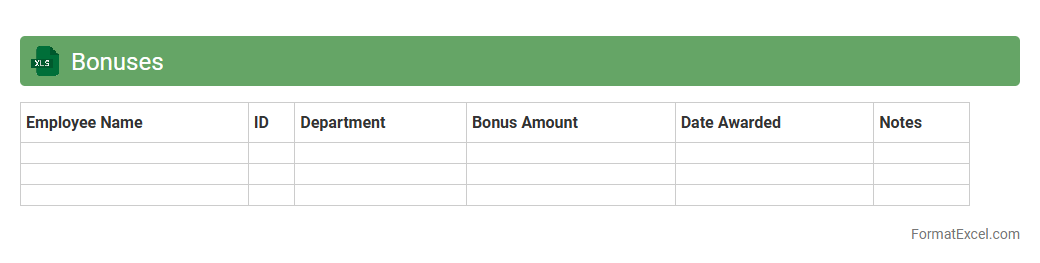
Bonuses
A
Bonuses Excel document is a structured spreadsheet designed to track and calculate employee bonuses efficiently. It allows organizations to manage bonus criteria, automate calculations, and generate clear reports, saving time and reducing errors in payroll processing. Utilizing this tool enhances transparency in bonus distribution and supports better financial planning.
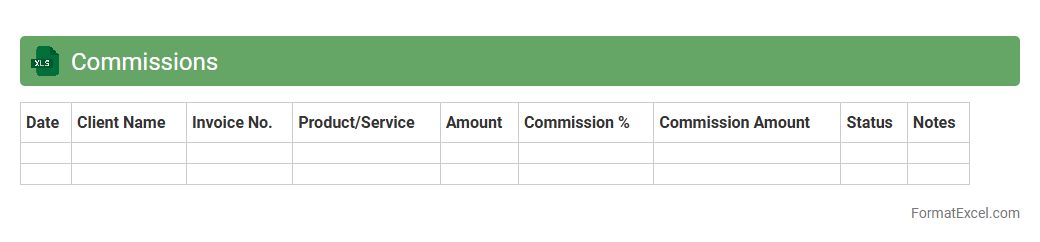
Commissions
A
Commissions Excel document is a spreadsheet used to calculate, track, and manage sales commissions for individuals or teams. It streamlines the process by automating commission calculations based on predefined rates and sales data, reducing errors and saving time. This tool provides clear visibility into earnings, helping businesses motivate sales staff and maintain accurate financial records.
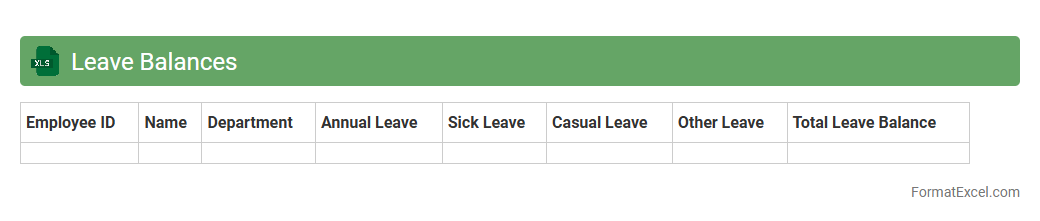
Leave Balances
A
Leave Balances Excel document is a spreadsheet that tracks employee leave entitlements, usage, and remaining leave days in an organized format. It helps organizations monitor vacation, sick, and other leave types, ensuring accurate payroll and compliance with company policies. This document streamlines leave management, reduces errors, and enhances transparency between HR and employees.
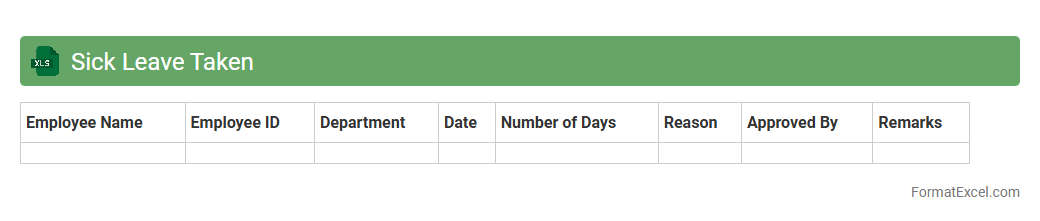
Sick Leave Taken
A
Sick Leave Taken Excel document is a spreadsheet designed to track employee absences due to illness, recording details such as dates, duration, and reasons for sick leave. It helps organizations monitor attendance patterns, manage workforce availability, and ensure compliance with labor regulations. By analyzing this data, companies can improve resource planning, reduce absenteeism, and maintain productivity levels.
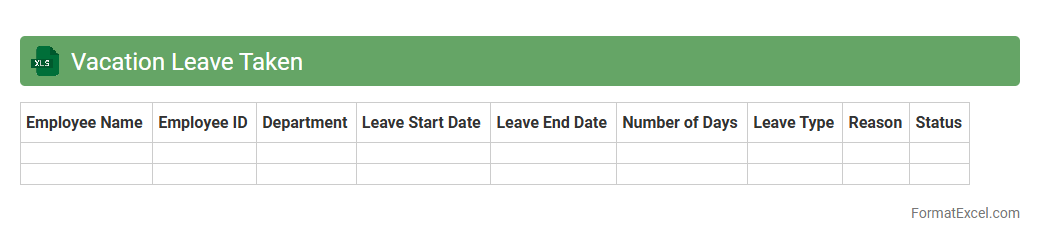
Vacation Leave Taken
The
Vacation Leave Taken Excel document is a detailed record of employees' leave days, tracking the dates and duration of their vacation absences. This tool helps organizations monitor leave balances, ensure compliance with company policies, and plan workforce availability efficiently. Using this document streamlines leave management processes and supports accurate payroll and attendance reporting.
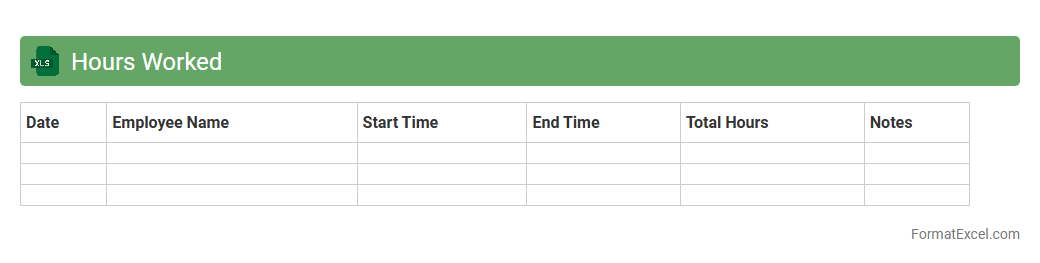
Hours Worked
The
Hours Worked Excel document is a detailed spreadsheet designed to record and track the number of hours employees spend on various tasks or projects. It helps organizations maintain accurate timesheets, ensuring proper payroll processing and efficient resource management. By analyzing this data, managers can identify productivity trends and optimize workforce allocation to improve overall operational efficiency.
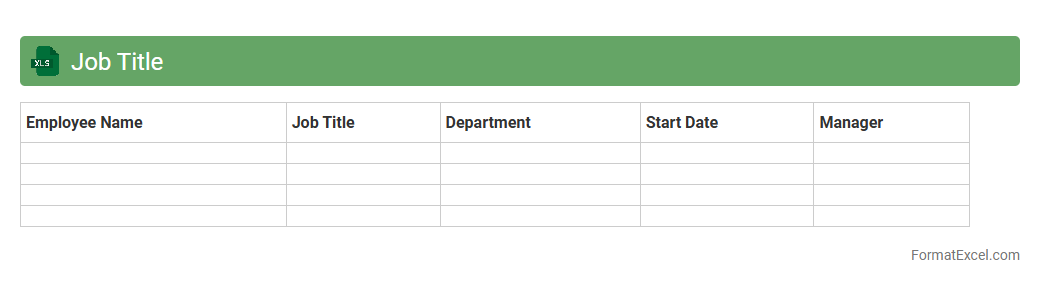
Job Title
A
Job Title Excel document is a structured spreadsheet listing various job titles within an organization or industry, often accompanied by relevant data such as departments, salary ranges, and roles. This tool helps streamline HR processes by organizing job roles clearly, facilitating recruitment, job evaluation, and workforce planning. It enables businesses to maintain consistency in job titles and enhances communication across teams by providing a standardized reference.
Employee ID
An
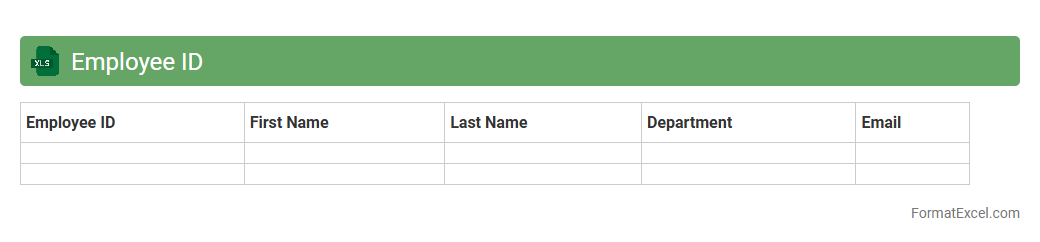
Employee ID Excel document is a spreadsheet that stores unique identification numbers assigned to each employee within an organization, facilitating easy tracking and management of personnel information. It helps streamline HR processes by organizing employee data such as names, departments, and roles in a centralized, searchable format. This tool enhances efficiency in payroll processing, attendance monitoring, and generating employee reports, making workforce management more effective.
Payroll Department Code
The
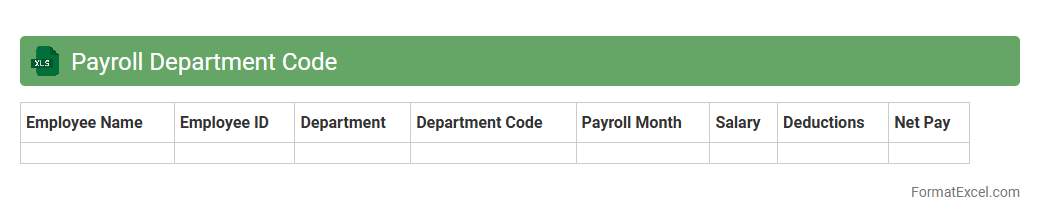
Payroll Department Code Excel document is a structured spreadsheet used to organize and manage department-specific payroll codes for accurate salary processing. It streamlines employee salary allocation by associating payroll data directly with departmental budgets and accounting systems. This document enhances payroll accuracy, simplifies financial reporting, and ensures compliance with organizational payroll policies.
Benefits Deductions
The
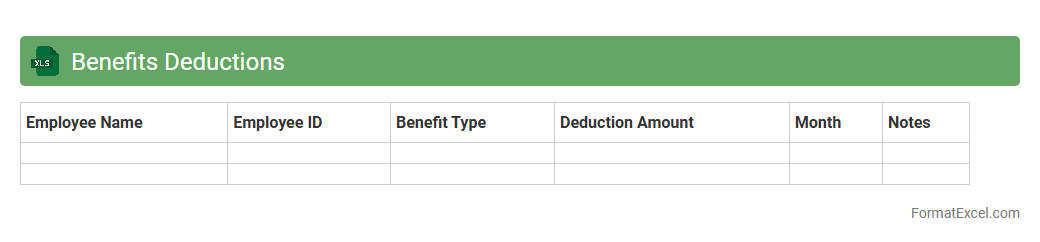
Benefits Deductions Excel document is a structured tool designed to track and manage employee benefit deductions accurately. It streamlines payroll processing by automating calculations for health insurance, retirement plans, and other employee benefits, reducing errors and saving time. Utilizing this document enhances financial transparency and ensures compliance with company policies and regulatory requirements.
Pension Contributions
The
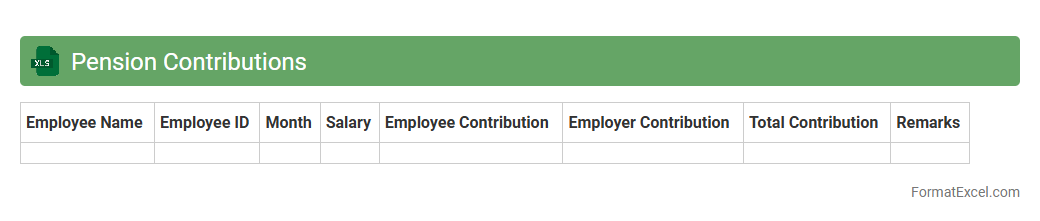
Pension Contributions Excel document is a detailed spreadsheet used to track and manage employee pension payments, including amounts contributed, dates, and employer matching details. It enables accurate record-keeping, simplifies calculations for tax purposes, and ensures compliance with pension regulations. This document is essential for financial planning and auditing within organizations or personal retirement management.
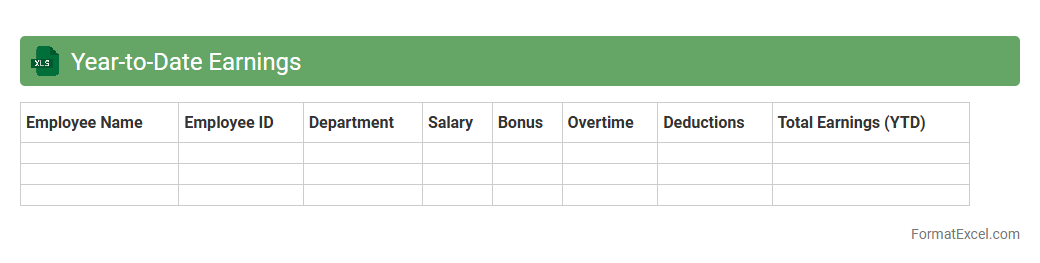
Year-to-Date Earnings
A
Year-to-Date Earnings Excel document tracks cumulative income from the beginning of the calendar year to the current date, providing a clear overview of financial performance. It enables businesses and individuals to monitor earnings trends, compare actual income against projections, and make informed budgeting or investment decisions. This tool is essential for accurate financial reporting, tax preparation, and strategic planning throughout the year.
Introduction to Payroll Record Formats
Payroll record formats are structured templates used to organize employee payment data efficiently. These formats ensure clarity and consistency in maintaining payroll information. Understanding a proper payroll record format is crucial for accurate salary processing.
Importance of Excel in Payroll Management
Excel is a powerful tool for managing payroll due to its flexibility and functionality. It allows easy data entry, calculations, and report generation, streamlining payroll tasks significantly. Excel's spreadsheet capabilities simplify tracking employee payments and deductions.
Essential Elements of a Payroll Record
Key components include employee details, pay period, hours worked, gross pay, deductions, and net pay. Including tax withholdings and benefits ensures comprehensive payroll records. Accurate payroll elements help in compliance and audit readiness.
Step-by-Step Guide to Creating a Payroll Record in Excel
Begin by setting up columns for employee data, followed by pay details and deductions. Use formulas to calculate total earnings and net pay automatically. Following a step-by-step process guarantees an organized and error-free payroll sheet.
Sample Payroll Record Format Template
A typical template includes rows for each employee and columns for ID, name, hours, rates, taxes, and net salary. This layout facilitates easy data insertion and manipulation. Using a sample template speeds up payroll setup significantly.
Customizing Payroll Fields for Your Business
Tailor payroll fields to reflect unique business needs like bonuses, commissions, or leave deductions. Customization ensures the payroll record accurately represents your compensation structure. Adjusting payroll fields enhances relevancy and accuracy.
Tips for Ensuring Data Accuracy in Payroll Sheets
Double-check formulas, validate employee details, and regularly update tax rates. Use data validation tools to minimize errors. Maintaining data accuracy prevents costly payroll mistakes and compliance issues.
Automating Payroll Calculations with Excel Formulas
Leverage formulas such as SUM, IF, and VLOOKUP to automate payment calculations and deductions. Automation reduces manual work and errors, improving efficiency. Mastering Excel formulas is essential for smooth payroll processing.
Compliance and Record-Keeping Best Practices
Maintain payroll records according to legal retention requirements to ensure compliance. Regular audits and secure storage of payroll data safeguard against legal risks. Adhering to compliance best practices protects your business and employees.
Downloadable Payroll Record Excel Templates
There are many free and paid payroll templates available for download to simplify your payroll management. These templates come pre-formatted with essential payroll functions. Utilizing downloadable templates saves time and improves payroll accuracy.