Project Timeline Tracker
A
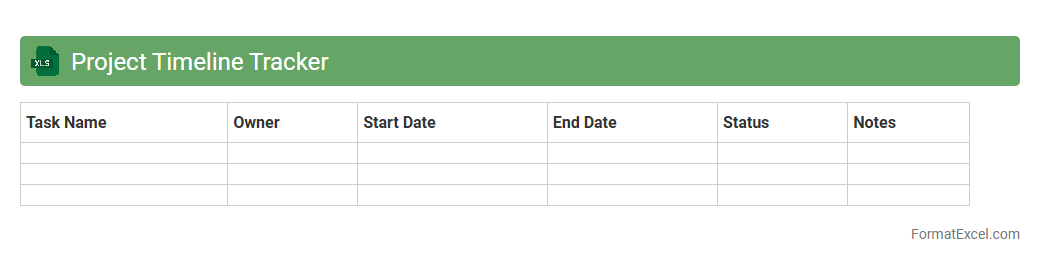
Project Timeline Tracker Excel document is a tool used to visually organize and monitor the key phases and milestones of a project within a set timeframe. It helps project managers and teams ensure deadlines are met, resources are efficiently allocated, and progress is clearly communicated. By maintaining an updated timeline, risks are minimized, and overall project efficiency is significantly enhanced.
Project Milestone Log
A
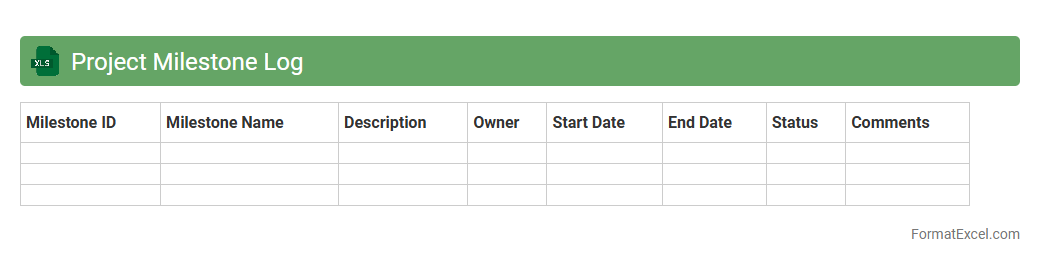
Project Milestone Log Excel document is a structured tool used to track and document key milestones within a project timeline, including deadlines, deliverables, and responsible parties. It enhances project management by providing clear visibility on progress, facilitating timely decision-making, and ensuring accountability among team members. Using this log helps prevent delays, supports efficient communication, and aligns stakeholders on critical project targets.
Task Assignment Sheet
A
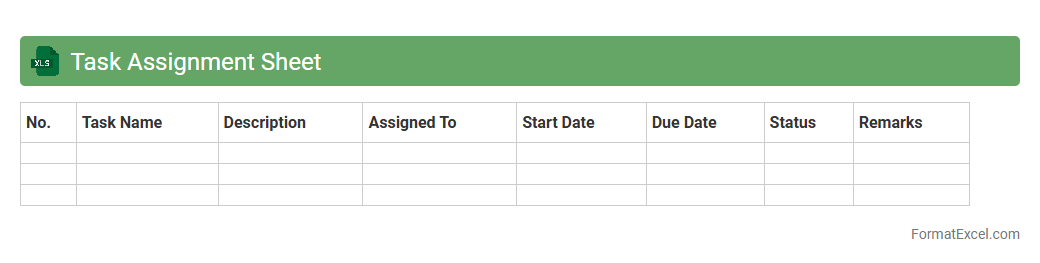
Task Assignment Sheet Excel document is a structured tool used to allocate tasks among team members efficiently, tracking progress and deadlines within a single spreadsheet. It enhances project management by organizing responsibilities, ensuring accountability, and providing a clear overview of workload distribution. This sheet improves communication and productivity by offering real-time updates and simplifying task prioritization for teams across various industries.
Project Budget Tracker
A
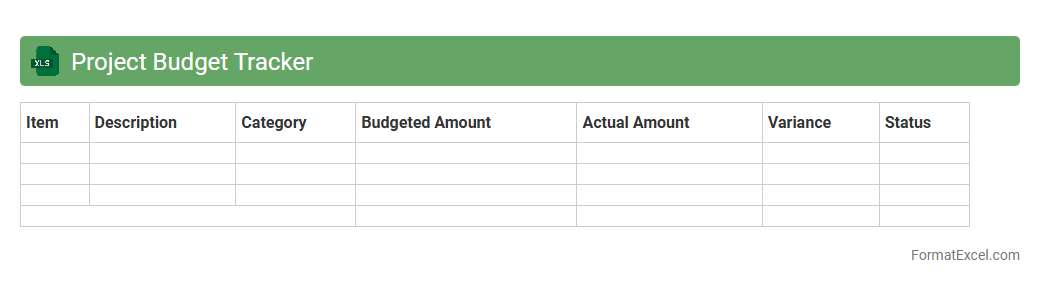
Project Budget Tracker Excel document is a tool designed to monitor and manage financial resources allocated to a project, providing clear visibility on expenses versus the budget. It helps in tracking cost variances, forecasting future expenditures, and ensuring the project stays within financial limits. By using this tracker, project managers can make informed decisions, enhance accountability, and improve overall budget control efficiency.
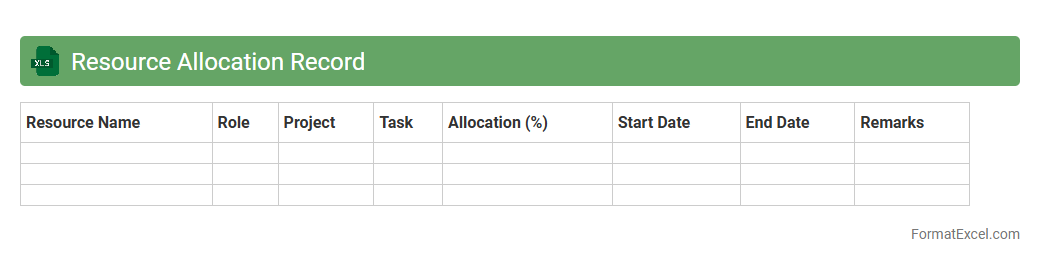
Resource Allocation Record
A
Resource Allocation Record Excel document systematically tracks the distribution and utilization of resources such as personnel, equipment, and budget across various projects or departments. It enables effective monitoring, ensuring optimal use of resources, preventing overallocation or underutilization, and facilitating informed decision-making. By maintaining accurate data on resource assignments, this tool enhances project planning, improves productivity, and supports timely adjustments to meet organizational goals.
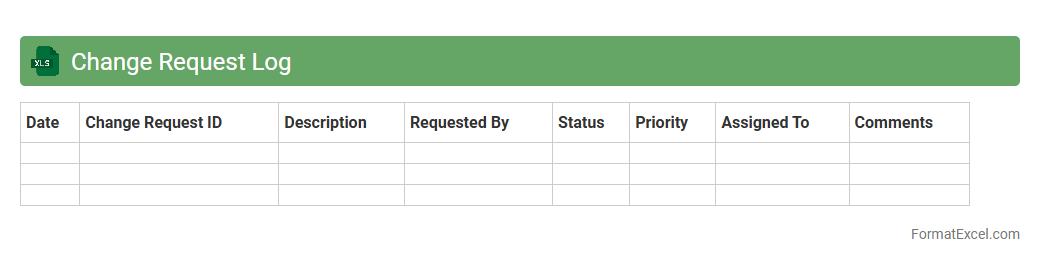
Change Request Log
A
Change Request Log Excel document is a tool used to track, document, and manage all change requests within a project. It helps project managers and teams maintain clear visibility on the status, priority, and impact of each request, ensuring organized decision-making and effective communication. Utilizing this log minimizes risks, improves project control, and enhances overall workflow efficiency.
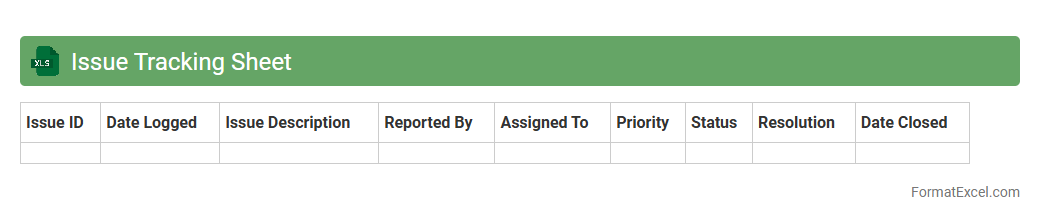
Issue Tracking Sheet
An
Issue Tracking Sheet Excel document is a structured tool designed to log, monitor, and manage problems or tasks within a project or organization. It enables teams to capture issue details, assign responsibilities, set priorities, and track progress in real time. Using this sheet streamlines communication, enhances accountability, and facilitates timely resolution, improving overall project efficiency.
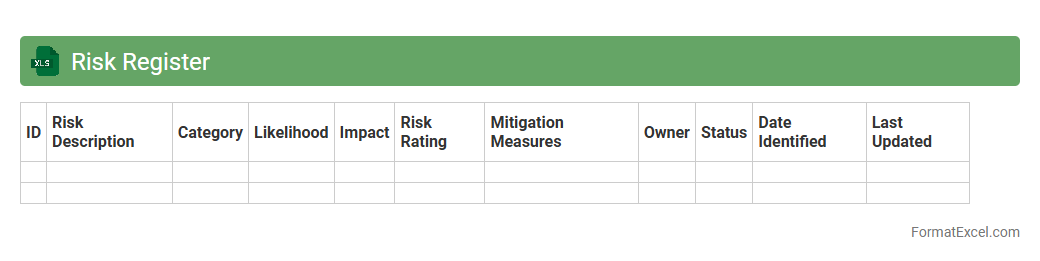
Risk Register
A
Risk Register Excel document is a structured tool used to identify, assess, and manage potential risks within a project or organization. It helps track risk details such as likelihood, impact, mitigation strategies, and responsible parties, facilitating proactive risk management. Using this register improves decision-making, enhances communication across teams, and minimizes adverse effects on project outcomes and business objectives.
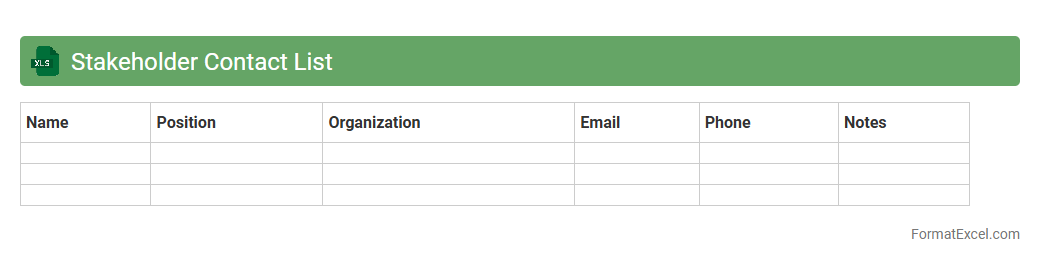
Stakeholder Contact List
A
Stakeholder Contact List Excel document organizes critical information such as names, roles, contact details, and communication preferences of project stakeholders in a structured format. This tool enhances communication efficiency by providing quick access to relevant contacts, ensuring timely updates and collaboration throughout the project lifecycle. Maintaining an updated stakeholder contact list aids in managing expectations, mitigating risks, and fostering strong relationships essential for successful project outcomes.
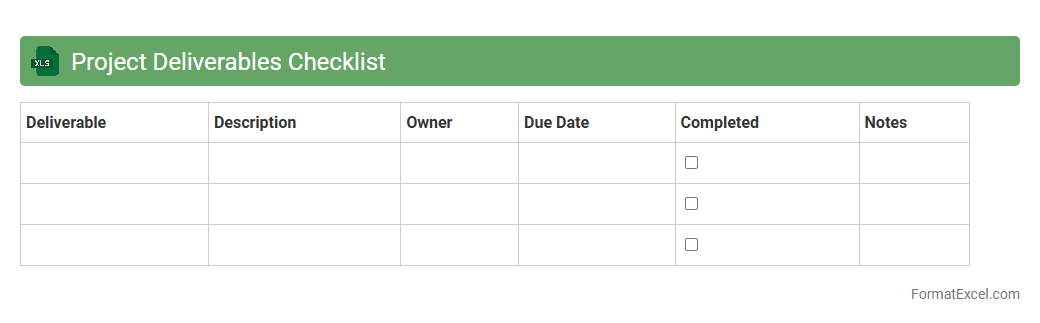
Project Deliverables Checklist
A
Project Deliverables Checklist Excel document is a structured tool that lists all the key outputs and milestones required for successful project completion. It helps track progress, ensuring each deliverable meets quality standards and deadlines. Using this checklist improves project organization, accountability, and timely delivery by providing clear visibility into the status of each task.
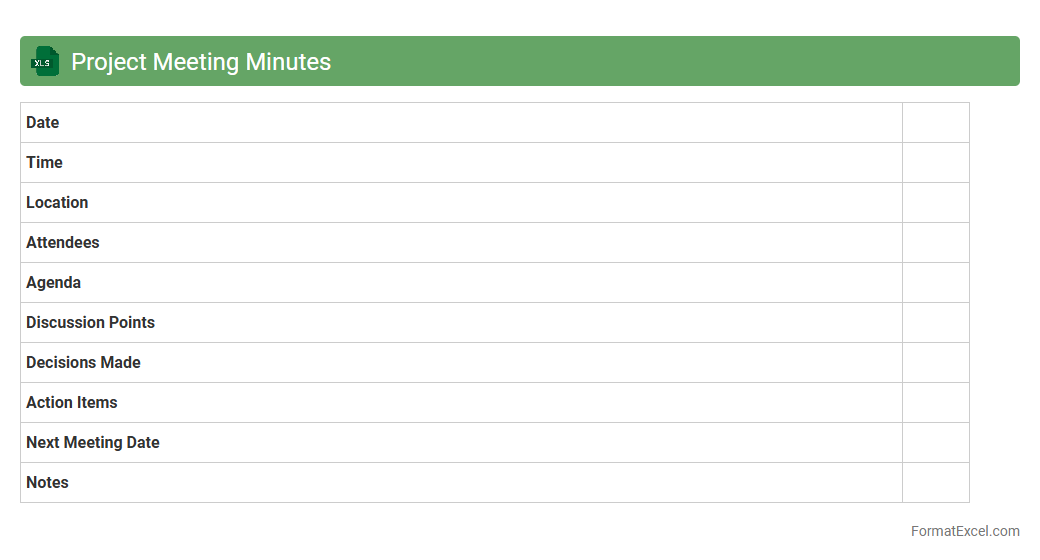
Project Meeting Minutes
The
Project Meeting Minutes Excel document is a structured tool designed to record and organize key discussion points, decisions, and action items from project meetings. It enhances team communication by providing a clear, accessible record of meeting outcomes that can be easily shared and referenced. This document supports project management by tracking progress, assigning responsibilities, and ensuring accountability throughout the project lifecycle.
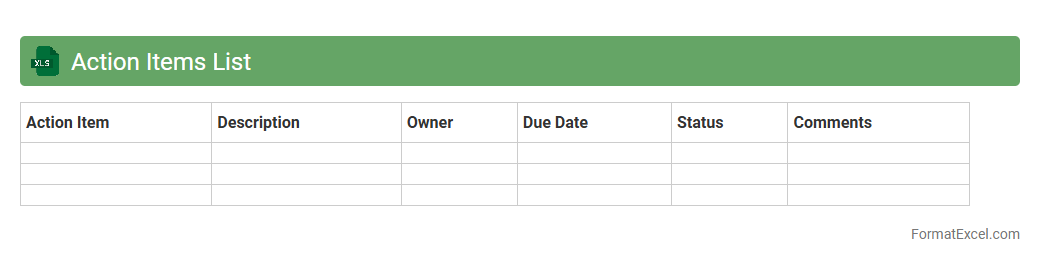
Action Items List
An
Action Items List Excel document is a structured spreadsheet used to track tasks, deadlines, responsibilities, and progress within a project or team. It enhances organization by providing clear visibility of pending actions, ensuring accountability, and facilitating timely completion of objectives. This tool improves productivity by streamlining task management and enabling efficient communication among team members.
Project Progress Update
A
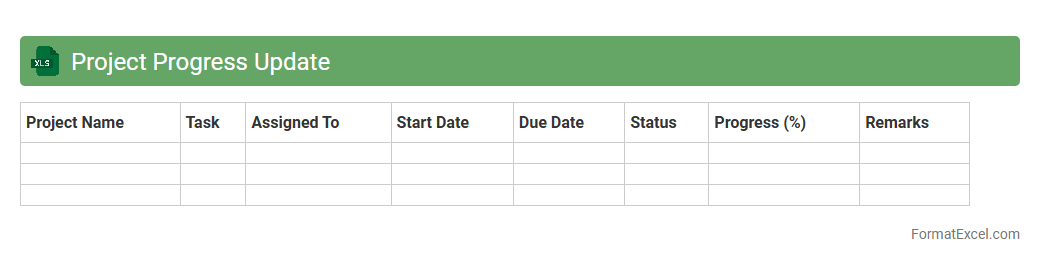
Project Progress Update Excel document is a structured tool used to track and report the ongoing status of tasks, milestones, and deliverables in a project. It helps project managers and team members monitor timelines, identify delays, and allocate resources efficiently, ensuring transparency and accountability. This document enhances communication across stakeholders by providing clear, data-driven insights into project performance and progress.
Project Communication Log
A
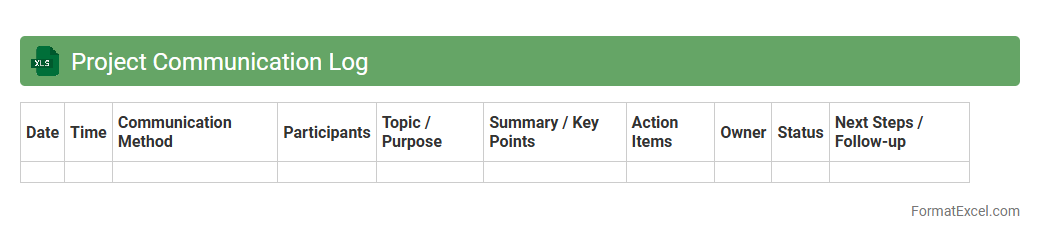
Project Communication Log Excel document is a structured tool designed to record and track all communication activities within a project. It helps in maintaining a clear and organized record of messages, meetings, decisions, and follow-ups, ensuring accountability and transparency among team members. This log facilitates efficient information management, improves collaboration, and aids in resolving conflicts or misunderstandings by providing a reliable reference point throughout the project lifecycle.
Document Version Control
A
Document Version Control Excel document is a structured spreadsheet used to track, manage, and record changes to files over time, providing a clear history of edits including dates, authors, and specific modifications. It helps maintain organization, prevent data loss, and ensure that team members always work on the most current version, streamlining collaboration and auditing processes. This system is crucial for maintaining accuracy and accountability in document management within businesses and project teams.
Project Expenses Record
The
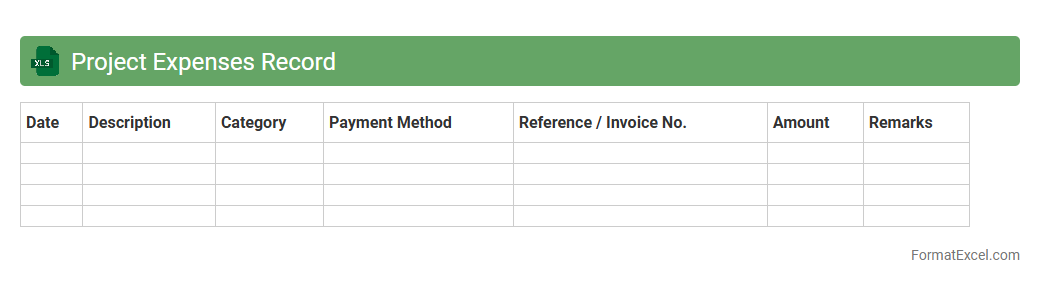
Project Expenses Record Excel document is a systematic tool designed to track and manage all financial transactions related to a specific project, including costs like materials, labor, and overheads. It helps in maintaining accurate budget control by providing real-time insights into expenditure patterns, enabling timely adjustments and preventing cost overruns. Using this document enhances financial transparency and accountability, ensuring efficient allocation of resources throughout the project lifecycle.
Project Approval Tracker
The
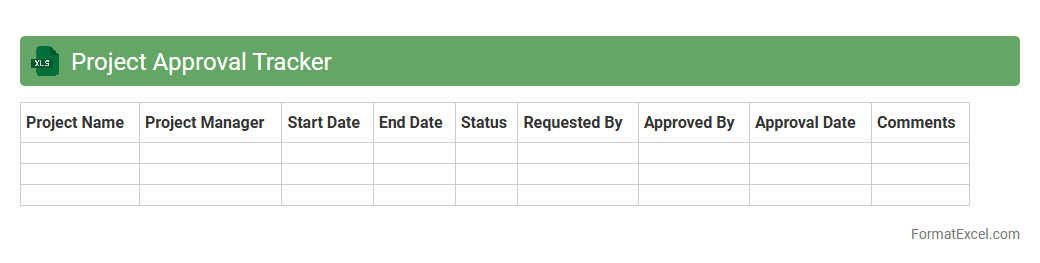
Project Approval Tracker Excel document is a powerful tool designed to monitor and manage the approval status of various project proposals within an organization. It enables users to track key data such as project names, submission dates, approval stages, responsible stakeholders, and deadlines, ensuring transparency and efficient workflow management. Utilizing this tracker improves decision-making, reduces delays, and enhances communication across teams by providing a centralized, easily accessible approval overview.
Project Status Report
A
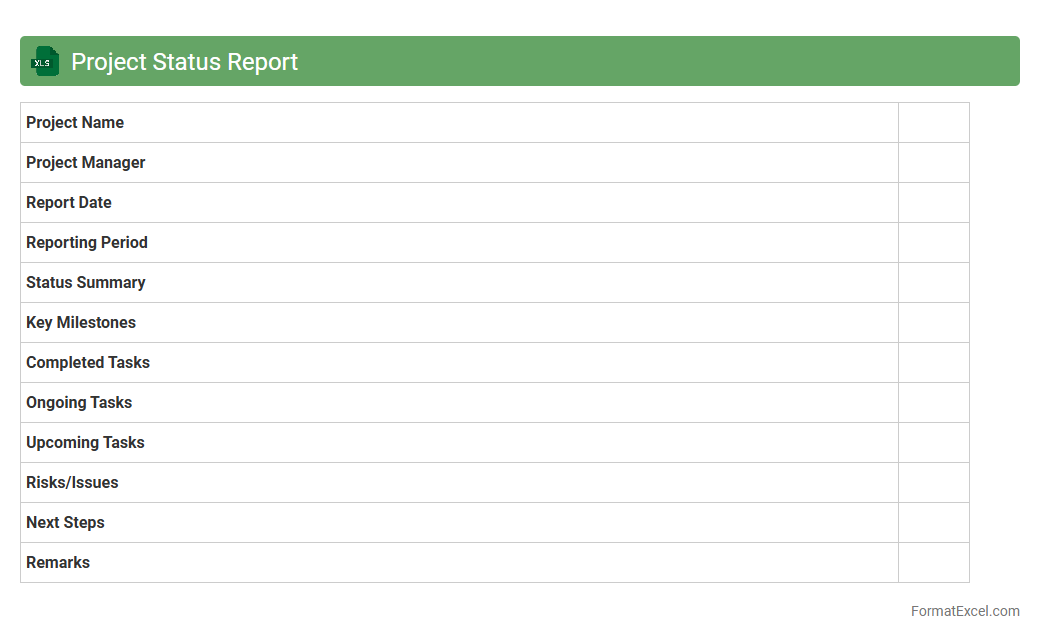
Project Status Report Excel document is a structured spreadsheet used to track and communicate the progress of a project by documenting tasks, milestones, deadlines, and resource allocation. It enables project managers and stakeholders to monitor key performance indicators, identify risks, and ensure transparency and accountability throughout the project lifecycle. Utilizing this tool improves decision-making, streamlines reporting processes, and enhances timely delivery of project objectives.
Lessons Learned Register
A
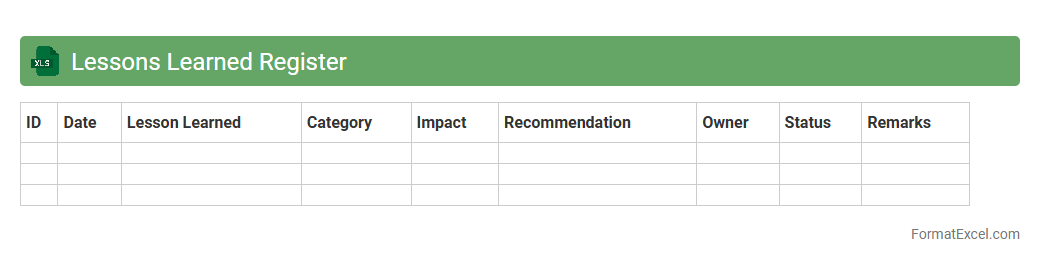
Lessons Learned Register Excel document is a centralized tool used to systematically capture, document, and track insights gained from project experiences. It helps project teams identify successful strategies and areas for improvement, facilitating continuous process enhancement and risk mitigation. By organizing lessons in a structured format, this register supports knowledge sharing and informed decision-making for future projects.
Project Closure Checklist
A
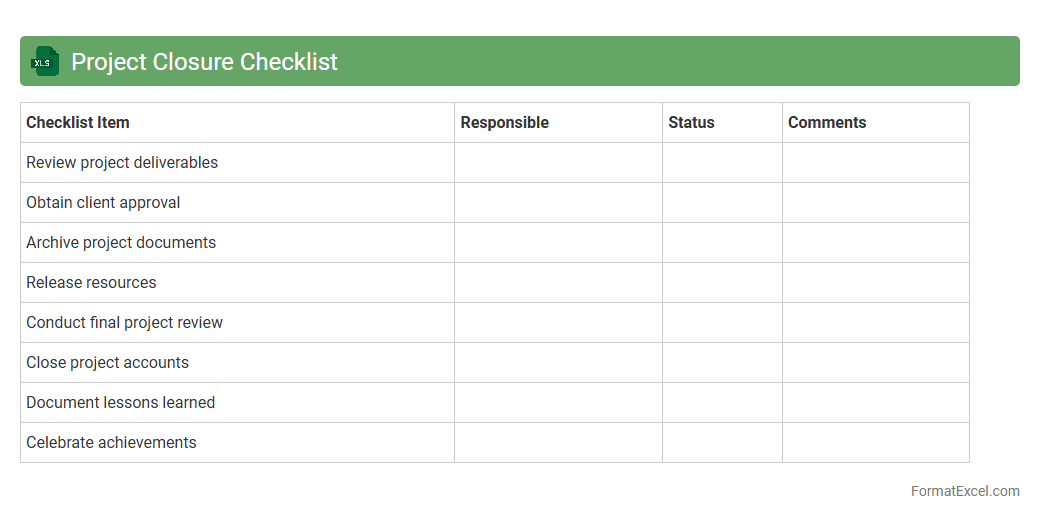
Project Closure Checklist Excel document is a structured tool that helps ensure all tasks and deliverables are completed before officially closing a project. It systematically tracks activities such as final approvals, documentation handover, and release of resources, preventing overlooked responsibilities. Using this checklist enhances project management efficiency and guarantees compliance with organizational standards.
Project Dependencies List
A
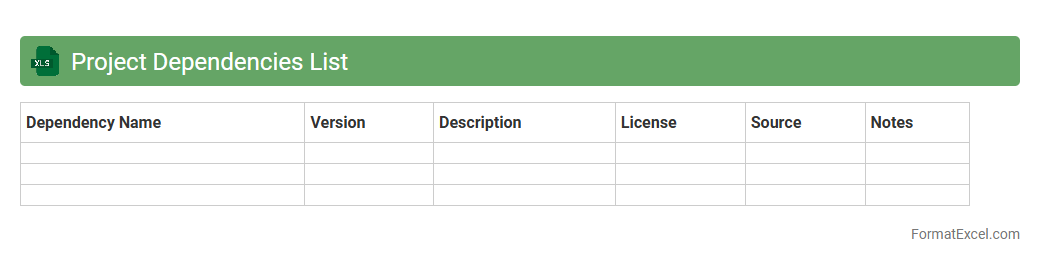
Project Dependencies List Excel document systematically identifies and tracks relationships between tasks, resources, or deliverables within a project. It helps project managers anticipate potential roadblocks by clearly mapping out which tasks rely on others for completion, ensuring efficient scheduling and resource allocation. This tool enhances communication across teams, fosters accountability, and supports timely project delivery by providing a transparent overview of interconnected project elements.
Project Phase Completion Log
The
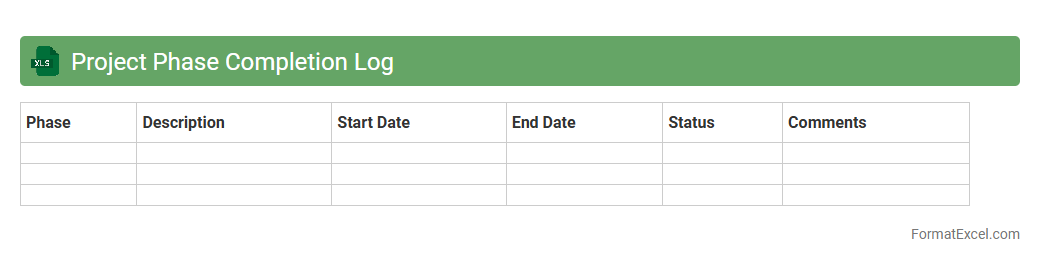
Project Phase Completion Log Excel document is a structured tool designed to track and record the completion status of different phases within a project lifecycle. It helps project managers monitor progress, ensure timely deliverables, and identify any delays or issues by providing a clear overview of phase completion dates, responsible team members, and completion percentage. Utilizing this log enhances project transparency, facilitates better resource allocation, and supports effective decision-making to keep projects on schedule.
Team Attendance Record
A
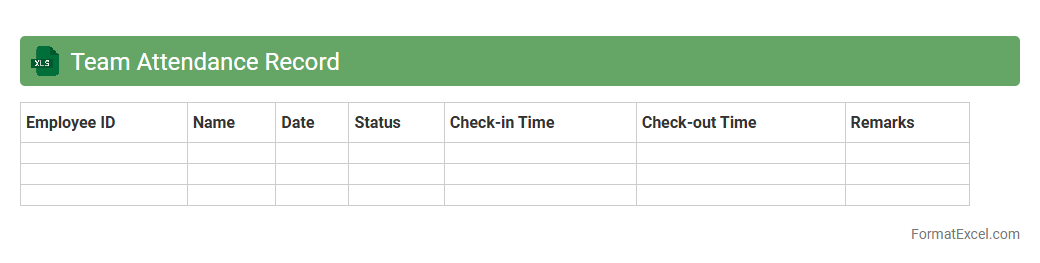
Team Attendance Record Excel document is a structured spreadsheet used to systematically track daily attendance, absences, and working hours of team members. It provides clear visibility into attendance patterns, ensuring accurate payroll processing and identifying trends that may impact productivity. This tool enhances workforce management by facilitating timely decision-making and improving overall team accountability.
Client Feedback Log
A
Client Feedback Log Excel document systematically records and organizes customer comments, suggestions, and complaints, enabling efficient tracking of client interactions. This log helps identify recurring issues, monitor resolution progress, and improve service quality by providing clear insights into customer satisfaction trends. Maintaining an up-to-date feedback log enhances communication transparency and supports data-driven decisions to boost client retention and business growth.
Project Audit Trail
A
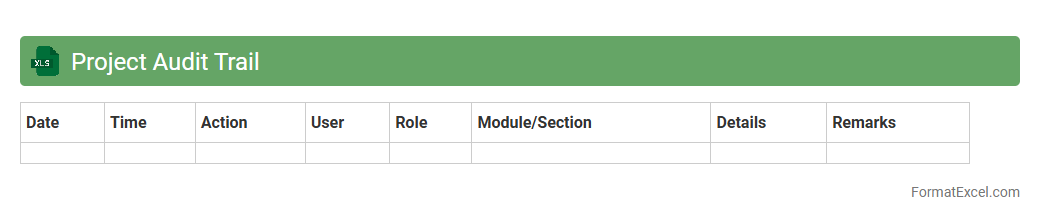
Project Audit Trail Excel document is a comprehensive record-keeping tool that tracks all changes, updates, and decisions made throughout a project's lifecycle, ensuring transparency and accountability. It enables project managers and stakeholders to monitor progress, identify discrepancies, and maintain a clear history of modifications for effective project control. This document is essential for compliance purposes and facilitates smoother audits by providing detailed evidence of project activities and approvals.
Introduction to Project Record Format in Excel
The Project Record Format in Excel is a structured template used to document key project details systematically. It helps in organizing tasks, deadlines, and responsibilities effectively. This format enhances clarity and accountability in project management.
Key Components of a Project Record Template
A project record template typically includes sections like task names, deadlines, assigned personnel, and status updates. These components ensure comprehensive tracking of project progress. Well-defined sections streamline project monitoring and communication.
Essential Columns for Project Tracking
Important columns in a project record include Task ID, Description, Start Date, End Date, Status, and Assigned To. These columns provide detailed insights for efficient project supervision. Including priority and remarks columns can further improve tracking.
Step-by-Step Guide to Creating a Project Record in Excel
Begin by setting up your headers and defining project tasks. Next, input relevant dates and assign team members to each task. Use conditional formatting and filters to enhance the record's usability and clarity.
Customizing Your Project Record Format
Tailor the format to fit specific project needs by adding custom columns or color codes. Flexibility in customization allows better alignment with project goals. Incorporating drop-down menus improves data consistency and ease of input.
Using Formulas and Functions for Automation
Leverage Excel formulas like IF, VLOOKUP, and COUNTIF to automate calculations and status updates. Automation through formulas reduces manual errors and saves time. It enables dynamic tracking and instant progress summaries.
Tips for Maintaining Accurate Project Records
Regularly update entries and validate data to maintain accuracy in your project record. Establish a routine for team members to review and confirm details. Accurate records foster better decision-making and project success.
Common Mistakes to Avoid in Project Record Sheets
Avoid missing deadlines, inconsistent data entry, and unclear task descriptions. Skipping regular updates can lead to project delays and confusion. Prevent these common errors by enforcing discipline and template standardization.
Sample Project Record Format in Excel
A sample format typically showcases task lists, timelines, and status indicators. Studying a sample helps users visualize best practices and effective layout designs. It serves as a reference guide for new project record setups.
Downloadable Project Record Excel Templates
Downloadable templates provide ready-made structures for immediate use and customization. These templates save time and promote consistency across projects. They are ideal starting points for both beginners and experienced project managers.