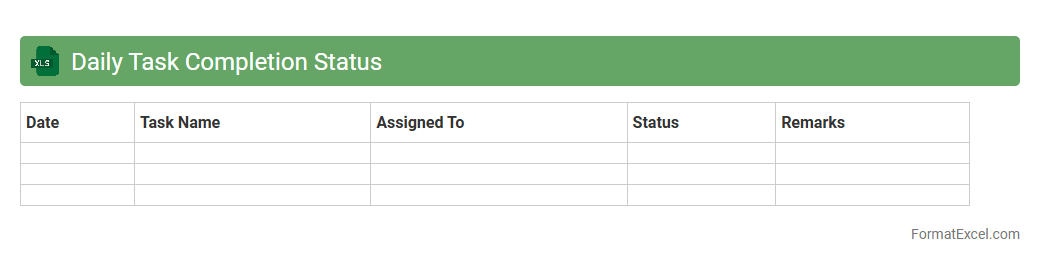
Daily Task Completion Status
The
Daily Task Completion Status Excel document is a tool designed to track and monitor the progress of daily activities and assignments efficiently. It allows users to record task details, deadlines, completion percentages, and responsible individuals, providing clear visibility into ongoing and completed work. This document enhances productivity by enabling timely follow-ups, identifying bottlenecks, and ensuring accountability within teams or individual workflows.
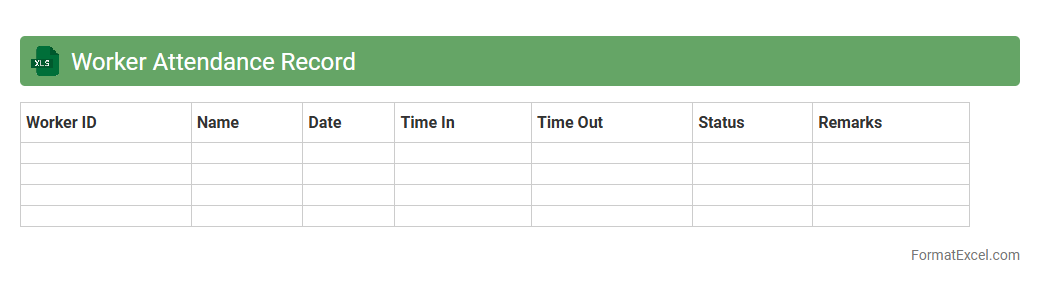
Worker Attendance Record
The
Worker Attendance Record Excel document is a spreadsheet tool designed to track and manage employee attendance, including check-in and check-out times, absences, and leave. It allows organizations to monitor workforce punctuality, calculate working hours accurately, and identify attendance patterns for better workforce planning. Using this document enhances payroll accuracy, improves compliance with labor regulations, and supports performance evaluations effectively.
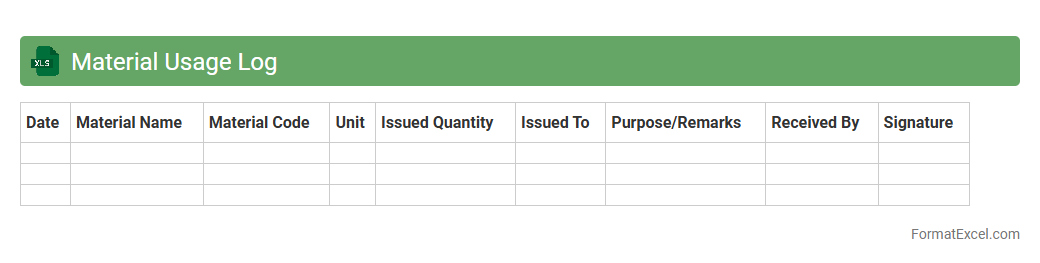
Material Usage Log
A
Material Usage Log Excel document systematically records the quantity and type of materials used in a project or production process, enabling accurate tracking and inventory management. By documenting material consumption, it helps identify trends, control costs, and minimize waste, contributing to improved operational efficiency. This log also facilitates accountability and transparency, making it easier to reconcile material orders with actual usage for better budget forecasting.
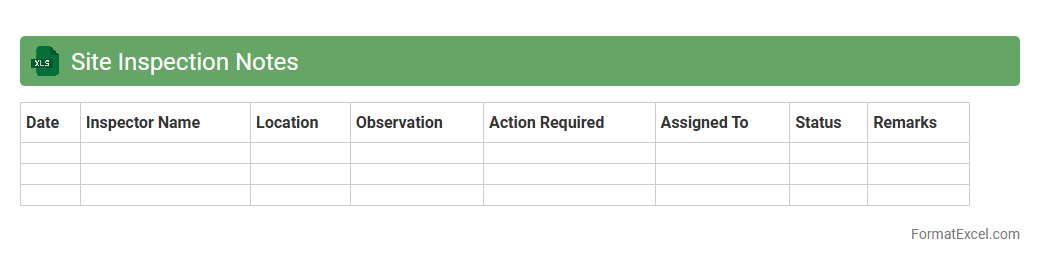
Site Inspection Notes
Site Inspection Notes excel document is a structured tool used to record observations, issues, and progress during site visits for construction or project management. This document enables systematic tracking of field conditions, compliance with safety standards, and quality control, ensuring timely communication between onsite teams and project managers. Maintaining detailed
Site Inspection Notes enhances project transparency, supports decision-making, and helps prevent costly delays by addressing problems early.
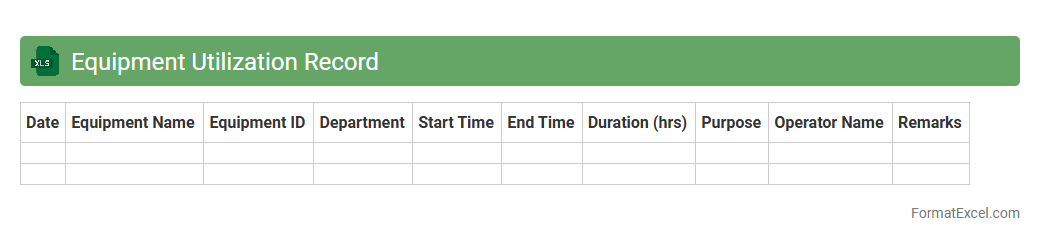
Equipment Utilization Record
An
Equipment Utilization Record Excel document is a structured spreadsheet that tracks the usage, maintenance, and availability of equipment in an organization. It helps businesses monitor equipment performance, schedule timely maintenance, and optimize operational efficiency by minimizing downtime. By analyzing data within the record, companies can make informed decisions on equipment investment and resource allocation.
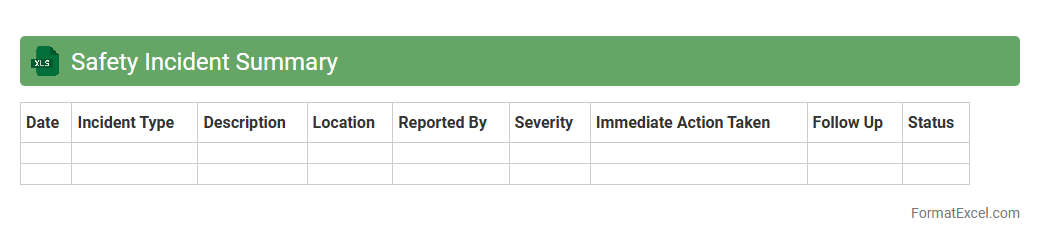
Safety Incident Summary
A
Safety Incident Summary Excel document consolidates data on workplace accidents, near misses, and safety violations into an organized format for easy analysis. It enables tracking of incident frequency, identifying common causes, and monitoring trends over time to improve risk management and compliance. Businesses use this summary to enhance safety protocols, reduce hazards, and support regulatory reporting.
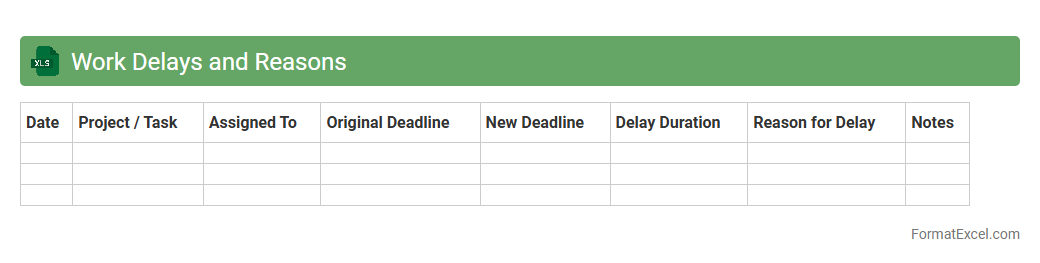
Work Delays and Reasons
The
Work Delays and Reasons Excel document is a comprehensive tool designed to track project setbacks by categorizing and analyzing various causes of delays. It allows users to input data such as delay duration, responsible parties, and specific reasons, facilitating clear visibility into workflow disruptions. This document helps teams identify recurring issues, improve time management, and implement proactive strategies to enhance overall productivity.
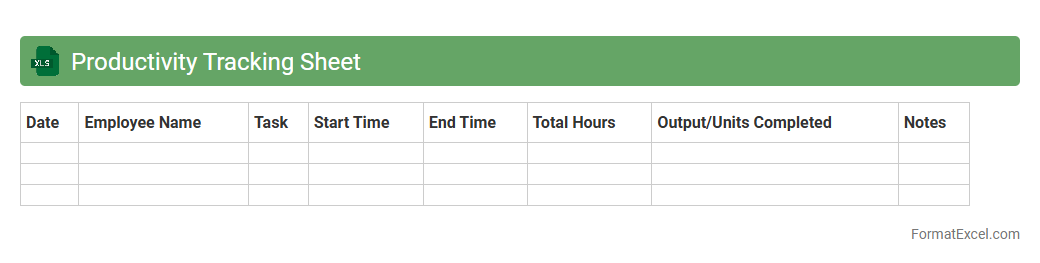
Productivity Tracking Sheet
A
Productivity Tracking Sheet Excel document is a tool designed to monitor and analyze work output over time by recording hours spent, tasks completed, and efficiency rates. It helps individuals and teams identify productivity patterns, set goals, and optimize workflows through data-driven insights. Using this sheet enhances time management and boosts overall performance by providing clear visual reports and actionable metrics.
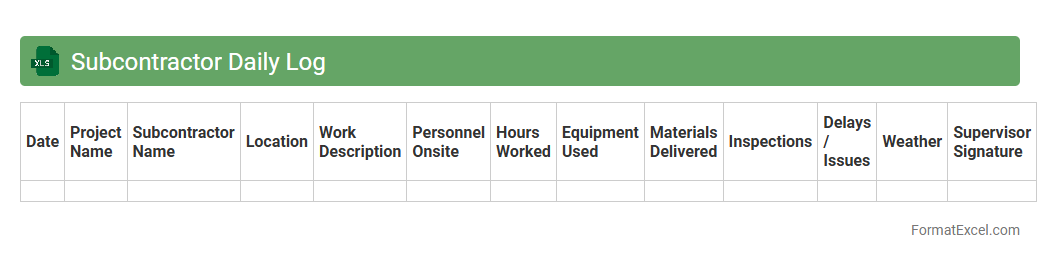
Subcontractor Daily Log
A
Subcontractor Daily Log Excel document is a structured tool designed to record daily activities, labor hours, equipment usage, and material deliveries on a construction site. It helps project managers and subcontractors track progress, manage resources, and maintain accurate records for accountability and billing purposes. Using this log improves communication, reduces disputes, and ensures timely completion of project milestones.
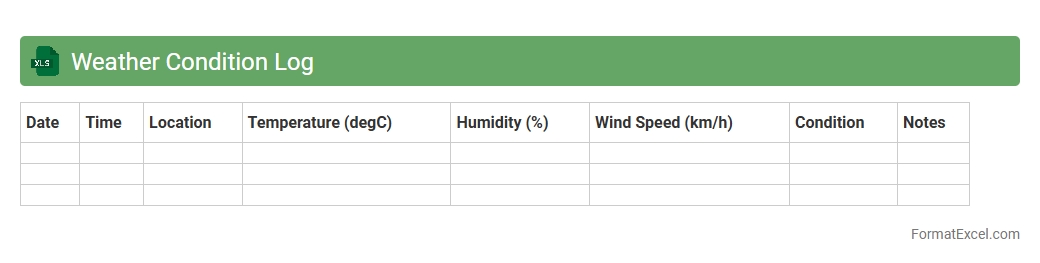
Weather Condition Log
A
Weather Condition Log Excel document records daily weather data such as temperature, humidity, wind speed, and precipitation. It helps analyze patterns, predict future weather trends, and supports decision-making in agriculture, construction, and outdoor event planning. This organized data enables efficient tracking and comparison of historical weather conditions for better operational planning.
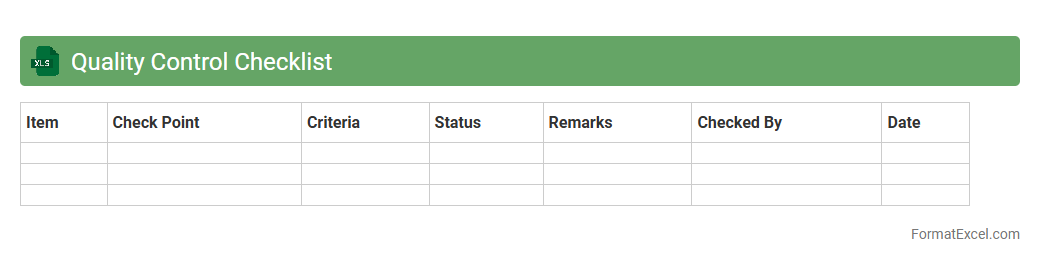
Quality Control Checklist
A
Quality Control Checklist Excel document is a structured spreadsheet that helps systematically track and verify product or service standards against predefined criteria. It allows teams to ensure compliance, identify defects, and maintain consistent quality by recording inspection results and corrective actions. This tool enhances efficiency, reduces errors, and supports continuous improvement in quality management processes.
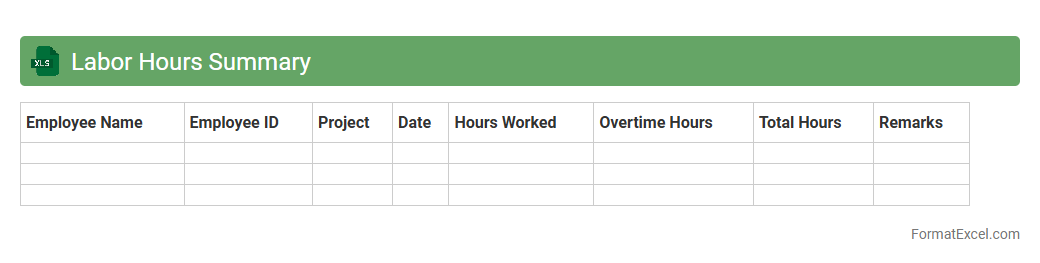
Labor Hours Summary
A
Labor Hours Summary Excel document consolidates employee work hours, providing a clear overview of total hours worked across specific periods. It enables efficient tracking of labor costs, ensuring accurate payroll calculations and project budgeting. This tool enhances workforce management by identifying overtime patterns and optimizing resource allocation.
Resource Allocation Report
A
Resource Allocation Report Excel document systematically tracks and displays how resources such as personnel, equipment, and budget are distributed across various projects or departments. It helps managers identify resource utilization rates, avoid overallocation, and ensure that critical tasks receive adequate support. By providing clear visibility into resource commitments, the report enables better planning, increased efficiency, and informed decision-making for project success.
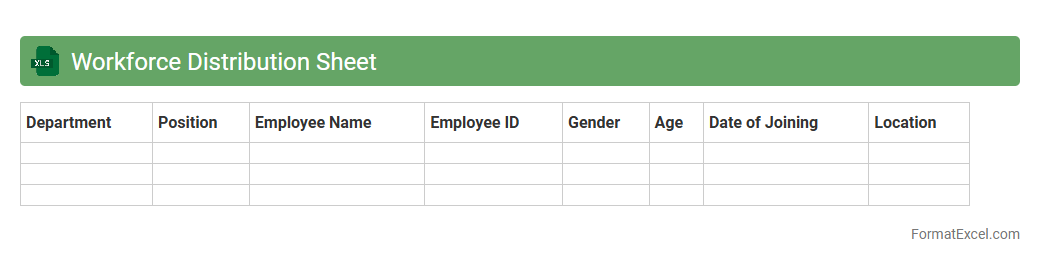
Workforce Distribution Sheet
A
Workforce Distribution Sheet in Excel is a detailed document that organizes and displays the allocation of employees across various departments, projects, or shifts within an organization. It helps managers analyze workforce capacity, identify skill gaps, and optimize resource planning to enhance productivity. Utilizing this sheet ensures efficient labor management, better project scheduling, and informed decision-making based on clear visual data representation.
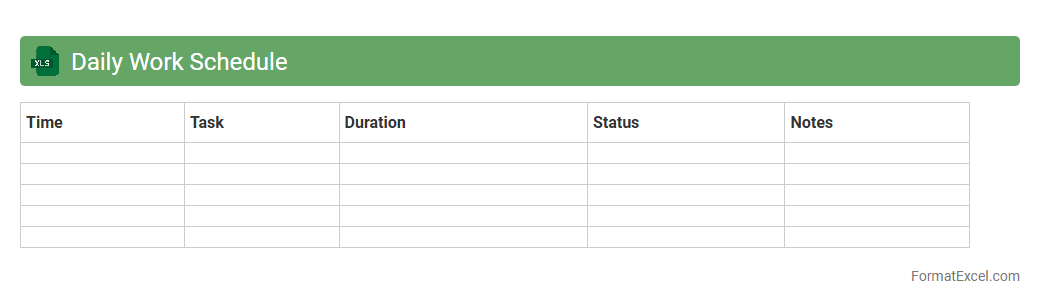
Daily Work Schedule
A
Daily Work Schedule Excel document is a structured spreadsheet designed to organize and track daily tasks, appointments, and deadlines effectively. It enhances productivity by providing a clear overview of work priorities and time allocation, enabling efficient time management and reducing the risk of overlooking important activities. This tool is particularly useful for professionals and teams seeking to streamline workflows and improve task accountability.
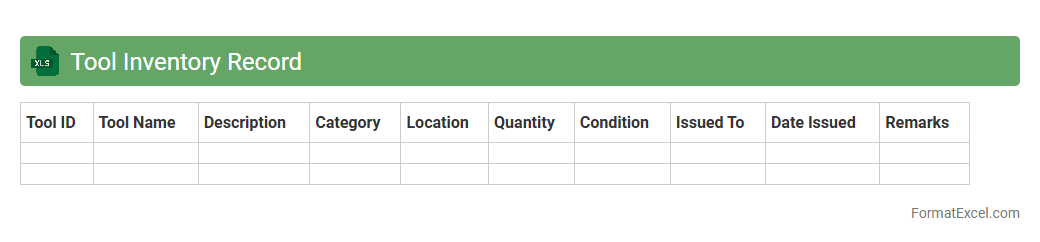
Tool Inventory Record
A
Tool Inventory Record Excel document serves as a centralized database that tracks the details and status of tools within an organization. It enables efficient management by recording tool descriptions, quantities, locations, maintenance schedules, and usage history. This organized record helps reduce losses, streamline tool allocation, and ensure timely maintenance to improve operational productivity.
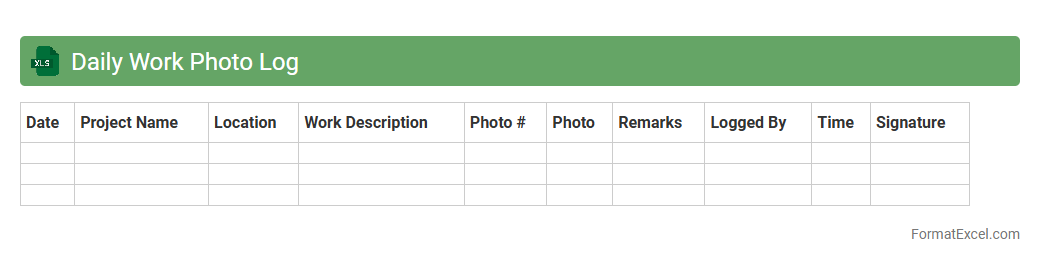
Daily Work Photo Log
A
Daily Work Photo Log Excel document is a structured file used to systematically record and organize photos related to daily work activities, projects, or site progress. It enhances documentation by providing date-stamped visual evidence alongside descriptions, which is crucial for project tracking, quality control, and communication with stakeholders. This tool streamlines reporting processes, improves accountability, and serves as a valuable reference for future audits or project evaluations.
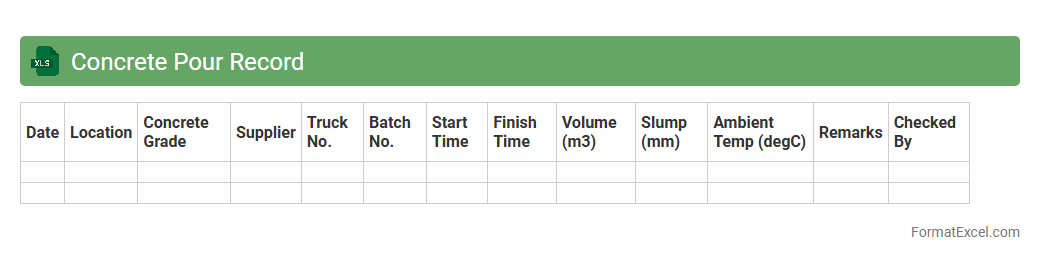
Concrete Pour Record
A
Concrete Pour Record Excel document is a detailed log that tracks all essential data related to concrete pouring activities, including pour dates, mix specifications, volume, weather conditions, and personnel involved. This document ensures accurate documentation and quality control by providing a centralized, easily accessible record for project managers and construction teams. Utilizing this record helps optimize project timelines, verify compliance with engineering standards, and streamline reporting processes.
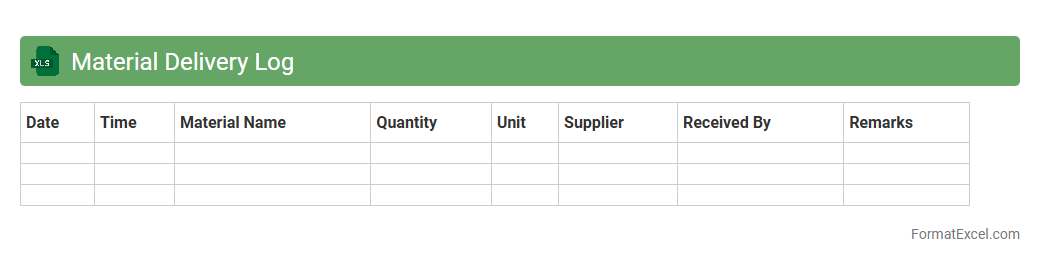
Material Delivery Log
A
Material Delivery Log Excel document is a structured spreadsheet used to track the receipt and distribution of materials on construction sites or in manufacturing processes. It records essential data such as delivery dates, supplier information, quantities received, and material specifications, ensuring accurate inventory management. This log enhances operational efficiency by providing real-time updates, reducing material shortages, and facilitating accountability in project workflows.
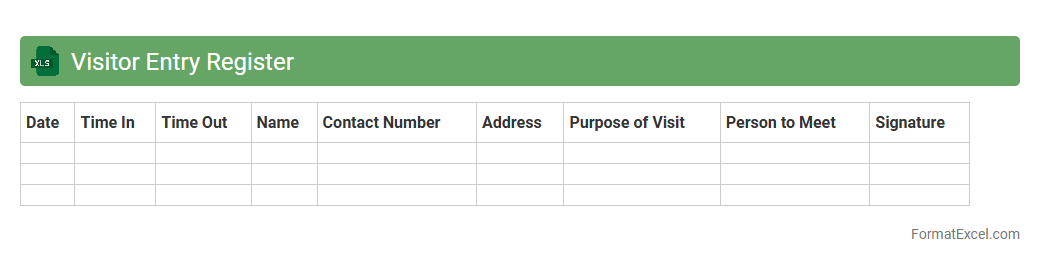
Visitor Entry Register
A
Visitor Entry Register Excel document is a digital log designed to systematically record details of visitors such as their names, contact information, purpose of visit, and entry and exit times. This organized data collection enhances security by maintaining accurate records and facilitates efficient visitor management in offices, schools, and other facilities. It also allows for easy data retrieval, analysis, and reporting, improving overall operational transparency and accountability.
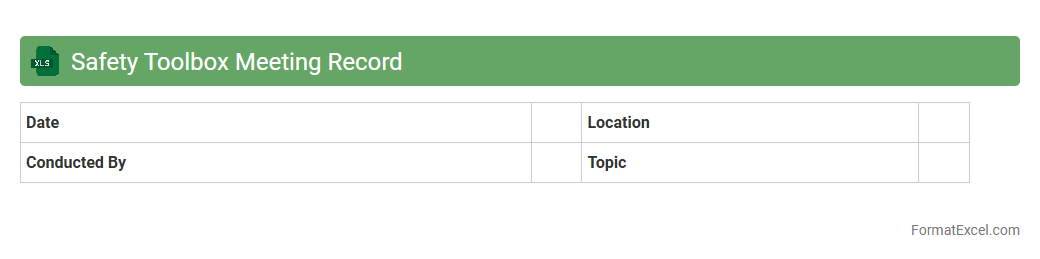
Safety Toolbox Meeting Record
The
Safety Toolbox Meeting Record Excel document is a structured tool for documenting and tracking safety discussions and training sessions on job sites or within organizations. It allows users to log dates, topics, attendees, and key action items, ensuring comprehensive record-keeping and facilitating compliance with workplace safety regulations. This document enhances communication, promotes accountability, and helps in identifying recurring safety issues to improve overall risk management.
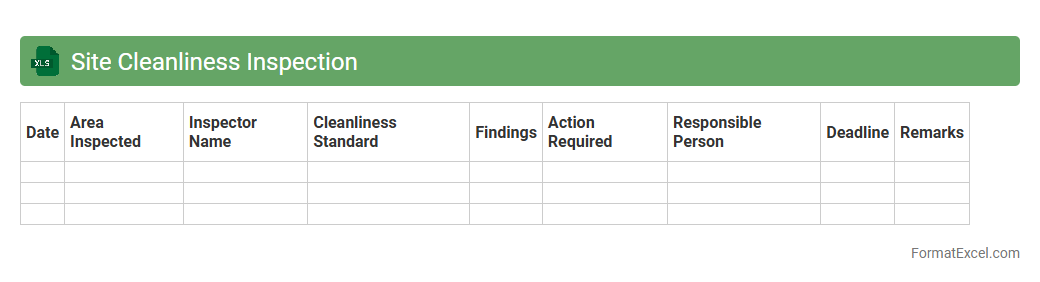
Site Cleanliness Inspection
The
Site Cleanliness Inspection Excel document is a structured tool designed to systematically record and evaluate the cleanliness status of a work or construction site. It enables efficient tracking of hygiene standards, identifies potential contamination risks, and ensures compliance with safety regulations. Utilizing this document helps maintain a safe working environment and supports timely corrective actions to uphold site cleanliness and operational efficiency.
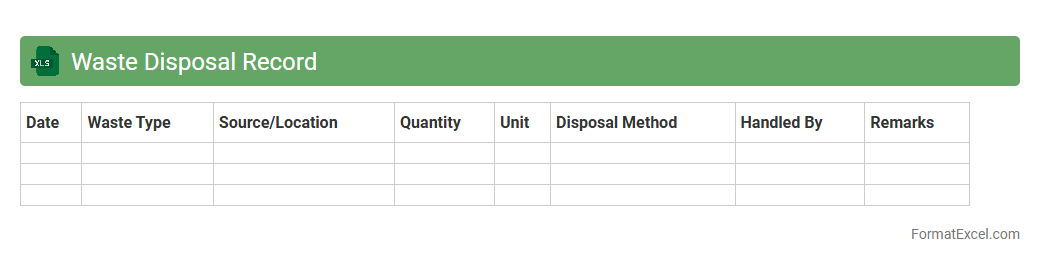
Waste Disposal Record
A
Waste Disposal Record Excel document is a structured digital file used to log and track the generation, handling, and disposal of various types of waste within an organization. This document helps ensure compliance with environmental regulations by maintaining accurate records of waste quantities, disposal methods, and dates. It enables businesses to monitor waste management efficiency, identify areas for reducing waste production, and support sustainability initiatives.
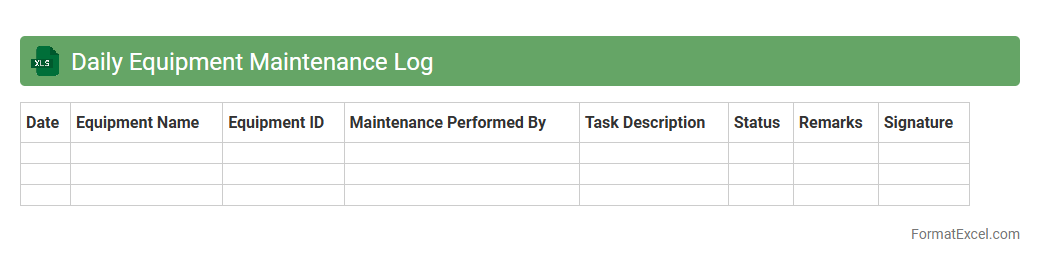
Daily Equipment Maintenance Log
A Daily Equipment Maintenance Log Excel document is a structured spreadsheet designed to record and track routine inspections, repairs, and servicing of machinery or equipment. It enhances operational efficiency by providing a centralized, easily accessible record of maintenance activities, preventing equipment failure and reducing downtime. Using this log helps organizations maintain compliance with safety regulations and extend the lifespan of critical assets through proactive upkeep.
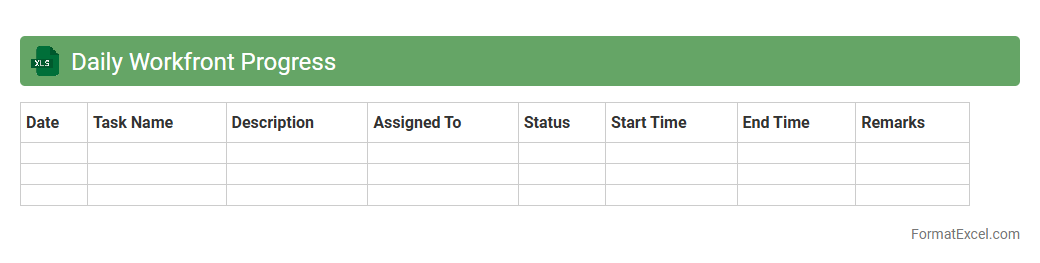
Daily Workfront Progress
The
Daily Workfront Progress Excel document is a detailed tracking tool designed to monitor project tasks, deadlines, and team performance on a daily basis. It provides real-time insights into work status, helping project managers identify bottlenecks and allocate resources efficiently. Using this document improves accountability, enhances communication, and ensures timely project delivery.
Introduction to Daily Progress Reports
A Daily Progress Report is a document used to track project activities and accomplishments on a daily basis. It helps teams monitor ongoing tasks and ensures transparency in workflow. These reports provide a clear overview of project status every day.
Importance of Daily Progress Reports
Daily progress reports are essential for maintaining accountability and identifying issues early in a project. They improve communication among team members and stakeholders. Consistent reporting helps ensure that projects stay on schedule and within budget.
Key Components of a Daily Progress Report
Effective reports include date, task descriptions, work completed, challenges, and next steps. Including a status update section allows for clear tracking of progress. Proper components make the report comprehensive and actionable.
Benefits of Using Excel for Daily Reporting
Excel offers flexibility, ease of use, and powerful data management tools for progress tracking. It allows users to create customized reports with formulas and charts. This makes Excel a versatile tool for daily progress documentation.
Essential Columns for Daily Progress Report Format
Common columns include Date, Task Name, Assigned To, Progress %, Issues, and Remarks. Including a column for completion status helps provide clarity on task progress. Properly chosen columns ensure detailed and organized reporting.
Step-by-Step Guide to Creating a Report in Excel
Start by opening a new worksheet and setting headers for essential columns. Input daily data and use conditional formatting to highlight key information. Regular updates and formulas can automate progress tracking efficiently.
Sample Daily Progress Report Excel Template
A template typically includes predefined columns and rows with sample data entries. It serves as a helpful starting point for organizations new to reporting. The use of a template can save time and standardize reporting efforts.
Customizing the Excel Format for Your Needs
Adjust columns, formatting, and formulas to suit specific project requirements and team preferences. Adding filters and drop-down lists can enhance usability. Customization ensures the report aligns with your unique project goals.
Tips for Effective Daily Progress Tracking
Update reports promptly and keep information concise yet detailed. Use visual aids like charts to summarize data effectively. Clear and regular updates enhance the accuracy and utility of the progress tracking.
Common Mistakes to Avoid in Excel Reporting
Avoid cluttered layouts, inconsistent data entry, and neglecting backups. Overcomplicating formulas can lead to errors and confusion. Simple, consistent reporting practices ensure reliable and error-free daily progress reports.