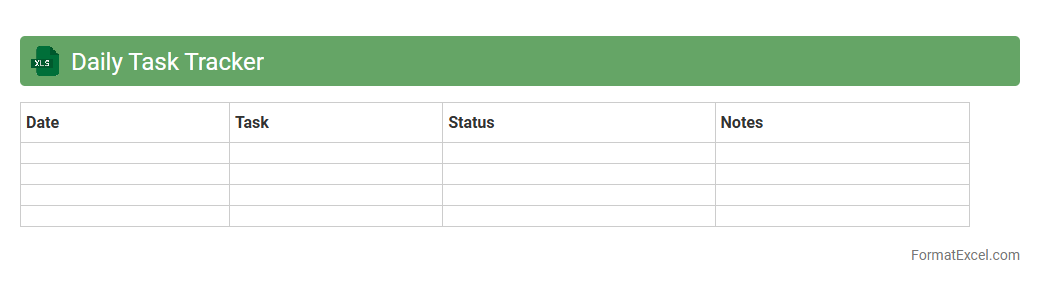
Daily Task Tracker
A
Daily Task Tracker Excel document is a tool designed to organize, monitor, and prioritize daily activities efficiently. It helps users maintain focus by providing clear visibility of pending tasks, deadlines, and progress status, improving productivity and time management. By using this tracker, individuals or teams can reduce missed deadlines and enhance accountability in daily workflows.
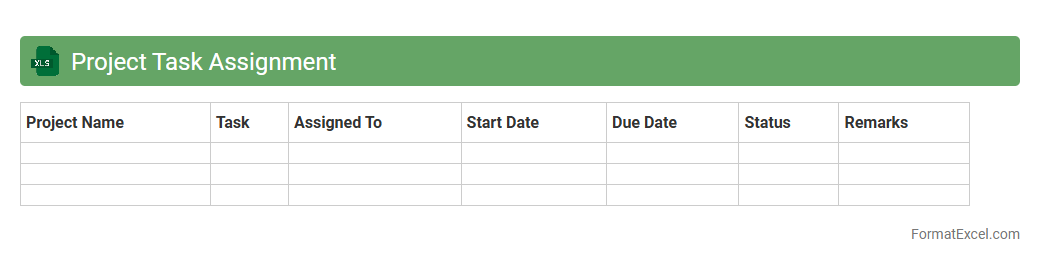
Project Task Assignment
A
Project Task Assignment Excel document is a structured spreadsheet used to allocate tasks, assign team members, set deadlines, and track progress within a project. It enhances project management by providing clear visibility on responsibilities, deadlines, and task status, ensuring efficient workflow and accountability. This tool is especially useful for maintaining organization, improving communication, and optimizing resource allocation across teams.
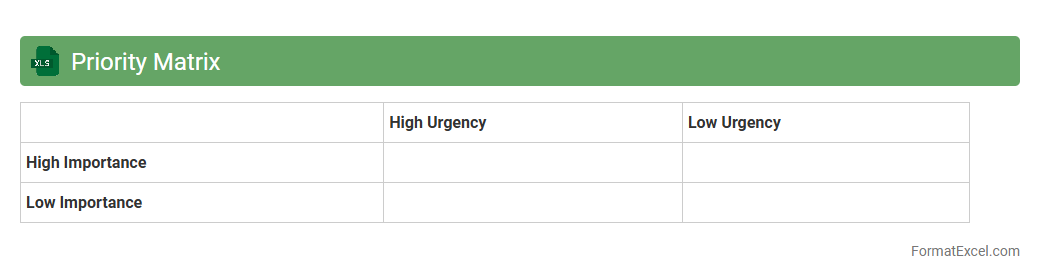
Priority Matrix
Priority Matrix Excel document is a powerful
project management tool designed to help users categorize and prioritize tasks based on urgency and importance. It enables better time management, enhances productivity, and ensures critical tasks receive the attention they need. By visually organizing tasks in a matrix format, it simplifies decision-making and resource allocation for individuals and teams.
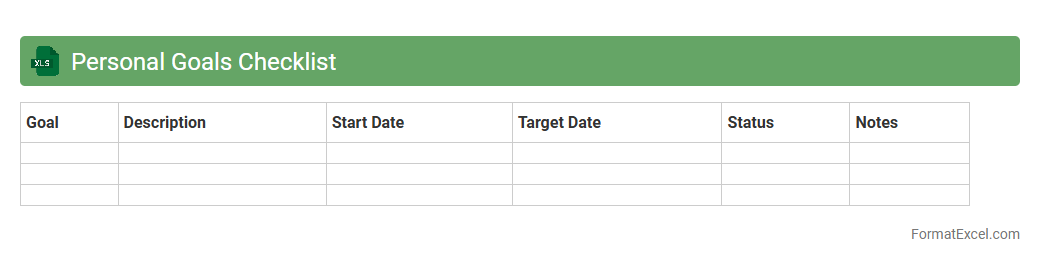
Personal Goals Checklist
The
Personal Goals Checklist Excel document is a structured tool designed to help individuals organize, track, and prioritize their personal objectives effectively. It enables users to break down goals into actionable tasks, set deadlines, and monitor progress in a clear, visual format. This Excel checklist enhances motivation and accountability by providing a comprehensive overview of achievements and areas needing attention.
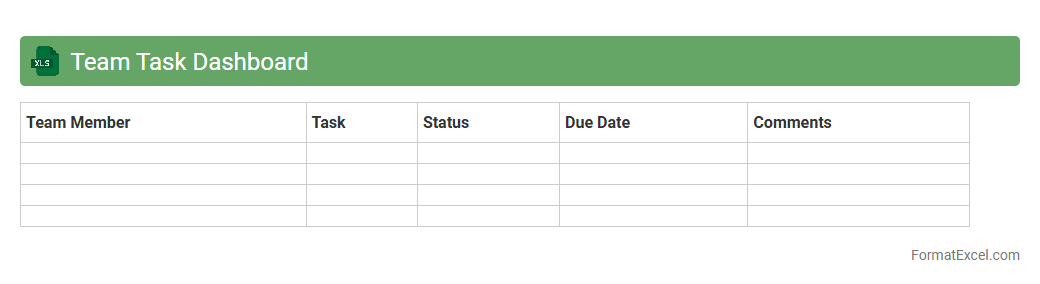
Team Task Dashboard
The
Team Task Dashboard Excel document is a dynamic tool designed to track, manage, and visualize team tasks efficiently, enhancing productivity and accountability. It consolidates task statuses, deadlines, and assignments in one centralized platform, providing clear insights into project progress and resource allocation. This dashboard streamlines communication and decision-making by offering real-time updates and customizable views suited for team leaders and members.
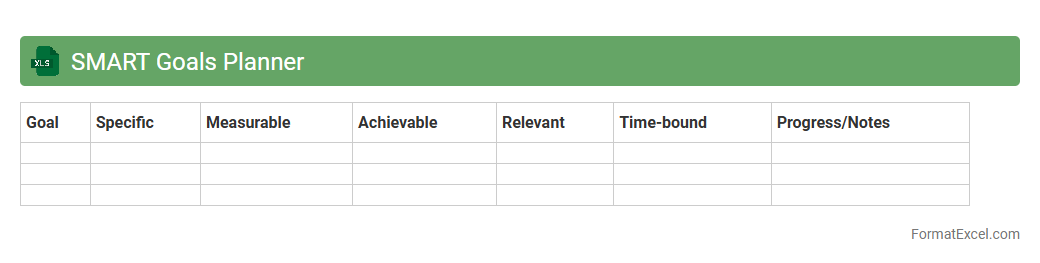
SMART Goals Planner
The
SMART Goals Planner Excel document is a productivity tool designed to help users set Specific, Measurable, Achievable, Relevant, and Time-bound goals. This planner organizes objectives clearly, tracks progress efficiently, and enhances accountability by providing a visual framework for goal management. Using this Excel document increases focus, improves time management, and boosts the likelihood of achieving personal or professional targets.
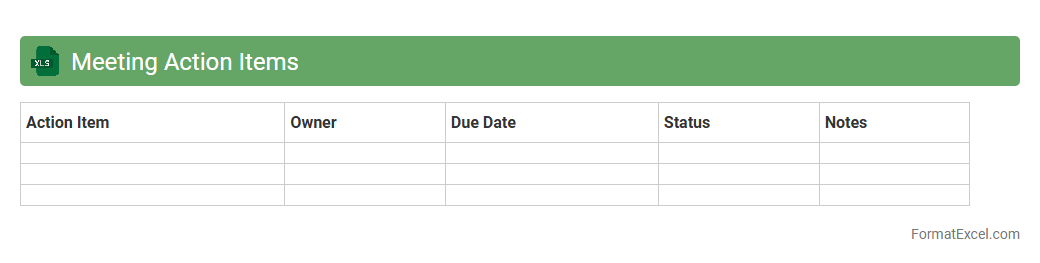
Meeting Action Items
A
Meeting Action Items Excel document systematically tracks tasks assigned during meetings, including responsible persons, deadlines, and status updates. It enhances accountability and ensures follow-through by providing a clear, organized overview of action points. This tool improves team productivity and communication by making task management transparent and easy to monitor.
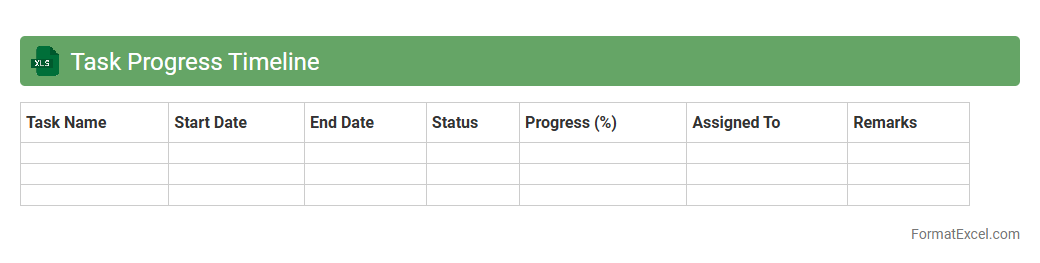
Task Progress Timeline
A
Task Progress Timeline Excel document is a structured tool designed to visually track the status and deadlines of various tasks within a project, allowing for efficient management and monitoring. It enables teams to identify delays, allocate resources effectively, and ensure timely completion by providing clear, chronological snapshots of task progress. This document enhances productivity by improving communication and accountability among team members.
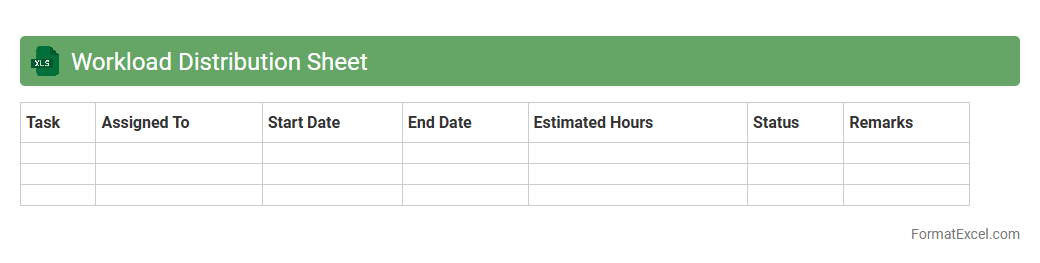
Workload Distribution Sheet
A
Workload Distribution Sheet in Excel is a tool designed to allocate tasks and responsibilities evenly among team members, ensuring balanced work pressure and efficient resource management. It helps track progress, deadlines, and task ownership, which improves accountability and team coordination. Utilizing this sheet enhances productivity by preventing task overload and identifying capacity gaps within the team.
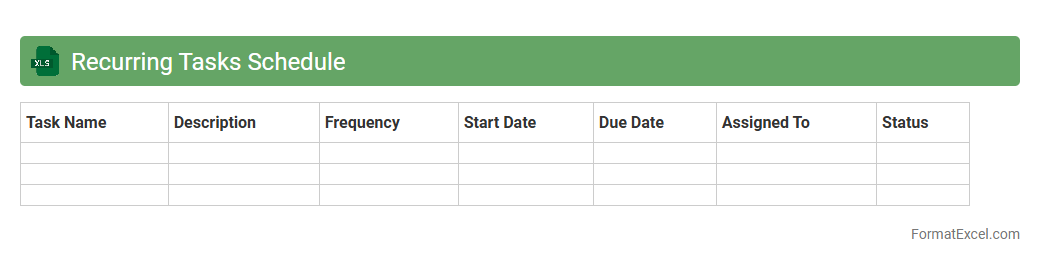
Recurring Tasks Schedule
A
Recurring Tasks Schedule Excel document is a structured spreadsheet designed to track and manage tasks that occur regularly, such as daily, weekly, or monthly activities. It helps improve productivity by providing clear timelines, deadlines, and reminders, enabling users to stay organized and ensure no tasks are overlooked. Businesses and individuals can efficiently allocate resources and monitor progress through this tool, making task management streamlined and consistent.
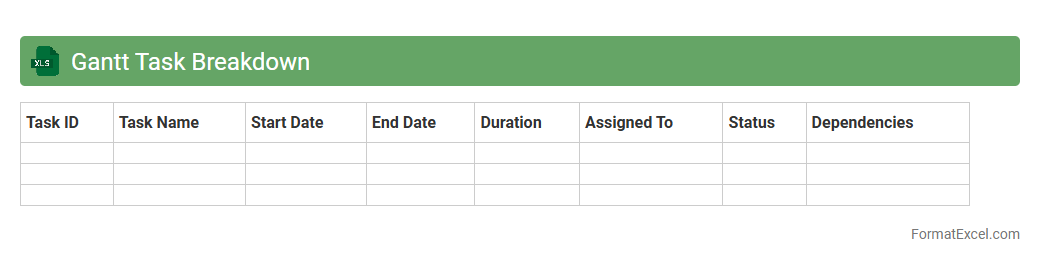
Gantt Task Breakdown
A
Gantt Task Breakdown Excel document organizes project activities into a detailed timeline, visually representing each task's start and end dates, duration, and dependencies. It helps teams monitor progress, allocate resources efficiently, and identify potential bottlenecks by breaking down complex projects into manageable sections. This tool enhances project planning accuracy, ensuring deadlines are met and facilitating better communication among stakeholders.
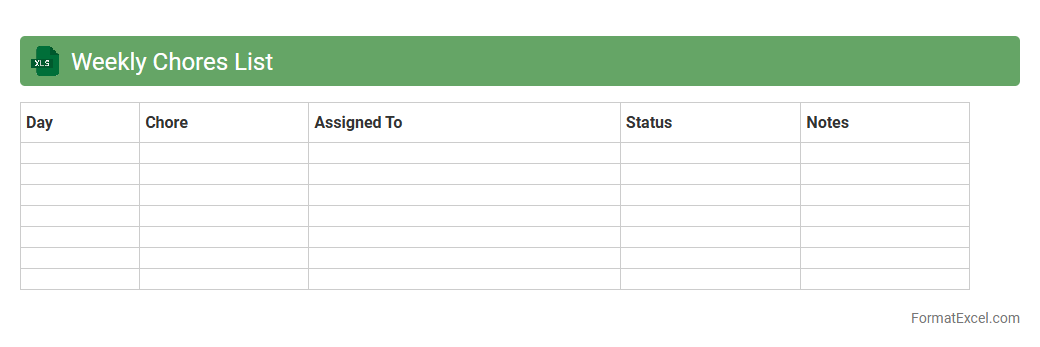
Weekly Chores List
A
Weekly Chores List Excel document is a structured spreadsheet designed to organize and track household tasks efficiently. It allows users to assign specific chores to days of the week, set priorities, and monitor completion status, improving time management and accountability. Utilizing this tool enhances productivity by ensuring consistent maintenance of cleanliness and order in the living environment.
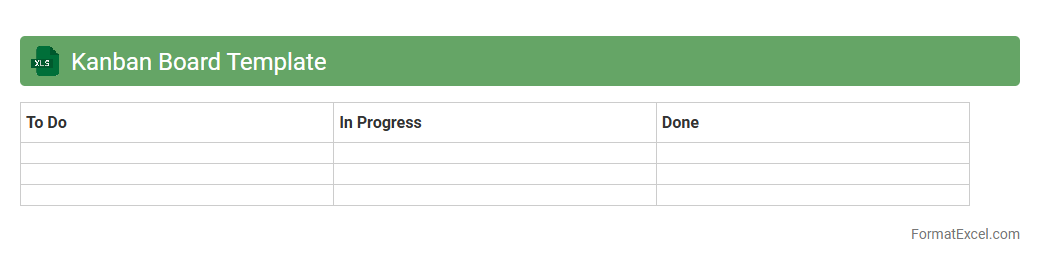
Kanban Board Template
A
Kanban Board Template Excel document is a visual project management tool that organizes tasks into columns representing different stages of a workflow, such as To Do, In Progress, and Done. It helps teams and individuals track project progress, allocate resources efficiently, and identify bottlenecks in real-time. Using this template in Excel streamlines task management by enabling easy customization, data sorting, and collaboration within a familiar spreadsheet environment.
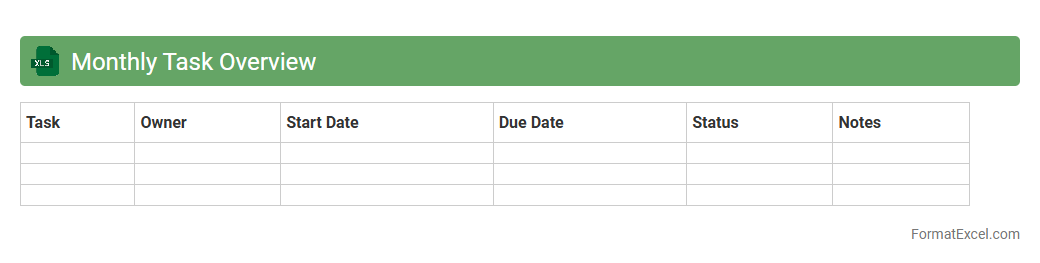
Monthly Task Overview
The
Monthly Task Overview Excel document organizes and tracks all scheduled activities within a month, providing clear visibility into deadlines and priorities. It helps teams monitor progress, allocate resources effectively, and identify potential bottlenecks early. This tool enhances productivity by ensuring tasks are completed on time and aligned with overall project goals.
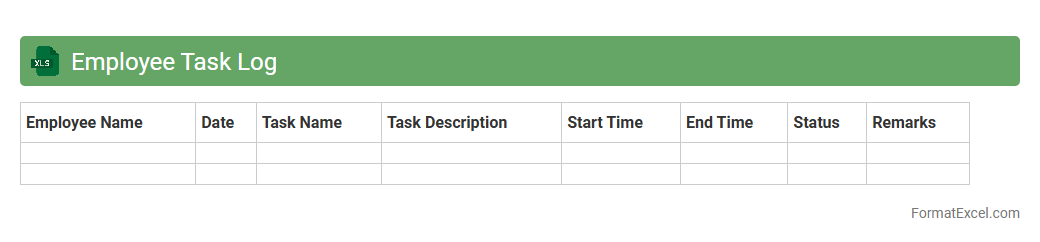
Employee Task Log
The
Employee Task Log Excel document is a structured tool used to record and monitor daily tasks, project progress, and time allocation for employees. It enables managers to track productivity, identify bottlenecks, and ensure accountability within teams. Utilizing this log fosters better resource management and supports data-driven decision-making in workforce planning.
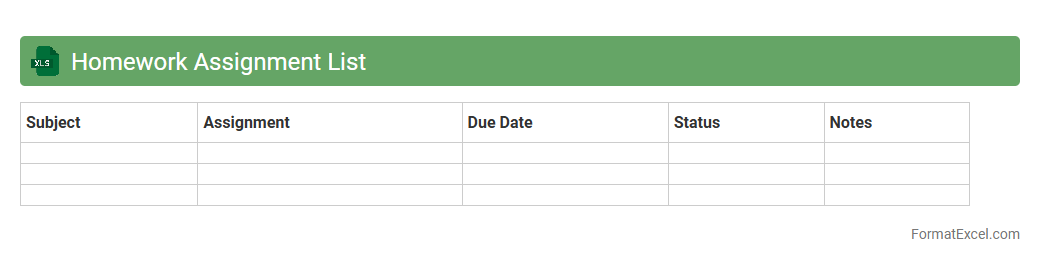
Homework Assignment List
The
Homework Assignment List Excel document is a structured spreadsheet designed to organize and track homework tasks efficiently. It allows students and educators to input assignment details, due dates, and completion status, enhancing time management and academic planning. By providing a clear overview of pending tasks, this tool helps improve productivity and reduces the risk of missing deadlines.
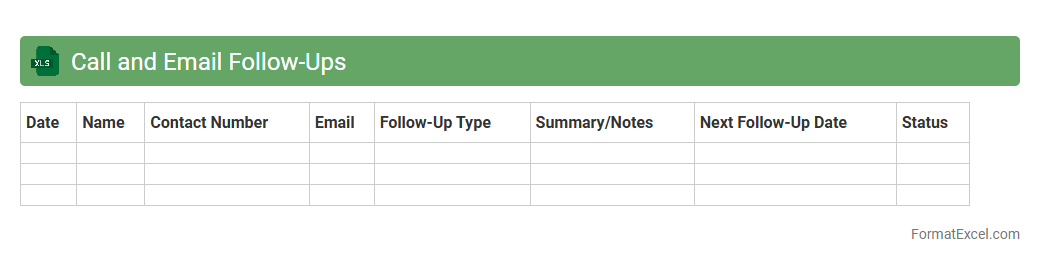
Call and Email Follow-Ups
A
Call and Email Follow-Ups Excel document is a structured tool designed to track and manage communication with clients, prospects, or team members effectively. It organizes contact details, follow-up dates, conversation notes, and status updates to ensure timely and consistent outreach. This document enhances productivity by preventing missed follow-ups and improving relationship management through systematic monitoring and prioritization of communication efforts.
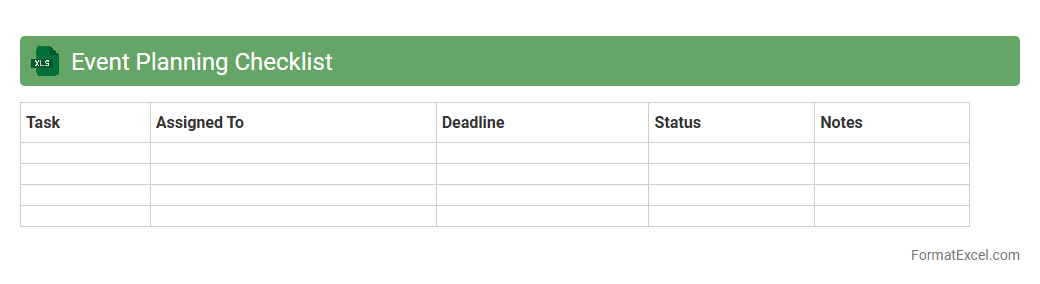
Event Planning Checklist
An
Event Planning Checklist Excel document is a structured tool designed to organize and track all tasks, timelines, and resources required for successful event execution. It helps users systematically manage logistics, budgets, vendor contacts, and deadlines in one accessible spreadsheet, ensuring nothing is overlooked. By providing clear visibility and easy updates, this checklist enhances efficiency and reduces the risk of last-minute issues during event planning.
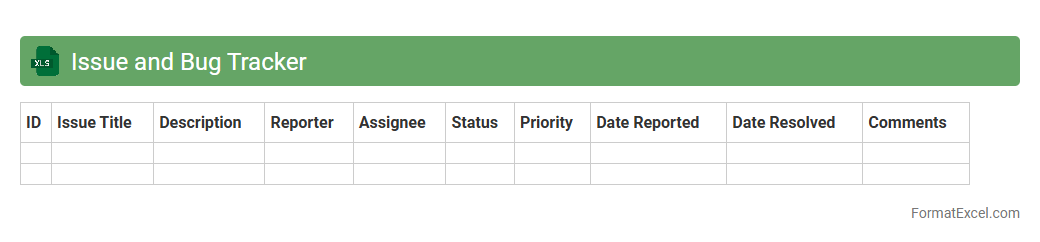
Issue and Bug Tracker
An
Issue and Bug Tracker Excel document is a structured spreadsheet designed to record, monitor, and manage software defects and issues during development. It centralizes information such as issue descriptions, statuses, priorities, assigned personnel, and resolution timelines, enabling efficient tracking and accountability. This tool enhances collaboration among team members, improves workflow transparency, and accelerates the identification and fixing of bugs, ultimately ensuring higher software quality.
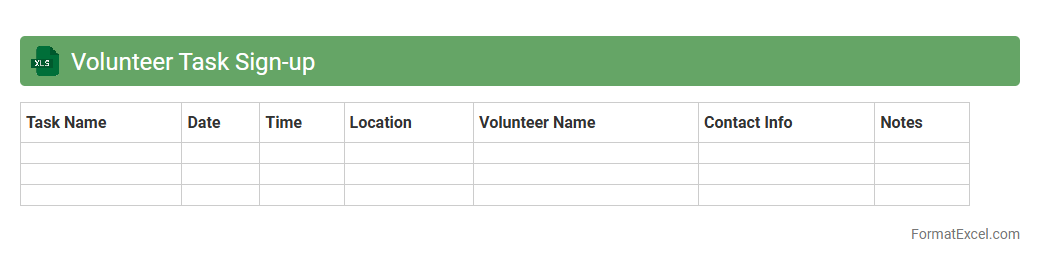
Volunteer Task Sign-up
A
Volunteer Task Sign-up Excel document is a structured spreadsheet designed to organize and track volunteer activities by listing tasks, time slots, and participants. It streamlines communication by allowing volunteers to easily select available tasks and ensures efficient resource allocation for event coordinators. This tool enhances coordination, reduces scheduling conflicts, and improves overall volunteer management effectiveness.
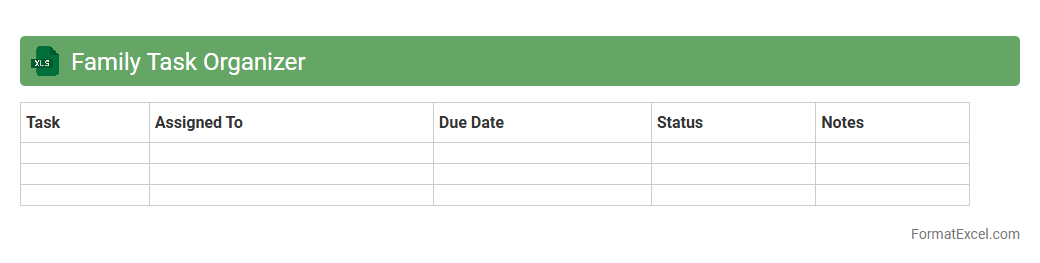
Family Task Organizer
The
Family Task Organizer Excel document is a structured tool designed to help families efficiently manage and delegate household responsibilities. By categorizing tasks, assigning deadlines, and tracking progress, it enhances communication and accountability among family members. This organized approach reduces stress, ensures timely completion of chores, and fosters a collaborative home environment.
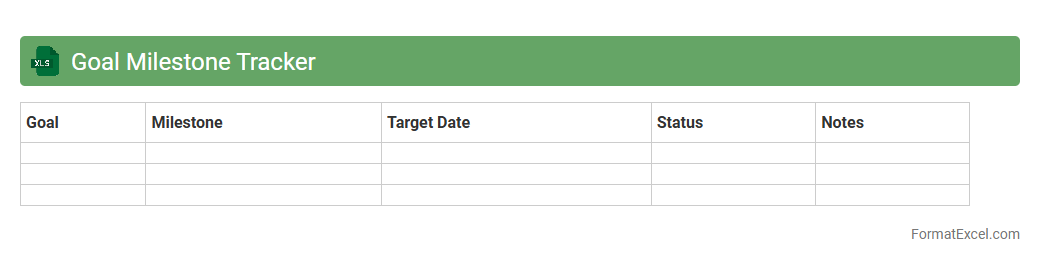
Goal Milestone Tracker
A
Goal Milestone Tracker Excel document is a structured spreadsheet designed to organize and monitor progress toward achieving specific objectives by breaking them into manageable milestones. It allows users to set deadlines, track completion status, and visualize progress through charts or color-coded indicators, enhancing accountability and motivation. By providing a clear overview of tasks and timelines, this tool improves productivity, time management, and goal attainment in both personal and professional settings.
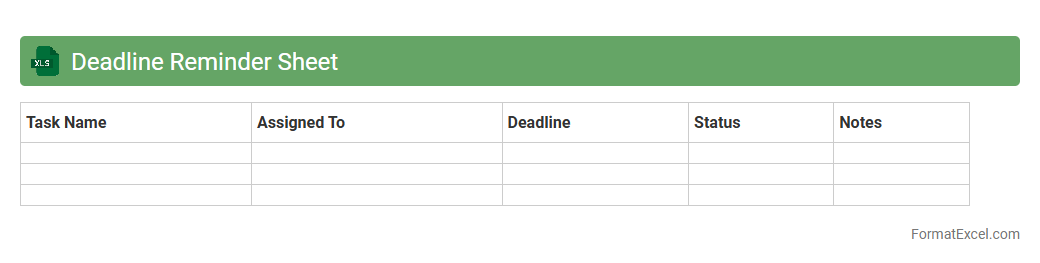
Deadline Reminder Sheet
The
Deadline Reminder Sheet Excel document is a structured tool designed to track important dates and deadlines efficiently. It helps users manage tasks by providing clear visibility of upcoming due dates, enabling timely completion and reducing the risk of missing critical activities. This organized approach improves productivity and ensures better time management in personal and professional projects.
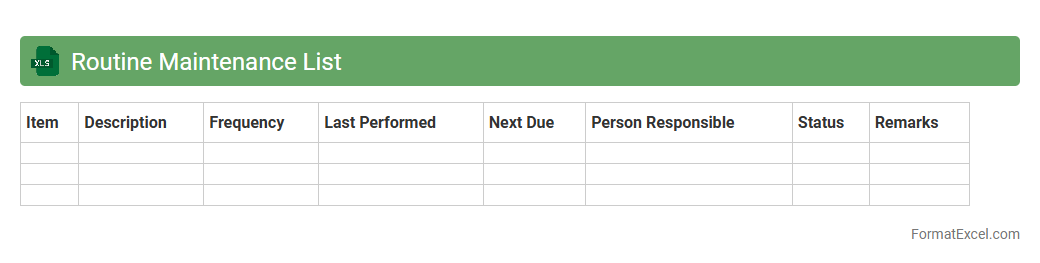
Routine Maintenance List
A
Routine Maintenance List Excel document is a structured spreadsheet that organizes and tracks regular maintenance tasks for equipment, vehicles, or facilities. It helps ensure timely inspections, repairs, and servicing by clearly outlining schedules, responsible personnel, and task statuses. This document enhances operational efficiency and prevents costly breakdowns by maintaining accurate records and facilitating proactive maintenance management.
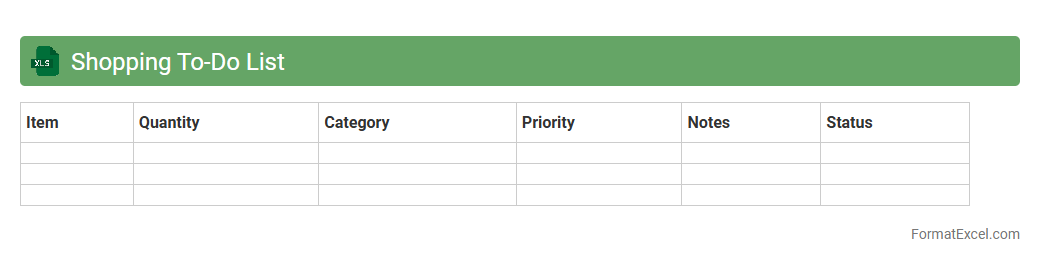
Shopping To-Do List
A
Shopping To-Do List Excel document is a customizable spreadsheet designed to organize and track shopping needs effectively. It allows users to categorize items, set quantities, and monitor purchased goods, ensuring no essentials are forgotten. This tool enhances budget management and time efficiency by streamlining the shopping process.
Introduction to To-Do Lists in Excel
A To-Do List in Excel helps organize tasks efficiently using spreadsheet capabilities. It enables users to track progress, deadlines, and priorities all in one place. Excel's flexibility makes it ideal for both personal and professional task management.
Benefits of Using Excel for Task Management
Excel provides powerful tools for sorting, filtering, and visualizing tasks, enhancing productivity. Its ease of customization allows users to tailor task lists according to specific needs. Additionally, Excel is widely accessible and easy to share with teams.
Key Features of an Effective Excel To-Do List
An effective Excel To-Do List includes clear task descriptions, deadlines, and priority levels. Use of checkboxes and progress tracking columns improves clarity and accountability. Highlighting overdue items with conditional formatting ensures timely task completion.
Step-by-Step Guide to Creating a To-Do List in Excel
Start by setting up columns such as Task Name, Due Date, Status, and Priority. Enter your tasks and apply filters to manage view and progress efficiently. Use Excel formulas and formatting tools to automate status updates and tracking.
Essential Columns for a Task List Template
Include key columns like Task Description, Deadline, Priority, Assigned To, and Status. These fields provide comprehensive information at a glance for better task management. A well-structured template boosts usability and organization.
Customizing Your To-Do List Format
Modify font styles, colors, and column widths to improve readability and focus. Adding drop-down lists for priorities or statuses standardizes input and reduces errors. Tailoring your format increases efficiency based on personal or team preferences.
Using Conditional Formatting for Task Tracking
Apply conditional formatting to highlight overdue tasks in red and completed tasks in green. This visual cue helps quickly identify urgent or completed actions. Leveraging conditional formatting increases task list clarity and urgency awareness.
Automating To-Do Lists with Excel Formulas
Use formulas like IF, TODAY, and COUNTIF to automate deadline alerts and completion rates. Automation reduces manual updating and ensures accurate task tracking. Embedding formulas streamlines task management processes significantly.
Example To-Do List Templates in Excel
Excel offers various pre-designed templates for daily, weekly, and project-based To-Do Lists. These templates provide a quick start with built-in features such as priority flags and status indicators. Utilizing a template can save time and improve task structuring.
Tips for Maintaining an Organized Task List
Regularly update tasks and review priorities to keep your list relevant and effective. Backup your Excel file to prevent data loss and enable version tracking. Consistent maintenance of your task list ensures ongoing productivity and goal achievement.