Sales Performance Summary
A
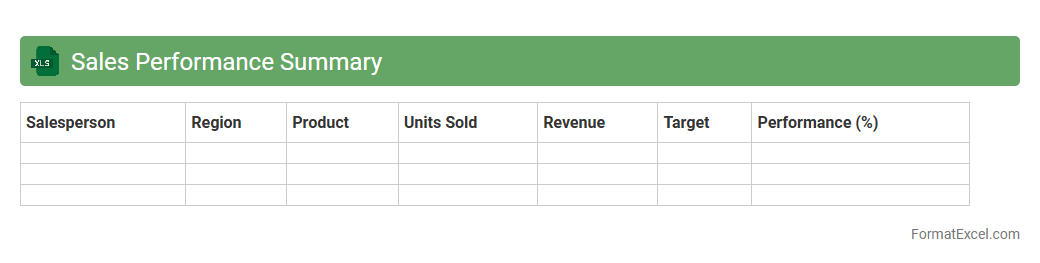
Sales Performance Summary Excel document consolidates key sales metrics such as revenue, units sold, and growth rates into a clear, visual format for easy analysis. It enables businesses to track sales trends, identify top-performing products or regions, and assess individual or team effectiveness. Using this summary supports data-driven decision-making, improving sales strategies and boosting overall revenue performance.
Financial Overview
A
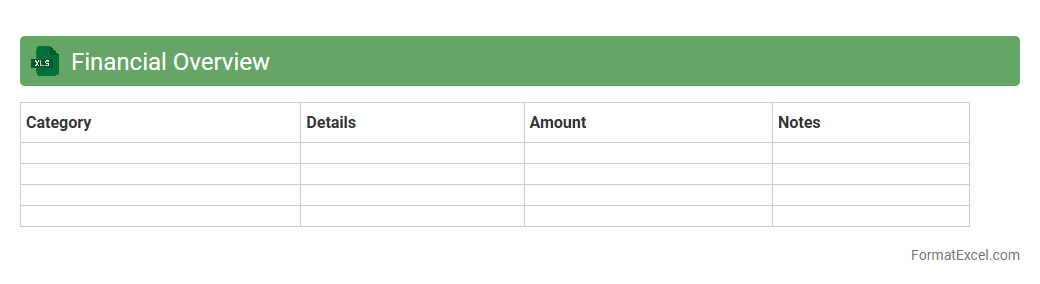
Financial Overview Excel document compiles key financial data such as income, expenses, assets, and liabilities to provide a comprehensive snapshot of an organization's fiscal health. This tool enables users to analyze trends, make informed budgeting decisions, and track performance against financial goals with ease. By consolidating complex figures into clear visualizations and summaries, it enhances accuracy and efficiency in financial planning and reporting.
Profit and Loss Summary
A
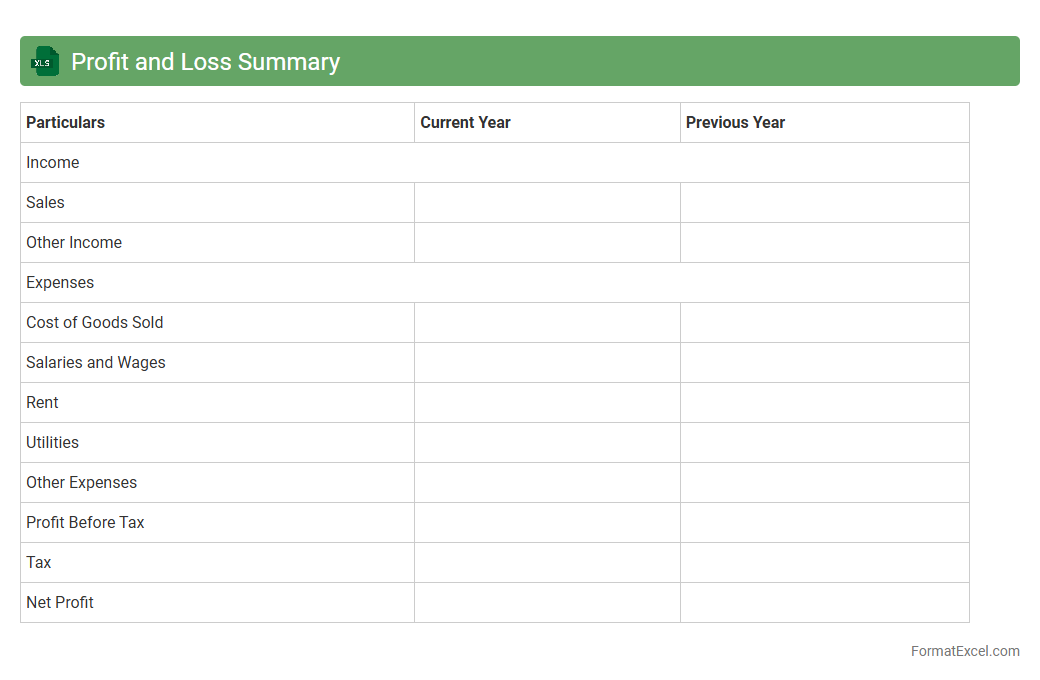
Profit and Loss Summary Excel document is a financial report that consolidates an organization's revenues, costs, and expenses over a specific period to determine net profit or loss. It is useful for businesses to track financial performance, analyze trends, and make informed decisions for budgeting and strategy development. This tool enhances financial transparency and helps identify areas for cost control and revenue growth.
Revenue Breakdown
A
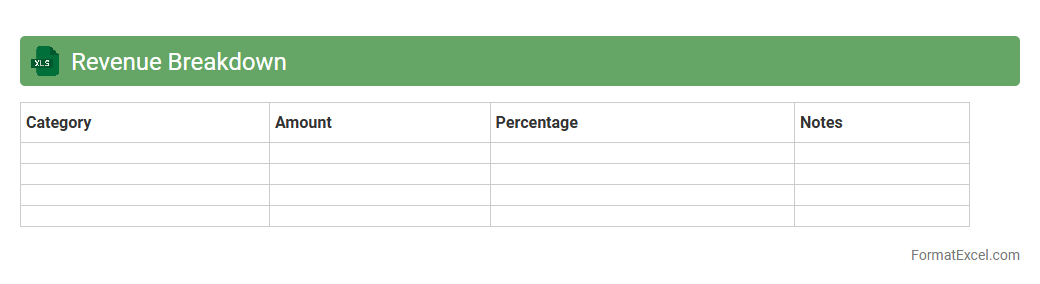
Revenue Breakdown Excel document organizes income sources by categories such as product lines, regions, or customer segments, providing a clear view of where revenue is generated. This tool enables businesses to analyze financial performance, identify trends, and make informed decisions about resource allocation and strategy. By offering detailed insights, it supports budgeting, forecasting, and optimizing revenue streams effectively.
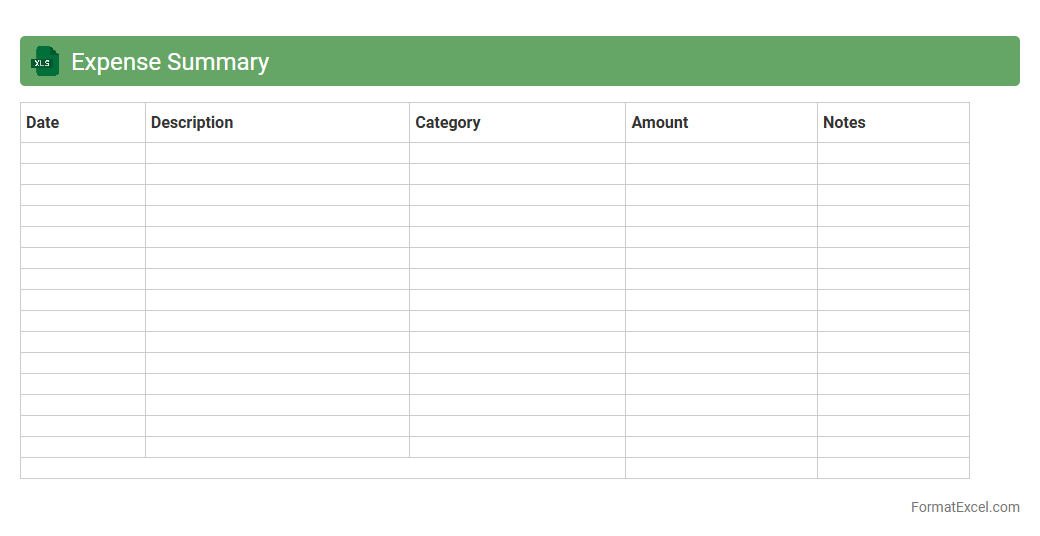
Expense Summary
An
Expense Summary Excel document is a structured spreadsheet that consolidates and categorizes financial expenditures over a specified period. It allows users to track spending patterns, identify cost-saving opportunities, and maintain accurate financial records. By providing a clear overview of expenses, it supports budgeting, financial analysis, and informed decision-making.
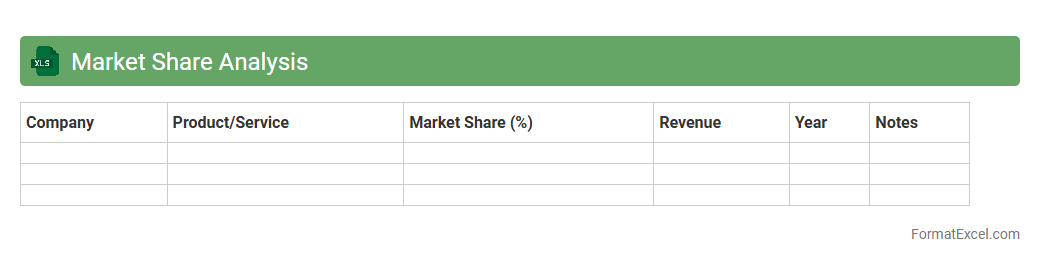
Market Share Analysis
A
Market Share Analysis Excel document systematically organizes data on competitors' sales, revenue, and customer segments to evaluate a company's position within its industry. This tool helps identify market leaders, spot growth opportunities, and assess competitive dynamics by providing clear visualizations and data comparisons. Businesses use it to strategize marketing efforts, allocate resources efficiently, and make informed decisions that drive market expansion and profitability.
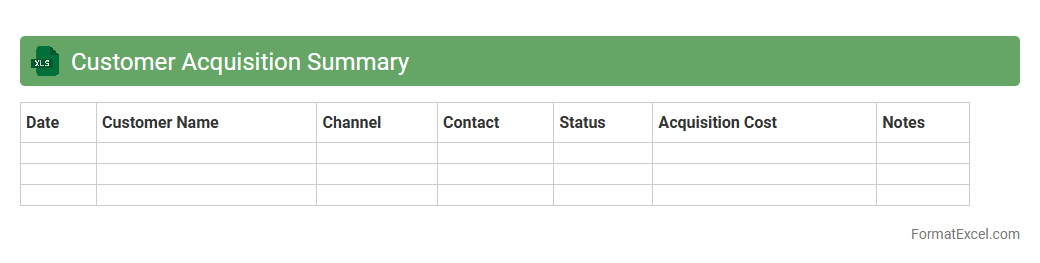
Customer Acquisition Summary
A
Customer Acquisition Summary Excel document consolidates key metrics such as lead sources, conversion rates, customer acquisition costs, and sales performance into a single, easy-to-analyze format. This tool enables businesses to track the effectiveness of marketing campaigns, identify high-performing channels, and make data-driven decisions to optimize customer acquisition strategies. Utilizing this summary enhances financial forecasting and improves targeting efforts by revealing insights into customer behavior and acquisition trends.
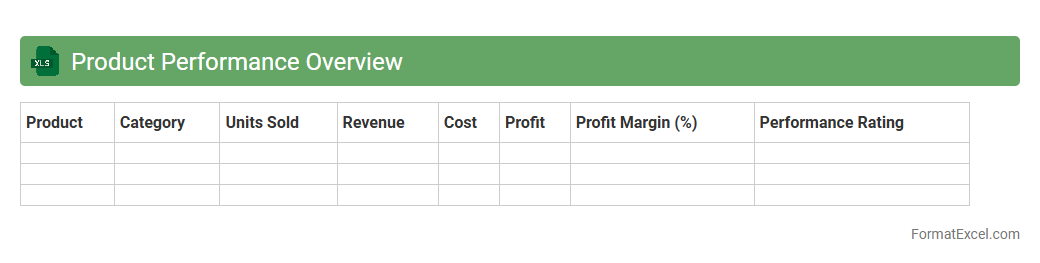
Product Performance Overview
The
Product Performance Overview Excel document provides a comprehensive summary of key product metrics such as sales volume, revenue, return rates, and customer feedback. It allows businesses to identify trends, compare product effectiveness, and make data-driven decisions to optimize inventory and marketing strategies. By consolidating vital performance indicators, this document improves operational efficiency and supports strategic planning for product management.
Segment Performance Summary
The
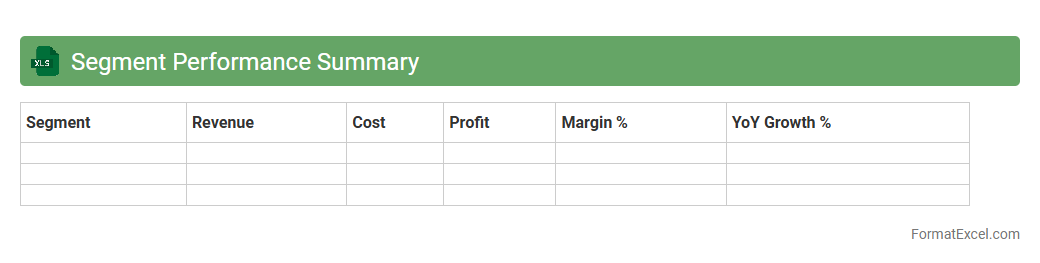
Segment Performance Summary Excel document consolidates key metrics and analytics for different business segments, enabling clear visibility into revenue, profit margins, and growth trends. It streamlines decision-making by highlighting top-performing areas and identifying segments requiring strategic adjustments. By providing a structured overview, this document enhances resource allocation and drives targeted business improvements.
Geographical Performance Summary
The
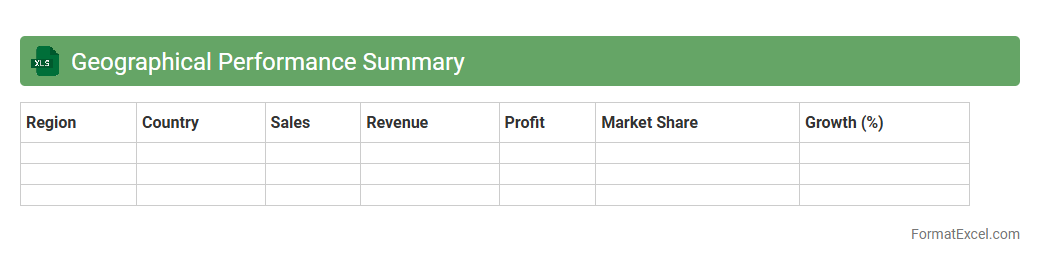
Geographical Performance Summary Excel document consolidates key metrics and data points related to business performance across different regional locations. It enables quick comparison and analysis of sales, revenue, market penetration, and operational efficiency by geography, facilitating targeted strategic planning and resource allocation. This tool is essential for identifying growth opportunities, regional challenges, and optimizing overall business performance.
Top Customers Summary
The
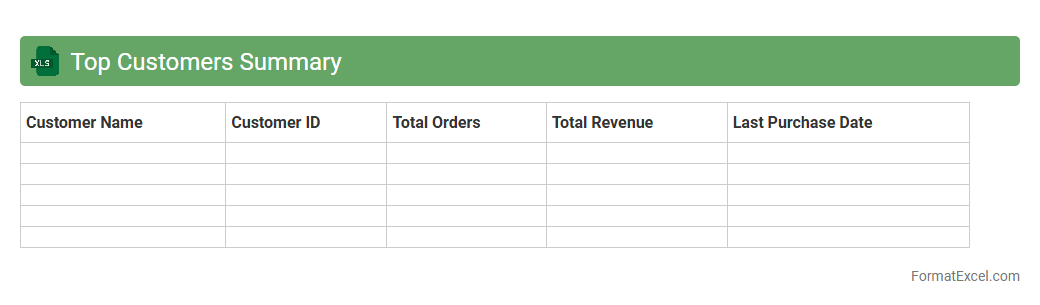
Top Customers Summary Excel document consolidates key sales data, highlighting the highest-value customers based on revenue, purchase frequency, and transaction value. This summary enables businesses to identify and prioritize their most profitable clients, facilitating targeted marketing strategies and improved customer relationship management. Analyzing this data helps optimize sales efforts, increase customer retention, and drive revenue growth.
Sales Pipeline Overview
The
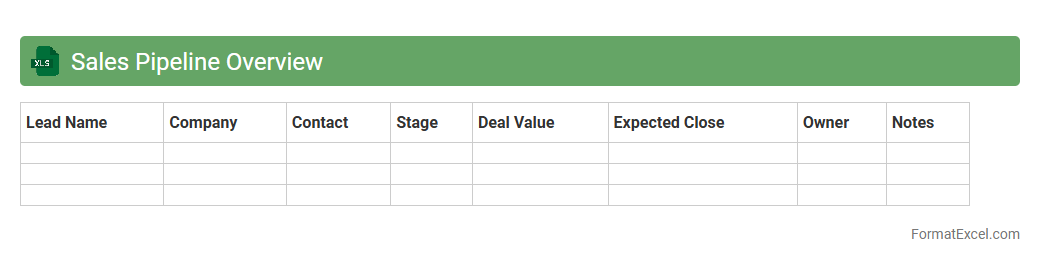
Sales Pipeline Overview Excel document is a comprehensive tool designed to track and visualize all stages of the sales process, from lead generation to deal closure. It allows sales teams to monitor progress, forecast revenue accurately, and identify bottlenecks in the pipeline. This document enhances strategic decision-making by providing clear insights into sales performance and resource allocation.
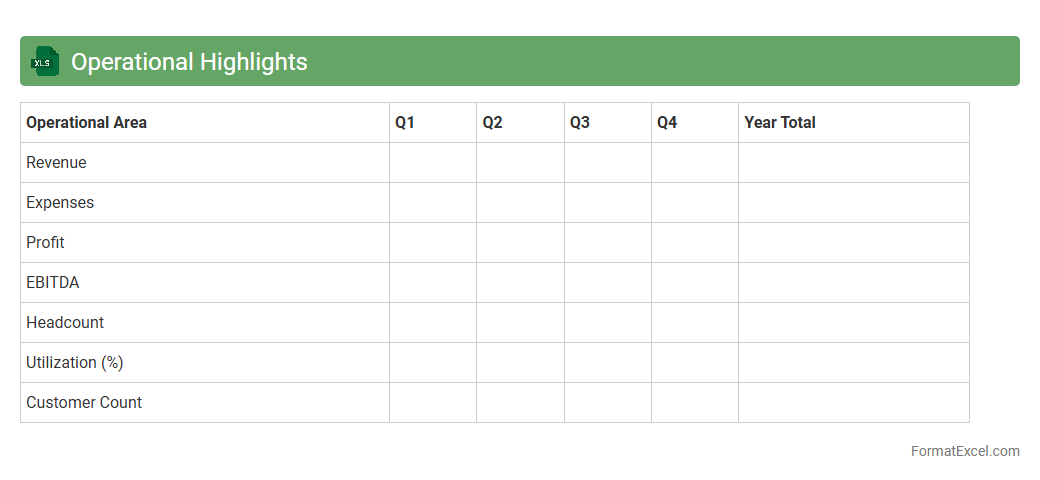
Operational Highlights
The
Operational Highlights Excel document is a comprehensive tool designed to track and analyze key performance indicators, project milestones, and daily operational metrics. It consolidates critical data into an easily accessible format, enabling teams to monitor progress, identify trends, and make informed decisions quickly. This document streamlines reporting processes and enhances transparency across departments by providing real-time insights into operational efficiency and productivity.
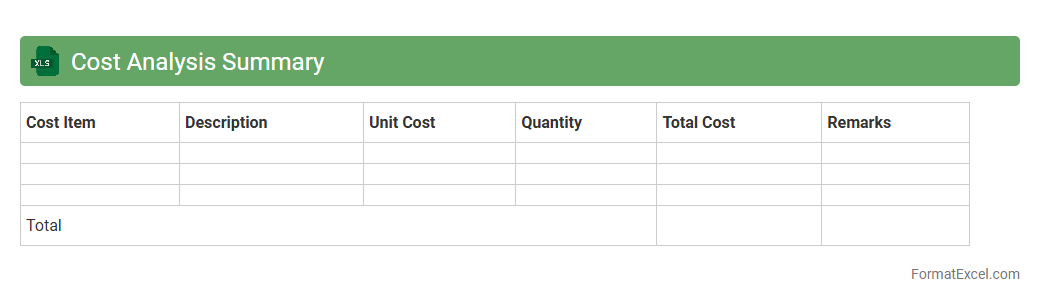
Cost Analysis Summary
A
Cost Analysis Summary Excel document consolidates and organizes detailed cost data to provide a clear overview of expenses related to projects, operations, or budgets. It helps identify cost drivers, compare actual costs against budgets, and supports informed decision-making for financial planning and resource allocation. Utilizing this document enhances transparency, improves cost control, and enables efficient tracking of financial performance over time.
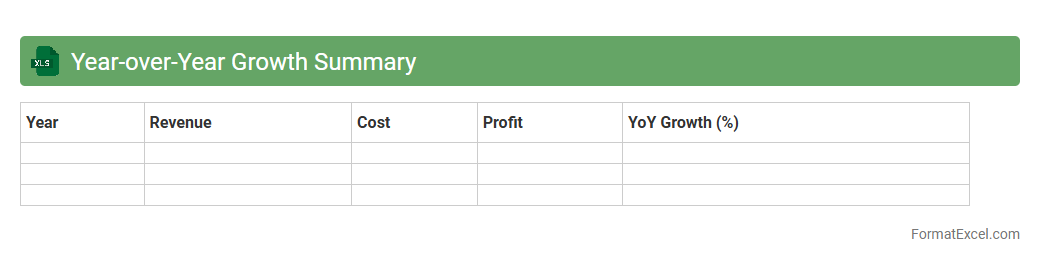
Year-over-Year Growth Summary
A
Year-over-Year Growth Summary Excel document analyzes and compares data from the same period across different years to identify trends and performance changes. It helps businesses monitor revenue, sales, and key metrics, providing actionable insights for strategic planning and forecasting. This tool enhances decision-making by highlighting growth patterns and areas requiring attention.
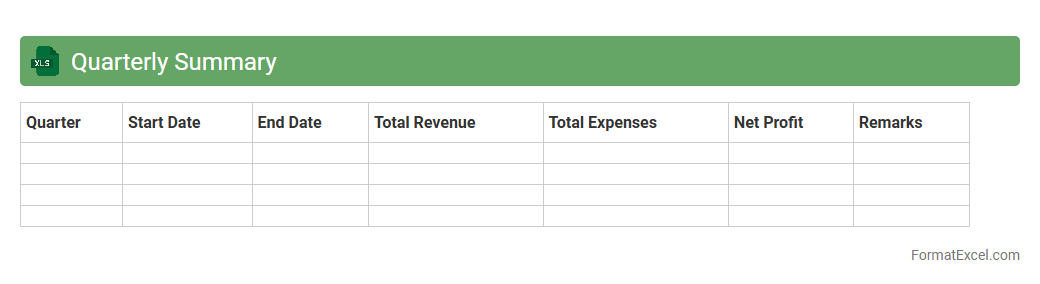
Quarterly Summary
A
Quarterly Summary Excel document is a spreadsheet designed to compile and analyze business performance data across a three-month period, facilitating financial tracking and reporting. This document is useful for identifying trends in revenue, expenses, and key performance indicators, enabling data-driven decision-making for strategic planning. It simplifies the review process for stakeholders by consolidating complex information into a clear, organized format.
Key Performance Indicators (KPIs)
A
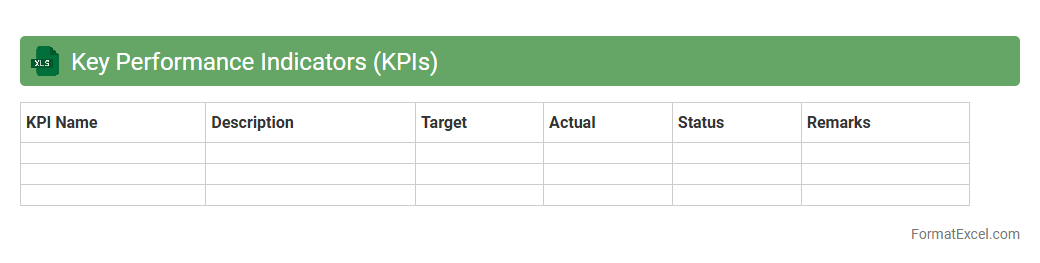
Key Performance Indicators (KPIs) Excel document is a structured spreadsheet used to track, analyze, and visualize critical business metrics that measure progress toward specific goals. It allows organizations to efficiently monitor performance data in real-time, identify trends, and make informed decisions based on quantitative insights. Utilizing KPIs in Excel enhances goal alignment, accountability, and strategic planning across teams.
Project Status Overview
The
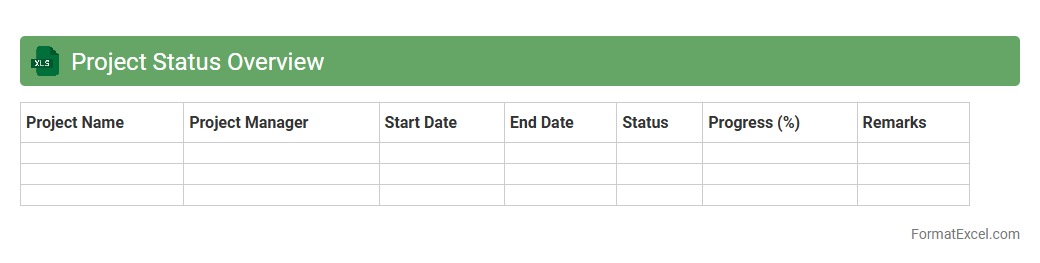
Project Status Overview Excel document is a structured tool that consolidates essential project information, including timelines, milestones, progress percentages, and risk assessments, into a single, easy-to-read format. It enables project managers and stakeholders to quickly assess current project conditions, identify potential bottlenecks, and make informed decisions to ensure timely delivery. By providing real-time visibility into project health, this overview enhances communication, accountability, and overall project control.
Departmental Summary
A
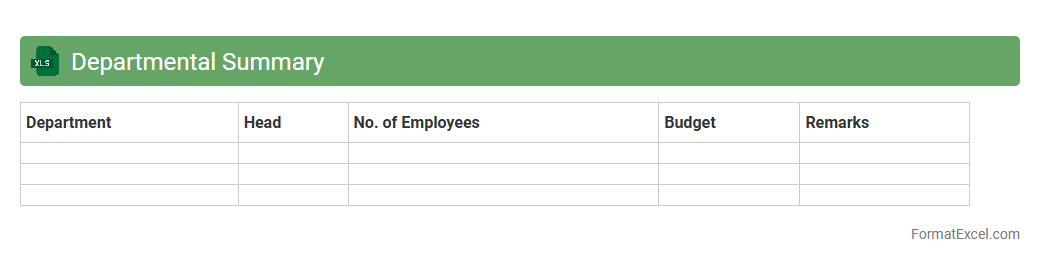
Departmental Summary Excel document consolidates data from various departments, providing a structured overview of key metrics such as budgets, expenditures, and performance indicators. This centralized summary enables quick comparison, trend analysis, and informed decision-making by highlighting department-specific contributions and resource utilization. It streamlines reporting processes and enhances transparency across organizational units.
Monthly Business Review
The
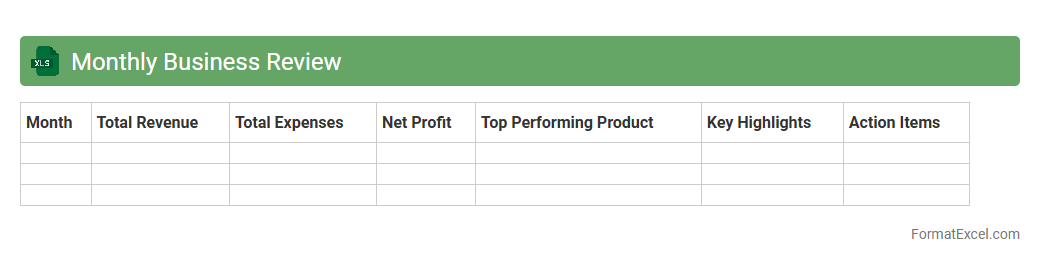
Monthly Business Review (MBR) Excel document is a structured template designed to compile and analyze key business metrics and performance indicators over a month. It enables teams to track sales, revenue, expenses, and operational KPIs systematically, facilitating data-driven decisions and strategic planning. By consolidating data in a clear and organized manner, the MBR document helps identify trends, measure progress against goals, and highlight areas for improvement.
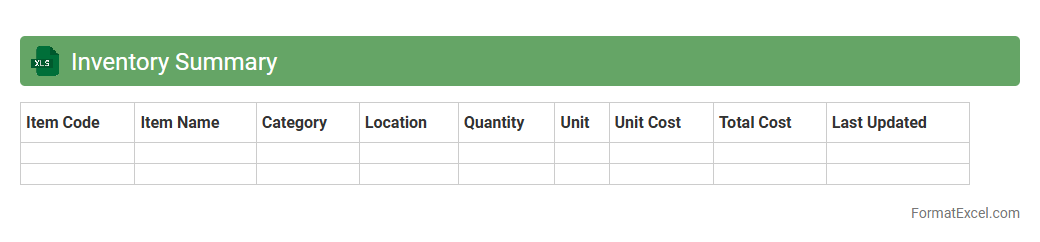
Inventory Summary
An
Inventory Summary Excel document is a comprehensive spreadsheet that consolidates data on stock levels, item descriptions, quantities, and values in one place. It enables efficient tracking and management of inventory, helping businesses identify shortages, avoid overstocking, and streamline reorder processes. By providing clear visibility into inventory status, it supports informed decision-making and enhances operational efficiency.
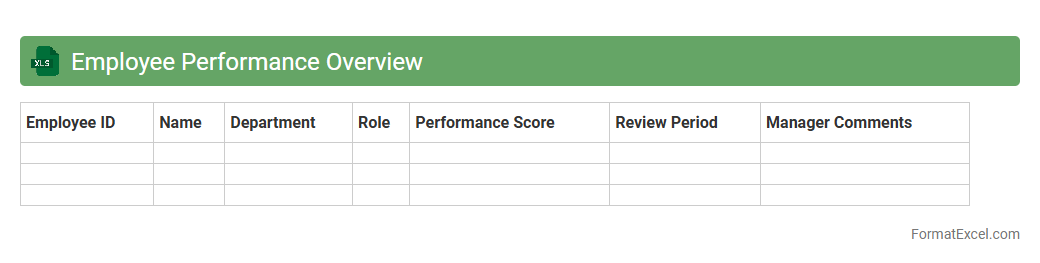
Employee Performance Overview
The
Employee Performance Overview Excel document systematically tracks and analyzes individual and team performance metrics, allowing managers to identify strengths and areas for improvement efficiently. It consolidates data such as task completion rates, attendance, and goal achievement, enabling informed decision-making to enhance productivity and employee development. This tool supports transparent performance reviews and strategic planning by providing clear, data-driven insights.
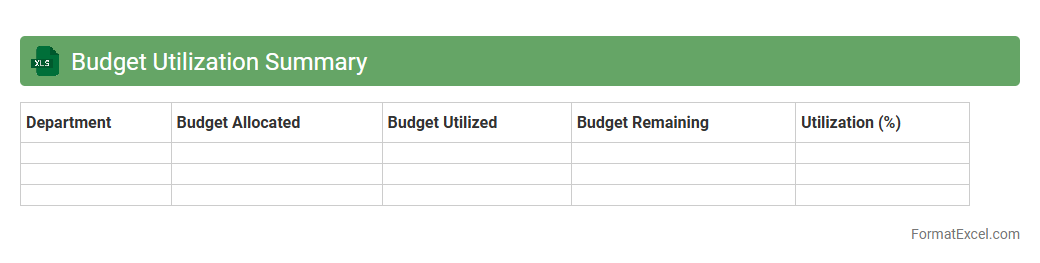
Budget Utilization Summary
A
Budget Utilization Summary Excel document provides a detailed overview of allocated funds versus actual expenditures, helping track spending efficiency. It enables organizations to monitor financial performance, identify variances, and make informed budgeting decisions. This summary ensures that resources are used effectively, preventing overspending and facilitating strategic financial planning.
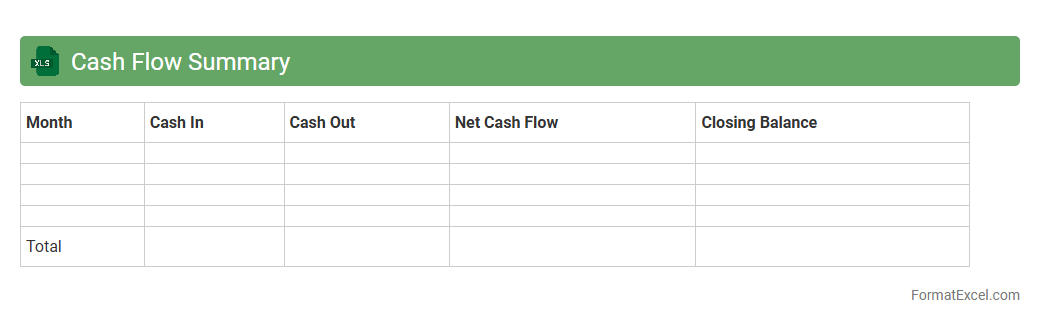
Cash Flow Summary
A
Cash Flow Summary Excel document tracks the inflows and outflows of cash within a specific period, providing a clear overview of a business's liquidity. It helps identify patterns in income and expenses, enabling effective budgeting and financial planning. This tool is essential for making informed decisions, managing cash reserves, and ensuring operational stability.
Executive Summary
An
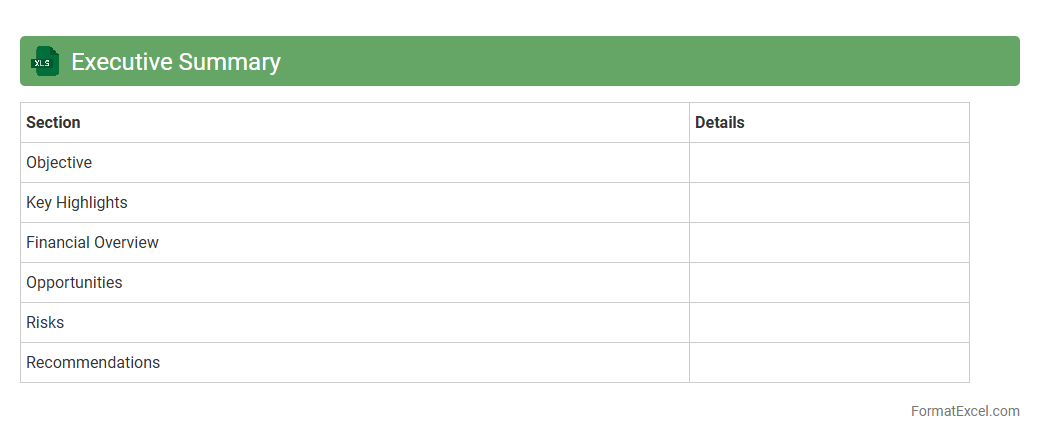
Executive Summary Excel document condenses key project data, financial metrics, and performance indicators into a clear, concise format for quick decision-making. It enables stakeholders to grasp essential insights and trends without sifting through detailed reports, improving efficiency in strategic planning. This document is invaluable for tracking progress, forecasting outcomes, and aligning team objectives with organizational goals.
Introduction to Business Summary Format in Excel
A business summary format in Excel provides a structured way to present key information about a company, project, or financial data. It simplifies complex data into an easy-to-understand layout. Excel's grid system enhances clarity and organization for quick analysis.
Key Components of a Business Summary
Important components include the executive summary, financial highlights, project milestones, and key performance indicators (KPIs). Incorporating charts and tables offers a visual representation of data trends. These elements create a comprehensive overview that facilitates strategic decisions.
Benefits of Using Excel for Business Summaries
Excel offers powerful tools for data analysis, including formulas, pivot tables, and dynamic charts. Its flexibility allows users to customize business summaries according to specific needs. Additionally, Excel files are easily shareable and widely accessible.
Essential Sections in an Excel Business Summary Template
Core sections typically consist of a summary header, financial data, sales analysis, and operational insights. Including a section for notes or assumptions helps clarify underlying data. A well-structured template ensures consistent reporting every time.
Step-by-Step Guide to Creating a Business Summary in Excel
Start by defining the objectives and gathering relevant data. Organize information into categories and use formulas for calculations. Finally, enhance the report with charts and format the cells for readability.
Sample Business Summary Format in Excel
A typical sample format includes columns for dates, descriptions, financial figures, and variance analysis. Rows detail monthly or quarterly data, accompanied by summary statistics at the bottom. Visualization through graphs complements numerical data.
Customizing Your Business Summary Template
Modify templates by adding company logos, adjusting color schemes, and inserting custom formulas. Tailoring the template enables better alignment with business objectives and branding. Personalization also improves user engagement and report clarity.
Tips for Presenting Business Data Effectively in Excel
Use conditional formatting to highlight key metrics and trends. Simplify complex data sets by grouping and summarizing relevant information. Always label charts and tables clearly to enhance data interpretation.
Common Mistakes to Avoid in Business Summary Reports
Avoid overcrowding the report with excessive data or irrelevant details. Ensure all formulas are accurate to prevent misleading results. Poor formatting can reduce report effectiveness, so maintain a clean and consistent layout.
Downloadable Business Summary Excel Templates
Many websites offer free and premium Excel templates designed for business summaries. These templates save time and provide a professional starting point. Always select a template that suits your specific industry and reporting needs.