Employee Attendance Record
An
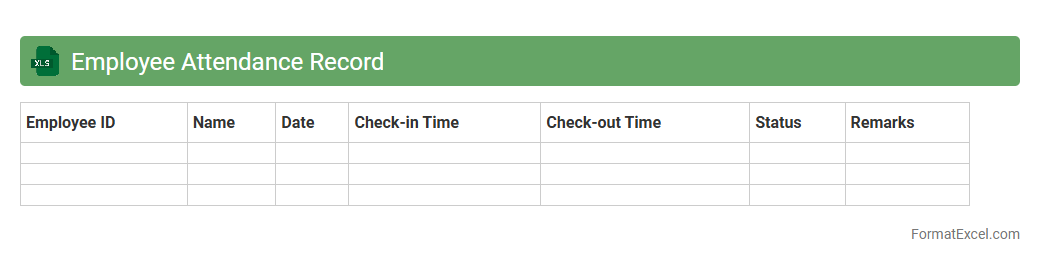
Employee Attendance Record Excel document systematically tracks employees' daily attendance, including check-in and check-out times, absences, and leave details. This tool enhances workforce management by providing accurate data for payroll processing, performance evaluation, and compliance with labor regulations. Using such a record ensures improved accountability, streamlined HR operations, and data-driven decision-making.
Monthly Sales Performance
The
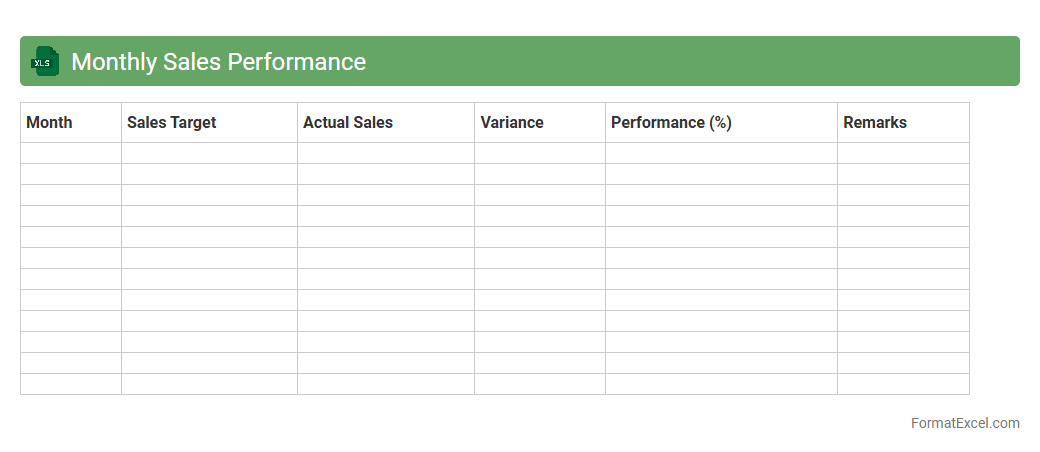
Monthly Sales Performance Excel document tracks key sales metrics such as revenue, units sold, and regional performance, enabling businesses to monitor progress against targets effectively. It provides detailed visualizations like charts and pivot tables to identify trends and sales patterns, facilitating data-driven decision-making. This tool helps sales teams optimize strategies, forecast future sales, and improve overall performance through clear, organized insight into monthly results.
Task Completion Rate
The
Task Completion Rate Excel document tracks the percentage of tasks successfully finished within a given timeframe, providing clear metrics on productivity and efficiency. It helps project managers and team leaders identify bottlenecks, allocate resources effectively, and enhance overall workflow management. By analyzing task completion data, organizations can improve deadline adherence and optimize performance across projects.
Project Milestone Achievement
The
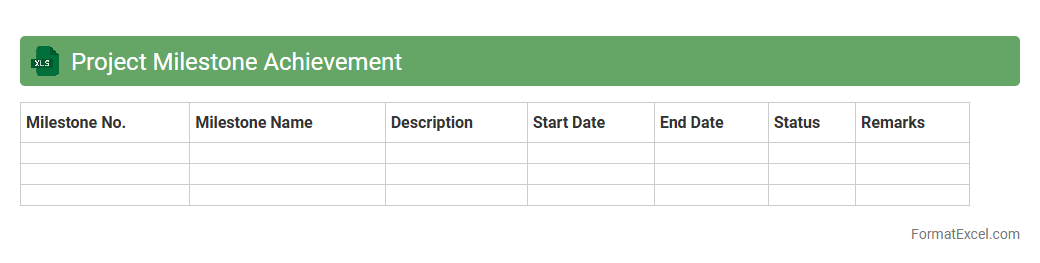
Project Milestone Achievement Excel document is a structured tool designed to track and monitor key project milestones and deliverables, allowing teams to visualize progress and deadlines clearly. It helps identify potential delays early by providing status updates, completion percentages, and responsible stakeholders for each milestone. This tool enhances project management efficiency, ensures accountability, and supports timely decision-making to keep projects on schedule.
Training Participation Log
A
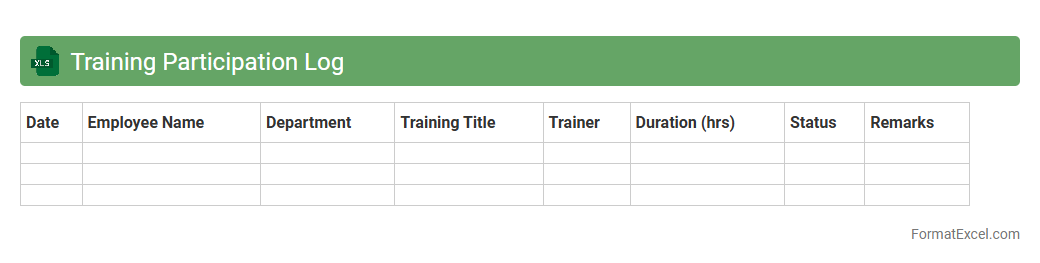
Training Participation Log Excel document is a structured file used to record and track employee attendance in various training sessions. It helps organizations monitor skill development, ensure compliance with training requirements, and analyze participation trends to improve workforce performance. This log centralizes data, making it easier to generate reports and evaluate the effectiveness of training programs.
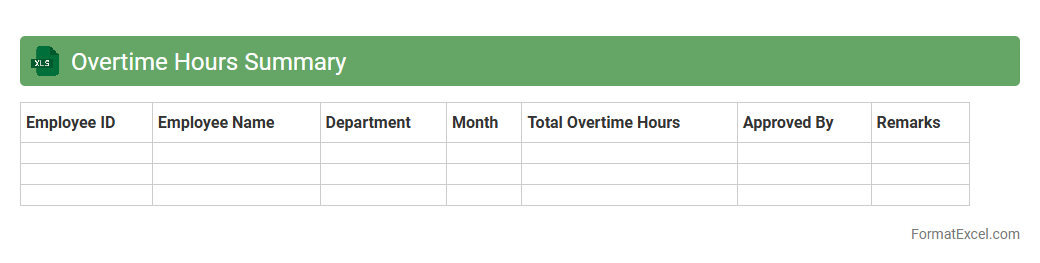
Overtime Hours Summary
The
Overtime Hours Summary Excel document consolidates employee overtime data into an organized format, enabling efficient tracking and analysis of extra work hours. It helps businesses monitor labor costs, ensure compliance with company policies and labor laws, and identify trends in workforce productivity. This summary supports payroll accuracy and facilitates informed decision-making regarding staffing and resource allocation.
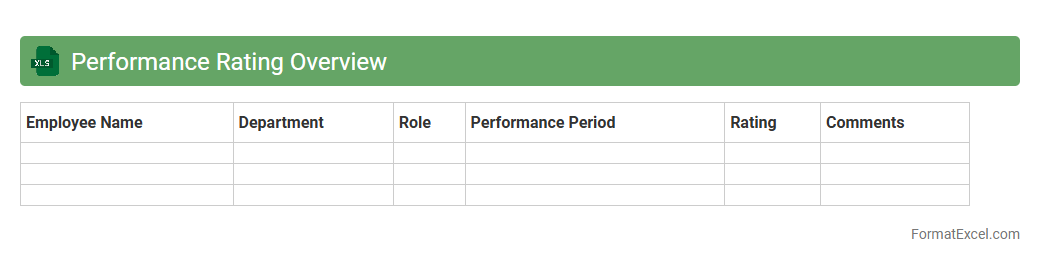
Performance Rating Overview
The
Performance Rating Overview Excel document consolidates employee performance data into a clear, structured format, enabling easy comparison and analysis across teams or departments. This tool helps managers quickly identify high performers and areas needing improvement, supporting informed decision-making in talent management. By visualizing rating trends, the document enhances transparency and promotes consistent evaluation standards.
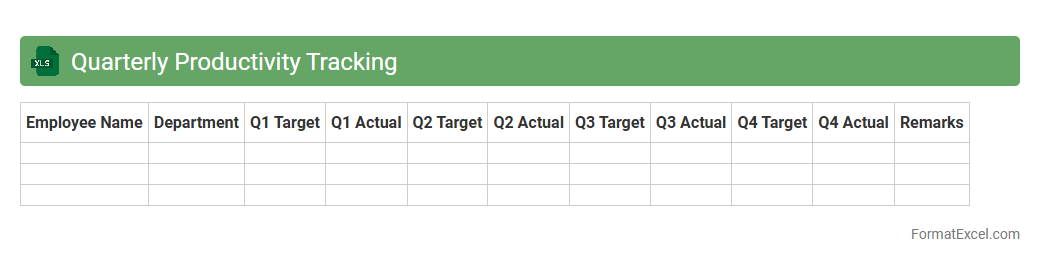
Quarterly Productivity Tracking
The
Quarterly Productivity Tracking Excel document is a comprehensive tool designed to monitor and analyze employee performance and output over each quarter. It enables organizations to identify trends, measure progress towards goals, and make data-driven decisions to enhance operational efficiency. By providing clear visualizations and structured data, it supports effective workforce management and strategic planning.
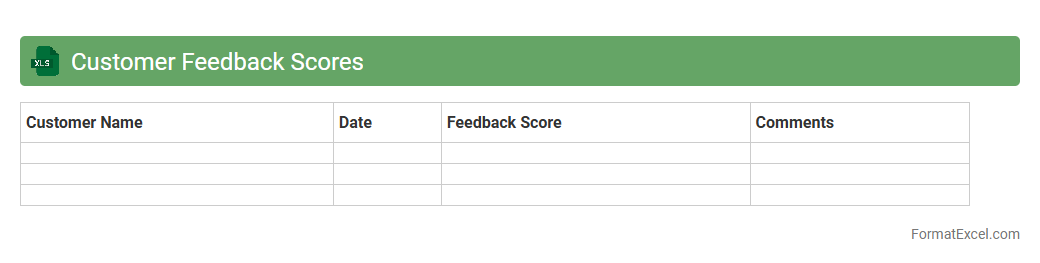
Customer Feedback Scores
The
Customer Feedback Scores Excel document systematically compiles and analyzes customer responses to gauge satisfaction and identify areas for improvement. By organizing data from surveys, reviews, and direct feedback, it enables businesses to track performance trends and make informed decisions to enhance product quality and service delivery. This tool is essential for optimizing customer experience, increasing loyalty, and driving growth through data-driven insights.
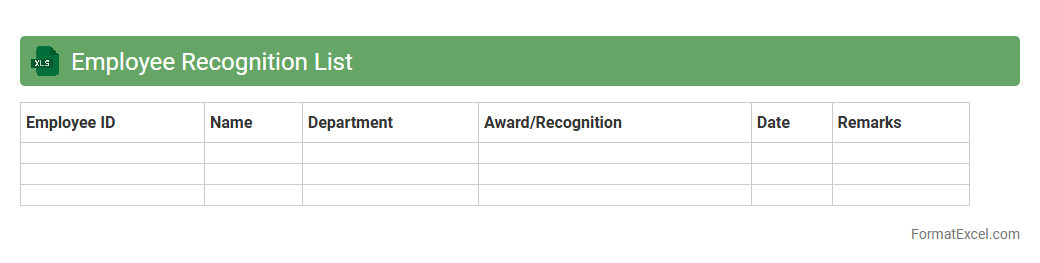
Employee Recognition List
The
Employee Recognition List Excel document is a structured spreadsheet that tracks and organizes employee achievements, awards, and performance milestones. It enables HR teams and managers to efficiently monitor employee contributions, celebrate successes, and foster motivation through data-driven insights. Using this document improves employee engagement by providing a clear record of recognition, which supports retention and enhances workplace culture.
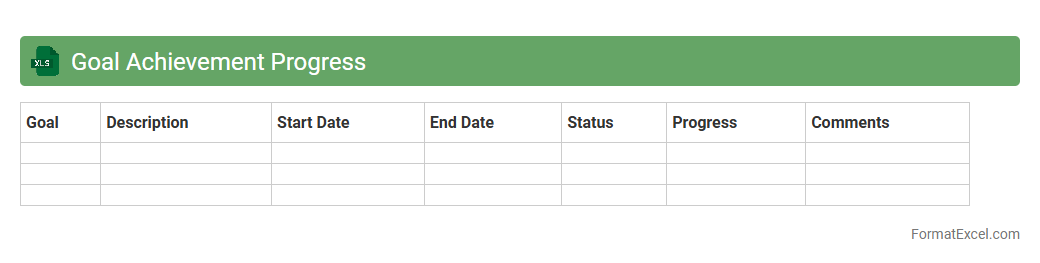
Goal Achievement Progress
The
Goal Achievement Progress Excel document is a structured tool designed to track and monitor the completion of objectives over time. It enables users to set specific targets, measure ongoing progress through data entries, and analyze results to identify areas needing improvement. By providing a clear visual and numerical representation of milestones, this document enhances productivity and accountability in both personal and professional goal management.
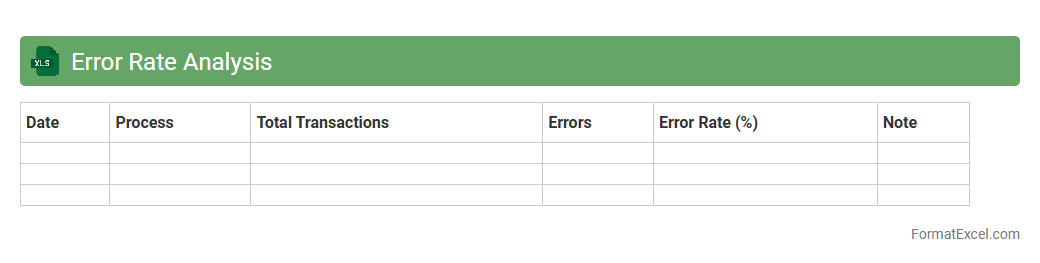
Error Rate Analysis
Error Rate Analysis in an Excel document is a systematic tool used to identify, quantify, and analyze the frequency of errors within processes or datasets, enabling businesses to pinpoint inefficiencies and areas needing improvement. By leveraging functions like pivot tables, conditional formatting, and charts, the spreadsheet offers a clear visualization of error trends and patterns, supporting informed decision-making. This
error rate analysis tool enhances quality control, reduces operational risks, and drives continuous improvement initiatives.
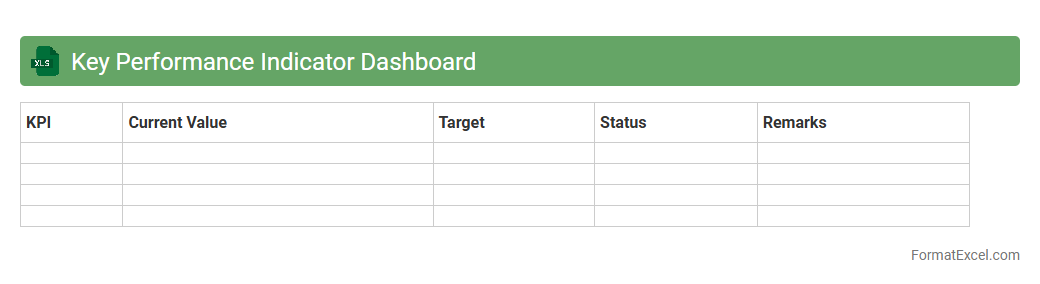
Key Performance Indicator Dashboard
A
Key Performance Indicator (KPI) Dashboard in Excel is a visual tool that consolidates and displays essential business metrics in real time, enabling quick assessment of performance against targets. This dashboard allows users to track progress, identify trends, and make data-driven decisions efficiently by leveraging Excel's analytical and visualization capabilities. Its customizable interface supports various industries, providing clarity and focus on the most critical indicators to improve operational effectiveness.
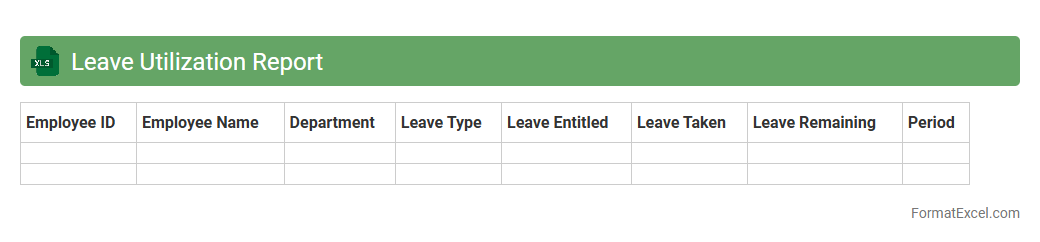
Leave Utilization Report
The
Leave Utilization Report Excel document tracks employee leave data, summarizing types of leaves taken, remaining balances, and patterns over specific periods. This report is essential for HR management to ensure compliance with company policies, optimize workforce planning, and identify trends that can impact productivity. By analyzing leave utilization, organizations can make informed decisions on staffing, manage leave accruals accurately, and improve overall employee well-being.
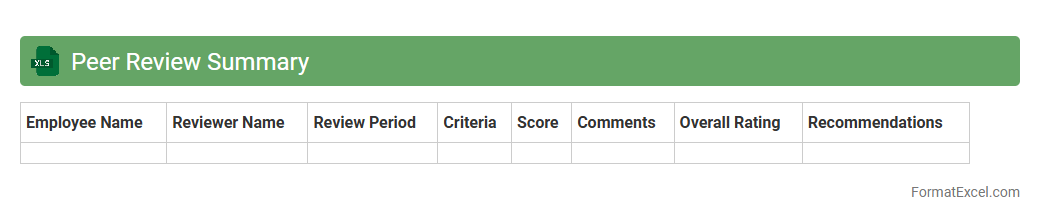
Peer Review Summary
The
Peer Review Summary Excel document consolidates feedback from multiple reviewers into a structured, easy-to-analyze format. It allows for efficient tracking of comments, ratings, and suggested improvements, facilitating transparent and organized decision-making. This document enhances collaboration, ensures accountability, and helps identify common themes or critical issues that need addressing in projects or academic work.
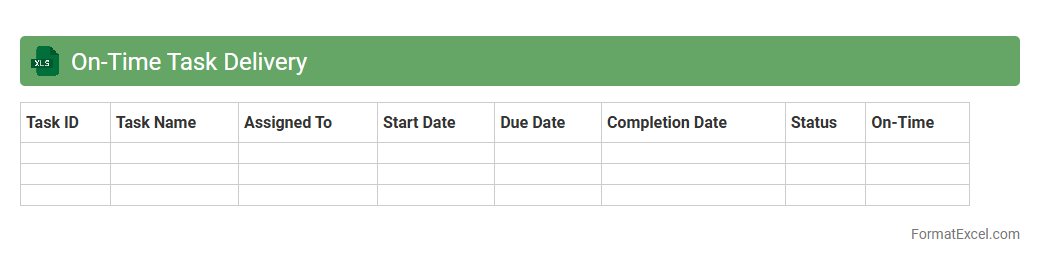
On-Time Task Delivery
The
On-Time Task Delivery Excel document is a detailed tracking tool designed to monitor task completion against set deadlines, helping teams and individuals maintain productivity and meet project timelines. It provides clear visibility into pending, completed, and overdue tasks, enabling efficient time management and prioritization. By analyzing task delivery performance, users can identify bottlenecks, improve workflow, and ensure timely project execution.
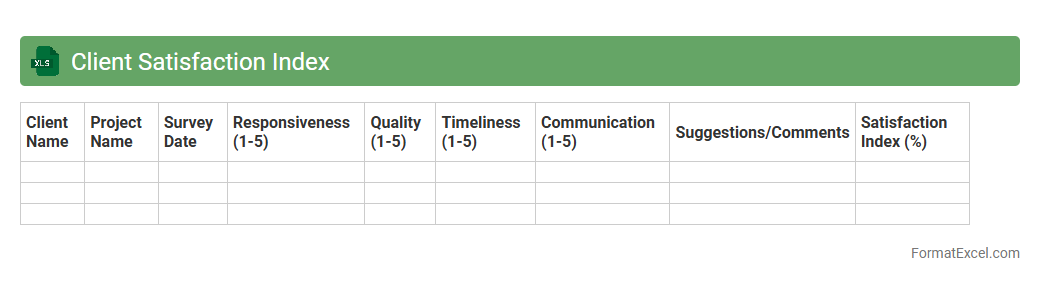
Client Satisfaction Index
The
Client Satisfaction Index Excel document is a tool designed to measure and analyze customer satisfaction levels through structured data input and automated calculations. It helps businesses identify trends, pinpoint areas for improvement, and track performance over time to enhance client relationships. Utilizing this document enables informed decision-making to boost service quality and overall customer loyalty.
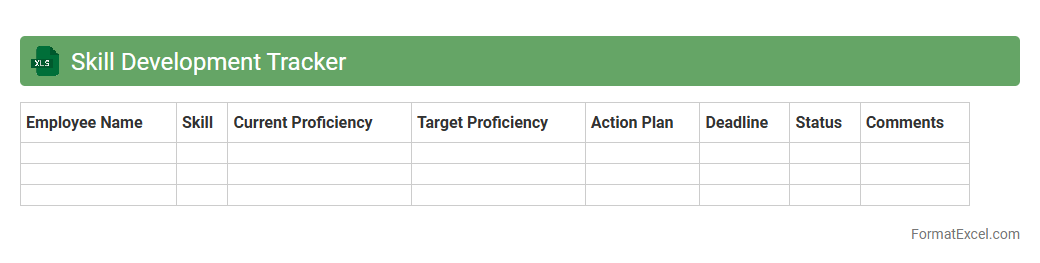
Skill Development Tracker
The
Skill Development Tracker Excel document is a structured tool designed to monitor and evaluate an individual's progress in acquiring specific skills over time. It allows users to set goals, record training sessions, and assess improvements by comparing baseline competencies with current performance levels. This tracker is useful for personal growth and professional development, enabling targeted skill enhancement and effective planning of learning activities.
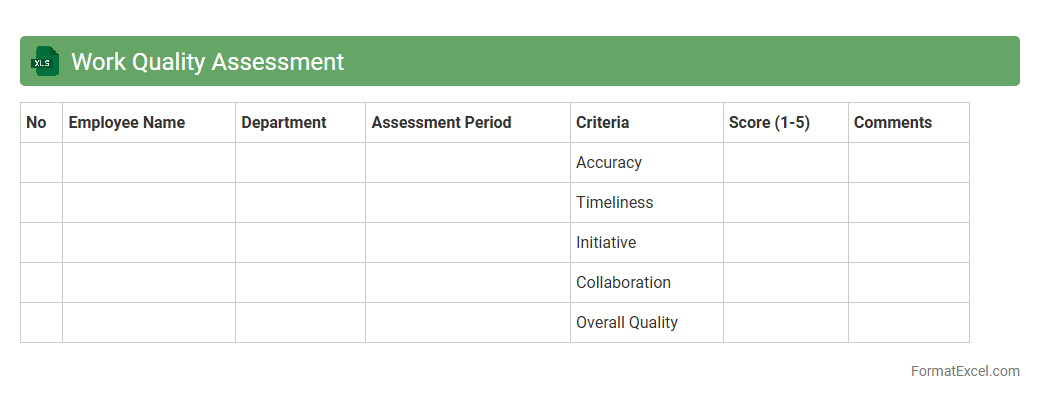
Work Quality Assessment
Work Quality Assessment Excel document is a structured tool designed to evaluate and measure the performance and quality of work across various tasks or projects. It enables clear tracking of key performance indicators, identifying areas needing improvement and ensuring compliance with predefined standards. Utilizing this
assessment tool enhances productivity, promotes accountability, and supports data-driven decision-making in quality management.
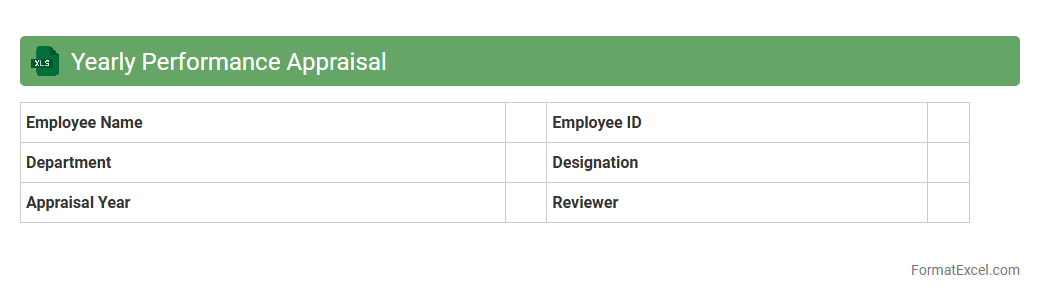
Yearly Performance Appraisal
A
Yearly Performance Appraisal Excel document is a structured spreadsheet designed to track and evaluate employee performance over a fiscal year. It allows managers to input key performance indicators, goals, and feedback systematically, enabling easy comparison and analysis of progress. This tool enhances decision-making in employee development, compensation adjustments, and identifying training needs efficiently.
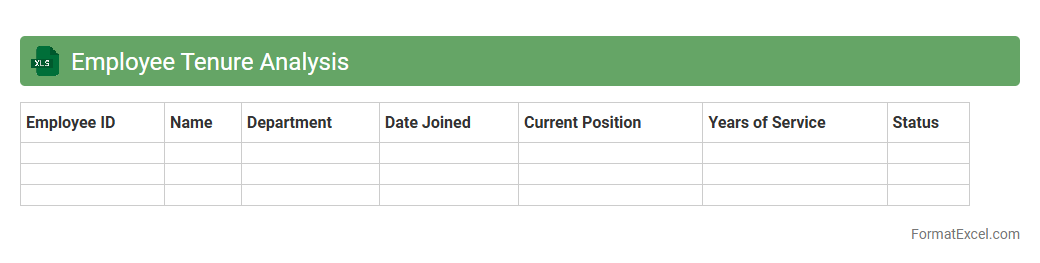
Employee Tenure Analysis
Employee Tenure Analysis Excel document tracks the duration employees remain with an organization, providing insights into workforce stability and turnover patterns. This analysis helps HR professionals identify retention trends, forecast staffing needs, and develop targeted strategies for employee engagement and retention. Utilizing
Employee Tenure Analysis enhances decision-making by revealing critical data on employee longevity and its impact on organizational productivity.
Promotion and Advancement Record
A
Promotion and Advancement Record Excel document systematically tracks employee progress, job title changes, and salary adjustments over time. It helps organizations analyze career growth trends, manage performance reviews, and ensure fair promotion practices. Utilizing this record enhances workforce planning and supports data-driven decision-making for talent development.
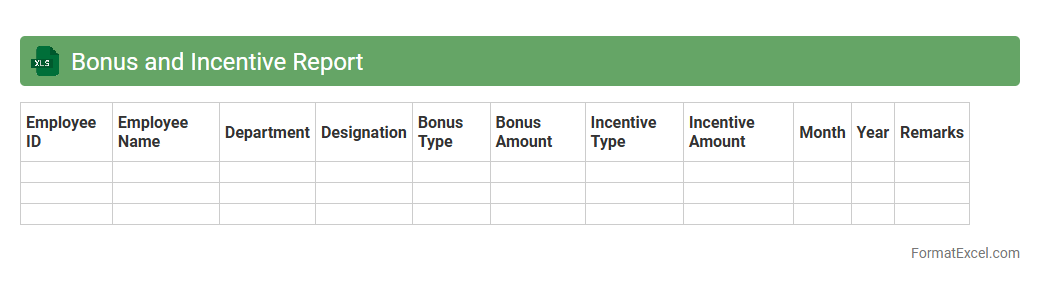
Bonus and Incentive Report
The
Bonus and Incentive Report Excel document is a structured tool that tracks employee bonuses, incentives, and performance rewards systematically. It helps organizations monitor compensation trends, calculate payouts accurately, and ensure transparency in reward distribution. This report enables data-driven decision-making to motivate employees and align incentives with business objectives.
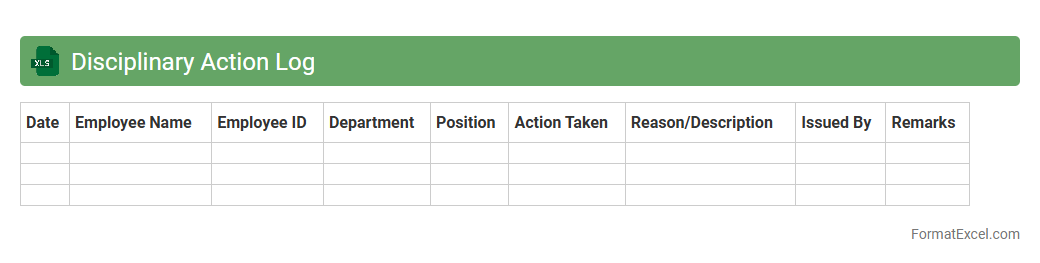
Disciplinary Action Log
A
Disciplinary Action Log Excel document is a structured spreadsheet used to record, track, and manage employee disciplinary actions within an organization. It helps HR departments and managers maintain a clear history of incidents, dates, reasons, and outcomes, ensuring compliance with company policies and legal requirements. This log improves accountability, enables trend analysis, and supports fair and consistent disciplinary processes.
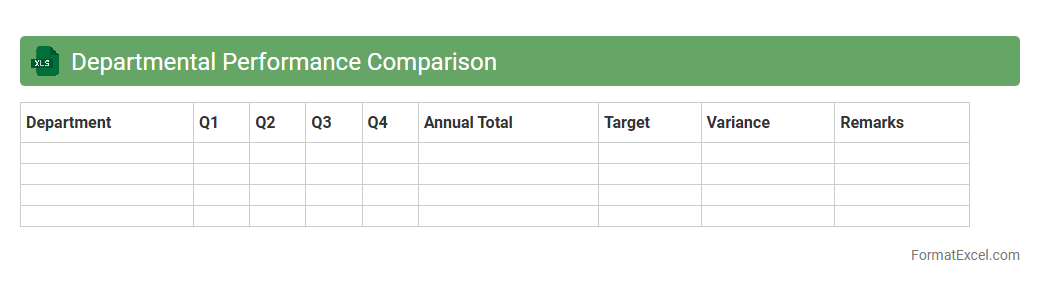
Departmental Performance Comparison
The
Departmental Performance Comparison Excel document serves as a comprehensive tool for analyzing and benchmarking the efficiency and productivity of various departments within an organization. It allows tracking of key performance indicators (KPIs) such as revenue, cost, output, and employee performance over specific time periods, facilitating data-driven decision-making. By highlighting strengths and identifying areas for improvement, this document supports management in optimizing resource allocation and enhancing overall organizational effectiveness.
Introduction to Employee Performance Summary Formats
Employee performance summary formats help organizations track and evaluate individual achievements effectively. Using structured formats ensures consistency and clarity in performance reviews. Excel is a popular tool due to its flexibility and ease of use.
Importance of Structured Performance Summaries
Structured performance summaries provide clear documentation of employee progress and areas for improvement. They support fair evaluations by using standardized criteria and data. The consistency in reporting enhances communication between managers and employees.
Key Components of an Employee Performance Summary in Excel
Important components include employee details, performance metrics, goals, and manager comments. Incorporating quantitative scores alongside qualitative feedback provides a balanced overview. The inclusion of both data types improves evaluation accuracy.
Choosing the Right Excel Template for Performance Reviews
Select templates that match your organization's review frequency and criteria complexity. Templates should be user-friendly and customizable to suit various job roles. The right template streamlines the review process efficiently.
Step-by-Step Guide to Creating Performance Summary in Excel
Begin by listing employee details and defining performance criteria columns. Input measurable data and qualitative comments for each employee systematically. Using formulas can automate score calculations and summaries.
Essential Columns to Include in Excel Performance Summaries
Include columns for employee name, department, review period, performance ratings, and goal completion status. Adding space for manager remarks and employee feedback enhances transparency. These columns ensure comprehensive data capture.
Tips for Customizing Employee Performance Summary Templates
Modify templates to reflect specific job roles and organizational priorities. Incorporate conditional formatting to highlight performance trends and areas needing attention. Customization improves relevance and user engagement.
Common Mistakes to Avoid in Performance Summaries
Avoid vague feedback, inconsistent rating scales, and missing performance data. Ensure all summaries are completed on time and reviewed carefully for accuracy. Preventing these errors preserves the integrity of evaluations.
Sample Downloadable Employee Performance Excel Templates
Several platforms offer free and paid Excel templates tailored for performance summaries. These samples can be customized to fit your organization's unique requirements. Utilizing downloadable templates speeds up implementation.
Best Practices for Using Excel to Evaluate Employee Performance
Regularly update performance data and maintain clear documentation for transparency. Train managers on using templates effectively and promote open communication with employees. Following these best practices optimizes performance management.