Annual Budget Overview
The
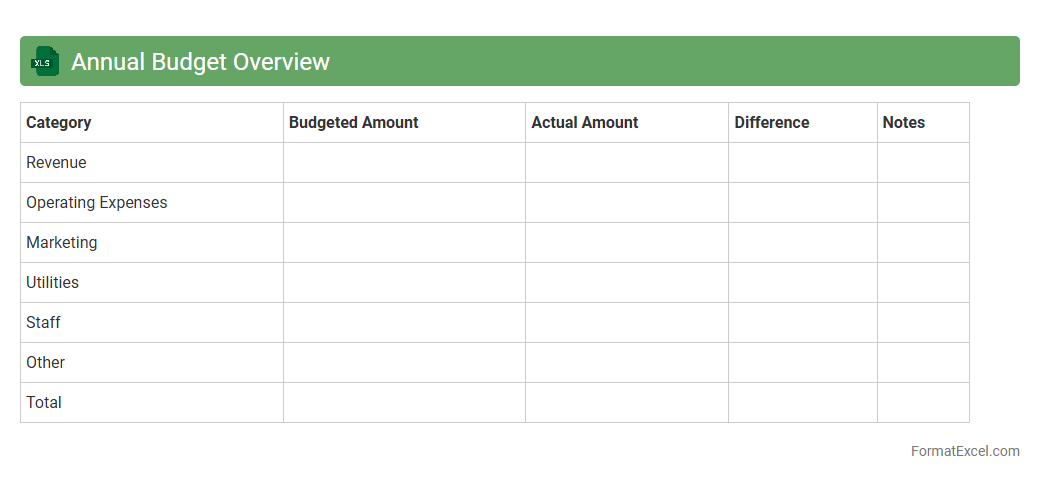
Annual Budget Overview Excel document serves as a comprehensive tool for tracking and managing financial allocations over a fiscal year, allowing users to monitor income, expenses, and savings with precision. It provides a clear visual representation through charts and tables, facilitating better financial planning and forecasting. Using this document enhances decision-making by identifying spending patterns and ensuring adherence to budgetary goals.
Departmental Budget Breakdown
A
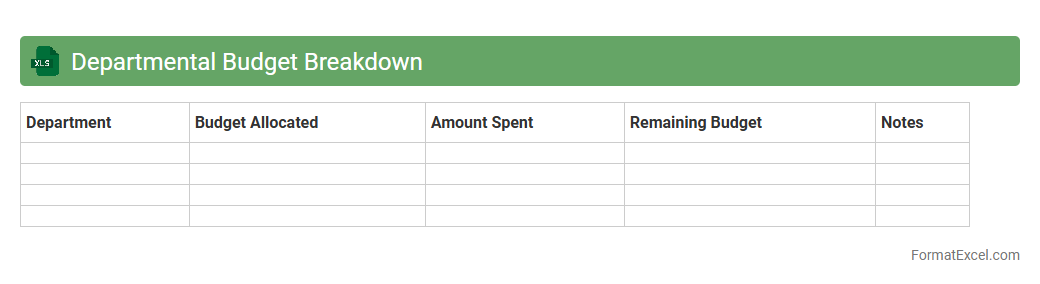
Departmental Budget Breakdown Excel document is a detailed financial tool that outlines expenses and allocations for each department within an organization. It helps track spending, monitor budget adherence, and identify cost-saving opportunities by providing clear visibility into department-specific financial data. This structured approach improves financial planning, accountability, and resource management across the company.
Expense vs. Income Analysis
An
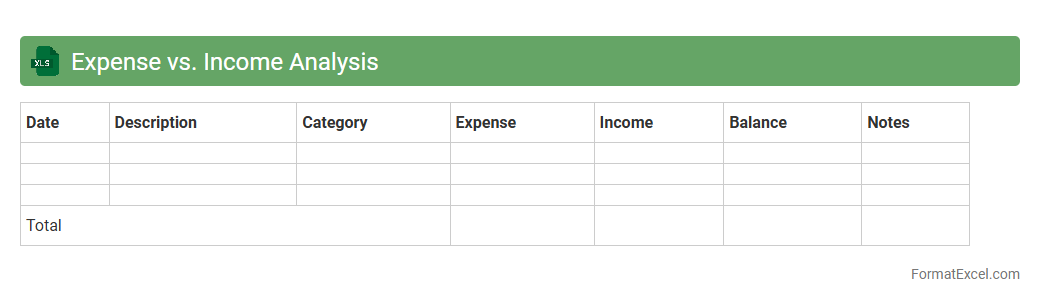
Expense vs. Income Analysis Excel document is a financial tool designed to track and compare monthly or annual expenses against income, helping users understand their cash flow dynamics. It enables identification of spending patterns, budget discrepancies, and areas where savings can be maximized. Using this analysis supports informed decision-making for personal finance management or business budgeting by providing clear visibility into financial health.
Projected vs. Actual Spending
The
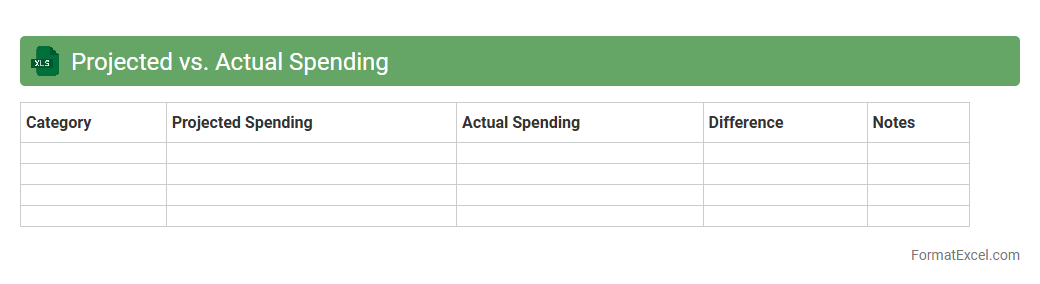
Projected vs. Actual Spending Excel document is a financial tracking tool that compares estimated expenses against real expenditures over a specific period. It provides a clear overview of budget adherence, helping identify variances that can indicate overspending or savings. This document is essential for improving financial planning accuracy and ensuring resource allocation aligns with organizational goals.
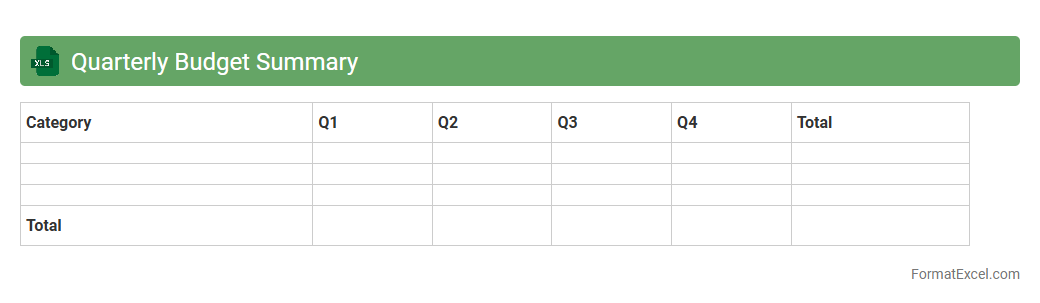
Quarterly Budget Summary
A
Quarterly Budget Summary Excel document consolidates financial data from a three-month period, providing a clear overview of income, expenses, and budget variances. It helps businesses and individuals track spending patterns, identify cost-saving opportunities, and make informed financial decisions. Using this summary ensures better financial planning and supports strategic resource allocation throughout the fiscal year.
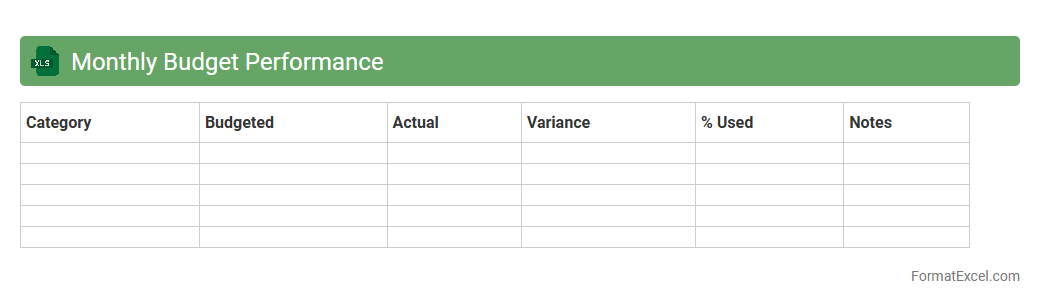
Monthly Budget Performance
A
Monthly Budget Performance Excel document tracks actual expenses and revenues against planned budgets, enabling precise financial management. It facilitates identifying variances, optimizing resource allocation, and improving cost control within organizations or personal finances. This tool enhances decision-making by providing clear visibility into spending patterns and budget adherence over time.
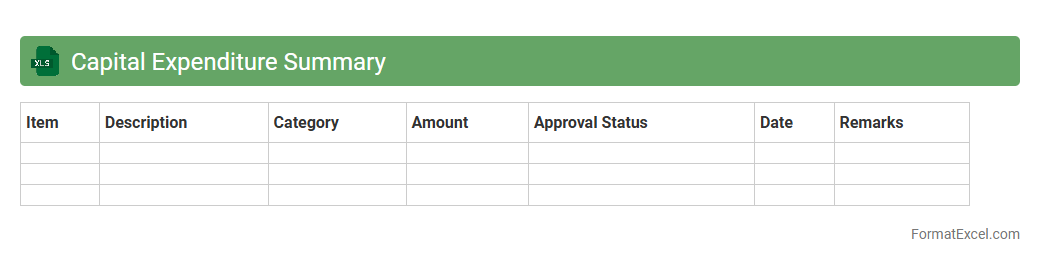
Capital Expenditure Summary
A
Capital Expenditure Summary Excel document consolidates all planned and actual spending on long-term assets like equipment, buildings, and infrastructure in a clear, organized format. It helps businesses track, analyze, and manage their investment budget efficiently by providing a comprehensive overview of expenditure patterns and variances. This tool enables informed decision-making, budgeting accuracy, and strategic financial planning for sustained growth.
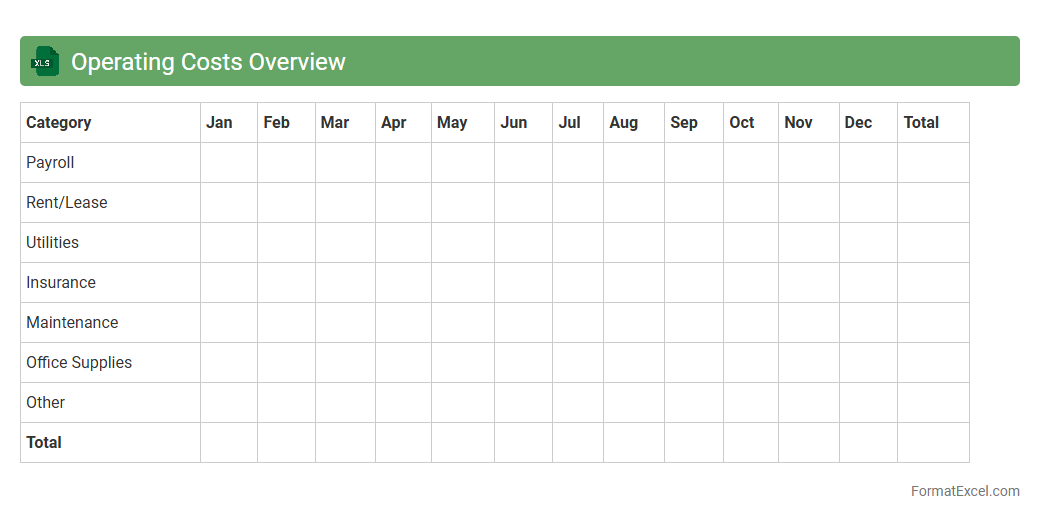
Operating Costs Overview
The
Operating Costs Overview Excel document provides a detailed breakdown of all expenses related to business operations, including fixed and variable costs, labor, materials, and overheads. It is useful for tracking spending patterns, identifying cost-saving opportunities, and improving budget management. By analyzing this data, businesses can enhance financial planning and maintain more efficient resource allocation.
Revenue Stream Analysis
A
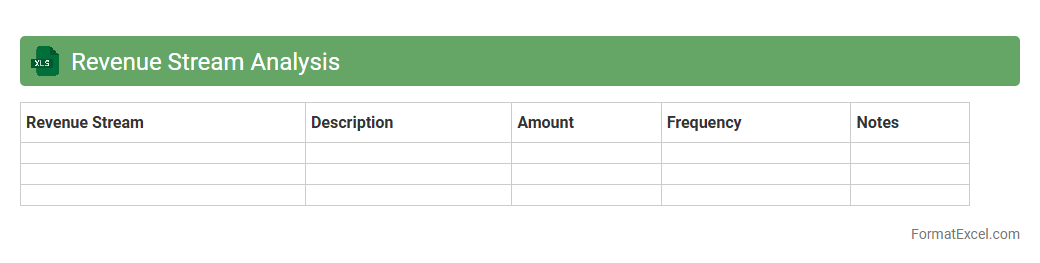
Revenue Stream Analysis Excel document systematically breaks down income sources to help businesses identify which products, services, or channels generate the most revenue. It enables data-driven decision-making by highlighting trends, seasonality, and growth opportunities within financial datasets. Utilizing this analysis improves financial planning, resource allocation, and profitability strategies.
Budget Variance Summary
A
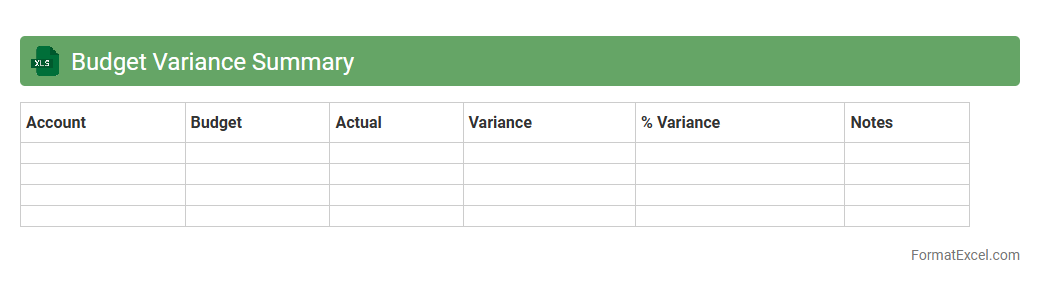
Budget Variance Summary Excel document provides a detailed comparison between planned budget figures and actual financial performance, highlighting discrepancies and helping identify areas of over or underspending. It enables businesses to track financial health, make informed adjustments, and improve forecasting accuracy. This tool is essential for effective budget management, ensuring resources are allocated efficiently and financial goals are met.
Cost Allocation Report
A
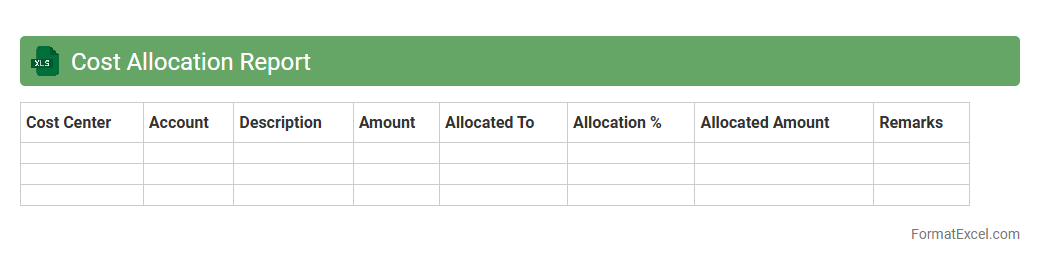
Cost Allocation Report Excel document is a structured spreadsheet that tracks and distributes expenses across various departments, projects, or cost centers within an organization. It enables precise budgeting and financial analysis by breaking down costs to ensure accurate expense management and accountability. This report is useful for identifying cost drivers, optimizing resource allocation, and supporting strategic financial decisions.
Funding Sources Breakdown
The
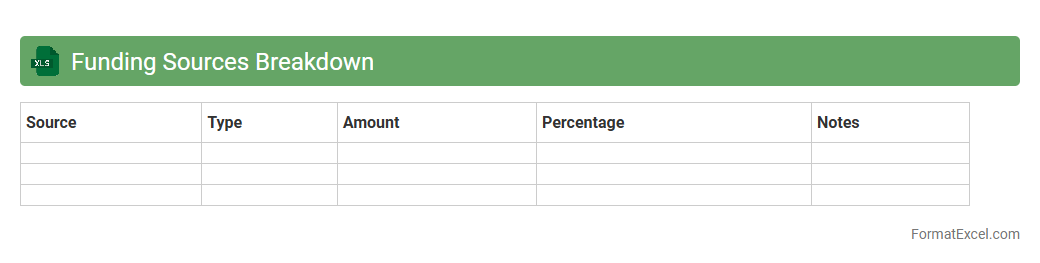
Funding Sources Breakdown Excel document categorizes and details various financial contributions from diverse sources, enabling precise tracking and management of project budgets. It helps organizations analyze funding allocation, identify gaps, and optimize resource distribution for better financial planning and reporting. This tool is essential for maintaining transparency and ensuring compliance with funding requirements across multiple stakeholders.
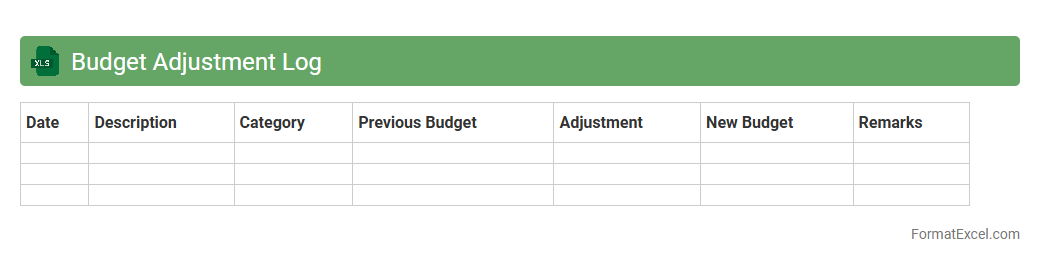
Budget Adjustment Log
A
Budget Adjustment Log Excel document is a structured spreadsheet designed to track changes made to budget allocations over time. It helps organizations monitor and document financial modifications, ensuring transparency and accountability in budget management. Using this log allows for better financial control, accurate forecasting, and streamlined auditing processes.
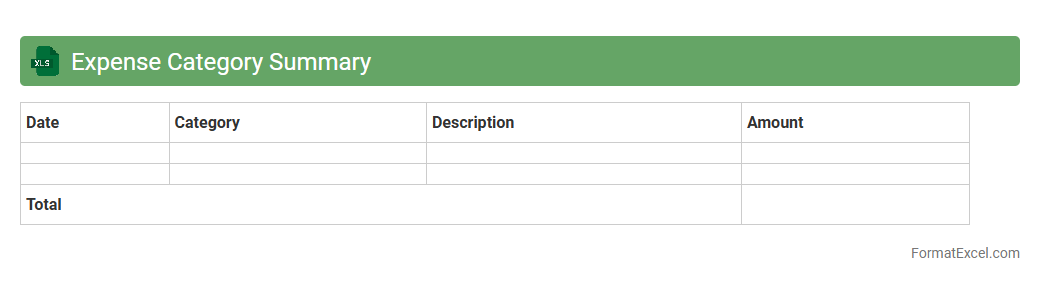
Expense Category Summary
An
Expense Category Summary Excel document organizes spending data into specific categories, allowing for clear visualization of where funds are allocated. This tool helps in tracking expenses, identifying cost-saving opportunities, and improving budget management by providing a concise overview of financial outflows. Its structured format supports better decision-making and financial planning for individuals or organizations.
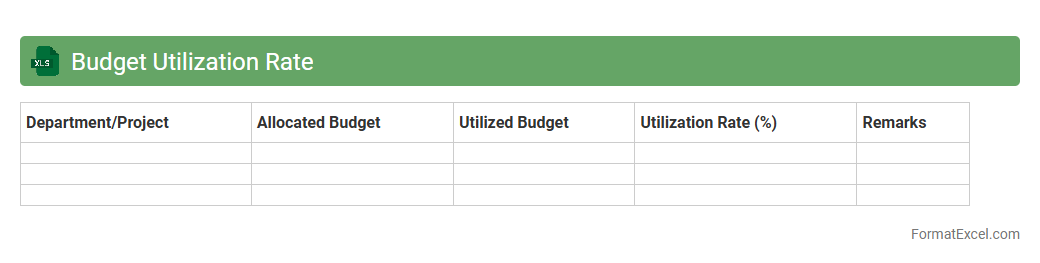
Budget Utilization Rate
The
Budget Utilization Rate Excel document tracks the percentage of allocated budget spent over a defined period, helping organizations monitor financial performance against planned expenses. It enables precise analysis of spending patterns, highlighting areas of underspending or overspending to inform decision-making. This tool ensures effective budget management, promoting optimized resource allocation and improved financial control.
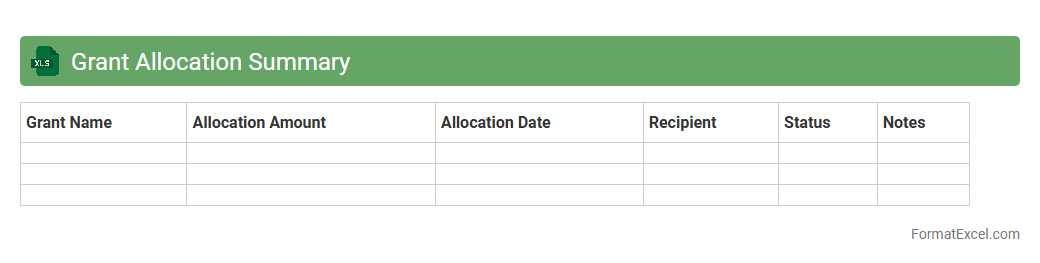
Grant Allocation Summary
The
Grant Allocation Summary Excel document consolidates detailed financial data related to various grant funds, providing a clear overview of allocated amounts, expenditures, and remaining balances. This summary facilitates efficient budget tracking, ensures compliance with funding requirements, and aids in strategic planning by offering transparent insights into grant usage. Organizations leverage this document to optimize fund management, improve reporting accuracy, and support informed decision-making.
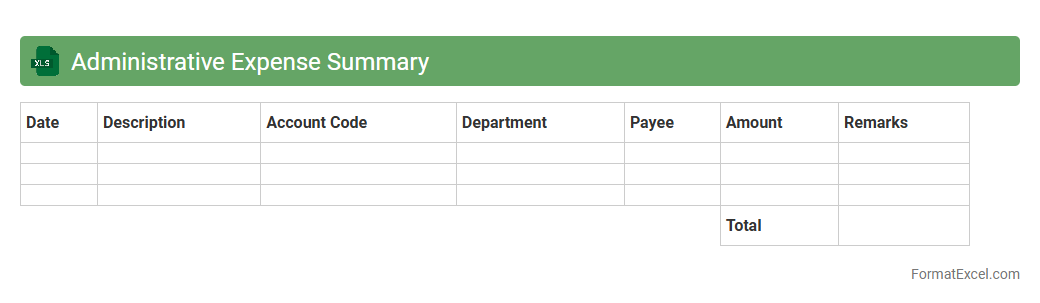
Administrative Expense Summary
An
Administrative Expense Summary Excel document consolidates and categorizes all administrative costs incurred by a business, providing a clear overview of expenses such as office supplies, utilities, salaries, and maintenance. This summary enables organizations to monitor spending patterns, identify cost-saving opportunities, and ensure budget compliance effectively. Utilizing this tool enhances financial transparency and supports strategic decision-making in resource allocation.
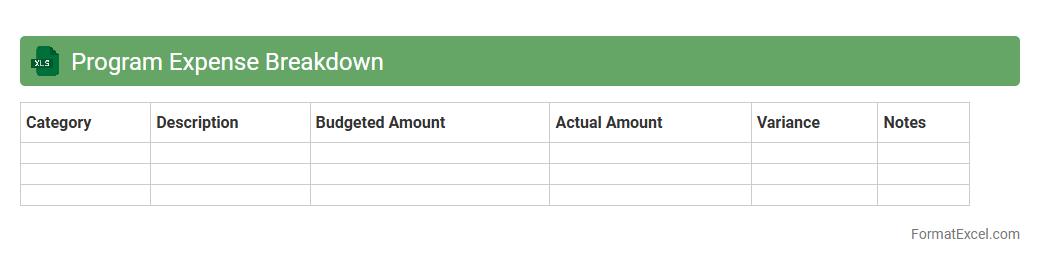
Program Expense Breakdown
A
Program Expense Breakdown Excel document itemizes all costs associated with a specific program, categorizing expenses such as personnel, materials, and overhead for clear financial tracking. It enables precise budget management by allowing users to monitor spending patterns, identify cost-saving opportunities, and ensure funds are allocated appropriately. This document is essential for transparency, reporting to stakeholders, and improving overall program financial efficiency.
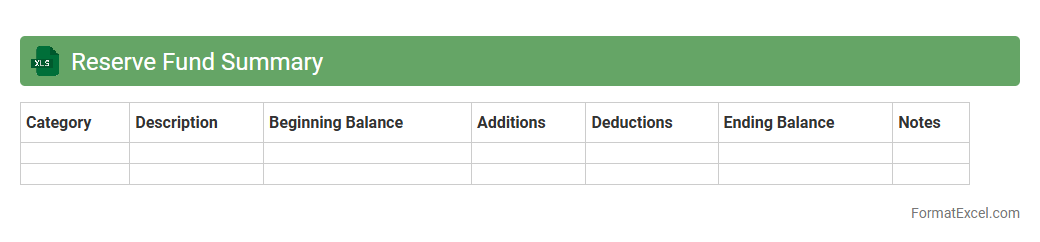
Reserve Fund Summary
A
Reserve Fund Summary Excel document consolidates financial data related to reserved funds, tracking inflows, outflows, and balances over time. It provides a clear overview of fund allocation for future expenses, helping organizations plan and manage financial stability effectively. This tool aids in forecasting budget needs and ensures transparent financial reporting for stakeholders.
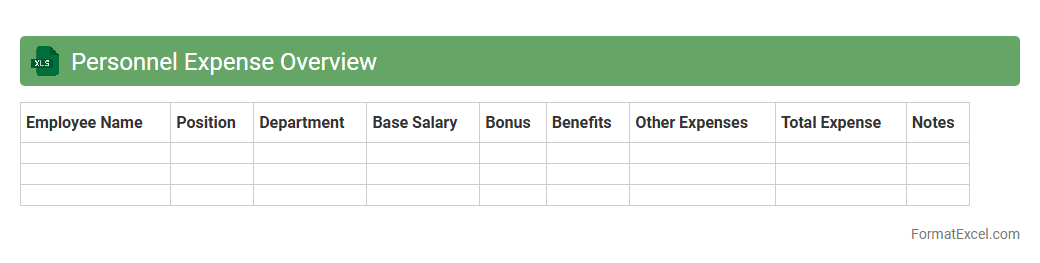
Personnel Expense Overview
The
Personnel Expense Overview Excel document provides a detailed summary of all costs related to employee compensation, including salaries, benefits, bonuses, and taxes. It allows businesses to track and analyze personnel expenses efficiently, enabling better budget management and cost control. By consolidating expense data into a single, organized spreadsheet, it supports informed decision-making and enhances financial planning accuracy.
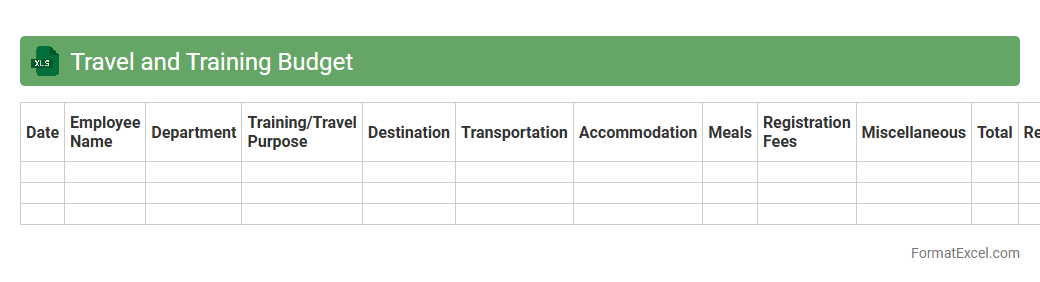
Travel and Training Budget
The
Travel and Training Budget Excel document is a financial planning tool designed to track and manage expenses related to employee travel and professional development. It helps organizations allocate funds efficiently, monitor spending against budgeted amounts, and ensure transparency in reimbursement processes. By using this document, companies can optimize resource allocation, prevent overspending, and support strategic investment in workforce growth.
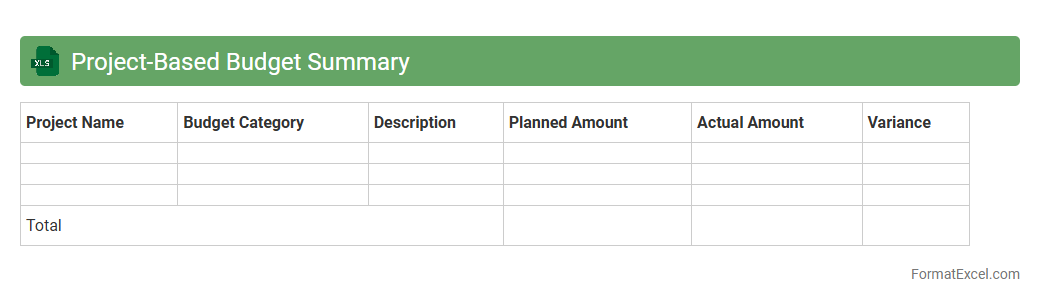
Project-Based Budget Summary
A
Project-Based Budget Summary Excel document consolidates all financial details related to a specific project, including expenses, allocations, and funding sources, in a structured and easy-to-analyze format. It facilitates accurate tracking of project costs against the budget, enabling efficient resource management and timely adjustments to avoid overspending. This tool enhances financial transparency and supports data-driven decision-making throughout the project lifecycle.
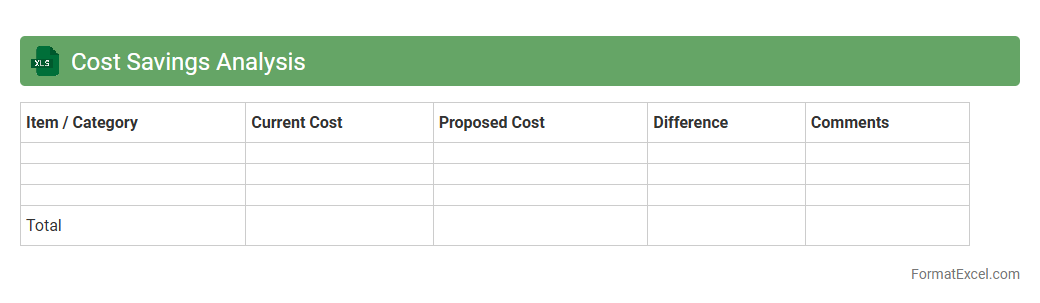
Cost Savings Analysis
A
Cost Savings Analysis Excel document is a structured tool designed to identify, calculate, and track reductions in expenses across various business activities. It enables organizations to quantify the financial benefits of cost-cutting initiatives by comparing current costs against proposed savings, helping to prioritize projects with the highest return on investment. This analysis is essential for informed decision-making, budgeting accuracy, and enhancing overall operational efficiency.
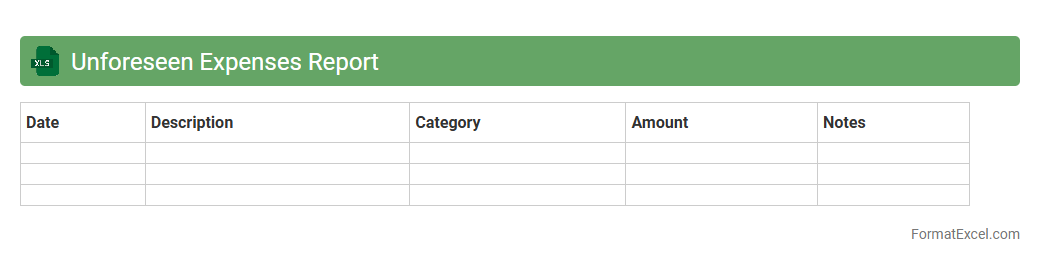
Unforeseen Expenses Report
The
Unforeseen Expenses Report Excel document tracks unexpected costs that arise during a project or fiscal period, providing a clear overview of budget deviations. It helps organizations identify and analyze irregular spending patterns, enabling more accurate financial forecasting and improved budget management. This report enhances transparency and supports proactive decision-making by highlighting areas where contingency funds are being utilized.
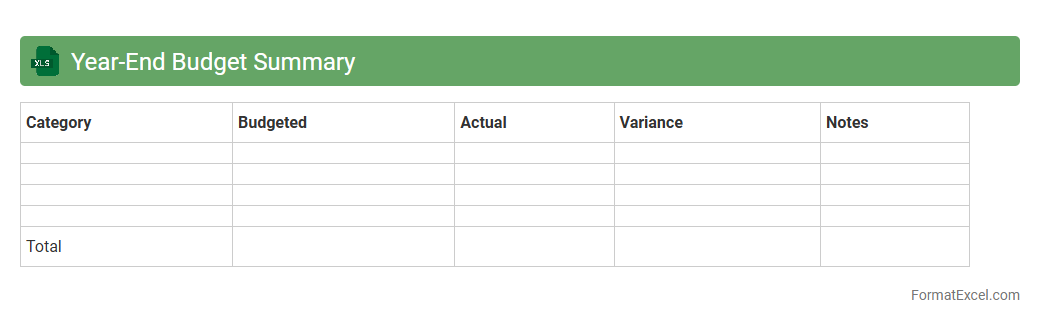
Year-End Budget Summary
A
Year-End Budget Summary Excel document consolidates all financial data from the fiscal year, providing a clear overview of income, expenses, and budget variances. It enables individuals and businesses to analyze spending patterns, assess financial performance, and make informed decisions for future budgeting. This document is essential for tracking financial goals, preparing tax documents, and improving financial planning accuracy.
Introduction to Budget Summary Format in Excel
A budget summary format in Excel provides a clear overview of income and expenses, helping users manage their finances effectively. Excel's grid structure allows easy organization of financial data in a structured manner. This format serves as a foundational tool for both personal and business financial planning.
Key Components of a Budget Summary
The essential components include income sources, expense categories, total amounts, and variances between budgeted and actual figures. Each section should be clearly labeled and easy to interpret. Highlighting variance analysis is crucial for identifying spending patterns and budget adherence.
Benefits of Using Excel for Budget Summaries
Excel offers flexibility, user-friendly interfaces, and powerful data manipulation features. It enables quick updates, real-time calculations, and easy customization tailored to individual needs. The ability to visualize data with charts and graphs enhances budget tracking and decision-making.
Essential Excel Features for Budget Tracking
Functions such as SUM, IF statements, and conditional formatting are vital for accurate budget tracking. Pivot tables simplify data summarization, and Data Validation helps avoid errors. Mastering these Excel features ensures efficient and reliable budget summaries.
Step-by-Step Guide to Creating a Budget Summary in Excel
Start by listing income and expenses in separate columns, followed by formulas to calculate totals and variances. Use formatting tools to distinguish headers and summary rows. The key step is incorporating formula-based calculations for automatic updates.
Sample Budget Summary Template Layouts
Templates typically include columns for planned and actual amounts, differences, and percentage variances. Some layouts incorporate charts for visual tracking of budget performance. Selecting a template suited to your specific needs streamlines the budgeting process.
Tips for Customizing Your Excel Budget Summary
Adjust categories to reflect your personal or organizational financial structure. Use conditional formatting to highlight unusual variances or overspending. Customization enhances clarity and improves budget accuracy tailored to your objectives.
Common Mistakes to Avoid in Budget Summaries
Omitting categories, neglecting to update data regularly, and ignoring variances are frequent errors. Avoid hardcoding numbers that should be dynamic and ensure formulas are correct. Maintaining an accurate and up-to-date budget summary is essential for effective financial control.
Automating Calculations and Reporting in Excel
Using formulas and macros automates repetitive tasks and enhances reporting efficiency. Excel's built-in tools can generate monthly or quarterly reports automatically. Implementing automation techniques saves time and reduces errors.
Downloadable Budget Summary Format Templates
Many websites offer free and paid Excel budget summary templates designed for various financial needs. Templates provide a ready-made structure that can be customized quickly. Utilizing a downloadable template accelerates the budgeting process while ensuring best practices.