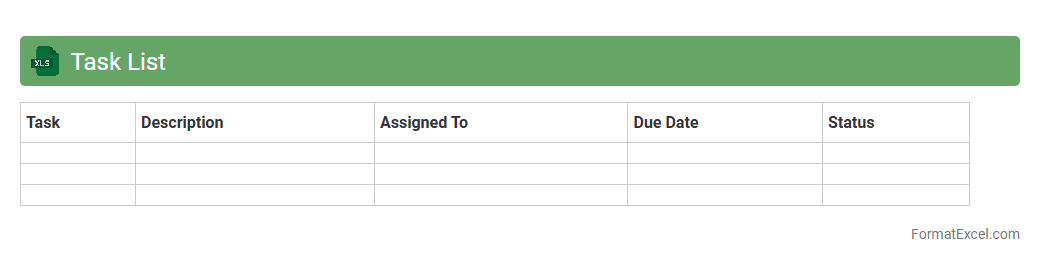
Task List
A
Task List Excel document is a structured spreadsheet that helps organize, prioritize, and track tasks efficiently. It allows users to categorize assignments, set deadlines, and monitor progress, enhancing productivity and ensuring timely completion of projects. This tool is invaluable for both individual and team project management, offering clear visibility and easy updates.
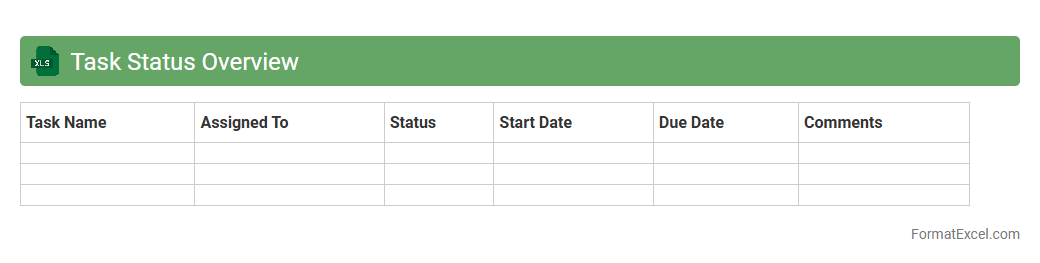
Task Status Overview
Task Status Overview Excel document provides a clear snapshot of ongoing project activities by tracking individual task progress, deadlines, and assigned team members. This
project management tool enables efficient monitoring, helping teams identify bottlenecks, prioritize work, and ensure timely completion of deliverables. Using such a document enhances communication, accountability, and productivity within any collaborative environment.
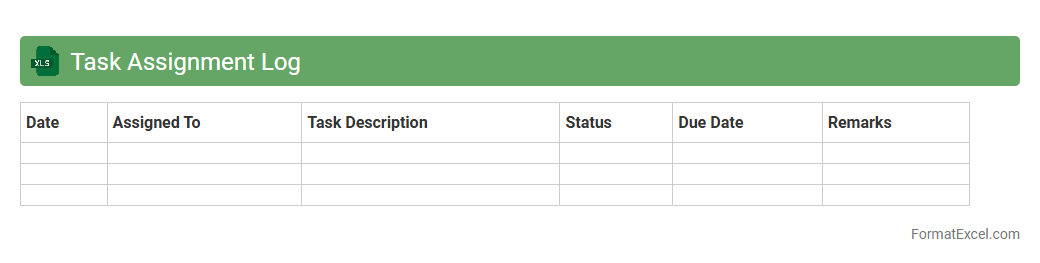
Task Assignment Log
A
Task Assignment Log Excel document is a structured spreadsheet used to track, manage, and monitor tasks assigned to team members, including details such as task descriptions, deadlines, priorities, and status updates. It enhances productivity by providing clear accountability, improving communication, and enabling managers to efficiently allocate resources and track project progress. This organized approach minimizes missed deadlines and ensures that responsibilities are clearly documented for seamless workflow management.
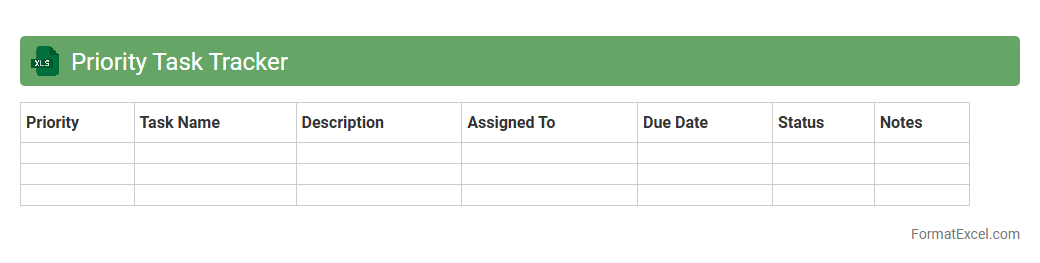
Priority Task Tracker
The
Priority Task Tracker Excel document is a powerful tool designed to help organize, prioritize, and manage tasks efficiently by categorizing them based on urgency and importance. It allows users to visualize deadlines, progress, and key responsibilities in a structured format, enhancing productivity and time management. This tracker supports decision-making by highlighting critical tasks that require immediate attention, ensuring that important objectives are met on schedule.
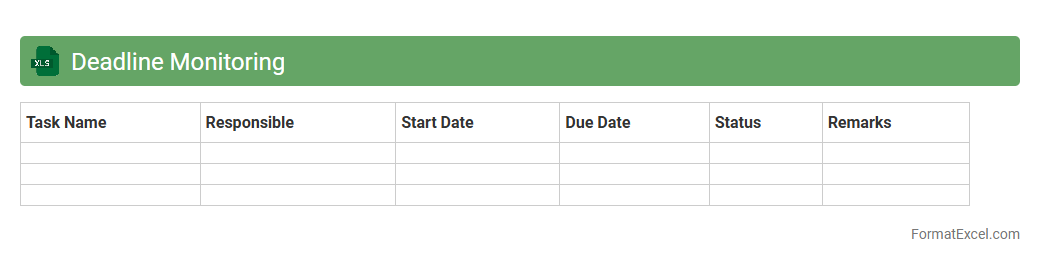
Deadline Monitoring
The
Deadline Monitoring Excel document is a structured tool designed to track important project and task deadlines efficiently, ensuring timely completion and avoiding missed deliverables. It enables users to organize dates, set reminders, and prioritize tasks based on urgency, improving overall time management and productivity. This document is particularly useful in professional settings to maintain accountability and streamline workflow by providing a clear visual overview of upcoming deadlines.
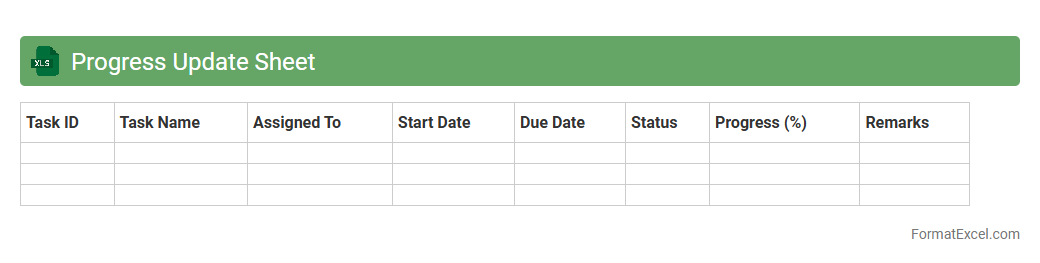
Progress Update Sheet
A
Progress Update Sheet Excel document is a structured tool used to track and report the status of ongoing tasks or projects, providing a clear overview of milestones, deadlines, and completed work. It enhances project management efficiency by allowing team members to update real-time progress, identify bottlenecks, and maintain transparent communication. Utilizing this sheet improves accountability and supports data-driven decision-making for timely project delivery.
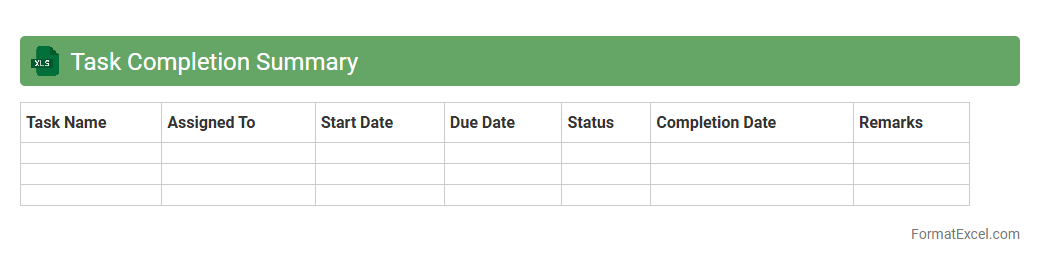
Task Completion Summary
A
Task Completion Summary Excel document is a structured spreadsheet designed to track and record the progress of various tasks within a project, including start dates, end dates, responsible parties, and completion status. This document enhances project management by providing clear visibility into task timelines and accountability, enabling teams to identify bottlenecks and ensure deadlines are met. It is useful for improving productivity, facilitating communication among stakeholders, and supporting data-driven decision-making.
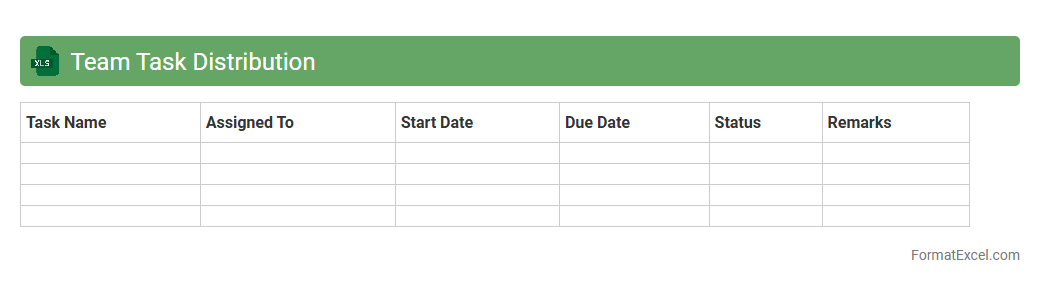
Team Task Distribution
A
Team Task Distribution Excel document is a structured spreadsheet used to allocate and track tasks among team members efficiently. It helps improve project management by clearly defining responsibilities, deadlines, and progress, ensuring accountability and timely completion of work. This tool enhances collaboration, reduces overlaps, and boosts overall productivity within teams.
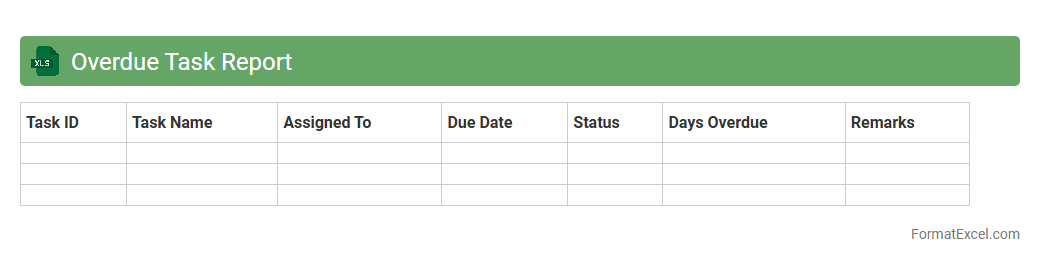
Overdue Task Report
The
Overdue Task Report Excel document is a comprehensive tool that tracks tasks past their deadline, providing clear visibility into pending work. It helps prioritize workload by highlighting delayed responsibilities, improving time management and accountability. This report enhances project efficiency by enabling teams to quickly identify and address bottlenecks.
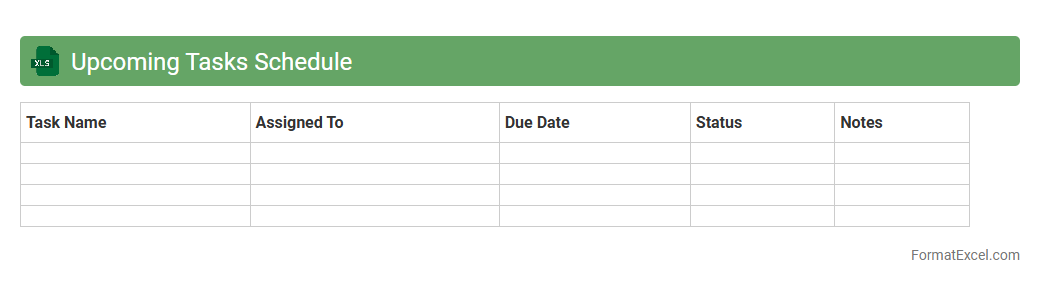
Upcoming Tasks Schedule
The
Upcoming Tasks Schedule Excel document organizes and tracks pending tasks by date, priority, and status, enabling efficient time management and deadline adherence. It provides a clear overview of workload distribution, helping users prioritize activities and avoid missing important deadlines. This tool enhances productivity and accountability in both personal and professional settings.
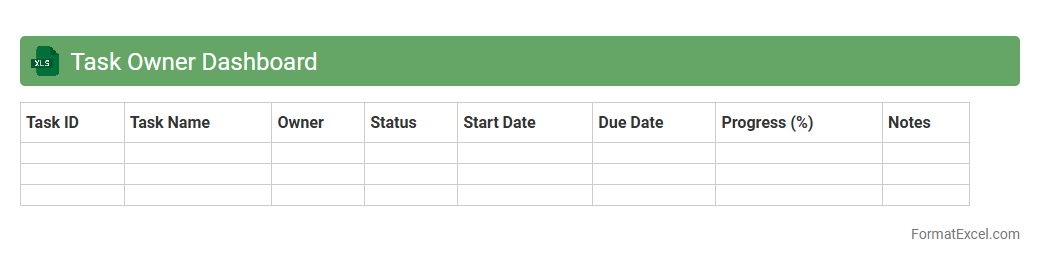
Task Owner Dashboard
The
Task Owner Dashboard Excel document is a powerful tool designed to track, manage, and visualize task progress and ownership within projects or teams. It consolidates task status, deadlines, and assigned owners into a centralized interface, enabling efficient monitoring and accountability. This dashboard enhances productivity by providing clear insights into task completion rates and facilitating prompt action on pending items.
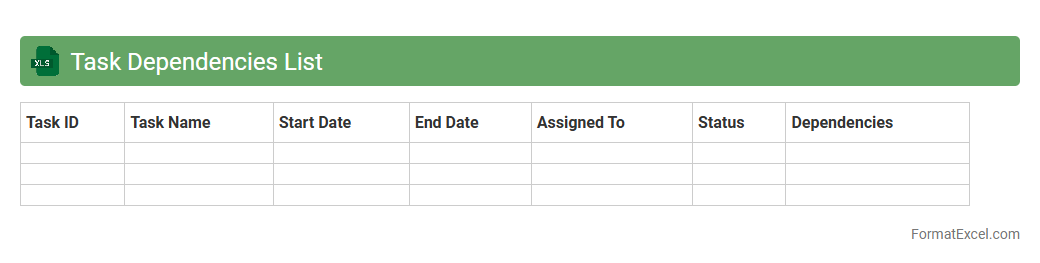
Task Dependencies List
A
Task Dependencies List Excel document is a structured spreadsheet that outlines the relationships between various project tasks, specifying which tasks must be completed before others can begin. It helps project managers and teams visualize workflow sequences, identify critical paths, and prevent bottlenecks by ensuring that dependent tasks are scheduled logically. Utilizing this list enhances project planning, resource allocation, and timely completion of milestones.
Recurring Task Manager
A
Recurring Task Manager Excel document is a structured tool designed to track and manage repetitive tasks efficiently, helping users maintain consistency and meet deadlines. It allows for scheduling, prioritizing, and monitoring the progress of tasks that occur on a daily, weekly, or monthly basis, reducing the risk of overlooking important activities. By utilizing this document, individuals and teams can enhance productivity, improve time management, and ensure accountability in their workflow.
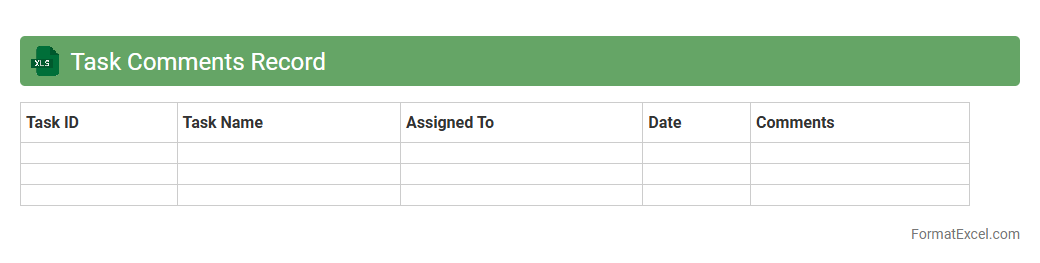
Task Comments Record
The
Task Comments Record Excel document is a structured tool designed to track and organize feedback or notes related to specific tasks within a project. It allows teams to maintain a clear history of comments, facilitating effective communication and accountability among members. By systematically recording these inputs, the document aids in monitoring progress, resolving issues, and ensuring that all stakeholders are aligned on task details.
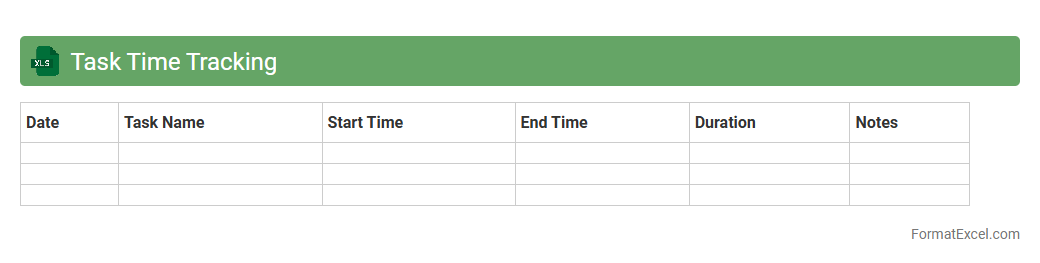
Task Time Tracking
A
Task Time Tracking Excel document is a structured spreadsheet designed to record and analyze the time spent on specific tasks or projects. It helps improve productivity by providing clear insights into work patterns, enabling efficient allocation of resources and identification of time-wasting activities. Using this tool supports better project management, accurate billing, and informed decision-making based on detailed time data.
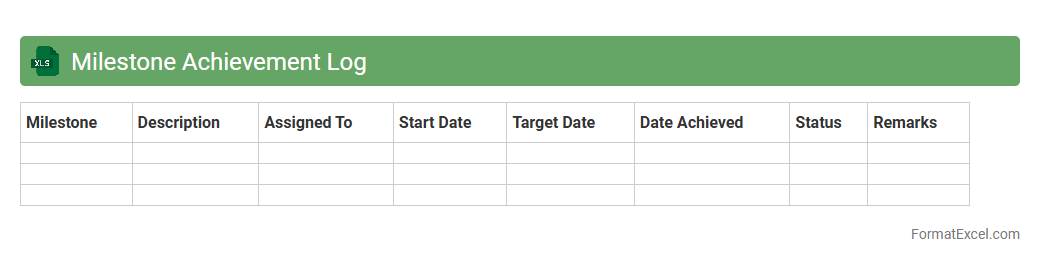
Milestone Achievement Log
The
Milestone Achievement Log Excel document is a structured tool for tracking project milestones, deadlines, and key deliverables. It provides clear visibility into progress, enabling effective project management and timely decision-making. This log helps teams stay organized, monitor achievements, and ensure accountability throughout the project lifecycle.
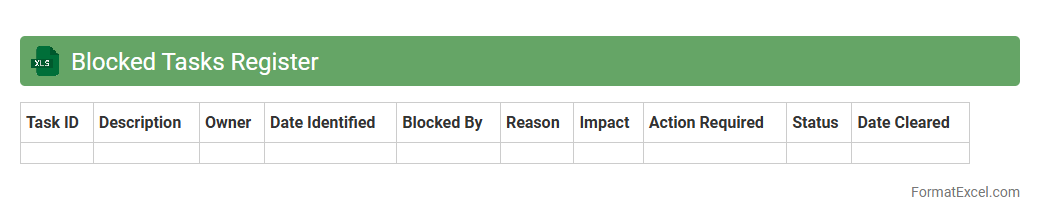
Blocked Tasks Register
The
Blocked Tasks Register Excel document is a tool designed to track and manage tasks that are currently hindered or delayed. It helps teams identify bottlenecks and obstacles by clearly listing each blocked task along with reasons and responsible parties. This register improves project transparency and accelerates issue resolution, ensuring smoother workflow and timely completion of projects.
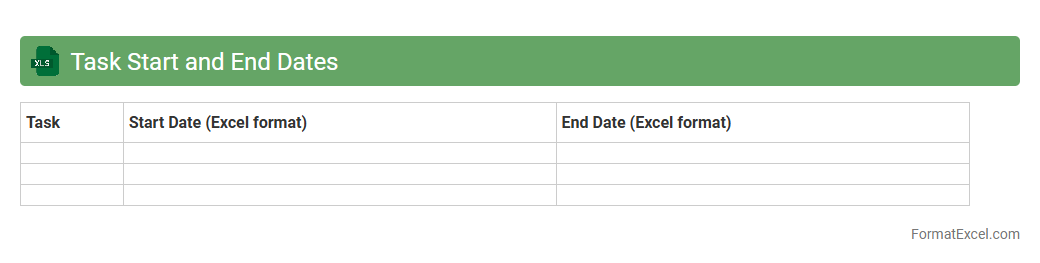
Task Start and End Dates
A Task Start and End Dates Excel document is a
project management tool that tracks the beginning and completion dates of specific tasks within a project timeline. It helps in visualizing deadlines, monitoring progress, and ensuring timely delivery by clearly outlining when each task is scheduled to start and finish. Using this document enhances planning accuracy, resource allocation, and overall project efficiency by providing a structured overview of task durations.
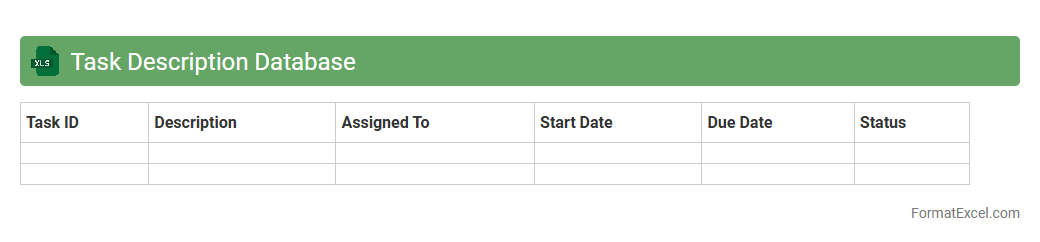
Task Description Database
A
Task Description Database Excel document is a structured spreadsheet that organizes detailed information about various tasks, including objectives, procedures, deadlines, and responsible individuals. It enhances project management by providing a centralized reference that improves task tracking, accountability, and workflow efficiency. Using this database allows teams to streamline communication, minimize errors, and ensure timely completion of all assigned duties.
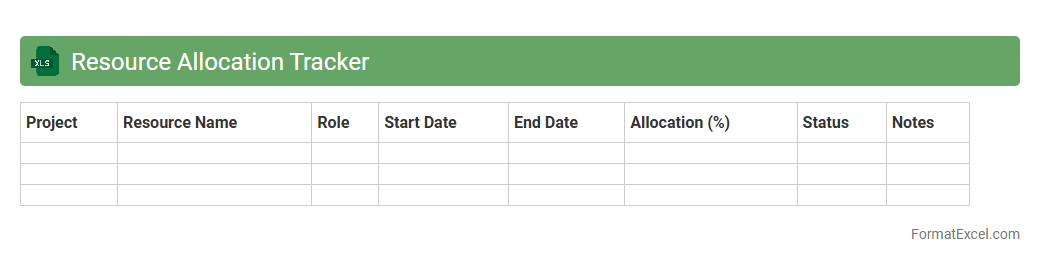
Resource Allocation Tracker
A
Resource Allocation Tracker Excel document helps monitor and manage the distribution of resources such as time, personnel, and budget across various projects or tasks. It provides a clear overview of resource availability and utilization, enabling efficient project planning and preventing overallocation or bottlenecks. This tool enhances productivity by facilitating data-driven decisions and improving collaboration among team members.
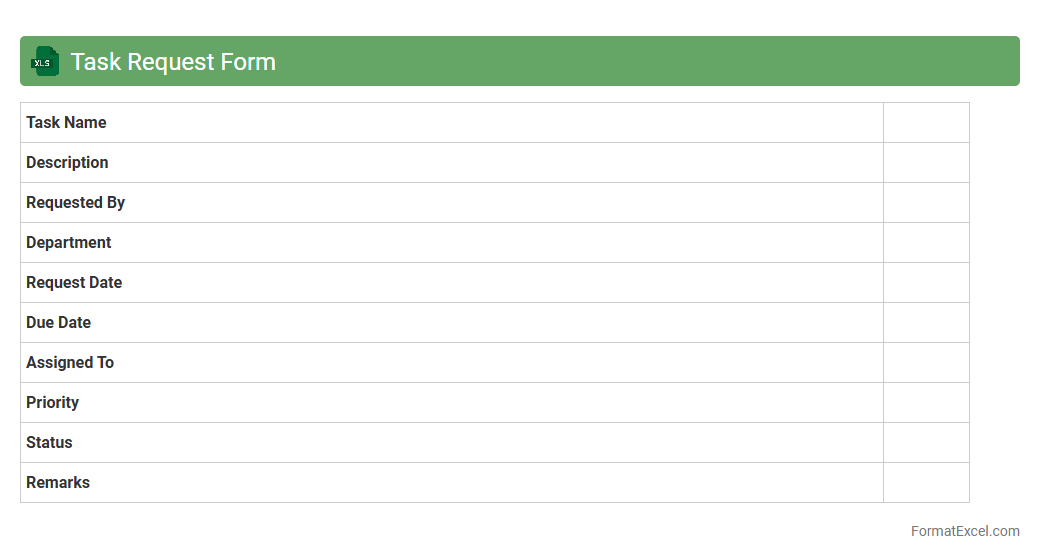
Task Request Form
The
Task Request Form Excel document is a structured spreadsheet designed to capture detailed task information, such as task descriptions, deadlines, priority levels, and assigned personnel. It serves as an efficient tool to streamline task management by centralizing requests, ensuring clarity, and enabling easy tracking of task progress. Utilizing this document improves communication across teams and enhances productivity by providing a clear record of all task-related requests and statuses.
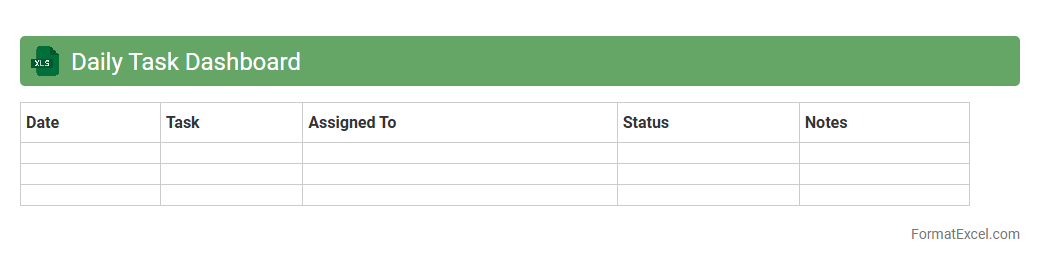
Daily Task Dashboard
The
Daily Task Dashboard Excel document is a comprehensive tool designed to organize, track, and prioritize daily work activities efficiently. It enables users to visualize task progress, deadlines, and completion status through customizable charts and tables, improving time management and productivity. This dashboard consolidates essential task data in one place, facilitating better decision-making and streamlined workflow monitoring.
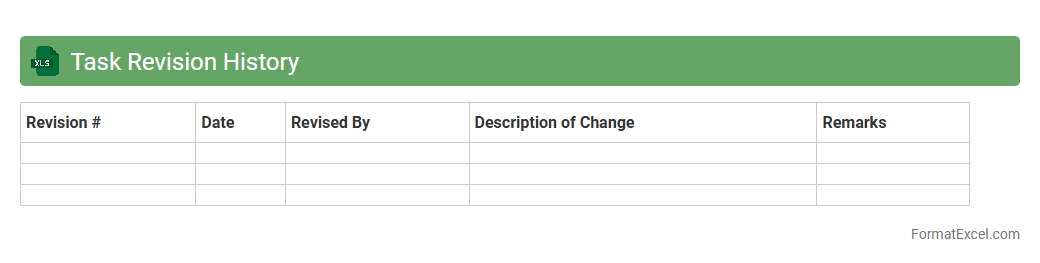
Task Revision History
The
Task Revision History Excel document is a structured log that tracks all changes and updates made to specific tasks within a project or workflow. It helps teams monitor the progression of tasks, identify who made changes, and maintain accountability throughout the project lifecycle. This document is invaluable for ensuring transparency, facilitating project audits, and improving collaboration among team members.
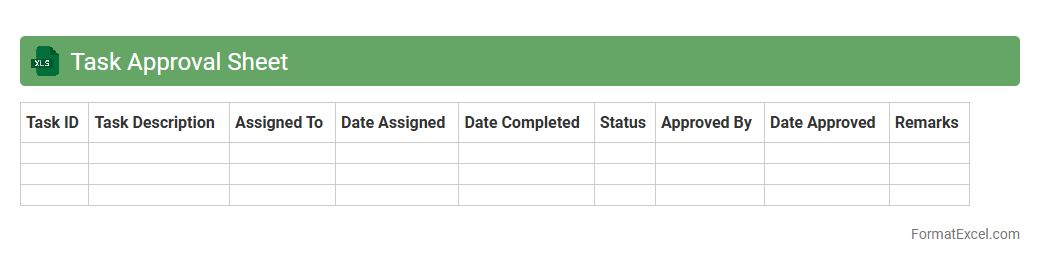
Task Approval Sheet
A
Task Approval Sheet Excel document is a structured template designed to track, review, and authorize tasks within projects or workflows, ensuring accountability and proper documentation. It helps in streamlining communication between team members and supervisors by providing clear visibility of task status, responsible parties, and approval dates. Using this sheet enhances project management efficiency and supports timely decision-making through organized record-keeping and easy access to task approval data.
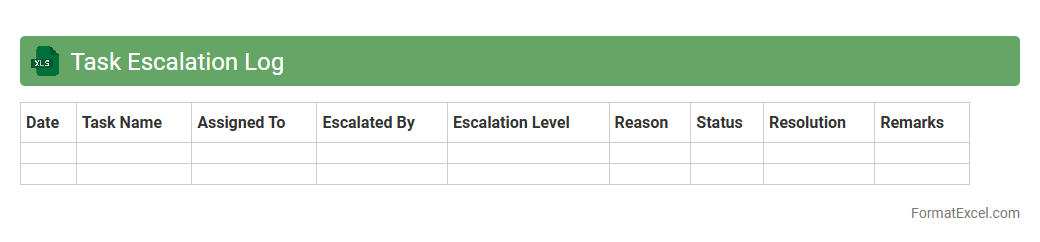
Task Escalation Log
A
Task Escalation Log Excel document is a structured tool used to track and manage the escalation of issues or tasks within a project or organization. It records details such as the task description, escalation date, responsible parties, priority level, and resolution status, enabling transparent monitoring and prompt follow-up. This log helps ensure accountability, reduces delays in problem-solving, and improves overall project efficiency by providing a clear escalation trail.
Understanding the Need for a Task Tracker
A task tracker helps individuals and teams stay organized by monitoring progress and deadlines effectively. Without it, tasks can easily be overlooked, resulting in missed deadlines and decreased productivity. Implementing a task tracker ensures accountability and better time management.
Benefits of Using Excel for Task Management
Excel offers a flexible and powerful platform for managing tasks through customized spreadsheets. Its built-in features like filtering, sorting, and formulas make Excel a versatile tool for task tracking. Additionally, it is widely accessible and easy to share among team members.
Key Components of an Effective Task Tracker Format
An effective task tracker includes essential elements like task names, deadlines, statuses, and assigned personnel. The inclusion of priority levels helps prioritize workloads and manage time better. Clear categories and progress indicators improve tracking accuracy.
Step-by-Step Guide to Creating a Task Tracker in Excel
Start by setting up columns for task details including task description, assigned to, due date, and status. Use Excel's data validation and conditional formatting features to enhance usability. Finally, test your tracker by entering sample data to ensure functionality.
Essential Columns to Include in Your Task Tracker
Critical columns include Task Name, Assigned To, Due Date, Status, Priority, and Notes. These columns provide a comprehensive overview of each task and its current state. Incorporating a completion percentage column can also aid in progress visualization.
Customizing Your Task Tracker for Different Projects
Tailor your task tracker by adding project-specific fields such as milestones or budget tracking. Customize colors and filters to reflect the unique needs of each project. Flexibility in the design enhances relevance and engagement for users.
Using Conditional Formatting for Easy Visualization
Conditional formatting allows automatic cell color changes based on rules, enhancing readability. For example, overdue tasks can be highlighted in red to signal urgency. This visual aid enables quick identification of critical task statuses.
Automating Task Updates with Excel Formulas
Formulas automate calculations such as days remaining or task duration, reducing manual effort. Using functions like IF and TODAY ensures dynamic task status updates. Automation keeps the tracker accurate and up to date with minimal intervention.
Tips for Collaborative Task Tracking in Excel
Use shared workbooks or cloud-based platforms like OneDrive for real-time collaboration in Excel. Implement clear guidelines to avoid conflicting edits and maintain data integrity. Collaboration improves team communication and overall task management efficiency.
Downloadable Excel Task Tracker Templates
Pre-made Excel templates provide a quick start with predefined structure and formulas. They are beneficial for users looking for a ready-to-use task tracking solution without building from scratch. Many free and premium templates are available online to suit diverse needs.