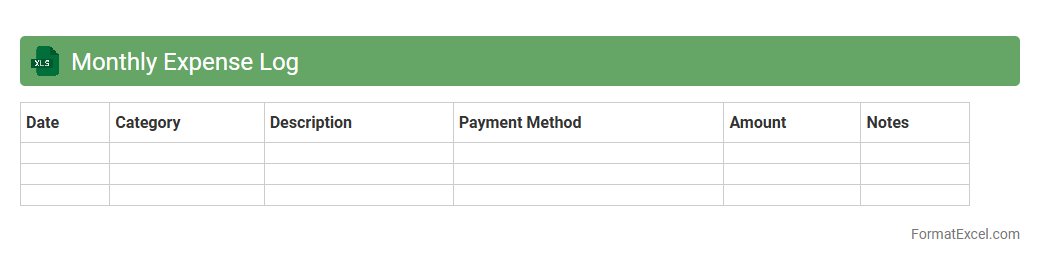
Monthly Expense Log
A
Monthly Expense Log Excel document is a structured spreadsheet designed to record and categorize all monthly expenditures, helping users track their spending habits accurately. By organizing expenses in categories such as rent, groceries, utilities, and entertainment, it simplifies budgeting and financial planning. This tool enhances financial awareness and aids in identifying saving opportunities, leading to better money management.
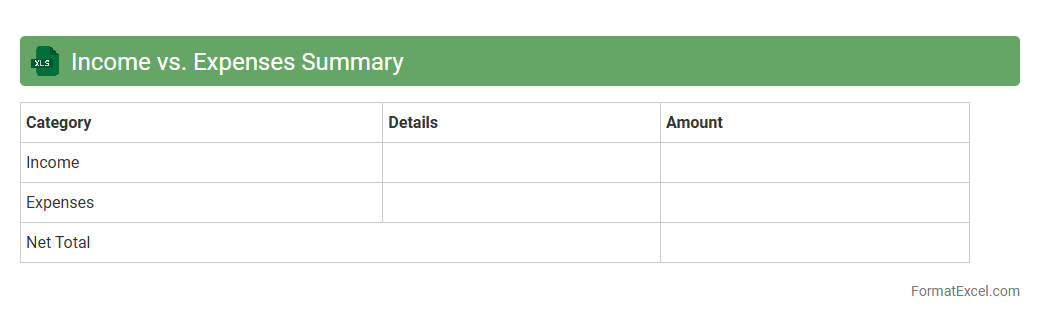
Income vs. Expenses Summary
An
Income vs. Expenses Summary Excel document is a financial tool designed to track and compare total income against total expenses over a specific period. It helps users monitor budget health, identify spending patterns, and make informed decisions to improve financial stability. By providing a clear overview of cash flow, this summary aids in efficient financial planning and goal setting.
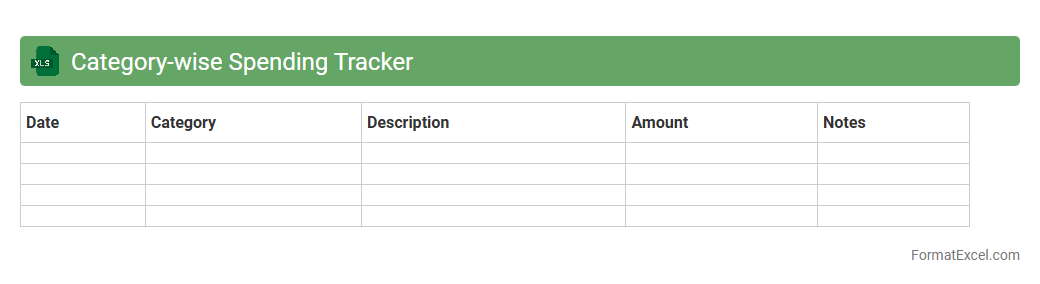
Category-wise Spending Tracker
The
Category-wise Spending Tracker Excel document organizes expenses into distinct categories, allowing users to monitor and analyze their spending patterns effectively. This tool helps identify overspending areas, manage budgets more efficiently, and make informed financial decisions. By visualizing spending data, it supports goal setting and progress tracking toward improved financial health.
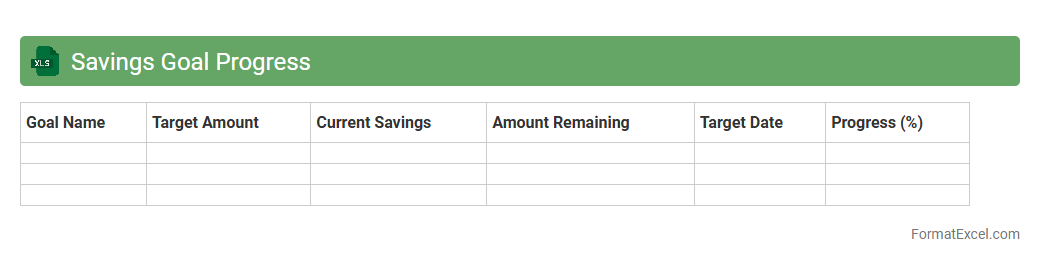
Savings Goal Progress
The
Savings Goal Progress Excel document is a financial tracking tool that helps individuals monitor their savings targets by recording deposits, tracking progress percentages, and projecting completion timelines. This spreadsheet enables users to visually assess their financial discipline, make informed adjustments to spending or saving habits, and stay motivated by observing incremental achievements. Utilizing this document improves budgeting efficiency and enhances long-term financial planning by providing clear, data-driven insights.
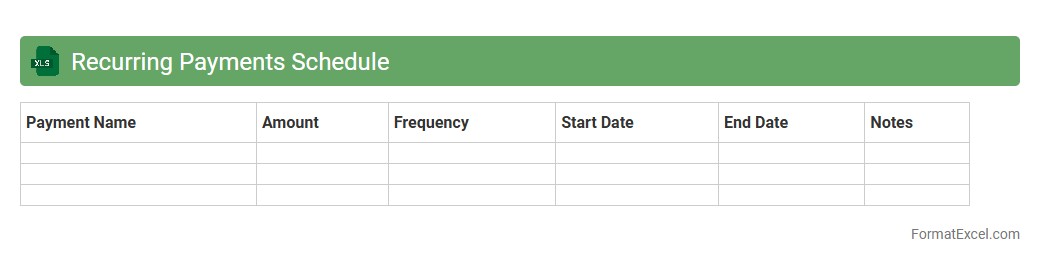
Recurring Payments Schedule
A
Recurring Payments Schedule Excel document organizes and tracks all regular payment obligations, such as subscriptions, loans, and utility bills, in a structured format. It helps users manage cash flow effectively by providing clear visibility of upcoming due dates and payment amounts, reducing the risk of missed payments or late fees. This document also enables efficient budgeting and financial planning by consolidating all recurring expenses in one accessible spreadsheet.
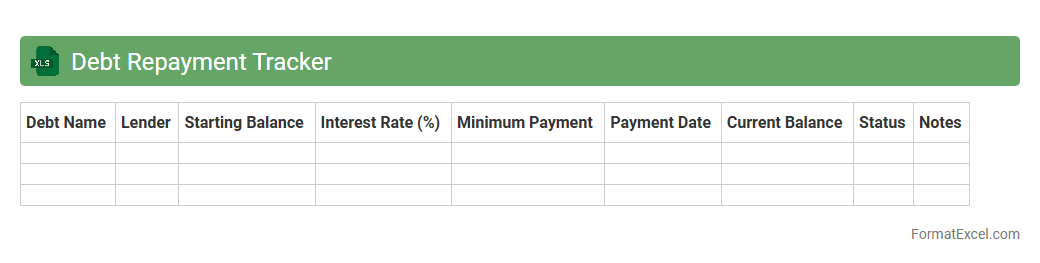
Debt Repayment Tracker
A
Debt Repayment Tracker Excel document is a tool designed to help individuals monitor and manage their debt payments efficiently by organizing loan amounts, interest rates, payment dates, and remaining balances in a structured spreadsheet. It enables users to visualize progress, set repayment goals, and prioritize debts to reduce overall interest costs, fostering better financial discipline and planning. This tracker promotes accountability and clarity, making the process of becoming debt-free more manageable and motivating.
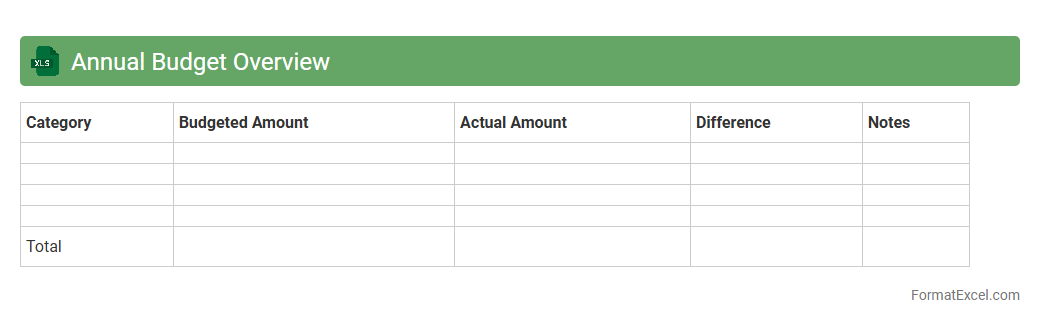
Annual Budget Overview
The
Annual Budget Overview Excel document is a comprehensive financial tool designed to track and manage income, expenses, and savings throughout the fiscal year. It provides a clear visualization of budget allocations, helping users identify spending patterns and make informed decisions to optimize financial health. This document is essential for maintaining financial discipline, ensuring resources are allocated efficiently, and supporting strategic planning and goal setting.
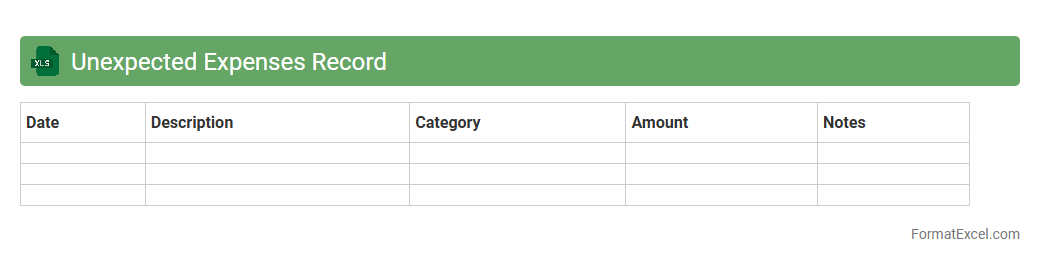
Unexpected Expenses Record
An
Unexpected Expenses Record Excel document is a financial tool designed to track and manage unplanned costs that arise outside of regular budgeting. It helps individuals and businesses monitor these sudden expenses, ensuring better cash flow management and financial preparedness. By keeping detailed records, users can analyze spending patterns and make informed decisions to minimize future financial surprises.
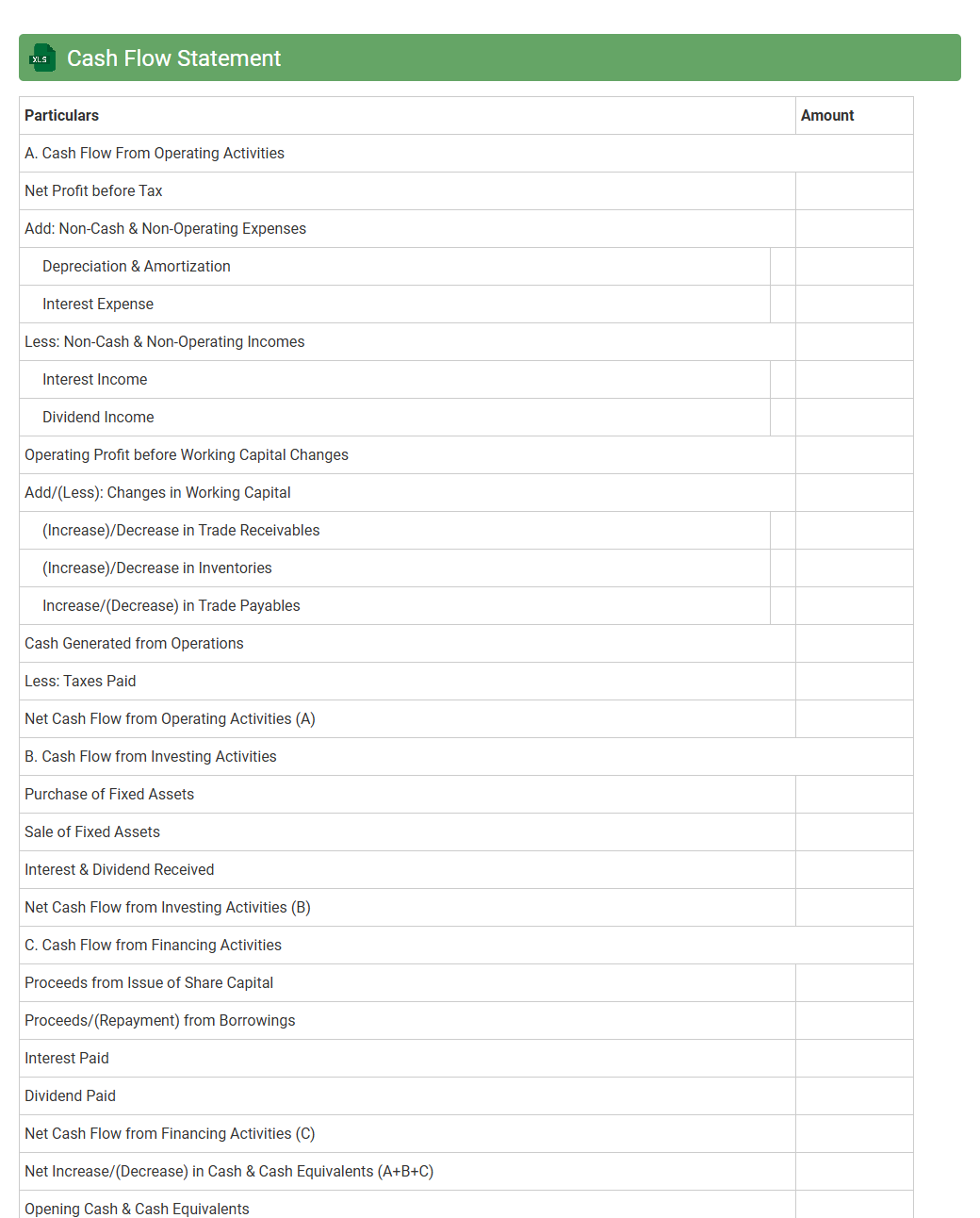
Cash Flow Statement
A
Cash Flow Statement Excel document is a financial tool that tracks the inflows and outflows of cash within a business over a specific period. It enables users to analyze operating, investing, and financing activities to ensure liquidity and financial stability. This document is essential for budgeting, forecasting, and making informed decisions about cash management and business growth.
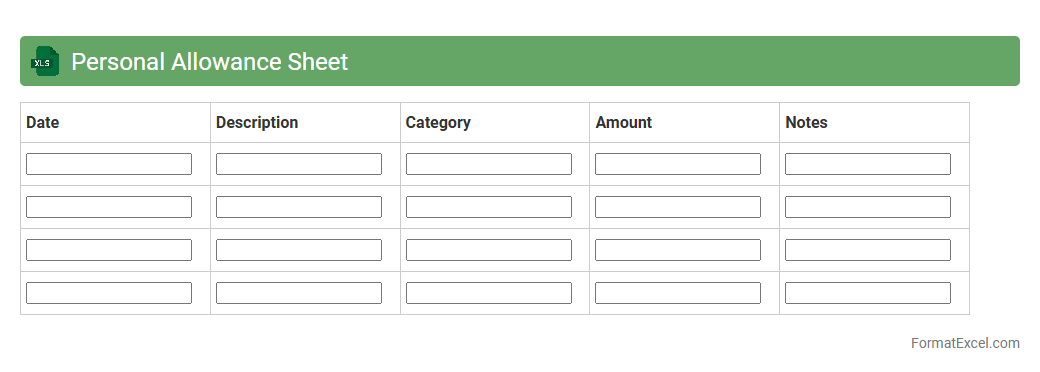
Personal Allowance Sheet
A
Personal Allowance Sheet Excel document is a structured spreadsheet designed to track and manage individual allowances such as travel, meals, or daily expenses. It organizes data efficiently, enabling accurate calculation, budgeting, and reimbursement processes. This tool enhances financial control and transparency in managing personal or employee allowances.
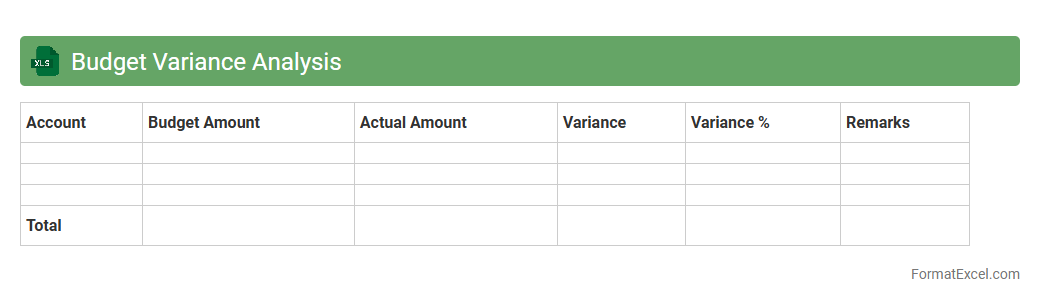
Budget Variance Analysis
Budget Variance Analysis Excel document is a powerful tool used to compare actual financial performance against planned budgets, highlighting discrepancies and enabling detailed tracking of income and expenses. By identifying areas where spending deviates from the budget, it helps businesses and individuals make informed decisions, optimize resource allocation, and improve financial control. This analysis enhances transparency and accountability, leading to more effective
budget management and strategic planning.
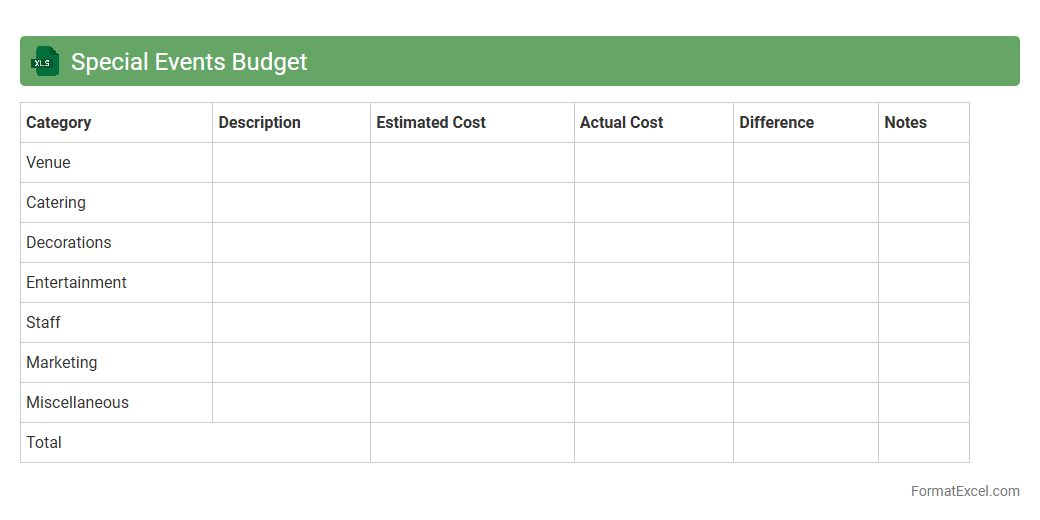
Special Events Budget
The
Special Events Budget Excel document is a structured financial tool designed to plan, track, and manage all expenses and revenues related to organizing special events. It helps event planners allocate resources efficiently, monitor costs against the budget, and ensure financial accountability throughout the event lifecycle. By providing a clear overview of budgeted versus actual expenditures, it supports informed decision-making and prevents overspending.
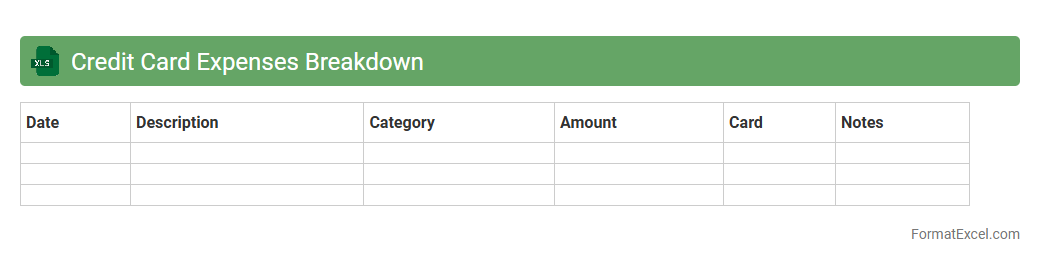
Credit Card Expenses Breakdown
A
Credit Card Expenses Breakdown Excel document organizes and categorizes all credit card transactions, providing a clear overview of spending patterns. It helps track expenses by date, vendor, and category, enabling better budgeting and financial management. This tool is essential for identifying unnecessary charges and optimizing cash flow.
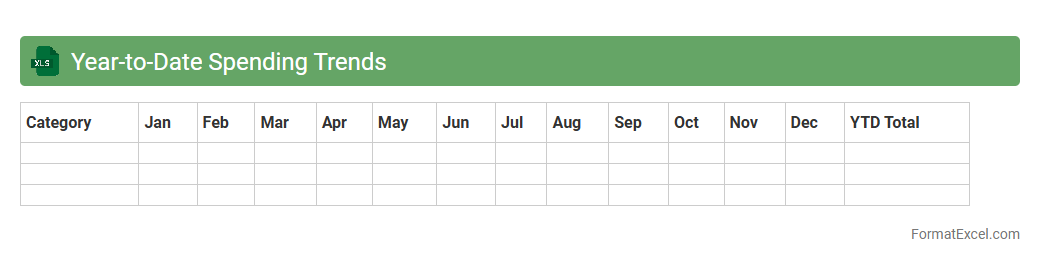
Year-to-Date Spending Trends
The
Year-to-Date Spending Trends Excel document tracks cumulative expenses over a specified period, allowing detailed analysis of financial behavior and budget adherence. By comparing monthly spending patterns against annual budgets, this tool helps identify areas of overspending or savings opportunities. It supports informed decision-making by offering clear visibility into cash flow and expenditure trends throughout the fiscal year.
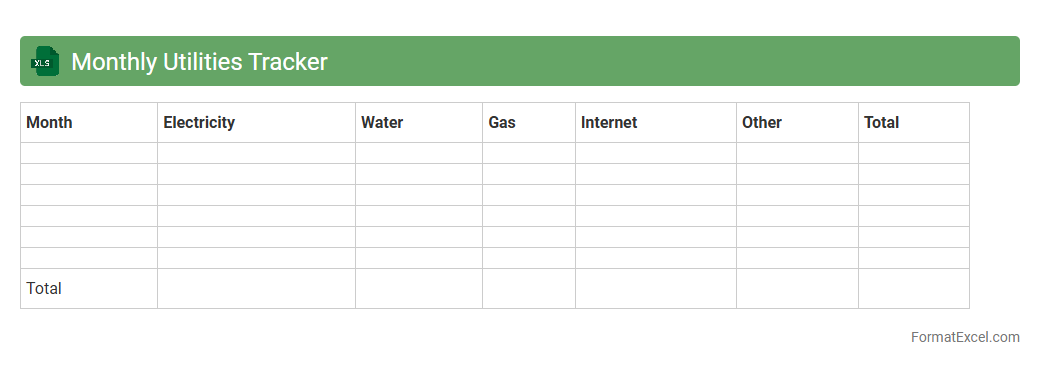
Monthly Utilities Tracker
The
Monthly Utilities Tracker Excel document is a practical tool designed to record and monitor monthly expenses for utilities such as electricity, water, gas, and internet. It helps users analyze consumption patterns, identify areas for cost-saving, and stay within budget by providing clear, organized data at a glance. This tracker enhances financial awareness and promotes efficient management of household or business utility costs.
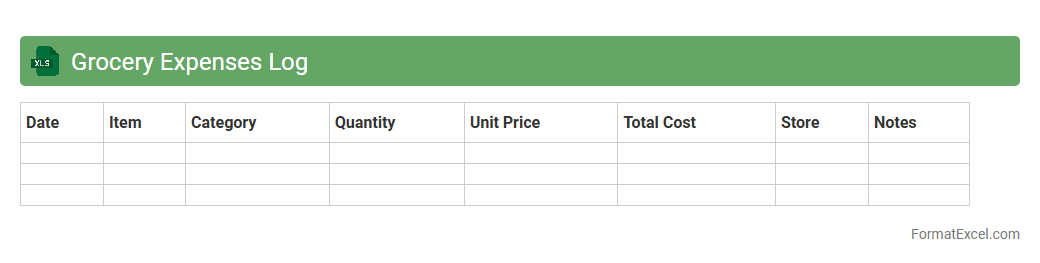
Grocery Expenses Log
A
Grocery Expenses Log Excel document is a structured spreadsheet designed to track and categorize daily or weekly grocery purchases, allowing users to monitor spending patterns effectively. It provides clear insights into budget allocation, helps identify unnecessary expenses, and supports better financial planning by offering detailed records of itemized costs. Utilizing this log enhances money management skills and promotes disciplined shopping habits for improved household budgeting.
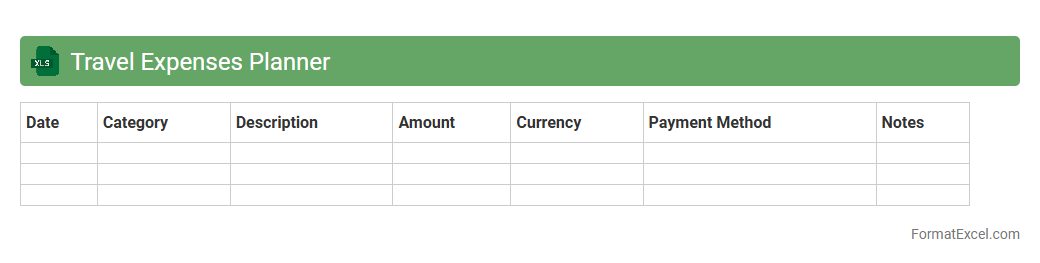
Travel Expenses Planner
The
Travel Expenses Planner Excel document is a practical tool designed to help individuals and businesses track, manage, and budget travel-related costs efficiently. It enables users to categorize expenses such as transportation, accommodation, meals, and incidentals, providing clear visibility into spending patterns. Leveraging this planner improves financial control, ensures accurate reimbursement, and aids in pre-trip budgeting to avoid overspending.
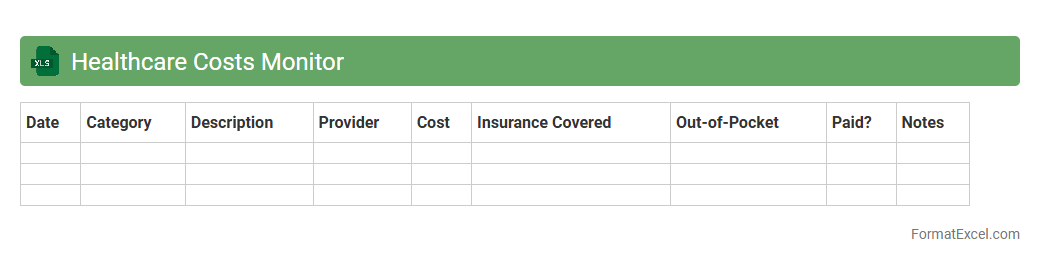
Healthcare Costs Monitor
The
Healthcare Costs Monitor Excel document is a comprehensive tool designed to track, analyze, and manage healthcare expenses efficiently. By organizing data on medical bills, insurance claims, and treatment costs, it enables users to identify spending patterns and opportunities for cost savings. This document supports better financial decision-making and helps optimize healthcare budgets for individuals or organizations.
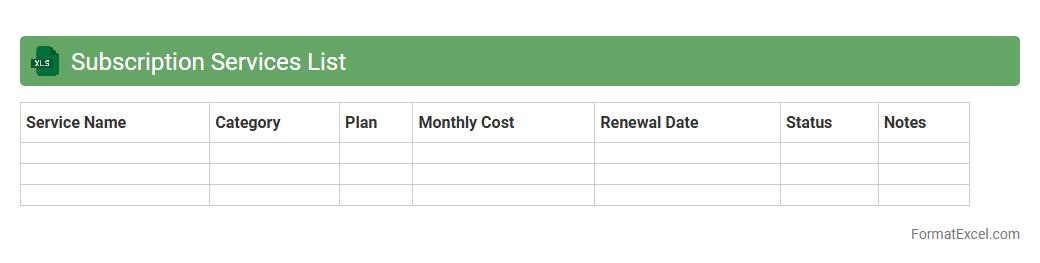
Subscription Services List
A
Subscription Services List Excel document is a structured spreadsheet that tracks all active subscriptions, including details such as service names, payment amounts, billing cycles, and renewal dates. This tool helps users manage and monitor recurring expenses efficiently, ensuring timely cancellations and avoiding unwanted charges. By consolidating subscription data in one place, it enhances financial planning and supports budgeting accuracy.
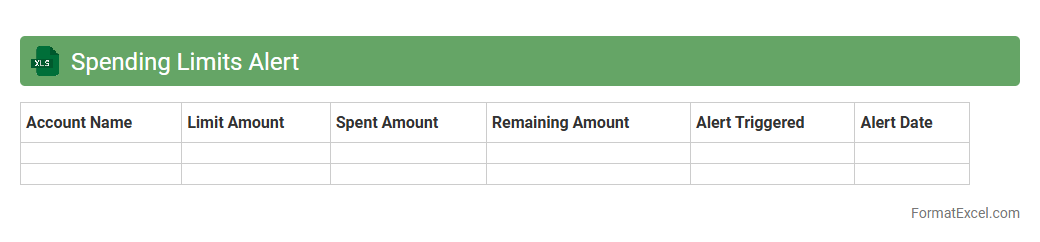
Spending Limits Alert
The
Spending Limits Alert Excel document is a financial tool designed to track and monitor budget thresholds for various expense categories. It helps users avoid overspending by providing real-time alerts when expenditures approach or exceed predefined limits. This proactive approach enhances budget management, ensuring financial discipline and preventing unexpected costs.
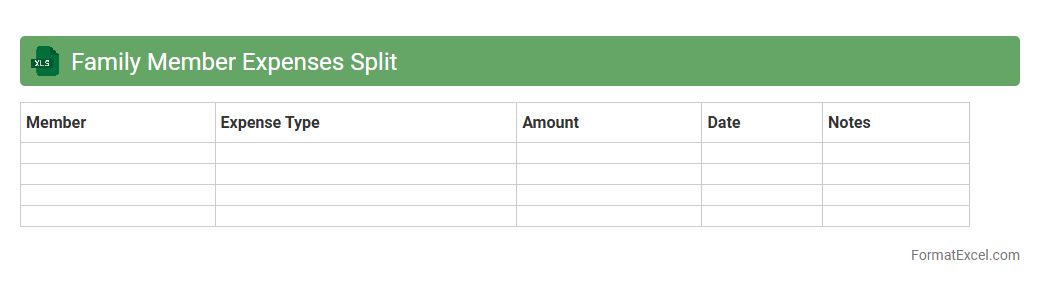
Family Member Expenses Split
The
Family Member Expenses Split Excel document is a practical tool designed to track and divide household costs among family members efficiently. It allows users to input various expenses such as groceries, utilities, and rent, automatically calculating each person's share to ensure transparency and fairness. This spreadsheet helps prevent misunderstandings by providing a clear record of financial contributions, making budgeting and expense management more streamlined.
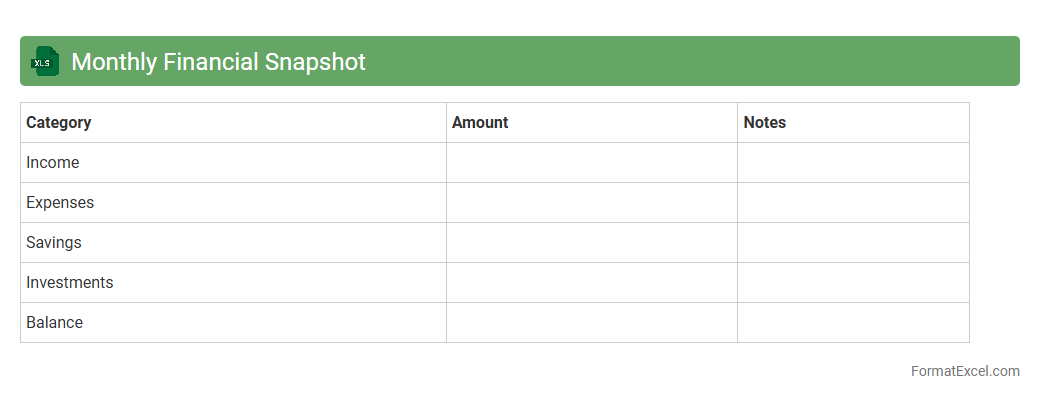
Monthly Financial Snapshot
The
Monthly Financial Snapshot Excel document is a dynamic tool that consolidates key financial data, including income, expenses, and cash flow, into an easy-to-read format. It allows users to monitor financial performance regularly, identify trends, and make informed budgeting decisions. This document enhances financial visibility and supports strategic planning by providing a clear overview of monthly financial health.
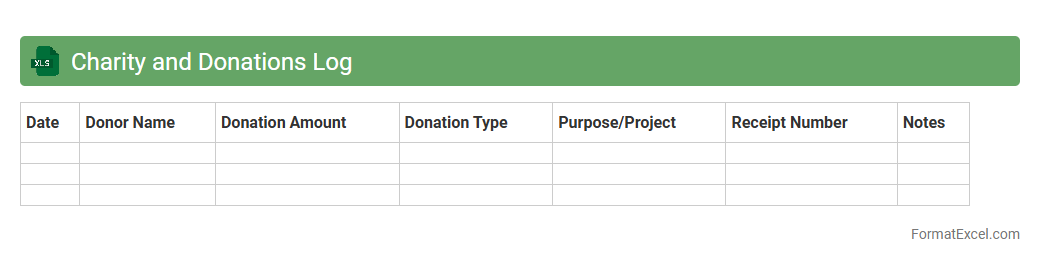
Charity and Donations Log
A
Charity and Donations Log Excel document is a structured tool designed to track and manage charitable contributions efficiently. It allows users to record donor information, donation amounts, dates, and purposes, ensuring transparency and accountability in philanthropy. This log aids organizations and individuals in maintaining accurate financial records, facilitating tax deductions, and improving the planning of future fundraising efforts.
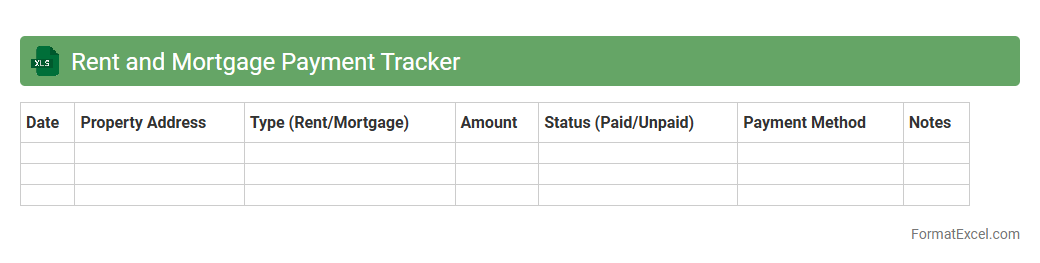
Rent and Mortgage Payment Tracker
A
Rent and Mortgage Payment Tracker Excel document is a digital tool designed to record and monitor monthly housing payments, including rent or mortgage installments. It helps users maintain accurate financial records, avoid missed payments, and easily analyze budget allocations for housing expenses. This organized approach enhances financial planning and ensures timely payments, reducing the risk of late fees and credit issues.
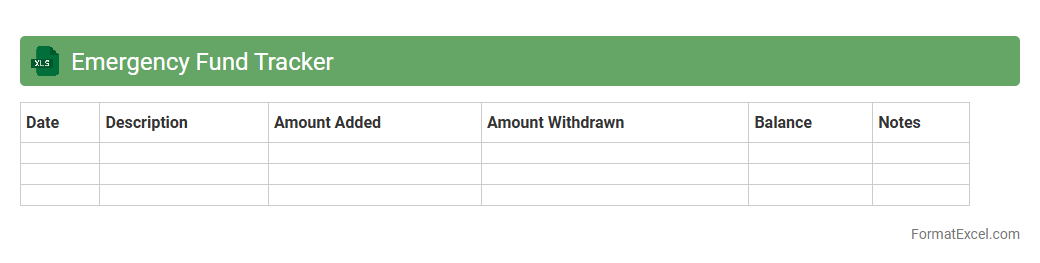
Emergency Fund Tracker
An
Emergency Fund Tracker Excel document is a financial tool designed to monitor and manage savings specifically set aside for unexpected expenses or emergencies. It helps users maintain clarity on their progress toward their emergency fund goals by tracking deposits, withdrawals, and current balance in a structured format. This tool promotes disciplined savings habits and provides peace of mind by ensuring funds are readily available during financial crises.
Introduction to Budget Tracker Formats
A budget tracker format in Excel is a structured template designed to help individuals or businesses monitor their income and expenses. It organizes financial data clearly, facilitating better money management. Simple to use and customizable, Excel budget trackers adapt to various financial needs.
Benefits of Using Excel for Budget Tracking
Excel offers powerful tools like formulas, charts, and pivot tables, making it ideal for budget tracking. It allows users to automate calculations, visualize spending patterns, and update budgets easily. Furthermore, Excel's flexibility supports both personal and business financial management efficiently.
Key Components of an Effective Budget Tracker
An effective budget tracker includes essential components such as income sources, expense categories, dates, and balances. Clear categorization helps in precise tracking and financial analysis. Accuracy in data input and regular updates ensure the tracker remains useful over time.
Step-by-Step Guide to Creating a Budget Tracker in Excel
Start by setting up columns for Date, Description, Category, Amount, and Balance for your budget tracker. Use Excel formulas like SUM and IF to calculate totals and conditional outputs automatically. Finally, format your sheet with tables and charts to enhance readability and functionality.
Essential Columns and Formulas for Budget Tracking
Key columns include Date, Description, Category, Budgeted Amount, Actual Amount, and Difference for effective budget tracking. Formulas like SUM for totals, SUMIF for category totals, and simple subtraction help monitor spending. These columns and formulas create a dynamic tool for real-time budget management.
Customizing Your Budget Tracker for Personal or Business Use
Customize your tracker by adjusting categories and adding specific income or expense types relevant to your personal or business needs. Include features like monthly summaries, charts, or multi-sheet workbooks to compare periods. Personalizing enhances relevancy and increases budgeting effectiveness.
Free Budget Tracker Templates in Excel
Many websites offer free Excel budget tracker templates that can be downloaded and tailored to your needs. These templates save time and provide pre-built formulas and layouts for convenience. They are excellent starting points whether for beginners or experienced users.
Tips for Maintaining and Updating Your Excel Budget Tracker
Regularly update your Excel budget tracker by entering transactions promptly and reconciling with bank statements. Use data validation to avoid entry errors and keep categories consistent. Consistent maintenance improves accuracy and financial insight.
Common Mistakes to Avoid in Budget Tracking
Avoid neglecting to update regularly, misclassifying expenses, or relying on vague categories in your budget tracking. Overcomplicating the tracker can also lead to frustration and errors. Keep it simple, consistent, and review your inputs frequently for best results.
Final Thoughts and Best Practices for Budget Tracking in Excel
Effective budget tracking in Excel requires discipline, accuracy, and customization. Use clear categories, automate with formulas, and regularly analyze your data to make informed financial decisions. Maintaining your tracker will empower you to achieve your budgeting goals successfully.