Travel Expenses
A
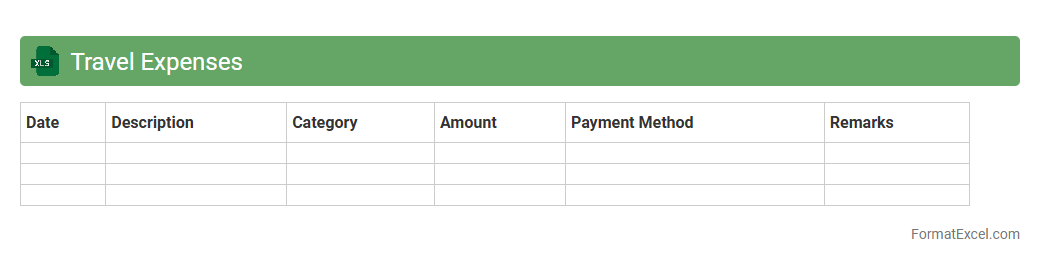
Travel Expenses Excel document is a detailed spreadsheet designed to record, track, and manage costs associated with business or personal travel. It helps users organize expenses such as airfare, accommodation, meals, and transportation, providing clear visibility on spending patterns and ensuring adherence to budgets. Using this tool accelerates expense reporting, simplifies reimbursement processes, and improves financial accountability.
Meal Expenses
The
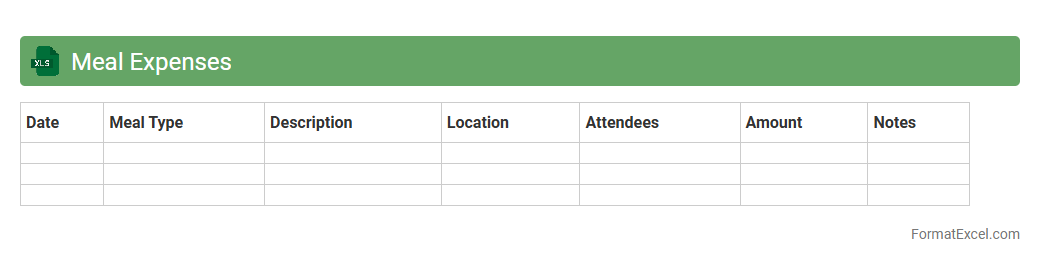
Meal Expenses Excel document is a structured spreadsheet designed to track and manage daily or monthly meal-related costs efficiently. It allows users to input data such as dates, meal types, amounts spent, and categorize expenses for better financial oversight. This tool is useful for budgeting, identifying spending patterns, and optimizing meal-related expenditures in both personal and professional contexts.
Office Supplies
An
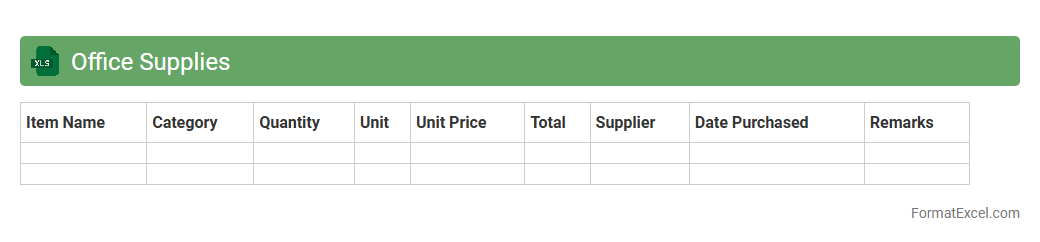
Office Supplies Excel document is a structured spreadsheet that tracks and manages inventory, purchase dates, quantities, and costs of office materials. It enhances organization by providing clear visibility into supply levels, preventing shortages and overstocking. This tool is essential for budgeting, maintaining operational efficiency, and streamlining procurement processes in any business environment.
Utilities Expenses
An
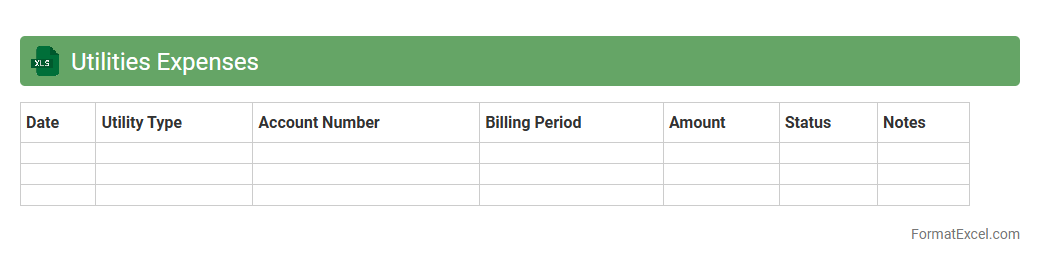
Utilities Expenses Excel document is a structured spreadsheet designed to track and manage monthly costs for essential services such as electricity, water, gas, and internet. This document helps users monitor spending patterns, identify opportunities for cost savings, and maintain an organized financial record for budgeting or auditing purposes. By providing clear visibility into utility expenses, it supports better financial planning and expense control.
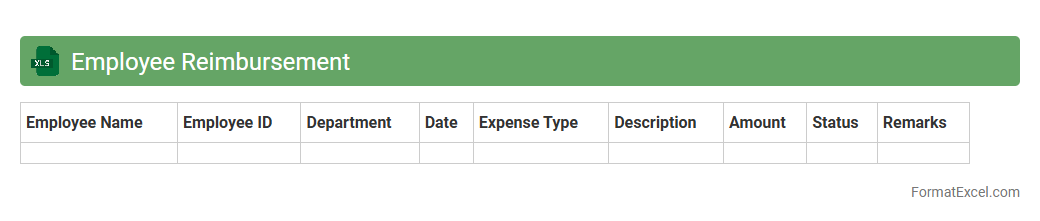
Employee Reimbursement
An
Employee Reimbursement Excel document is a structured spreadsheet used to track and manage expenses incurred by employees that need to be reimbursed by the company. It organizes data such as expense dates, amounts, categories, and approval statuses, facilitating accurate and efficient financial record-keeping. This tool helps streamline the reimbursement process, ensure compliance with company policies, and provide transparency for both employees and finance teams.
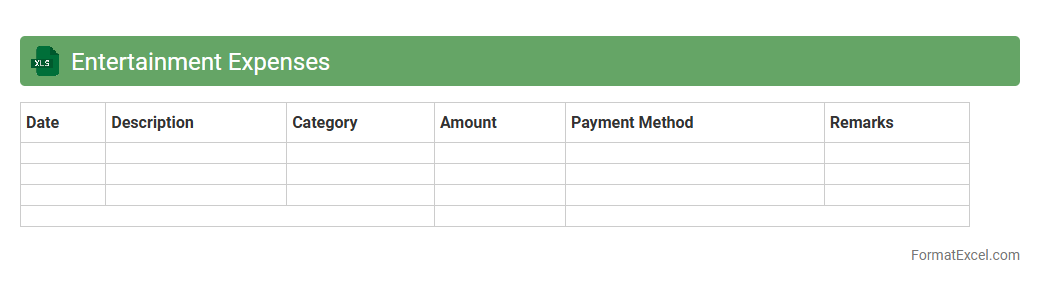
Entertainment Expenses
An
Entertainment Expenses Excel document is a structured spreadsheet designed to track and manage costs related to business entertainment activities such as client meetings, team events, and hospitality. It helps users monitor spending patterns, maintain accurate financial records, and ensure compliance with company policies or tax regulations. By organizing expense data efficiently, this tool supports budgeting, enhances financial transparency, and facilitates detailed reporting for better decision-making.
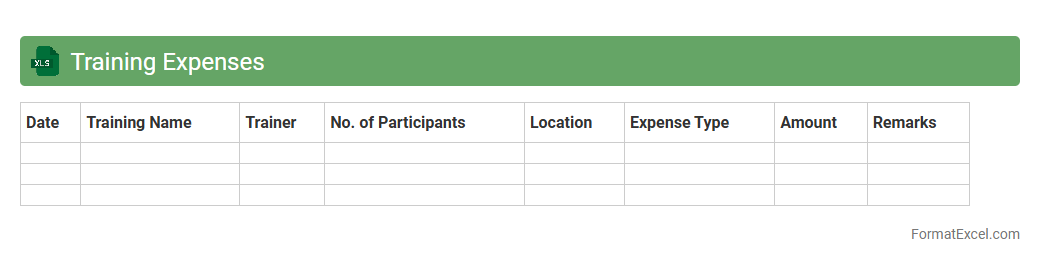
Training Expenses
The
Training Expenses Excel document is a structured spreadsheet used to record, track, and analyze costs associated with employee training programs. It helps organizations manage budgets by detailing expenditures such as course fees, materials, travel, and accommodation. This document is essential for monitoring training ROI, identifying cost-saving opportunities, and ensuring effective allocation of resources.
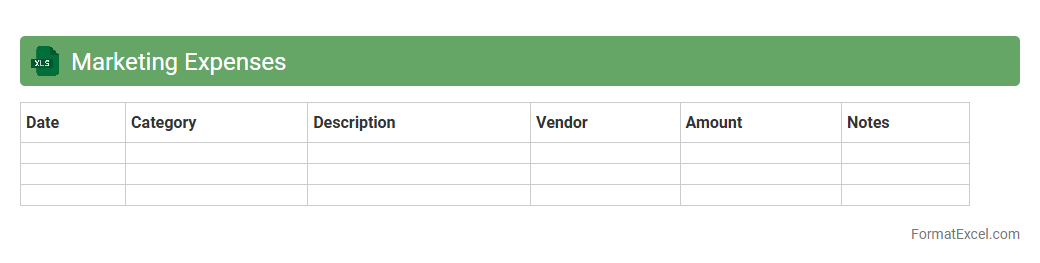
Marketing Expenses
The
Marketing Expenses Excel document is a structured spreadsheet designed to track, categorize, and analyze all costs associated with marketing activities. It allows businesses to monitor budget allocation, identify cost trends, and measure return on investment (ROI) effectively. Utilizing this document enhances financial transparency and supports informed decision-making to optimize marketing strategies.
Vehicle Expenses
A
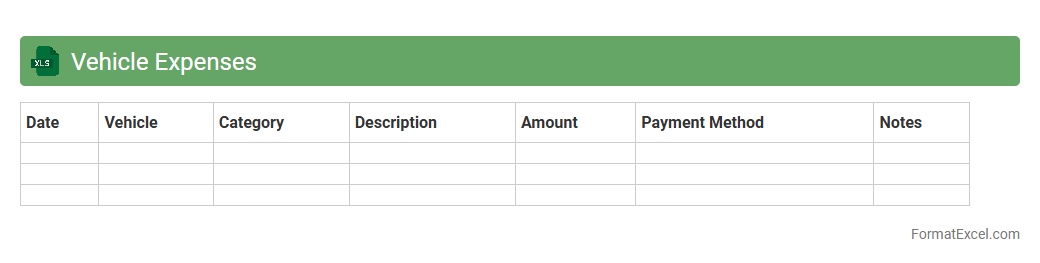
Vehicle Expenses Excel document is a spreadsheet designed to track and organize all costs related to vehicle ownership, including fuel, maintenance, insurance, and repairs. It helps users monitor monthly and annual expenses, enabling better budgeting and cost management for personal or business vehicles. By analyzing this data, users can identify spending patterns and find opportunities to reduce unnecessary expenses.
Communication Expenses
The
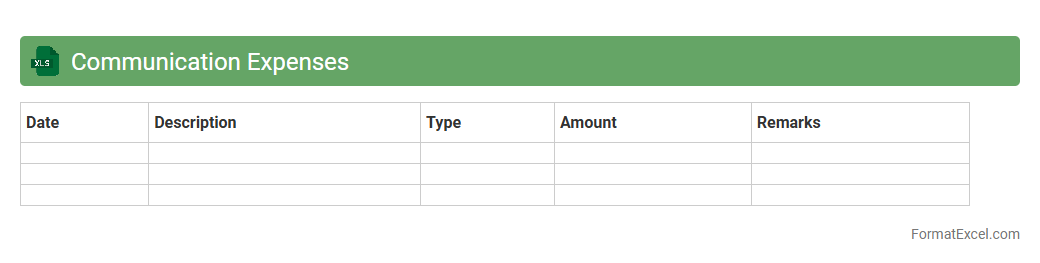
Communication Expenses Excel document tracks costs related to phone, internet, and other communication services, providing a clear overview of monthly and annual expenditures. It helps businesses and individuals monitor spending patterns, identify cost-saving opportunities, and ensure accurate budgeting. Organized data in this format facilitates financial reporting and supports strategic planning for communication resource allocation.
Software Subscriptions
A
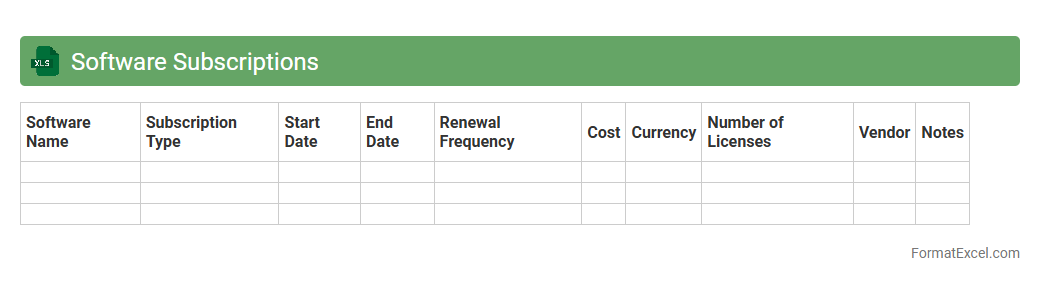
Software Subscriptions Excel document is a spreadsheet specifically designed to track and manage various software licenses, renewal dates, costs, and usage details. It helps businesses maintain an organized overview of ongoing software commitments, ensuring timely renewals and budget control. This tool is essential for optimizing software investments and preventing service interruptions.
Maintenance Expenses
A
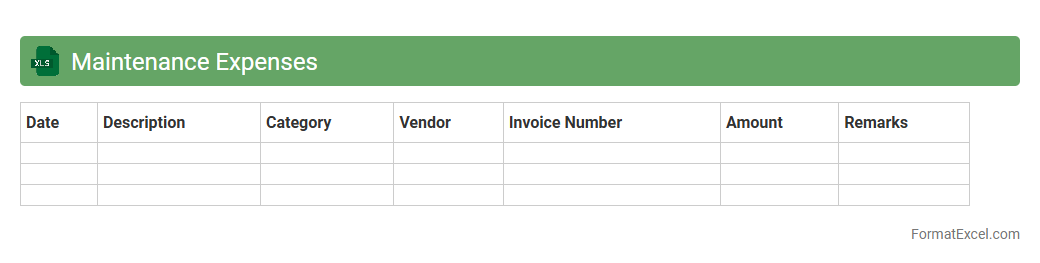
Maintenance Expenses Excel document is a spreadsheet tool designed to track and manage all costs related to the upkeep and repair of equipment, property, or infrastructure. It helps businesses maintain a detailed record of expenses, enabling better budget control and financial planning. By organizing maintenance data systematically, users can identify cost-saving opportunities and improve asset management efficiency.
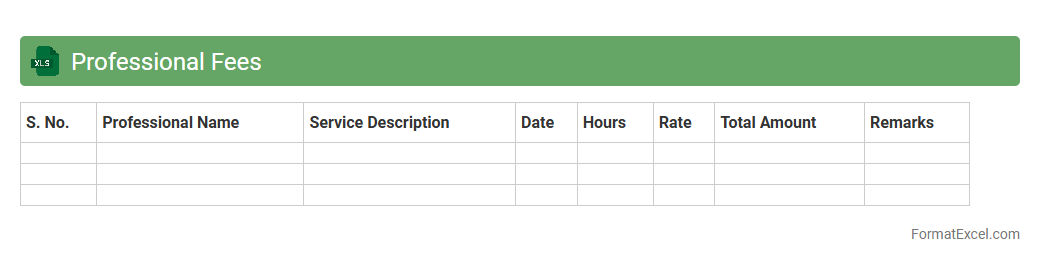
Professional Fees
A
Professional Fees Excel document is a structured spreadsheet designed to track, calculate, and manage fees charged by professionals such as consultants, lawyers, and contractors. It helps in maintaining transparency and organization by recording billable hours, rates, and total expenses systematically. This document is useful for accurate financial planning, timely invoicing, and ensuring compliance with budgetary constraints in business operations.
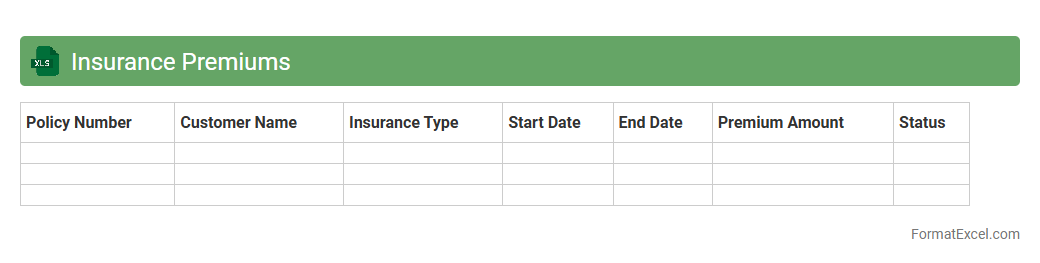
Insurance Premiums
An
Insurance Premiums Excel document is a spreadsheet used to systematically track and manage insurance payment details, including policy types, premium amounts, due dates, and payment statuses. This tool enhances financial organization by providing clear visibility over insurance expenses, enabling timely payments and accurate budgeting. Its use helps minimize missed payments, ensures compliance, and facilitates easy analysis of insurance costs for individuals or businesses.
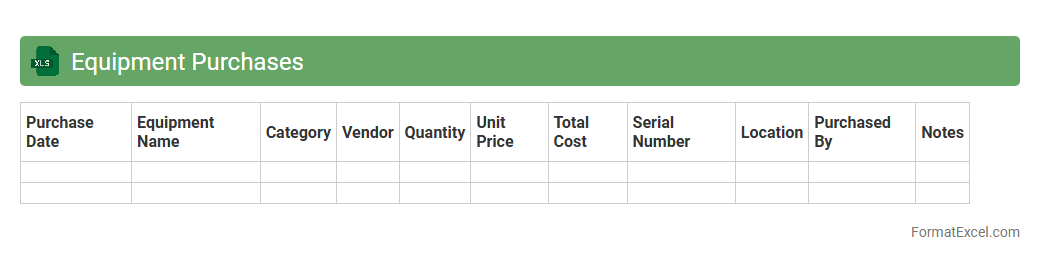
Equipment Purchases
An
Equipment Purchases Excel document is a detailed spreadsheet used to track and manage the acquisition of equipment within an organization. It organizes information such as item descriptions, purchase dates, costs, vendors, and asset locations, enabling accurate budgeting and financial oversight. This document improves decision-making by providing clear visibility into equipment expenses and helps ensure compliance with procurement policies.
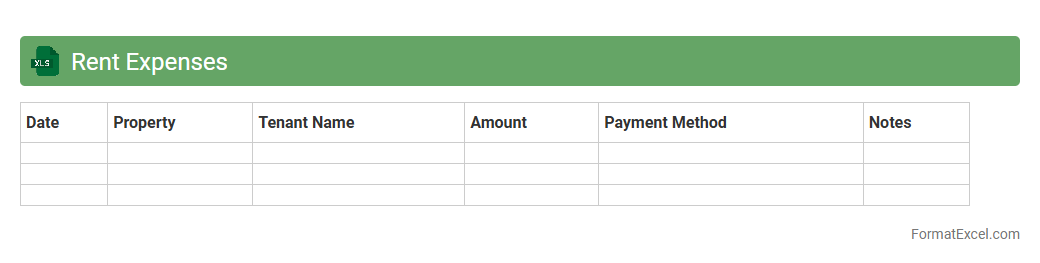
Rent Expenses
A
Rent Expenses Excel document is a structured spreadsheet designed to track and manage monthly rent payments and associated costs. It helps users monitor due dates, calculate total expenses, and maintain a clear financial record for budgeting or tax purposes. This tool enhances organization and financial planning by providing an easy-to-update overview of rent-related expenditures.
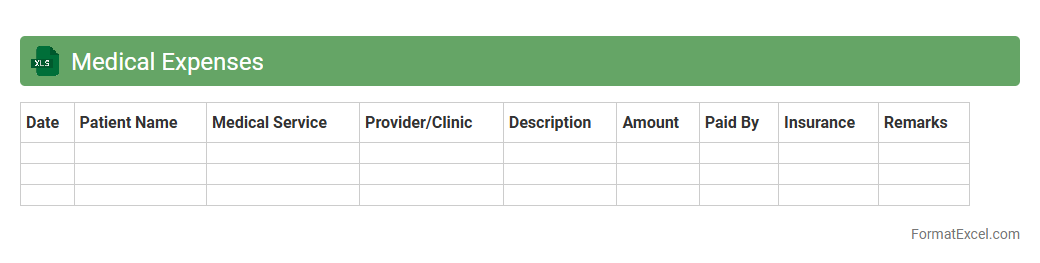
Medical Expenses
A
Medical Expenses Excel document is a spreadsheet designed to track and organize healthcare-related costs, including doctor visits, medications, treatments, and insurance claims. It provides a clear overview of expenditures, helping users manage budgets, identify deductible expenses, and prepare for tax filings efficiently. This tool enhances financial planning by offering customizable categories and automated calculations for better control over medical spending.
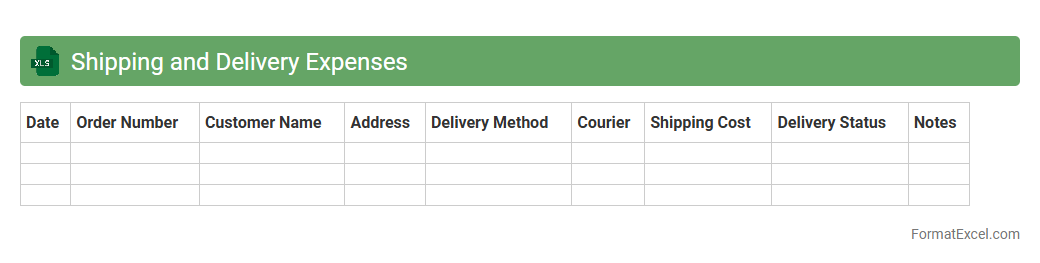
Shipping and Delivery Expenses
The
Shipping and Delivery Expenses Excel document is a detailed record that tracks all costs associated with transporting goods from suppliers to customers, including freight charges, packaging, and handling fees. This document helps businesses monitor and analyze shipping costs, enabling better budgeting, cost control, and negotiation with carriers. Efficient management of shipping expenses through this Excel sheet promotes accurate financial forecasting and improves overall supply chain efficiency.
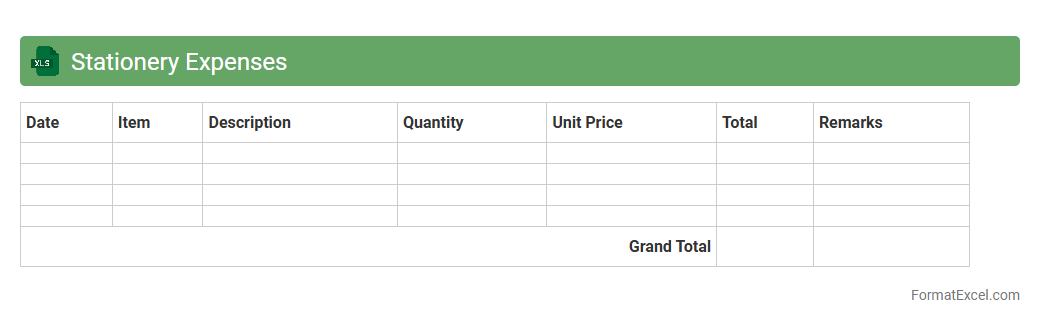
Stationery Expenses
A
Stationery Expenses Excel document is a digital tool designed to track and manage office supply costs efficiently. It helps in organizing purchase details, monitoring spending patterns, and budgeting for future stationery needs. Utilizing this document enhances financial transparency and supports cost control within businesses or personal administration.
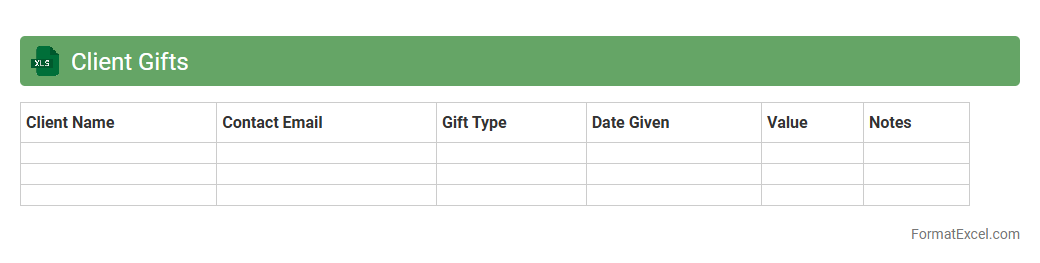
Client Gifts
The
Client Gifts Excel document serves as a centralized record to track and manage gifts given to clients, ensuring compliance with company policies and budget limits. It organizes details such as client names, gift types, dates, and values, enabling efficient monitoring of client relationships and expenses. This tool helps avoid duplication and fosters personalized client engagement to enhance business loyalty and satisfaction.
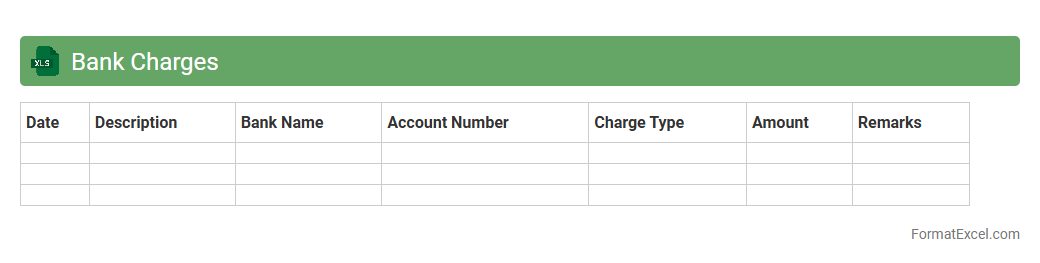
Bank Charges
A
Bank Charges Excel document is a detailed spreadsheet that tracks and categorizes all fees imposed by banks on accounts, including maintenance fees, transaction costs, and penalties. This document helps businesses and individuals monitor their expenses, identify unnecessary charges, and improve financial planning. By organizing bank charges systematically, it provides clear insights for budgeting and optimizing account management.
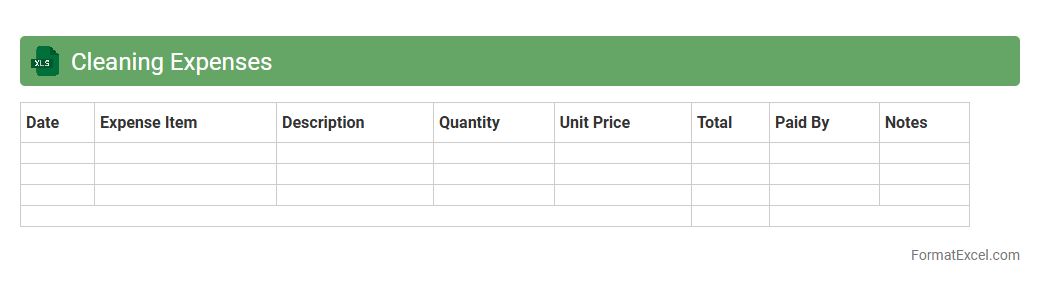
Cleaning Expenses
Cleaning Expenses excel document is a detailed financial record that tracks all costs related to cleaning activities within a business or household. It helps monitor spending patterns, control budgets, and identify areas for cost-saving by categorizing expenses such as supplies, labor, and equipment maintenance. Maintaining a
Cleaning Expenses excel document ensures accurate budgeting and efficient resource allocation for cleanliness management.
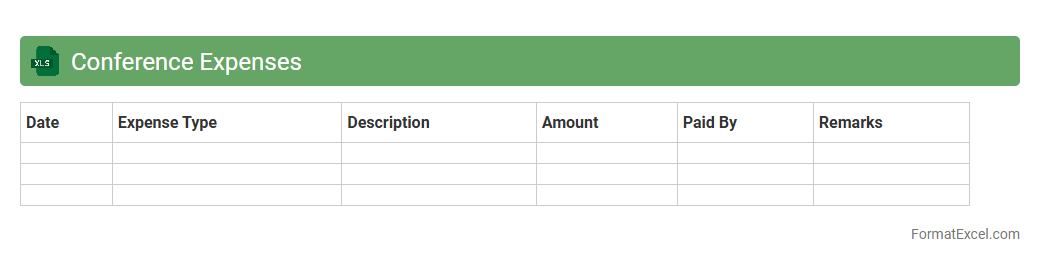
Conference Expenses
A
Conference Expenses Excel document serves as a detailed financial tracking tool that helps individuals and organizations record and manage all costs associated with attending conferences. It typically includes categories such as registration fees, travel, accommodation, meals, and miscellaneous expenses, offering a clear overview of total expenditure. This document is useful for budgeting, reimbursement claims, and ensuring transparent financial reporting.
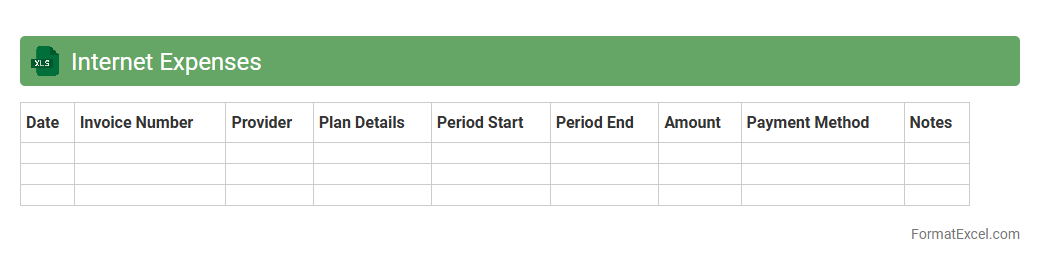
Internet Expenses
The
Internet Expenses Excel document is a spreadsheet designed to track and manage monthly internet costs efficiently. It helps monitor data usage, billing cycles, and service provider charges, enabling better budget control and expense forecasting. By organizing these details systematically, users can identify opportunities to reduce costs and optimize internet spending.
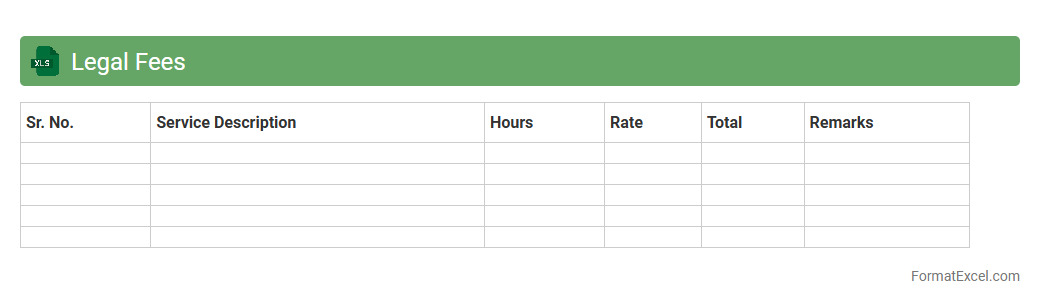
Legal Fees
A
Legal Fees Excel document is a structured spreadsheet designed to track and manage expenses related to legal services, including attorney fees, court costs, and other related charges. It helps organizations or individuals maintain accurate records, monitor budgets, and analyze spending patterns for legal matters efficiently. This tool streamlines financial oversight, ensuring transparency and facilitating better decision-making for legal cost management.
Understanding the Importance of an Expense Sheet
An expense sheet is crucial for monitoring and managing your spending effectively. It helps individuals and businesses track their costs, ensuring better financial control. Maintaining an accurate expense sheet aids in budgeting and financial decision-making.
Key Features of a Well-Designed Excel Expense Sheet
A well-designed Excel expense sheet includes clear categories, date entries, and detailed descriptions. It should offer easy data entry and automatic calculations for totals. The sheet must incorporate user-friendly formatting to enhance readability and usability.
Step-by-Step Guide to Creating an Expense Sheet in Excel
Start by opening Excel and setting up column headers such as Date, Description, Category, and Amount. Input sample data and use formulas like SUM to calculate totals automatically. Review the layout for clarity and add conditional formatting for better visual tracking.
Essential Columns for an Expense Sheet Format
The essential columns include Date, Description, Category, Amount, and Payment Method. Including a column for Notes helps add context to expenditures. Prioritize the Amount column as it directly impacts budgeting and reporting accuracy.
Downloadable Expense Sheet Templates for Excel
Using downloadable templates can save time and ensure consistency in expense tracking. Many free and paid Excel templates are available online with built-in formulas and formatting. Choose a template that fits your specific business or personal requirements for optimal efficiency.
Customizing Your Excel Expense Sheet for Business Needs
Customize your expense sheet by adding relevant categories or cost centers unique to your business. Incorporate dropdown lists to standardize data entry and reduce errors. Tailoring the sheet ensures it aligns with your financial reporting goals.
Using Formulas and Functions to Automate Expense Tracking
Leverage Excel functions like SUM, IF, and VLOOKUP to automate calculations and data sorting. Automation minimizes manual errors and speeds up expense reconciliation. Applying these formulas streamlines the expense management process.
Tips for Maintaining Accuracy in Your Expense Sheet
Regularly update your expense sheet to reflect all transactions promptly. Double-check data entries and use data validation to prevent input errors. Accuracy in your expense tracking ensures reliable financial insights and reports.
Common Mistakes to Avoid in Excel Expense Sheet Management
Avoid inconsistent categorization and missing data which can distort financial analysis. Don't forget to back up your expense sheet to prevent data loss. Overlooking cell formatting may also cause misinterpretation of expense figures.
Benefits of Using Excel for Expense Tracking
Excel offers flexibility, ease of use, and powerful computation features for effective expense management. It allows customization tailored to diverse personal or business needs. The ability to generate instant reports makes Excel a valuable tool for expense tracking.