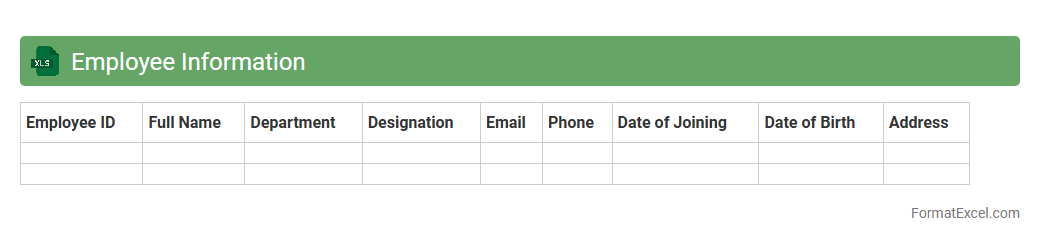
Employee Information
An
Employee Information Excel document is a structured spreadsheet that stores essential data such as employee names, contact details, job titles, departments, and employment dates. It serves as a centralized database for HR teams to efficiently manage personnel records, streamline payroll processing, and facilitate performance tracking. This document enhances organizational productivity by enabling quick access to accurate employee information for decision-making and compliance purposes.
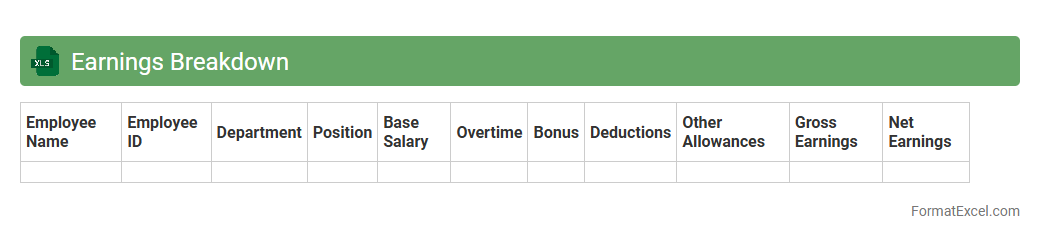
Earnings Breakdown
An
Earnings Breakdown Excel document organizes detailed income data into categories such as salary, bonuses, and investments, enabling precise financial analysis. This structured format helps identify income sources, track financial performance, and plan budgets effectively. Using this tool enhances decision-making by offering clear insights into earnings patterns and trends.
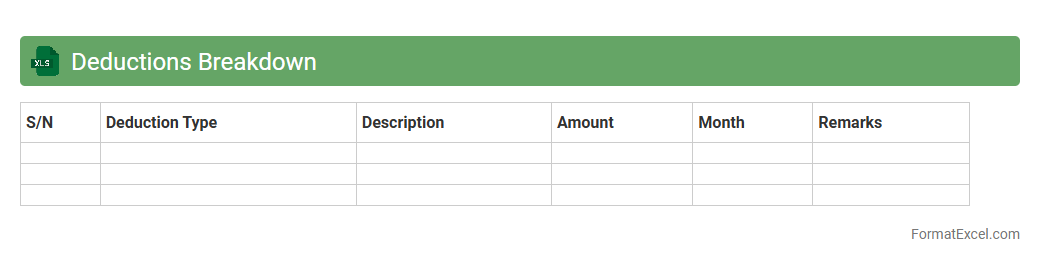
Deductions Breakdown
The
Deductions Breakdown Excel document provides a detailed summary of all payroll deductions, including taxes, insurance premiums, retirement contributions, and other withholdings for employees. It helps organizations maintain transparency, ensure accurate payroll processing, and simplify financial audits by clearly categorizing each deduction. This document is essential for payroll managers, HR professionals, and accountants to monitor deductions efficiently and support compliance with regulatory requirements.
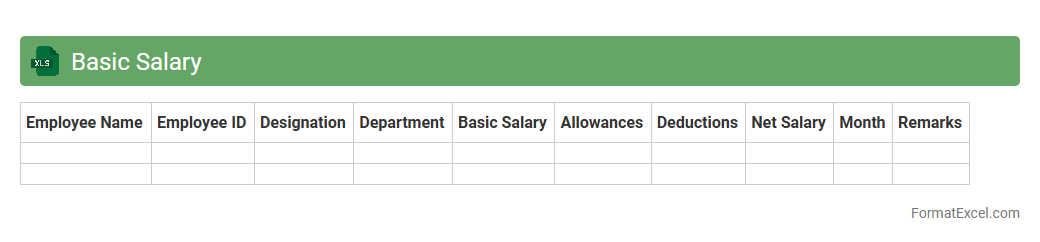
Basic Salary
A
Basic Salary Excel document is a structured spreadsheet designed to calculate and organize employees' base pay without including bonuses, allowances, or deductions. It allows HR professionals and payroll managers to efficiently manage salary data, ensuring accuracy and easy updates for multiple employees. This tool streamlines payroll processing, supports budget planning, and provides clear salary records for compliance and auditing purposes.
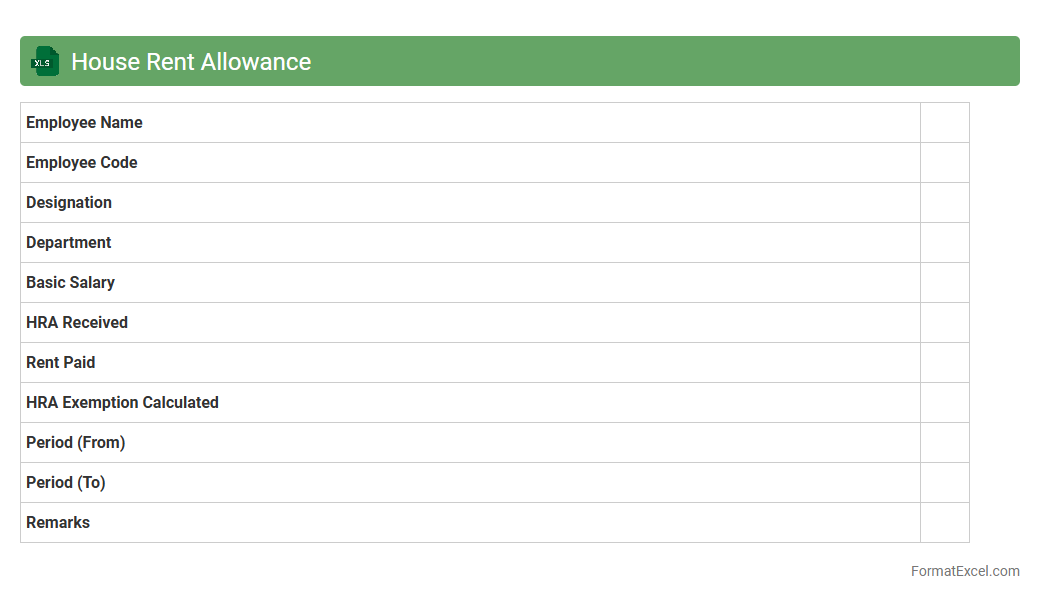
House Rent Allowance
A House Rent Allowance (HRA) Excel document is a structured spreadsheet designed to calculate and track HRA components in employee salaries, factoring in variables such as rent paid, city of residence, and basic salary.
HRA Excel templates simplify the computation of taxable and exempt HRA amounts, ensuring compliance with tax regulations and enabling accurate salary processing. This tool is particularly useful for HR professionals, accountants, and employees to optimize tax benefits and maintain clear financial records.
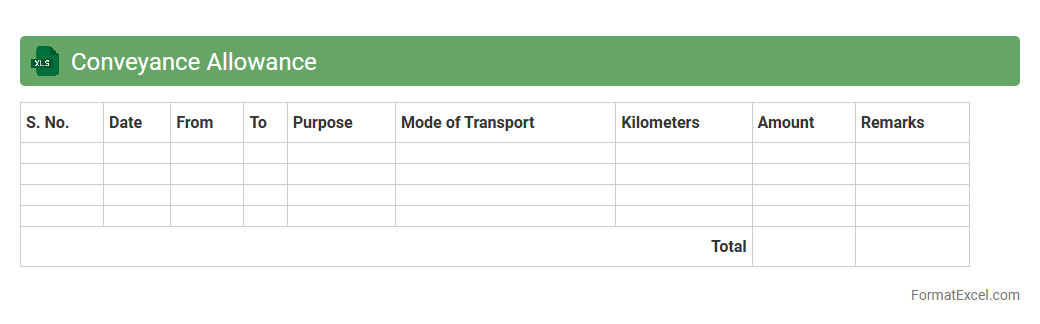
Conveyance Allowance
Conveyance Allowance excel document is a structured spreadsheet designed to record, calculate, and manage transportation expenses provided to employees for official travel. This document streamlines the tracking of daily commute costs, ensuring accurate reimbursement and compliance with company policies. Using a
Conveyance Allowance spreadsheet improves financial transparency and aids in efficient payroll processing.
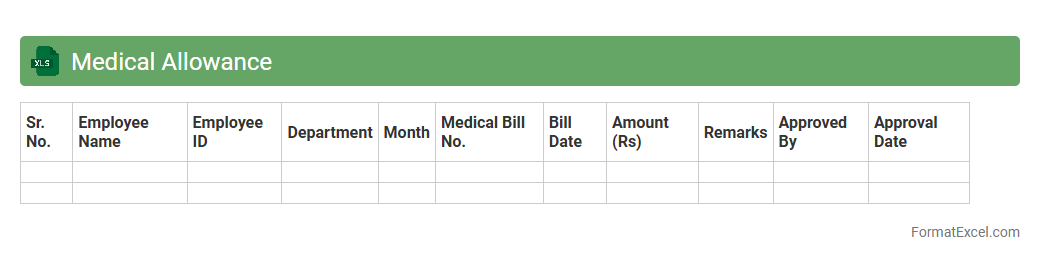
Medical Allowance
A
Medical Allowance Excel document is a structured spreadsheet designed to track and manage employees' medical allowances within an organization. It helps in accurately calculating reimbursements, monitoring claims, and ensuring compliance with company policies or tax regulations. Using this document enhances transparency, streamlines financial record-keeping, and simplifies the auditing process for medical expenses.
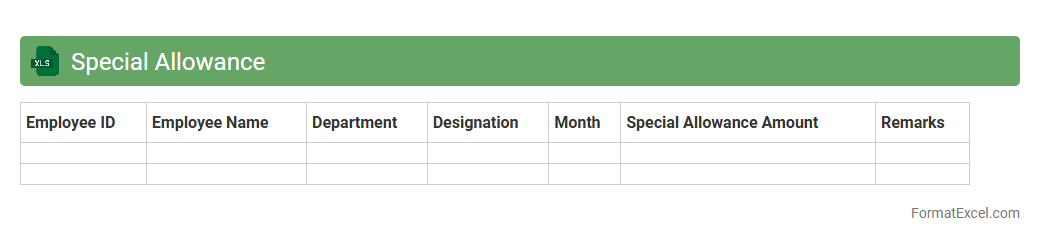
Special Allowance
A
Special Allowance Excel document is a structured spreadsheet designed to calculate and track additional employee benefits beyond their basic salary. It helps streamline payroll processing by automatically computing allowances based on predefined criteria, ensuring accuracy and compliance with company policies. This tool improves financial management, facilitates transparent accounting, and enhances employee benefit administration.
Bonus
A
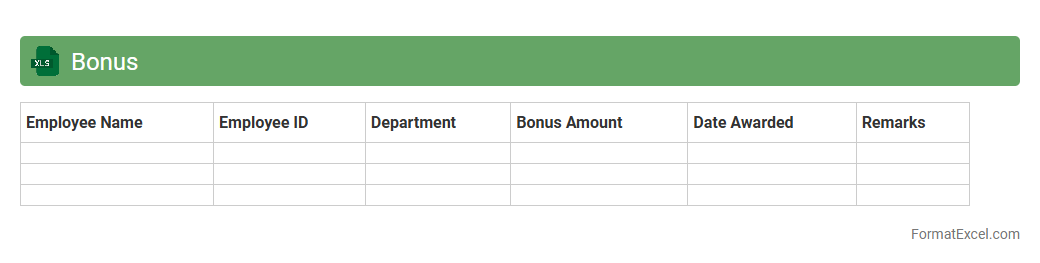
Bonus Excel document is a spreadsheet designed to calculate, track, and manage employee bonuses effectively. It helps businesses organize bonus structures, automate calculations based on performance metrics, and ensure accurate and timely payments. Using this tool enhances transparency in compensation processes and supports data-driven decision-making for rewarding employees.
Gross Salary
A
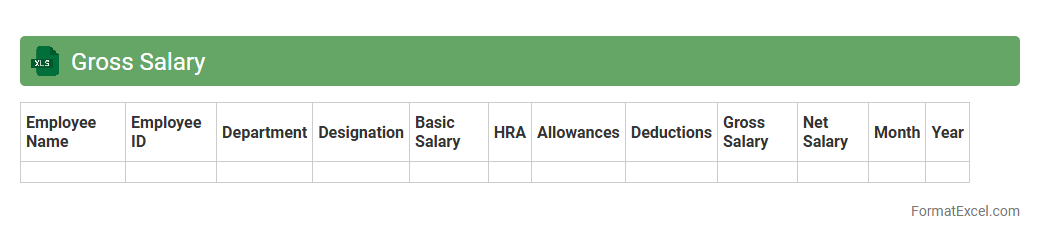
Gross Salary excel document outlines the total earnings of an employee before deductions such as taxes and social security. It helps businesses and employees accurately track income, facilitating payroll management and financial planning. Using this document ensures transparency in salary calculations and simplifies tax and compliance processes.
Provident Fund Deduction
A
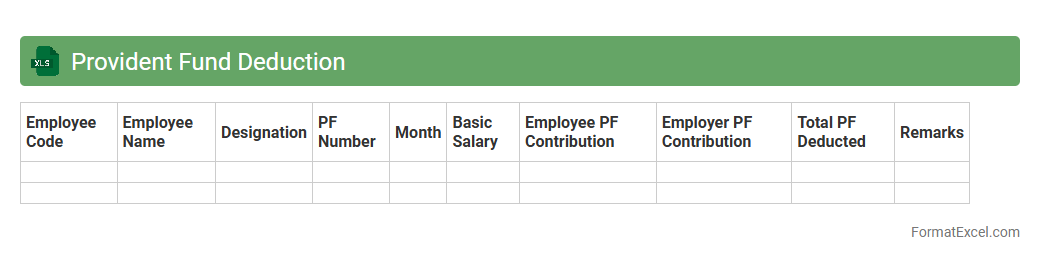
Provident Fund Deduction excel document is a spreadsheet used to systematically calculate and track employee contributions toward their provident fund savings. It helps organizations maintain accurate records of monthly deductions, ensuring compliance with statutory requirements and facilitating timely deposits. This document also enables employees to monitor their accumulated funds, improving financial transparency and planning.
Professional Tax
A
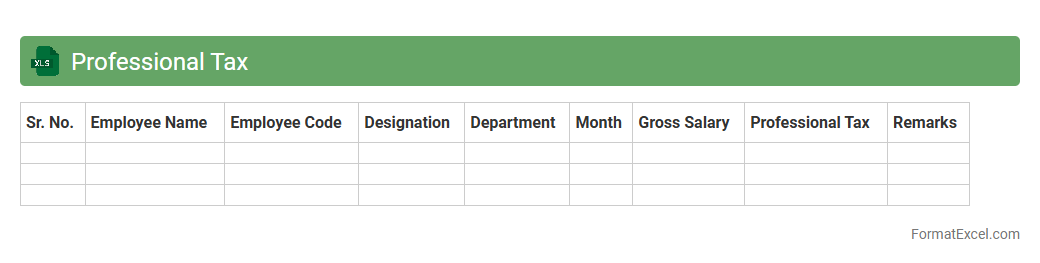
Professional Tax Excel document is a structured spreadsheet used to calculate and manage professional tax deductions for employees based on state-specific tax slabs. It simplifies compliance by automating monthly tax calculations, tracking payments, and generating reports, ensuring accurate statutory deductions. This tool is essential for businesses to streamline payroll processes and maintain accurate financial records for professional tax obligations.
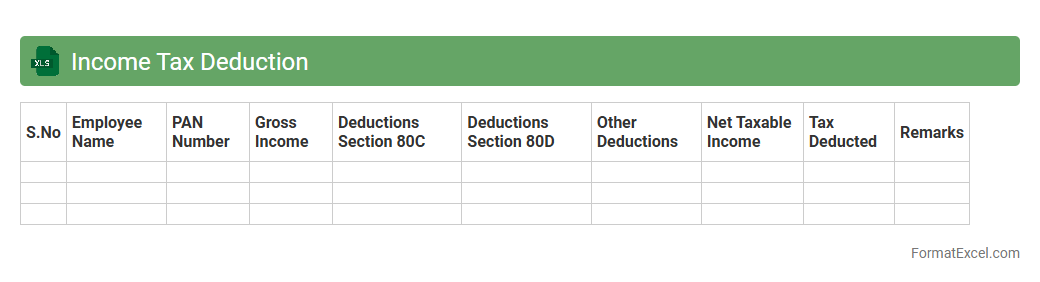
Income Tax Deduction
An
Income Tax Deduction Excel document is a spreadsheet tool designed to calculate and track various tax deductions from your income, helping individuals and businesses efficiently manage their tax liabilities. It organizes data such as salary components, investments, and eligible deductions under different sections, allowing for accurate estimation of taxable income. This tool simplifies tax planning and ensures compliance by providing a clear overview of deductions, making the filing process faster and more precise.
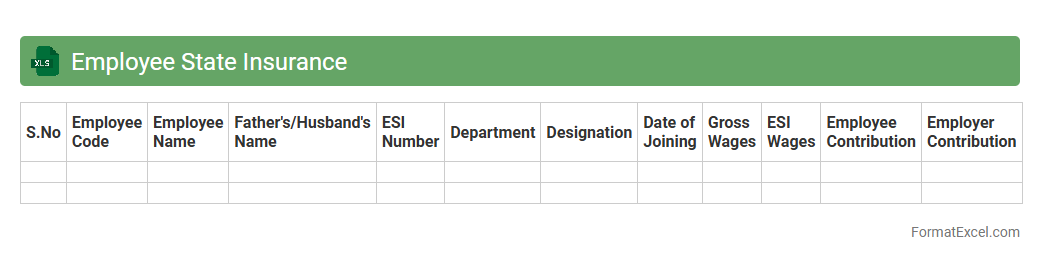
Employee State Insurance
The
Employee State Insurance (ESI) Excel document is a structured spreadsheet used to manage and track employee contributions, benefits, and compliance related to the Employee State Insurance scheme. It simplifies record-keeping by organizing data such as employee wages, ESI deductions, employer contributions, and claim statuses in one accessible file. This document is useful for ensuring accurate calculations, timely submissions, and efficient monitoring of ESI compliance, reducing errors and saving administrative time.
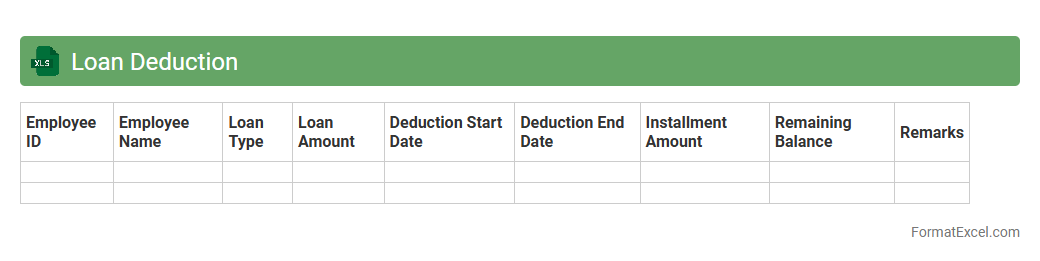
Loan Deduction
A
Loan Deduction Excel document is a spreadsheet designed to track and manage loan repayments by recording deduction amounts, dates, and outstanding balances. It helps users monitor their financial obligations, ensuring timely payments and accurate calculation of remaining loan amounts. Organizations and individuals benefit from improved loan management, enhanced budgeting, and clear visibility of loan progress.
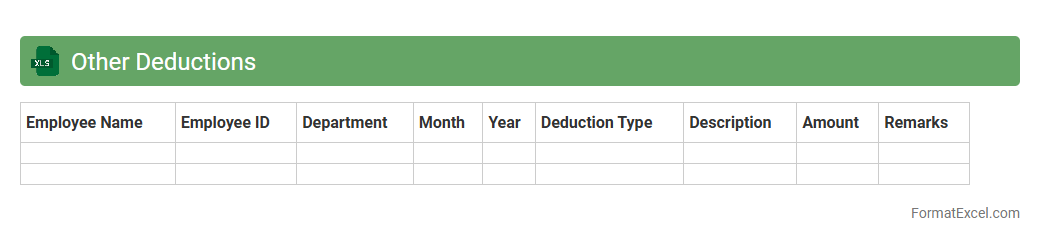
Other Deductions
The
Other Deductions Excel document is a spreadsheet designed to track and manage various non-standard deductions from payroll, such as loans, advances, or voluntary contributions. It helps organizations maintain accurate financial records and ensures transparency in employee compensation management. Using this tool improves efficiency by consolidating all miscellaneous deductions into a single, organized format for easy reference and reporting.
Net Salary
A
Net Salary Excel document is a spreadsheet designed to calculate an employee's take-home pay after deducting taxes, insurance, and other withholdings from the gross salary. It helps individuals and businesses quickly determine accurate net income by automating complex payroll calculations, saving time and reducing errors. This tool is essential for payroll management, financial planning, and ensuring compliance with tax regulations.
Bank Account Number
A
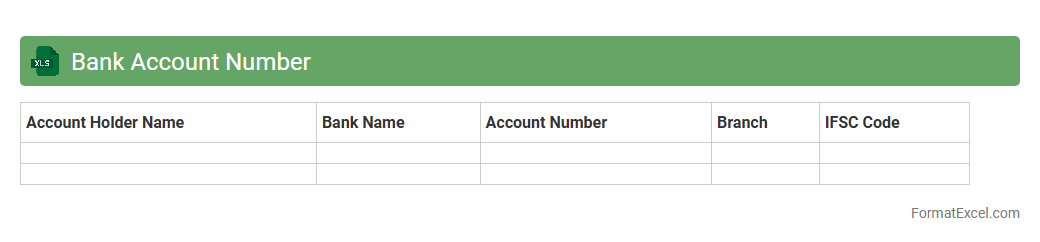
Bank Account Number Excel document is a spreadsheet file that contains organized records of individual or business bank account numbers along with related financial data. It is useful for efficiently managing and tracking multiple bank accounts, ensuring accurate financial reporting, and simplifying reconciliation processes. This document helps streamline data entry, minimize errors, and supports quick access to critical banking information for accounting, auditing, and budgeting activities.
Pay Period
A
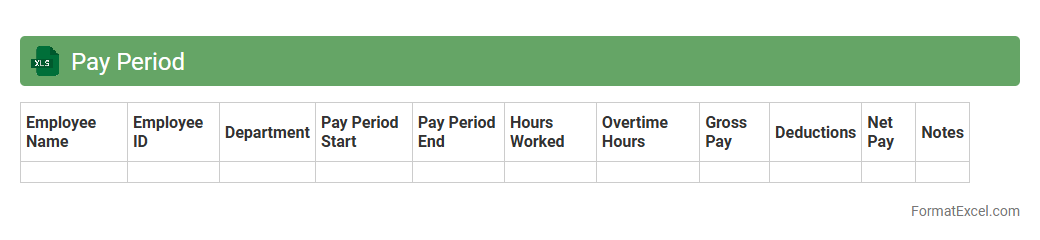
Pay Period Excel document is a spreadsheet designed to track employee work hours, calculate wages, and manage payroll schedules efficiently. It helps businesses automate salary computations by organizing data such as start and end dates of pay periods, hours worked, overtime, and deductions. Using this tool ensures accurate payroll processing, reduces errors, and streamlines financial record-keeping for both employers and employees.
Date of Payment
The
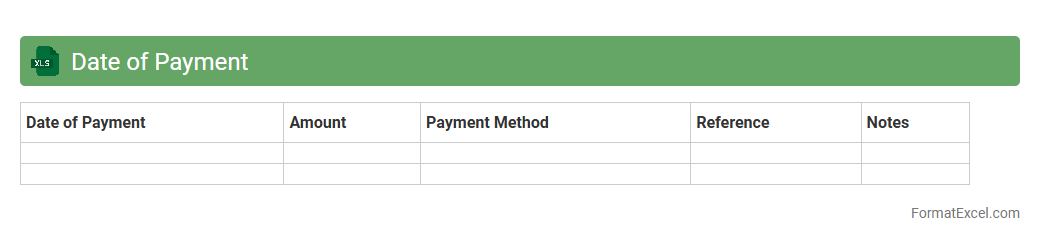
Date of Payment Excel document is a spreadsheet that tracks payment dates for invoices, salaries, or bills to ensure timely financial management. It helps businesses and individuals monitor due dates, avoid late fees, and improve cash flow forecasting by providing clear visibility into upcoming payment obligations. Utilizing this document enhances organization and accountability in financial planning and record-keeping.
Department
A
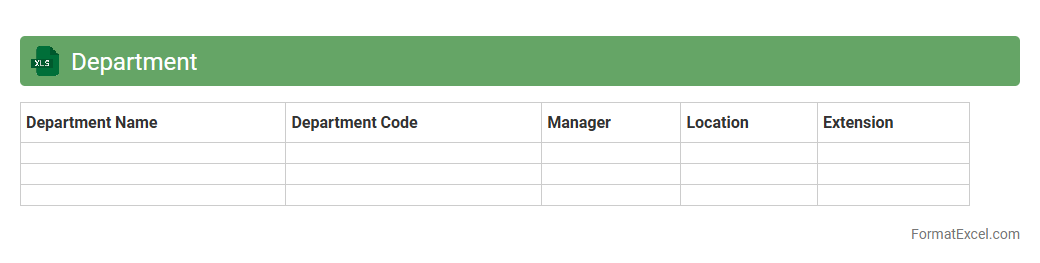
Department Excel document is a structured spreadsheet designed to organize and manage data specific to a particular department within an organization, such as finance, HR, or marketing. It allows for efficient tracking of tasks, budgets, performance metrics, and employee data, promoting better decision-making and streamlined workflows. By consolidating relevant information in one place, it enhances collaboration, accuracy, and productivity across team members.
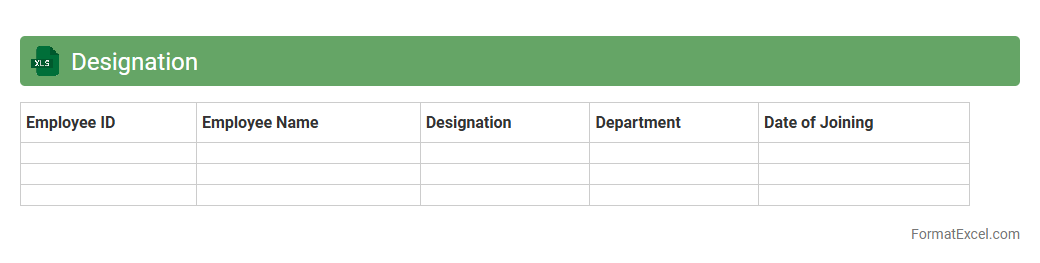
Designation
A
Designation Excel document is a structured spreadsheet that categorizes employee roles, titles, and responsibilities within an organization, allowing for clear identification and management of job functions. It helps HR professionals and managers efficiently organize workforce data, streamline payroll processing, and facilitate performance evaluations. By maintaining accurate designation records, businesses ensure better communication, role clarity, and strategic planning.
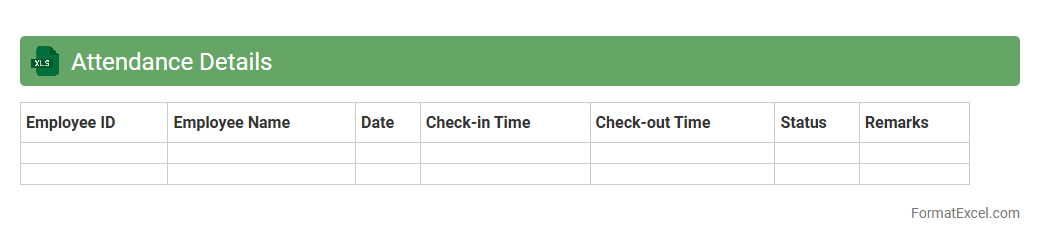
Attendance Details
The
Attendance Details Excel document is a comprehensive tool designed to systematically record and monitor employee or student attendance data over a specified period. It helps organizations track punctuality, absenteeism, and leave patterns, enabling data-driven decisions for workforce management and productivity improvements. This document serves as a reliable reference for payroll processing, performance evaluations, and compliance with labor regulations.
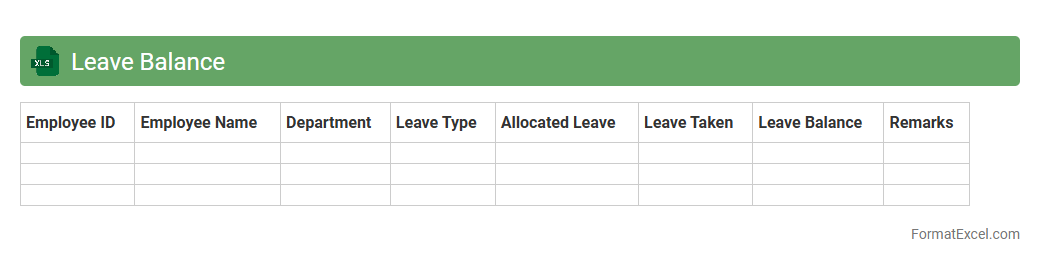
Leave Balance
A
Leave Balance Excel document is a systematic spreadsheet used to track employee leave entitlements, usage, and remaining balances. It helps HR teams and managers efficiently monitor vacation days, sick leave, and other absences, ensuring accurate record-keeping and compliance with company policies. This tool streamlines payroll processing and supports effective workforce planning by providing clear, up-to-date leave information at a glance.
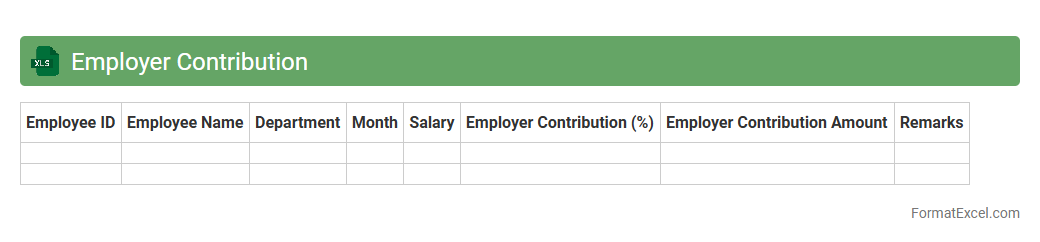
Employer Contribution
Employer Contribution Excel document is a structured spreadsheet designed to track and calculate the
employer's financial contributions towards employee benefits such as retirement funds, health insurance, and payroll taxes. It streamlines the management of employer obligations, ensuring accurate record-keeping, compliance with legal requirements, and efficient payroll processing. This document enhances financial transparency and simplifies the reconciliation of employer expenses related to employee compensation packages.
Introduction to Salary Slip Format in Excel
A Salary Slip Format in Excel is a structured document used to detail employee earnings and deductions. Excel provides a versatile platform to create and customize salary slips with ease. This format enhances clarity and professionalism in payroll management.
Importance of a Salary Slip for Employees
A salary slip serves as an official proof of income for employees, detailing their gross salary, deductions, and net pay. It helps employees track their monthly earnings accurately. Additionally, it is crucial for financial documentation, loans, and tax purposes.
Key Components of a Salary Slip
The key components include employee details, salary breakup, deductions, and net pay. It also contains information such as the pay period and employer details. Including tax deductions and allowances ensures transparency.
Advantages of Using Excel for Salary Slips
Using Excel offers benefits like easy customization, automatic calculations, and data organization. It reduces errors with built-in formulas and supports multiple pay periods. Excel's accessibility makes it an efficient tool for payroll management.
Step-by-Step Guide to Creating a Salary Slip in Excel
Start by setting up employee details and salary components in rows and columns. Use formulas to calculate totals, deductions, and net salary. Finally, format the sheet for readability and export it as a printable document to present a professional salary slip.
Essential Formulas for Salary Calculations in Excel
Common formulas include SUM for total salary, subtraction for deductions, and IF statements for conditional allowances. Using cell references ensures dynamic updates when inputs change. Proper formula usage minimizes manual calculation errors.
Sample Salary Slip Format in Excel (Downloadable Template)
A downloadable template provides a ready-made structure with predefined fields and formulas. It helps save time and ensures accuracy. Using a standardized template facilitates consistent payroll processing.
Tips for Customizing Your Salary Slip Template
Tailor the template by adding company logos, adjusting currency formats, and including legal disclaimers. Ensure all local tax regulations are reflected accurately. Customization improves branding and compliance with legal standards.
Common Mistakes to Avoid in Salary Slip Preparation
Avoid errors like incorrect formula usage, missing deductions, or unclear breakdowns. Double-check figures and ensure data consistency. Preventing these mistakes maintains accuracy and employee trust.
Frequently Asked Questions on Excel Salary Slips
FAQs cover topics like how to protect salary slip data, update formulas, and customize layout. They also address common troubleshooting and printing tips. Staying informed helps users maximize the benefits of Excel for salary management.