Employee Earnings Summary
The
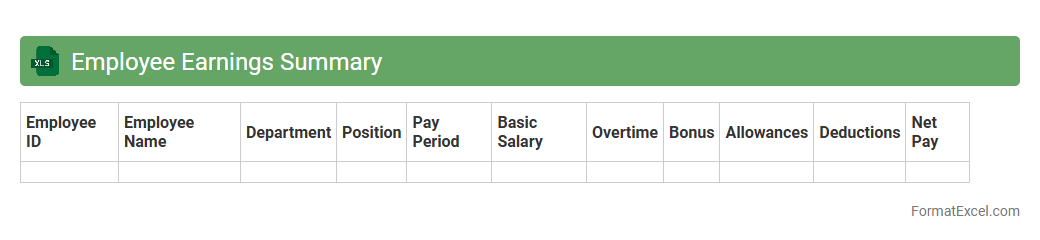
Employee Earnings Summary Excel document is a detailed record of an employee's wages, bonuses, deductions, and net pay over a specific period. It helps organizations track payroll expenses, ensure compliance with tax regulations, and facilitate accurate financial reporting. This summary is essential for payroll management, budgeting, and providing transparent compensation information to employees.
Payroll Register
A
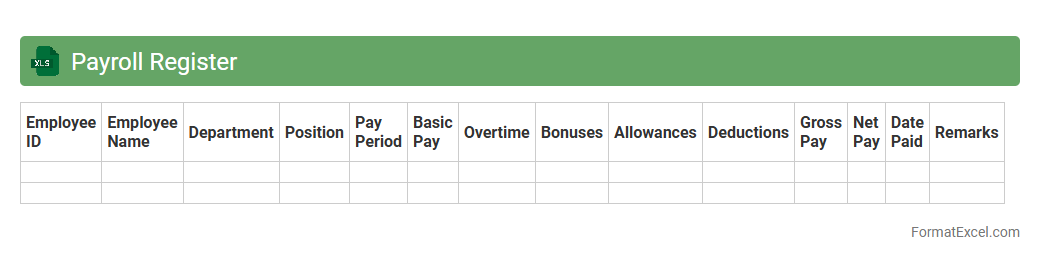
Payroll Register Excel document is a detailed record that tracks employee earnings, deductions, taxes, and net pay for each pay period. It is useful for accurately managing payroll processing, ensuring compliance with tax regulations, and providing transparent documentation for audits and financial reporting. Organizations rely on this tool to streamline payroll calculations, maintain organized records, and support efficient payroll management.
Overtime Tracking Sheet
An
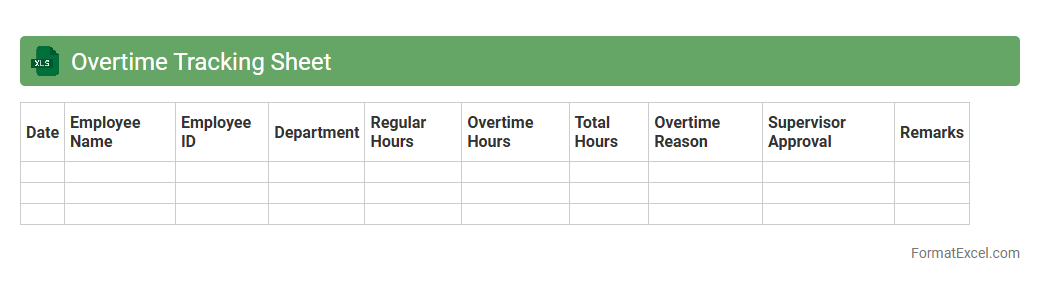
Overtime Tracking Sheet Excel document is a tool used to accurately record and monitor employees' extra working hours beyond their standard schedule. It simplifies payroll processing by providing clear data on overtime hours, ensuring compliance with labor laws and preventing disputes. This sheet enhances workforce management by offering insights into workload distribution and productivity trends.
Salary Deduction Report
A
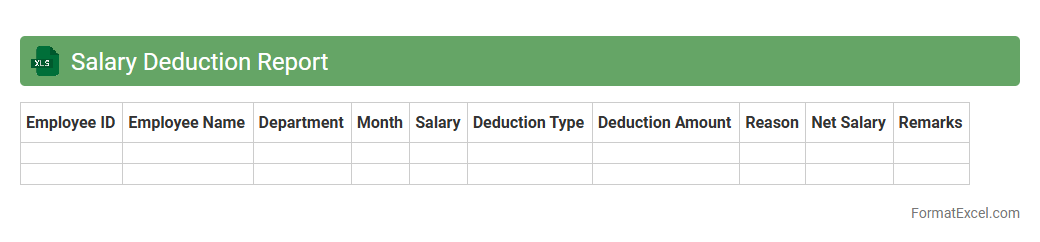
Salary Deduction Report Excel document records detailed information on employee salary deductions, including taxes, benefits, and other withholdings. It helps organizations maintain accurate payroll records and ensures compliance with tax regulations and company policies. The report also aids in financial analysis and budgeting by clearly outlining deduction patterns and employee pay adjustments.
Tax Withholding Summary
The
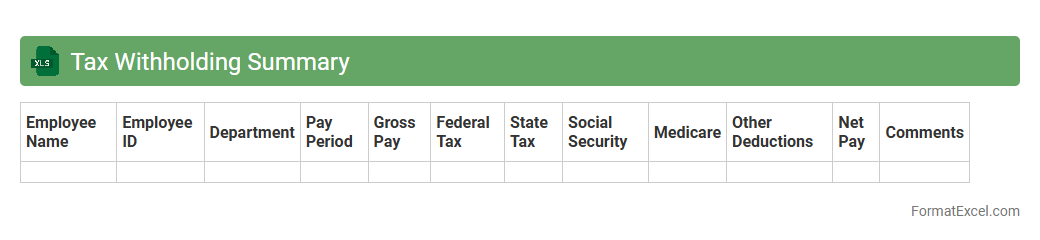
Tax Withholding Summary Excel document consolidates employee earnings and tax withholding details, providing a clear overview of federal, state, and local tax deductions. This summary assists employers in ensuring accurate tax compliance, simplifying payroll reconciliation, and facilitating timely filing of tax returns. Using this document helps avoid penalties and streamlines financial audits by maintaining organized tax records.
Holiday Pay Calculation
A
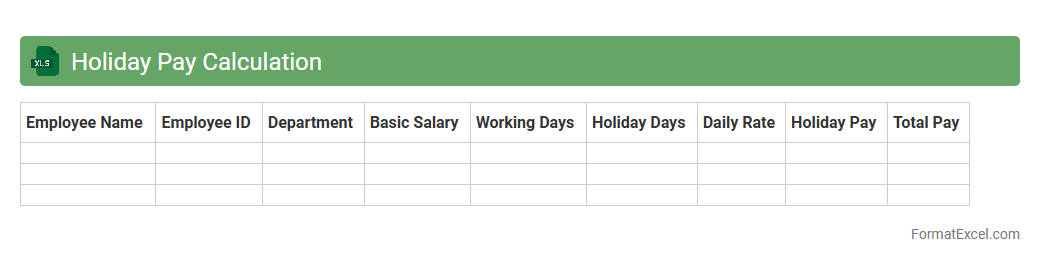
Holiday Pay Calculation Excel document is a structured spreadsheet designed to accurately compute employee compensation for holidays based on work hours, pay rates, and company policies. It streamlines payroll processes, ensuring compliance with labor laws and reducing errors in calculating holiday wages. This tool is essential for HR and finance teams to maintain transparent and consistent employee payment records during holiday periods.
Attendance and Leave Tracker
An
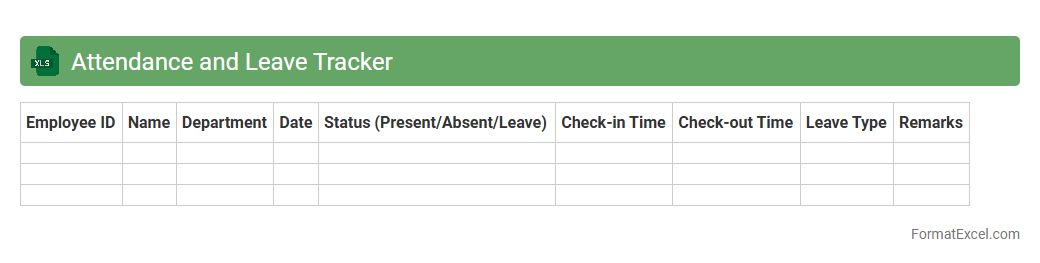
Attendance and Leave Tracker Excel document is a digital tool designed to systematically record and monitor employee attendance and leave data. It streamlines the process of tracking work hours, absences, and leave balances, enabling efficient workforce management and accurate payroll processing. This tool enhances productivity by ensuring transparency and reducing manual errors in attendance and leave records.
Bonus and Incentive Log
The
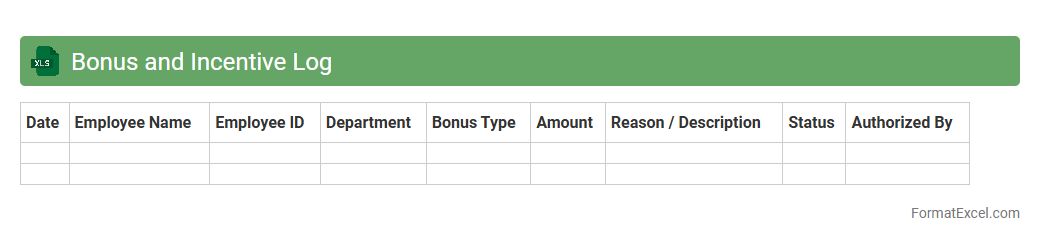
Bonus and Incentive Log Excel document is a structured tool designed to track employee bonuses and incentive payments efficiently. It helps organizations maintain accurate records of rewards, monitor performance-linked payouts, and ensure transparency in compensation processes. Utilizing this log enhances payroll accuracy and supports data-driven decisions for motivating staff and managing budgets effectively.
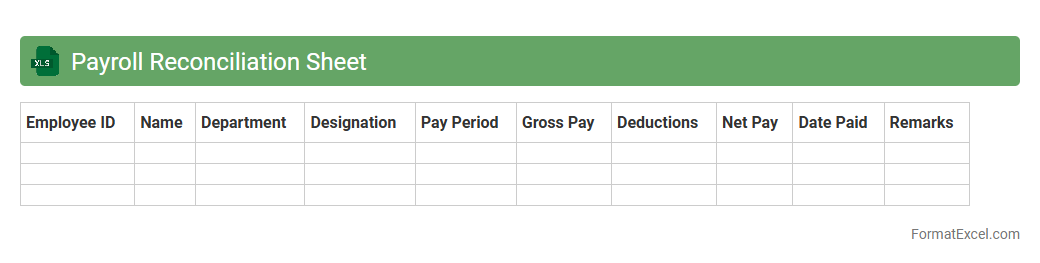
Payroll Reconciliation Sheet
A
Payroll Reconciliation Sheet Excel document is a detailed tool used to compare and verify employee salary payments against payroll records and bank transactions. It ensures accuracy by identifying discrepancies between reported payroll expenses and actual disbursements, helping to prevent errors and fraud. This sheet streamlines financial audits and supports efficient payroll management by providing clear, organized data for reconciliation.
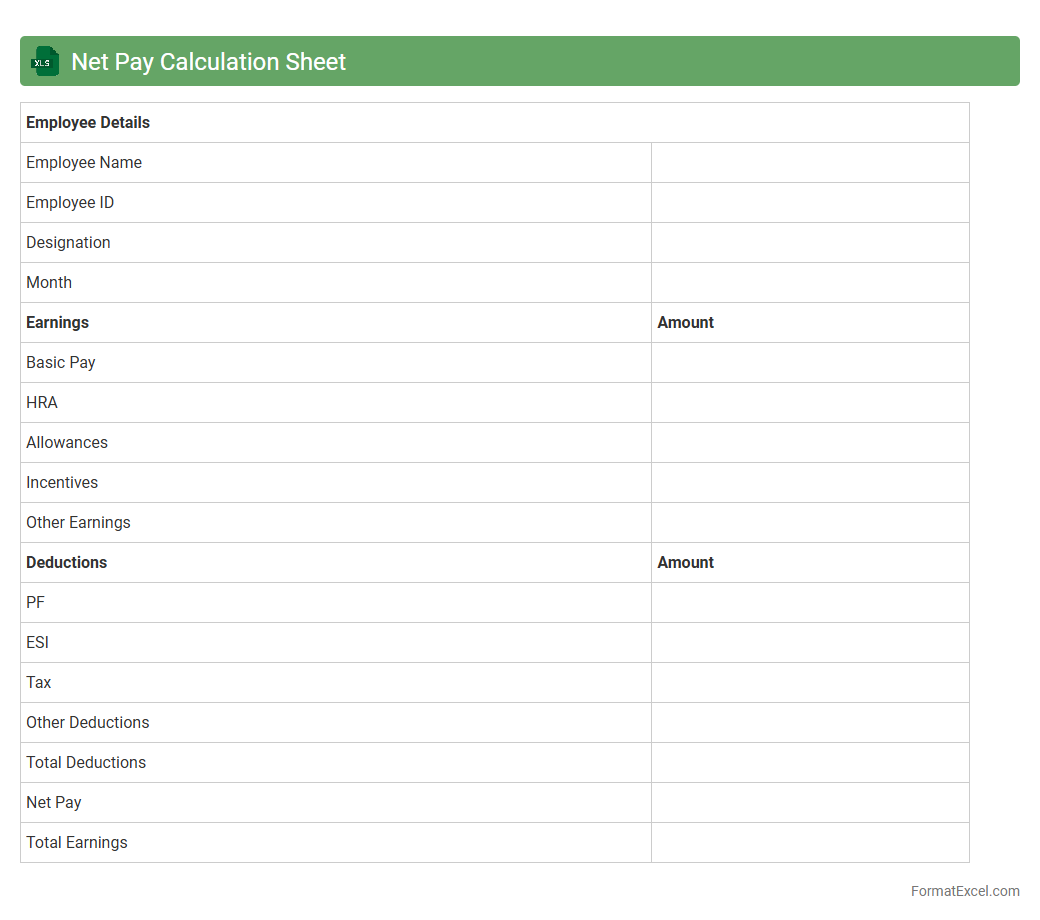
Net Pay Calculation Sheet
A
Net Pay Calculation Sheet Excel document is a tool designed to accurately compute an employee's take-home salary by factoring in gross pay, taxes, deductions, and benefits. It streamlines payroll processing by providing clear, organized data that helps prevent errors and ensures compliance with tax regulations. This sheet is essential for HR and finance teams to maintain transparency, improve efficiency, and facilitate timely salary disbursements.
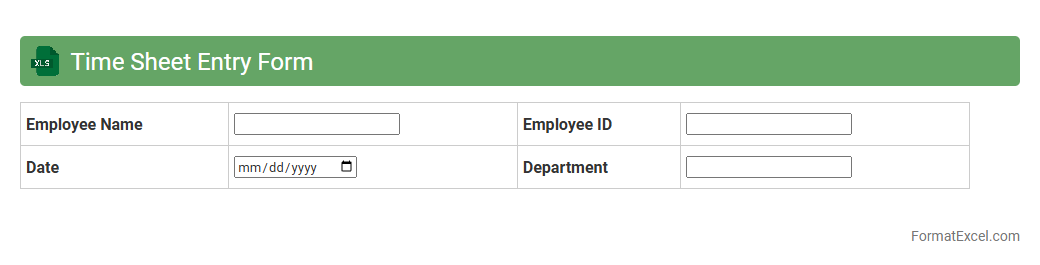
Time Sheet Entry Form
The
Time Sheet Entry Form in Excel is a structured document designed to record and track employee working hours efficiently. It helps organizations monitor attendance, calculate payroll accurately, and manage project time allocation. Utilizing this form improves productivity by ensuring precise time management and simplifying administrative tasks.
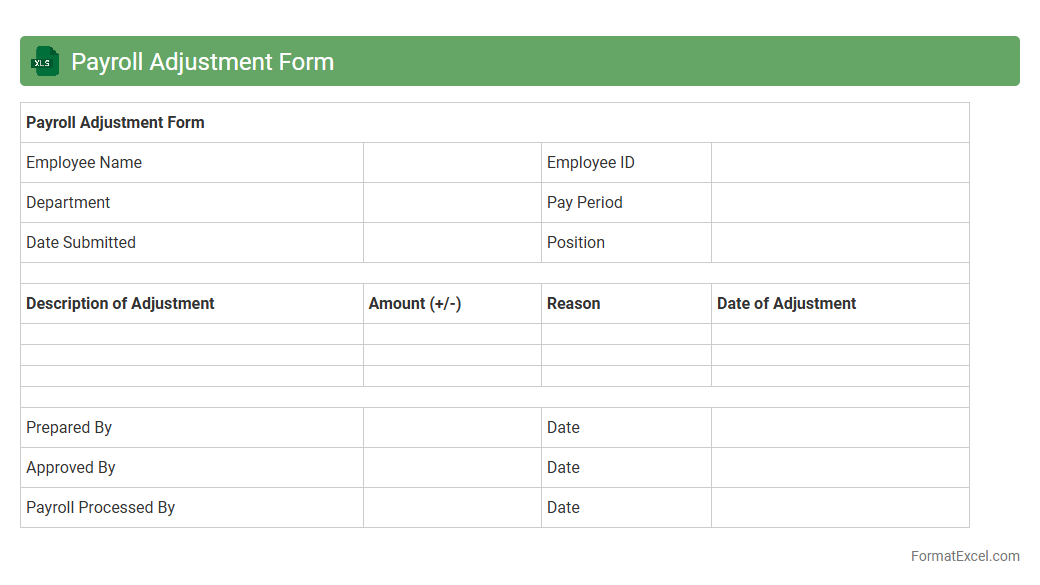
Payroll Adjustment Form
The
Payroll Adjustment Form Excel document is a structured tool designed to record and manage employee payroll changes such as salary corrections, bonuses, deductions, and tax adjustments. It enhances accuracy by providing a clear framework for tracking modifications, ensuring compliance with company policies and government regulations. This form streamlines payroll processing, reduces errors, and facilitates transparent communication between HR and finance departments.
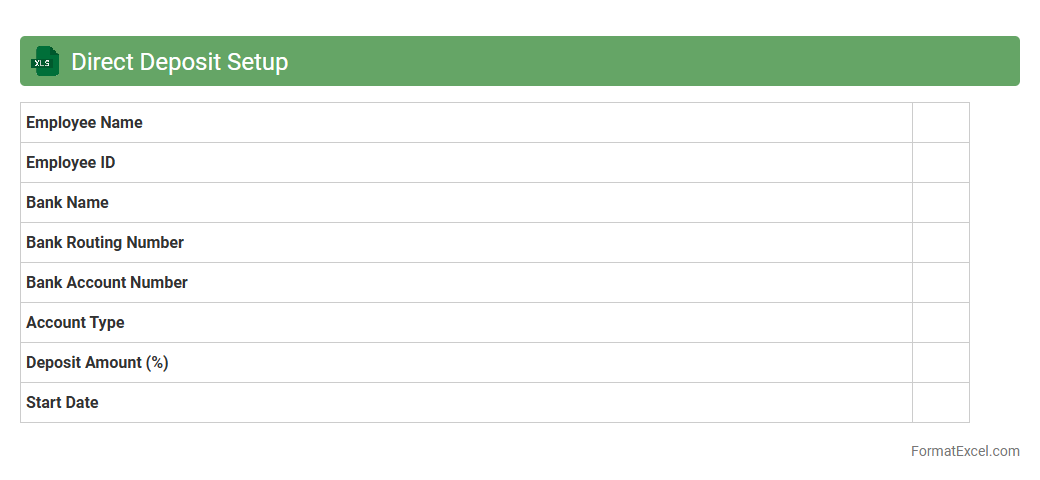
Direct Deposit Setup
A
Direct Deposit Setup Excel document is a structured spreadsheet used to collect and organize employee bank account information for seamless electronic salary transfers. It ensures accuracy by minimizing manual errors and streamlines payroll processing, saving time and reducing administrative costs. This document is essential for businesses aiming to implement efficient, secure, and timely salary payments directly to employees' accounts.
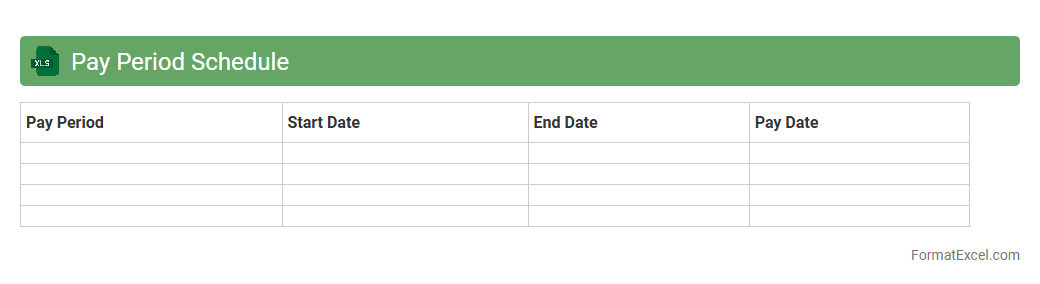
Pay Period Schedule
A
Pay Period Schedule Excel document organizes employee payment cycles by tracking start and end dates for each pay period, ensuring accurate and timely payroll processing. It helps businesses maintain compliance with labor laws and simplifies financial forecasting by outlining payment timelines clearly. Using this schedule reduces payroll errors, enhances record-keeping efficiency, and supports transparent communication with employees regarding payment dates.
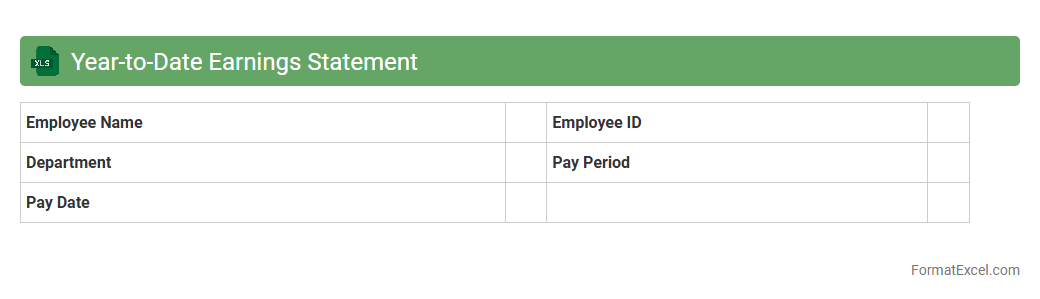
Year-to-Date Earnings Statement
A
Year-to-Date Earnings Statement Excel document consolidates all earnings and deductions from the beginning of the calendar year to the current date, providing a comprehensive financial snapshot. This tool is essential for tracking cumulative income, verifying payroll accuracy, and preparing tax documents efficiently. It streamlines financial management by allowing users to quickly assess their earning trends and ensure compliance with tax regulations.
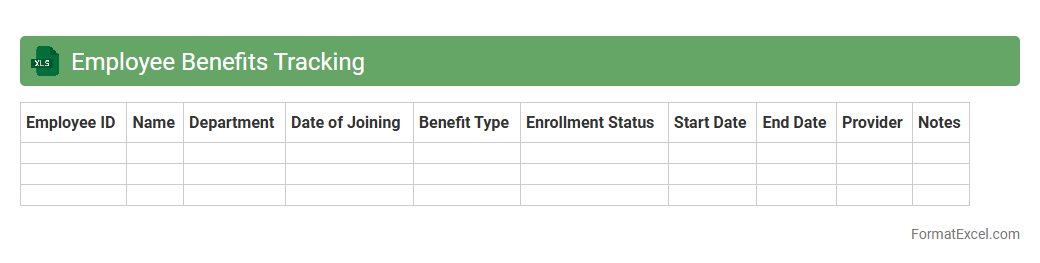
Employee Benefits Tracking
An
Employee Benefits Tracking Excel document is a comprehensive tool designed to monitor and manage various employee benefits such as health insurance, retirement plans, paid time off, and bonuses. It helps HR departments maintain accurate records, ensuring compliance with company policies and regulatory requirements while providing easy access to benefit details. This organized system improves efficiency in benefits administration and enhances employee satisfaction by transparently tracking their entitlements.
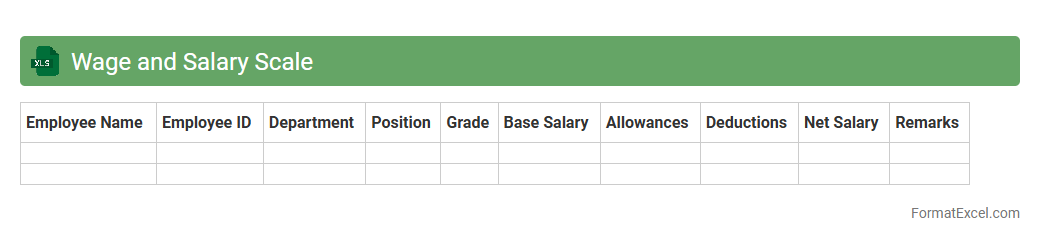
Wage and Salary Scale
A
Wage and Salary Scale Excel document organizes employee pay rates according to job roles, experience levels, or grades, enabling clear and consistent compensation management. It helps businesses maintain transparency, ensure competitive salaries, and streamline payroll processing. Using this document supports budgeting and compliance with labor regulations by providing a structured overview of wage hierarchies.
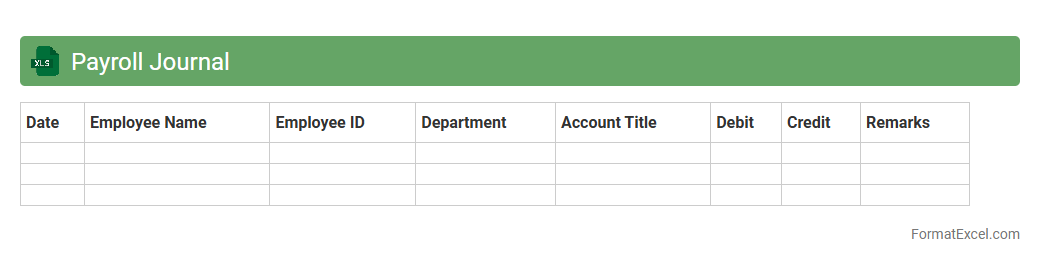
Payroll Journal
A
Payroll Journal Excel document is a spreadsheet designed to systematically record employee payroll information, including wages, taxes, deductions, and net pay. This tool helps businesses maintain accurate financial records, streamline payroll processing, and ensure compliance with tax regulations. It is essential for tracking employee compensation data, simplifying audits, and generating detailed payroll reports.
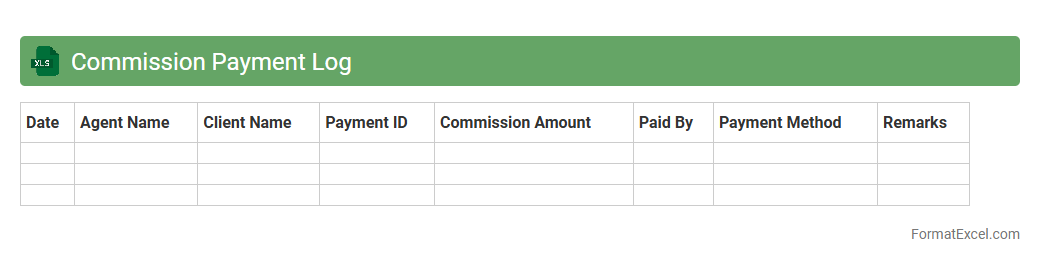
Commission Payment Log
The
Commission Payment Log Excel document is a structured record used to track and manage commission payments made to sales representatives or agents. It allows businesses to maintain accurate financial reports, monitor payment schedules, and ensure transparency in commission disbursements. By organizing data such as payment dates, amounts, and recipients, this log helps improve payout accuracy and supports efficient financial auditing.
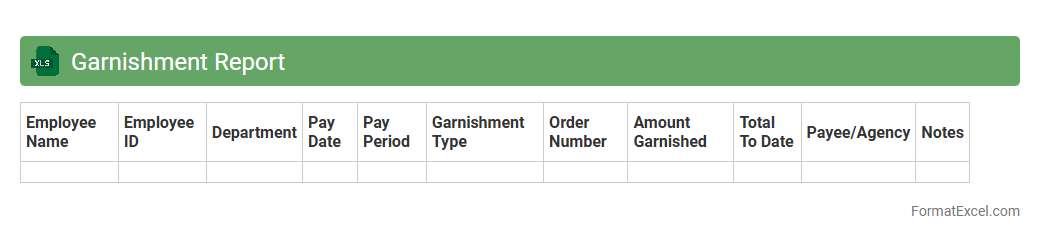
Garnishment Report
A
Garnishment Report Excel document is a structured spreadsheet used to track and manage employee wage garnishments, detailing amounts withheld, creditor information, and payment timelines. It enables HR and payroll departments to ensure compliance with legal requirements while maintaining accurate financial records. This report helps streamline the process of garnishment deductions, reducing errors and enhancing transparency in payroll processing.
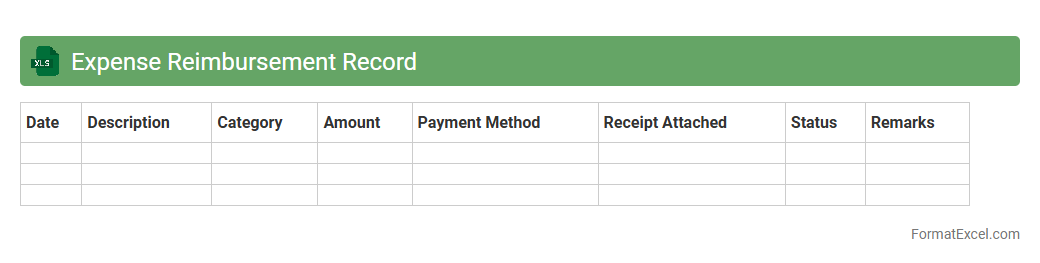
Expense Reimbursement Record
An
Expense Reimbursement Record Excel document systematically tracks and manages employee or business expense claims, ensuring accurate documentation and timely repayments. It helps maintain financial transparency by organizing expenses with detailed categories, dates, amounts, and approval statuses. This tool streamlines budget monitoring and simplifies audit processes, promoting efficient expense control and accountability.
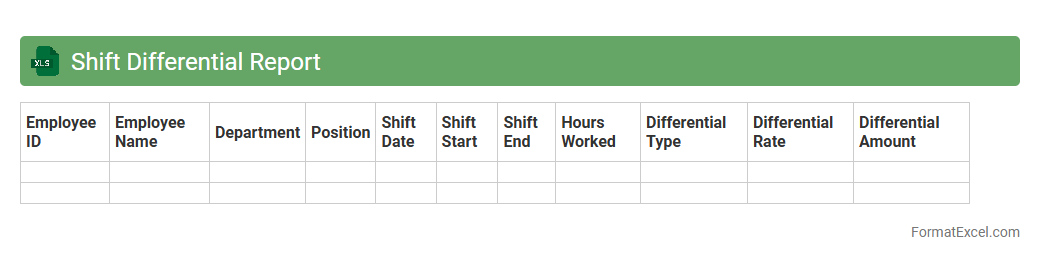
Shift Differential Report
The
Shift Differential Report Excel document tracks the extra wages paid to employees working non-standard hours, such as night or weekend shifts. It enables employers to calculate accurate payroll adjustments and ensures compliance with labor laws regarding shift premiums. This report provides a clear summary of shift differentials by employee and pay period, facilitating efficient financial management and transparency.
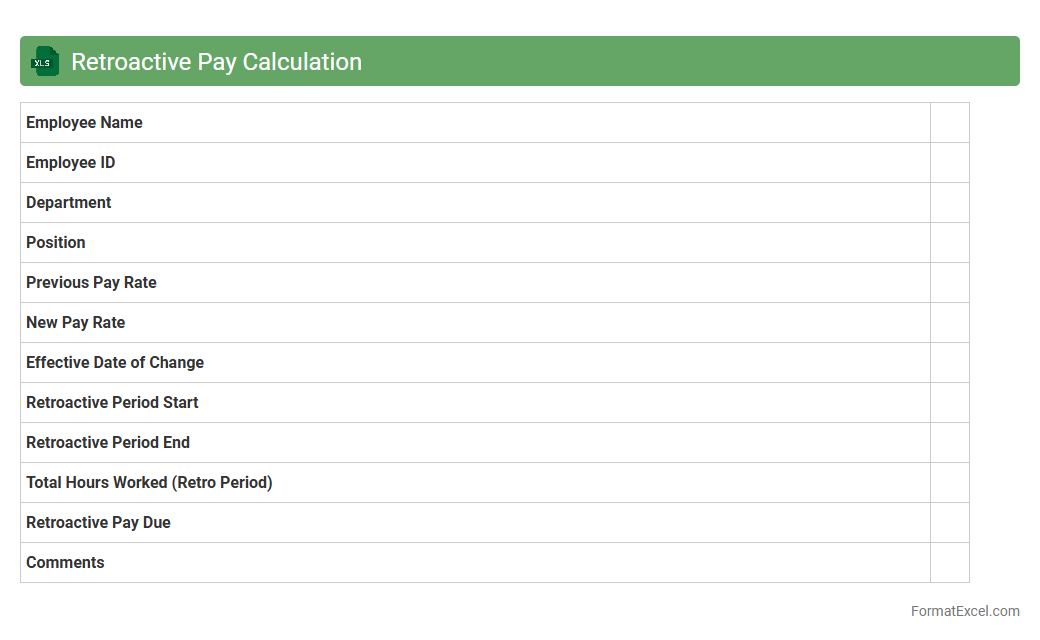
Retroactive Pay Calculation
A
Retroactive Pay Calculation Excel document is a spreadsheet tool designed to accurately compute back pay owed to employees due to delayed salary adjustments or corrections in wage rates. It automates the process of calculating differences between original and revised pay rates over specific periods, ensuring precise compensation for missed earnings. This document is invaluable for payroll departments and HR professionals to maintain compliance, improve payroll accuracy, and streamline retroactive payment processing.
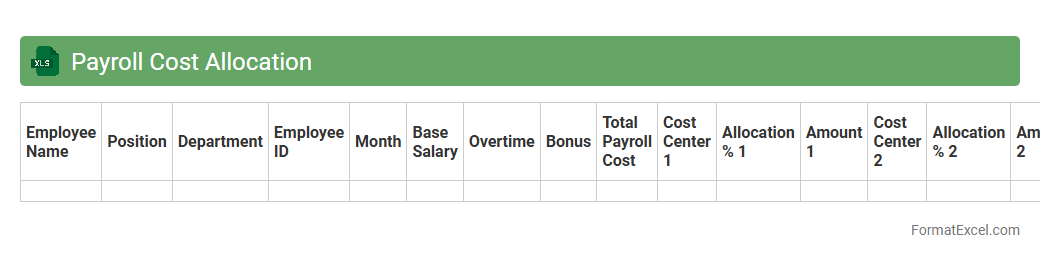
Payroll Cost Allocation
A
Payroll Cost Allocation Excel document systematically tracks and distributes employee compensation expenses across various departments or projects, ensuring accurate financial reporting and budget management. It facilitates transparency by allowing businesses to monitor labor costs in real-time and optimize resource allocation based on departmental needs. This tool improves decision-making by providing detailed insights into payroll expenditures, enabling efficient cost control and compliance with accounting standards.
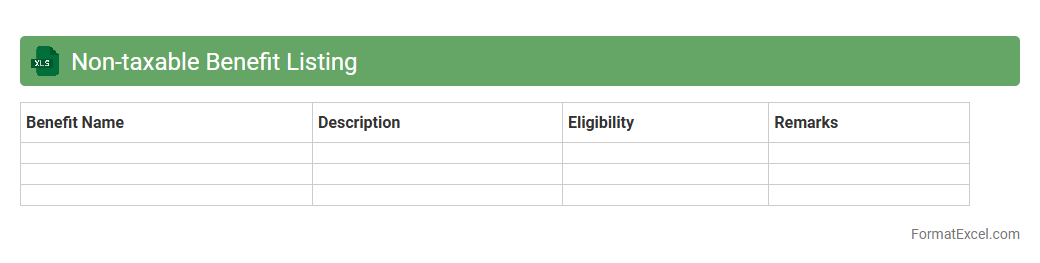
Non-taxable Benefit Listing
A
Non-taxable Benefit Listing Excel document is a comprehensive spreadsheet detailing employee benefits that are exempt from taxation according to current tax regulations. It helps HR departments and payroll professionals accurately categorize and manage these benefits, ensuring compliance with tax laws and avoiding errors in payroll processing. This document streamlines benefits administration and supports transparent financial reporting by clearly distinguishing tax-free compensation components.
Introduction to Payroll Format in Excel
The payroll format in Excel is a structured worksheet designed to record employee salaries, deductions, and net pay efficiently. It helps businesses manage payroll data systematically, ensuring accuracy and easy updates. Excel's flexibility makes it ideal for customizing payroll formats to suit specific organizational needs.
Importance of Using Excel for Payroll Management
Excel simplifies payroll management by automating calculations and reducing human error through formula integration. The spreadsheet's versatility allows for quick data analysis, reporting, and record-keeping. Using Excel saves time and enhances payroll accuracy for businesses of all sizes.
Key Components of a Payroll Excel Sheet
A typical Excel payroll sheet includes employee details, basic salary, allowances, deductions, and net salary columns. The core components ensure comprehensive tracking of all salary elements for each employee. Proper structuring improves clarity and payroll processing efficiency.
Step-by-Step Guide to Creating a Payroll Format in Excel
Start by listing employee information, then add columns for basic pay, allowances, overtime, deductions, and net pay. Use formulas to calculate total earnings and deductions automatically. Finally, format cells for currency and add conditional formatting for visual clarity.
Sample Payroll Template Structure
A sample payroll format includes employee ID, name, department, basic salary, allowances, tax deductions, and net pay. This template structure ensures all necessary payroll data is captured and easy to update monthly. Templates promote consistency and simplify payroll management.
Essential Formulas for Payroll Calculations
Key formulas include SUM for total earnings, IF for conditional deductions, and subtraction for net pay calculation. Using Excel formulas minimizes manual errors and speeds up payroll processing. Accurate formulas ensure reliable financial reporting and compliance.
Tips for Automating Payroll in Excel
Leverage Excel features like data validation, drop-down lists, and macros for automation. Automating payroll calculations with macros and pivot tables reduces repetitive tasks and increases accuracy. Regular updates and backups ensure smooth payroll operations.
Handling Deductions and Allowances in Excel Payroll
Deductibles such as taxes and retirement contributions should be calculated using specific formulas reflecting company policies and legal requirements. Allowances like transportation or housing can be added as separate columns for clarity. Accurate handling of these elements ensures precise net salary computations.
Common Mistakes to Avoid in Payroll Excel Sheets
Avoid errors like incorrect formulas, missing employee data, and unprotected sheets. Overlooking data validation may lead to incorrect payroll entries and financial discrepancies. Regular audits and formula checks help maintain payroll integrity.
Downloadable Payroll Excel Template Links
Many websites offer free and premium payroll Excel templates suitable for various business needs. Downloadable templates provide a ready-made solution, saving time in payroll setup. Ensure templates are compatible with your Excel version and customizable.