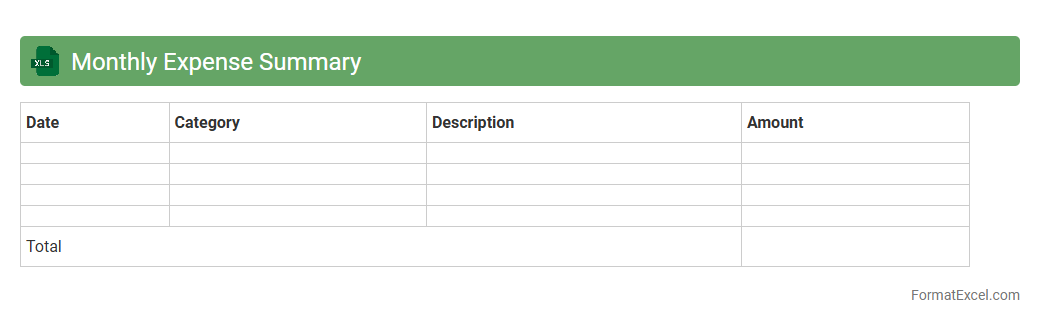
Monthly Expense Summary
The
Monthly Expense Summary Excel document organizes and tracks all financial expenditures within a specific month, providing clear visibility into spending patterns. It allows users to categorize expenses, compare actual costs against budgets, and identify areas for cost-saving opportunities. This tool is essential for effective financial planning, ensuring better money management and promoting informed decision-making.
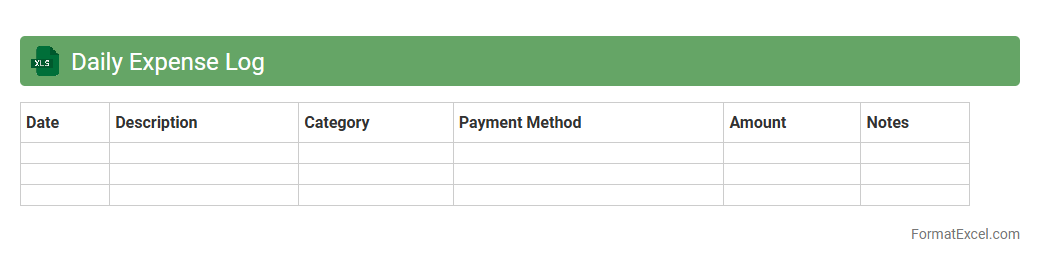
Daily Expense Log
A
Daily Expense Log Excel document is a structured spreadsheet designed to track and categorize daily expenditures systematically. It helps individuals and businesses monitor their spending patterns, identify unnecessary costs, and maintain budget discipline. Using this tool enhances financial awareness, enabling more effective money management and informed decision-making.
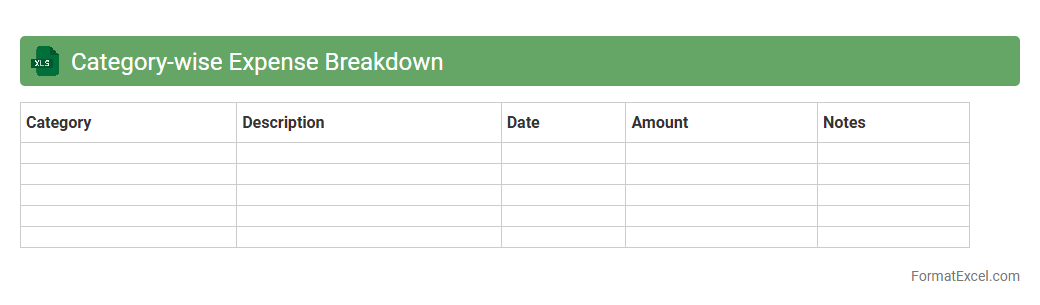
Category-wise Expense Breakdown
A
Category-wise Expense Breakdown Excel document organizes and categorizes expenses into specific groups, allowing for clear visualization of spending patterns. It helps users identify areas where costs can be controlled or reduced by providing detailed insights into various expense categories such as utilities, groceries, and entertainment. This document supports efficient budgeting, financial planning, and informed decision-making by enabling tracking and analysis of expenditure trends over time.
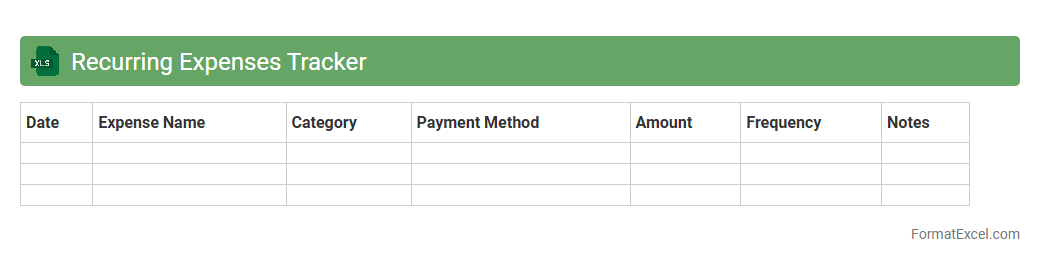
Recurring Expenses Tracker
A
Recurring Expenses Tracker Excel document is a tool designed to monitor and manage regular financial outflows such as rent, subscriptions, utilities, and loan payments. It helps users maintain an organized record of recurring costs, enabling better budget planning and cash flow management. By providing automated calculations and visual summaries, this tracker ensures timely payments and reduces the risk of overlooked expenses.
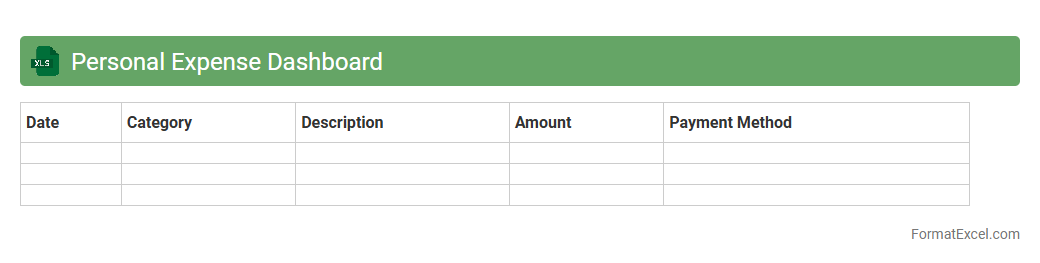
Personal Expense Dashboard
A
Personal Expense Dashboard Excel document is a tool designed to track, categorize, and visualize individual spending patterns efficiently. It consolidates expenses into clear charts and summaries, making it easier to identify budget trends and areas for cost-saving. By providing real-time insights into financial habits, this dashboard helps users maintain better control over their personal finances and achieve budgeting goals.
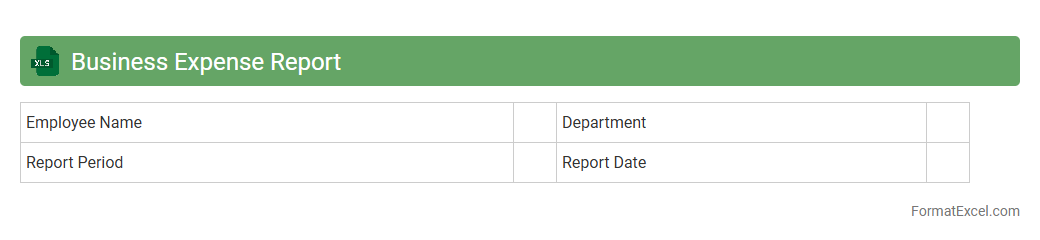
Business Expense Report
A
Business Expense Report Excel document systematically tracks and categorizes all company expenditures, providing clear insights into spending patterns. It is useful for budgeting, ensuring accurate reimbursement, and maintaining financial transparency within organizations. By automating expense calculations and compiling data in one place, it simplifies expense management and supports informed decision-making.
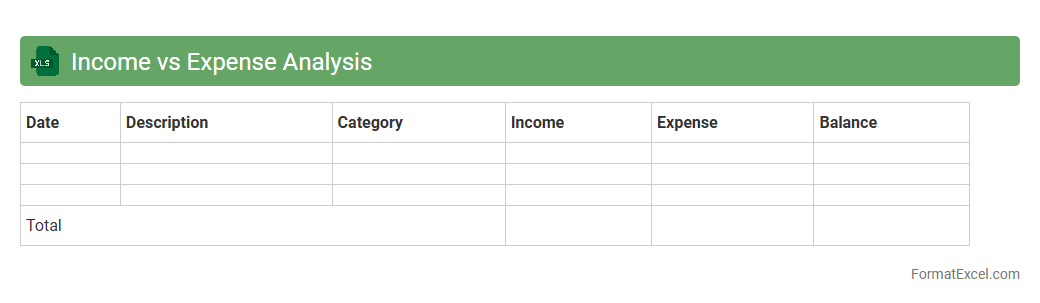
Income vs Expense Analysis
An
Income vs Expense Analysis Excel document is a financial tool designed to track and compare earnings against expenditures over a specific period. It helps users identify spending patterns, manage budgets effectively, and make informed financial decisions by highlighting areas of surplus or deficit. This analysis supports better cash flow management and enhances overall financial planning accuracy.
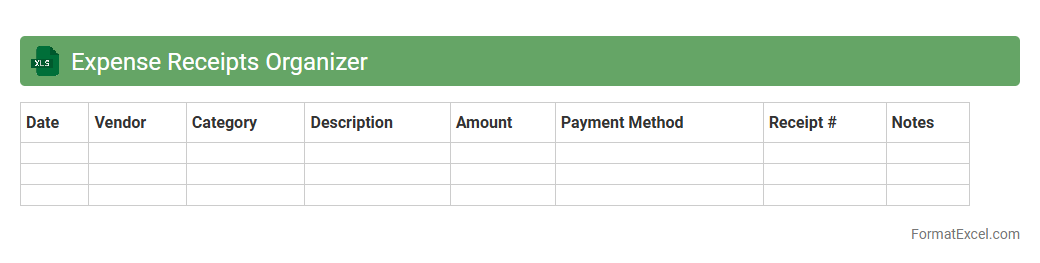
Expense Receipts Organizer
An
Expense Receipts Organizer Excel document is a digital tool designed to systematically track, categorize, and store expense receipts for personal or business use. It enhances financial management by providing clear visibility into spending patterns, simplifying tax preparation, and ensuring accurate reimbursement or budgeting. This Excel organizer improves efficiency, minimizes lost receipts, and supports compliance with financial record-keeping requirements.
Travel Expense Tracker
A
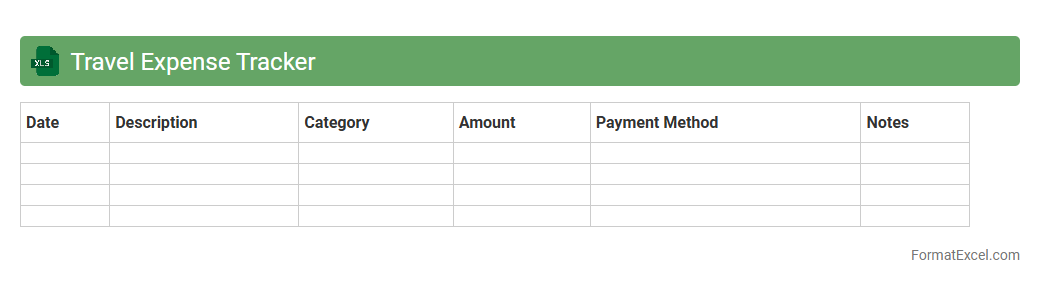
Travel Expense Tracker Excel document is a digital tool designed to record and organize all costs related to travel, including transportation, accommodation, meals, and other miscellaneous expenses. It helps users monitor spending patterns, stay within budget, and simplify reimbursement processes by providing a clear, itemized overview of travel expenditures. This tool enhances financial management and ensures accountability for both personal trips and business travel.
Project Expense Monitoring
A
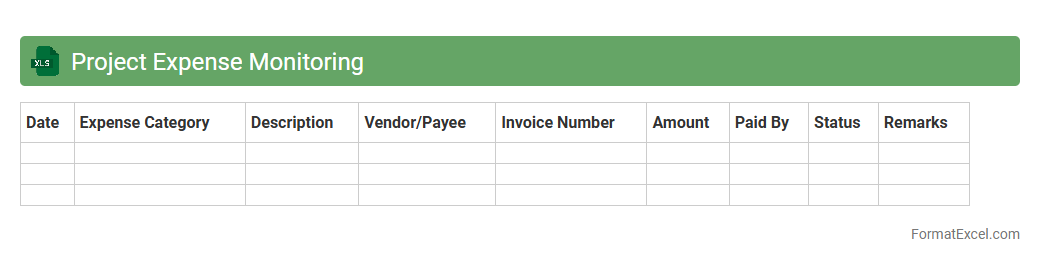
Project Expense Monitoring Excel document is a tool designed to track and manage all costs associated with a project, ensuring expenses are recorded accurately and budgets are adhered to. It provides real-time insights into spending patterns, helping project managers identify cost overruns and optimize resource allocation. By maintaining organized expense data, this document enhances financial transparency and supports informed decision-making throughout the project lifecycle.
Home Budget Planner
A
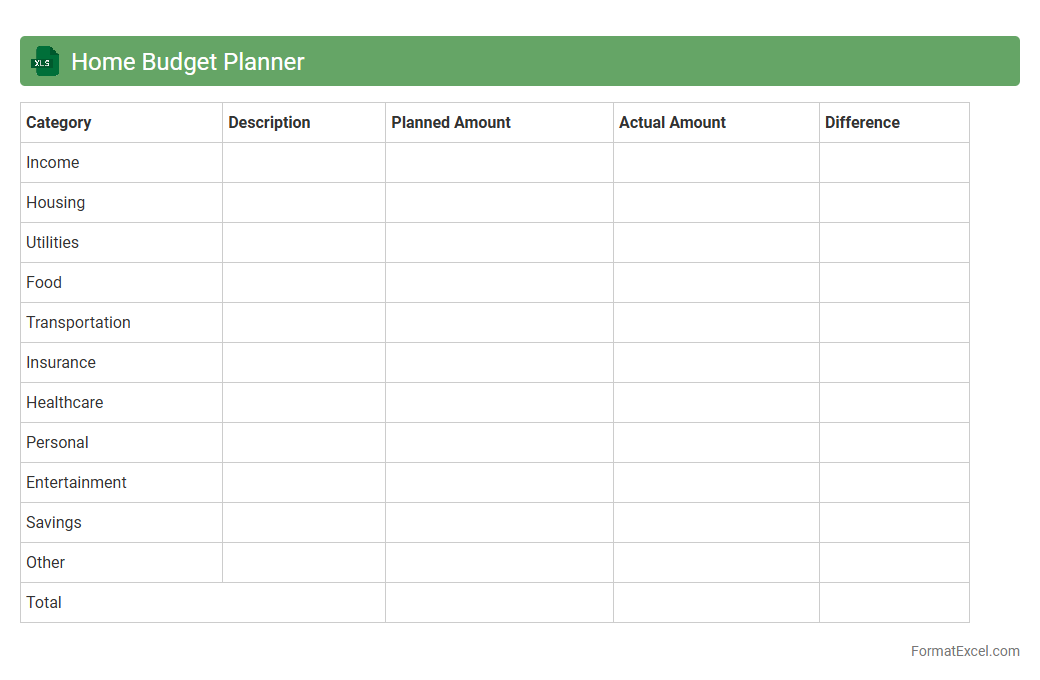
Home Budget Planner Excel document is a customizable spreadsheet designed to track income, expenses, and savings, helping users manage their finances efficiently. It provides a clear overview of monthly cash flow, enabling better decision-making and financial goal setting. Using this planner promotes disciplined spending, reduces debt, and supports long-term financial stability.
Shared Expenses Record
A
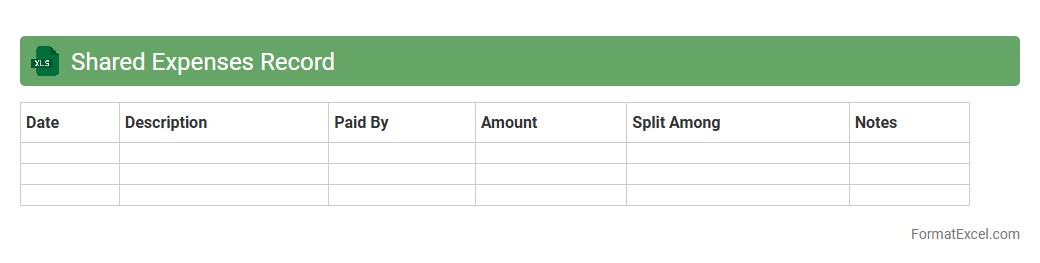
Shared Expenses Record Excel document is a structured spreadsheet designed to track and manage costs incurred collectively by a group, such as roommates, project teams, or event organizers. It helps users maintain transparency by recording individual contributions, categorizing expenses, and calculating balances to ensure fair cost distribution. Using this tool streamlines financial collaboration, reduces disputes, and simplifies budgeting for shared financial responsibilities.
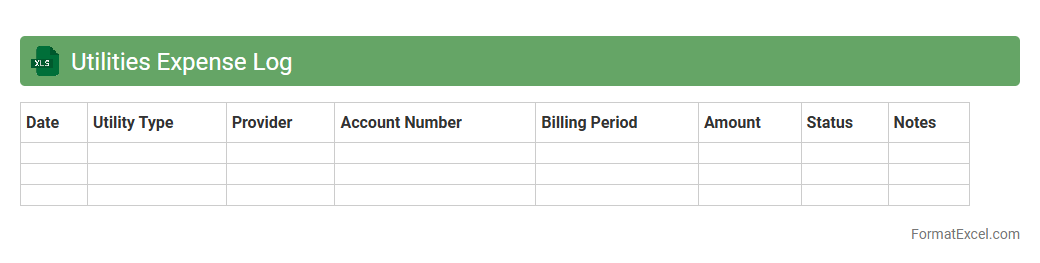
Utilities Expense Log
A
Utilities Expense Log Excel document is a structured spreadsheet used to track and record monthly costs associated with utilities such as electricity, water, gas, and internet. It helps in monitoring spending patterns, identifying cost-saving opportunities, and ensuring timely payments to avoid service interruptions. This log supports better budget management and financial planning by providing clear visibility into recurring utility expenses.
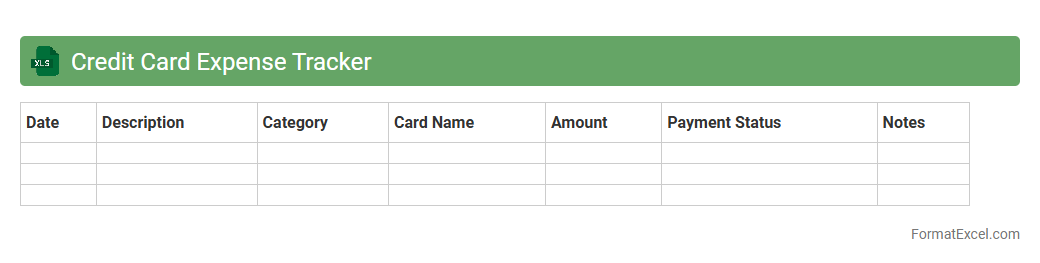
Credit Card Expense Tracker
A
Credit Card Expense Tracker Excel document is a spreadsheet tool designed to record, categorize, and monitor credit card transactions efficiently. It helps users gain clear insights into spending patterns by organizing expenses, calculating totals, and identifying overspending areas. This tool is essential for budgeting, managing debt, and improving financial discipline by providing a structured overview of credit card usage.
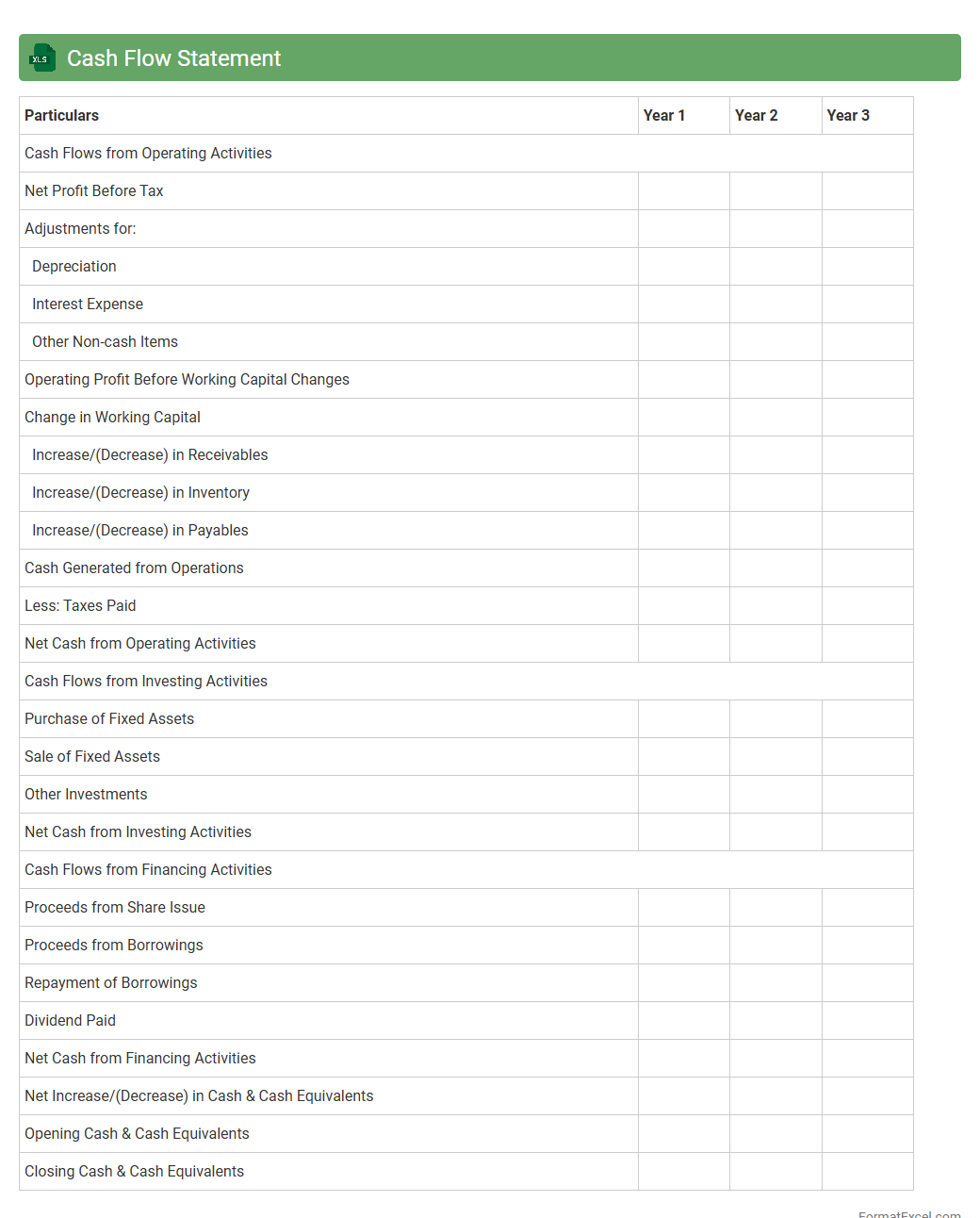
Cash Flow Statement
A
Cash Flow Statement Excel document is a financial tool that records and analyzes the inflows and outflows of cash within a business over a specific period. It helps track operational, investing, and financing activities, providing a clear picture of liquidity and financial health. This document is essential for budgeting, forecasting, and making informed decisions to maintain positive cash flow and ensure business sustainability.
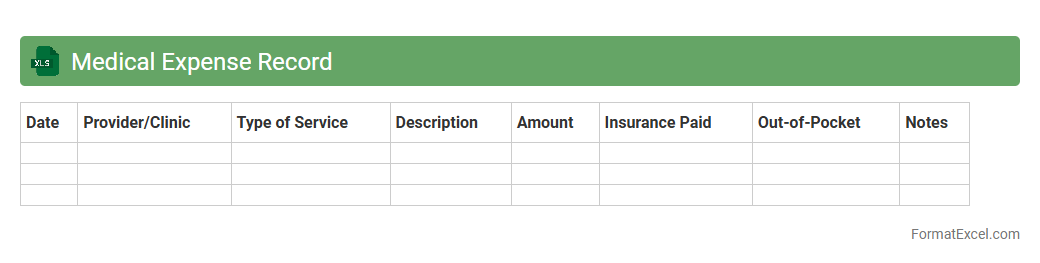
Medical Expense Record
A
Medical Expense Record Excel document is a structured spreadsheet designed to track and organize healthcare-related costs, including doctor visits, medications, treatments, and insurance claims. This document allows users to maintain accurate and detailed records of medical expenditures, facilitating easier budgeting, tax deductions, and reimbursement processes. By consolidating all medical expenses in one place, it enhances financial management and supports informed decision-making regarding healthcare spending.
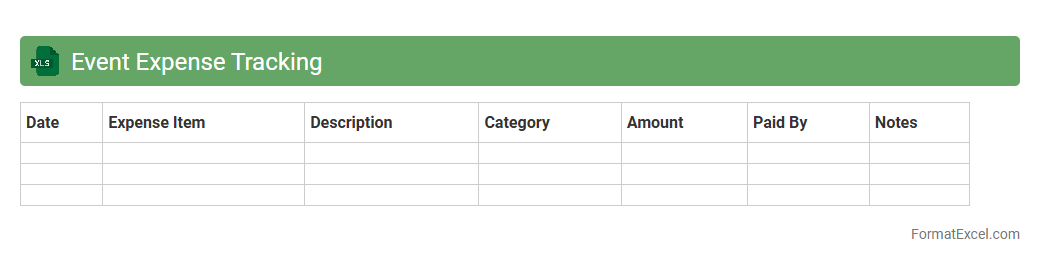
Event Expense Tracking
An
Event Expense Tracking Excel document is a spreadsheet tool designed to monitor and manage all financial transactions related to organizing events. It helps users accurately record costs such as venue rental, catering, and promotional activities, ensuring budgets are adhered to and overspending is avoided. By providing real-time visibility into expenditures, this document enhances financial control and simplifies post-event financial analysis.
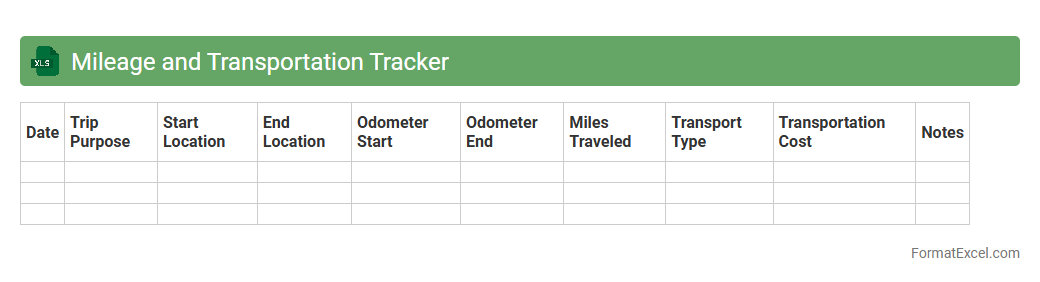
Mileage and Transportation Tracker
A
Mileage and Transportation Tracker Excel document is a tool designed to systematically record travel distances and transportation expenses for business or personal use. It helps users monitor fuel consumption, maintenance costs, and reimbursements by compiling accurate data in an organized format. This tracker improves cost management, facilitates tax deductions, and ensures precise reporting for budgeting and accounting purposes.
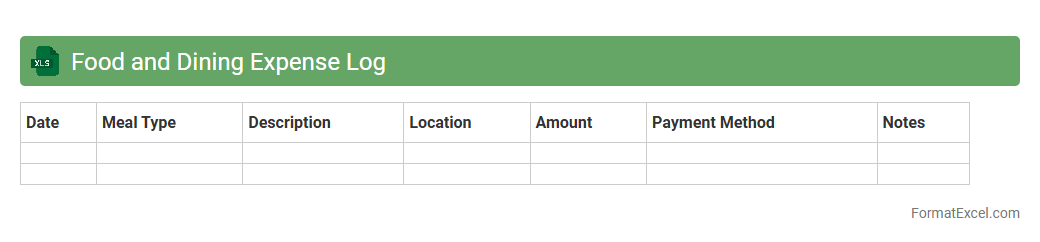
Food and Dining Expense Log
A
Food and Dining Expense Log Excel document is a structured spreadsheet designed to track daily spending on meals, groceries, and dining out. It helps users monitor their food budget, identify spending patterns, and make informed decisions to control expenses effectively. By organizing data in categories and dates, this tool simplifies monthly expense reviews and supports better financial planning.
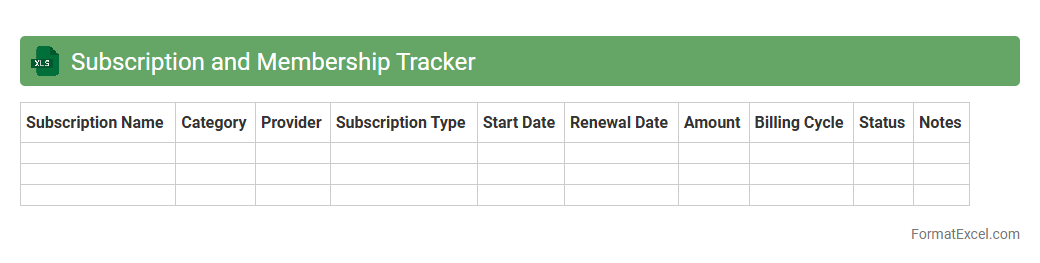
Subscription and Membership Tracker
A
Subscription and Membership Tracker Excel document helps users efficiently manage recurring payments and renewal dates for various services or memberships. It organizes critical details such as payment amounts, due dates, and service providers, allowing for timely reminders and avoiding missed payments. This tool enhances financial planning and ensures subscription costs are monitored accurately, reducing unnecessary expenses.
Office Supplies Expense Sheet
An
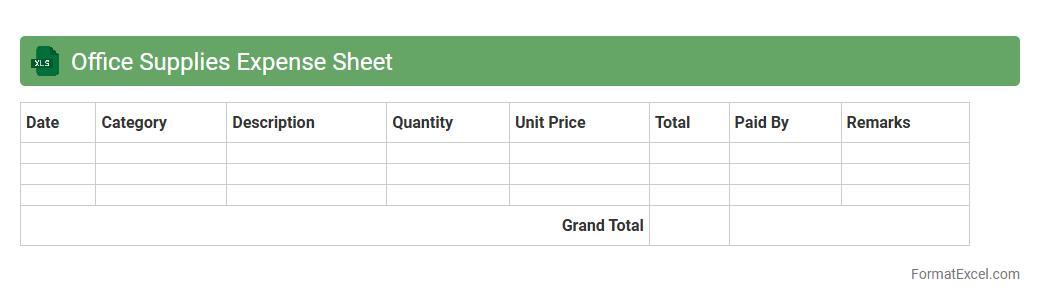
Office Supplies Expense Sheet Excel document is a structured spreadsheet designed to track and manage the costs associated with purchasing office materials. It allows businesses to monitor expenses such as stationery, printer ink, and other consumables, helping to maintain budget control and optimize resource allocation. This tool enhances financial accuracy by providing detailed records for accounting and expense reporting purposes.
Reimbursement Tracker
A
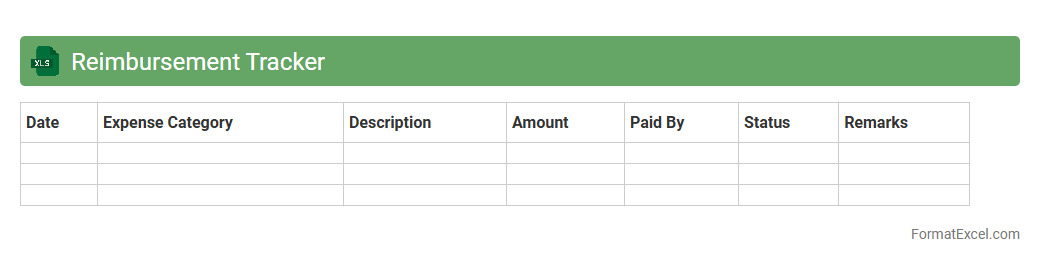
Reimbursement Tracker Excel document is a tool designed to monitor and manage expense claims effectively. It helps users record submission dates, amounts, approval statuses, and repayment timelines, enhancing financial organization and accountability. This organized approach minimizes errors, speeds up reimbursement processes, and provides clear visibility into outstanding and completed claims.
Family Expense Sharing
The
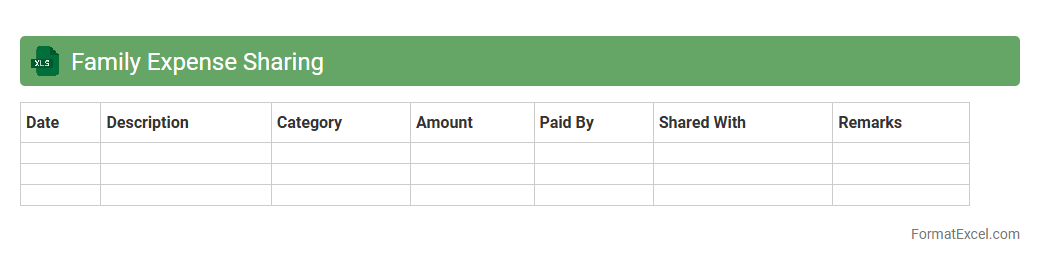
Family Expense Sharing Excel document is a practical tool designed to track and manage household expenses among family members efficiently. It allows clear allocation of costs, ensures transparency, and helps prevent misunderstandings regarding shared financial responsibilities. Using this document promotes organized budgeting and fosters cooperation within the family by simplifying expense distribution and monitoring.
Petty Cash Log
A
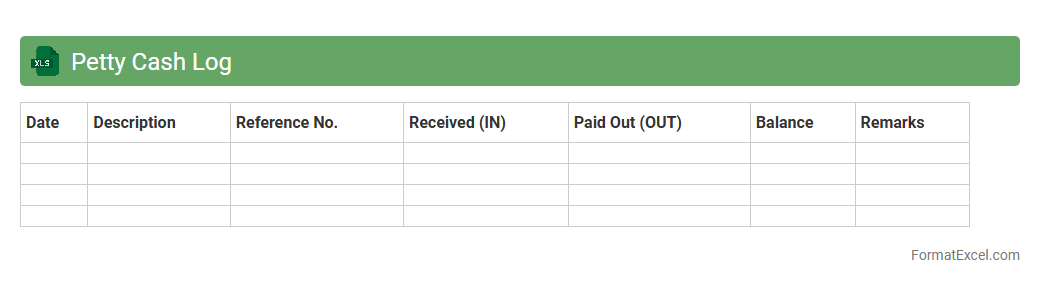
Petty Cash Log Excel document is a digital record-keeping tool used to track small cash transactions within an organization. It helps ensure accurate monitoring of petty cash expenses, preventing discrepancies and facilitating easy reconciliation during audits. Using this document streamlines financial management by providing clear visibility of cash flow related to minor operational costs.
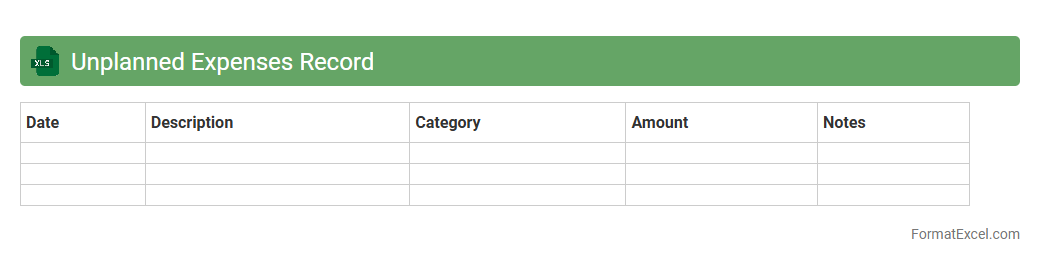
Unplanned Expenses Record
The
Unplanned Expenses Record Excel document is a financial tool designed to track unexpected costs, helping individuals or businesses maintain accurate budgeting and avoid financial strain. By organizing unplanned expenditures with time stamps, categories, and amounts, it enables efficient analysis and forecasting for future financial planning. This document improves financial discipline and decision-making by providing clear visibility into irregular spending patterns.
Introduction to Expense Tracker Formats in Excel
An expense tracker format in Excel is a structured template designed to help individuals or businesses monitor and manage their spending efficiently. Excel's grid layout allows easy data entry and visualization of expenses over time. Using these formats can result in better financial awareness and control.
Benefits of Using Excel for Expense Tracking
Excel offers flexibility and powerful data analysis tools, making it ideal for tracking expenses accurately. It enables users to customize expense records and apply formulas for automatic calculations. Additionally, Excel files can be easily shared, backed up, and integrated with other financial tools.
Key Components of an Effective Expense Tracker
An effective expense tracker should include core components like date, description, category, amount, and payment method. The category column helps classify expenses and analyze spending patterns. Clear and consistent data input across these components enhances tracking efficiency.
Step-by-Step Guide to Creating an Expense Tracker in Excel
Start by setting up headers for each essential data column and defining your budgeting categories. Next, input sample data and apply basic Excel formulas for sums and averages. Finally, use formatting tools for better readability and create charts for visual analysis.
Essential Columns to Include in Your Expense Tracker
Include columns for Date, Description, Category, Amount, Payment Method, and Notes to cover all necessary details. The Amount column is critical as it quantifies each expense entry. Additional columns can be added according to specific tracking requirements.
Best Excel Formulas for Automated Calculations
Key formulas like SUM, SUMIF, and IFERROR automate total calculations and condition-based summaries. The SUMIF formula is especially useful for totaling expenses within specific categories or periods. Mastering these formulas saves time and reduces manual errors.
Sample Expense Tracker Templates in Excel
Pre-designed Excel templates provide ready-made structures for immediate use or customization. These templates often include integrated formulas and charts to visualize spending trends. Accessing sample trackers online or within Excel can simplify setup significantly.
Customizing Expense Trackers for Personal or Business Use
Tailor your tracker columns and categories to fit personal budgeting or business expense tracking needs. Adjust categories, add budget goals, or integrate tax calculations depending on your specific requirements. Customization enhances the tracker's relevance and usefulness.
Tips for Maintaining and Updating Your Excel Tracker
Regularly update your tracker with current expenses and reconcile entries to avoid inaccuracies. Use data validation and conditional formatting to keep your spreadsheet organized and error-free. Consistency in maintenance ensures effective financial monitoring.
Downloadable Resources and Tools for Expense Tracking
Many websites offer free downloadable Excel trackers and add-ons that can enhance tracking capabilities. These resources often include automation features and budget templates tailored for different users. Utilizing such tools can make expense management more seamless and professional.